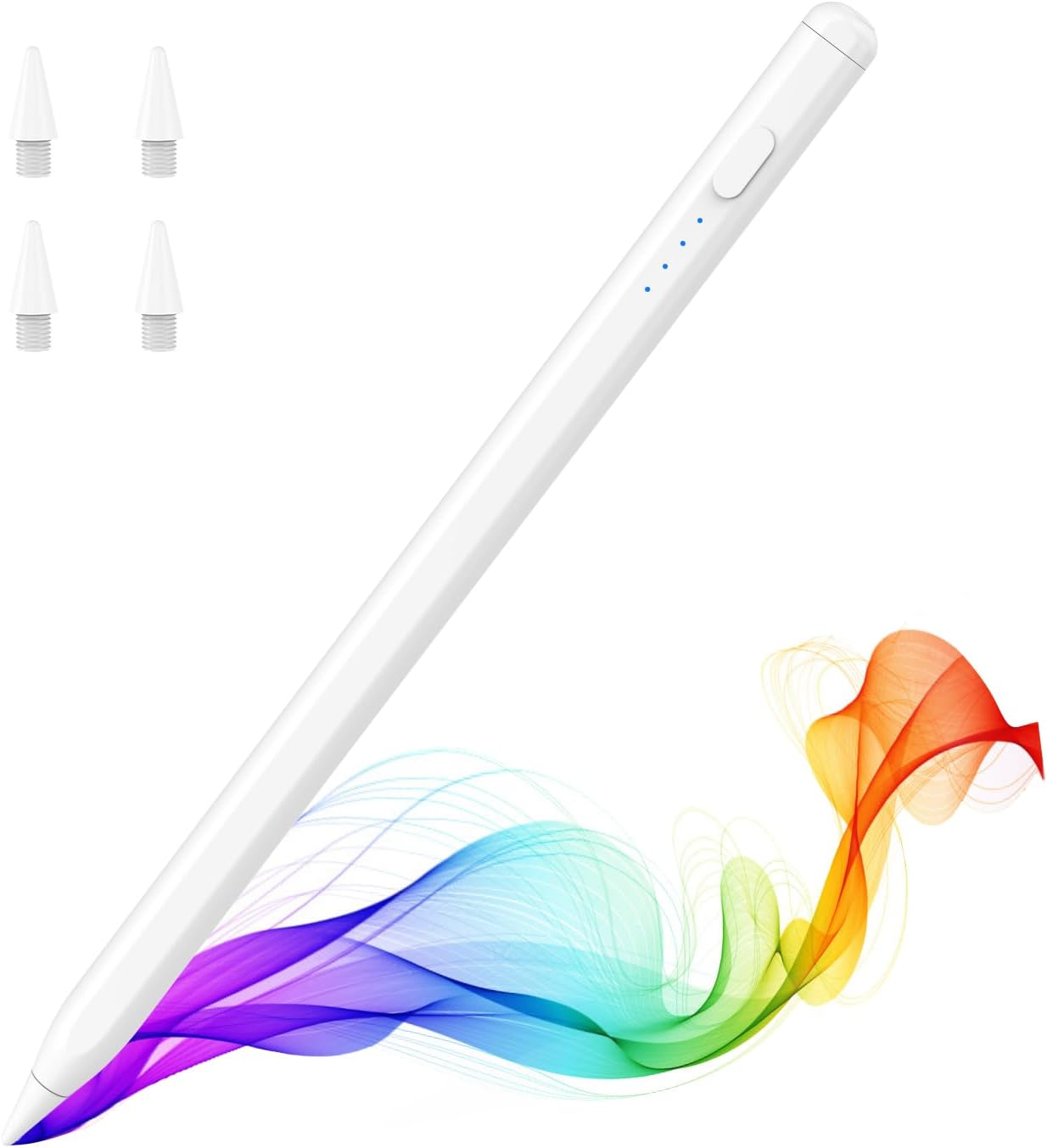
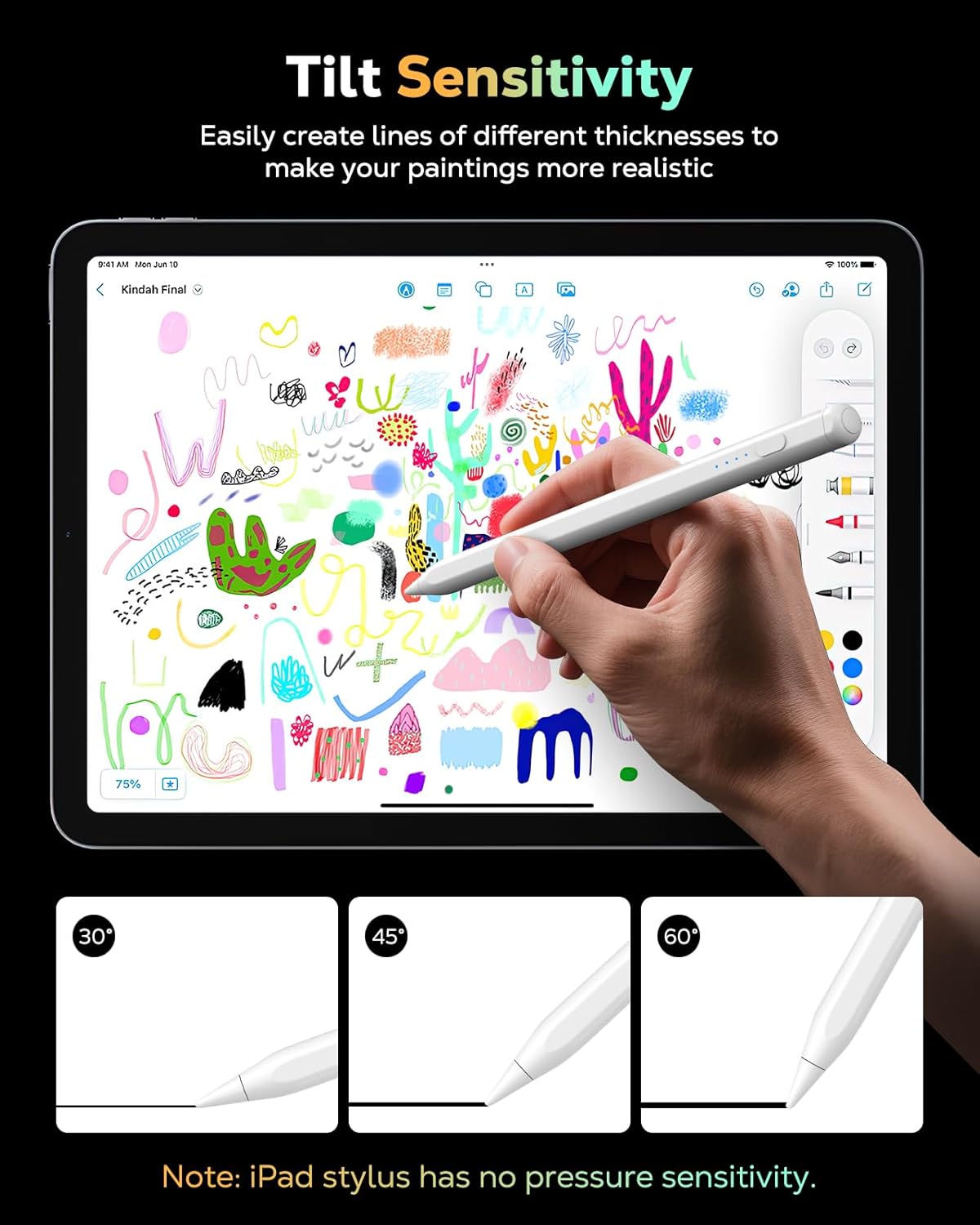
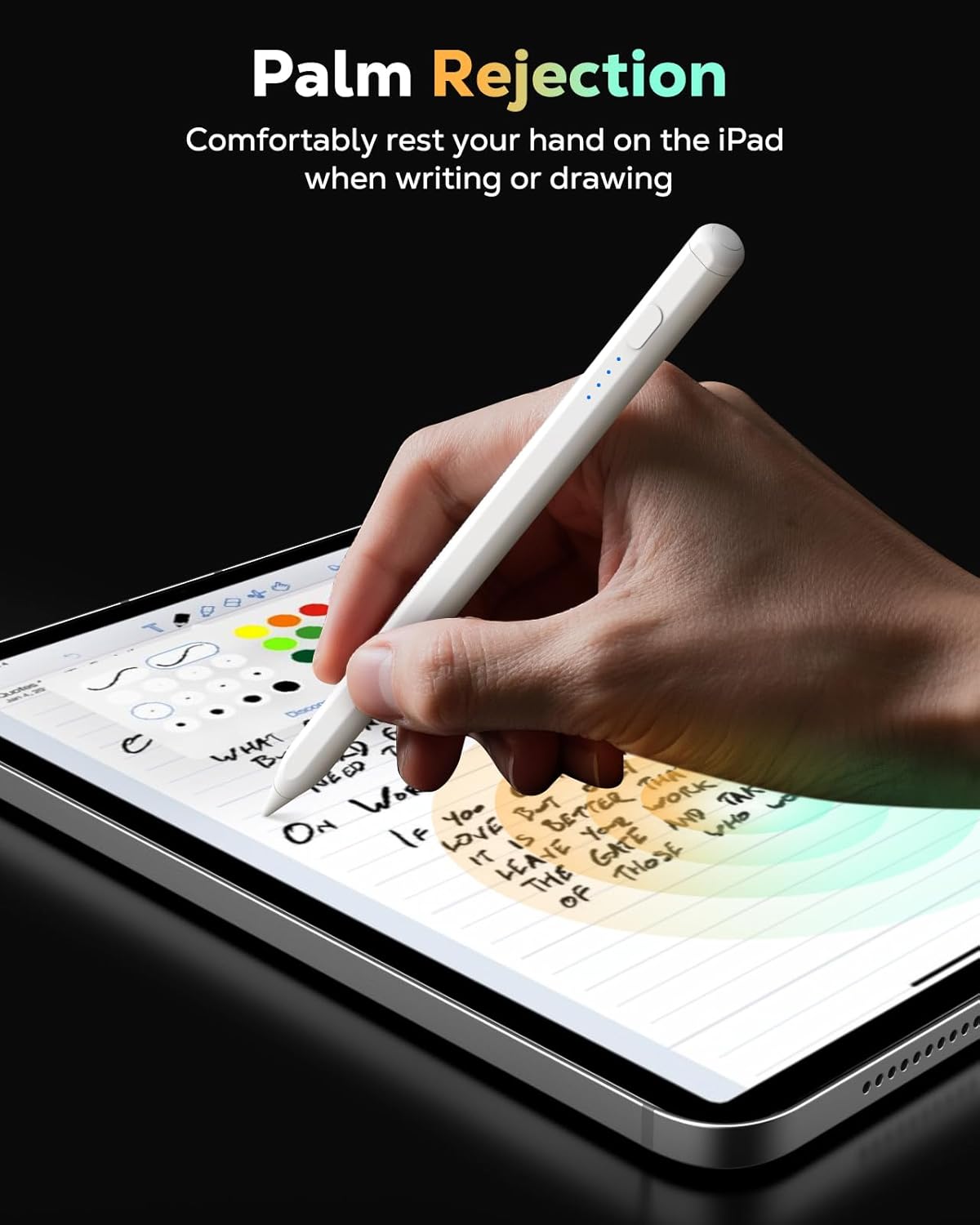
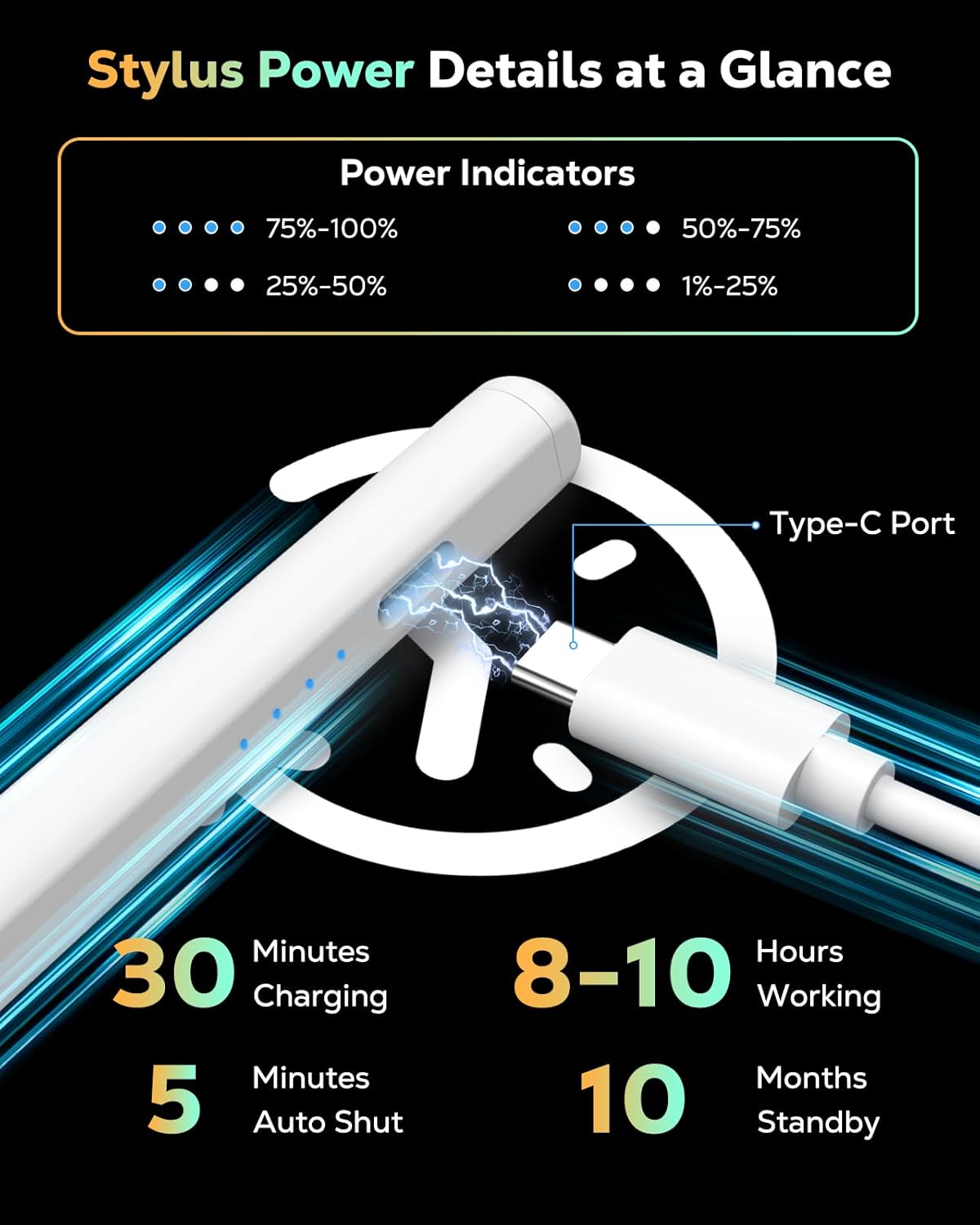
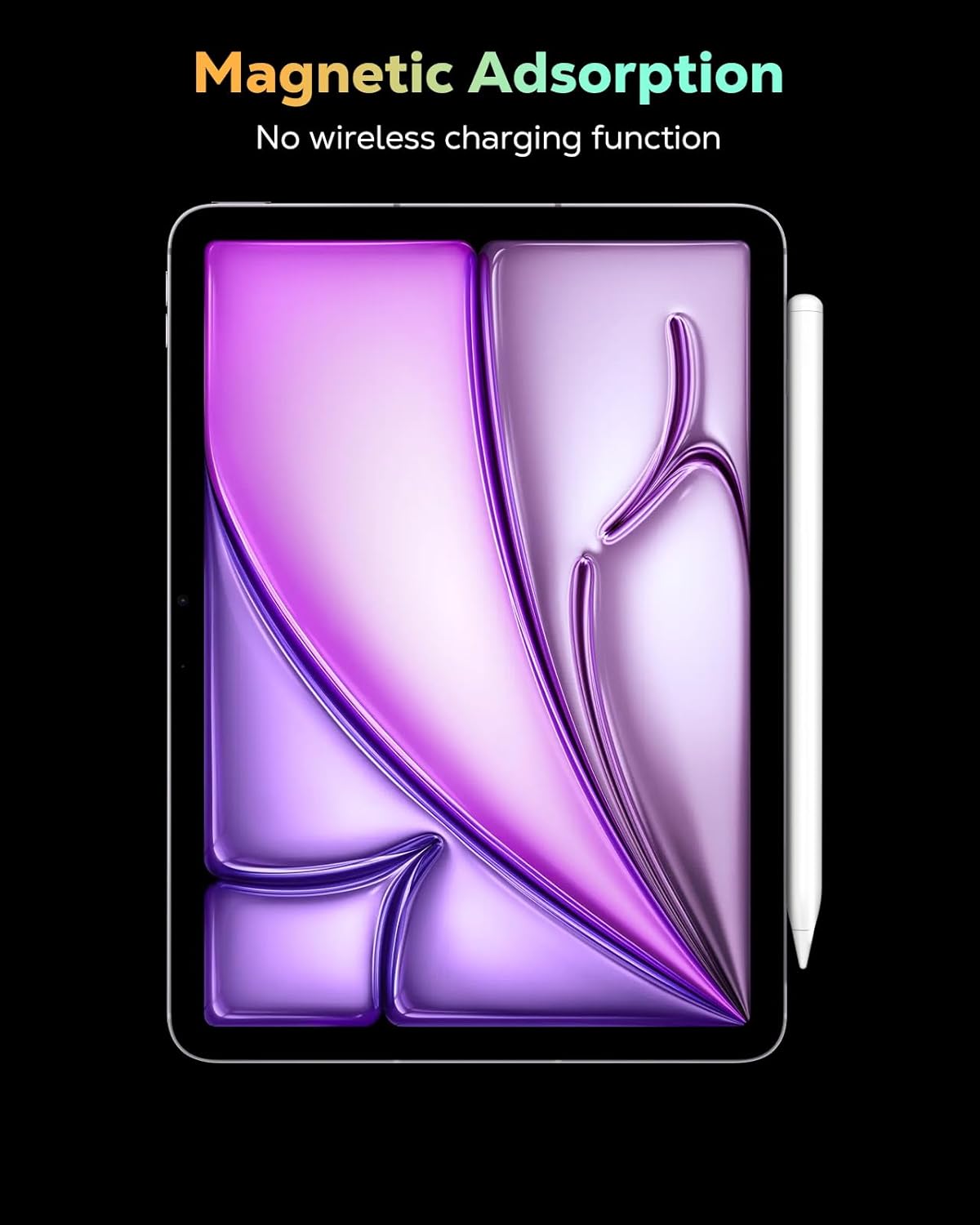
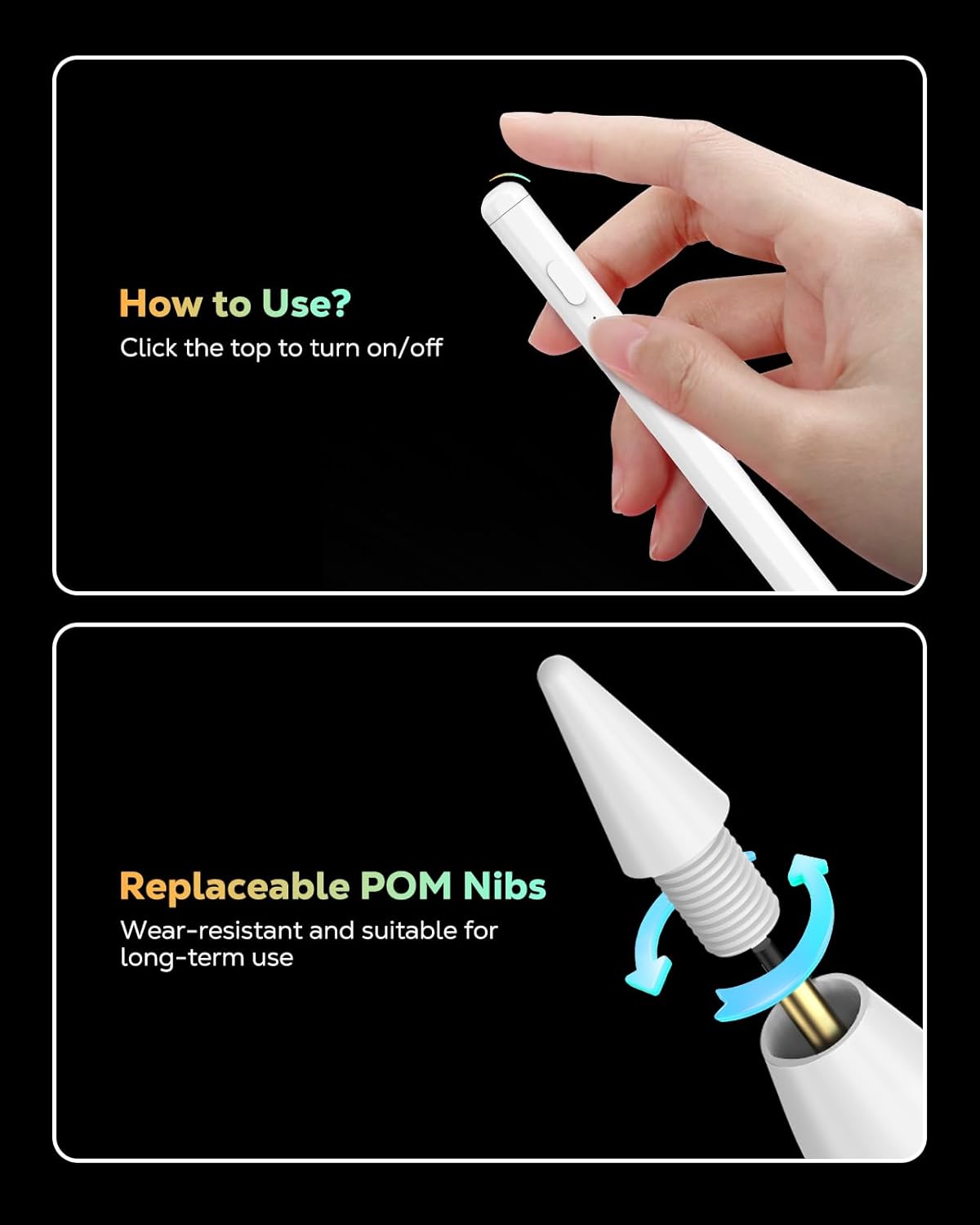
What it is and what it’s for\n\nIf you’re shopping for a capable stylus that works across a wide range of iPad models, the MoKo Pencil for iPad (A16) aims to offer a plug-and-play experience with tilt sensitivity, palm rejection, and fast USB-C charging. It’s positioned as a versatile option for artists, students, and note-takers who want a straightforward pen that feels like a natural extension of the iPad screen. On paper, its tilt sensing lets you vary line thickness by angle, while palm rejection means you can rest your hand on the screen without creating stray marks.\n\n## Compatibility snapshot\nThis pencil is advertised as compatible with a broad set of Apple devices dated from 2018 through 2025, including iPad models with A16, iPad Airs of several generations, iPad Mini lines, and various iPad Pro sizes. Before buying, it’s worth confirming your exact model since compatibility is a recurring caution in the product notes. If you own multiple iPads, this could simplify your gear setup, but you’ll want to double-check that your model is explicitly listed.\n\n## How it feels in use\nThe design relies on an aluminum body with a built-in magnet for attachment to the side of newer iPads, which helps keep it accessible and minimizes misplacement. The cap doubles as a power switch, and the device charges via USB-C. A quick 30-minute charge is marketed to deliver 8–10 hours of active use, with a standby time claimed around 10 months. The nib is wear-resistant, and the kit includes multiple extra nibs for longer life. Expect clear indications of battery status through a small LED indicator while charging.\n\n## Strengths you’ll notice day to day\n- Tilt sensitivity offers thicker or thinner strokes depending on angle, which can improve drawing and shading tasks.\n- Palm rejection supports a natural writing posture, reducing the need to lift your hand during long notes.\n- Magnetic attachment keeps the stylus within easy reach and reduces the chance of misplacing it.\n- USB-C fast charging minimizes downtime between sessions.\n- A modest set of extra nibs helps sustain precision over time.\n\n## Potential limitations or caveats\n- Compatibility is described as broad, but not every iPad model is guaranteed to be supported. If you rely on a very new or very old model outside the listed range, proceed with caution.\n- While tilt sensitivity is a strong feature, the experience may still feel different from Apple’s own Pencil depending on your app and workflow.\n- The “standby for 10 months” claim is theoretical, real-world standby depends on idle time and device settings.\n\n## Who this is for\n- Creators who want tilt-based line variation and palm support without Bluetooth pairing.\n- Students or professionals who prefer a lightweight, magnet-attached stylus with quick USB-C charging.\n- Anyone looking for a lower-friction alternative in the same iPad ecosystem.\n\n## Who it isn’t ideal for\n- If you require guaranteed compatibility with a very specific iPad model not clearly listed, this option may feel uncertain.\n- If you rely on Bluetooth-dependent features or deep integration with Apple Pencil-specific apps, this stylus might not offer the same level of integration.\n\n## What to check before you buy\n- Confirm your iPad model is included in the compatibility notes to avoid surprises.\n- If tilt and palm rejection are important, test a quick drawing task in your favorite app to see how it feels with this pen.\n- Consider how you plan to charge and store the pen, the magnet attachment is a nice touch, but you’ll want to ensure it doesn’t detach during transport.\n\n## How this compares to other approaches\nFor those who don’t want to rely on Apple’s Pencil ecosystem, a broad, tilt-capable stylus with USB-C charging can be a compelling middle-ground. It won’t necessarily match the tactile feel or app-wide pressure curves of Apple Pencil, but it can deliver solid performance for writing and drawing tasks across multiple iPad generations without Bluetooth setup.\n\n## Practical example of use\nImagine taking handwritten notes in a lecture: the tilt-sensitive strokes let you shade diagrams with a simple wrist tilt, while palm rejection keeps your notes clean even when your hand rests on the screen. When a break is needed, a quick tap to wake the pen and a 30-minute charge gets you through another long session.\n\n## Final decision (Is it worth it?)\nIf you prioritize broad compatibility, quick charging, and a palm-rejecting, tilt-enabled experience at a reasonable price, this MoKo Pencil makes sense to test in your day-to-day workflow. It may not be the best choice if you require Apple Pencil-grade integration or if your iPad model isn’t clearly listed. Consider it a practical, no-fruss option for expanding your iPad drawing and writing capabilities.\n\n## Quick FAQ\n- Does it work with my iPad? Check the compatibility list in the product notes and confirm your model before purchasing.\n- How long does the battery last on a typical day? The claim is 8–10 hours of use on a full charge, actual runtime depends on usage, tilt, and pressure.\n- How do I know when it’s charged? A small LED indicator shows charging status and battery levels.\n