

HUION Kamvas 13 (Gen 3) drawing tablet
Product description
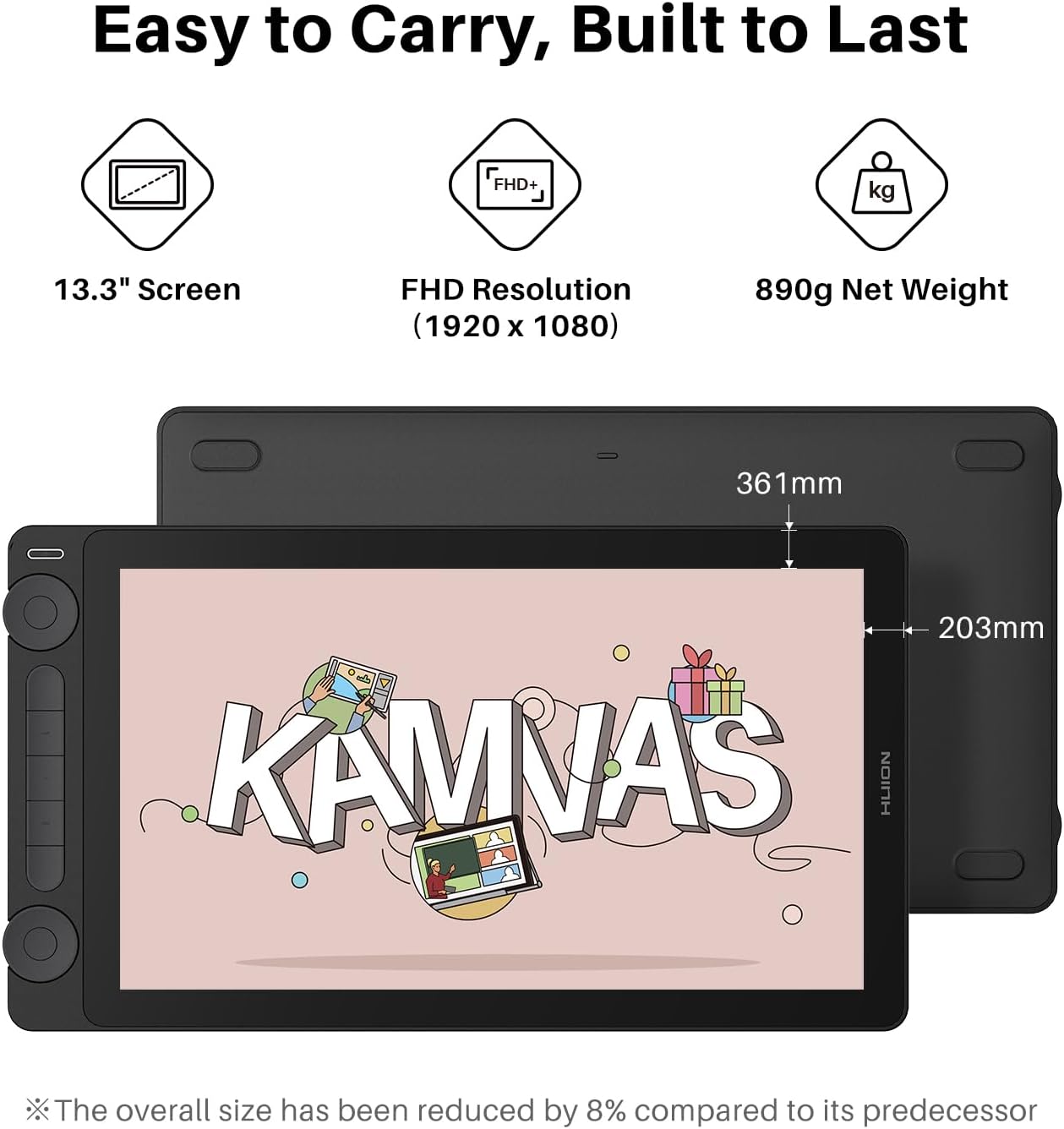
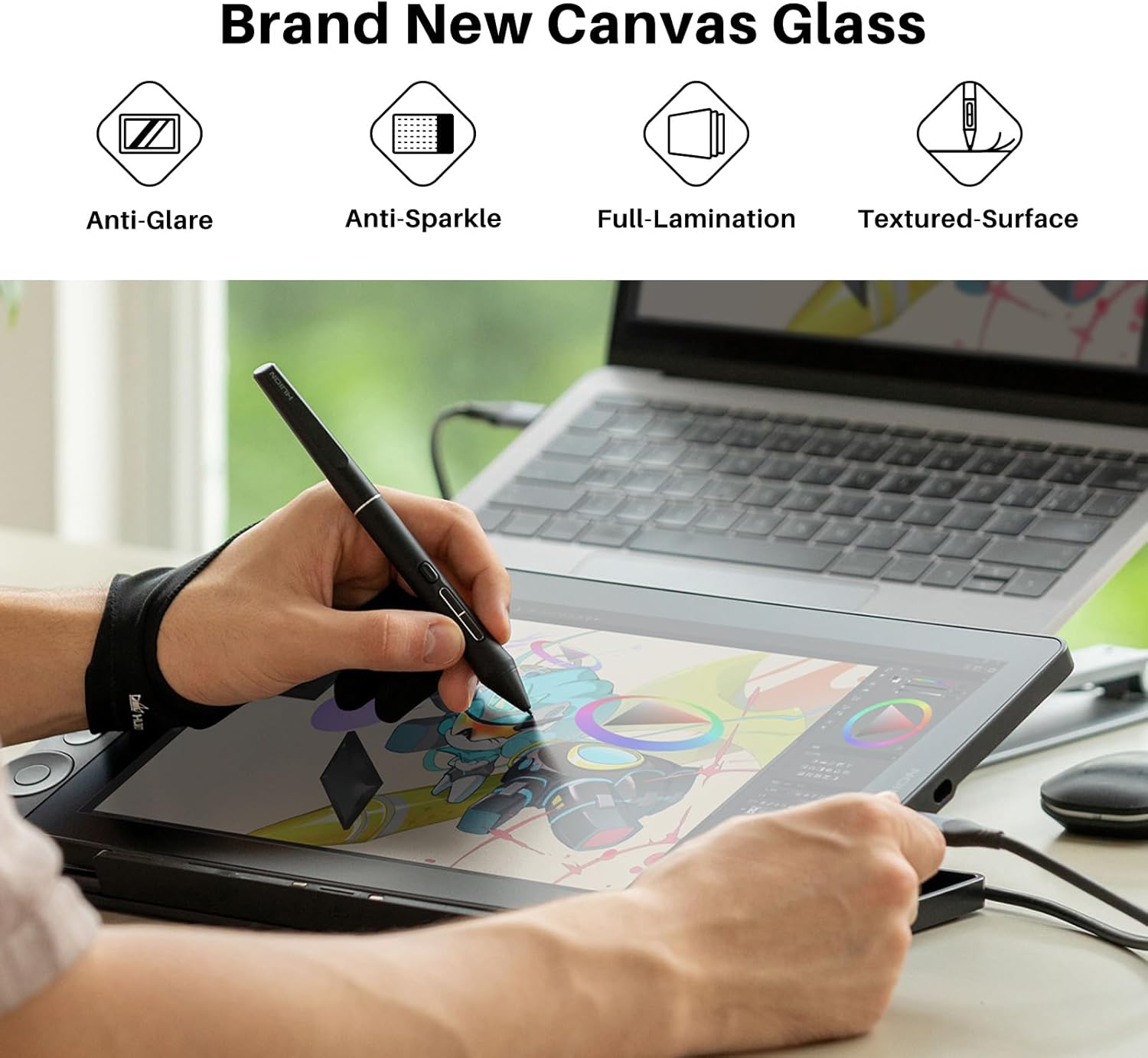
This 13.3-inch pen display targets illustrators and designers who need a natural drawing surface and reliable color. It pairs a fully laminated screen with the new anti-sparkle Canvas Glass 2.0 to reduce glare and keep strokes accurate, helping you focus on form and color rather than screen reflections. The 13.3-inch pen display fits a desktop setup and connects to a computer for full creative control. The long-tail keyword 13.3-inch pen display appears here to signal the display size and intent for precise digital artwork.
Key points
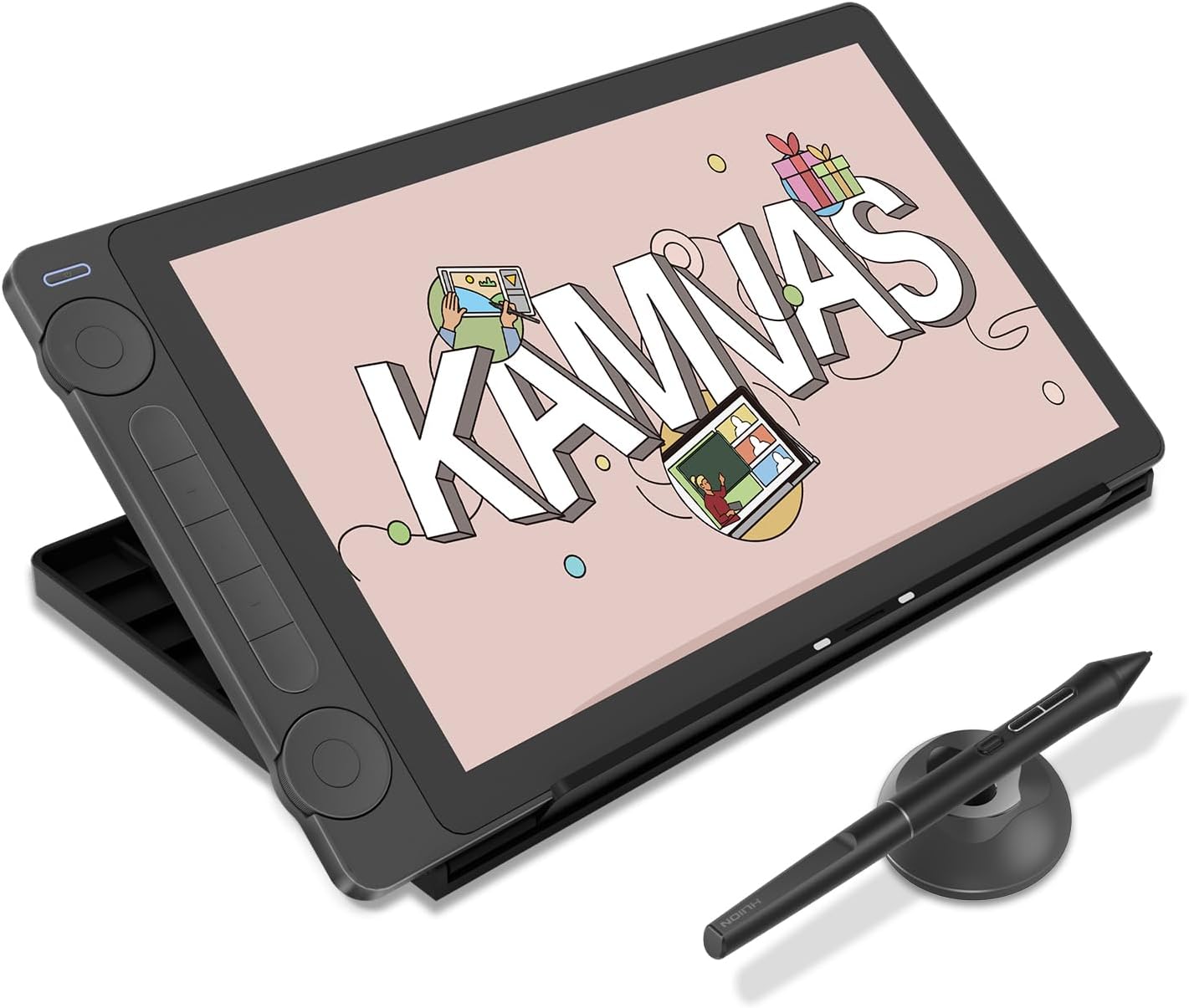
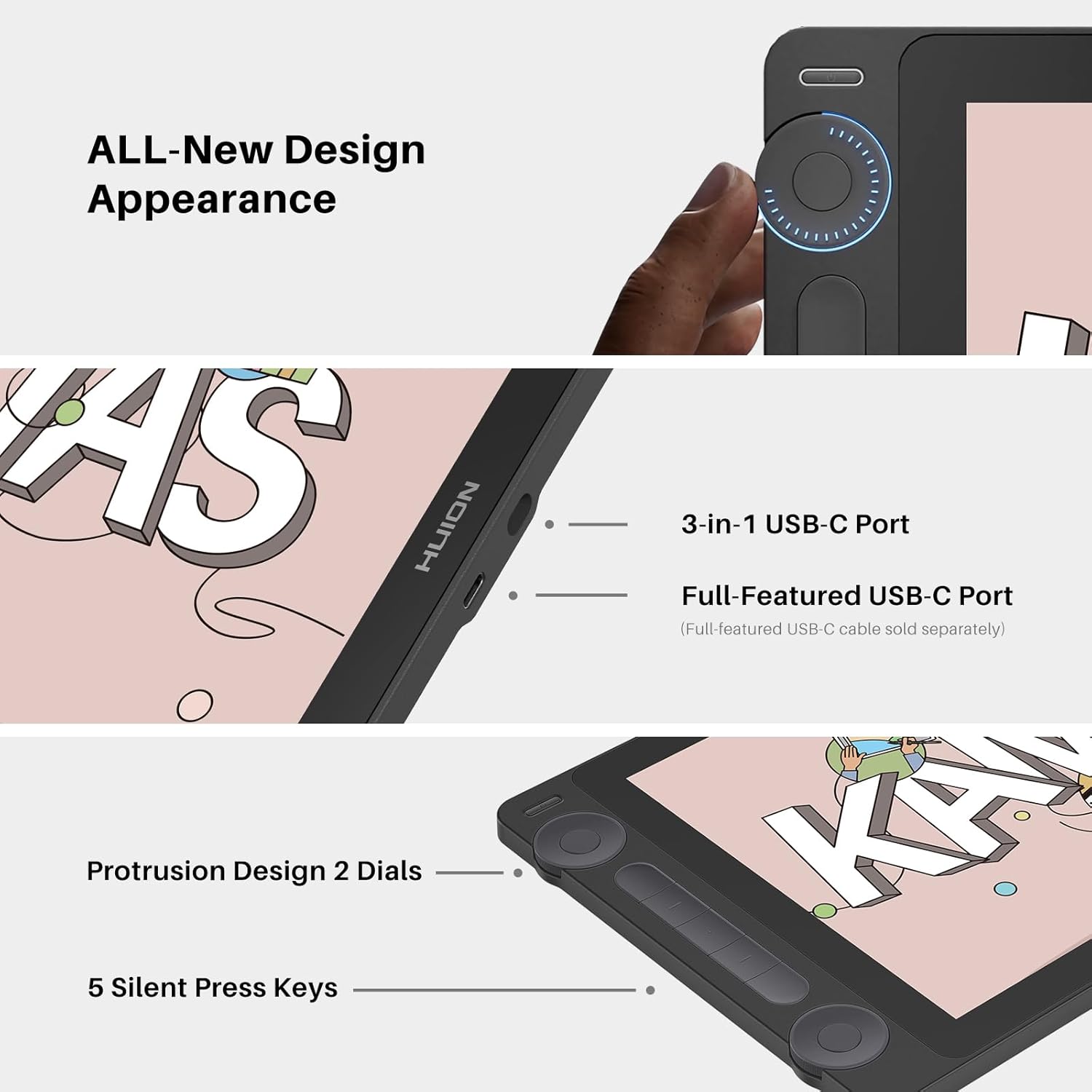
The Kamvas 13 (Gen 3) emphasizes a comfortable workflow and dependable color. HUION Kamvas 13 (Gen 3) includes a factory calibration report that supports consistent tones across projects, and the screen covers 99% sRGB for richer hues. Programmable shortcut keys and dual dials trim repetitive tasks, and the USB-C single cable connection reduces desk clutter. For those who sketch, paint, or retouch, the lightweight stand and adjustable angles allow extended sessions with less strain. 🎨
Tech specs
- Name: HUION Kamvas 13 (Gen 3)
- Size: 13.3 inches
- Type: Full-laminated pen display with anti-sparkle Canvas Glass 2.0
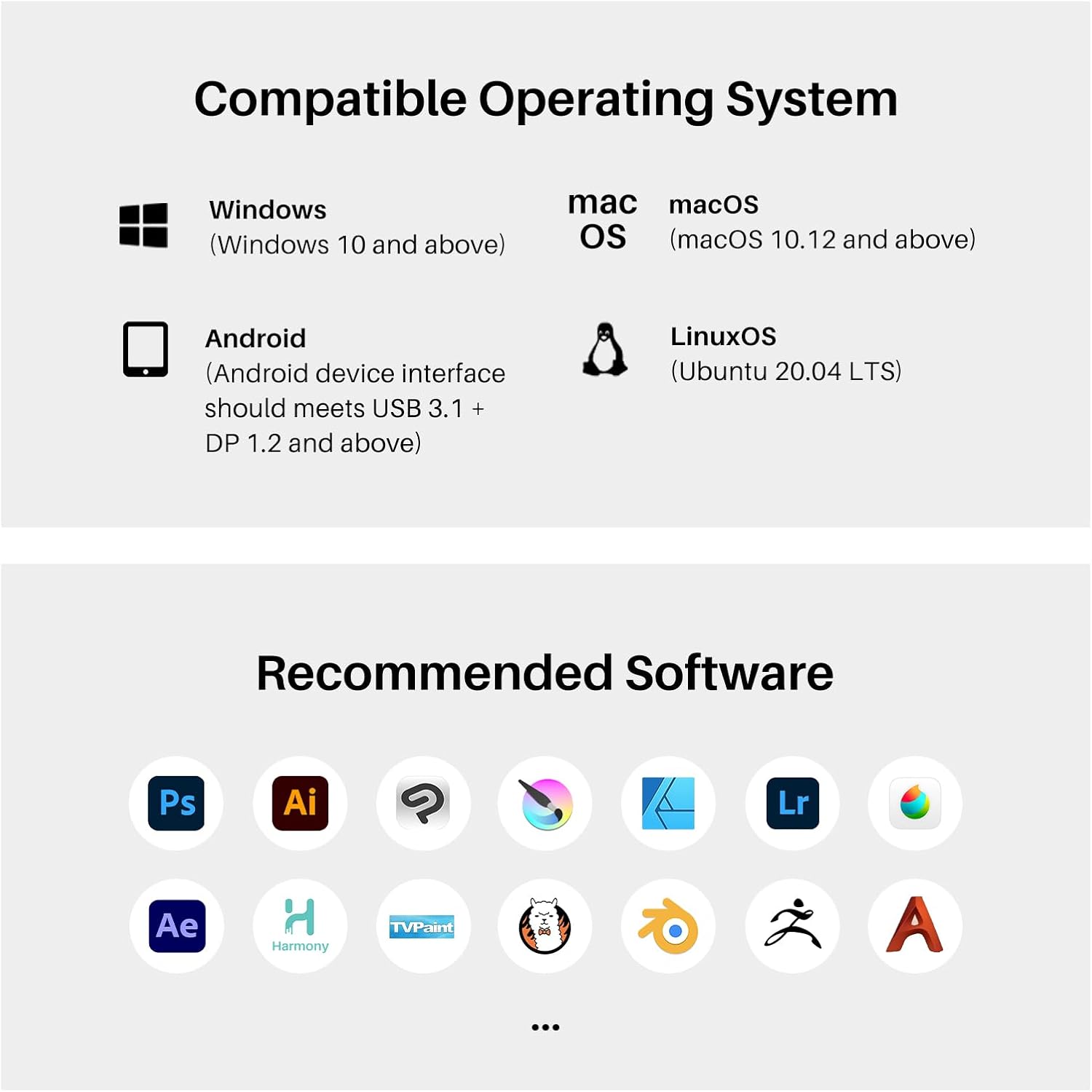
- Compatibility: Windows 10 or later, macOS 10.12 or later, Android with USB3.1 GEN1 and DP1.2, Linux Ubuntu 20.04 LTS
- What’s included: adjustable stand ST300 and pen with 16384 pressure levels
Why it’s worth it
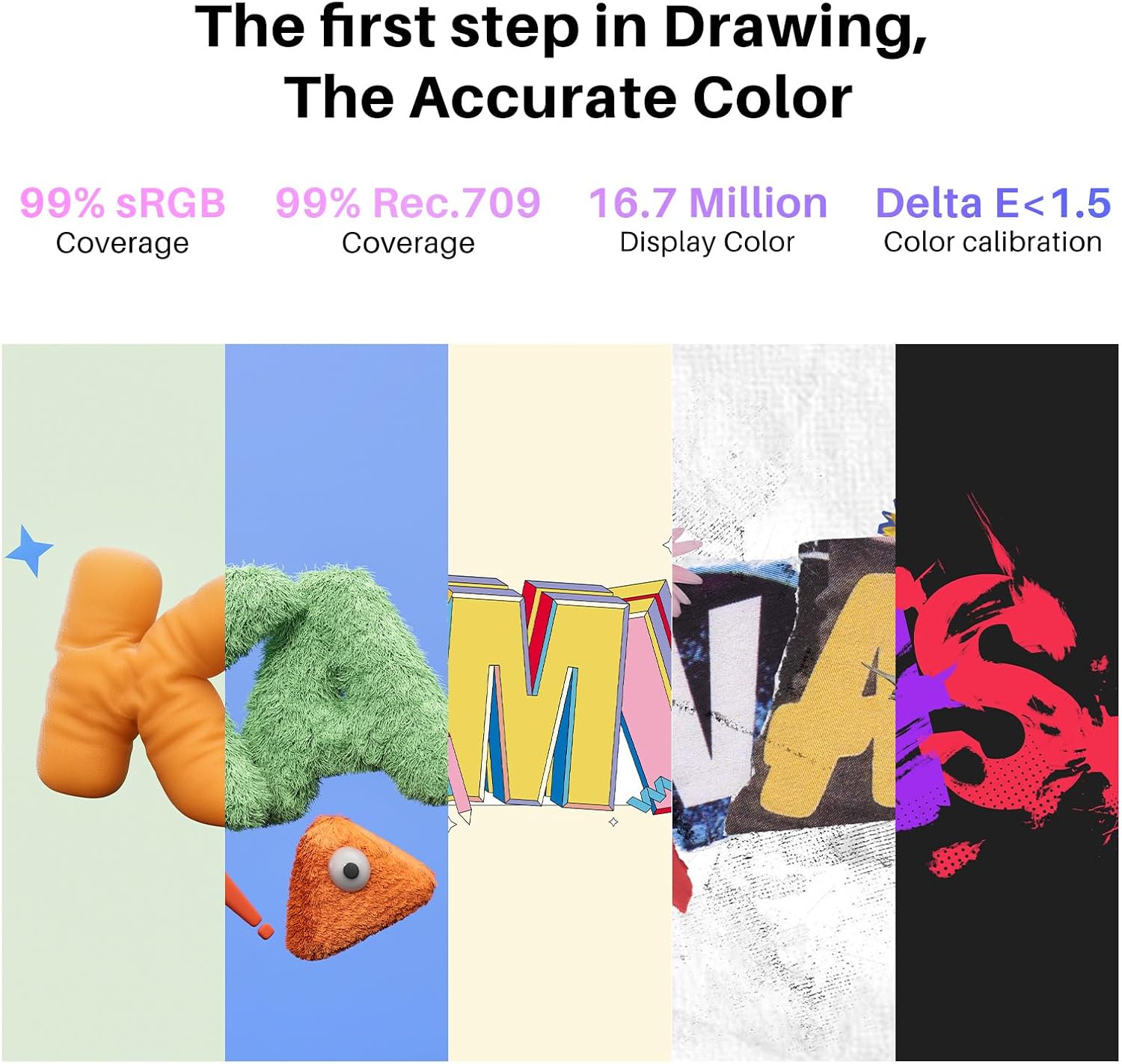
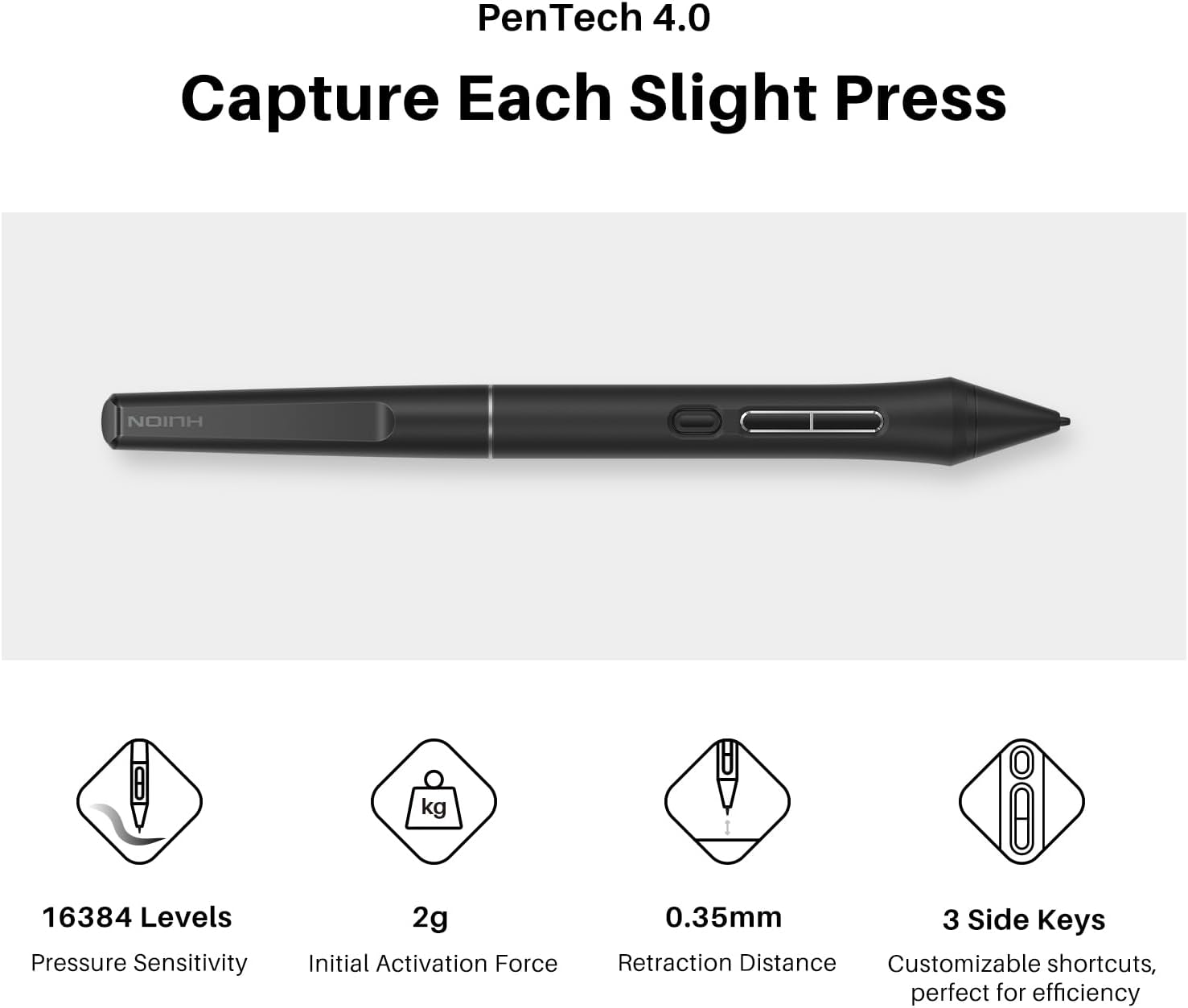
The tablet brings a near-paper feel thanks to the anti-glare surface and high pressure resolution from PenTech 4.0, which supports fine line control and smooth gradients. The 16384 levels of pressure sensitivity and 2g initial activation force let you vary stroke width without effort, which speeds up shading and inking. The display’s Avg. ΔE<1.5 reflects careful color tuning according to the manufacturer, useful when matching palettes or preparing print-ready artwork. 🖌️
Best use cases
This pen display suits creators who work seated at a desk and want a compact, color-accurate monitor for illustration, concept art, and photo retouching. It’s a practical choice for students and freelancers who need portability between workspaces and a capable drawing surface. It may not be the right option if you require a standalone tablet that runs apps without a computer, as the device must be connected to a PC or laptop to function. The text ends here.