

EcoPestuGo Stylus Pen for Apple iPad (2018–2026): Tilt, Palm Rejection, Fast Charging
Product description
Quick overview: what it is and what you get
EcoPestuGo’s stylus is a capacitive stylus designed for Apple iPads released in 2018 or later. It’s built around the everyday stuff people care about with a stylus: easy power on/off, a palm-rejection experience so your hand can rest on the screen, tilt support for line thickness changes, and a charging routine that’s meant to be fast enough that you’re not constantly waiting.
It also comes with a clear limitation you should know upfront: this is not a Bluetooth stylus, and it doesn’t support pressure sensitivity. If you’re specifically hunting for “Pencil-like” pressure behavior, this one may feel like it’s aiming at a different lane.
Key takeaways before you buy
On paper, this stylus is meant for people who want smoother drawing and note-taking without dealing with Bluetooth pairing. You double-click the top to turn it on/off, then you can use it without pairing.
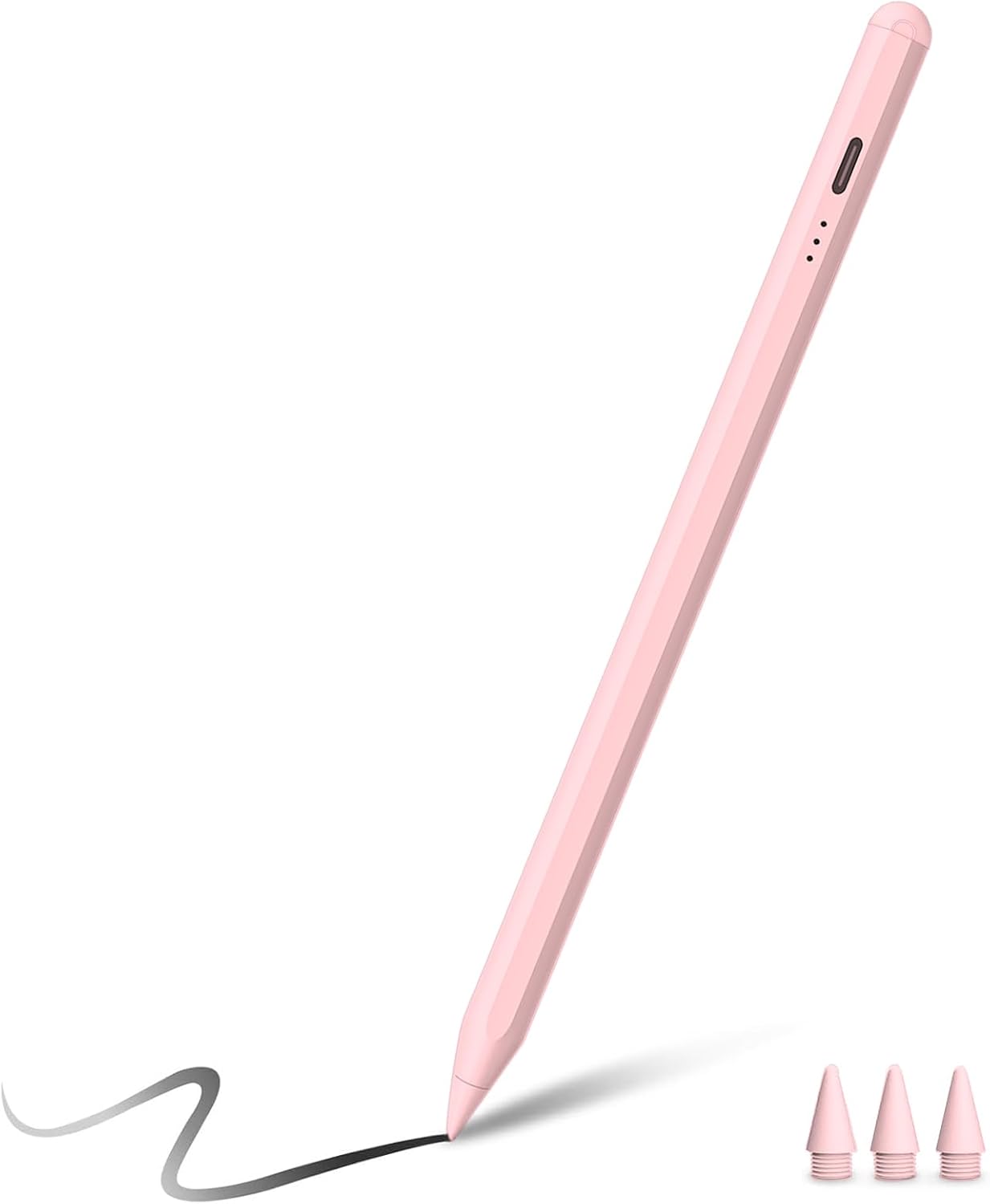
Another big detail: it has an LED indicator so you can see the remaining power level at a glance. The charging situation is also straightforward—fully charging in about 25 minutes and then getting up to around 10 hours of continuous use. It also includes auto-off after inactivity, so you’re less likely to return to a dead stylus after forgetting it.
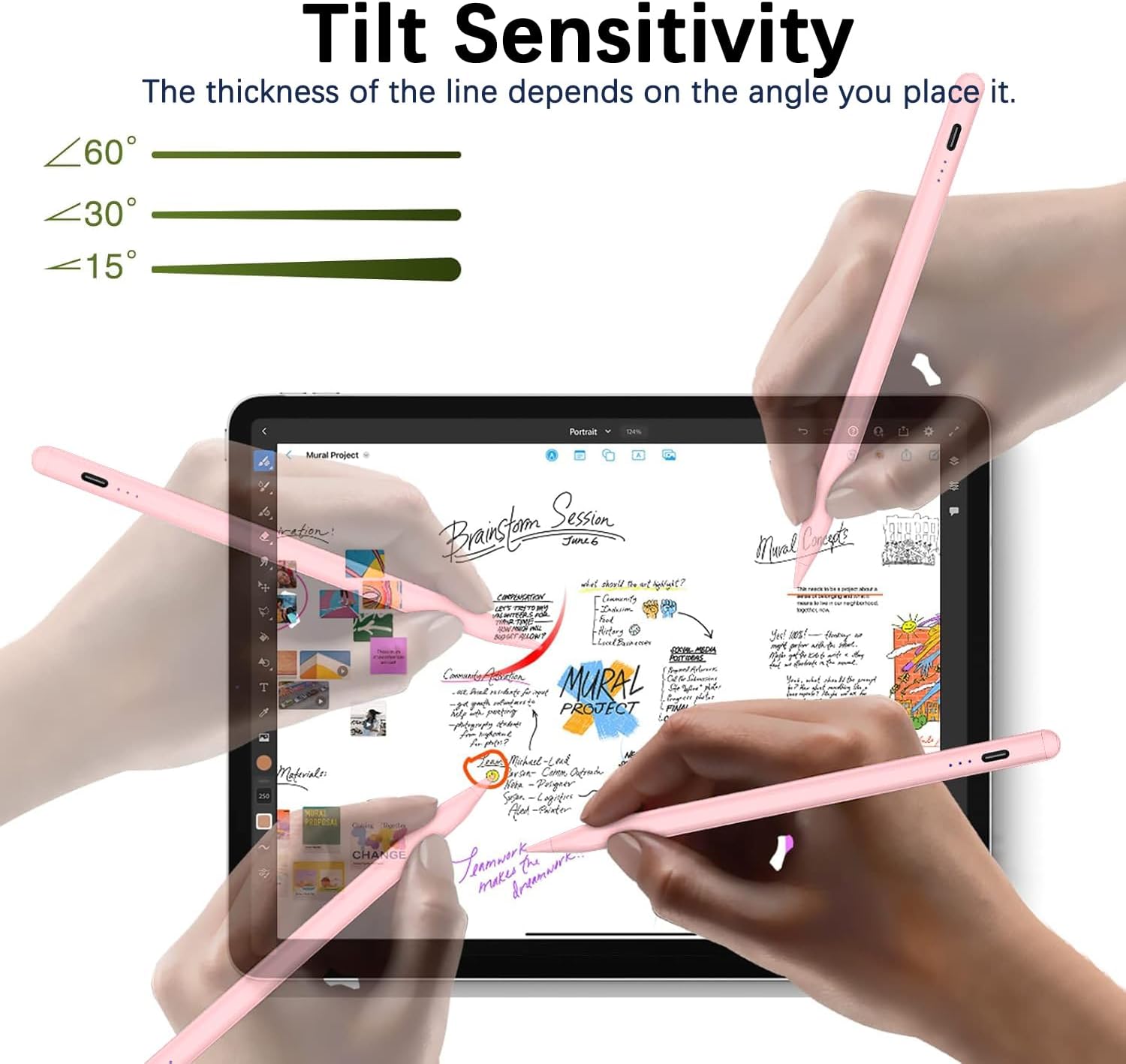
There’s one more practical comfort feature: palm rejection plus tilt support. You can rest your hand on the screen without triggering accidental touches, and the stylus can react to tilt to create lines of different thicknesses depending on angle.
What stands out in day-to-day use
This stylus feels designed for “real use,” not just marketing.
The palm rejection is the kind of feature you notice quickly if you sketch or take handwritten notes. Instead of hovering your hand to avoid random taps, you can relax your grip and focus on writing where you mean to.
Tilt detection is the other everyday upgrade. Because it changes line thickness based on angle, it can help you get more expressive strokes compared with a basic non-tilt stylus—especially for outlines, shading-style techniques, or quick lettering.
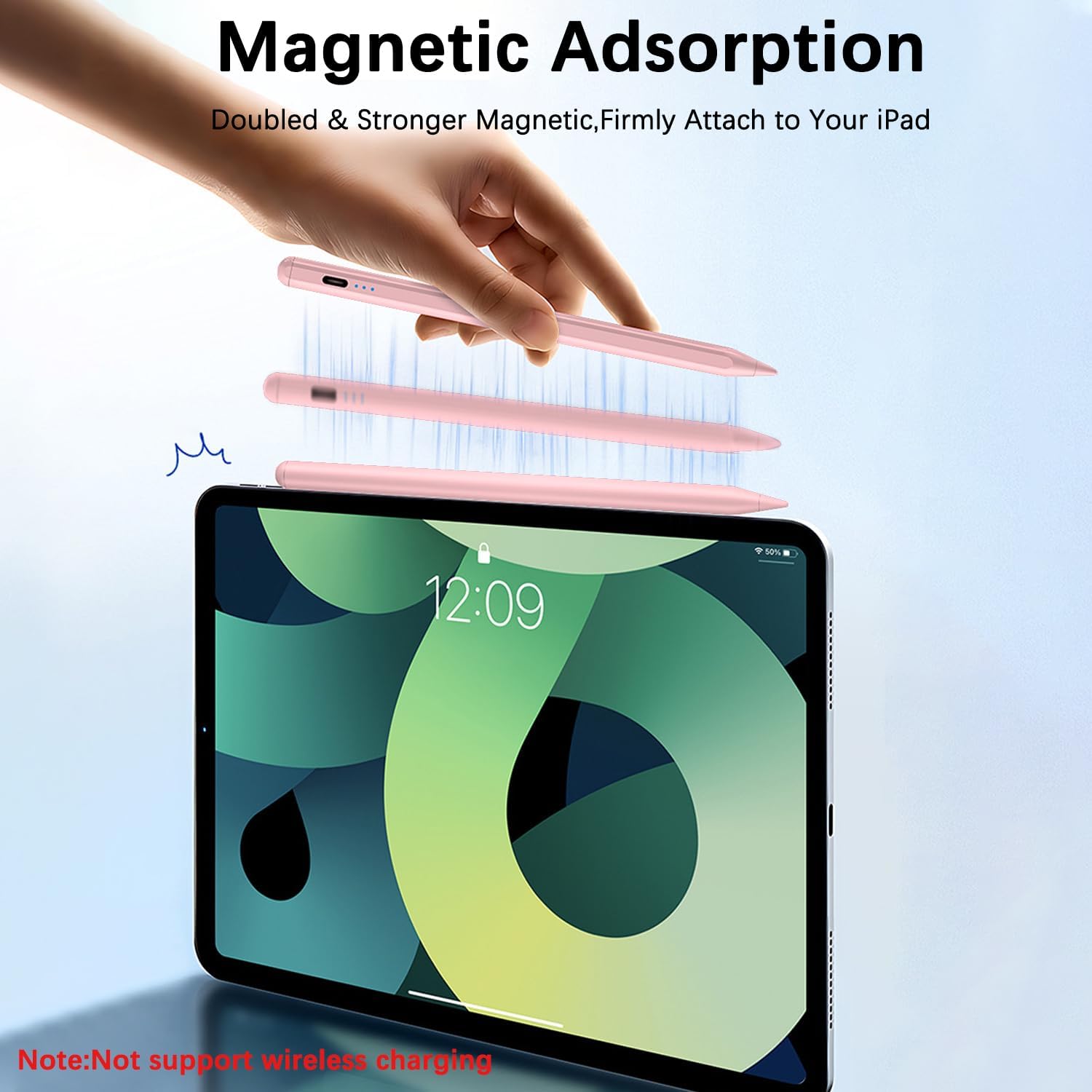
The integrated magnet is also a sensible touch for portability. It’s intended to attach firmly to the side of compatible iPads, helping reduce the chances of the stylus slipping around in a bag.
Where it may feel limited (and when to think twice)
The most important limitation is pressure sensitivity. The brand notes that this capacitive iPad stylus does not support pressure sensitivity. That means it’s unlikely to match apps and workflows that rely on pressure control for varying opacity or brush behavior.
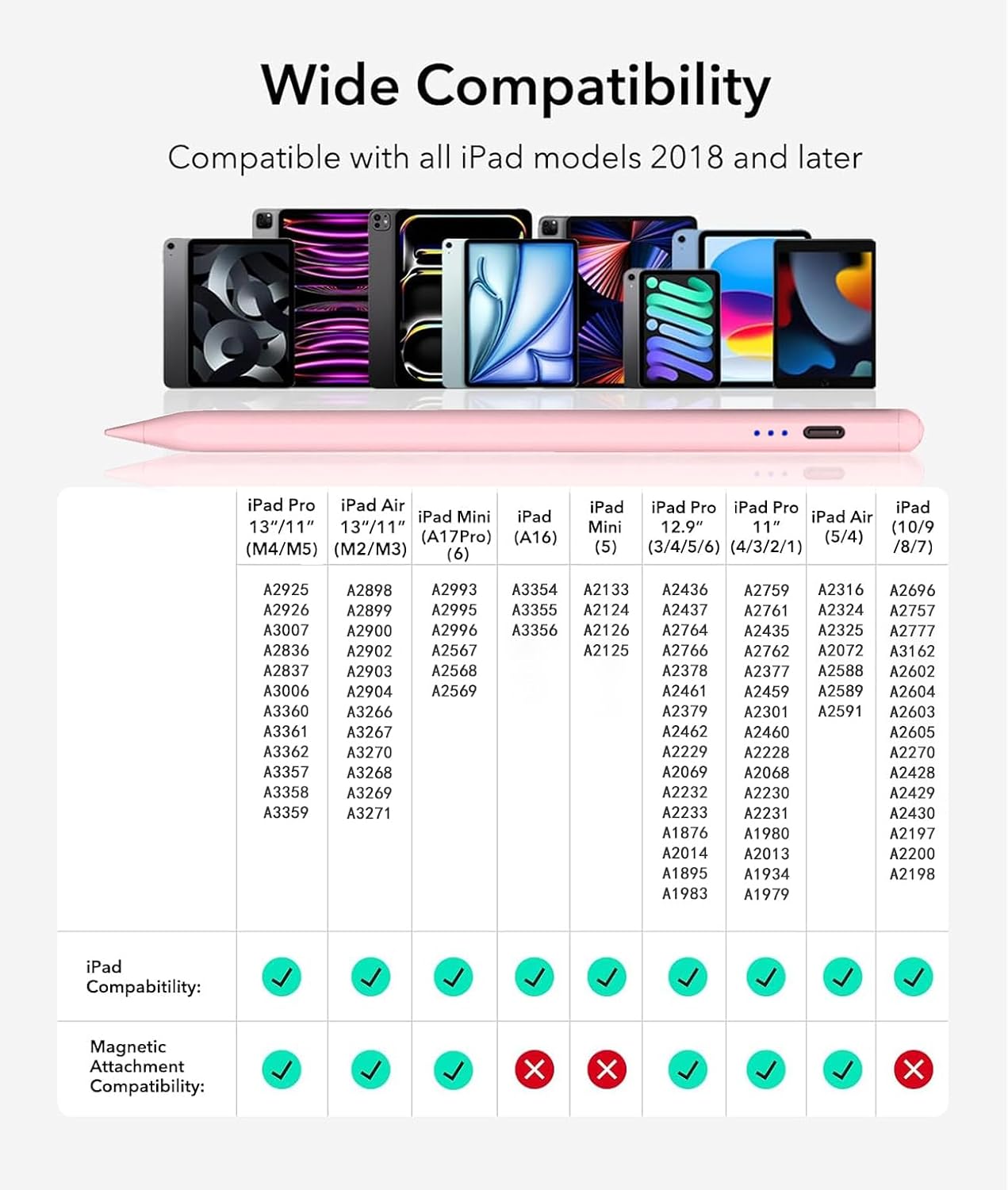
Also, compatibility is restricted to iPads launched in 2018 or later. If your iPad is older than that, this stylus won’t be a fit.
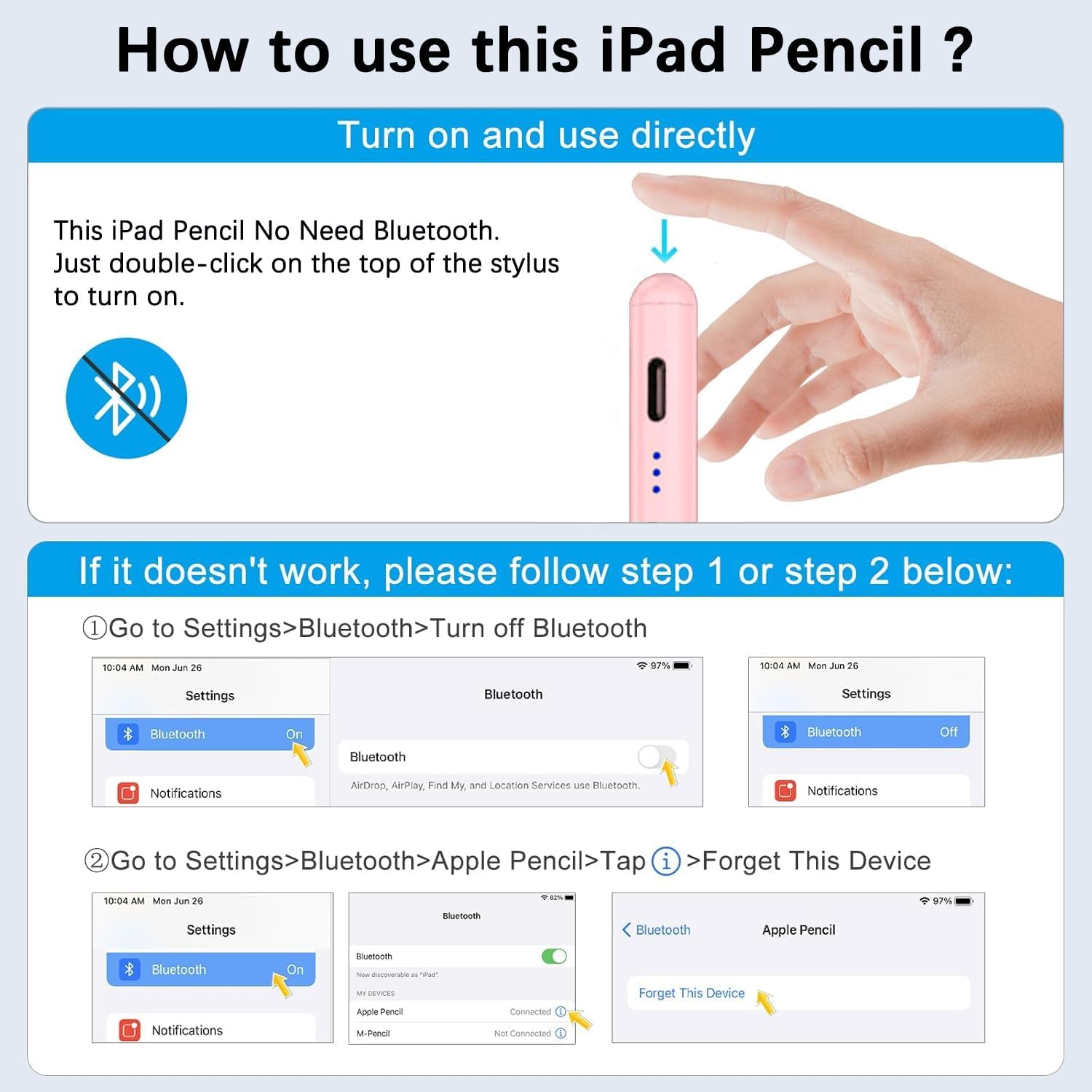
One more nuance: the product guidance includes a Bluetooth-related troubleshooting step. Since it’s not a Bluetooth stylus, the instruction suggests turning off Bluetooth on the iPad if it doesn’t work after powering on, or disconnecting any Bluetooth connection between the iPad and stylus. That’s not necessarily a dealbreaker, but it’s worth keeping in mind.
Compatibility: check your iPad model first
This is only for iPads released in 2018 or later. The listed compatible models include: - iPad A16 / 10th / 9th / 8th / 7th / 6th generation - iPad Pro 13-inch (M5 / M4) - iPad Pro 12.9-inch (3rd / 4th / 5th / 6th) - iPad Pro 11-inch (all generations) - iPad Air (M4 / M3 / M2 / 5th / 4th / 3rd generation) - iPad Mini (6th / 5th / 7th)
EcoPestuGo specifically recommends verifying your iPad model under Settings > General > About before ordering. That’s a smart step here, because stylus compatibility is one of those things where “close” usually isn’t good enough.
The essentials on power, charging, and indicators
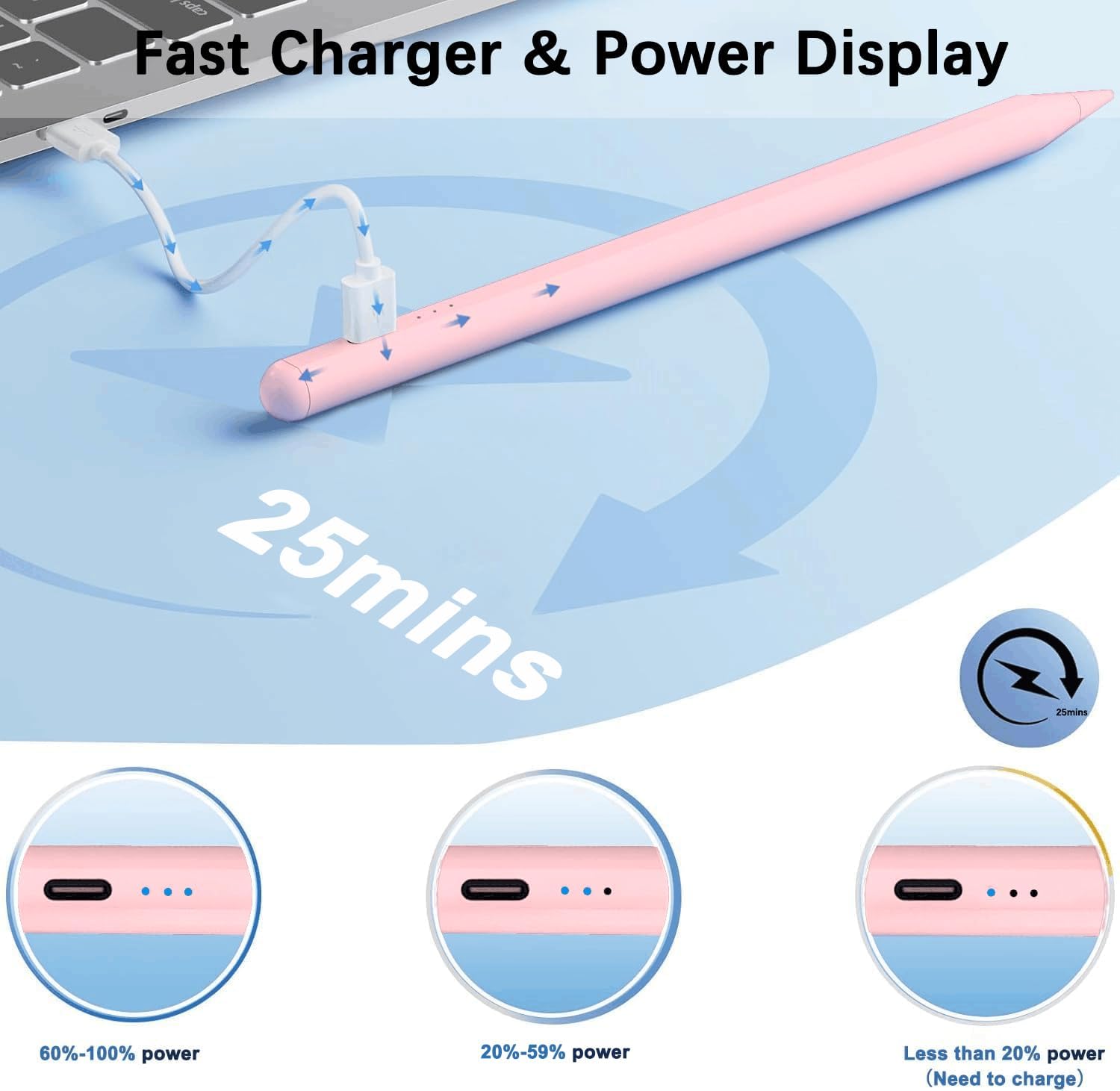
If you care about convenience, the power design is one of the better parts of this stylus.
You’re looking at: - Double-click on the top to turn it on/off (no Bluetooth connection needed) - Auto shutoff after 5 minutes of inactivity - A battery/charging indicator light that shows remaining power levels with different numbers of lights (the listing breaks this down into ranges) - A full charge in about 25 minutes, with up to about 10 hours of continuous use - It’s also designed to stop when picked up, which suggests it’s trying to prevent wasted battery
It also includes three replacement tips, which helps if you plan to use it regularly and want to keep the writing feel consistent over time.
How to use it (practical example)
Say you’re taking notes in class or at work: you double-click the top to turn the stylus on, then start writing while keeping your hand resting on the screen. If you tilt the stylus slightly, you can vary stroke thickness for headings or more expressive emphasis. When you’re done, put it down and it should auto-off after inactivity, so you don’t have to worry about it staying on in your bag.
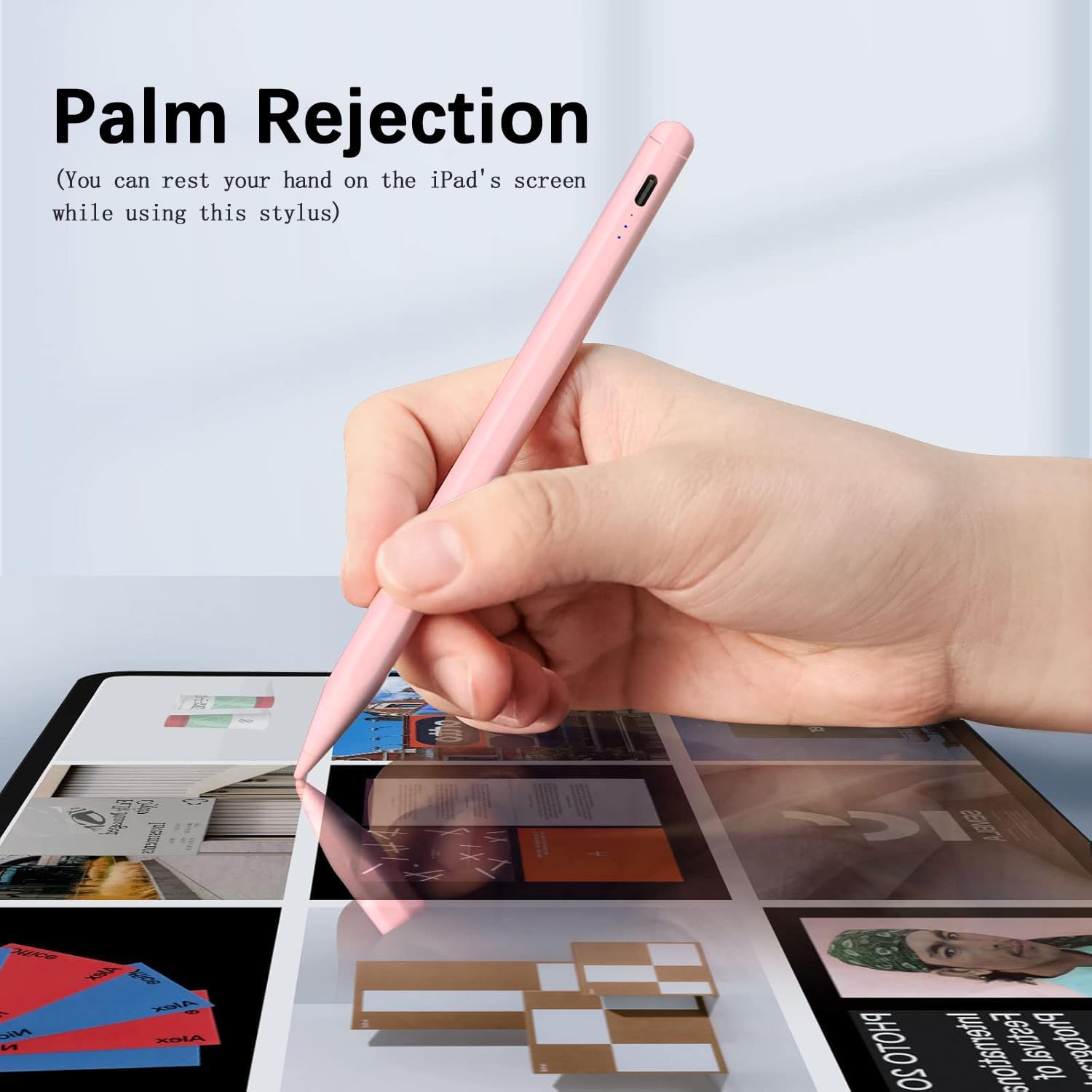
That kind of “pickup-and-go” setup is where this stylus is trying to win—less time fussing, more time writing.
Is it worth it?
You should consider this EcoPestuGo stylus if you have a compatible 2018+ iPad and you want a capacitive stylus experience with palm rejection, tilt-based line thickness changes, and fast charging with an LED power indicator. It’s a good match for note-taking, everyday drawing, and anyone who’d rather avoid Bluetooth pairing headaches.
You may want to skip it if pressure sensitivity is a must for your workflow, or if your iPad is older than 2018. It’s also not the best choice if you expect it to behave like a pressure-aware stylus in apps that depend heavily on pressure input.
If you’re mainly after smoother writing on a supported iPad, this can be a practical buy—just make sure your exact iPad model is on the compatible list and don’t set expectations around pressure features.
Mini FAQ
Does this stylus connect via Bluetooth?
No. The listing states it’s a capacitive stylus without Bluetooth. It uses a double-click on the top to turn on/off.
What iPads does it work with?
It’s compatible with iPads released in 2018 or later. The listing includes specific models, double-check your model in Settings > General > About before ordering.
Does it support pressure sensitivity?
No. The listing explicitly says it does not support pressure sensitivity.
How long does it take to charge?
It’s stated that it fully charges in about 25 minutes.
What if it doesn’t work after turning it on?
The instructions suggest turning off Bluetooth on the iPad (or disconnecting a Bluetooth connection between the iPad and the stylus) if it doesn’t function after powering on.