

HUION Inspiroy H640P Drawing Tablet (6x4 inch) with Battery-Free PW100 Stylus
Product description
If you’ve ever tried drawing with a mouse and felt your wrist do all the work, the HUION Inspiroy H640P is built to fix that—swap clicks and awkward dragging for pen-style control. It’s a compact 6x4 inch graphics tablet that’s meant for drawing, writing, and everyday digital note-taking, without asking your desk (or your budget) to change completely.
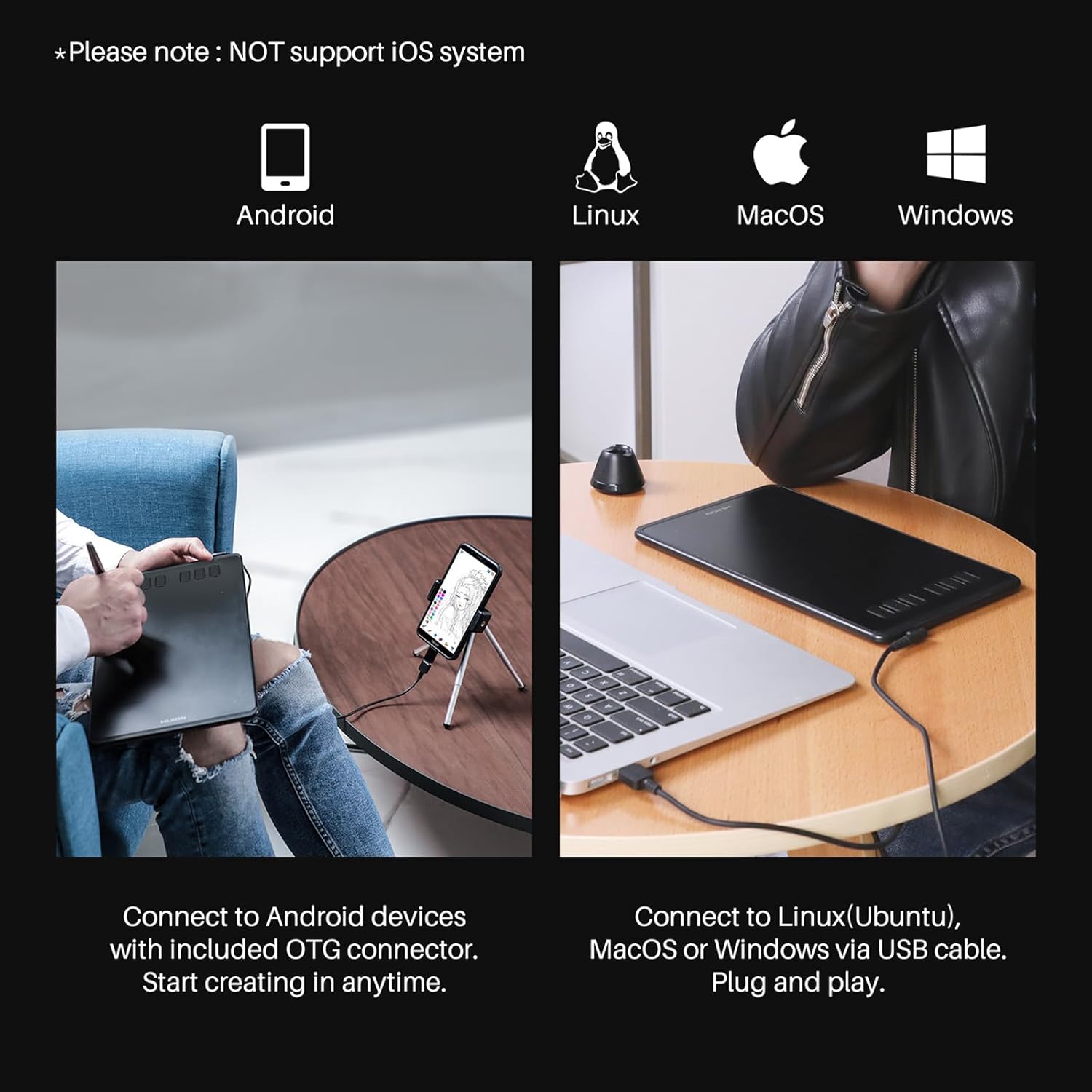
That said, it’s not perfect for every device situation. It supports Mac, PC, and Linux, plus Android (Android 6.0 or later), but it does not support iOS. If your workflow depends on an iPhone or iPad, you’ll want to look elsewhere.
Key takeaways
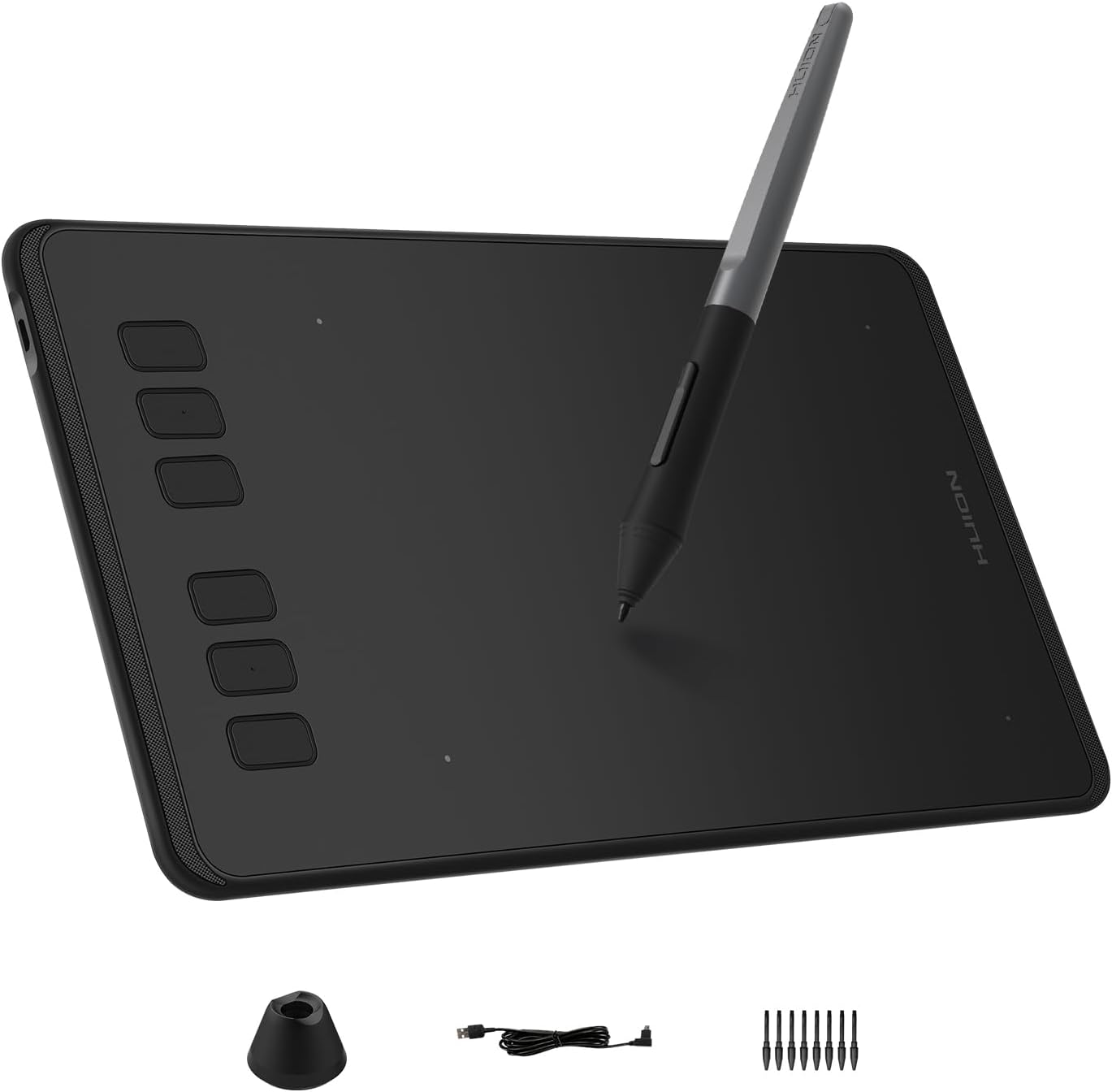
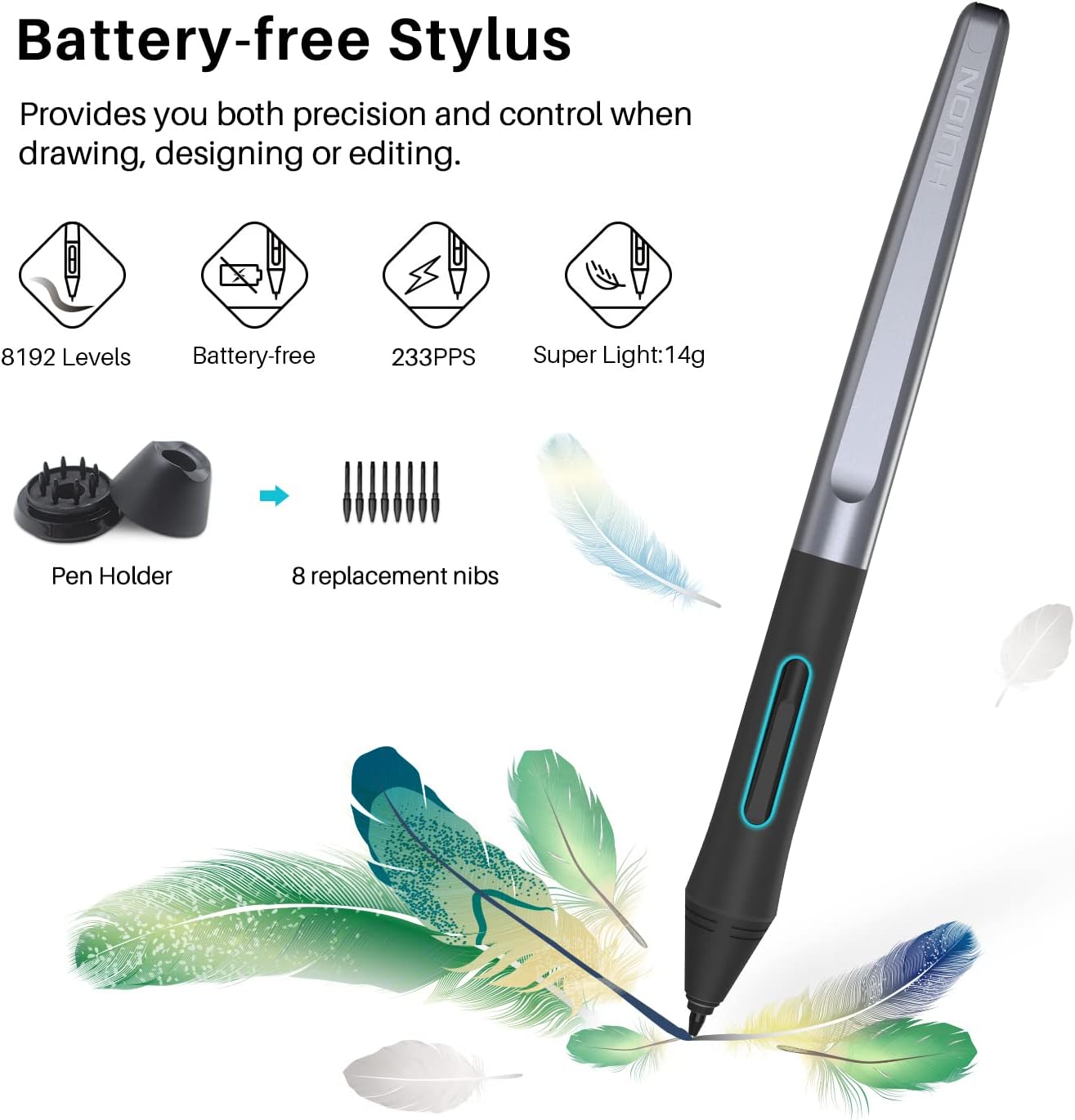
The HUION Inspiroy H640P focuses on the essentials: a battery-free pen with 8192 levels of pressure sensitivity, customizable hot keys, and a small, portable drawing surface. It’s the kind of tablet you reach for when you want more natural input than a mouse—signing documents, sketching, annotating, or writing notes.
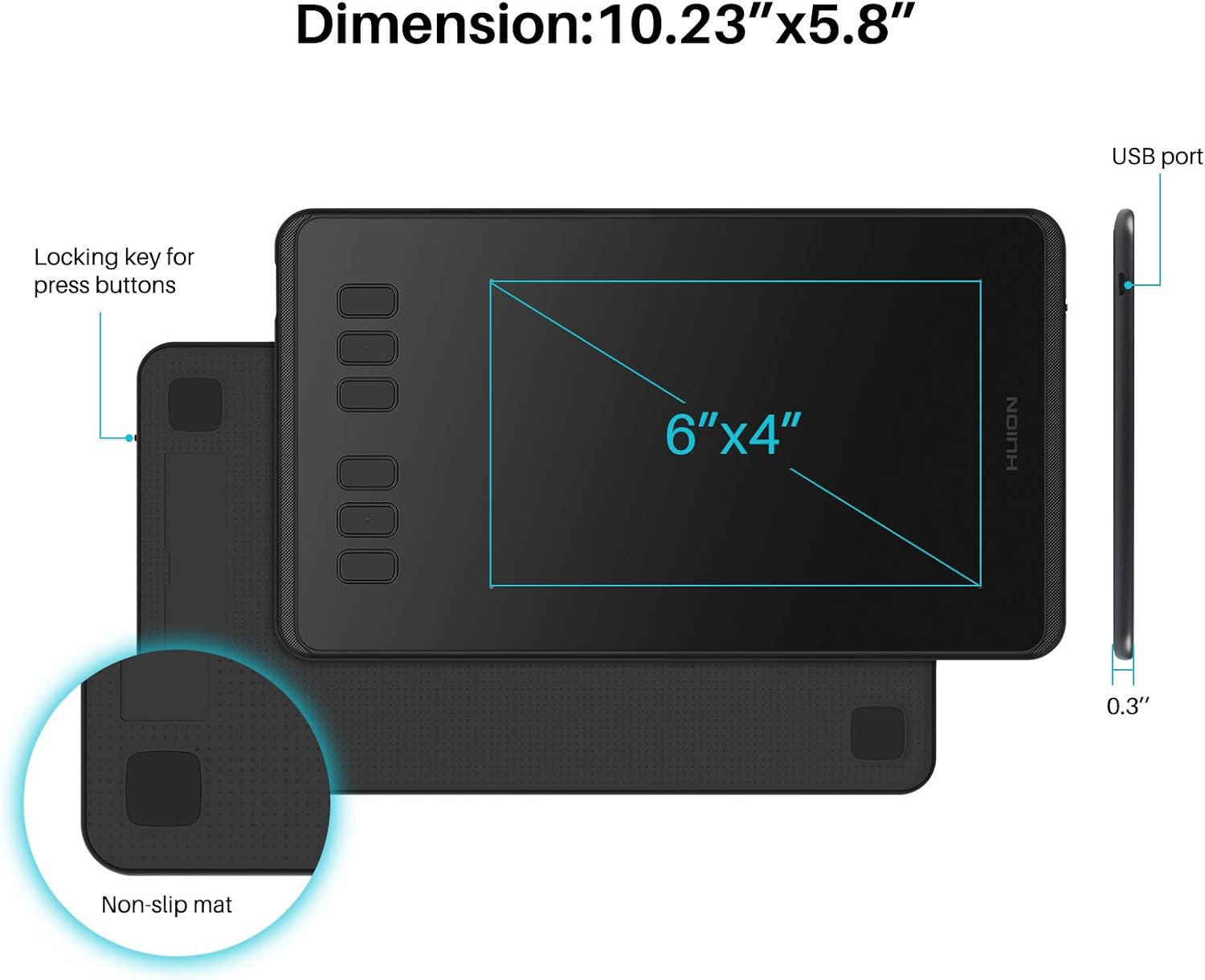
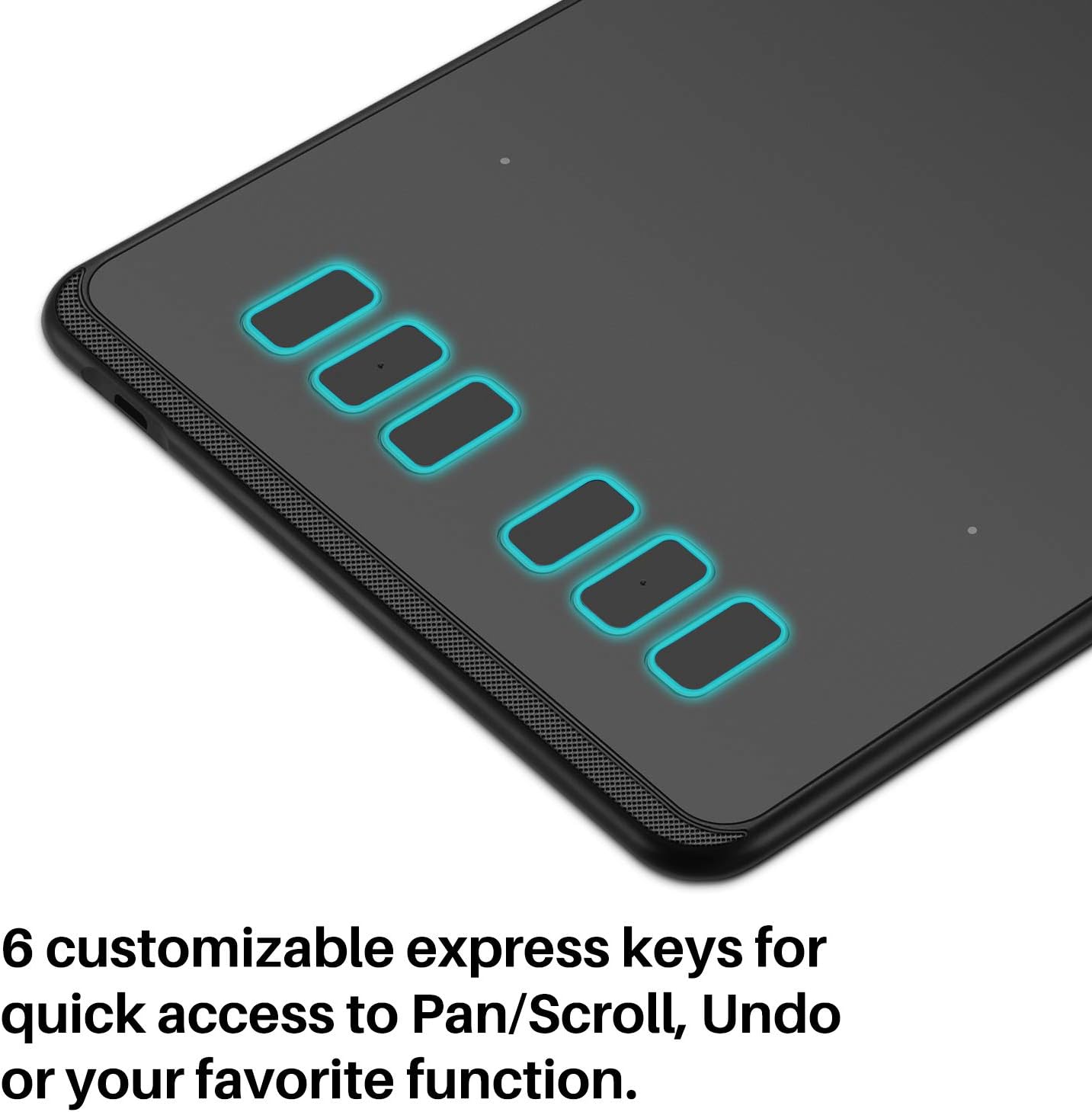
It’s also designed for practicality. With a stated thickness of 0.3 inch and a weight of 1.41 lbs, it’s easier to move between home, work, class, or anywhere you teach or create remotely. The 6 hot keys can be customized via the Huion driver, which helps keep common actions close when you’re working in different apps.
Where it feels strongest is the “pen experience” concept: the included PW100 stylus is described as light and easy to control, with a pen-and-paper style feel. You even get pen side buttons to switch between pen and eraser instantly.
What to know before you buy
Compatibility is the first thing to check. The H640P works with Mac, Windows, and Linux PC and also works with Android smartphone or tablet (OS version 6.0 or later). It’s also available for left-handed users. But it does not support iOS—so if you’re planning to use it with an iPhone or iPad, it’s simply not the right match.
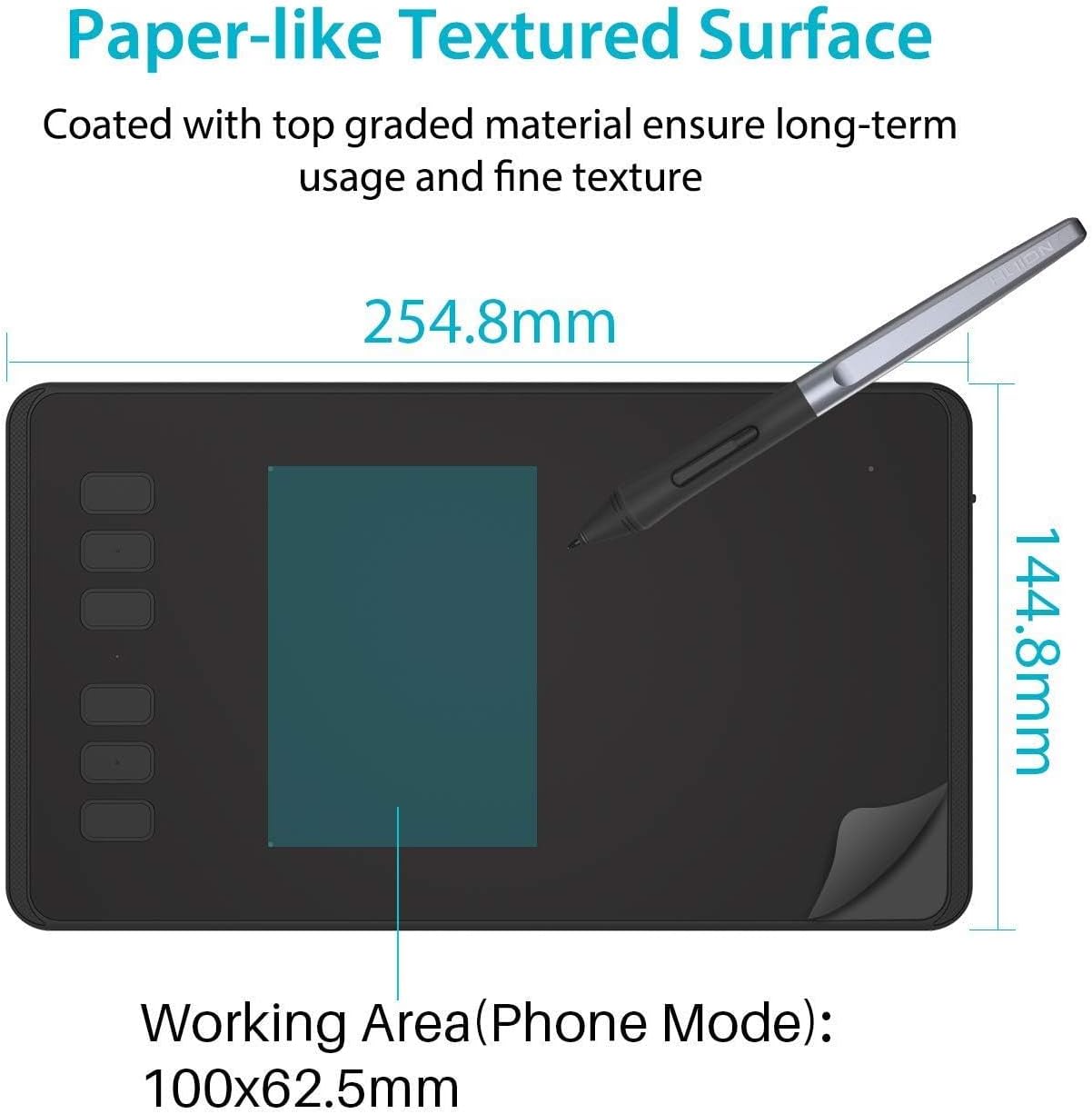
Next, think about your expectations for a compact 6x4 inch tablet. A smaller active area can be great for portability and quick tasks, but it may feel limiting if you want big, sweeping canvas-style drawing. If your workflow is more “detailed edits, notes, signatures, and smaller sketches,” that’s where this size tends to make sense.
Also, the included pen is battery-free, which is convenient for staying productive—no charging routine to interrupt sessions. Still, you’ll want to verify that your specific apps (and OS setup) work smoothly with the Huion driver on your device.
What stands out in everyday use
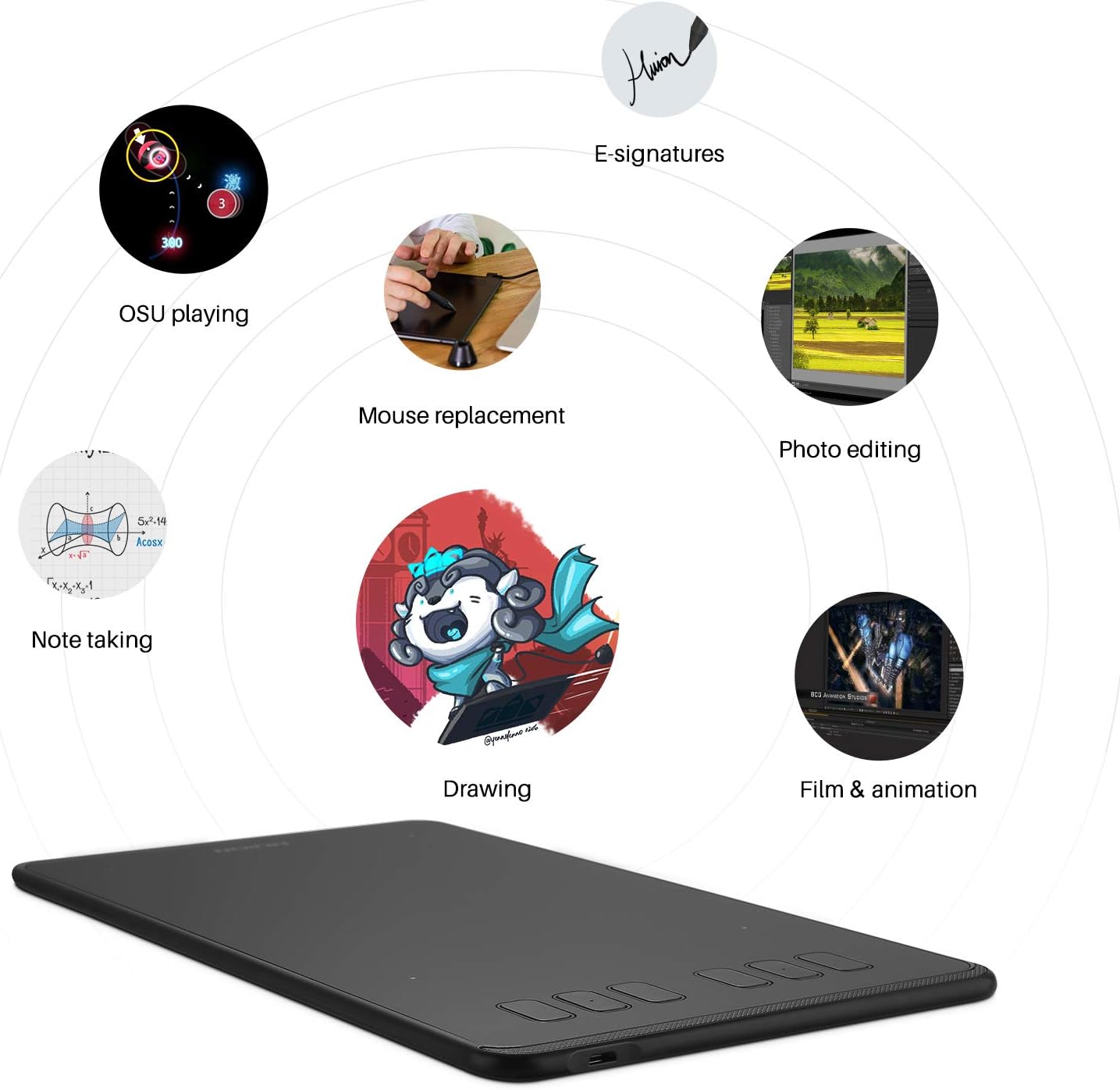
On paper, this tablet is trying to replace the mouse for drawing and writing. The description explicitly positions the pen tablet as an “intuitive mouse alternative,” and that’s usually the real-world win: signing documents, freehand drawing, taking digital notes, and navigating with pen input can reduce strain compared to constant wrist motion.
In a practical scenario—say you’re annotating a worksheet or editing a project in an online class. You can write or draw directly on the tablet, then use the customizable hot keys for shortcuts like undo, brush swap, zoom, or tool switching. With 6 easily accessible keys, you’re not forced to stop and hunt through menus.
Tech specs
- Dimensions: 6x4 inch
- Stylus: Battery-free PW100
- Pen pressure sensitivity: 8192 levels
- Hot keys: 6
- Thickness: 0.3 inch
- Weight: 1.41 lbs
- Compatibility: Mac, Windows, Linux PC, Android (OS 6.0 or later)
- iOS support: No
- Left-handed: Available
Who it’s for (and who should skip it)
It’s a solid pick if you’re starting out with digital art or you want a pen tablet for practical daily tasks—drawing, writing, signing, and digital note-taking. It also fits well for teaching and remote work setups where you need a portable graphics tablet that doesn’t dominate your desk.
It may not be a great match if you primarily use iOS devices, since iOS support is not included. And if you’re expecting a large-canvas experience for high-detail illustration, the compact 6x4 inch size could feel constrained.
Is it worth it?
The HUION Inspiroy H640P is worth considering when you want a compact pen tablet that’s more natural than a mouse and includes pressure sensitivity (8192 levels) with a battery-free stylus. The customizable hot keys and pen/eraser side button concept are the kind of touches that tend to make day-to-day workflow smoother.
You may want to skip it if your setup is iOS-based or if you need a bigger drawing area for large-scale work. For everyone else—especially beginners, students, teachers, and people doing signatures, annotation, and smaller creative edits—this one feels like a straightforward, no-drama way to upgrade how you input on a computer or Android device.