

SKUYA USB-C to HDMI Adapter 4K@60Hz
Product description
Technical details
Getting a handheld or USB-C device onto a larger screen can be awkward when you want to keep playing or working while it charges. This compact HDMI dock is designed to connect compatible devices to a TV, monitor, or projector, with support for HDMI 2.0 output and simultaneous charging.
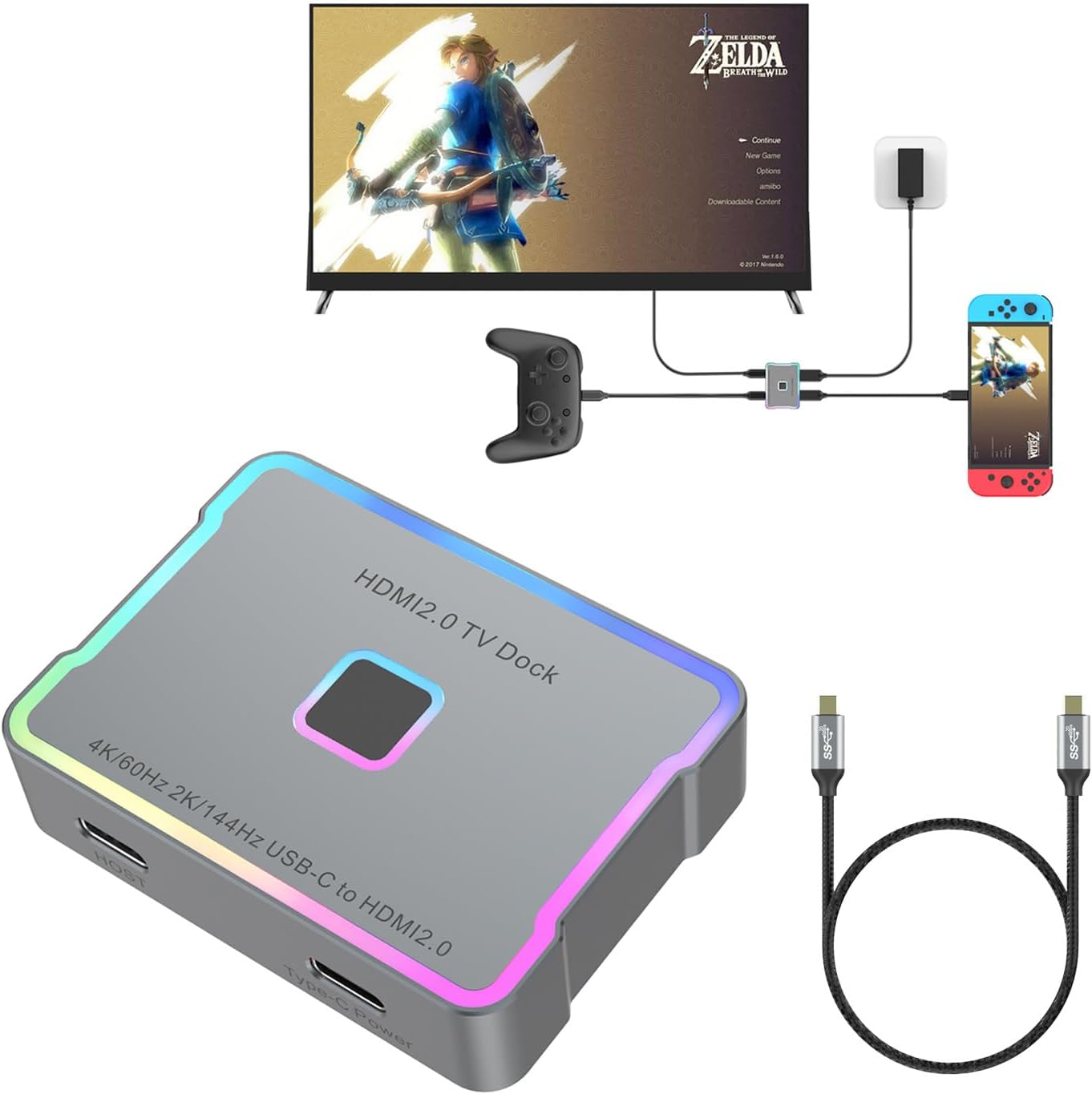
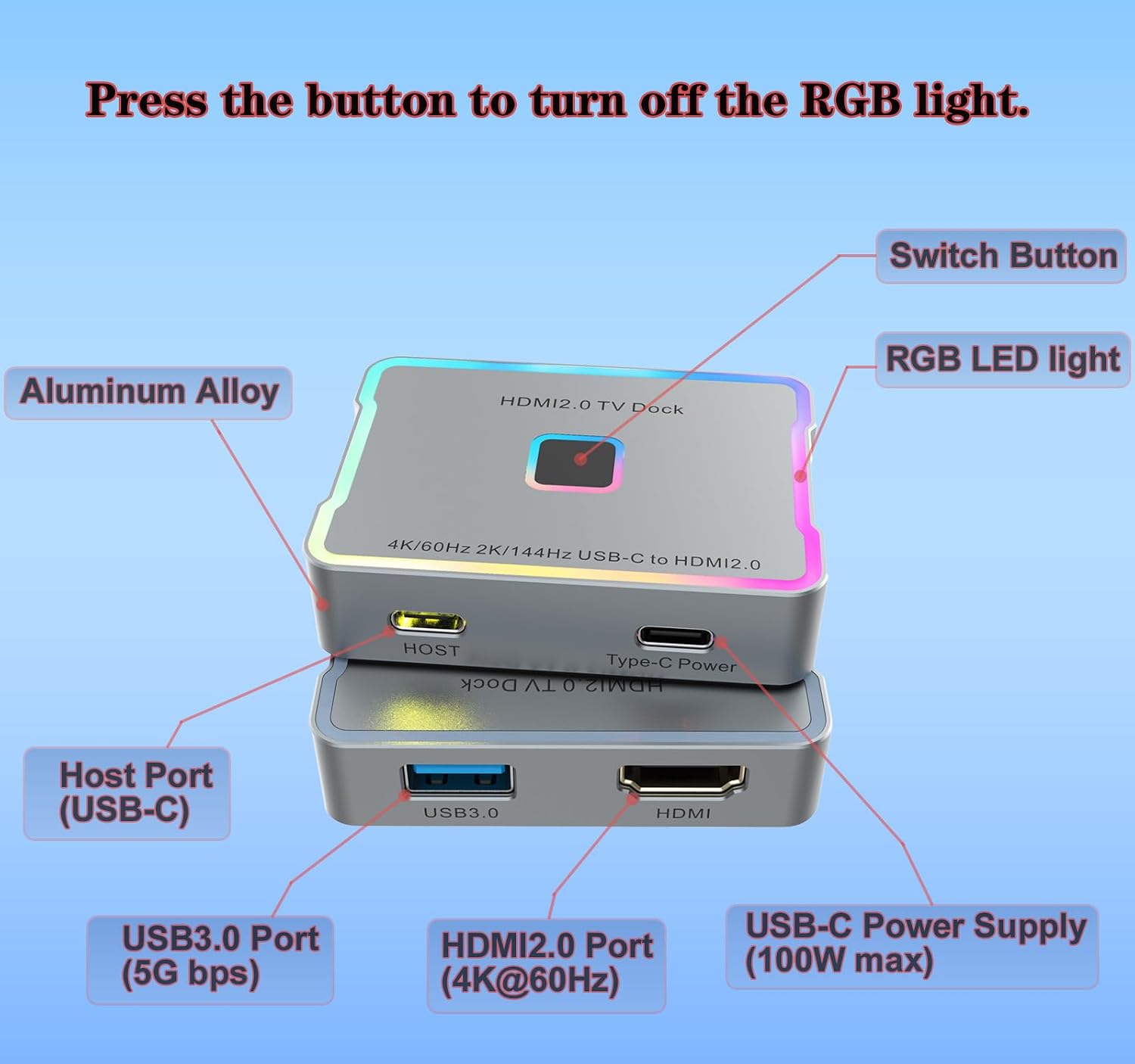
The metal casing and RGB lighting give it a more finished look than a basic cable adapter, while the lights can be switched off with a press. It is small enough to pack for travel, though you will need to bring a separate charger.
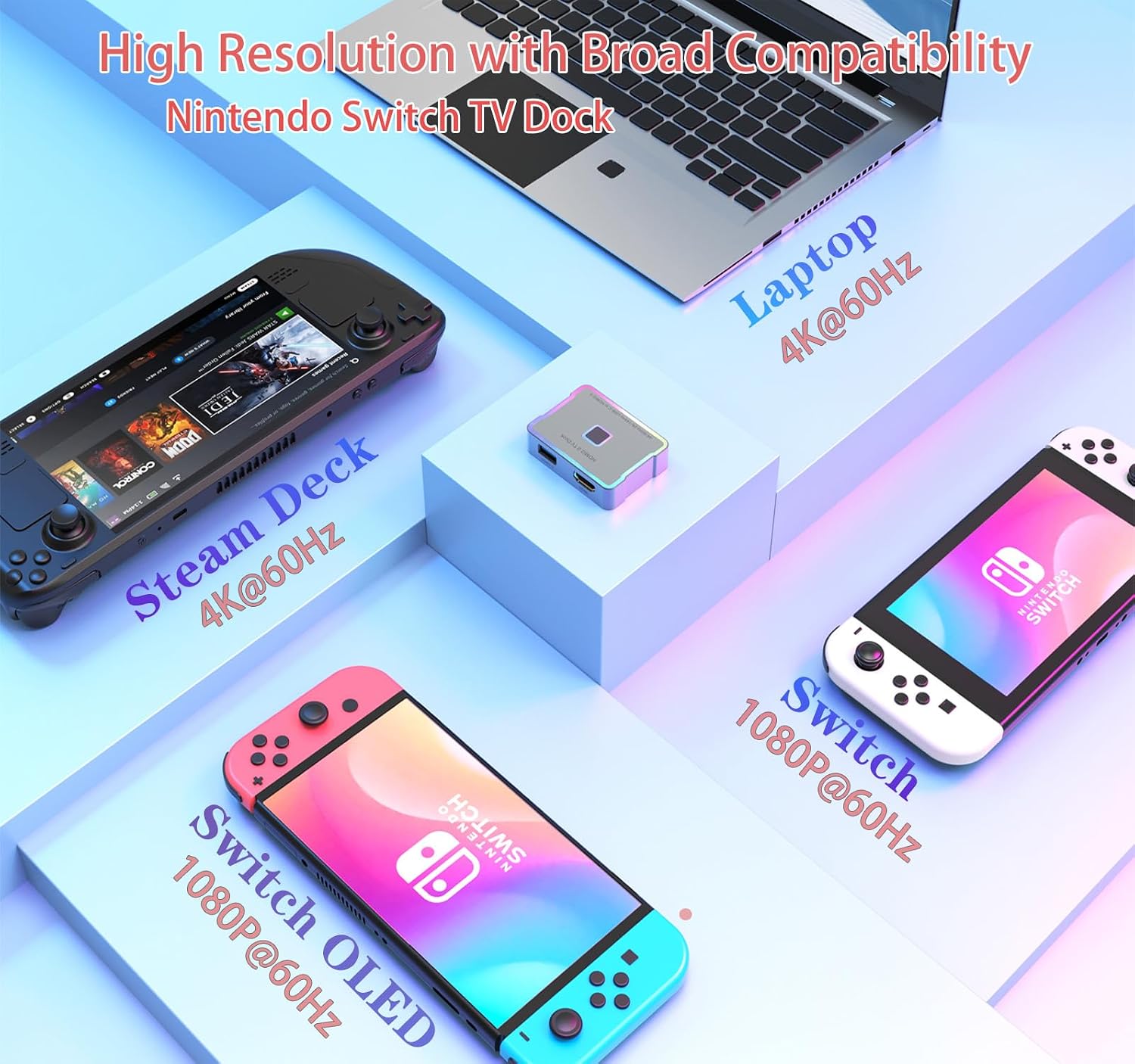
The supported output modes include 4K at 60Hz, 2K at 144Hz, and 1080p at 120Hz, along with 720p and 480p. It also supports HDR and HDCP 1.4/2.2. USB 3.0 data transfer is rated up to 5Gbps. USB-C pass-through charging is listed up to 100W, the package includes a 3.3-foot USB-C-to-USB-C cable, but not a charging cable. The original power adapter is recommended for stable performance. CEC is not supported, so do not expect the dock to provide that control feature.
Compatibility
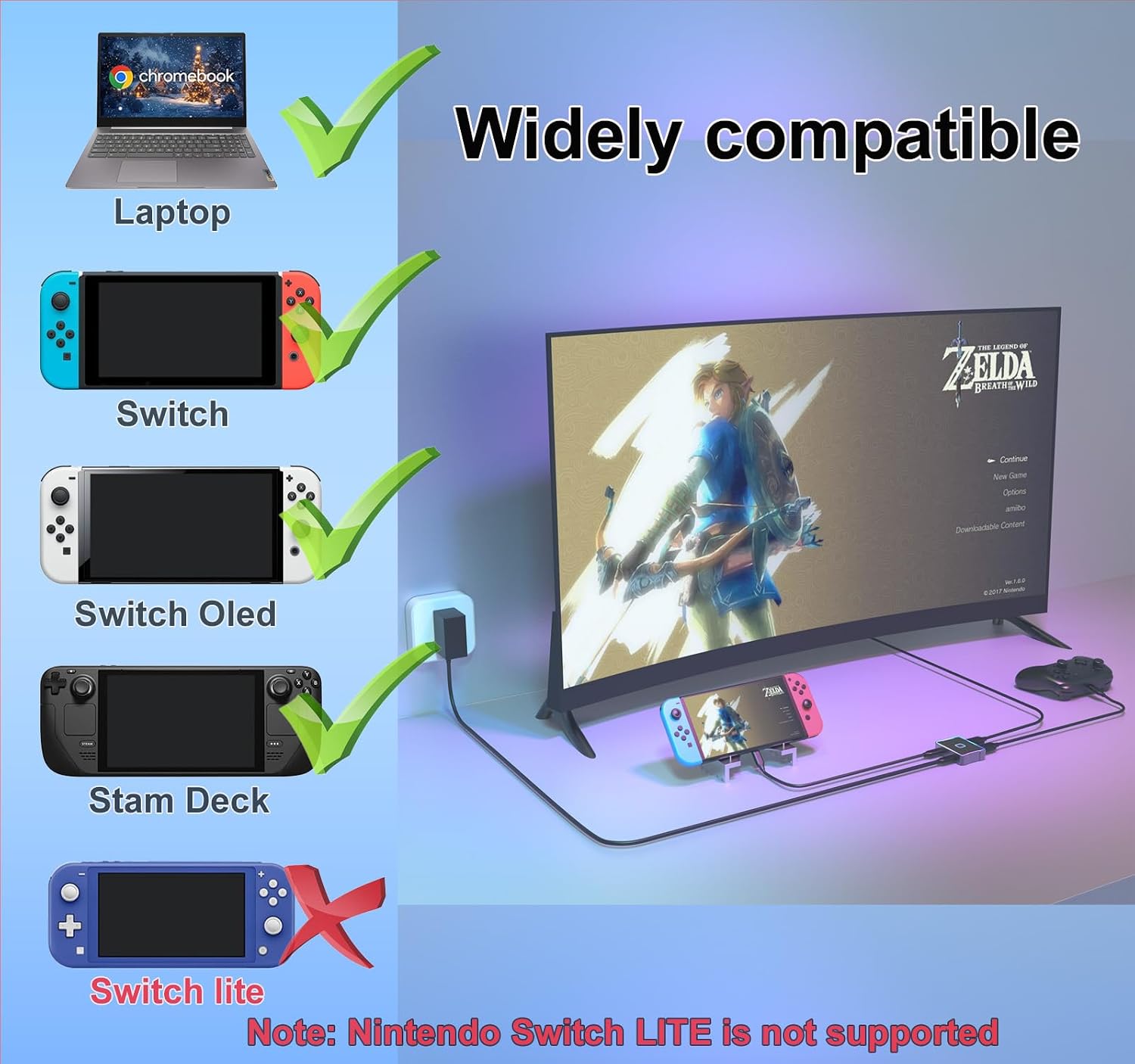
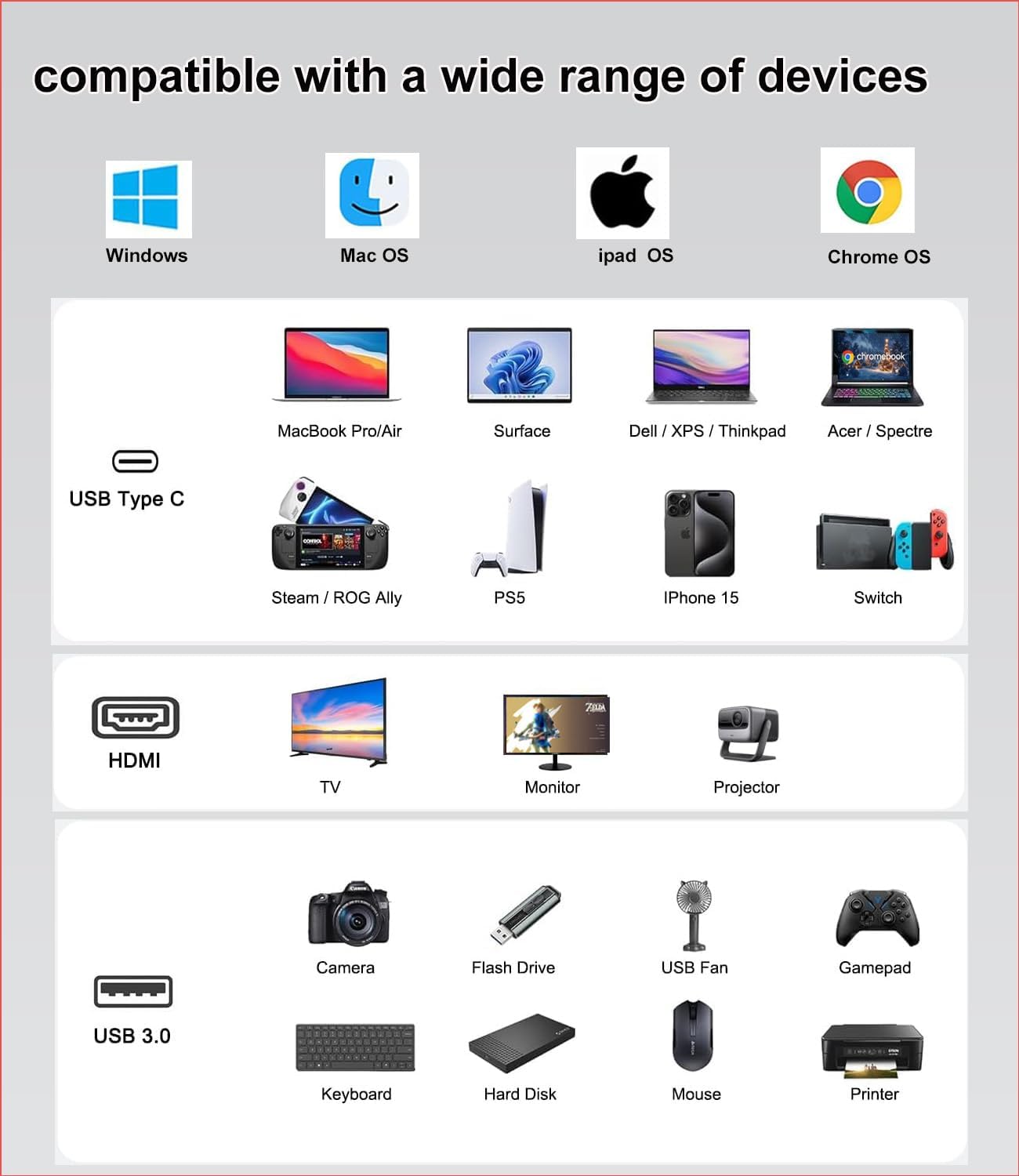
The listed devices include Nintendo Switch and Switch OLED, Steam Deck, laptops, MacBook Pro and Air, iPhone 15 and 16 Pro Max, iPad Pro, iMac, Dell XPS, Surface, Pixelbook, and Galaxy S23. The host device still needs to support video output over USB-C, and the screen needs an HDMI input, output resolution also depends on the connected device and display.
There are two specific Nintendo exclusions: this adapter is not compatible with Switch Lite or the Switch 2 (2025 model). If you are buying it mainly for a console, check the exact model before choosing it. It makes sense if you want one small adapter for a supported handheld and a USB-C laptop, rather than carrying a full-size dock for each.
Usage tips
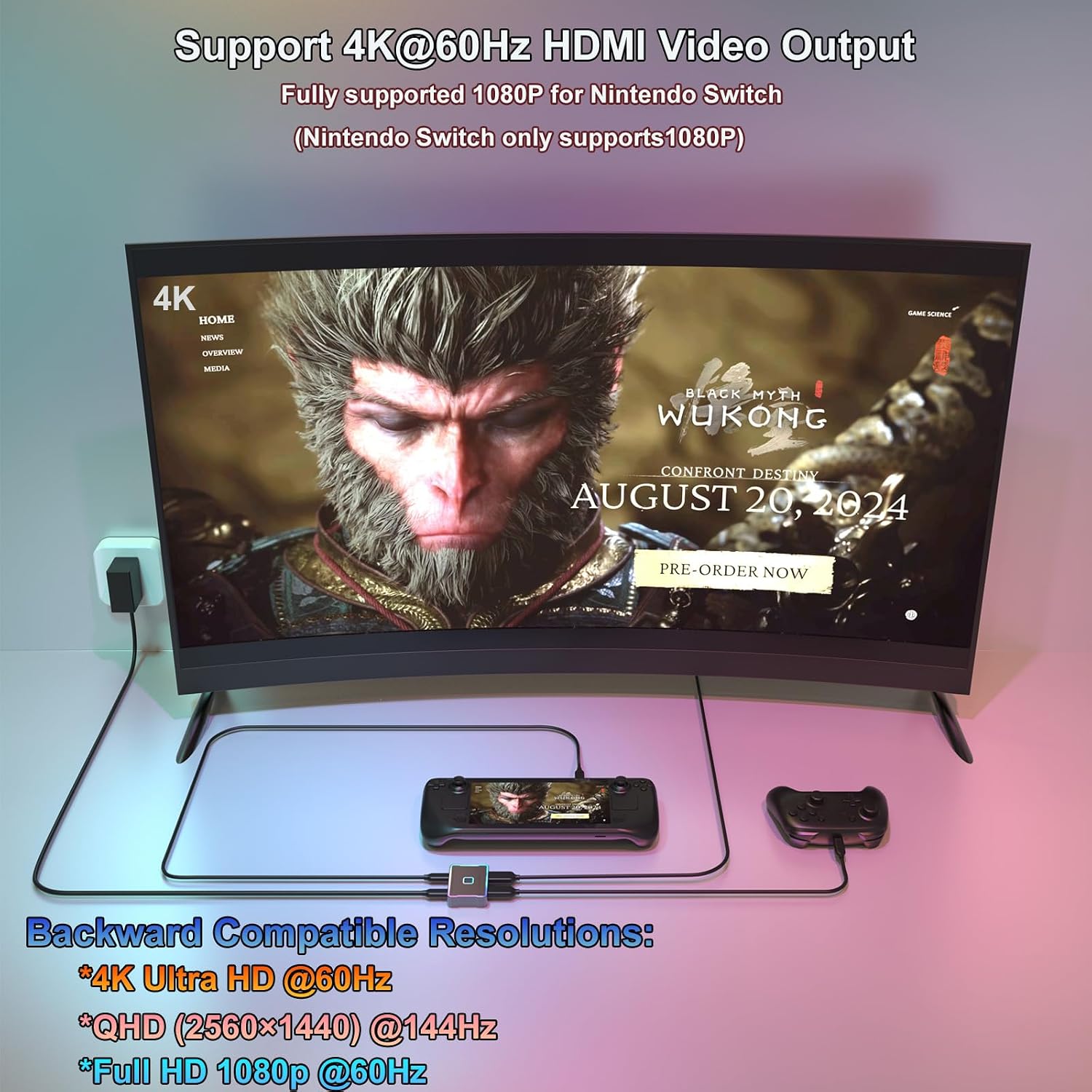
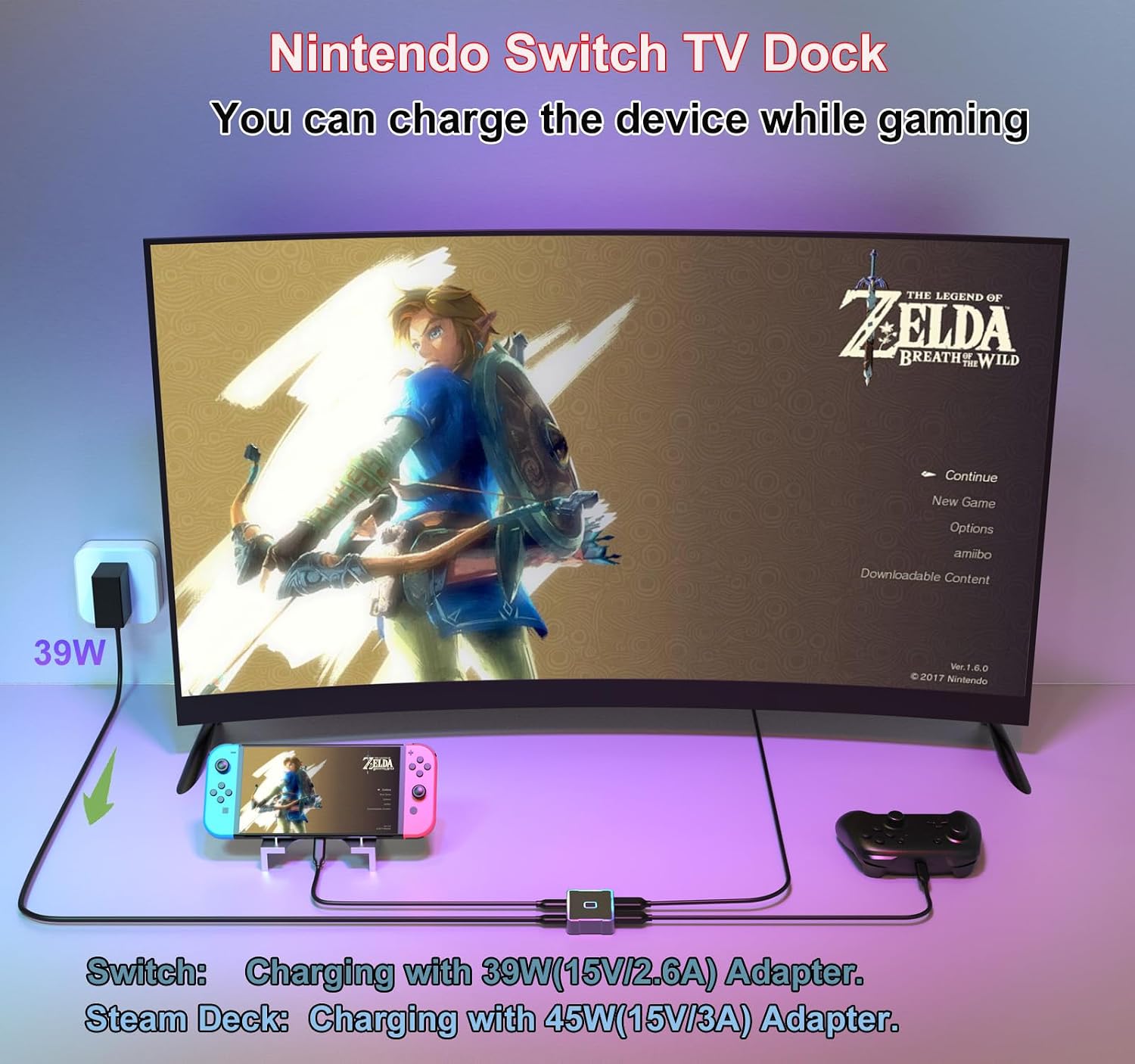
For a quick setup, connect the HDMI cable from your display to the adapter, then connect the included USB-C cable and your device. For charging while playing, use your original charger with the adapter’s USB-C charging connection. For example, you can connect a Steam Deck to a hotel-room TV, route power through the dock, and keep the setup compact in a travel bag.
The listed charging figure is a maximum, not a promise that every device will draw that amount. If you only need video output and already have a reliable USB-C-to-HDMI cable, a simpler adapter may be enough, this one is more relevant when charging pass-through and multiple supported output modes matter. On the spec sheet, its broad device list is useful, but it does not replace checking USB-C video support on your particular device.
Is it worth it?
This SKUYA adapter is aimed at people who want a portable way to connect a compatible handheld, phone, or computer to an HDMI display without giving up the option to charge at the same time. Its metal body, switchable RGB lighting, and included USB-C-to-USB-C cable add convenience, while the range of listed refresh-rate modes gives it more flexibility than a video-only dongle.
It might not be a great match if you need CEC, want a charging cable included, or own one of the excluded Switch models. The lack of a charging cable is also easy to overlook when packing. Choose it for the compact HDMI-and-power setup, skip it if your device cannot send video over USB-C or you need a full dock with features this adapter does not claim.
Questions before you buy
Is a charging cable included? No. The package lists the HDMI dock, a user manual, and a 3.3-foot USB-C-to-USB-C cable. Use your original charger for power.
Can you turn off the RGB lighting? Yes. Press the control once to switch the lights off.
Does it support CEC? No. CEC is specifically listed as unsupported.