

BENFEI 4K DisplayPort to HDMI Adapter ⚡
Reviews
Price
Product description
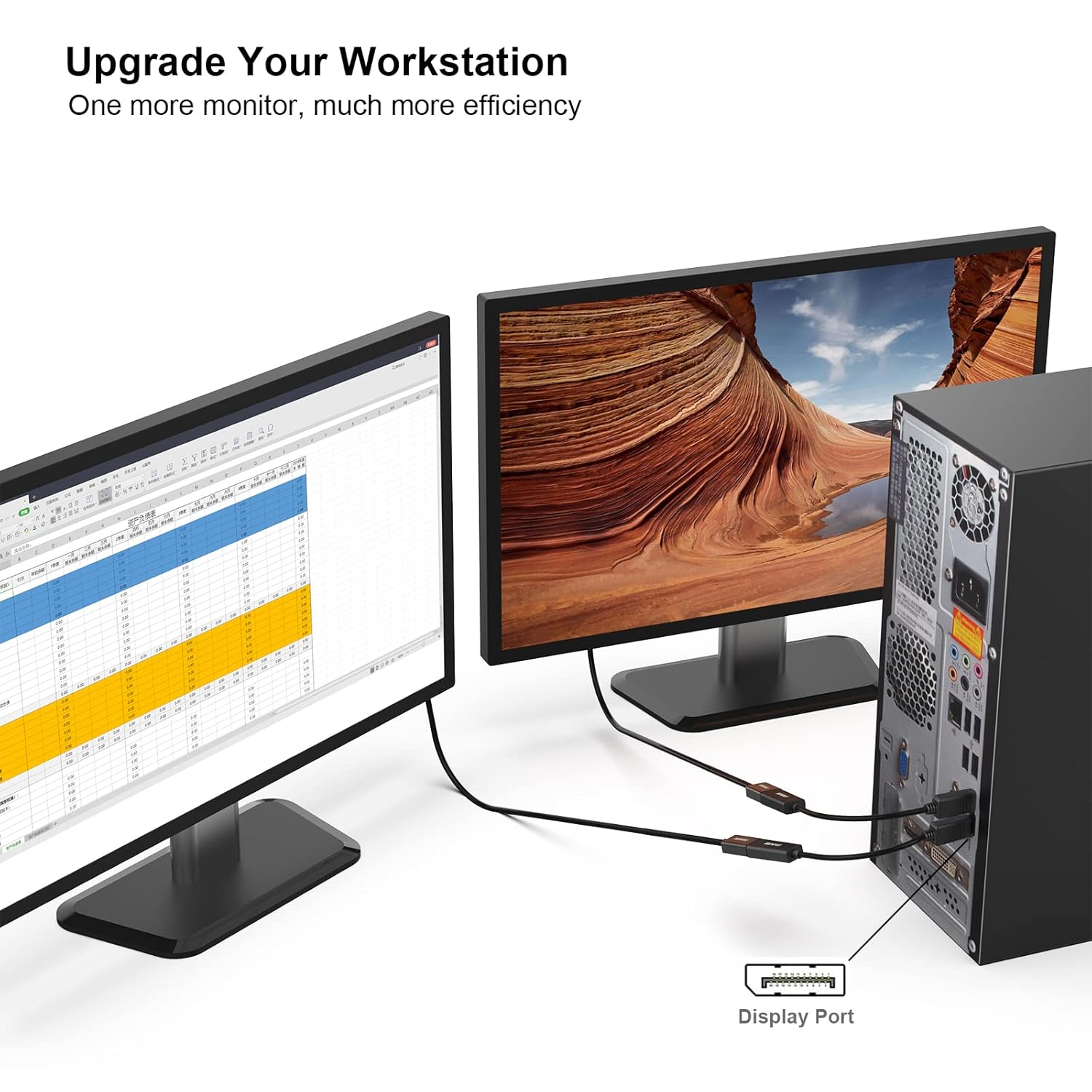
This BENFEI 4K DisplayPort to HDMI adapter enables seamless video transmission from devices with DisplayPort output—such as laptops or desktops—to displays that feature an HDMI input. It’s ideal for users who want to extend their desktop setup or connect a monitor or projector without needing additional hardware. The compact design makes it easy to carry and use during presentations or at home.
Key Points
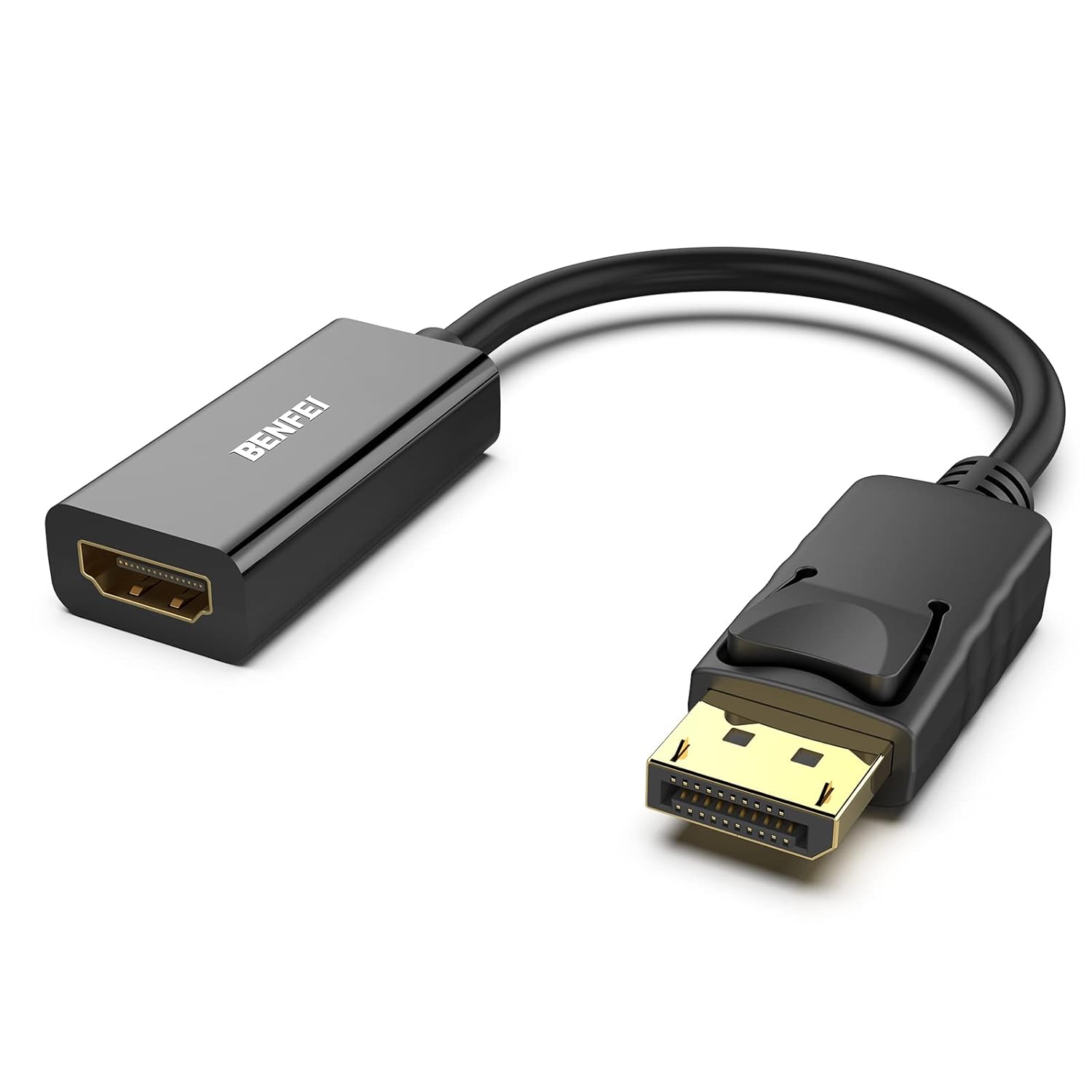
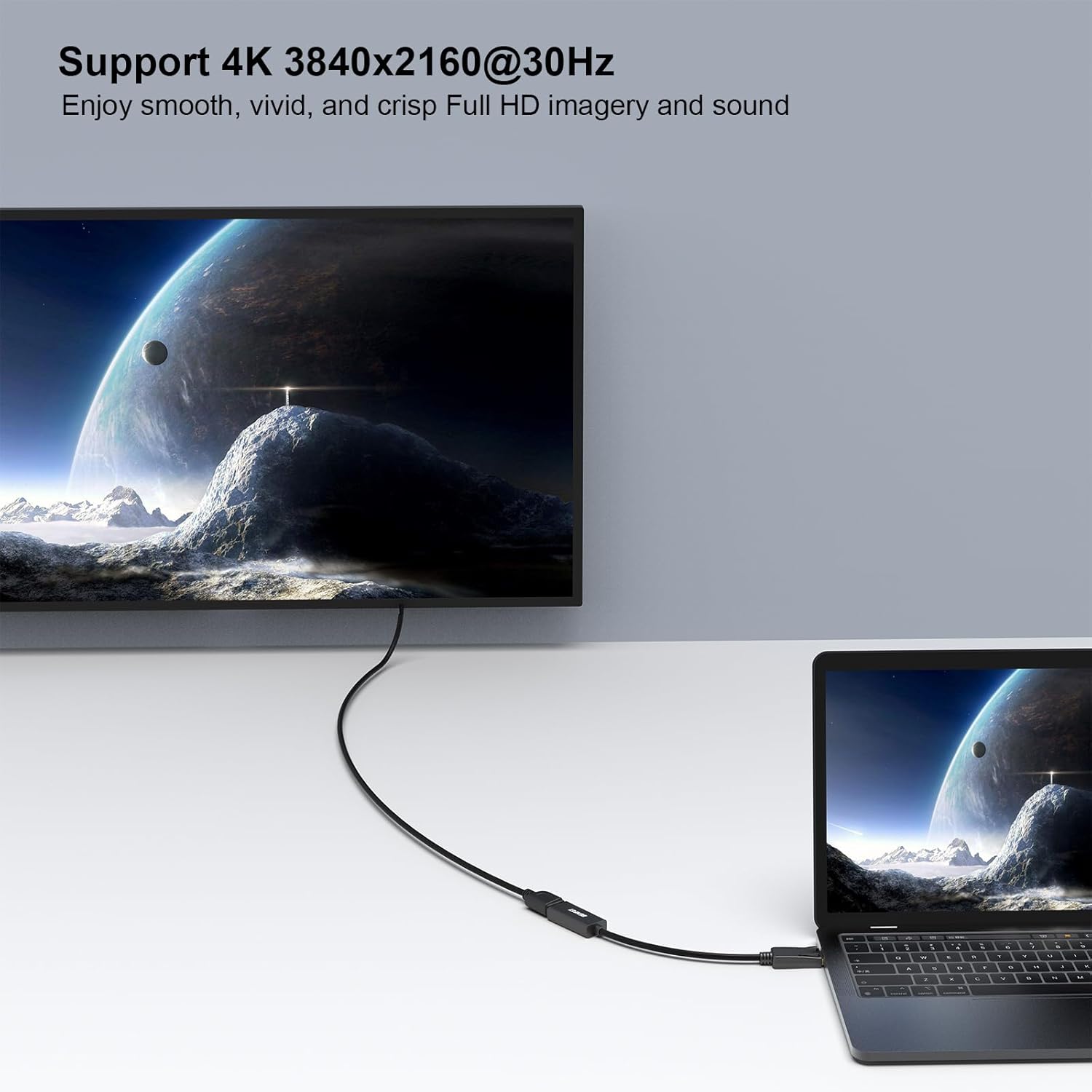
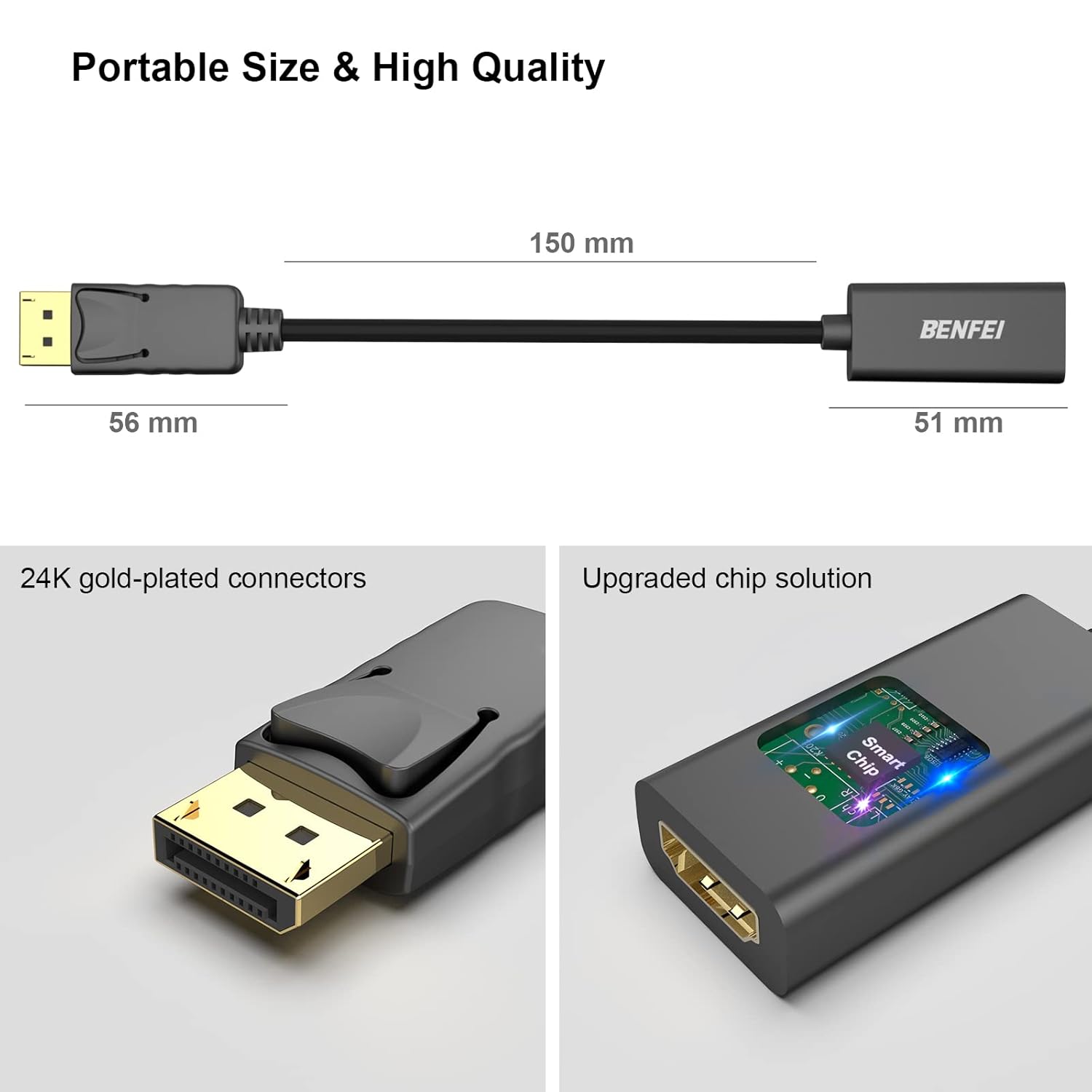
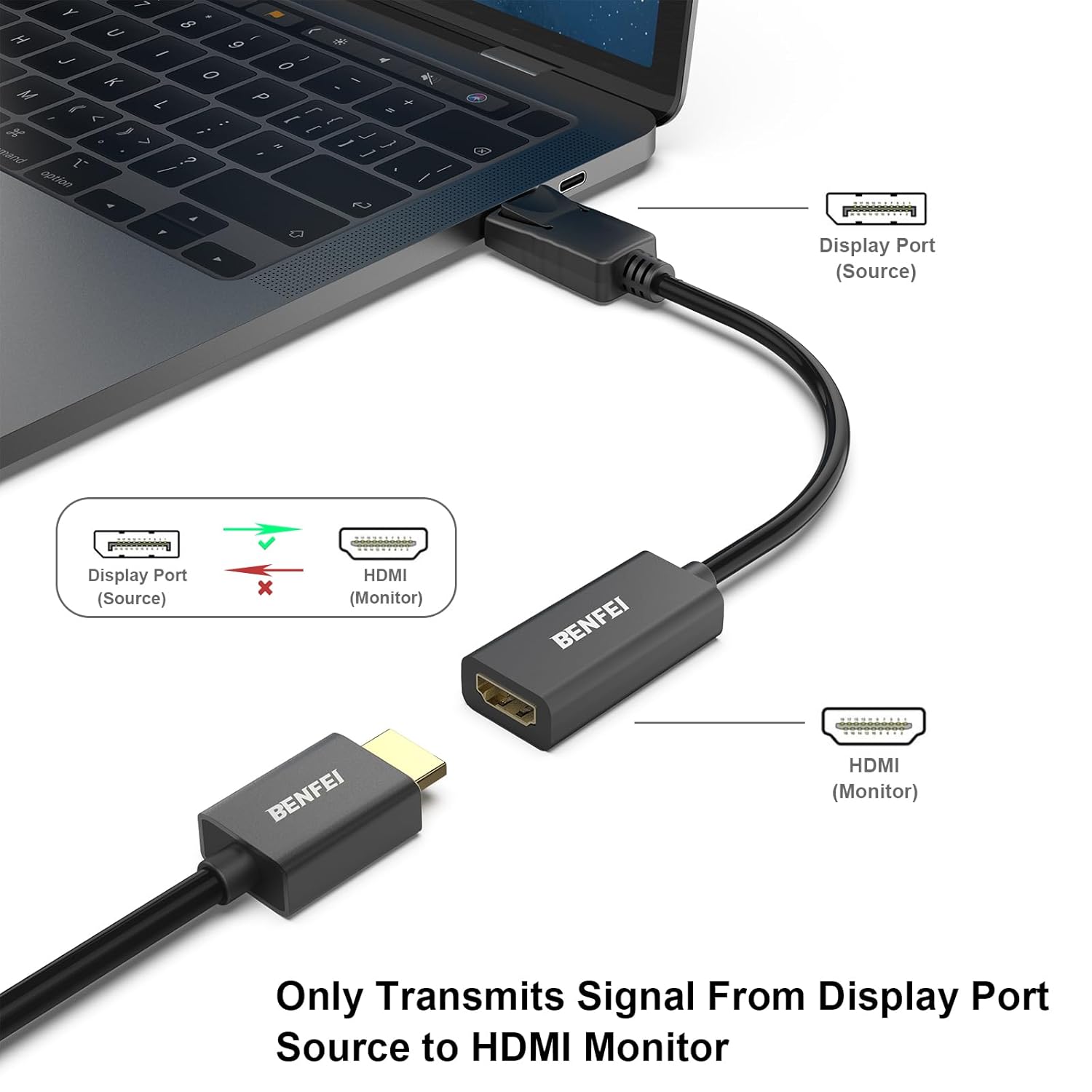
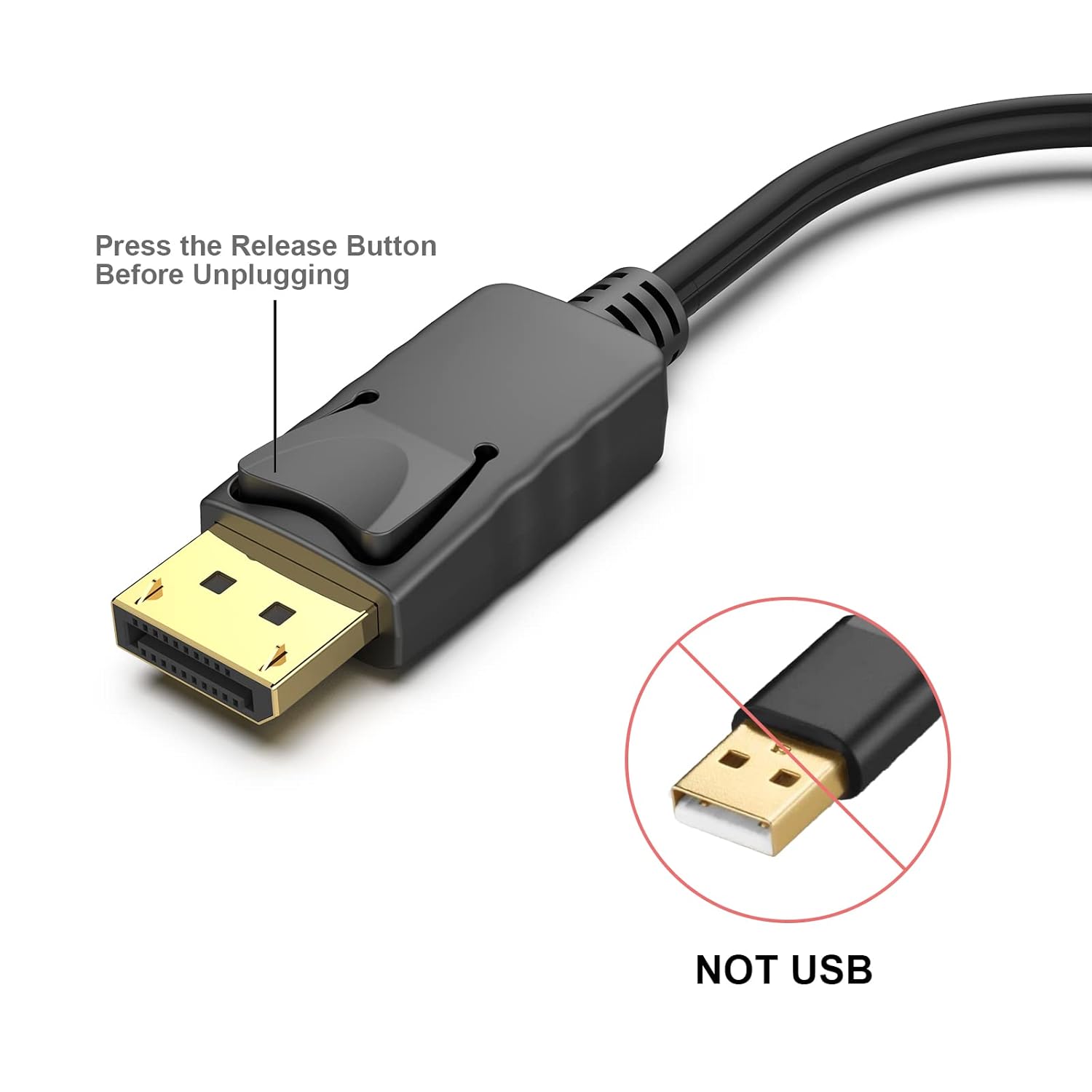
The BENFEI DisplayPort to HDMI adapter provides reliable video signal conversion from DisplayPort to HDMI. It supports up to 3840 x 2160 at 30 Hz, including 2K at 60 Hz and 1080p at 120 Hz, ensuring smooth performance for both productivity and entertainment. The gold-plated DisplayPort connector resists corrosion and improves signal transfer. A built-in locking mechanism ensures a secure connection during use.
Technical Specifications
- Input: DisplayPort (with gold plating)
- Output: HDMI 1.4b
- Maximum Resolution: 3840 x 2160 @30 Hz
- Supports: 2K @60 Hz, 1080p @120 Hz, 1080p @60 Hz, 720p, 1600 x 1200, 1280 x 1024
- Signal Type: Unidirectional (only converts DisplayPort to HDMI)
- Weight: 48 grams
Benefits
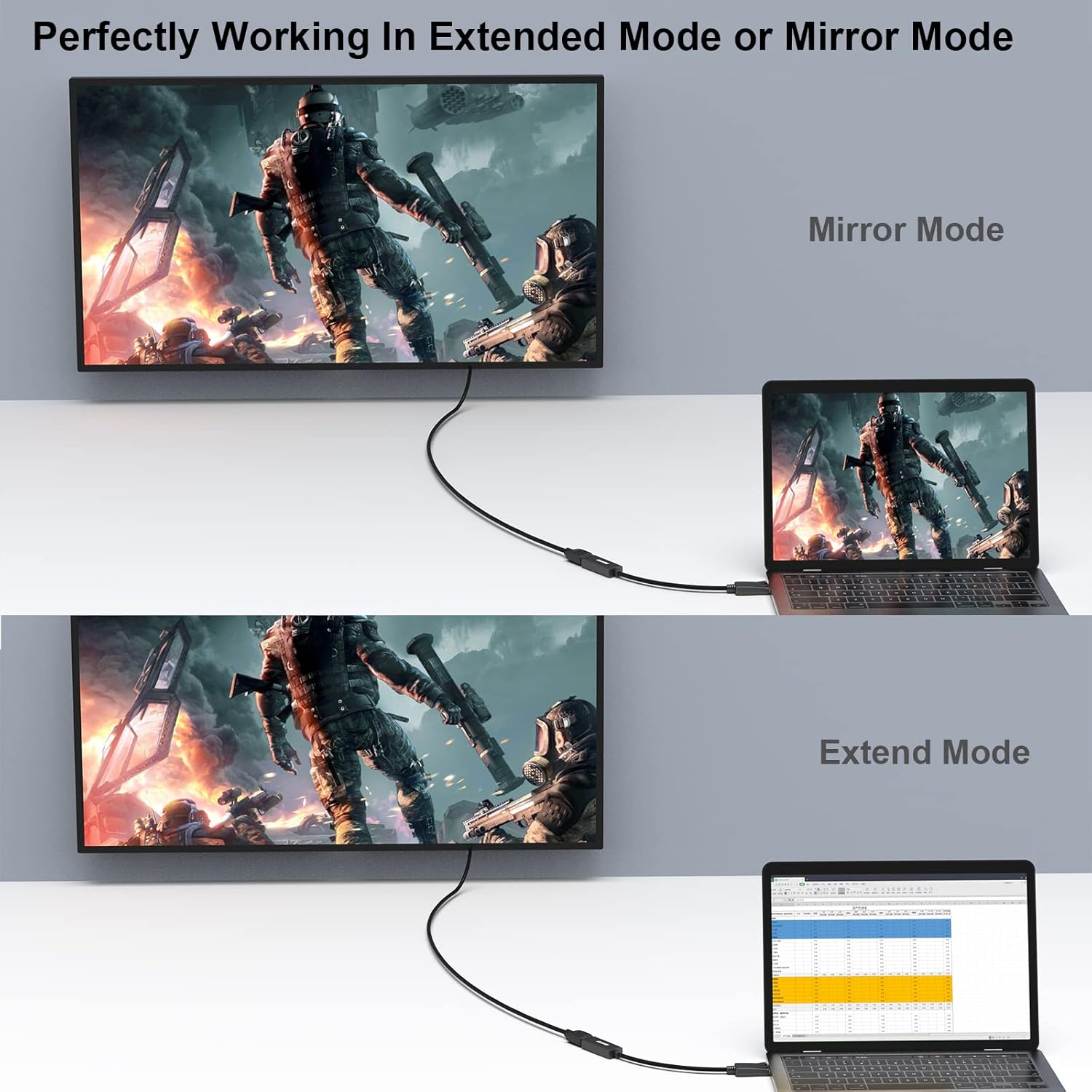
This adapter delivers stable, high-definition video output without signal degradation. The gold-plated connection enhances durability, especially in environments with frequent use or exposure to humidity. It’s a practical solution for users who frequently switch between devices with different video outputs.
Usage Recommendations
For best results, ensure your source device—such as a laptop or desktop—has a DisplayPort output. The adapter does not work with devices that only have HDMI inputs. If your monitor or projector has a DisplayPort input, this adapter is suitable. Avoid using it with older or low-resolution displays, as performance may not match expectations. The locking mechanism helps maintain a firm connection during extended use. When unplugging, press the release button and gently pull the adapter to disconnect. According to the manufacturer, some older projectors or displays may not support DP++ mode, which could affect compatibility. Always verify your device’s supported video standards before use.