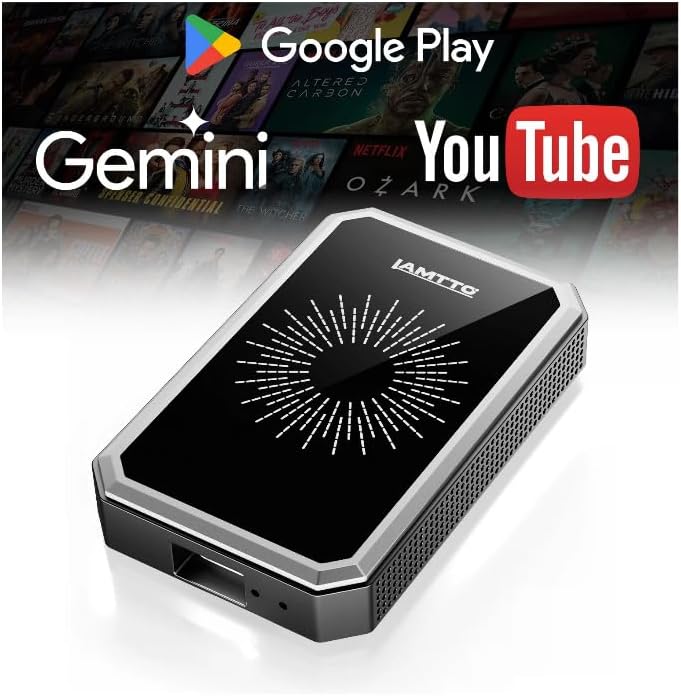
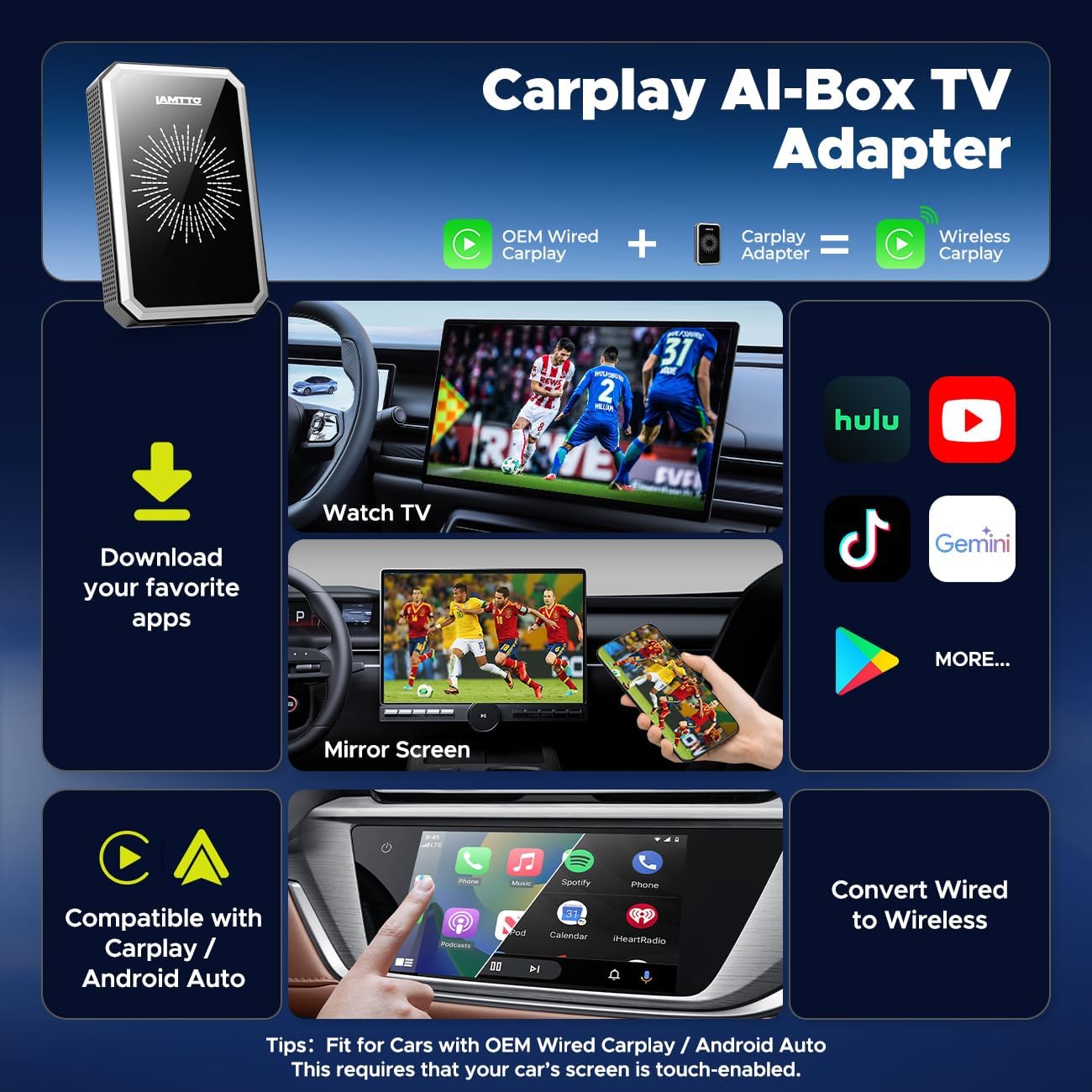
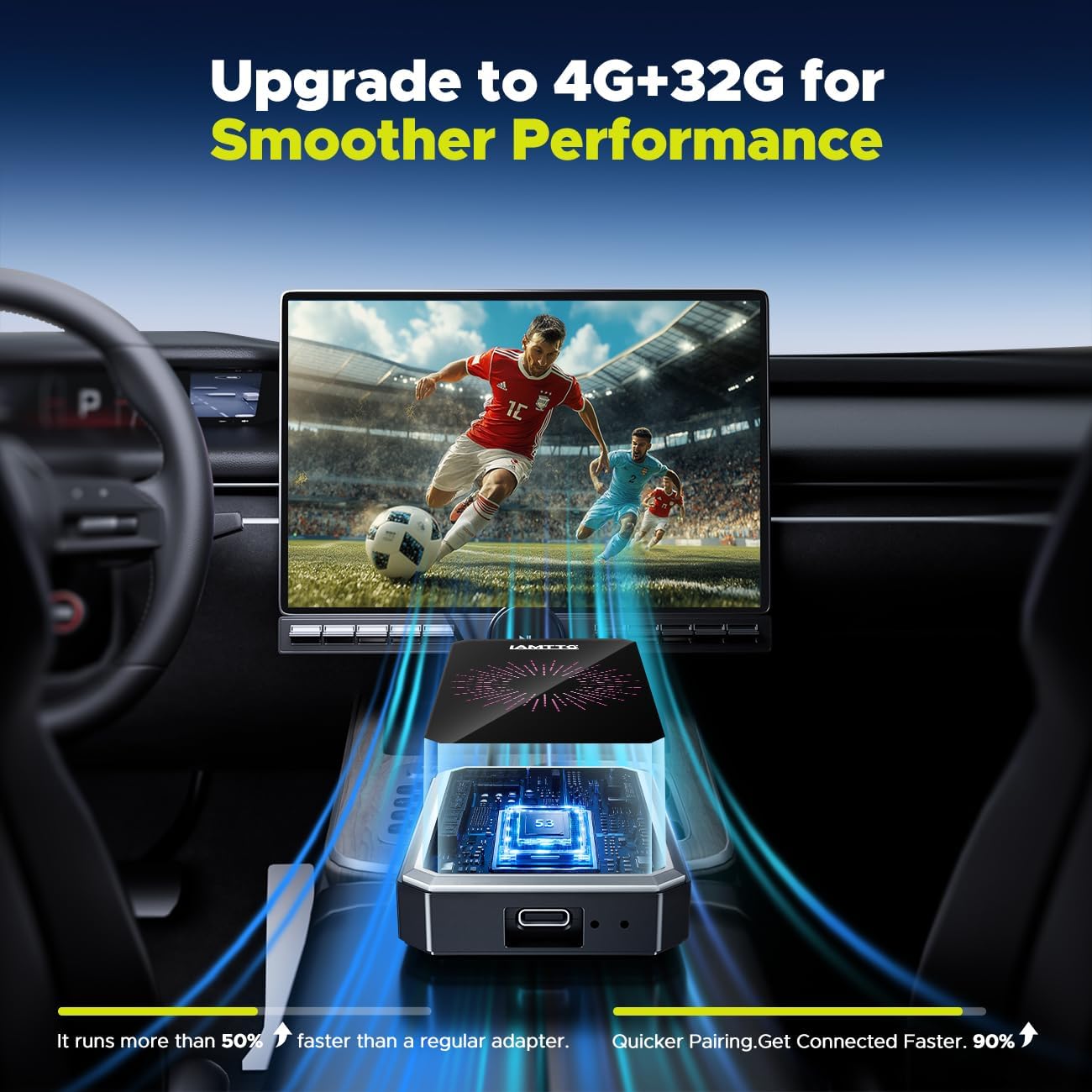
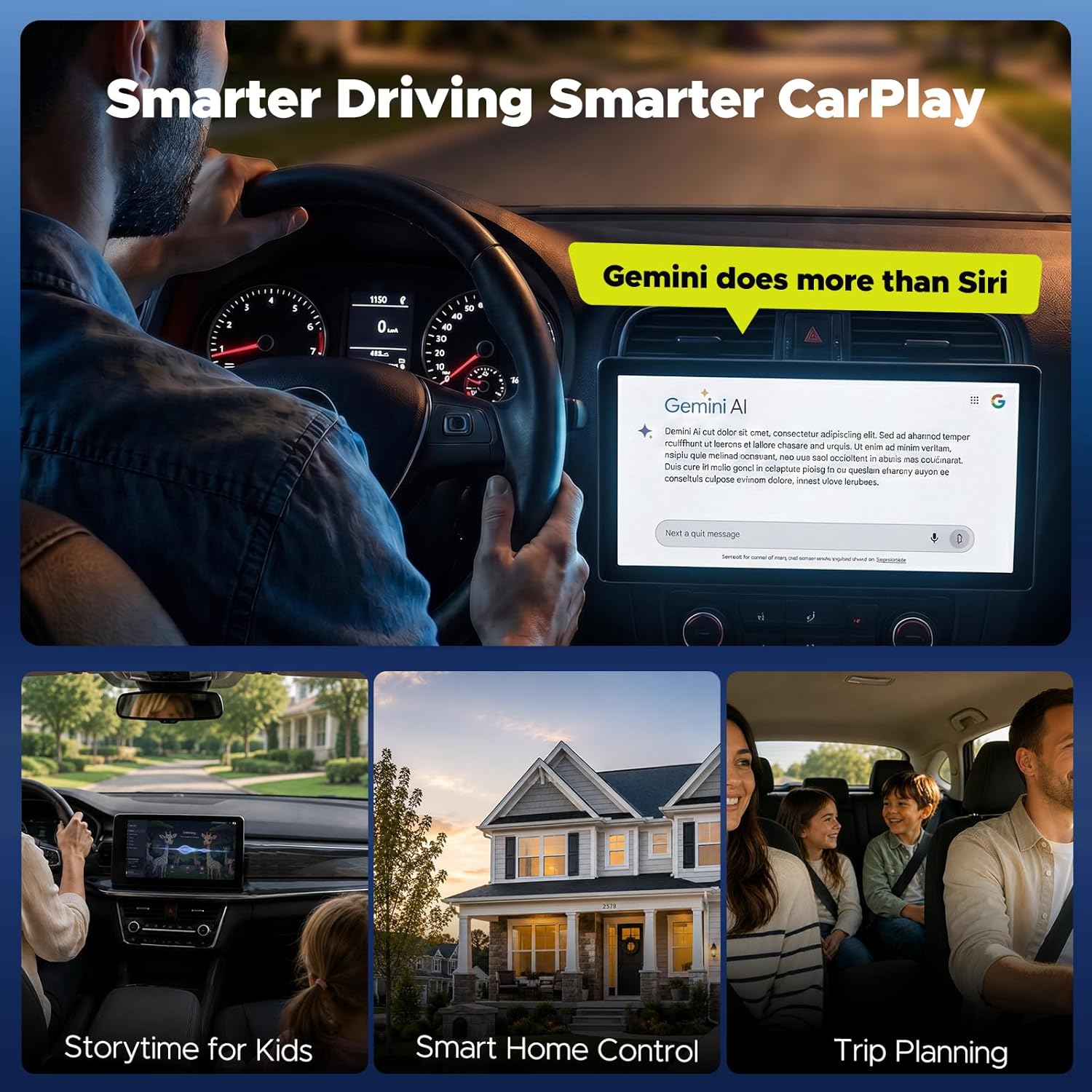
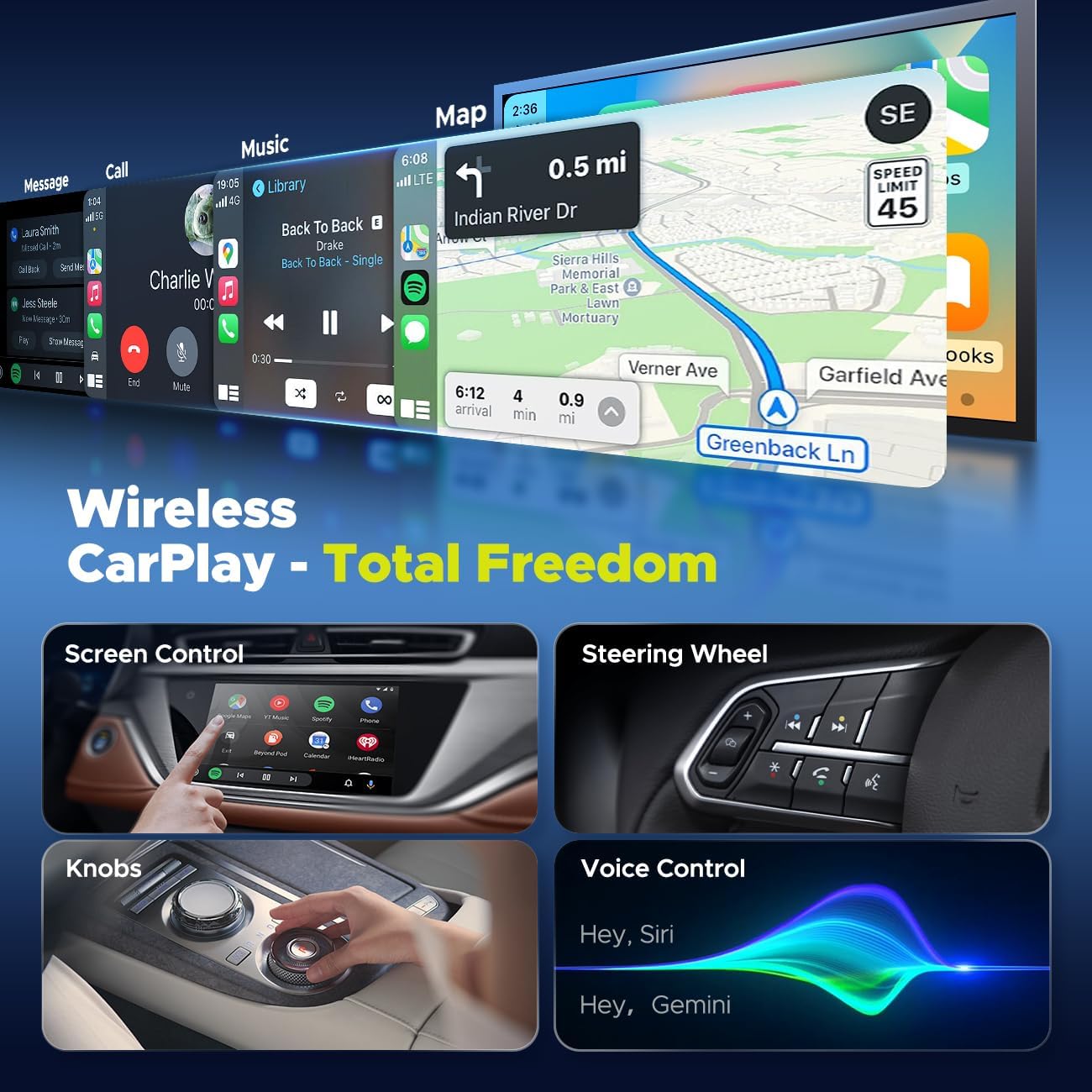
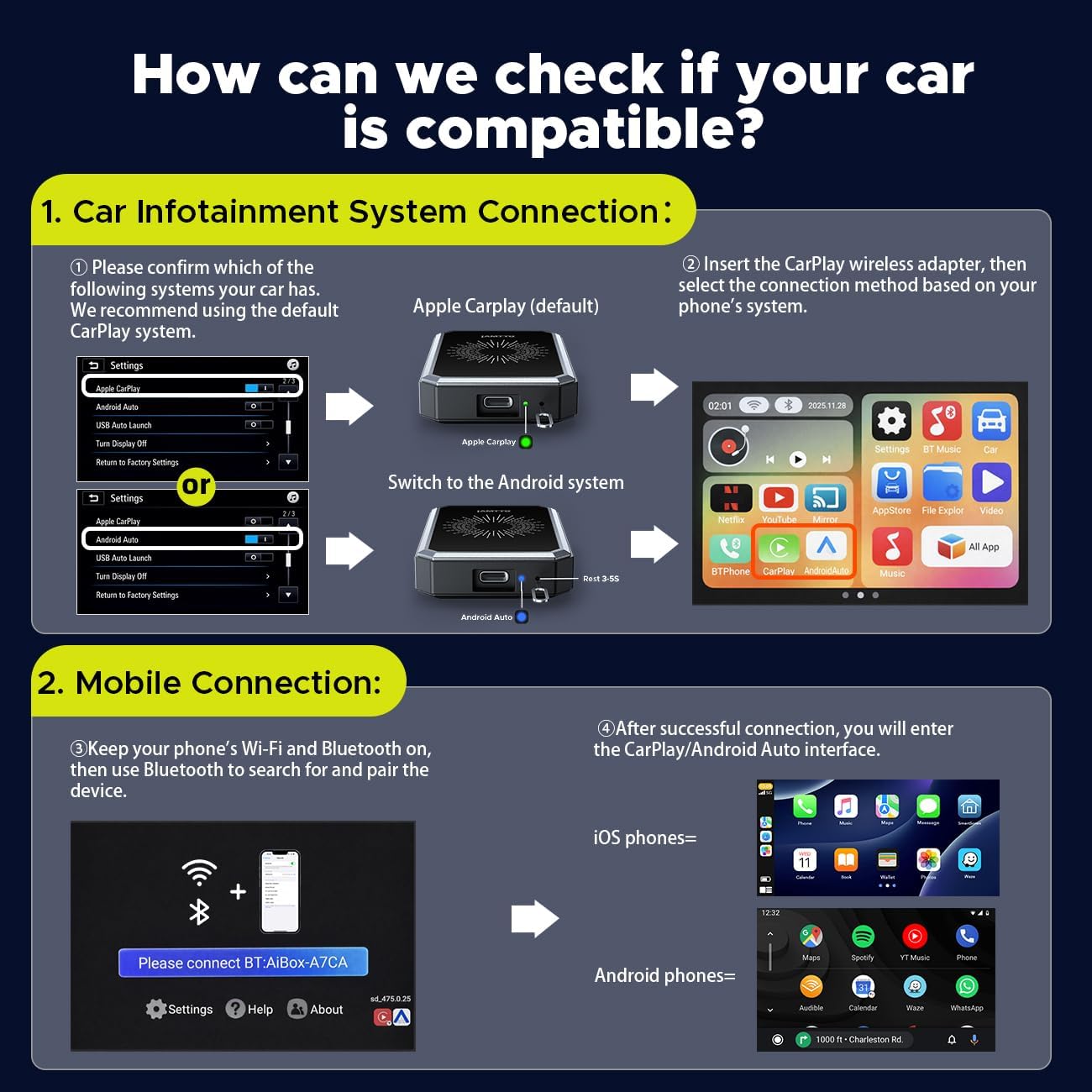
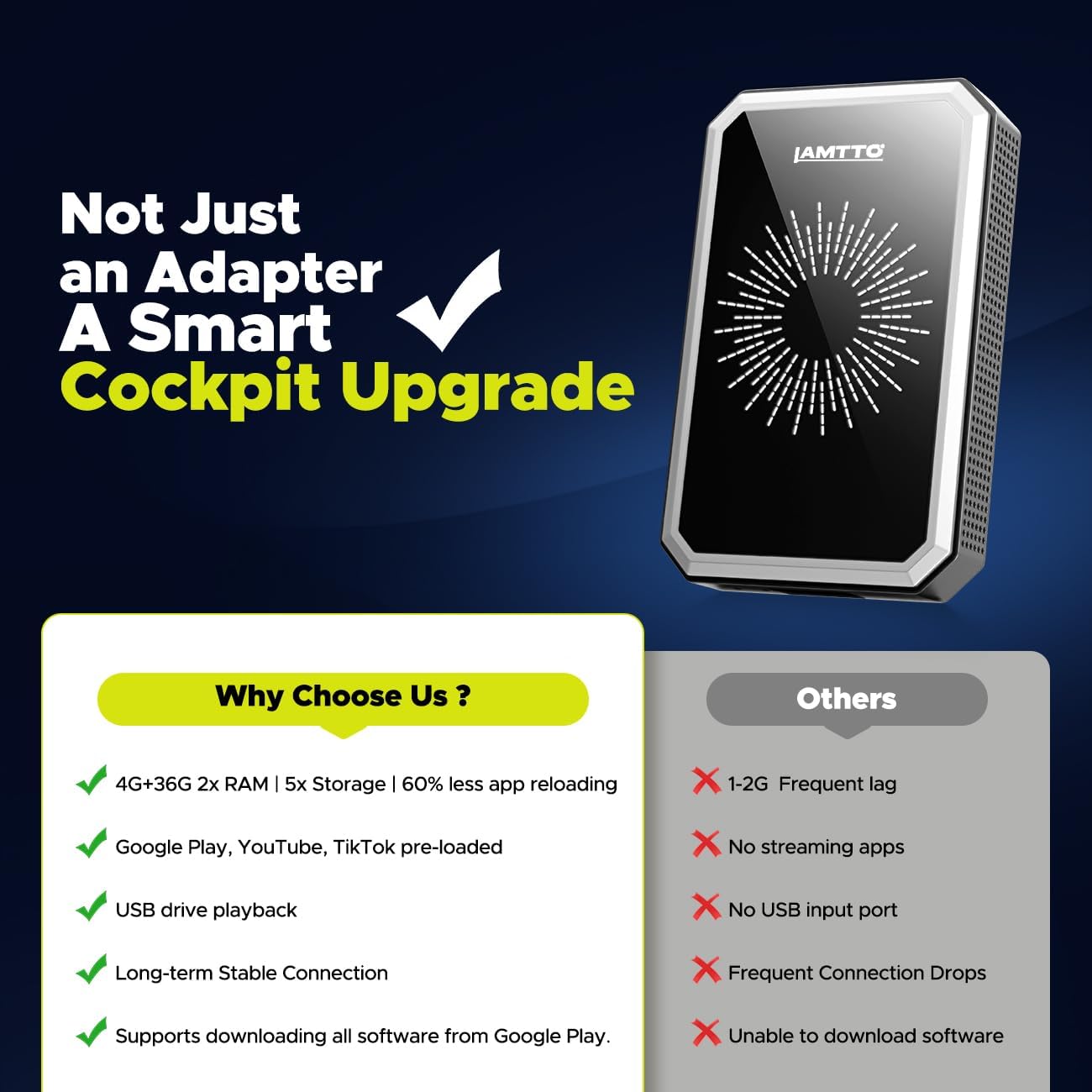
What this is and what it solves\nThe LAMTTO Wireless CarPlay Adapter is a multimedia box designed to upgrade a car’s factory CarPlay or Android Auto system. It brings a full Google Play experience, AI-assisted features via Gemini, and extra storage to support streaming, apps, games, and offline media. If your goal is to turn your car screen into a more flexible, tablet-like interface without replacing the head unit, this device positions itself as a practical middle ground. On paper, it promises smoother multitasking with 4GB RAM and 32GB of storage, plus the ability to run navigation, music, streaming, and productivity apps while keeping CarPlay or Android Auto navigation connected.\n\n## How it works in practice\nSetup hinges on a vehicle with an existing wired CarPlay or Android Auto display and enabled Apple CarPlay in the car settings. Dual-band WiFi is activated—one channel links to your phone hotspot for streaming apps, the other stays connected to CarPlay/Android Auto to keep navigation and core car functions stable. The unit also supports OTA updates, which helps it stay current without manual flashing. In use, you can mirror your phone content via HDMI to a larger screen or use the built-in Google Play environment to open apps you’d normally skip on a locked-in infotainment system.\n\n## Key strengths you’ll notice\n- More RAM means less freezing during multitasking, which can make navigation, streaming, and Gemini AI interactions feel responsive rather than sluggish.\n- Access to Google Play expands the app universe beyond the typicalCarPlay/Android Auto ecosystem.\n- Gemini AI acts as a conversational co-pilot for route planning, real-time answers, and smart-home controls when you’re on the move.\n- Offline playback is possible via USB drive, addressing dead zones without losing entertainment.\n- HDMI output and screen mirroring open up opportunities for rear-seat display setups or sharing content on a bigger screen.\n\n## Potential drawbacks or limitations\n- Compatibility excludes certain vehicles (BMW and Tesla are specifically noted as not compatible). If your car relies on a particular integration approach, you’ll want to confirm compatibility before purchase.\n- While 4GB RAM is an improvement over entry-level adapters, heavy multitasking or very resource-intensive apps may still pose some strain compared to high-end in-dash systems.\n- The experience hinges on stable WiFi or a reliable hotspot, in poor signal areas, streaming and AI features can be less satisfying.\n\n## Who it’s for\nThis device targets drivers who want more flexibility from a factory infotainment setup: people who value streaming, optional offline media, AI-assisted planning, and a broader app library. It’s also appealing for families needing back-seat entertainment or road-trippers who want better navigation and on-the-go app access.\n\n## Who might skip it\nIf you rely exclusively on stock CarPlay/Android Auto with zero interest in Google Play access or AI features, or if your vehicle isn’t compatible, this adapter may feel like extra complexity rather than a clear upgrade. Also, if you frequently travel through regions with unreliable WiFi and don’t plan to use offline USB media, some benefits may be less compelling.\n\n## When it makes sense to buy\n- You want a larger app ecosystem beyond the built-in infotainment options.\n- You value AI-assisted road trip planning and real-time questions while driving.\n- You need options for offline media playback on long trips.\n- You’re comfortable validating vehicle compatibility and you expect regular firmware updates via OTA.\n\n## What to check before buying\n- Confirm your car’s display supports the device’s required input and whether there are any model-specific quirks.\n- Plan for a stable WiFi or hotspot setup to maximize streaming and Gemini AI interactions.\n- Decide if you’ll rely on HDMI or USB media playback for passengers sharing content on a larger screen.\n\n## Practical use case\nImagine a road trip: you start with Google Maps on CarPlay for navigation, Gemini handles natural questions like “Find the nearest gas station,” and you stream a playlist for the driver while passengers watch a downloaded movie on the rear screen via HDMI. If you lose signal, you switch to a USB drive with pre-downloaded content to keep everyone entertained without interruptions.\n\n## FAQ snapshot\n- Does it work with all cars that have CarPlay? Not with BMW or Tesla models. Confirm compatibility before purchase.\n- Can I use Google Maps alongside CarPlay? Yes, you can run Google Play apps while CarPlay navigation remains active through the dual-band setup.\n- Is there offline playback? Yes, via USB drive, for times without a stable internet connection.\n\n## Final verdict\nIs it worth it? It depends on how much you value an expanded app catalog, AI assistance, and offline media in a single box. If your priorities include a broader Google Play library, smoother multitasking, and flexible media playback, this adapter presents a meaningful upgrade over stock capabilities. However, you’ll want to verify car compatibility and be ready for the extra setup steps.\n