

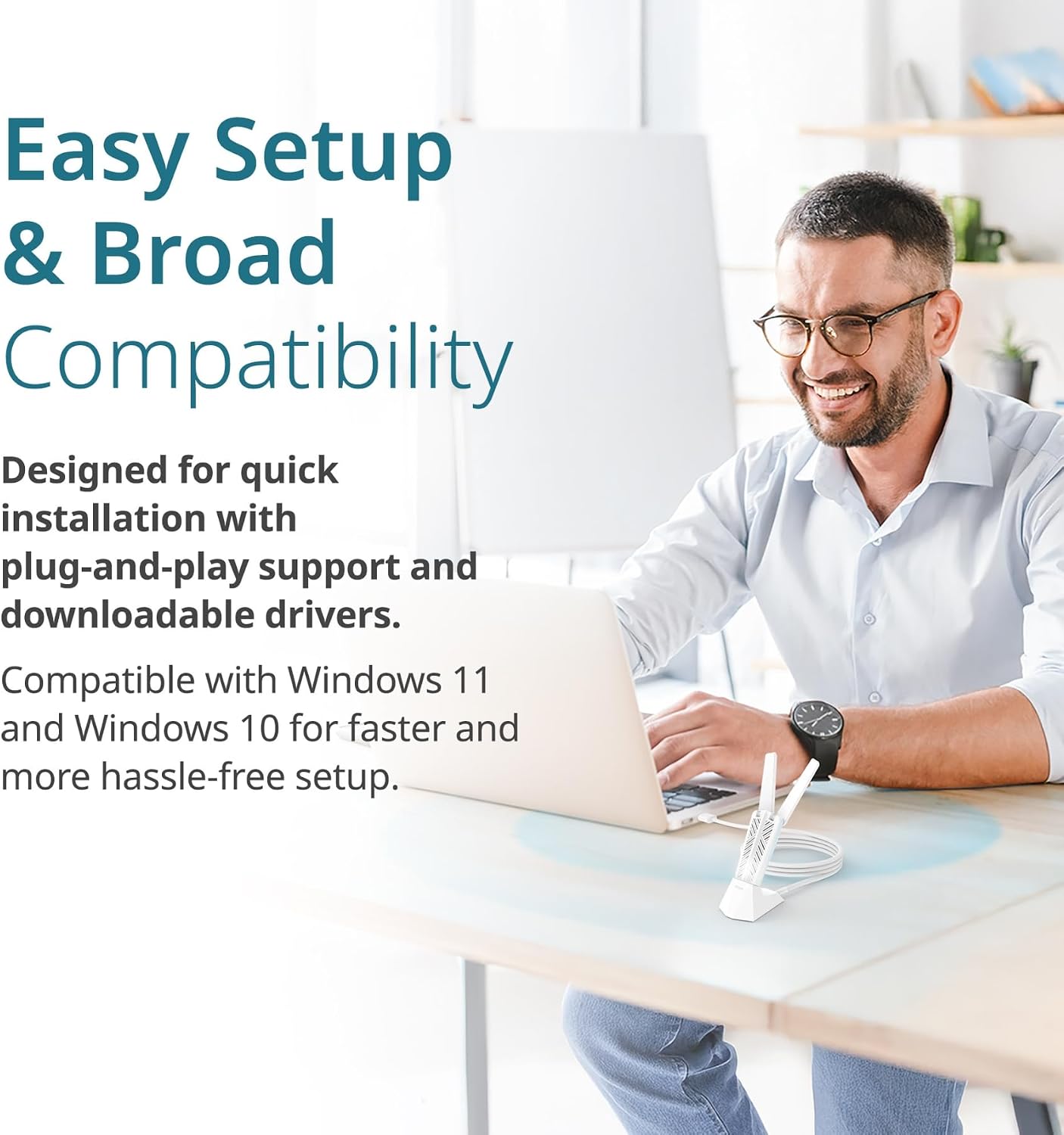
D-Link BE6500 Tri-Band Wi‑Fi 7 USB 3.0 Adapter (AE65U)
Reviews
Price
Product description
What it is
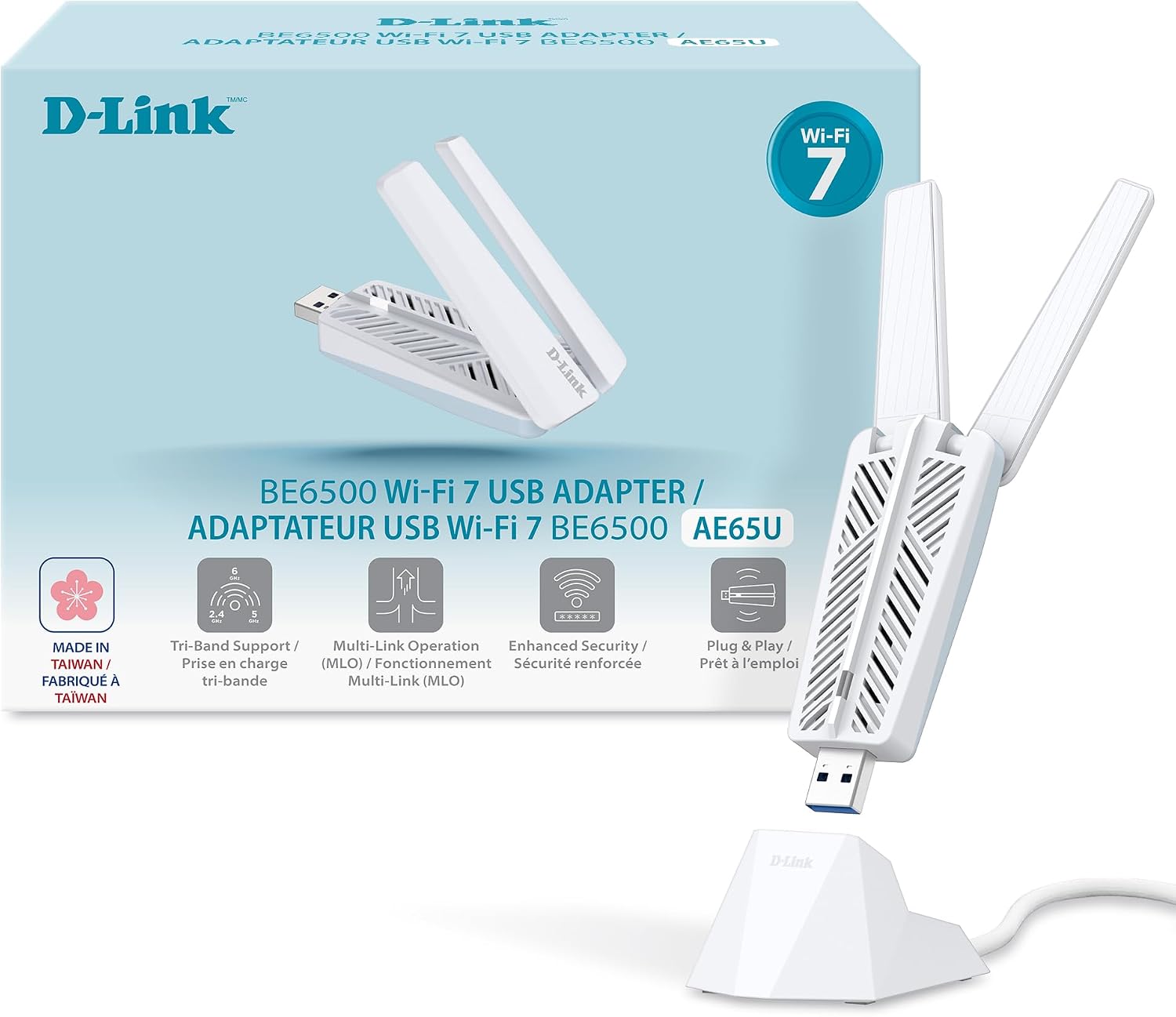
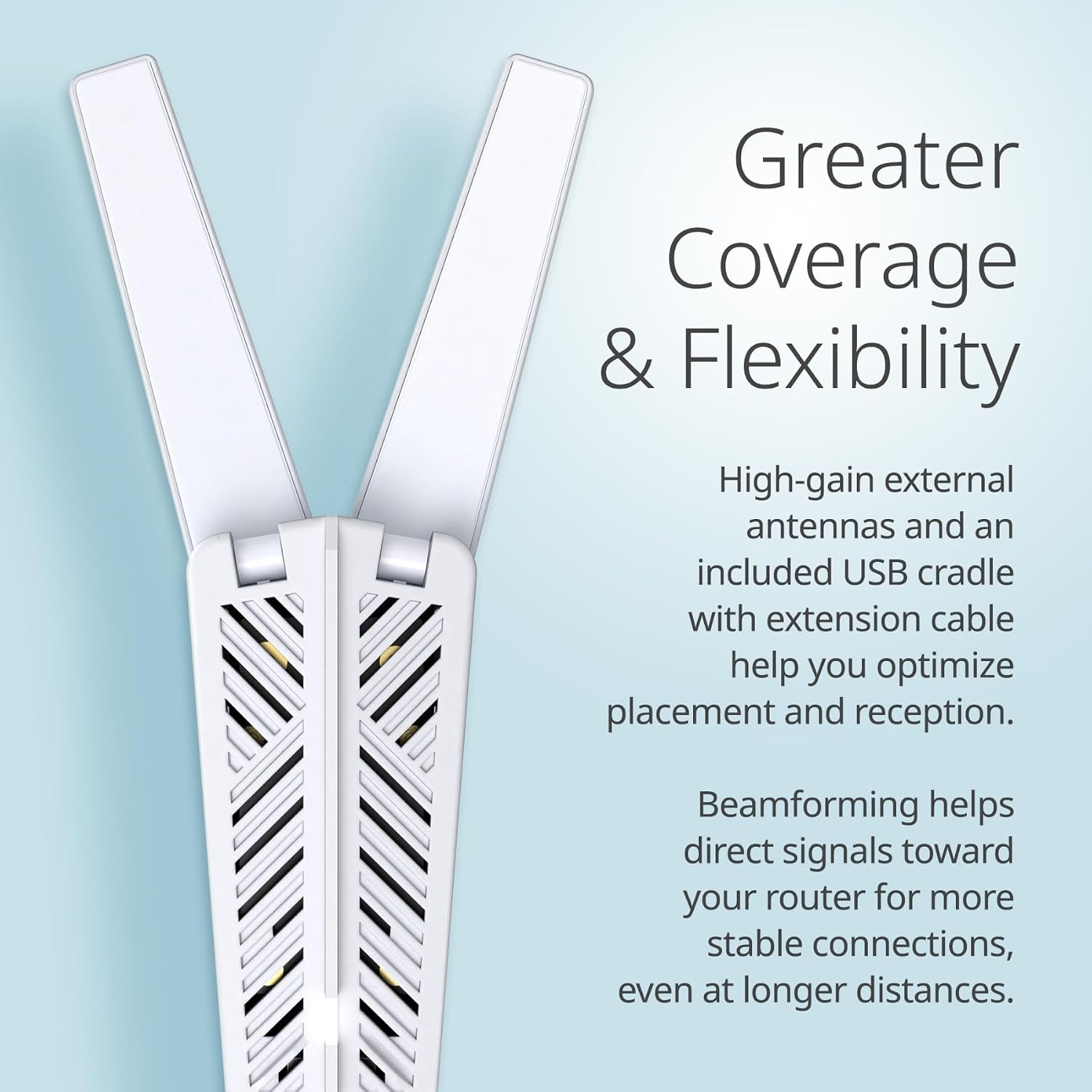
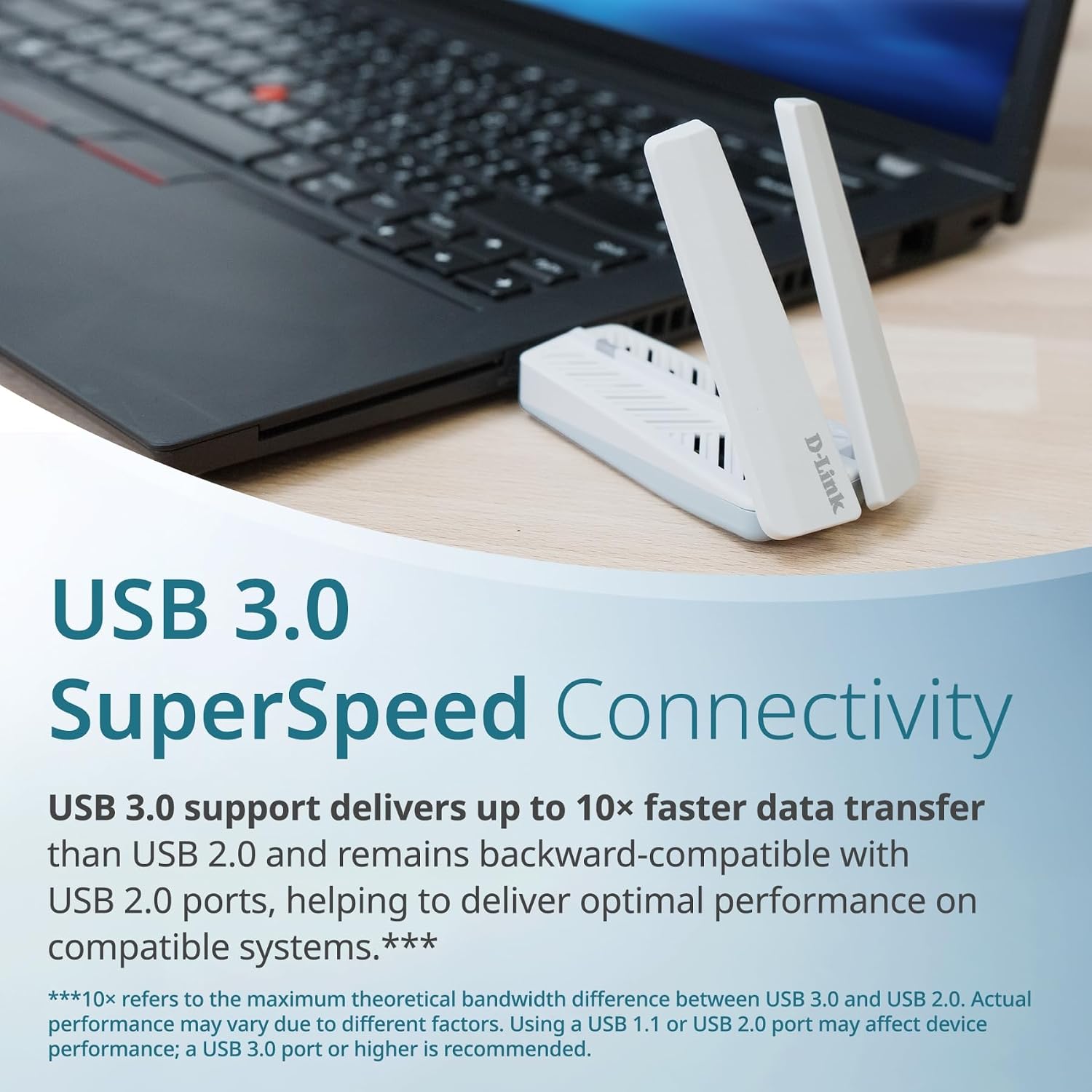
The D-Link BE6500 is a USB 3.0 wireless adapter designed to upgrade a desktop or laptop to Wi‑Fi 7. It supports tri‑band operation across 6 GHz, 5 GHz, and 2.4 GHz, with two high‑gain antennas and a detachable cradle for flexible placement. The device targets PCs that want faster throughput, lower latency, and better performance in busy networks when used with a compatible tri‑band Wi‑Fi 7 router.
How it performs on paper
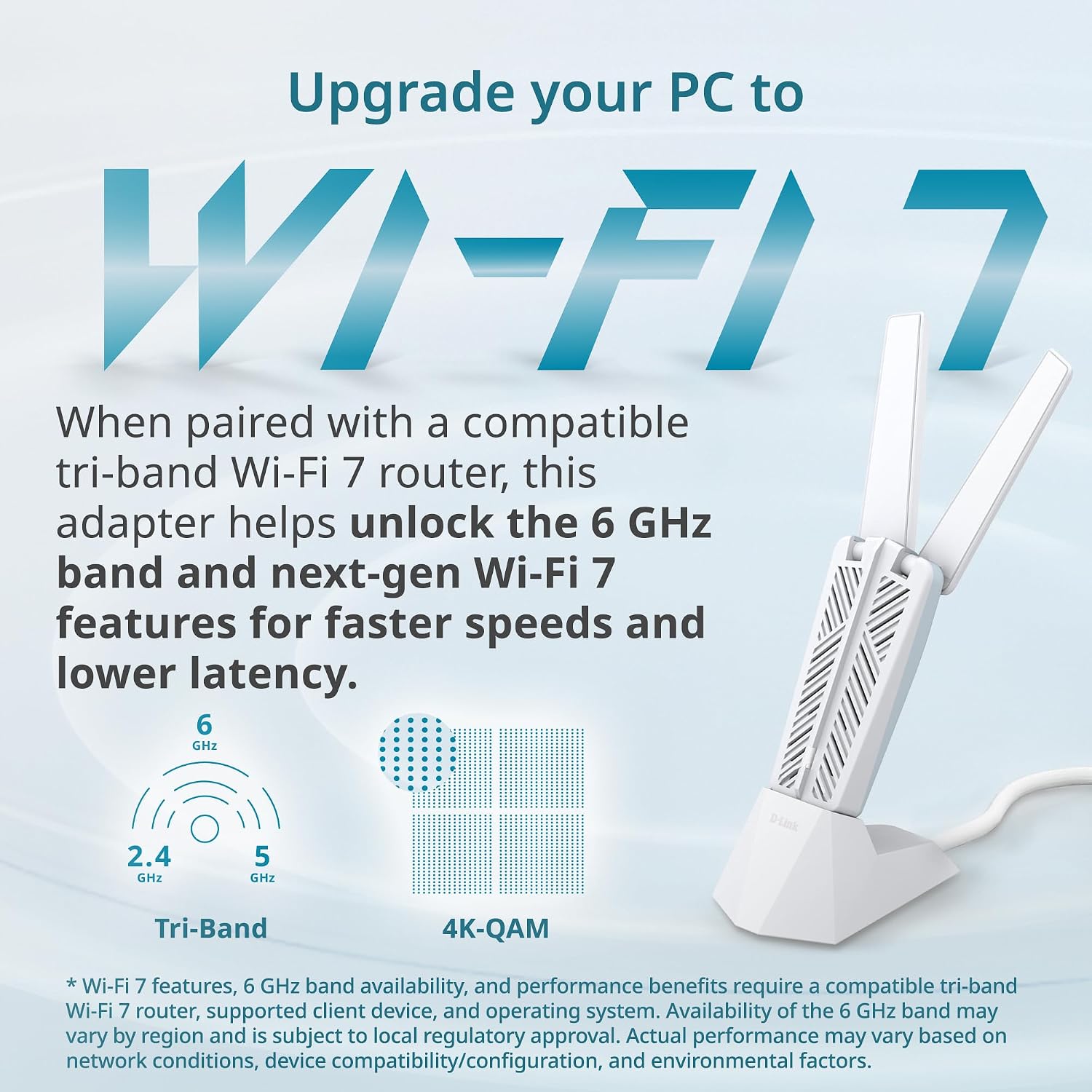
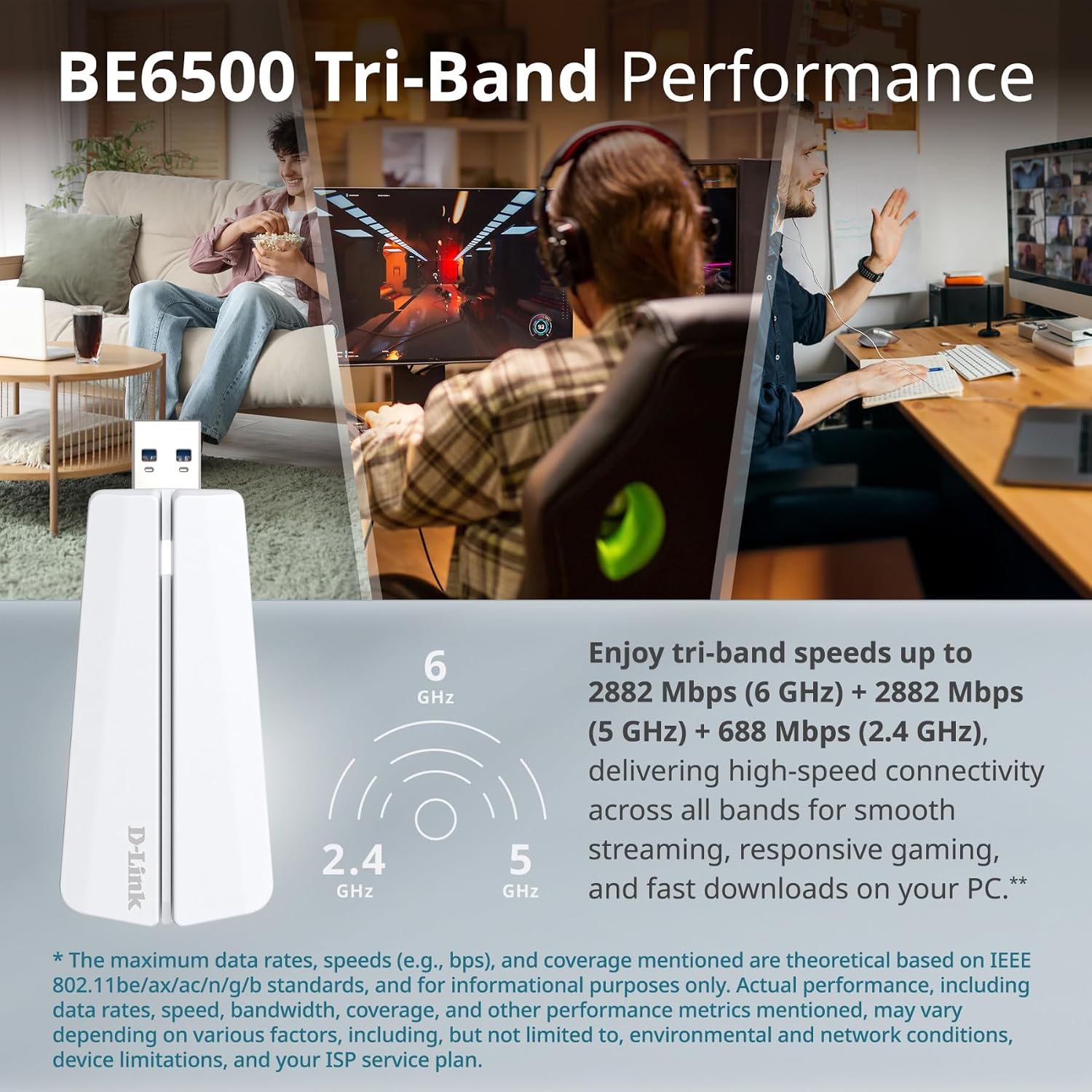
On paper, BE6500 promises tri‑band speeds up to 2882 Mbps on the 6 GHz and 5 GHz bands, plus 688 Mbps on the 2.4 GHz band. It leverages Wi‑Fi 7 features such as wider channels, OFDMA, MU‑MIMO, and Multi‑RU to improve efficiency in crowded environments. WPA3 enhances security, and USB 3.0 delivers faster data transfer than older USB interfaces. The inclusion of beamforming helps direct signals toward the router, which can translate to more stable connections at longer distances.
Who it’s for
If you’re a PC gamer, streamer, or heavy downloader who uses a capable Wi‑Fi 7 router, this adapter aims to reduce buffering, tighten latency, and provide steadier performance across multiple devices in a home network. It’s particularly appealing for setups where a desktop sits farther from the router or where a USB 3.0 port is readily available.
What stands out
- Tri‑band coverage (6 GHz, 5 GHz, 2.4 GHz) with a dedicated cradle for placement flexibility.
- USB 3.0 connectivity promises higher data transfer speeds and broad compatibility with Windows 11 and Windows 10.
- Enhanced security with WPA3 to help protect wireless connections and personal data.
- Beamforming and high‑gain antennas aim to improve reception and reliability at longer distances.
Limitations and caveats
- Real‑world speeds depend on router capabilities and network conditions, Wi‑Fi 7 benefits show most in compatible ecosystems.
- The claims presume a tri‑band Wi‑Fi 7 router and an environment where multiple bands can be used effectively, if your setup is not leveraging 6 GHz, you may not see peak figures.
- Like many USB adapters, performance can vary with USB port power and system configuration.

What to check before buying
- Do you have a Wi‑Fi 7 router that supports 6 GHz and tri‑band operation? The BE6500’s advantages depend on this pairing.
- Is your PC near a USB 3.0 port? This helps align with its best‑case throughput.
- Are your security needs aligned with WPA3? This adapter supports the latest standard, which is a plus for many users.
- Does your use case include long‑distance or multi‑device streaming? The high‑gain antennas and cradle are meant to help in those scenarios.
How it compares in practice
For users who want to push beyond standard AC/AX adapters, this BE6500 targets those who can take advantage of Wi‑Fi 7 features. If your router or environment doesn’t leverage 6 GHz or wider channels, the benefits may align more with general improvements in efficiency rather than dramatic speed gains. If you prefer a simple upgrade with guaranteed performance on existing networks, a dual‑band or single‑band USB adapter could be a more predictable choice.
Practical use example
Imagine gaming on a desktop that's several rooms away from the router. With the BE6500 plugged into a USB 3.0 port and the cradle positioned near a window line‑of‑sight to the router, you might notice steadier frame rates and fewer hiccups during intense multiplayer sessions, thanks to improved band steering and beamforming. In a streaming scenario, the 6 GHz and 5 GHz bands can help keep 4K content smooth even when others are online.
Final verdict
Final verdict: Worth considering if you already have or plan to adopt Wi‑Fi 7 in a tri‑band setup and you want to upgrade a desktop or laptop with a flexible, USB 3.0 card. It’s Solid for users who prioritize load balancing and stability in busy networks, but it may overdeliver only when paired with compatible routers and suitable in‑home conditions.
FAQ
- What kind of devices is this compatible with? It’s designed for Windows 11 and Windows 10 PCs.
- Do I need a Wi‑Fi 7 router to see benefits? Benefits are most pronounced with a tri‑band Wi‑Fi 7 router and compatible network conditions.
- Is it easy to install? It supports plug‑and‑play setup with downloadable drivers, though setup time can vary by system configuration.