

TIGKTING HKXY-US-SW345-Deep Blue KVM Switch for 4 Computers, 3 Monitors
Reviews
Price
Product description
HDMI 2.1 and DisplayPort 1.4 connections let this KVM switch route up to four computers to a three-monitor setup, so you can select which computer to use without rearranging your desk cables.
Four USB 3.0 ports also let connected peripherals, such as a keyboard, mouse, printer, or flash drive, serve the selected computer. The switch supports transfer rates up to 5Gbps and is backward compatible with USB 2.0 and 1.1.
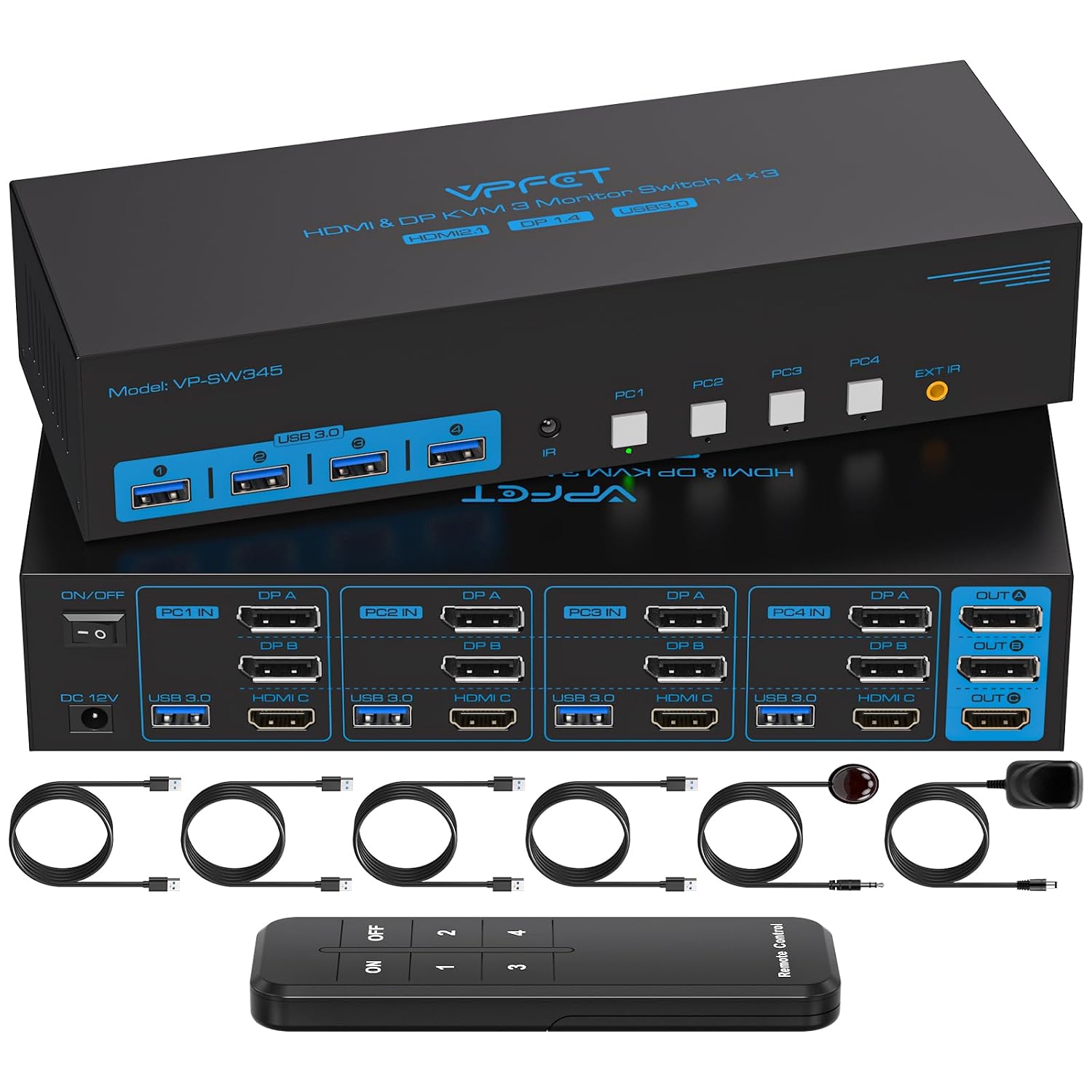
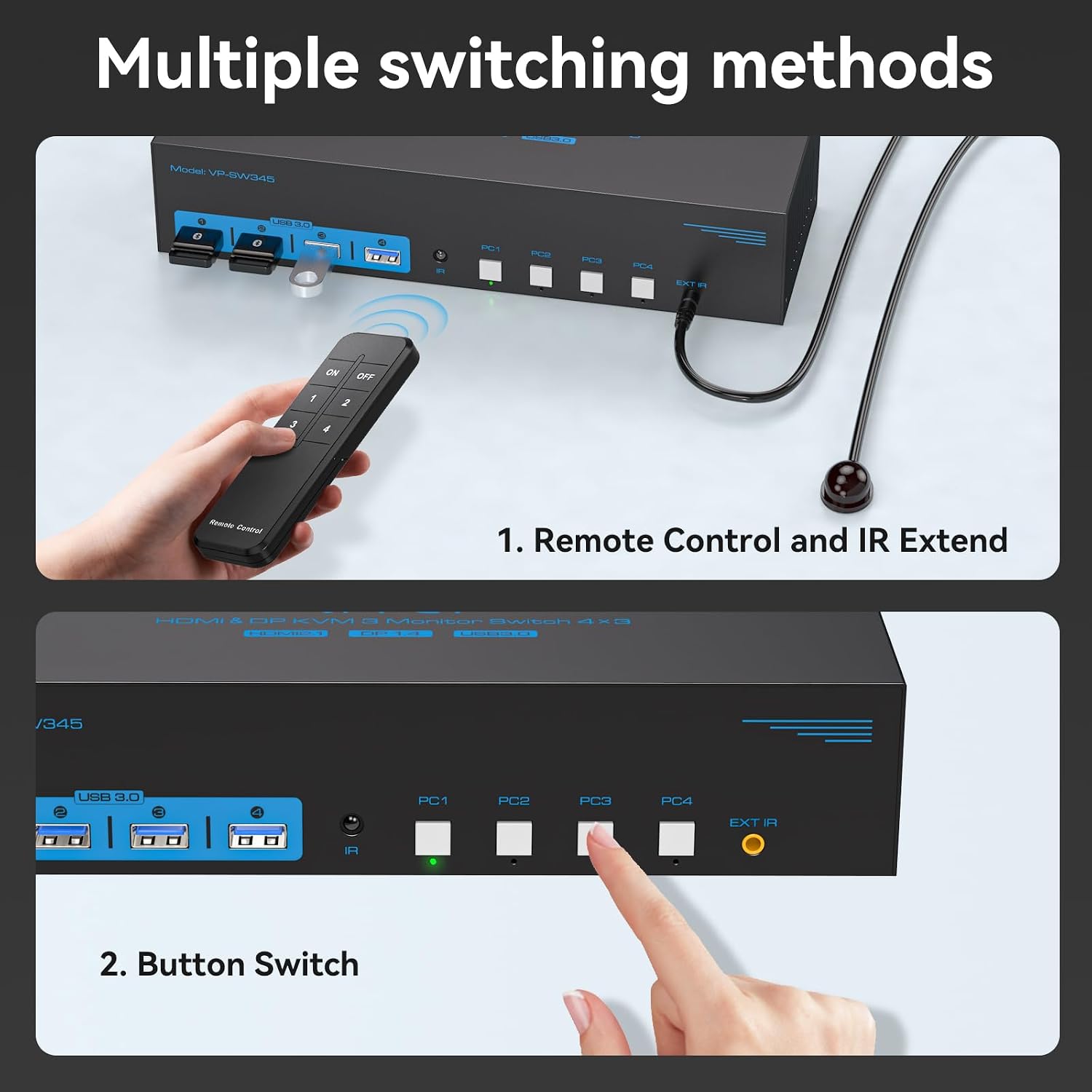
Use the four buttons on the switch or the controller to change computers. That gives you a direct way to switch at the desk, with the option to place the switch out of sight when using the controller.
Key takeaways
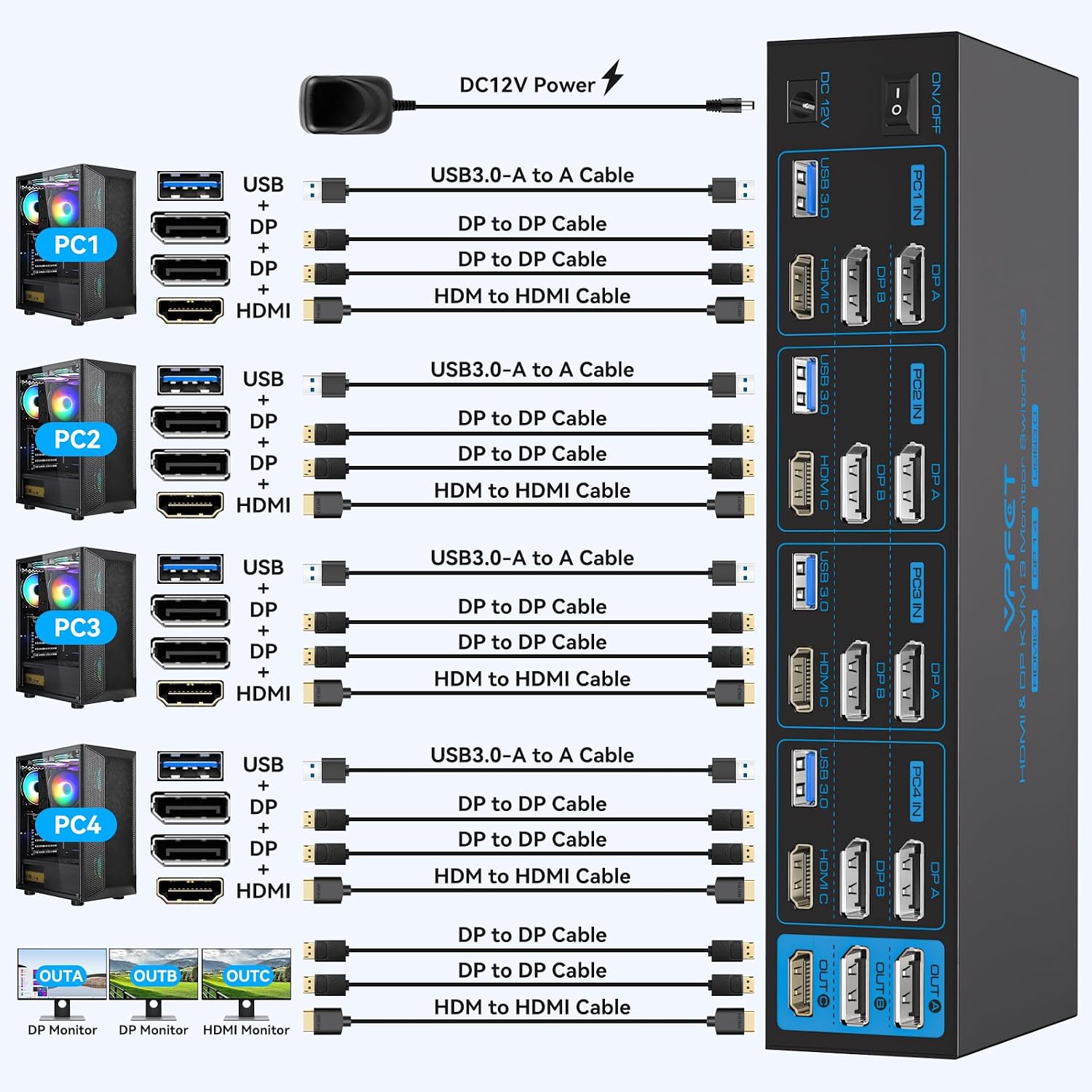
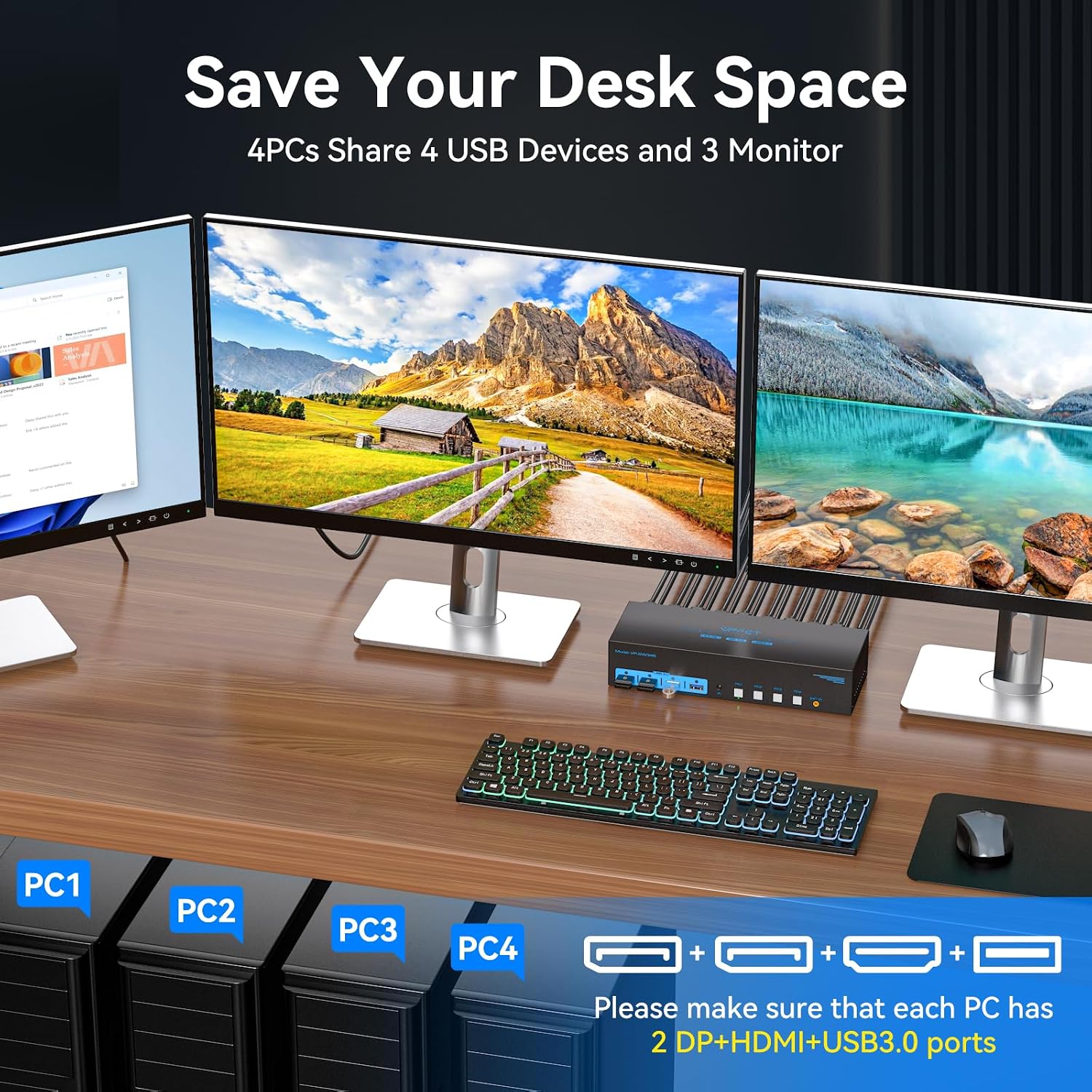
The TIGKTING KVM switch is designed for a workstation with four computers and three monitors. Each computer needs two DisplayPort outputs and one HDMI output for the video connections. The switch supports extended and copy display modes, making it suitable for setups that use multiple screens for different windows or mirror an image across displays.
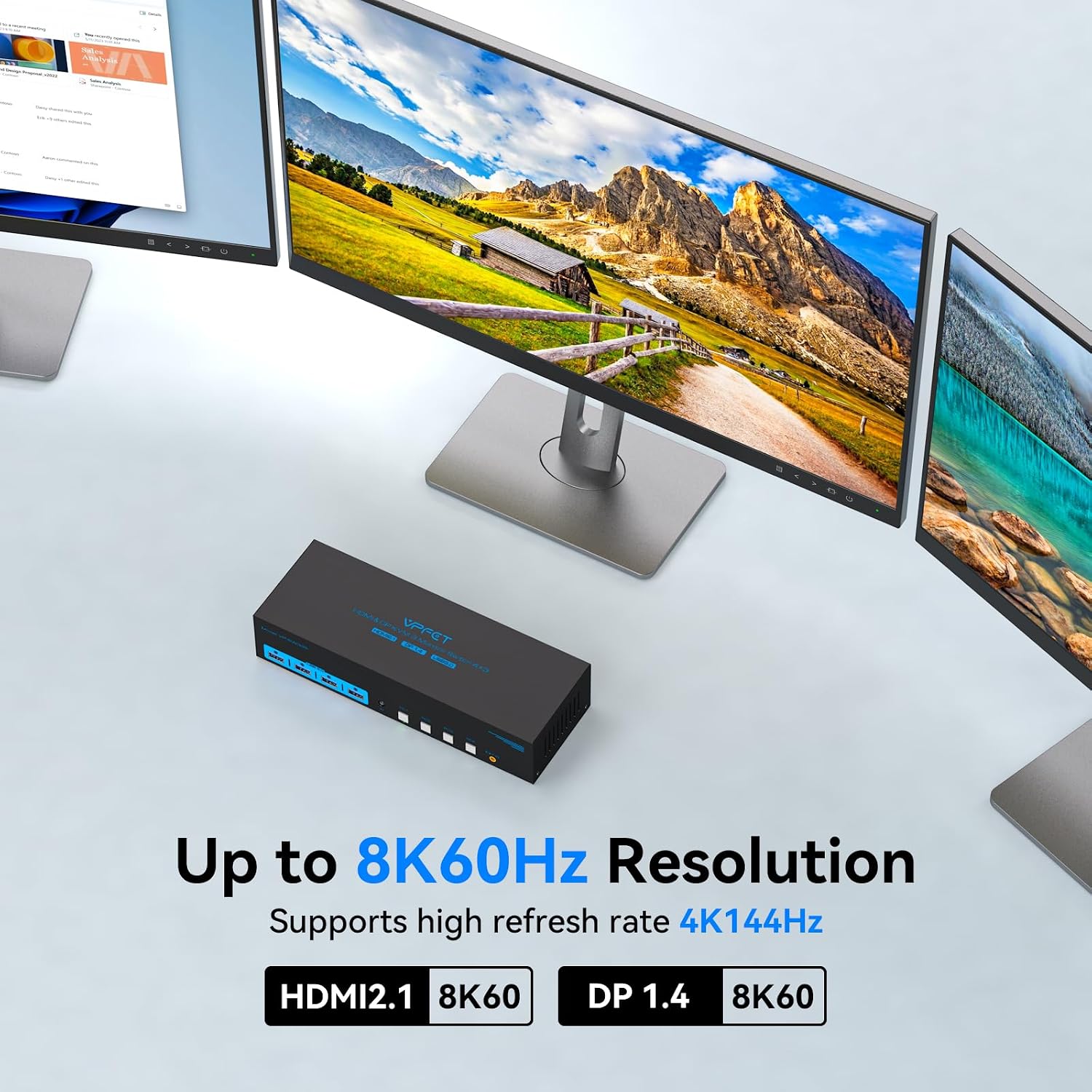
For video, it supports resolutions up to 8K at 60Hz and is backward compatible with 4K at 144Hz, 4K at 120Hz, and 1080p at 240Hz. These specifications give you options for both high-resolution viewing and high-refresh-rate displays. For a steadier connection, the manufacturer recommends quality DP 1.4 and HDMI 2.1 cables no longer than 3.3 feet.
Tips for day-to-day use
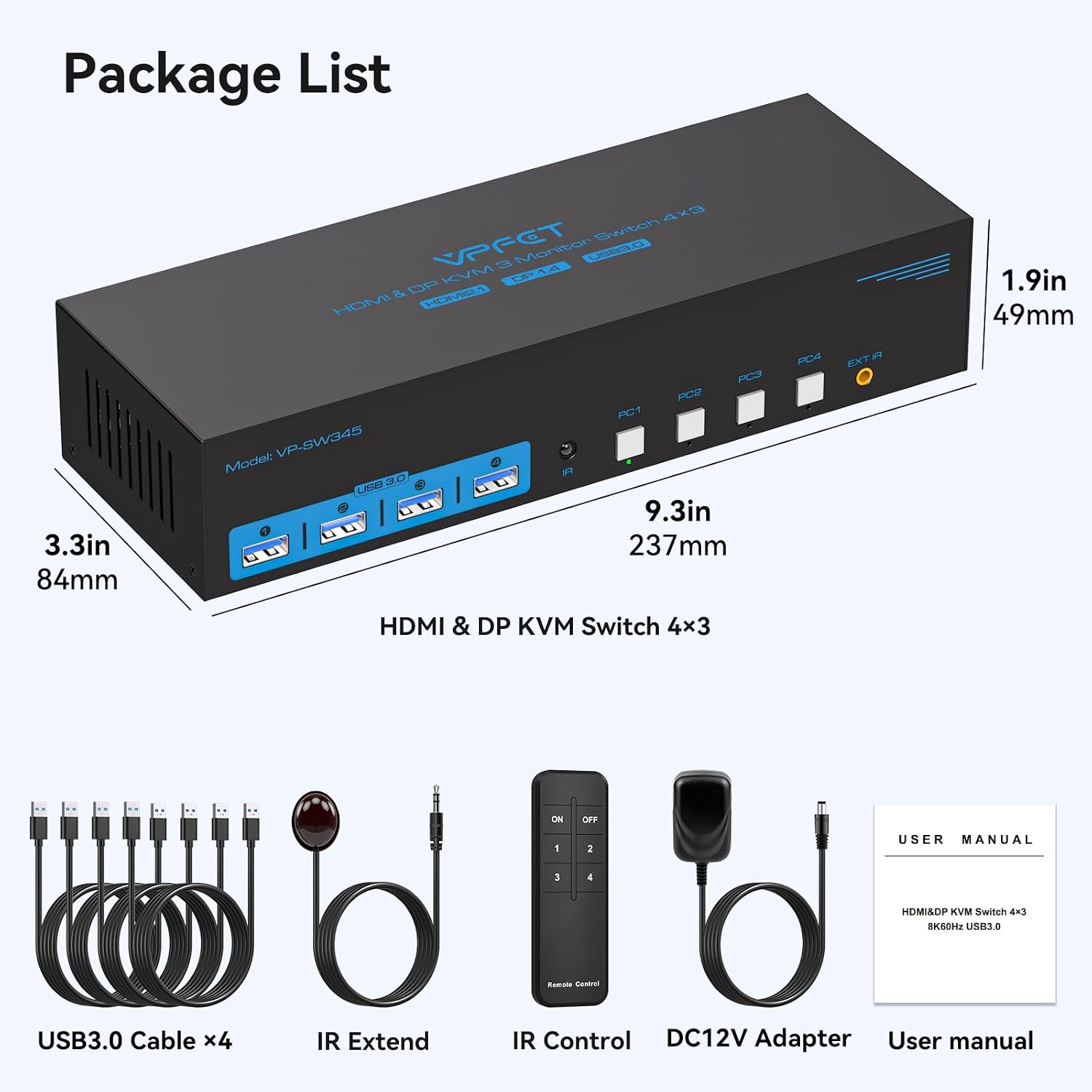
Connect each computer to the switch with the required two DisplayPort cables and one HDMI cable, then connect each computer to the KVM’s USB input with a USB 3.0 cable. The USB connection is necessary for the shared keyboard, mouse, and other USB accessories to be recognized by the selected computer. Four USB 3.0 cables are listed among the included components.
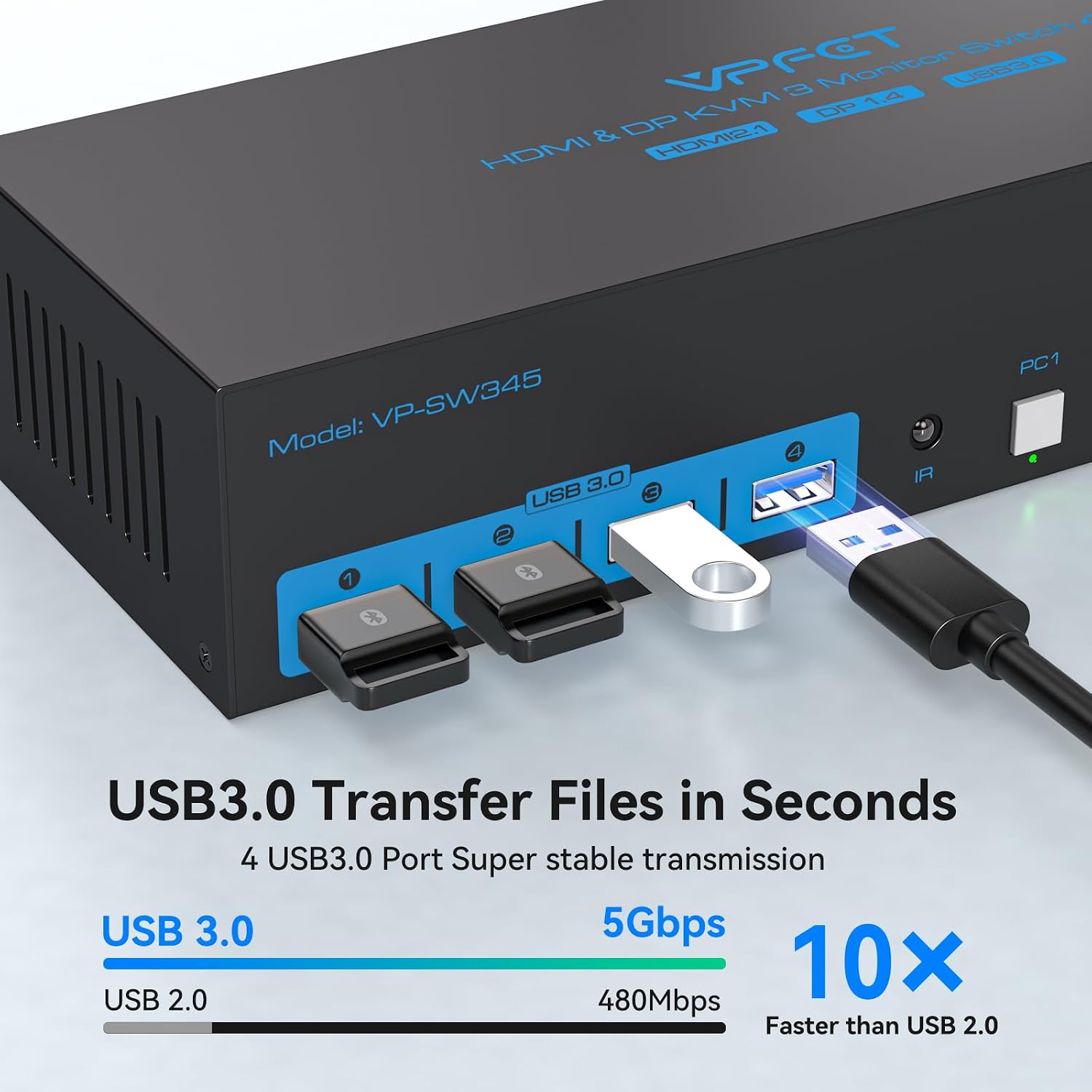
When you move between computers, use the matching button on the switch or the controller. The buttons provide a direct way to select a computer, while controller-based switching can help keep the main switch off the work surface. The metal housing measures 9.33 x 3.3 x 1.93 inches and has a deep blue finish.
Everyday use
This setup is useful when several computers need access to the same monitors and USB accessories, such as a desk shared between work and personal systems. Instead of managing a separate set of peripherals for every computer, you can connect them through one KVM and select the system in use. Its support for Windows, XP, macOS, and Linux also gives it practical reach across different computer environments.
For people choosing between a single-computer dock and a multi-computer switching setup, this model is built around sharing three displays and four USB devices across four computers. The connected computers must have the required HDMI and DisplayPort outputs, so matching those ports is an important part of planning the setup.
What to clarify
What video connections does each computer need? Each computer must provide two DisplayPort outputs and one HDMI output. The switch uses these connections to support the three-monitor arrangement.
How can I change the active computer? Select one of the four computers using the corresponding button on the switch, or use the controller for switching from a more convenient position.
Can the USB ports share a keyboard and other accessories? Yes. The four USB 3.0 ports can connect devices such as a keyboard, mouse, printer, scanner, or USB flash drive. Connect each computer to the KVM with a USB 3.0 cable so its peripherals are recognized.
Final verdict
For a multi-computer desk that depends on three displays and shared USB accessories, the TIGKTING KVM brings video and peripheral switching into one setup. Its four-computer capacity, direct button controls, controller switching, and support for high-resolution display modes make it a practical fit for keeping several compatible systems ready at the same workstation.