

TJCXELE Dp-kvm-1port DisplayPort KVM Switch for 2 PCs, 2 Monitors, 4K@144Hz
Reviews
Price
Product description
Key points
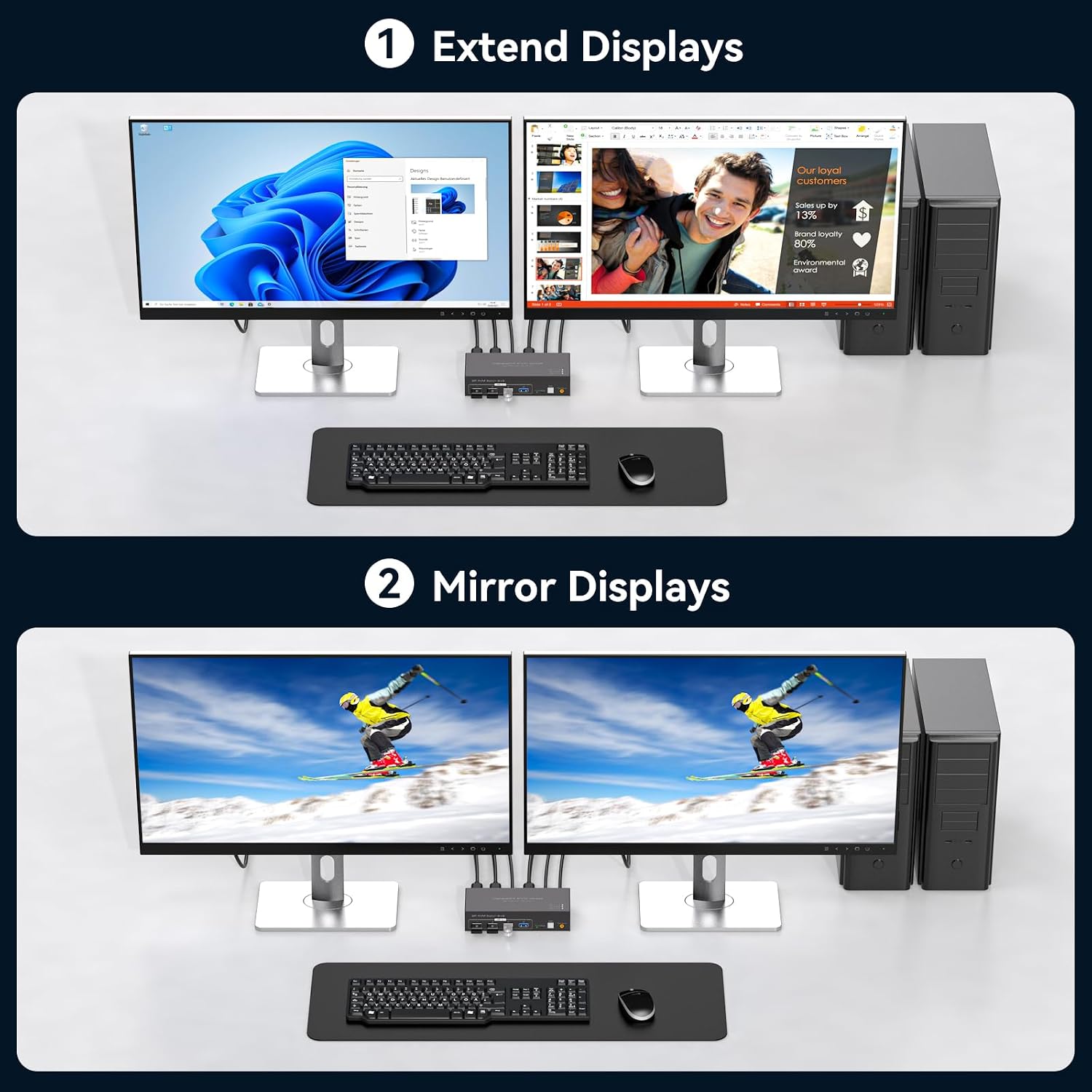
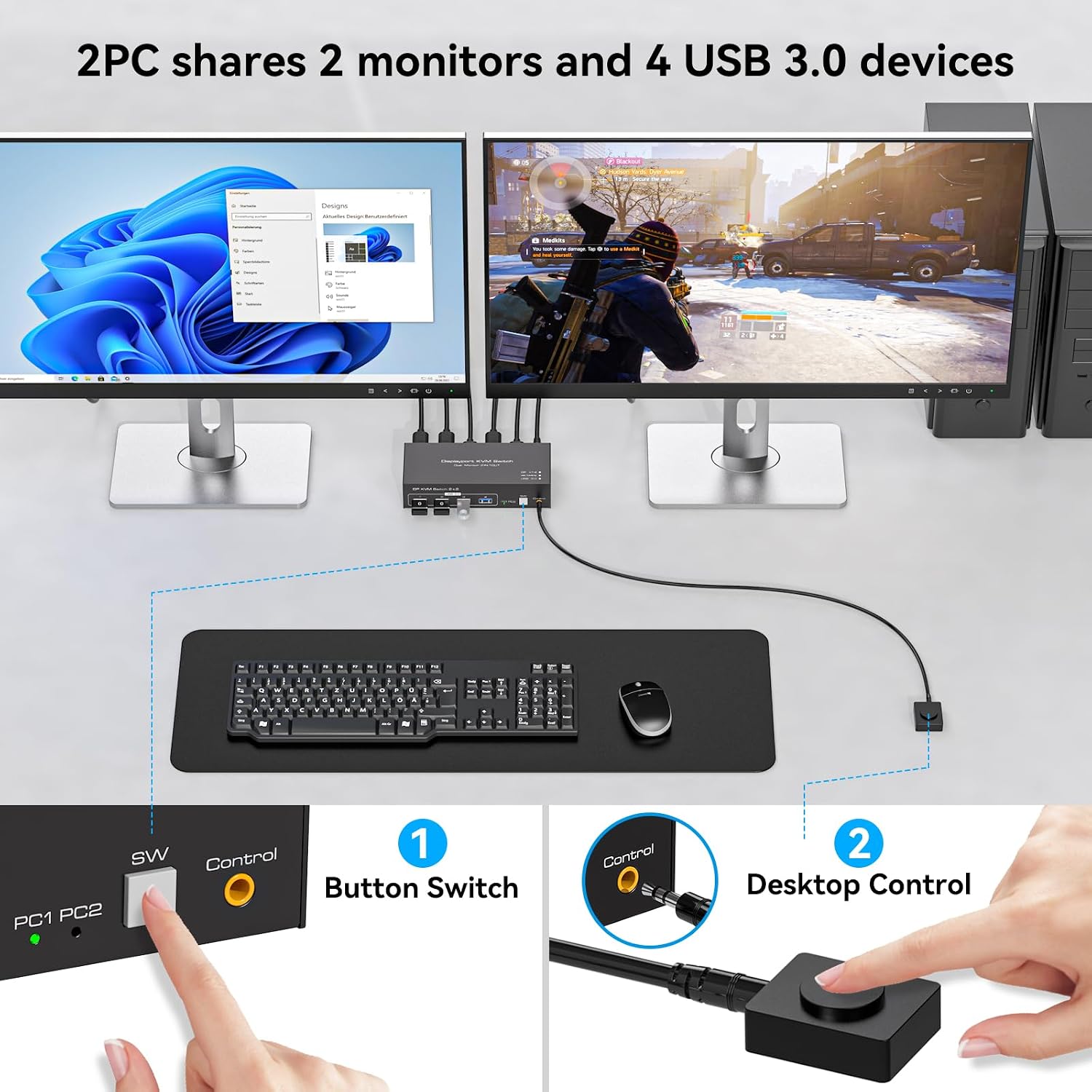
Switch between two computers at a shared desk while keeping two DisplayPort monitors and up to four USB devices connected to the KVM. Extended and copy display modes let you choose how the screens are used, while the shared USB ports can serve devices such as a keyboard, mouse, or printer.
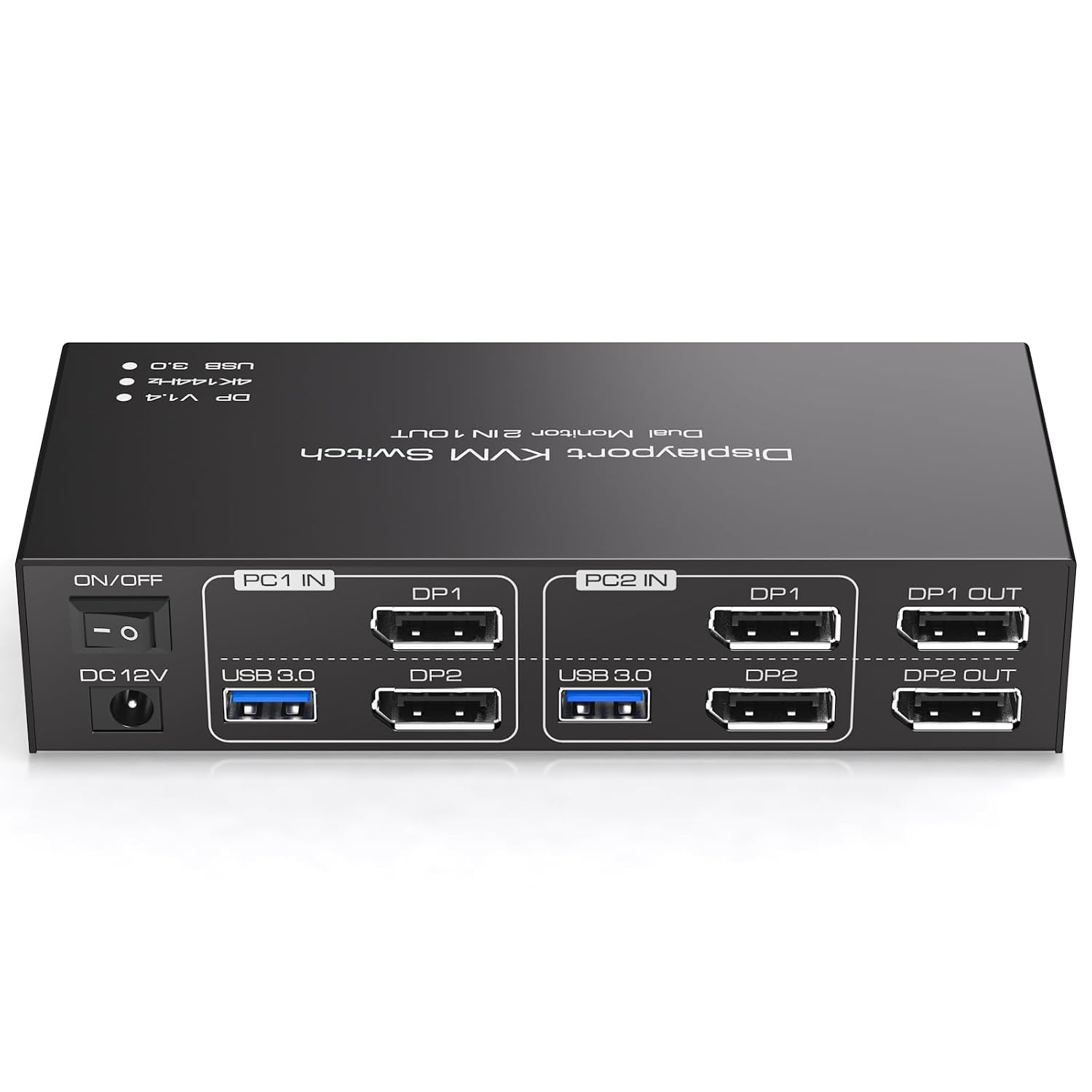
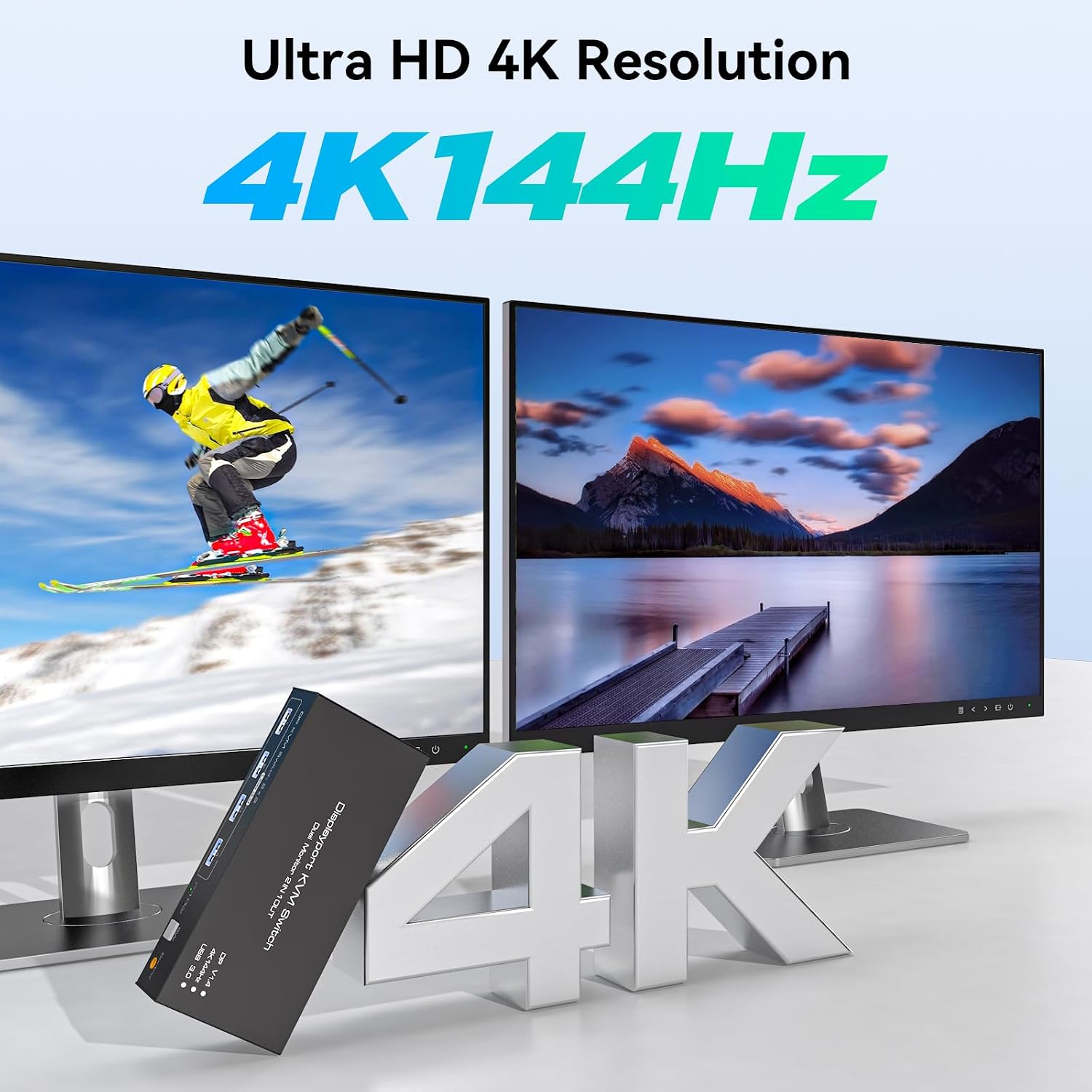
Support for resolutions up to 4K@144Hz makes this a fit for a high-resolution DisplayPort setup. The final resolution depends on the graphics card, monitors, cables, and adapters, so each part of the video chain needs to support the mode you want to use.
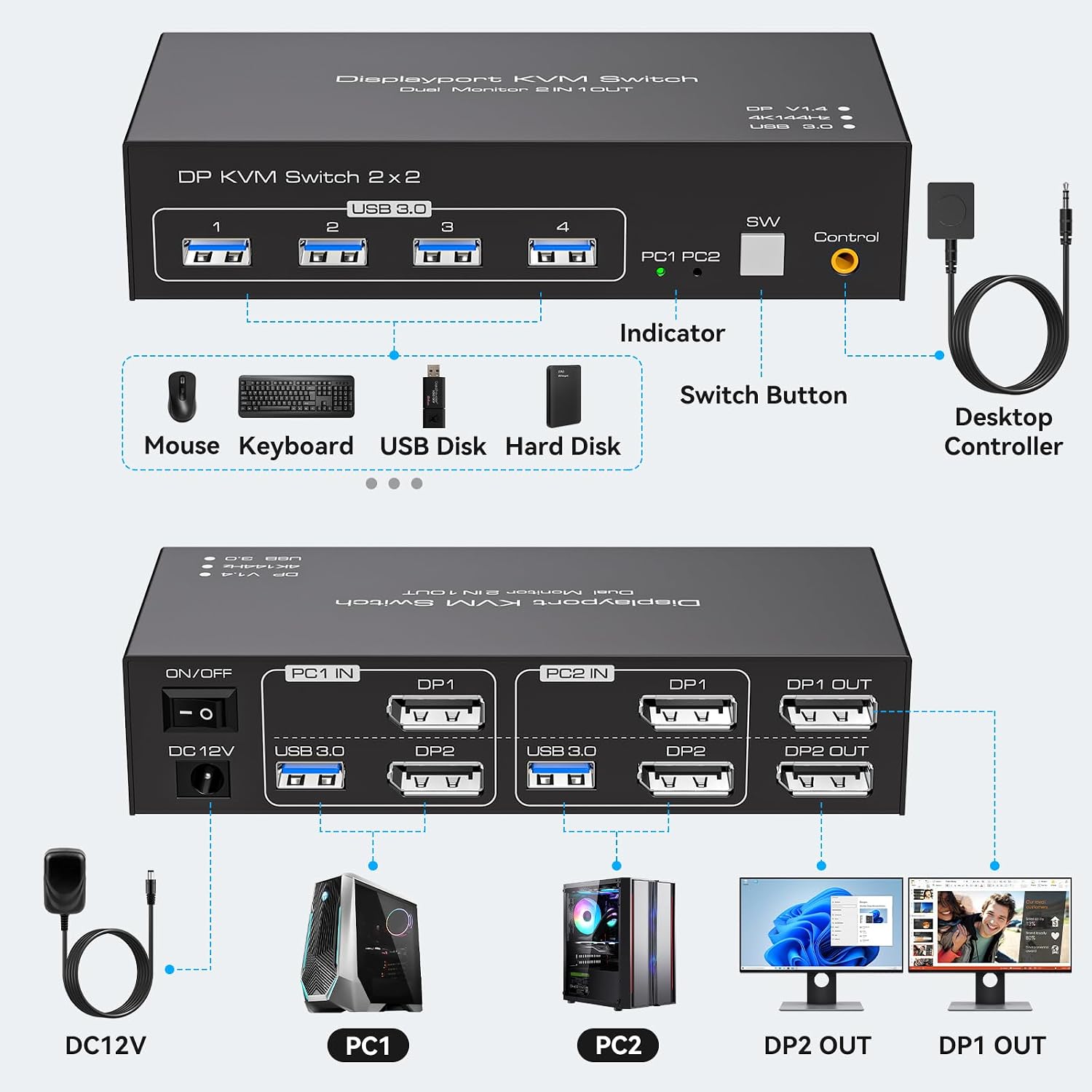
A practical alternative to moving monitor and accessory cables between computers, this switch selects a source using either its panel button or the wired desktop controller. The controller can sit where it is convenient to reach, while the main switch stays out of the way.
How to use it
Connect both DisplayPort inputs for each computer to the switch, then connect that computer by USB for access to the shared USB devices. Each computer needs two DisplayPort ports and must support multiple monitors. Connect the monitors and USB peripherals to the switch, then use the panel button or desktop controller to select the computer you want to use.
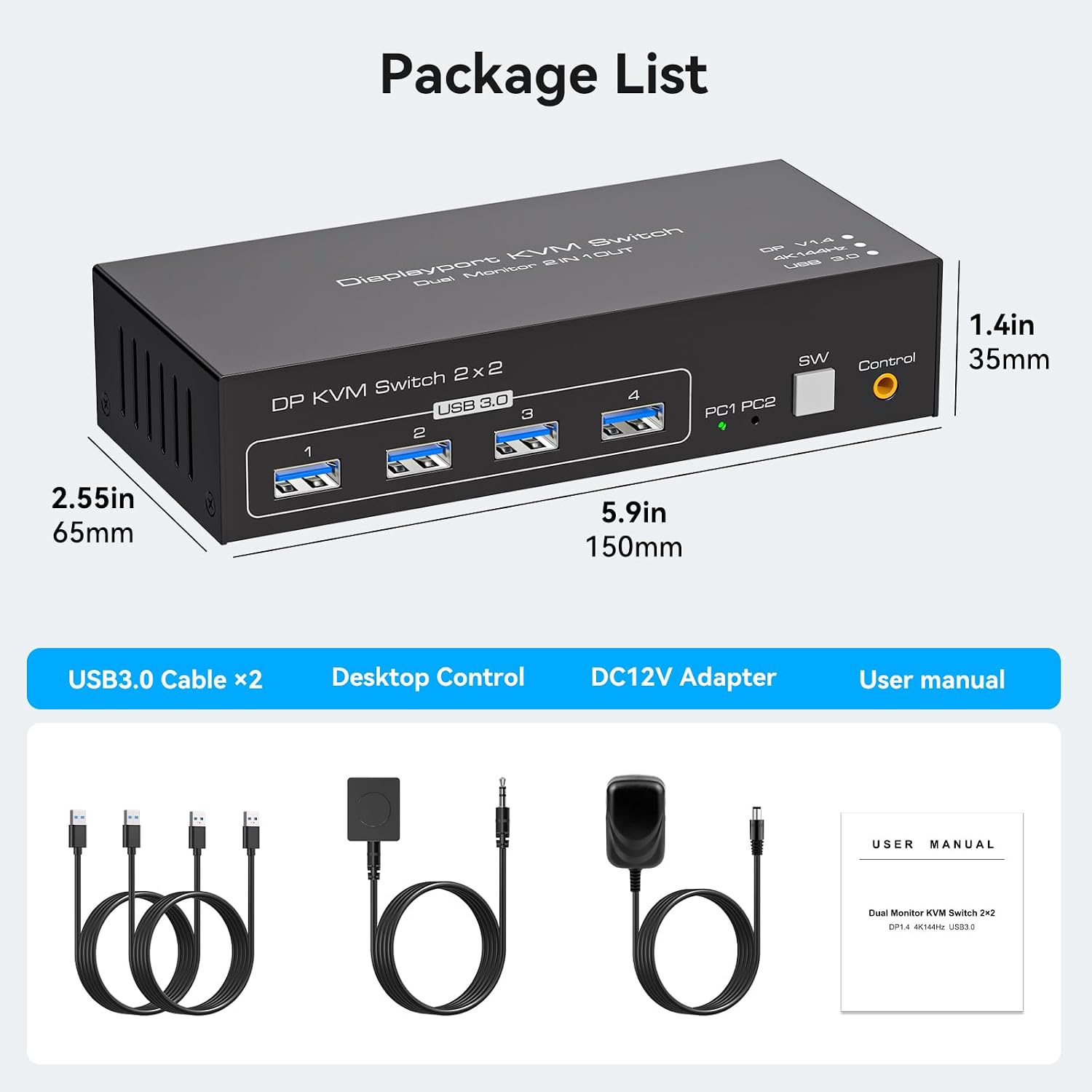
The package includes the KVM switch, two USB-A 3.0 cables, a desktop controller, a DC power adapter, and a user manual. DisplayPort cables are not included, so plan to use suitable cables for the computers and monitors. The switch is backward compatible with DisplayPort 1.2.
Practical tips
For a dual-monitor workstation, set the computer’s display mode to extended when you want separate content on each screen, or copy when you want the same image on both. Make sure both DP connections from a computer go to that same computer, this is necessary for the dual-display arrangement.
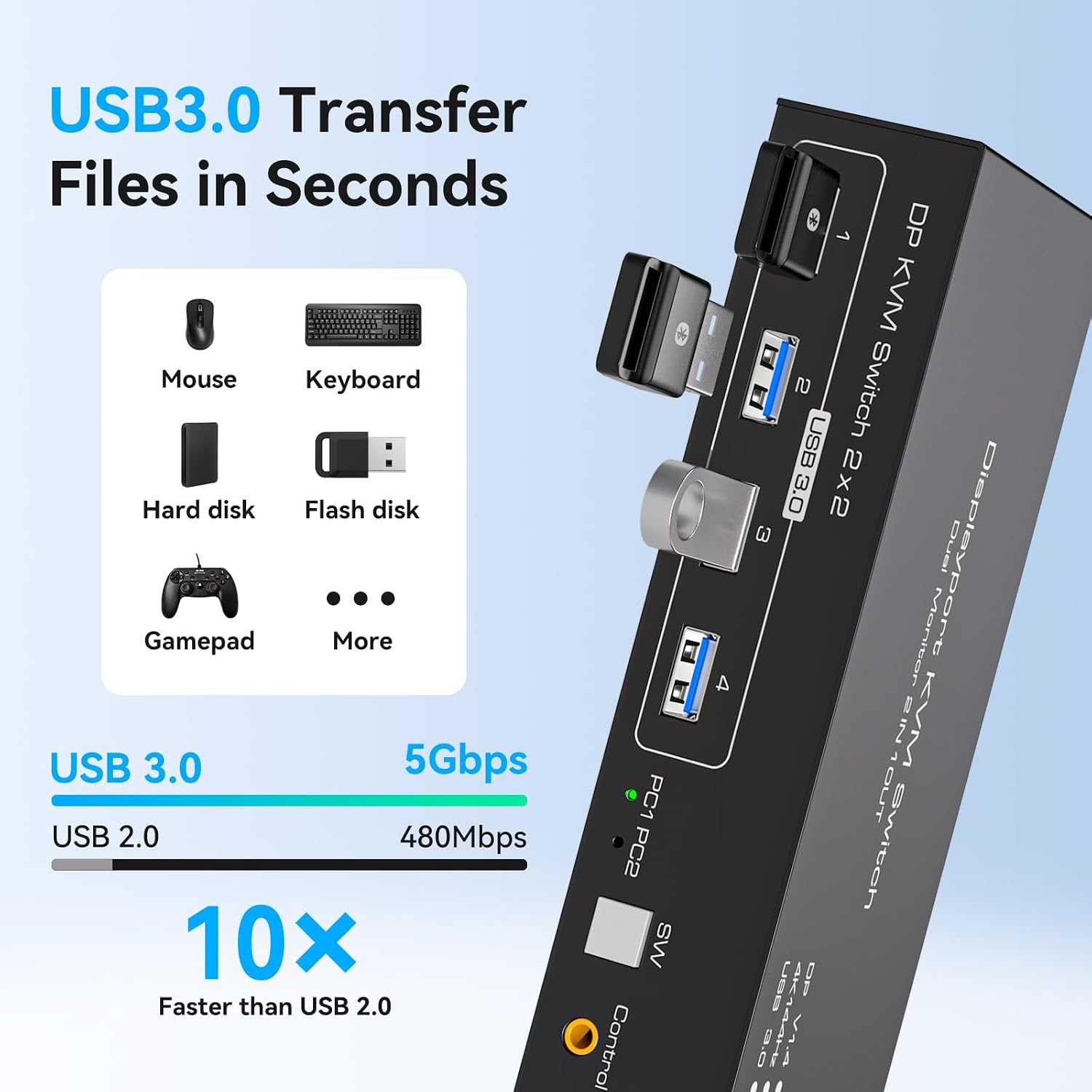
The four USB 3.0 ports support data transfer rates up to 5Gbps and can be used for compatible USB peripherals. Connect the computer-side USB cables to the correct input ports so the connected devices can be recognized. If you are building around 4K@144Hz, check that the graphics card, monitors, and DisplayPort cables support that resolution and refresh rate.
Practical questions
Can it share two monitors between two computers? Yes. It switches between two computers and lets them share two DisplayPort monitors and four USB devices. Each computer needs two DisplayPort ports and support for multiple monitors.
What is needed to connect each computer? Each computer uses two DisplayPort connections and a USB connection to the KVM. The package includes two USB-A 3.0 cables, DisplayPort cables are separate.
How can I switch between computers? Use the button on the switch or the wired desktop controller. The two switching options provide a physical way to change the selected computer, keyboard hotkey switching is not supported. The manufacturer also states that the USB and DisplayPort switching functions can be used independently.
Should you buy it?
Choose this KVM if your desk setup uses two DisplayPort computers, two monitors, and shared USB accessories, and you want to switch between the computers without reconnecting those devices. Its extended or copy display modes, four USB 3.0 ports, and reachable wired controller make it especially suited to a multi-computer workstation where both screens and everyday peripherals need to be shared.