

ProtoArc XK04 Foldable Bluetooth Keyboard for Phones and Tablets, Black
Reviews
Price
Product description
What matters most
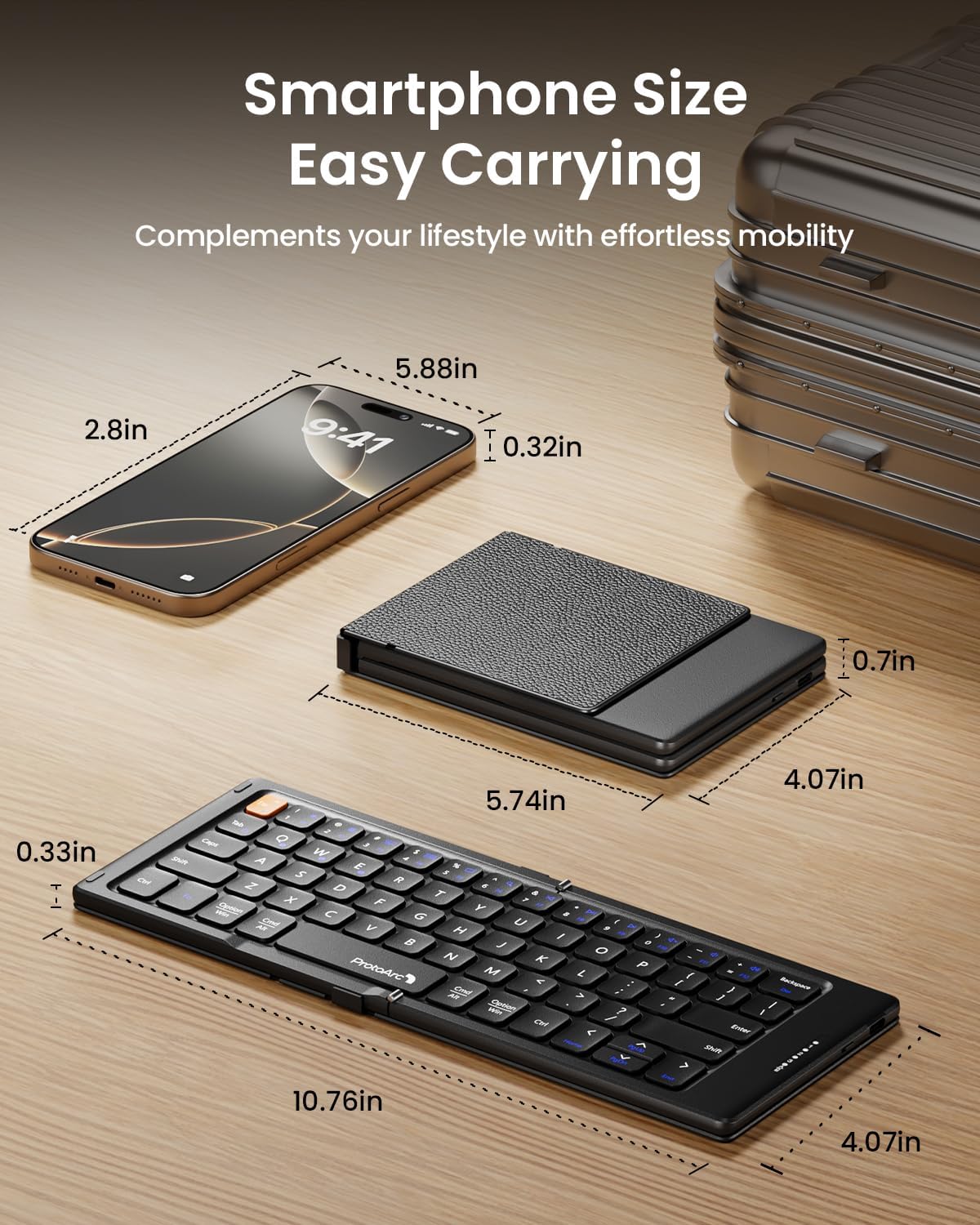
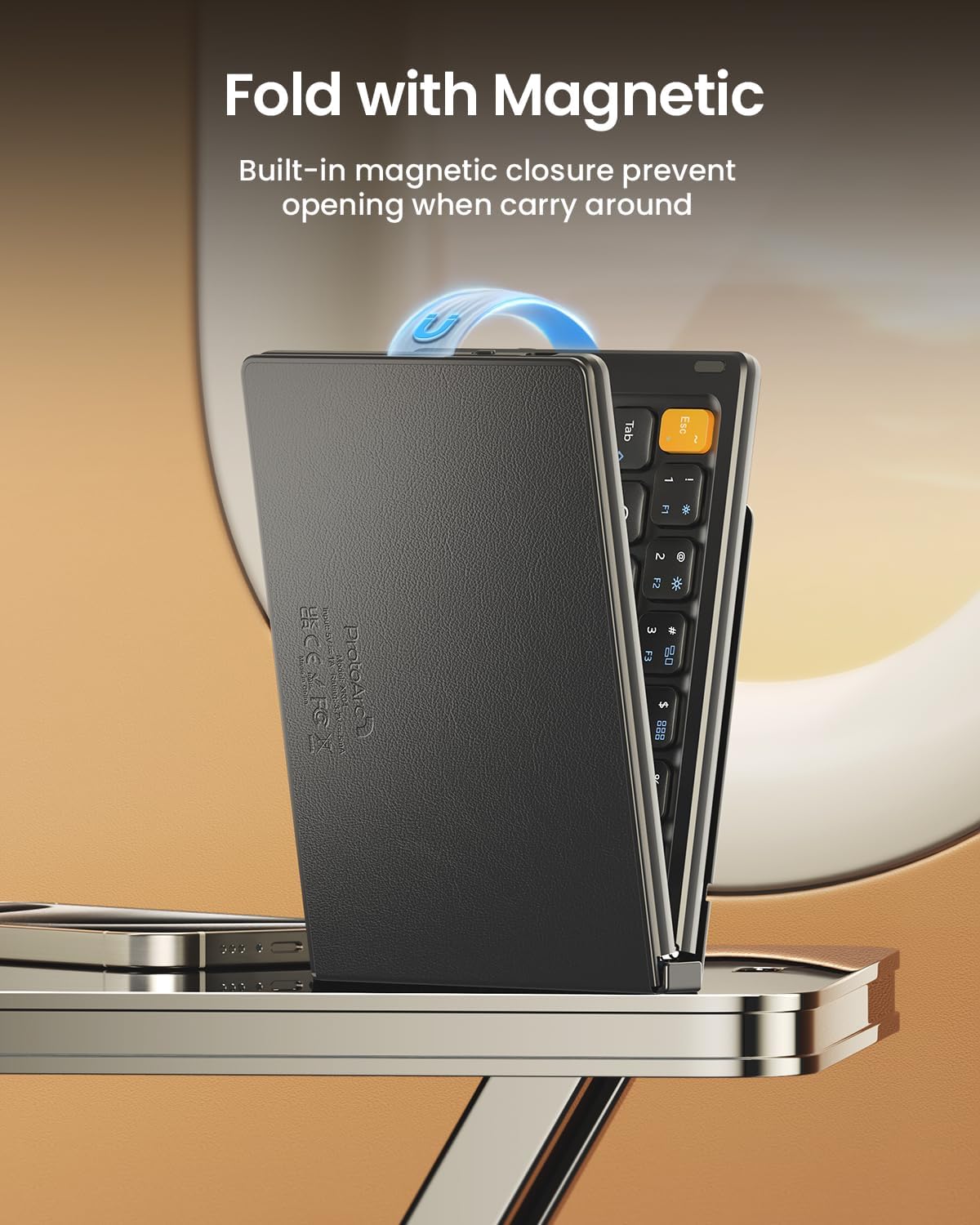
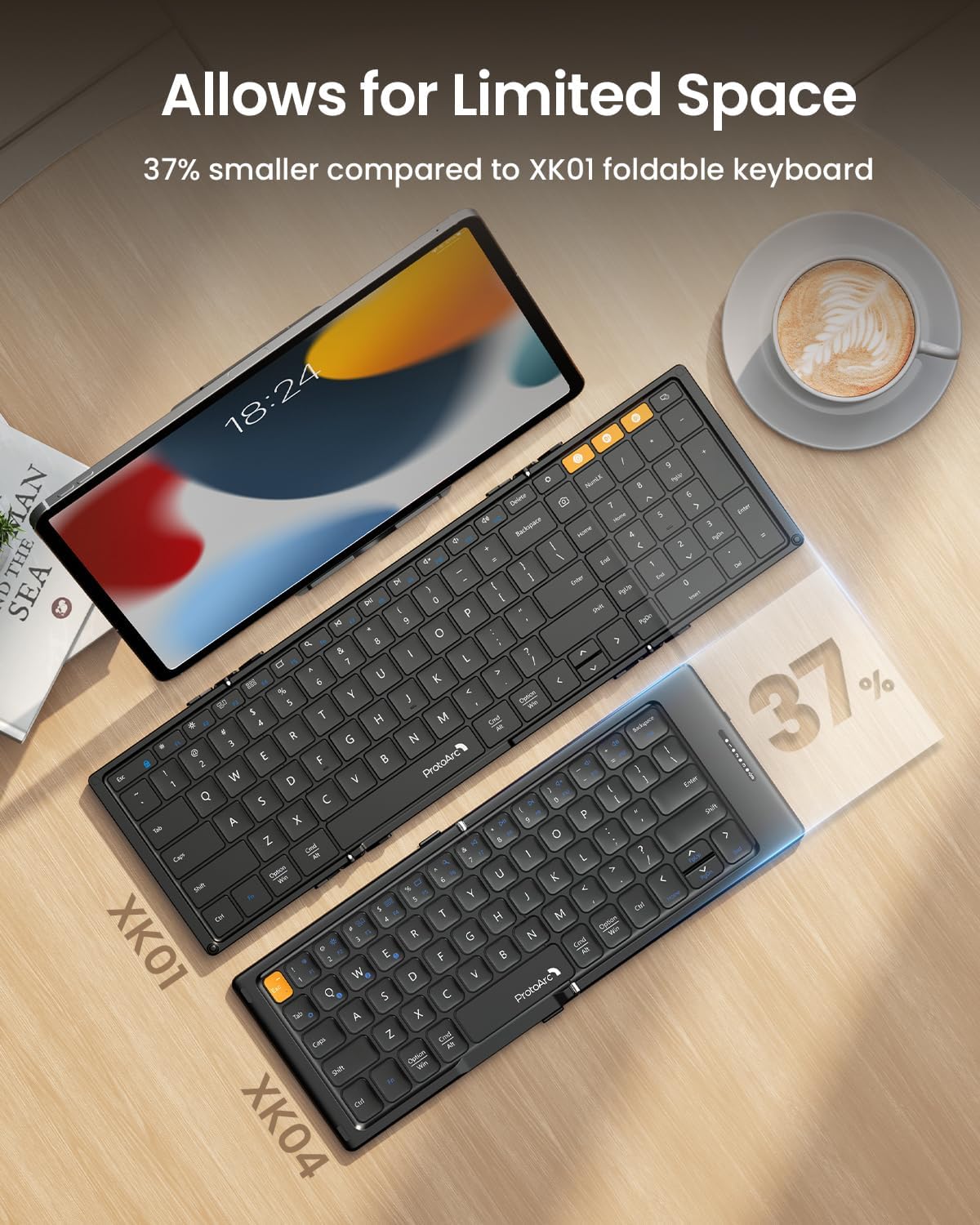
At 10.75 x 4 inches unfolded, the ProtoArc XK04 gives phones and tablets a compact physical keyboard for typing away from a full desk. Its foldable design closes into a pocket-sized form, and the integrated PU leather cover helps protect the keyboard from scratches while it travels in a bag or briefcase.
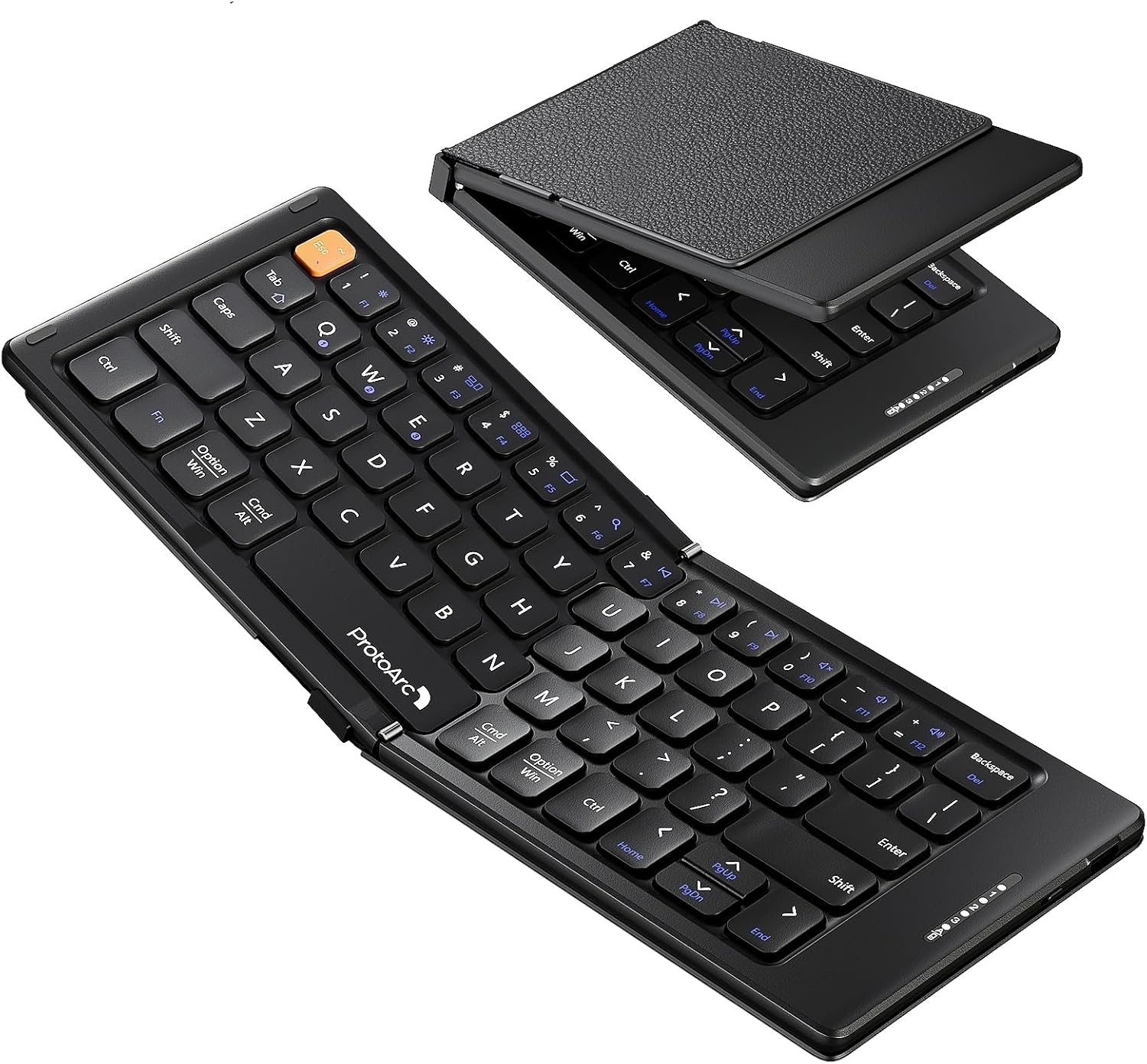
Bluetooth connects the XK04 to up to three devices at once. Use the dedicated Fn+Q, Fn+W, and Fn+E keys to select a device channel, so moving between a phone, tablet, and another paired device does not require reconnecting each time. The keyboard is USB-C rechargeable, and a USB-C cable is included.
Buyers often appreciate the compact format, foldability, and ability to connect with multiple devices. They also describe the keys as comfortable to use despite the smaller layout. What if your workspace is a café table or an airplane tray? The folding design and compact footprint help make those settings workable for quick messages, notes, and other mobile typing.
Who it’s for
The XK04 is designed for people who want to type on a phone or tablet without carrying a full-size keyboard. It suits you if you move between devices during the day, travel with a small setup, or need a keyboard that can be stored neatly when not in use. Its QWERTY layout offers a familiar arrangement for everyday writing.
Compared with a standard full-size keyboard, this model prioritizes portability and a smaller footprint over a traditional desk setup. That makes it a practical fit for travel and limited work surfaces, while a full-size keyboard may better suit a permanent workspace or extended typing sessions. The compatible device categories include smartphones, tablets, and laptops, connection is via Bluetooth.
Usage tips
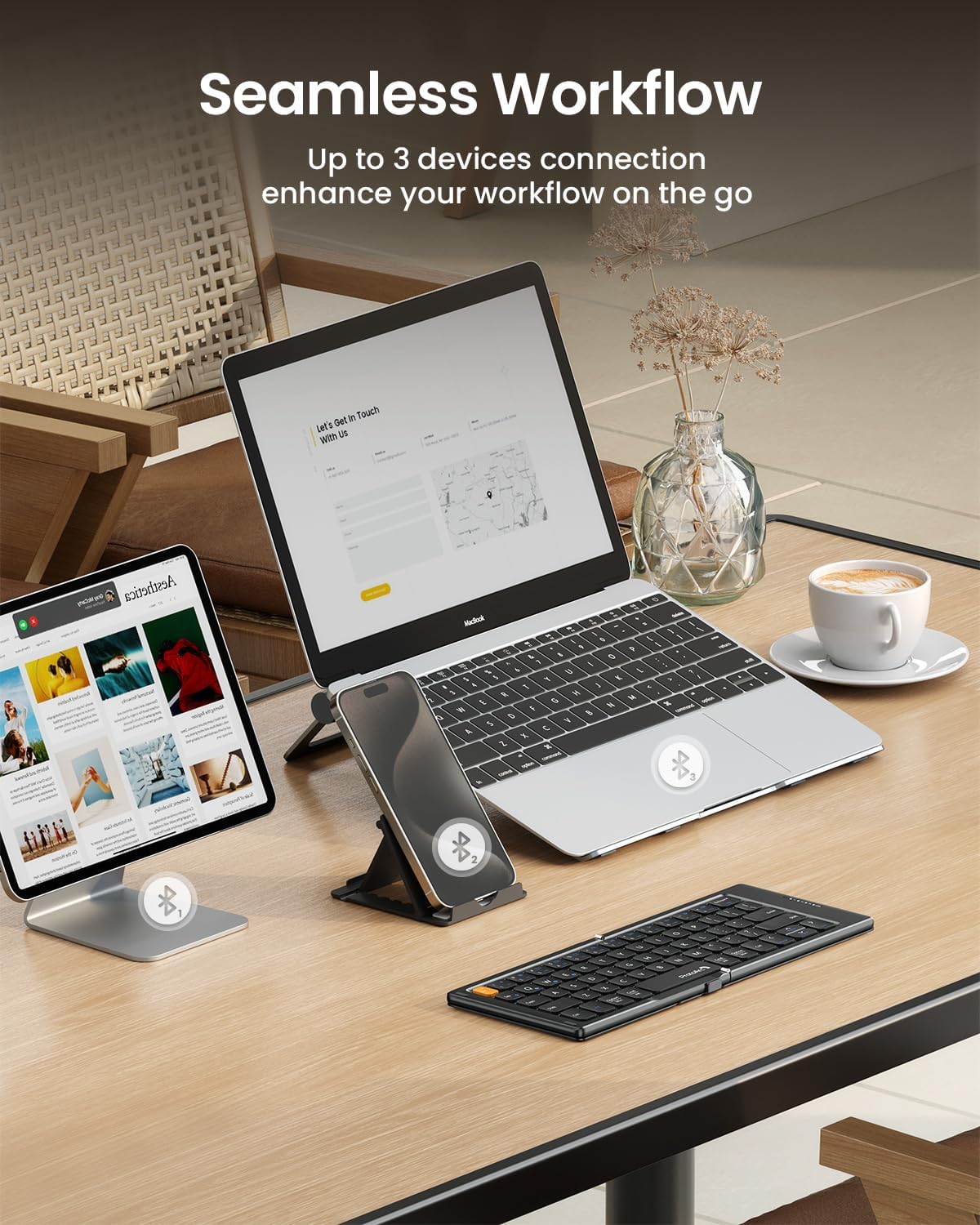
Unfold the keyboard and turn on its power switch before pairing. Choose a channel with Fn+Q, Fn+W, or Fn+E, then press and hold that same key combination to enter pairing mode. Select “ProtoArc XK04” from the device’s Bluetooth menu. After pairing, a short press of the corresponding channel keys switches between connected devices.
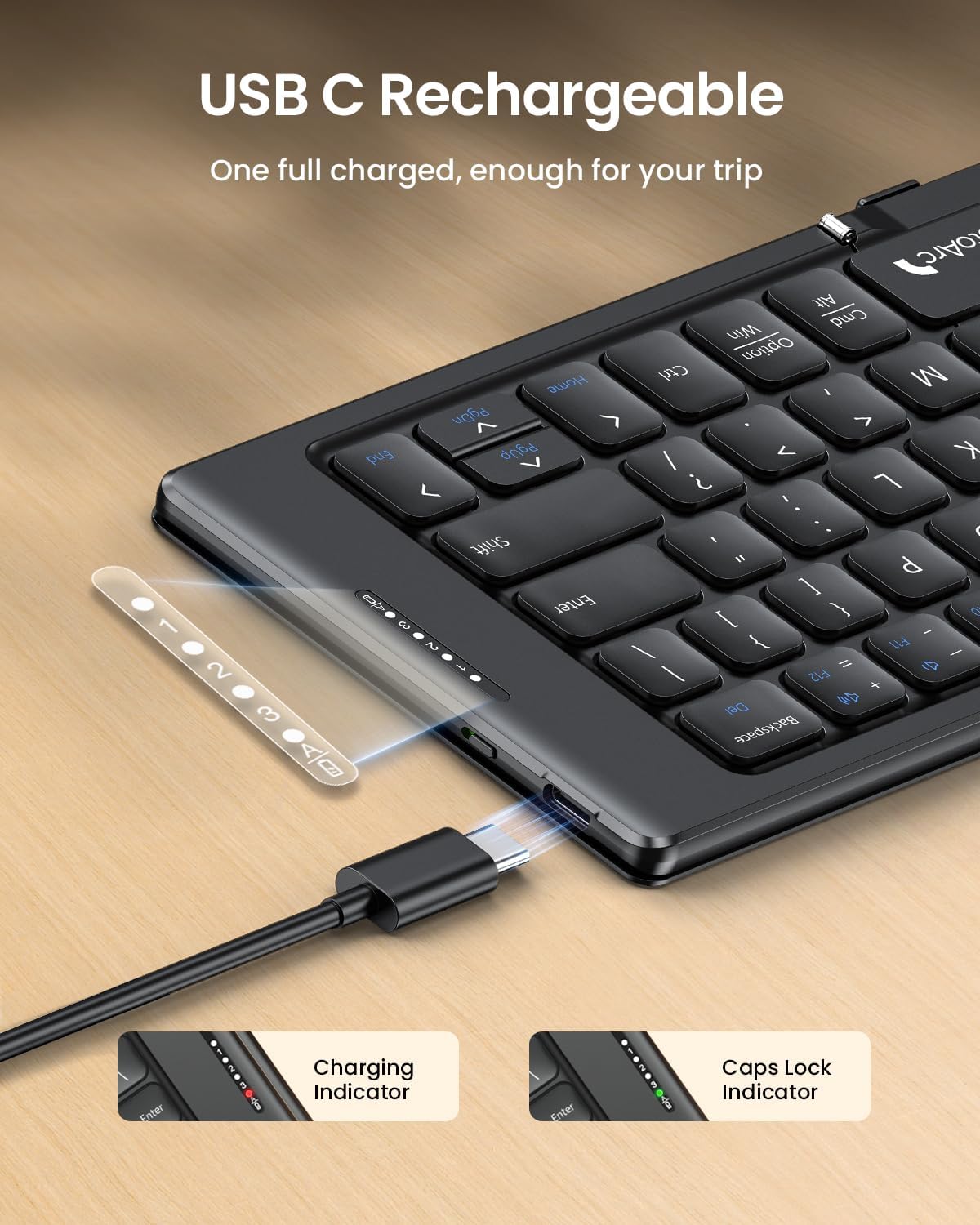
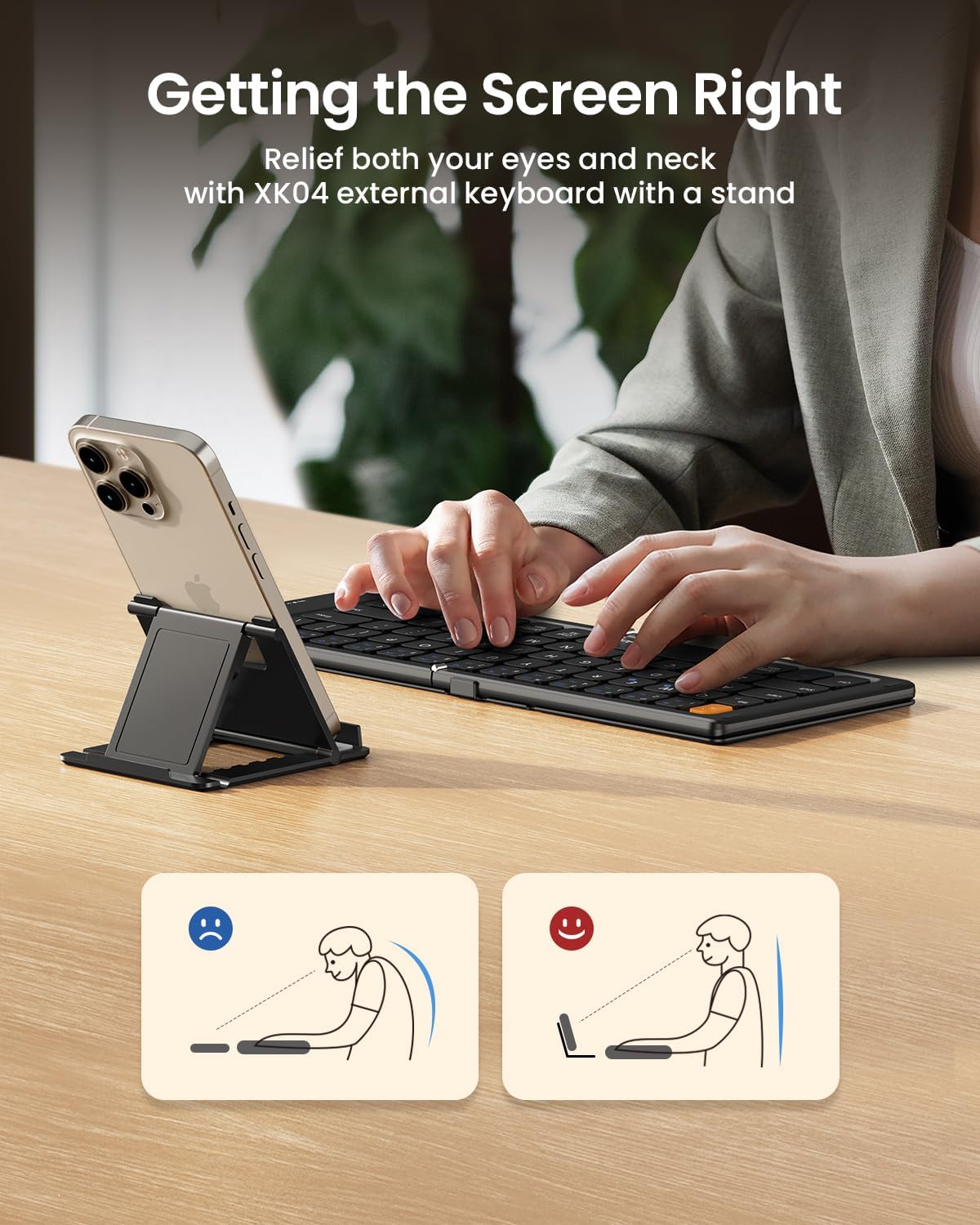
For a mobile work session, pair the keyboard with the device you plan to use, then set the device on a suitable surface alongside it. When you are finished, fold the keyboard closed so its cover faces outward for carrying. Recharge it with the included USB-C cable when needed, the manufacturer states a typical full charge takes about two hours. The charging indicator is red while charging and turns solid green when fully charged.
Before you decide
How many devices can the XK04 connect to? It supports up to three paired devices. Use Fn+Q, Fn+W, or Fn+E to select a channel, then short-press the relevant combination to switch between connected devices.
How do I pair it with a phone or tablet? Turn on the keyboard, choose a channel, and hold its Fn key combination to start pairing. Then select “ProtoArc XK04” in the device’s Bluetooth settings.
How does charging work? The keyboard is rechargeable through USB-C, and the included USB-C cable is used for charging. The indicator changes from red during charging to solid green when the battery is full.
Buying verdict
For travelers, commuters, and mobile-device users, the ProtoArc XK04 combines a foldable format, protective PU leather cover, and three-device Bluetooth workflow in a keyboard made for typing on the move. It is especially useful when a phone or tablet needs a physical keyboard but a full-size desk setup is not practical.