


TECWARE Phantom 87-Key RGB Mechanical Gaming Keyboard with Outemu Brown Switches
Product description
What it is and who it’s for
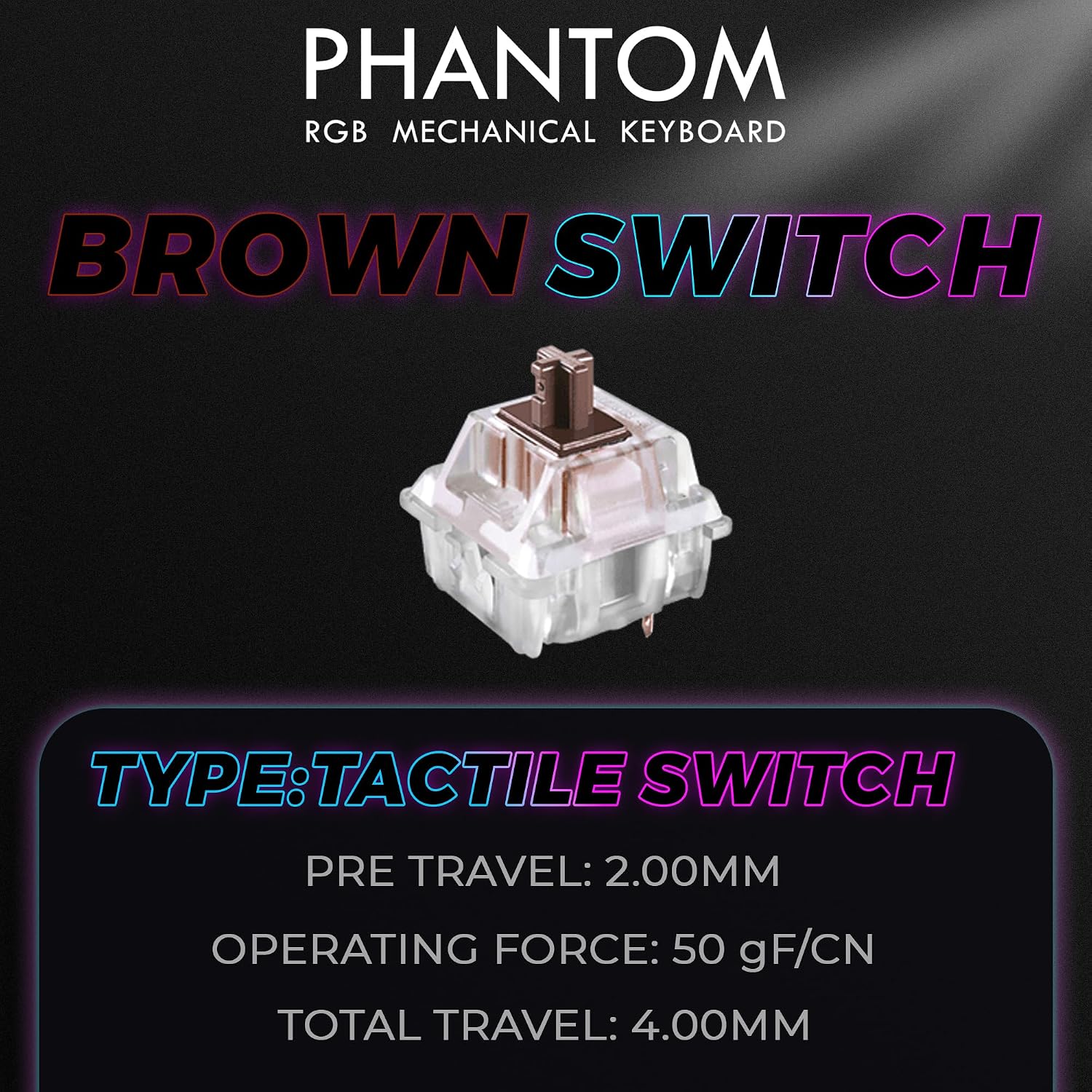
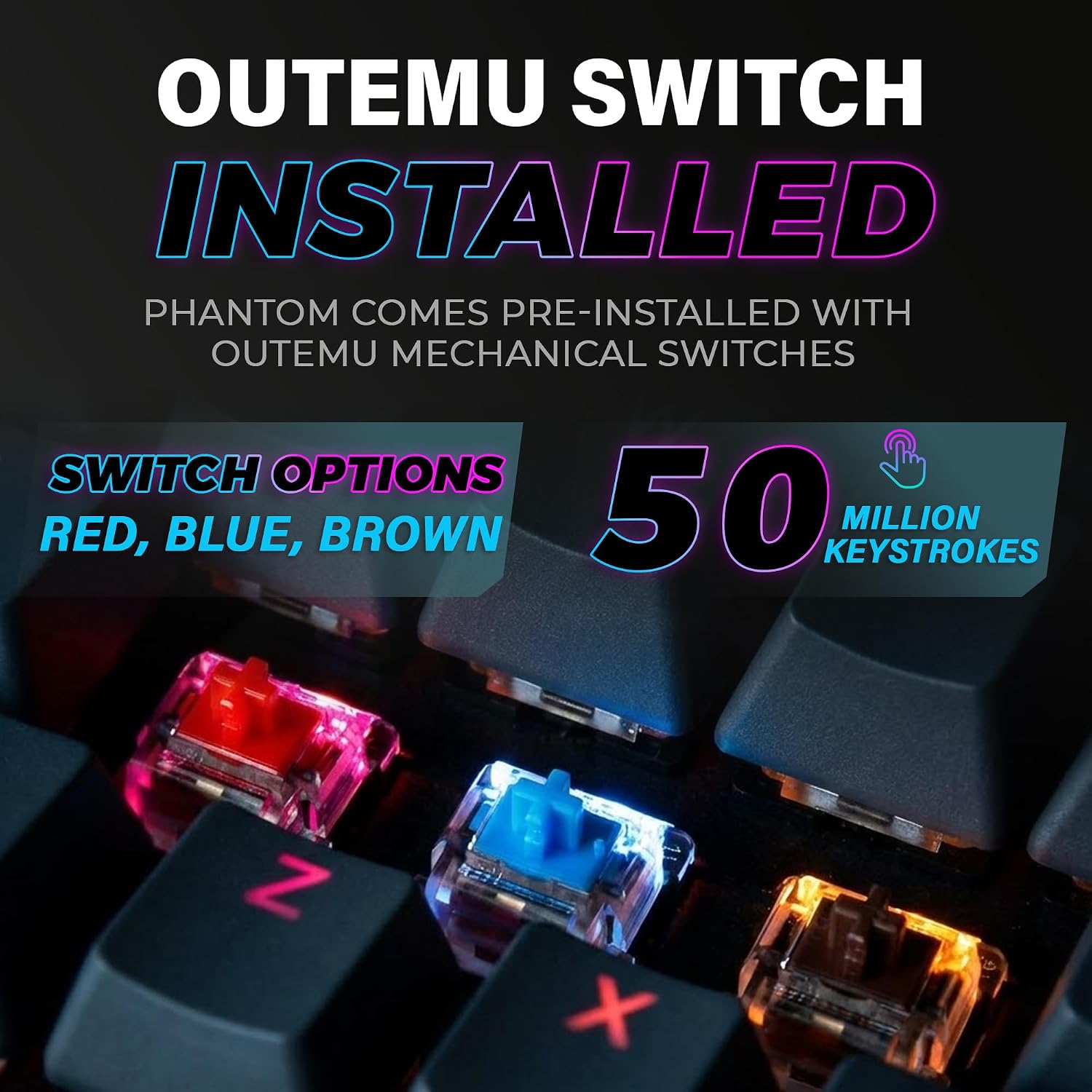
The TECWARE Phantom is a wired 87-key mechanical gaming keyboard designed to balance typing comfort with gaming responsiveness. It uses Outemu Brown mechanical switches, offering a soft tactile bump and mid-high durability (50 million keystrokes). If you’re looking for a compact board that still preserves a traditional full-size feel, plus room-filling RGB lighting, this model aims to strike that middle ground. It’s suited for gamers who want responsive input without a loud switch profile, and for typists who appreciate tactility without sacrificing speed.
Performance at a glance
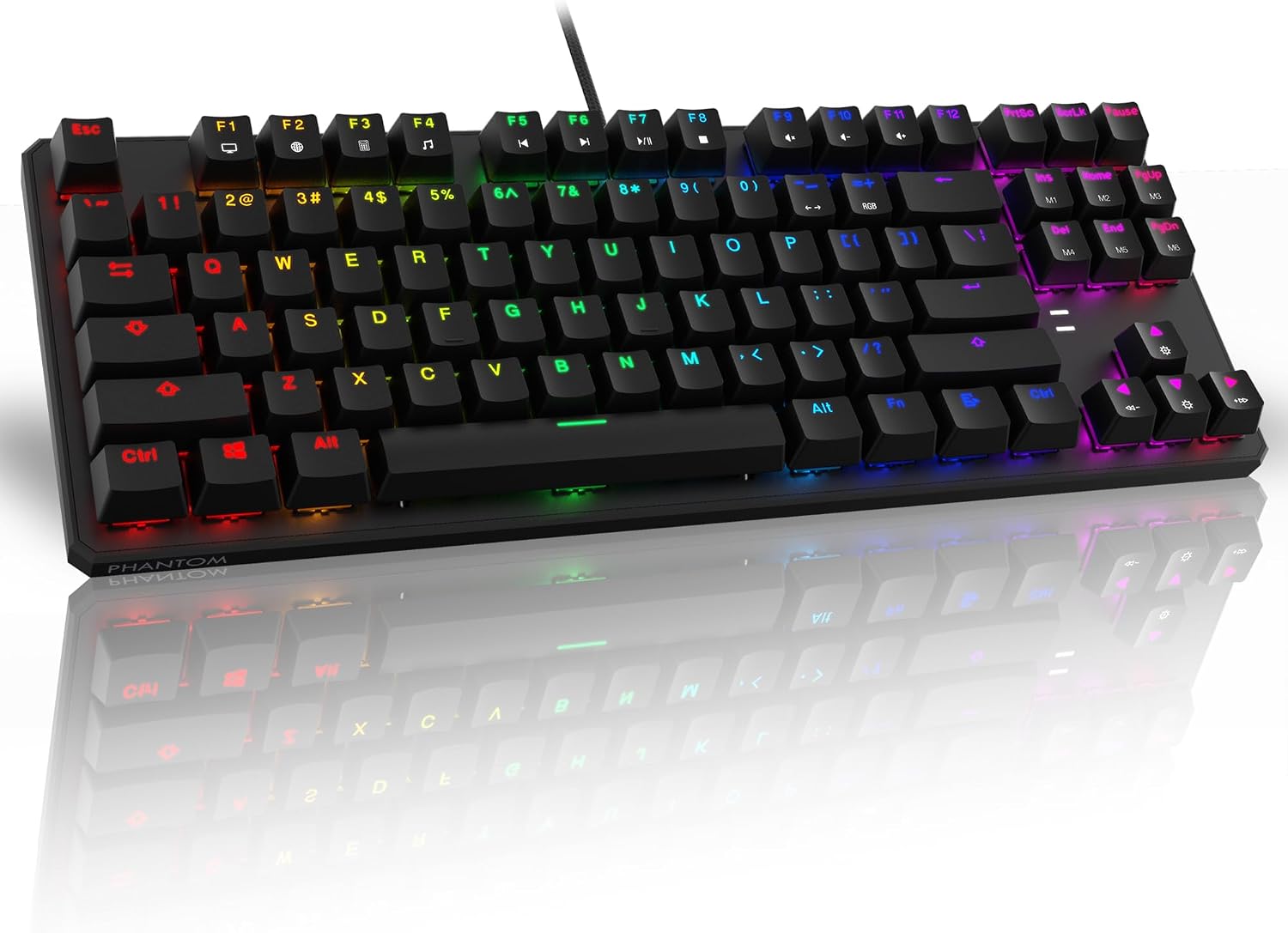
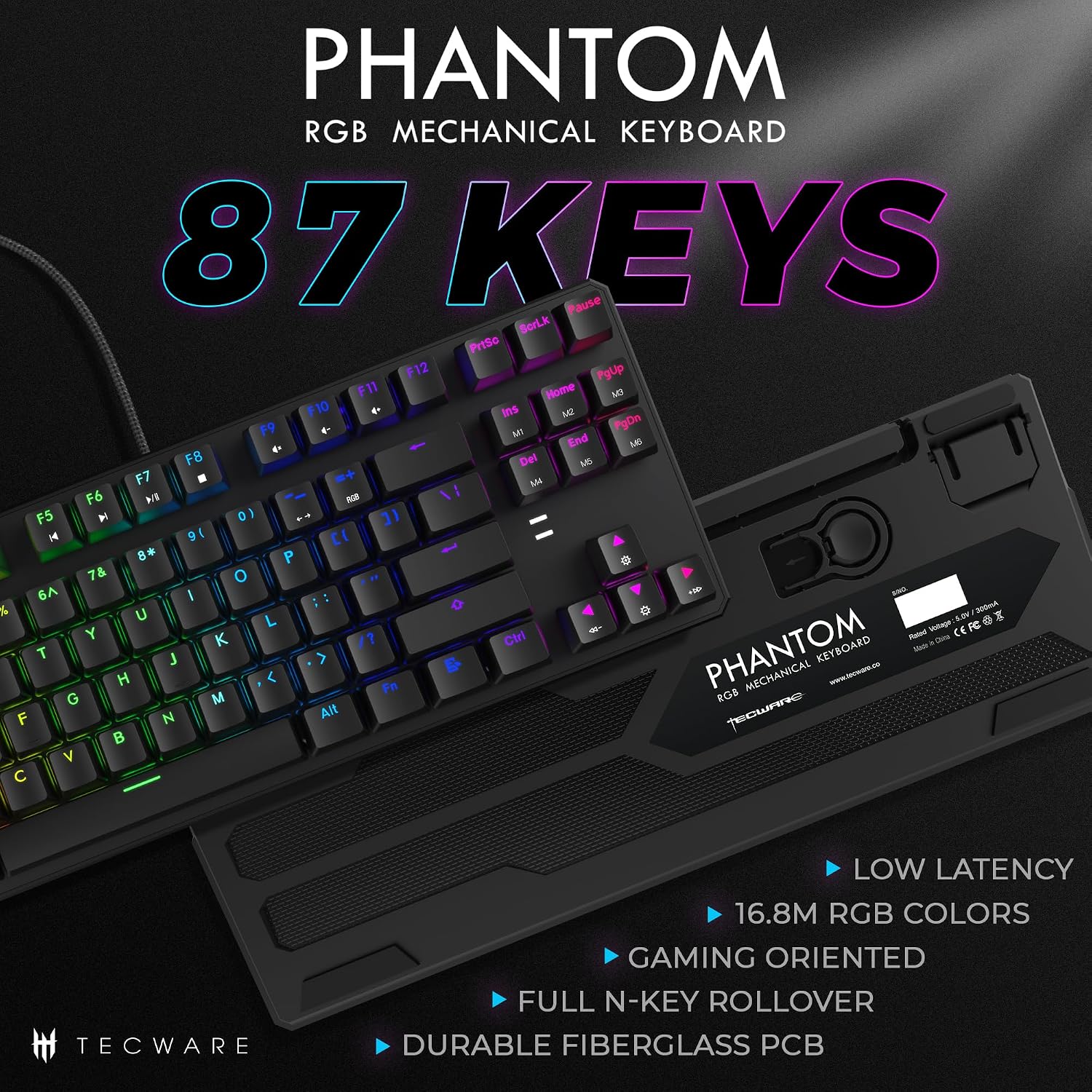
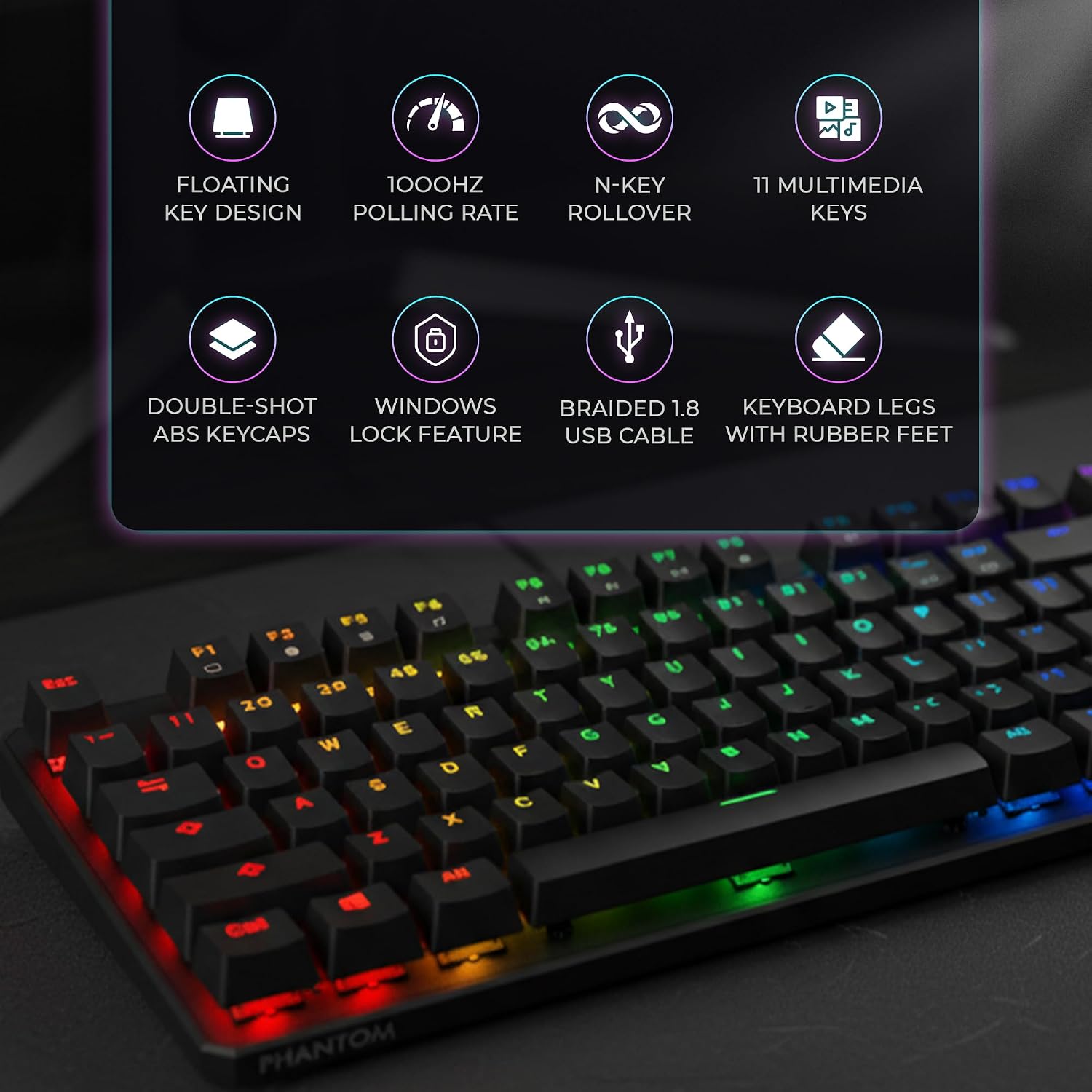
From a performance standpoint, the Phantom emphasizes low latency with a 1000Hz polling rate and full N-Key rollover. That combination helps ensure that rapid keystrokes register accurately during fast-paced play, reducing the frustration of missed inputs. The dual-layer fiberglass PCB is listed as a durability and signal-stability feature, which can translate to a longer lifespan under regular, intense use. The keyboard ships with four spare switches and essential tools (switch puller and keycap puller), which can shorten downtime if a switch needs servicing.
Lighting, customization, and atmosphere
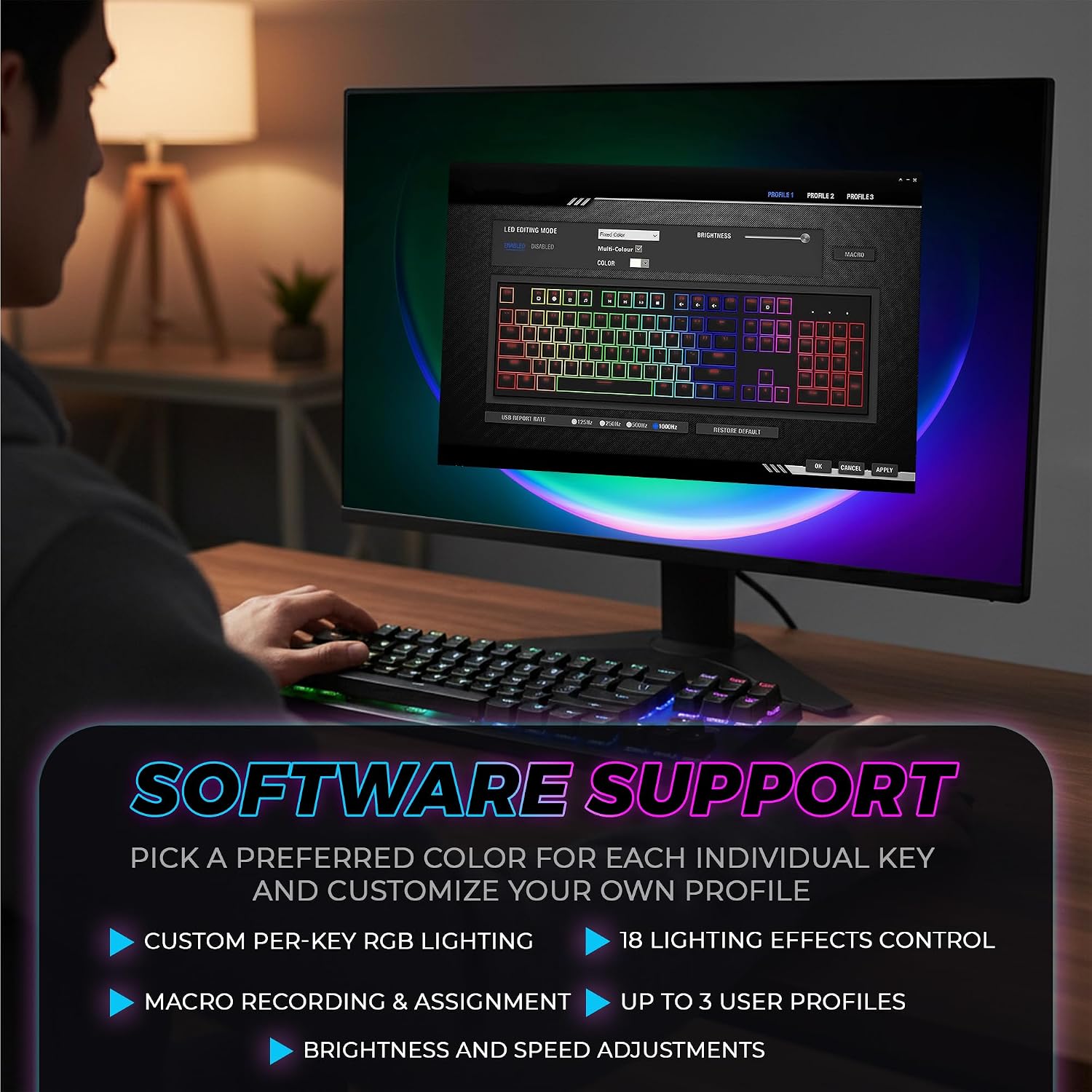
A standout feature is the lighting system: 16.8 million colors with 18 preset effects. The included software enables custom lighting patterns, allowing you to tailor the ambience to match games, streams, or your desk setup. If you like a visual cue for different games or profiles, this level of customization can be a practical plus.
Build quality and included accessories
Beyond the PCB, TECWARE emphasizes a durable build with Outemu switches available in Blue, Red, and Brown variants. The Brown option, used in this model, is known for a tactile bump without loud bottom-out, which can be a good compromise for mixed-use setups. The package includes the basics for quick setup and routine maintenance: a switch puller and a keycap puller, plus a manual.
Pros and what may hold you back
- Pros: compact 87-key footprint fits smaller desks without sacrificing a number pad area, responsive keyboard with a 1000Hz polling rate and N-Key rollover, tactile yet quiet enough for shared spaces, rich RGB with optional effects via software.
- Cons/Limitations: you’ll be choosing this with Outemu Brown switches, which may not satisfy enthusiasts seeking heavier tactile or clicky feedback, while fiberglass PCB improves durability, it’s still a budget-friendly design, so premium feel may be less pronounced than higher-end boards, software customization is helpful but may be less polished than premium ecosystems.
Who it’s for
This keyboard fits gamers who value a compact layout and reliable input with a tactile feel, plus users who want vivid lighting to complement a desk setup. It’s also a sensible option for students or office workers who want a versatile, low-profile mechanical board that can handle long typing sessions and gaming alike.
Who should think twice
If you crave ultra-quiet keys for late-night gaming in a dorm or apartment, or if you’re specifically after a heavier or clickier switch profile (like a traditional blue switch), this model might not be your best match. It’s more mid-range in overall feel and may not offer the premium rigidity or software polish of higher-tier keyboards.
When it makes sense to buy
- You want a compact, wired mechanical keyboard with solid gaming performance and customizable RGB.
- You value a tactile, non-clicky switch experience for mixed typing and gaming.
- You appreciate a reasonable price point with spare switches and essential maintenance tools included.
What to check before buying
- Confirm you’re comfortable with Outemu Brown switches and their typing feel.
- Consider desk space and whether the 87-key layout aligns with your preferred setup.
- Review the software for lighting customization to ensure it meets your needs for profiles and ease of use.
Practical use case
Imagine hopping into a fast-paced shooter or a MOBA where you need rapid, accurate keystrokes plus clear on-desk feedback. The Phantom’s tactile browns give you that gentle bump without overpowering sound, while the 1000Hz polling rate helps ensure your actions are registered in real time. At the same time, you can tailor the lighting to signal different loadouts or game states, providing a quick visual cue during heated matches.
Quick comparison mindset
If you’re weighing options, think of this keyboard as the balance point between budget kits and high-end builds. It’s more about reliable everyday performance and customization flexibility than pushing into premium chassis and ultra-premium switches. For users who want the most refined software experience and the quietest operation, you might lean toward higher-priced alternatives, for those who prioritize footprint and a solid feature set at a reasonable price, this is a compelling candidate.
Final decision: Is it worth it?
Worth considering if you need a compact, reliable wired mechanical keyboard with tactile feel and strong lighting customization at a sensible price. Not the best fit if you want the flattest, most silent keystrokes or extreme premium durability—this is more mid-range in feel and features, but it covers the essentials well for gaming and daily typing.
FAQ
- How does the Outemu Brown compare to other switch options on this model? It provides a soft tactile bump with moderate resistance, suitable for typing accuracy and controlled gaming, but it may not satisfy fans of heavier or clicky switches.
- Is the RGB software user-friendly? The keyboard offers software customization for lighting, but the experience can vary by user and system, expect some learning curve if you’re customizing multiple profiles.
- Can I replace switches myself? The package includes a switch puller and spare switches, indicating user-replaceable potential, though the ease depends on your familiarity with hot-swapping or switch replacement.