

EPOMAKER x Aula F75 Ultra Wireless 75% Mechanical Keyboard with NKRO, VIA, and Hot-Swap
Product description
What it is and who it’s for
The EPOMAKER x Aula F75 Ultra is a compact 75% wireless mechanical keyboard designed for gamers, programmers, and productivity-minded users who want full function without desk clutter. It aims to balance space-saving form with robust features, including hot-swappable switches, VIA customization, and multi-device wireless connectivity. If you prize a creamy keystroke feel and flexible setup for Windows, Mac, or Android, this model is positioned as a practical option.
How it feels and sounds
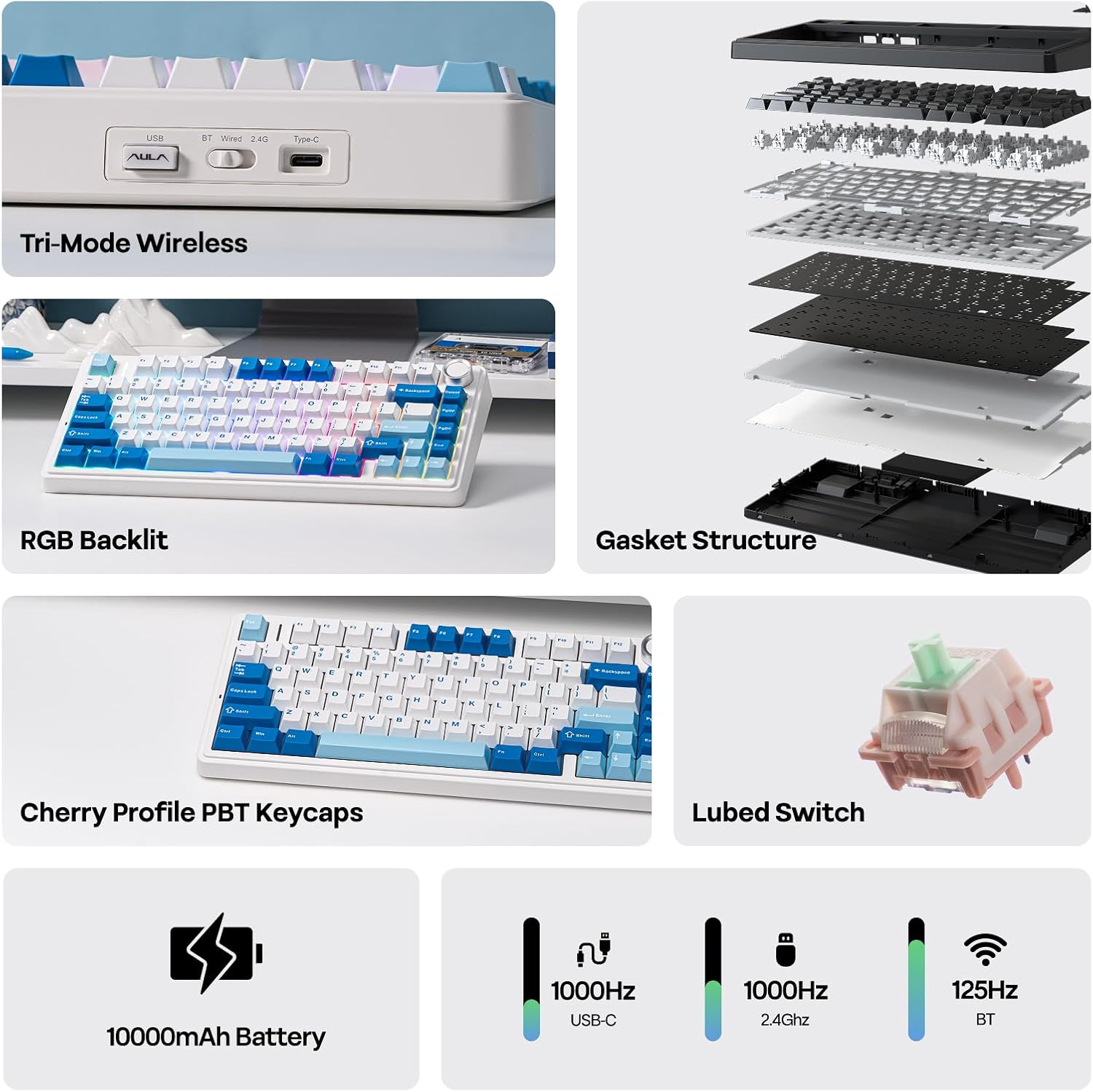
Designed for a distinctive “thocky” and creamy typing experience, the F75 Ultra markets itself as pre-lubed and tuned with plate-mount stabilizers and linear switches. The build stacks multiple layers of foam and silicone to reduce echo and soften bottom-outs, which should translate to quieter, more padding-like keystrokes compared with standard keyboards. It’s not just about sound, the padding aims to make long sessions more comfortable by damping impact against the case.
Connectivity and reliability
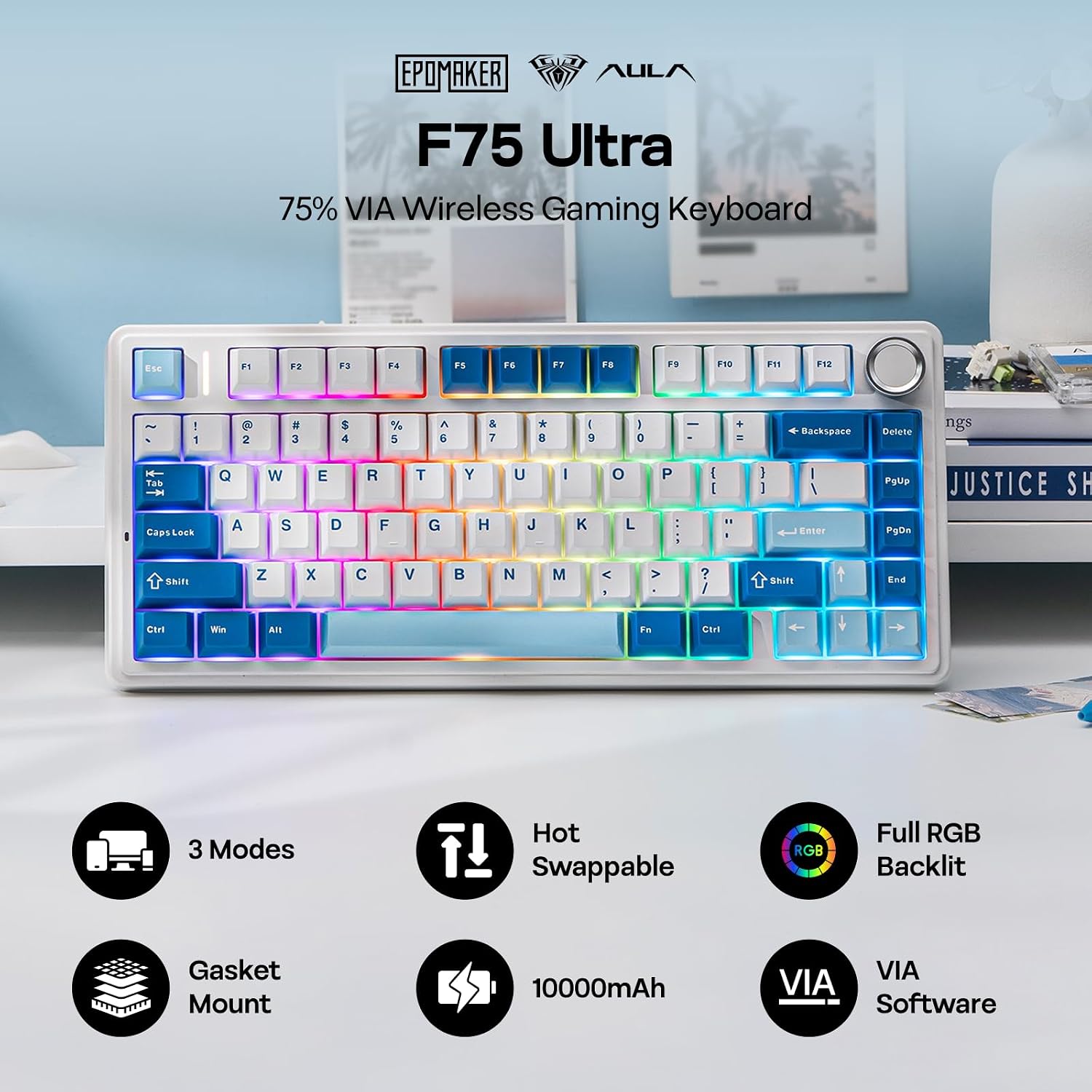
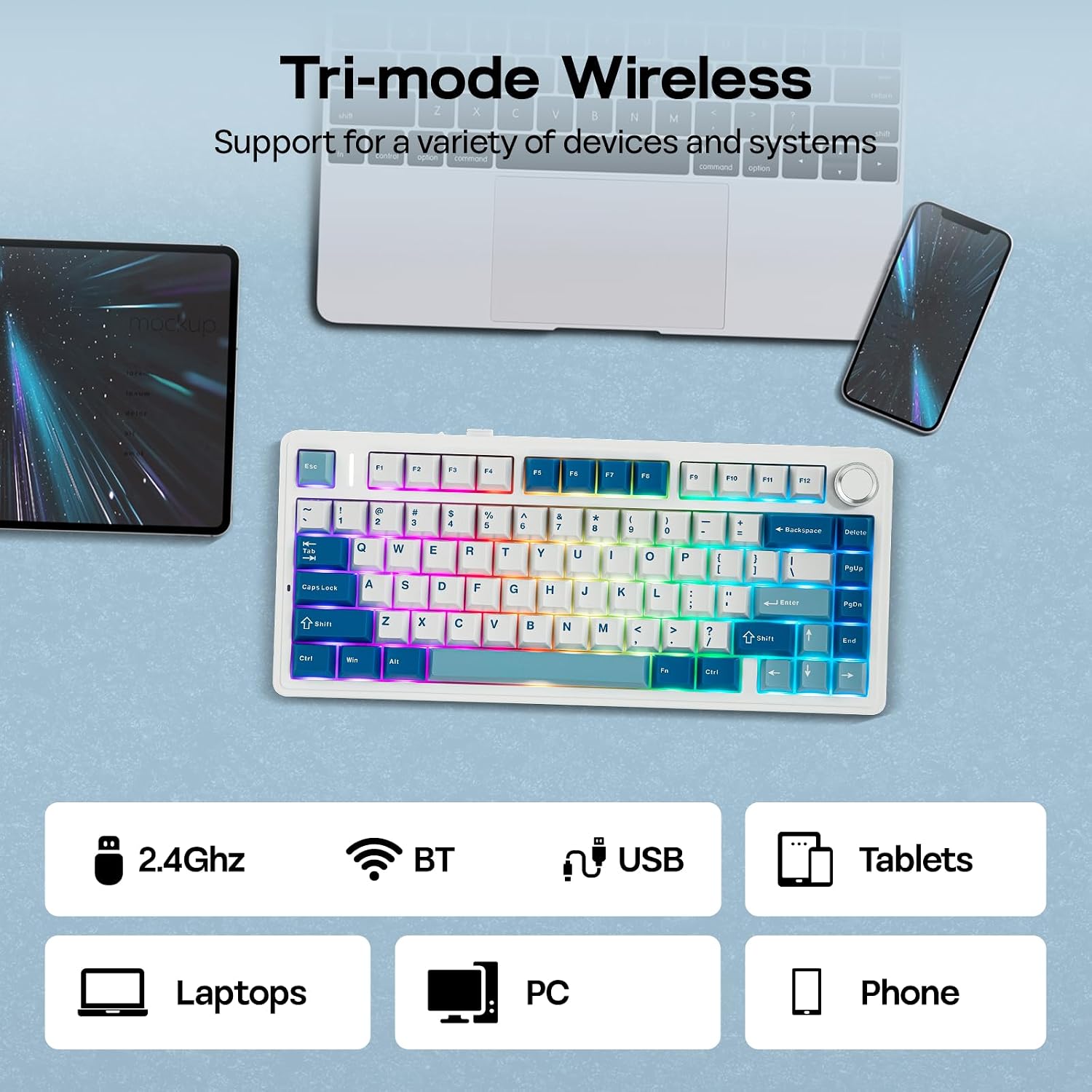
The keyboard supports wired, 2.4Ghz wireless, and Bluetooth modes, with a 1k polling rate in 2.4Ghz and wireless versatility across PC, Mac laptops, Android devices, and gaming consoles. NKRO (N-key rollover) helps ensure multiple keys register accurately in fast-paced games or complex workflows. VIA software enables custom JSON-based key mappings, including complex macros and layer switching for dual-function keys. It’s a practical choice if you value on-the-fly customization without sticking to a single layout.
Design, comfort, and aesthetics
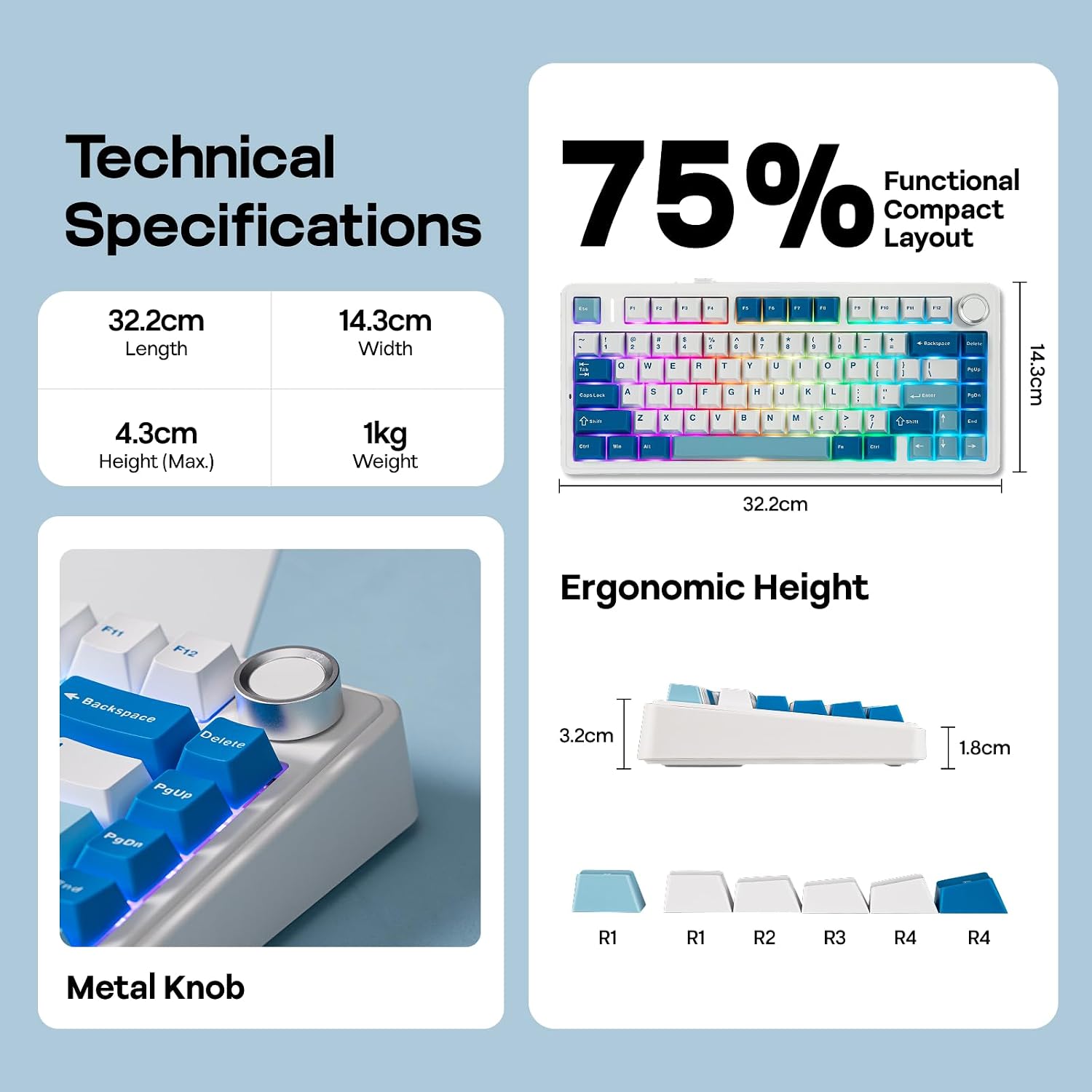
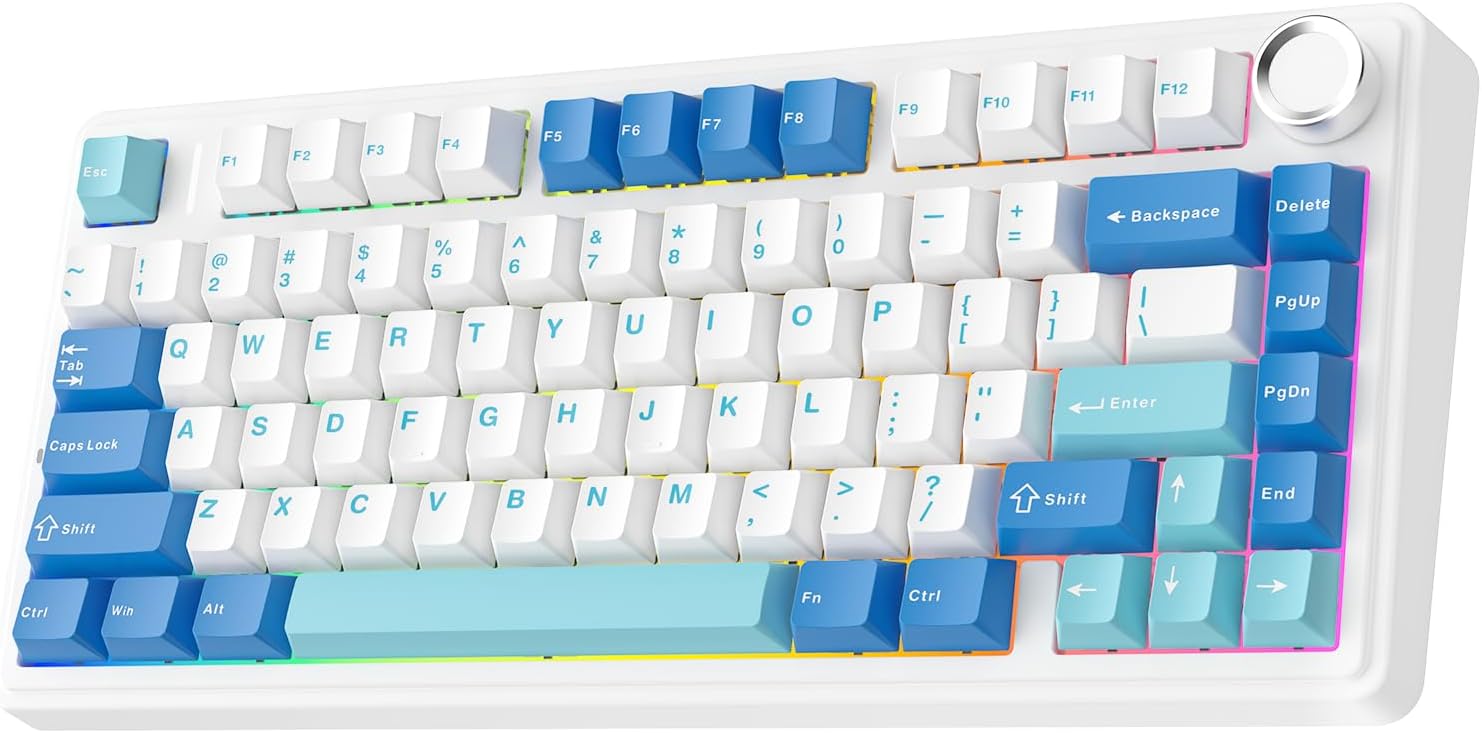
With a Cherry-profile key layout and a low front height around 2 cm, plus a 3-position typing angle (5°, 7.3°, 9.7°), the F75 Ultra leans toward ergonomic use. The gasket-style construction and multi-layer padding aim to soften keystrokes, while the PET pad helps control switch sound. The colorway options (Blue, Pink Mint) provide a playful yet refined look that can fit both gaming setups and office desks.
Software, compatibility, and limitations
On the software side, VIA support is a core selling point, enabling customization without bespoke tools. However, as with many VIA-enabled keyboards, deep customization may require some familiarity with the software and JSON keymaps. In terms of use cases, it’s a fit for gamers who want quick access to macros and layers, as well as professionals who might benefit from multi-function keys for shortcuts. If you rely heavily on non-Windows environments or prefer a purely plug-and-play experience, you may want to verify driver and firmware updates for your setup.
What stands out vs. what to watch
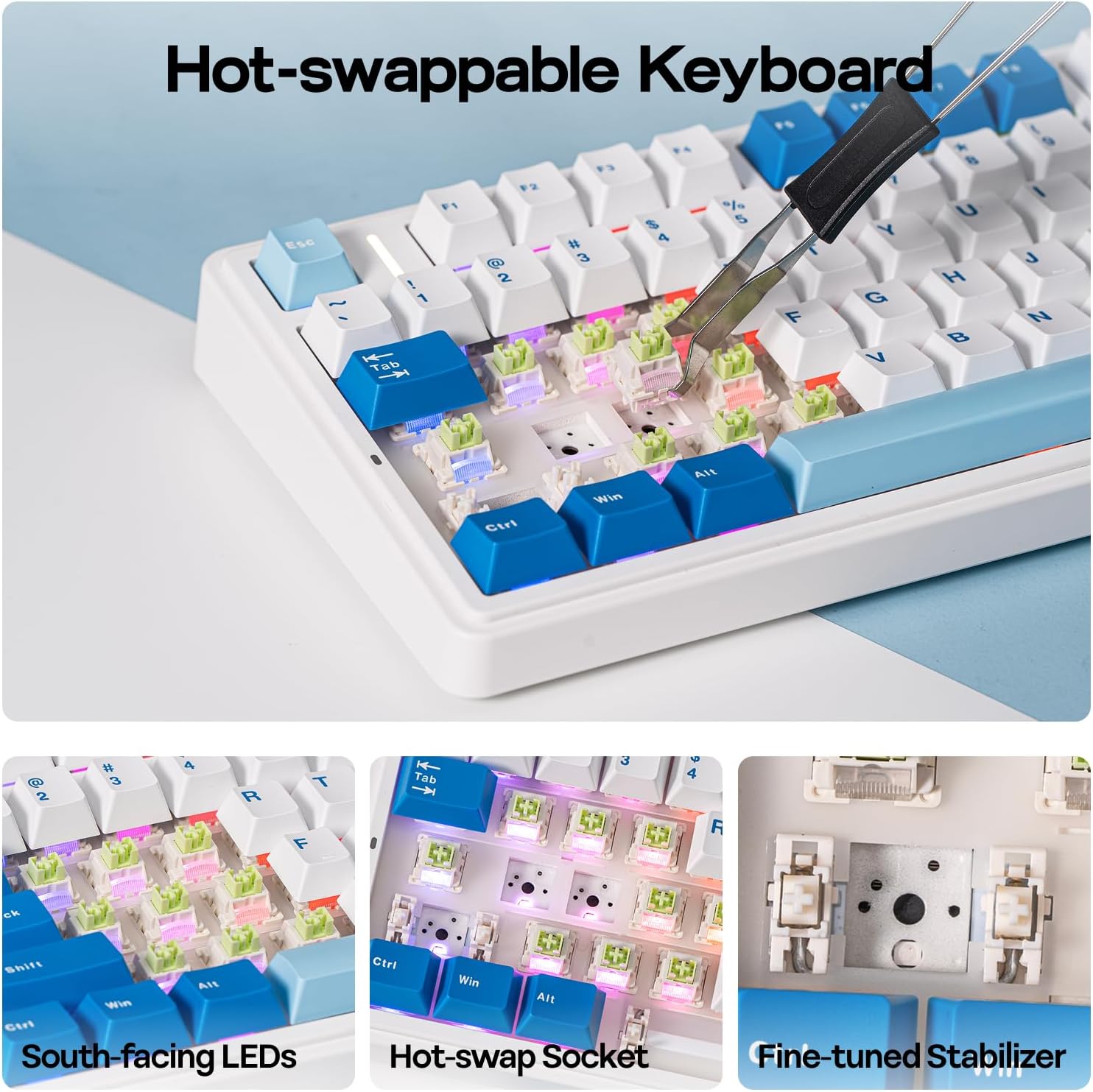
What stands out: strong multi-device wireless support, NKRO, and the ability to tailor keys through VIA with hot-swappable switches. What may not appeal to everyone: the focus on a creamy, tactile-leaning sound profile may be a preference rather than a universal standard, and the real-world benefit of the foam/silicone padding depends on how sensitive you are to keystroke acoustics. If you prioritize ultra-minimal noise or a completely stock feel, you might still want to try a few keystroke types before committing.
Who this is for (and who it’s not)
It’s well-suited for players who value adjustable layouts and macro capability in a mid-size footprint, as well as desk workers who want flexible cross-platform compatibility. It may not be the best pick if you need a strictly plug-and-play setup with minimal software tinkering or if you require a heavier, more traditional desktop keyboard heft.
Before you buy: quick checklist
- Do you want a 75% layout with multi-device wireless? Yes likely.
- Are you comfortable using VIA for customization and learning JSON mappings? If yes, you’ll unlock the most value.
- Is a creamy, dampened keystroke important to you for long sessions? The architecture here targets that experience.
- Will you be using this across Windows, Mac, and Android? This model is designed for cross-compatibility.
Practical use example
Imagine editing documents and swapping into a gaming profile during a late-night session. You can assign a single macro to switch layers for complex commands, then drop back to a tab- or task-switching setup with another tap. The wireless stability helps keep your desk clean and free of dongles, while the pre-lubed switches reduce the odd rattle you might hear with cheaper options.
FAQ (based on available information)
- Does it support NKRO in all modes? Yes, NKRO is listed as supported, which helps in fast-key input.
- Can I customize keys via VIA? Yes, VIA support is highlighted for advanced customization including macros and layer switches.
- Is it heavy or bulky for a 75% layout? The description emphasizes a compact 75% form, but exact weight isn’t provided, so consider this when comparing desk footprint.
Final verdict
Is it worth it? If you want a compact, highly customizable wireless keyboard with cross-platform compatibility and a distinctive “creamy” sound profile, the EPOMAKER x Aula F75 Ultra offers a compelling package. It hinges on valuing VIA customization, hot-swappable switches, and a multi-mode connection setup. If those align with your needs, this model can be a strong contender. If you’re after a plug-and-play device with minimal software or a quieter, more traditional keystroke, you may want to explore other options.