


LG 27G850A-B 27-inch Ultragear 4K 240Hz
Product description
This LG Ultragear 27G850A-B is a 27-inch 4K UHD gaming monitor built to balance visual fidelity and competitive speed. It targets gamers who want crisp Nano IPS Black color, deep contrast with DisplayHDR 600, and the option to favor resolution or ultra-high refresh rates for fast paced titles. If you value both immersion and responsiveness, this monitor adapts to either cinematic single‑player sessions or adrenaline-filled multiplayer matches.
Key features
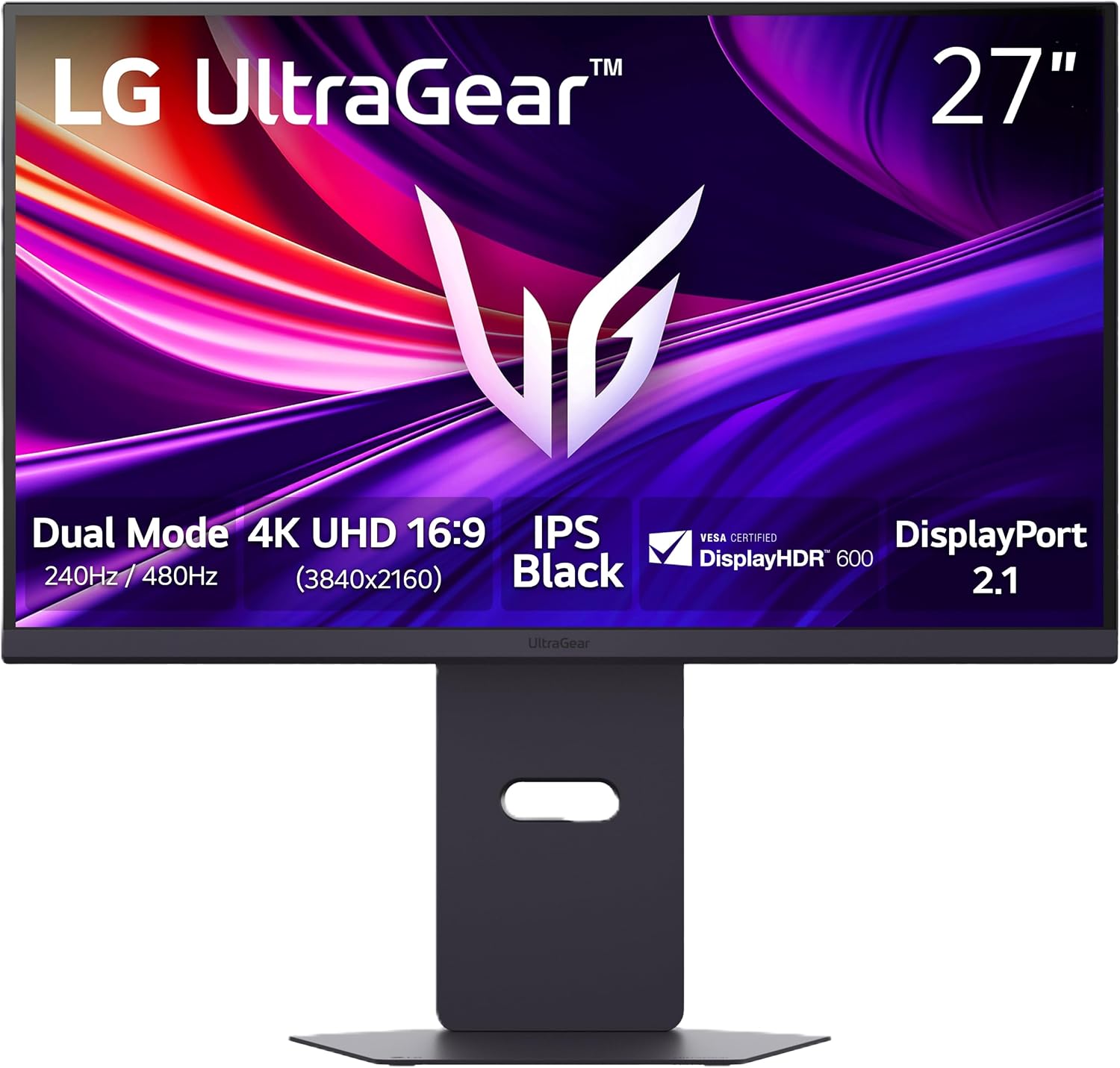
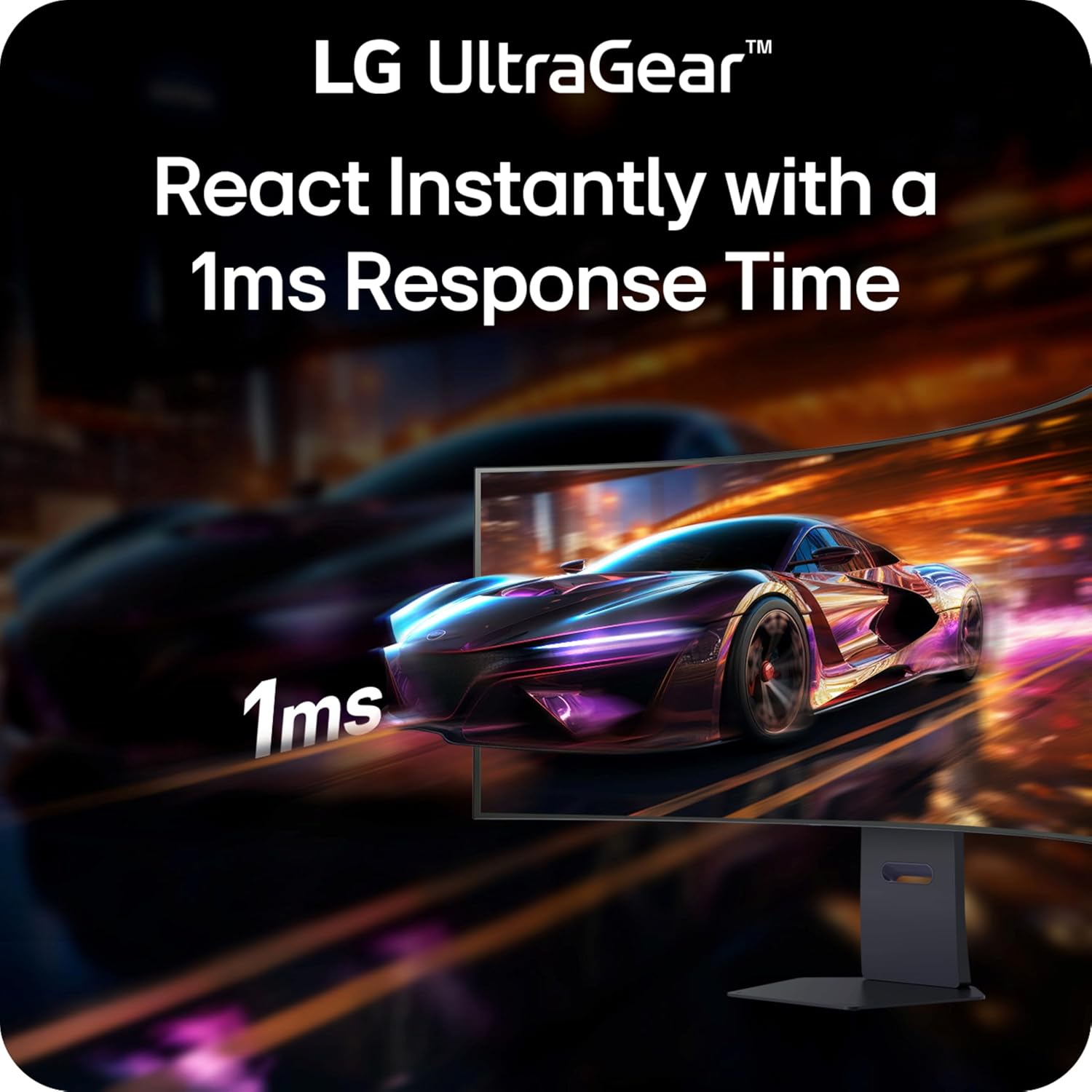
The 27G850A-B brings Nano IPS Black and up to 99% DCI-P3 coverage for richer colors and improved contrast, according to the manufacturer. DisplayHDR 600 raises highlight detail and depth in scenes, while 1ms GtG response reduces ghosting for clearer motion. Dual Mode lets you run native 4K at up to 240Hz or switch to Full HD at up to 480Hz for extreme frame rates when raw speed matters. Connectivity includes DisplayPort 2.1 and HDMI 2.1 ports, plus USB 3.2 Gen1 for peripherals. 🎮
Tech specs
- Reference: LG 27G850A-B
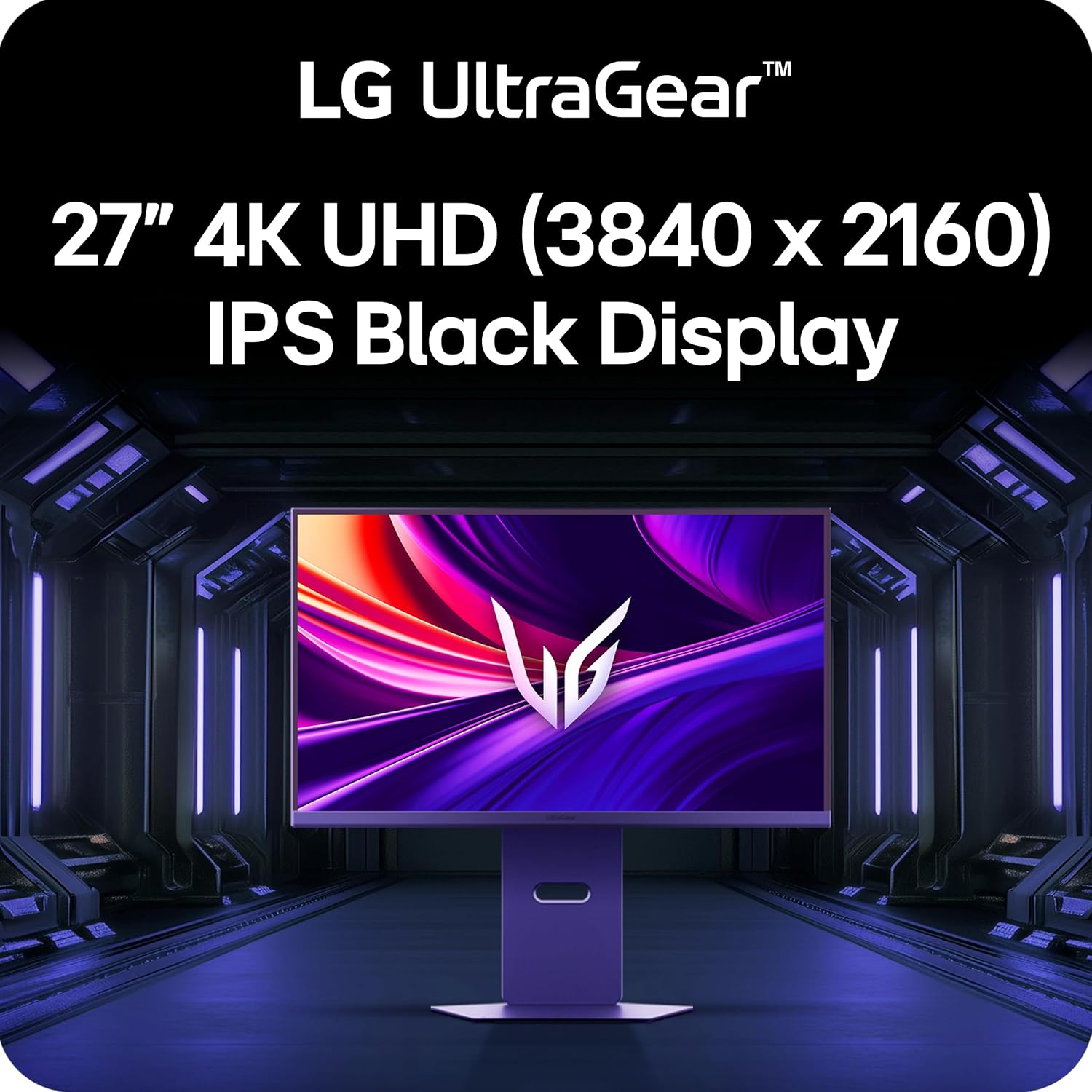
- Display: 27-inch 4K UHD (3840 x 2160)
- Resolution: 3840 x 2160
- Refresh rate: Dual Mode 240Hz UHD or 480Hz Full HD
- Compatibility: NVIDIA G-SYNC Compatible and AMD FreeSync Premium Pro
What stands out
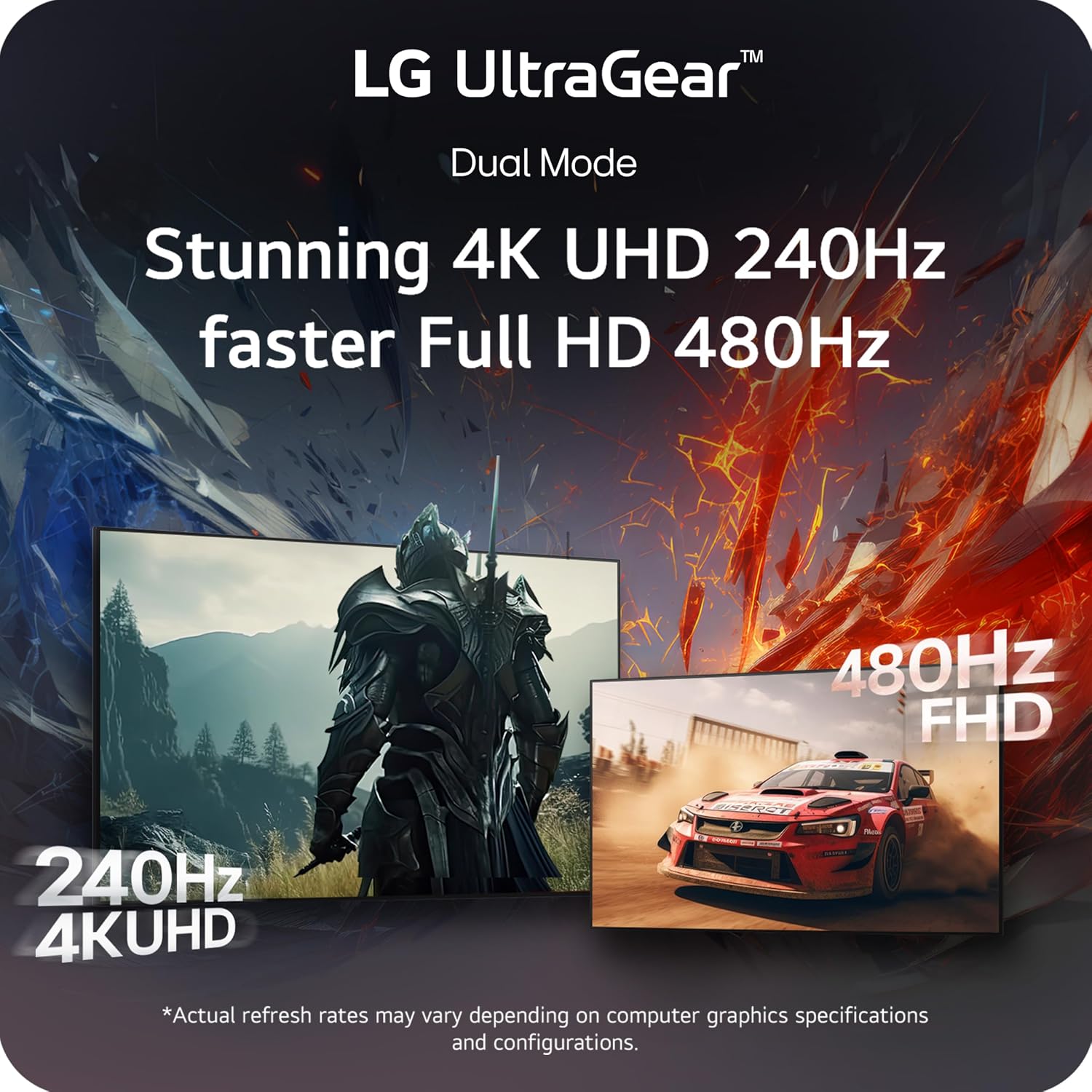
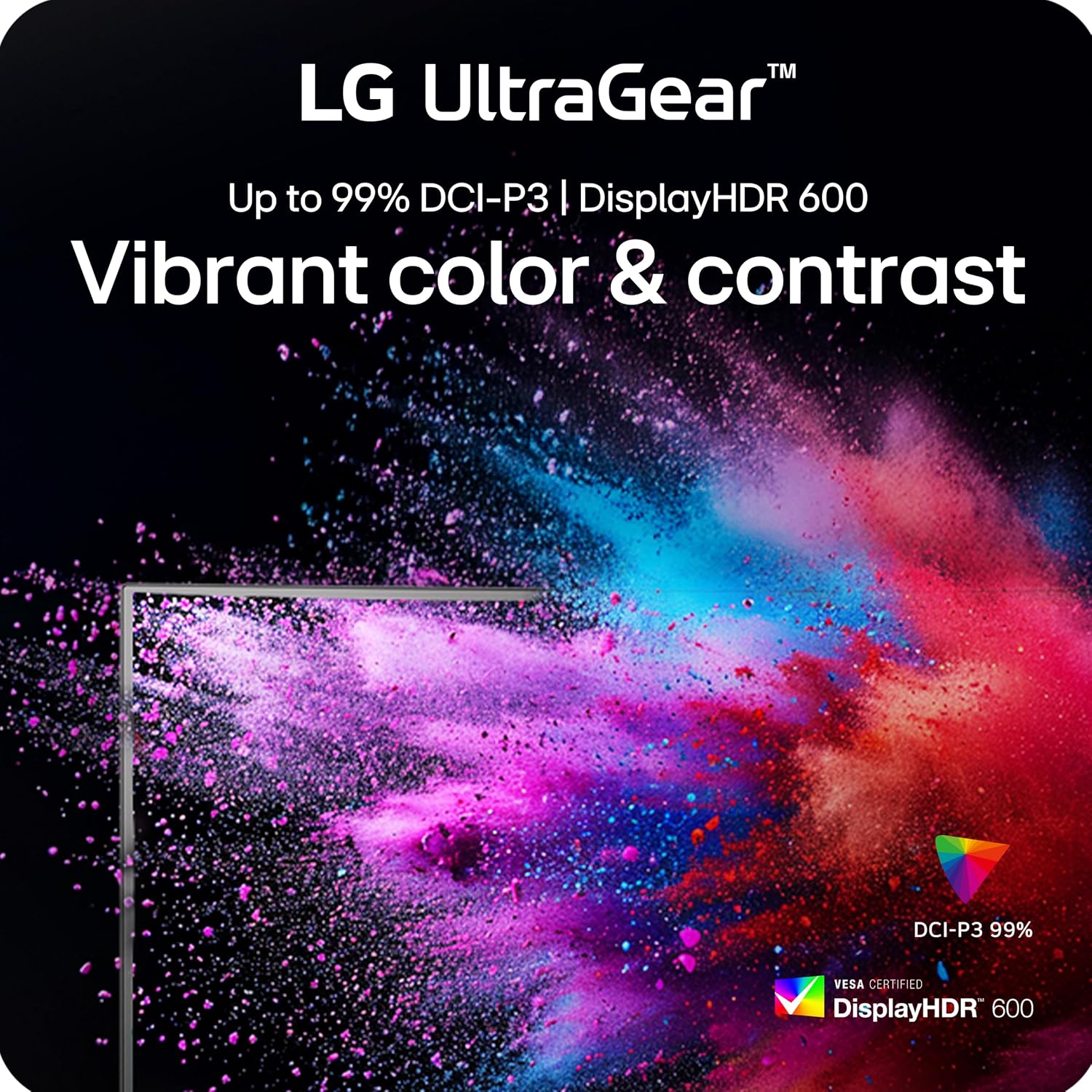
The flexible Dual Mode is the main differentiator here, offering a genuine trade-off between graphical detail and frame rate without needing a second display. DisplayPort 2.1 support ensures the bandwidth to drive high refresh rates at high resolution, which matters if you run a next‑gen GPU. Expect vivid colors and deeper blacks from Nano IPS Black, a useful step up if color accuracy and contrast are priorities.
Who it’s for
You’ll appreciate it if you want a monitor that shifts between immersive 4K gaming and blistering competitive play, and if your setup includes GPUs capable of high throughput. It may not suit you if your system cannot consistently feed high frame rates or if you prefer a larger screen for more cinematic viewing.
How to take care of it
Handle the panel gently when adjusting tilt and stand position, avoid abrasive cleaners on the screen, and use a soft microfiber cloth with a mild screen cleaner for dust and fingerprints. Keep vents clear for optimal cooling and longevity.