

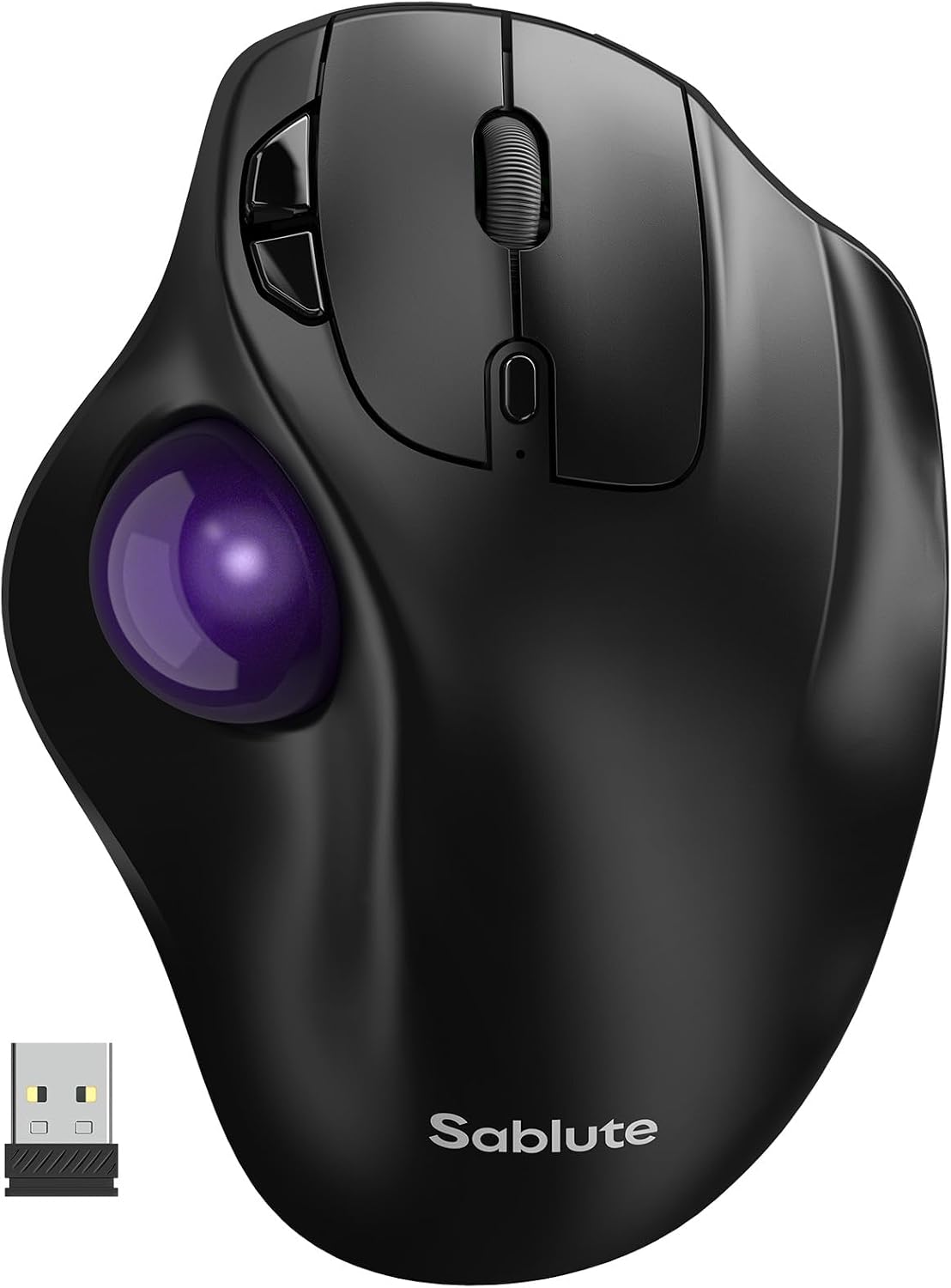
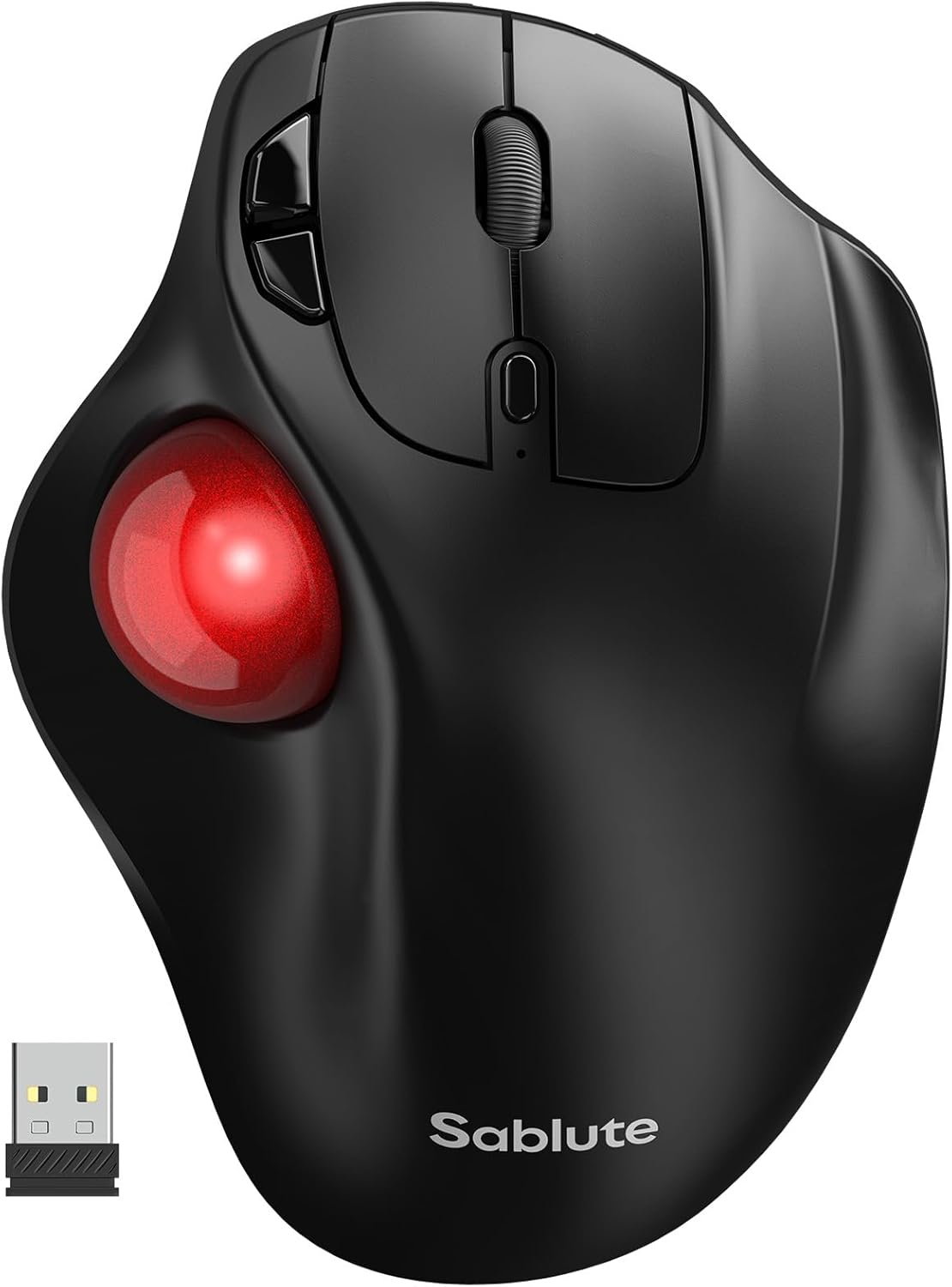
SABLUTE MAM2 Wireless Trackball Mouse (Rechargeable, Bluetooth + USB, for up to 3 devices)
Reviews
Price
Product description
If you spend hours on a desk, a trackball can feel like a small change with a real payoff: less reaching, fewer repetitive wrist motions, and smoother cursor control when your arm doesn’t want to move. The SABLUTE MAM2 is a wireless, rechargeable ergonomic trackball mouse designed around thumb-controlled movement, silent clicks, and the ability to hop between multiple devices.
That said, trackball mice are a different workflow. It’s not perfect for everyone on day one, but if you’re the type who values comfort during long sessions and wants one mouse that can cover more than a single computer, it’s worth a close look.
Key features that matter in daily use
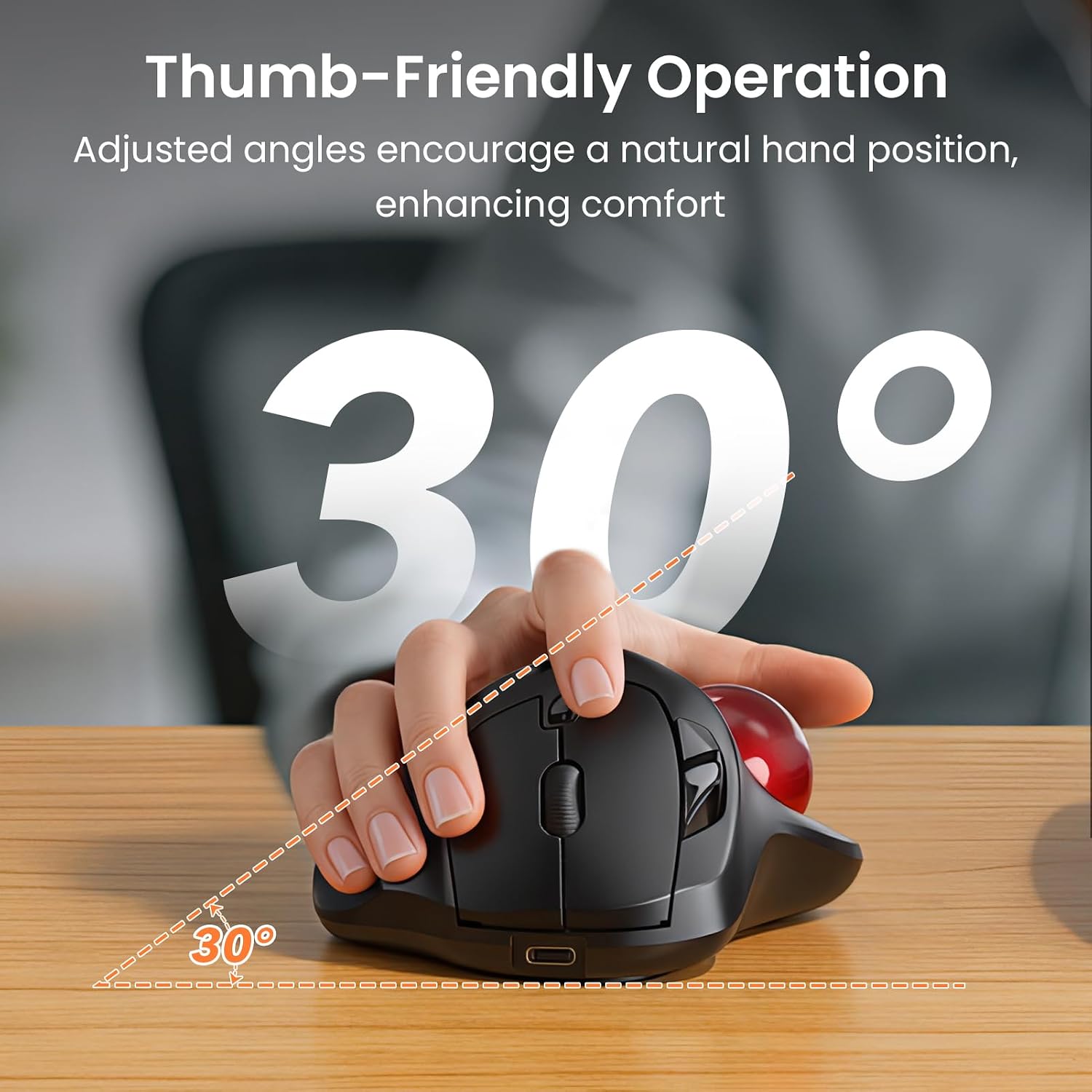
The core idea here is thumb-operated trackball control. Instead of pushing a traditional mouse around on your desk, you move the trackball with your thumb. In practice, that can reduce the repetitive “reach and reset” motion that contributes to wrist and hand fatigue for some people.
You also get dedicated forward/back navigation buttons, which is useful if your day involves a lot of browsing and document flipping—think research, web work, and moving through slides or tables.
A detail worth noting is that the trackball is positioned as an easier fit for smaller desks or limited workspace. If you don’t have a lot of room to sweep a conventional mouse, a trackball can feel more controlled without requiring extra clearance.
What to know about setup and switching devices
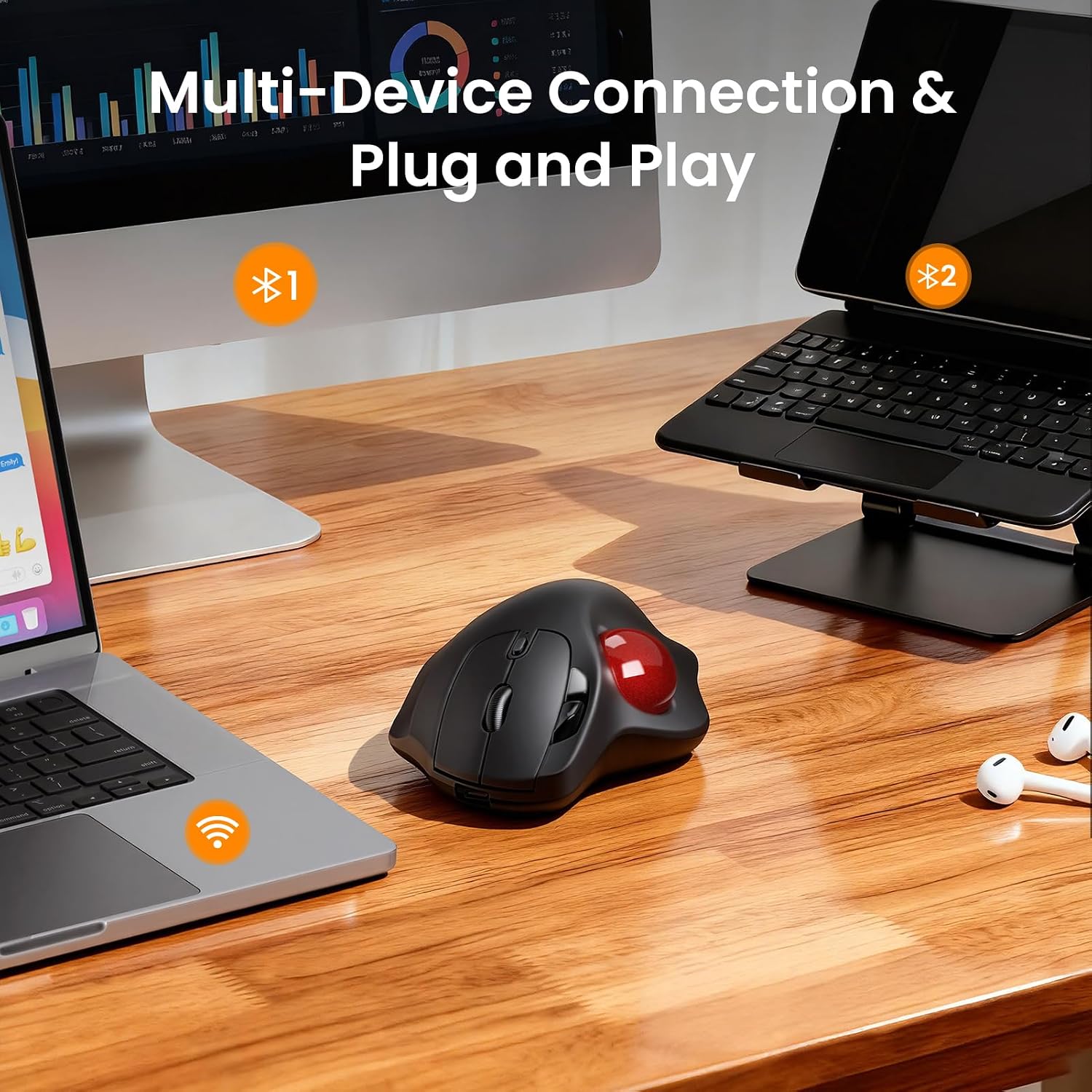
The MAM2 is designed to connect via two wireless approaches: 2.4GHz wireless and Bluetooth. It’s also positioned as supporting up to 3 devices, with one-button switching.
So if you work across a laptop and a tablet (or a laptop plus a desktop), the “one mouse, multiple screens” approach is the point. You’re not just buying a mouse—you’re trying to simplify your setup so you’re not constantly pairing and unpairing.
One limitation to keep in mind: multi-device convenience only helps if your devices are actually set up to manage Bluetooth and/or the 2.4GHz method you plan to use. If you mostly rely on one device, you may not fully benefit from the 3-device switching angle.
Cursor control and DPI adjustments (5 levels)
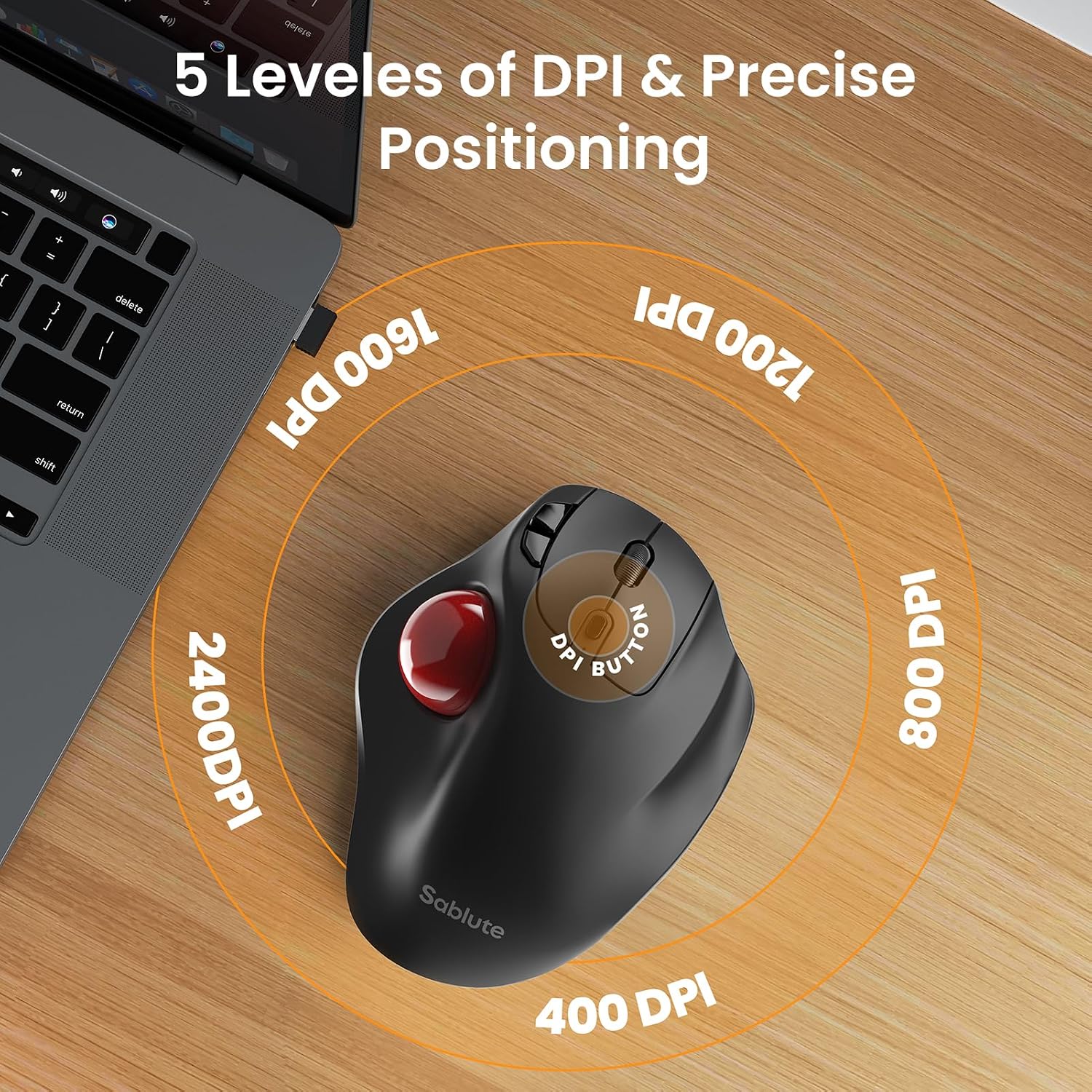
On paper, the adjustable DPI is where this mouse targets people doing both quick navigation and more detail-oriented work. It offers 5 DPI levels for precision cursor movement—useful for tasks like spreadsheets and presentations, where you don’t always want the cursor to “jump” too aggressively.
Where it can feel different from a standard mouse is how you control positioning: the thumb trackball motion changes your muscle memory. Some people adapt quickly, others take longer.
And yes—this model explicitly calls out a 1–2 week adjustment period if you’re new to trackball mice. That’s the kind of commitment you should be comfortable with before buying.
Comfort and fatigue reduction, realistically
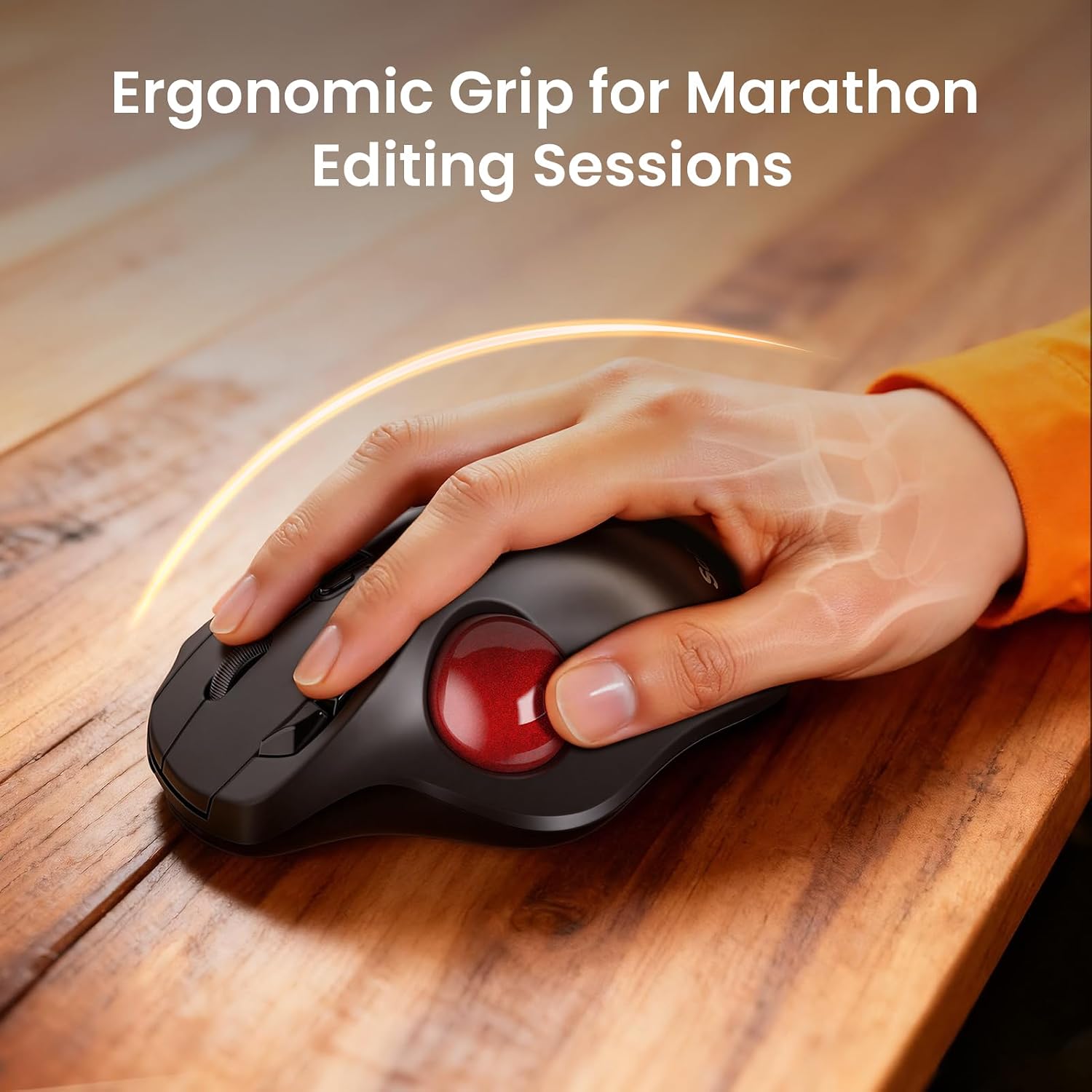
Ergonomics is always a bit personal, but this product’s positioning is clear: thumb-controlled movement is meant to reduce repetitive wrist strain during extended desk time. It’s aimed at office professionals, programmers, designers, or anyone who can feel discomfort from long mouse sessions.
A practical micro-scenario: imagine working through a long spreadsheet. With a traditional mouse, you may keep dragging your hand across the desk to move the cursor back and forth. With a trackball, you can keep your hand and forearm more anchored while adjusting position with your thumb. It won’t magically erase all fatigue, but it’s the type of approach that can feel gentler for desk-heavy days.
That said, trackball comfort isn’t universal. If you strongly prefer full-arm movement or your thumb grip feels strained, it may not be the best fit.
Battery life and charging approach
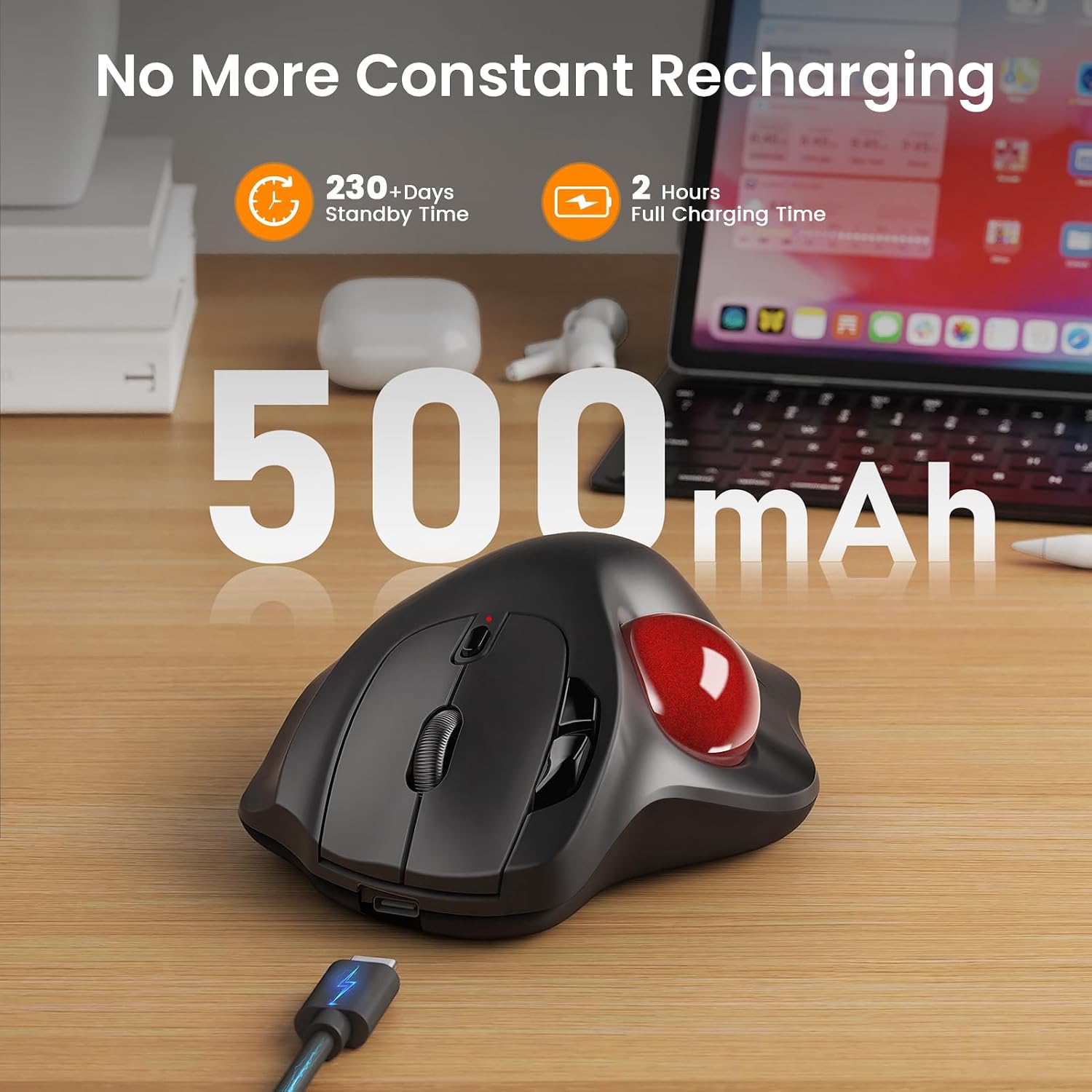
This trackball mouse is rechargeable, and it’s designed to charge via a USB port. The benefit is straightforward: you’re not constantly buying and swapping batteries, and you can keep working without interruptions if you have a charger available.
If your workflow demands zero downtime, rechargeable devices can still be a little “situational” depending on how often you remember to charge. But for most office/remote work routines, it’s a sensible approach.
Tech specs
- Type: Wireless trackball mouse (thumb control)
- Connection options: 2.4GHz wireless and Bluetooth
- Device switching: Supports up to 3 devices
- DPI settings: 5 levels
- Click style: Silent click
- Buttons/navigation: Dedicated forward/back navigation
- Battery: Rechargeable (charges via USB)
Who it’s for—and who should skip it
It makes sense if you want an ergonomic trackball design for long desk sessions and you specifically like the idea of controlling the cursor with your thumb instead of moving your entire hand.
It may not suit you if you’re expecting a conventional mouse feel, or if you don’t want to commit to an adjustment period. Also, if your setup is single-device only and you don’t care about multi-device switching, you might prefer something simpler.
Final verdict
Buy the SABLUTE MAM2 if you’re shopping for a rechargeable wireless trackball mouse that can cover up to 3 devices and you want comfort-focused control with thumb-operated movement and 5 DPI levels. The silent click and forward/back navigation lean it toward real office and browsing use, not just “novelty” ergonomics.
Skip it if you need a plug-and-play traditional mouse experience from day one or if you’re not willing to adapt to trackball handling over 1–2 weeks. For many desk workers, it’s the kind of ergonomic workflow upgrade that’s worth the learning curve—just be honest about whether the trackball style matches your habits.
Quick overview FAQ
How long does it take to get used to a trackball mouse?
The manufacturer suggests allowing 1–2 weeks to adjust if you’re new to trackball mice.
Does it work with multiple devices?
Yes. It’s designed to support up to 3 devices and switch between them with one button, using 2.4GHz wireless and/or Bluetooth.
What are the DPI settings for?
It includes 5 DPI levels for precision cursor movement, which can be helpful for tasks like spreadsheets, presentations, and detailed browsing.
Is it rechargeable?
Yes. It charges via USB, so you’re not relying on disposable batteries.
Is it silent?
It’s described as having silent clicks, which can matter in shared spaces or late-night work sessions.