

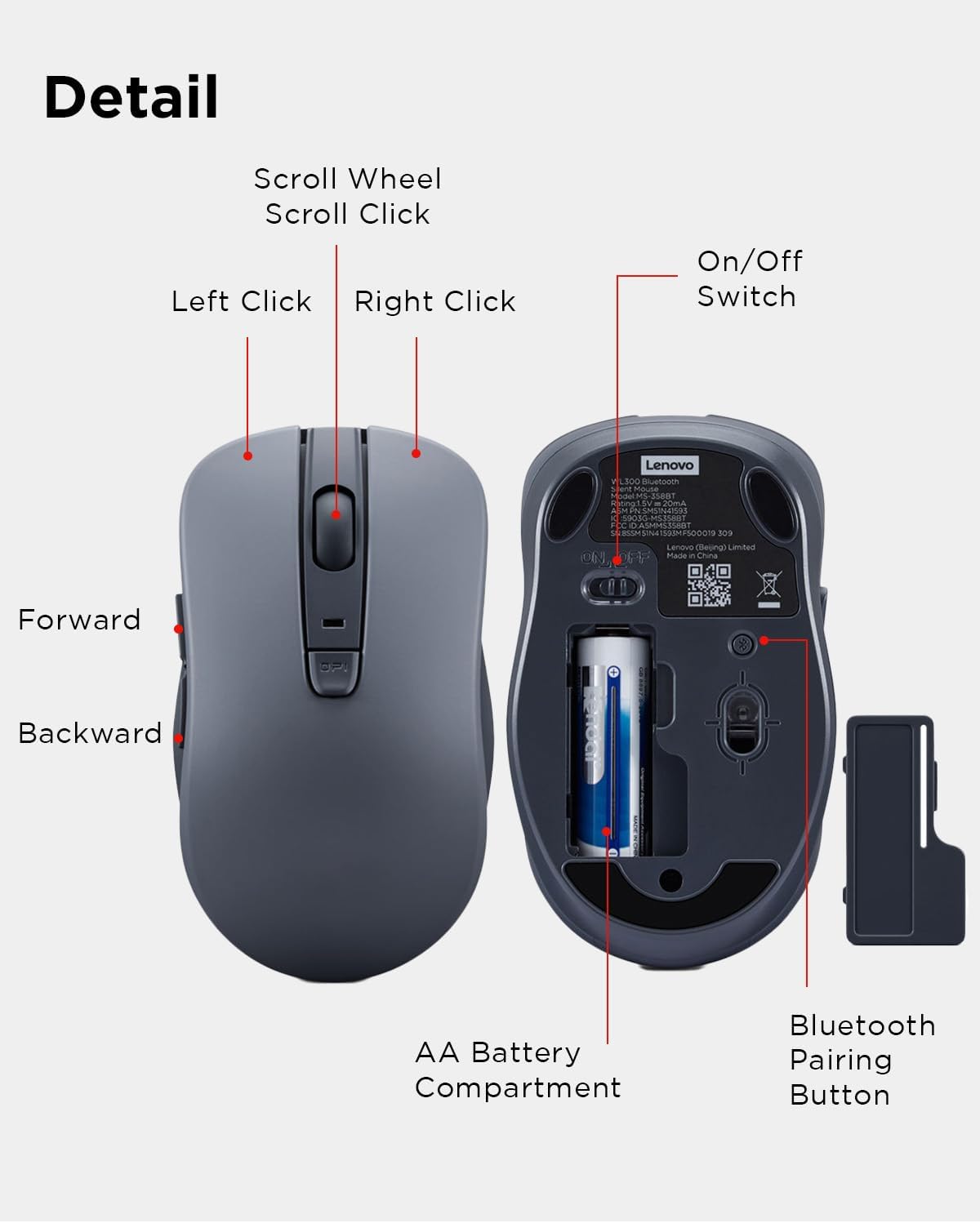
Lenovo Bluetooth Mouse WL300
Product description
If you want a mouse that stays quiet and skips the cable, the Lenovo WL300 is built for everyday work across more than one setting. Its compact design and single-AA power setup suit a laptop bag or a shared desk, while five buttons offer more control than a basic two-button mouse. The tradeoff is a maximum sensitivity of 1600 DPI, so it’s aimed at general navigation rather than users who need a higher-DPI range.
How to use it
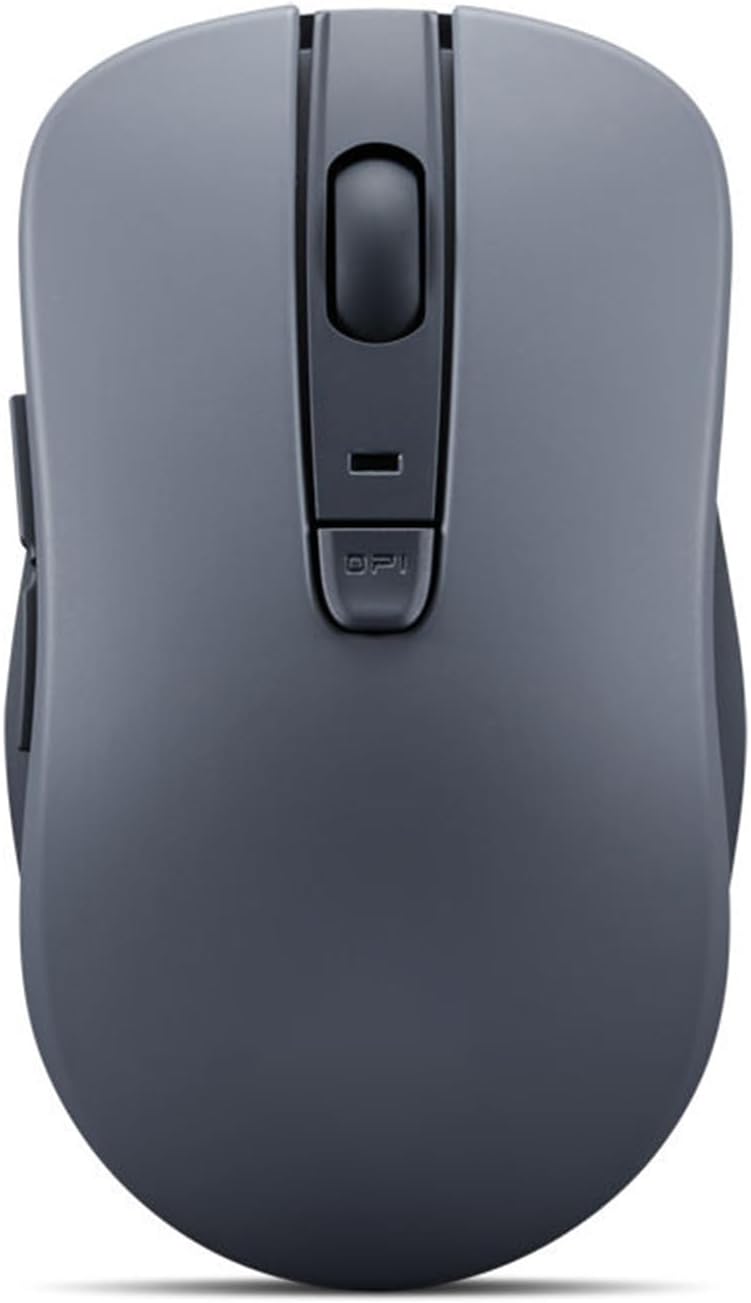
Pair the mouse over Bluetooth 5.0, or use Microsoft Swift Pair to make the connection process more convenient on a compatible device. The listing doesn’t specify supported operating systems, so don’t assume Swift Pair or every mouse function will work with your particular setup without checking device support.
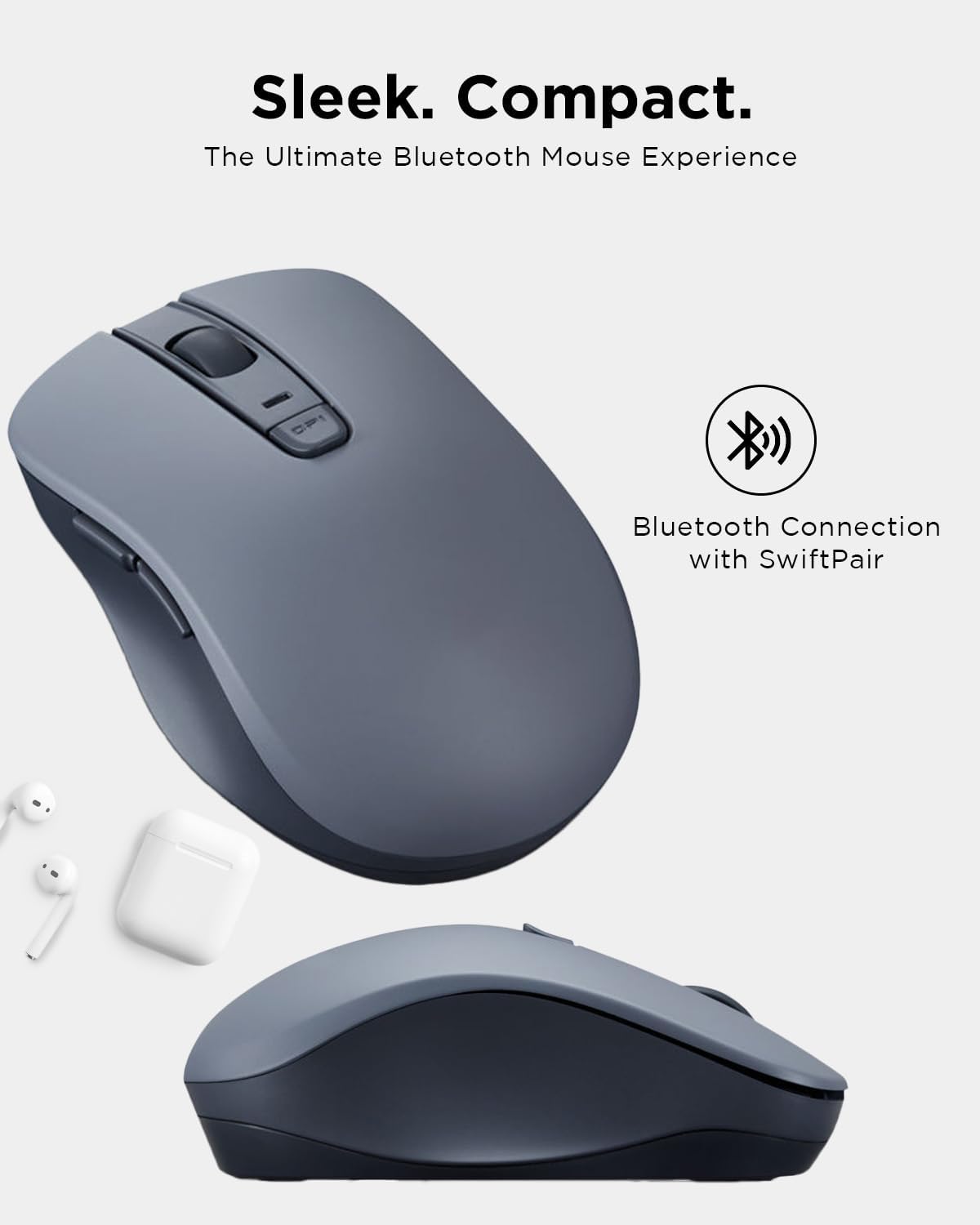
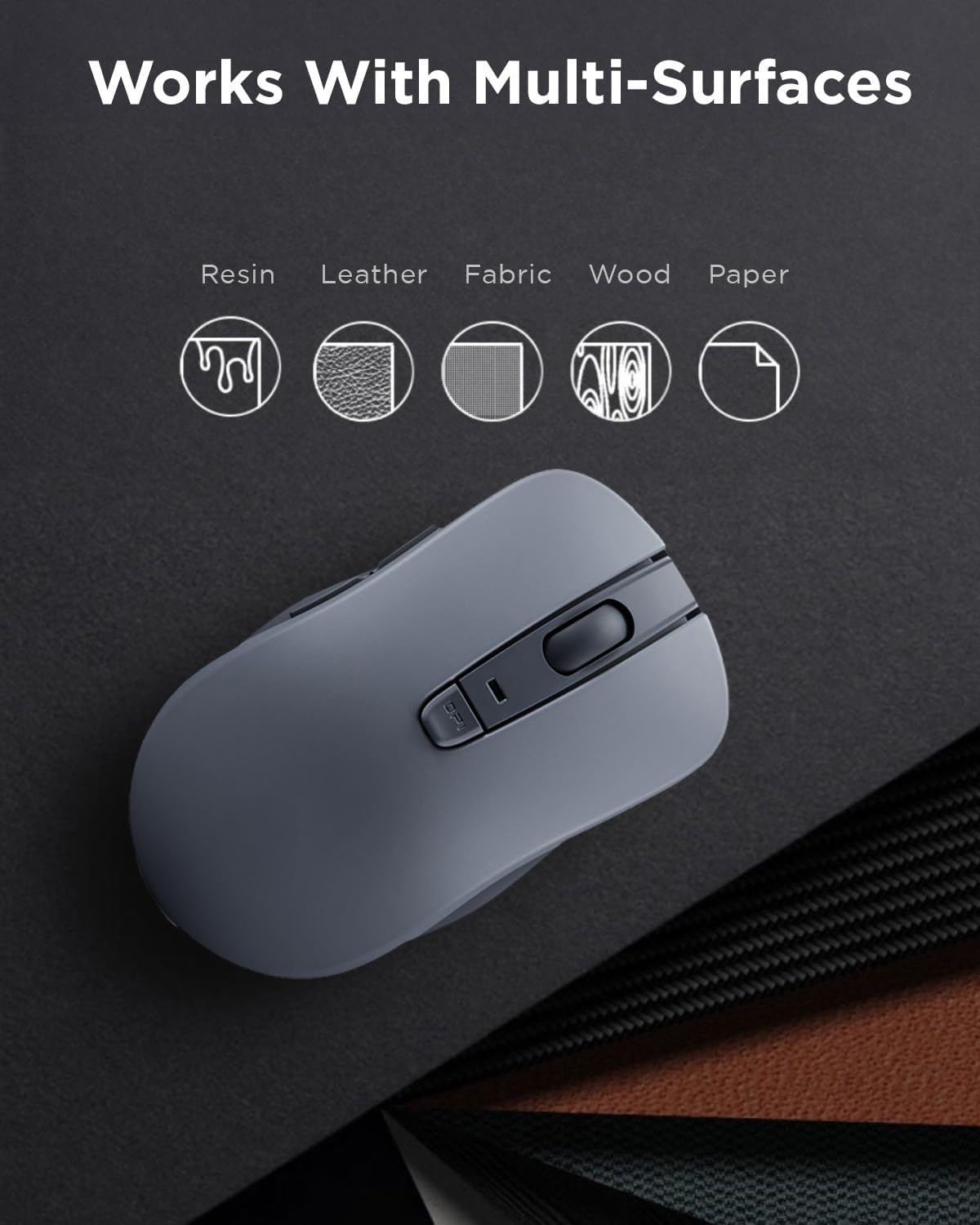
For a practical example, move between a laptop and a quiet workspace, use the forward and back buttons to navigate pages, and scroll without the sharper click sounds of a conventional mouse. Left, right, and scroll-wheel buttons are described as silent, and the anti-slip wheel is intended to help keep scrolling controlled. The mouse is also described as working on wood, leather, fabric, paper, and resin, which gives it flexibility beyond a single desk surface.
The sculpted grip is shaped around the hand’s contours, a useful design direction for longer work sessions, though comfort remains personal and no dimensions are provided to help judge fit before buying. You’ll appreciate it if you want quieter clicking, wireless convenience, and browser navigation buttons in one compact mouse. It’s not for you if you need a stated hand-size fit, a wired connection, or sensitivity above 1600 DPI.
Pros
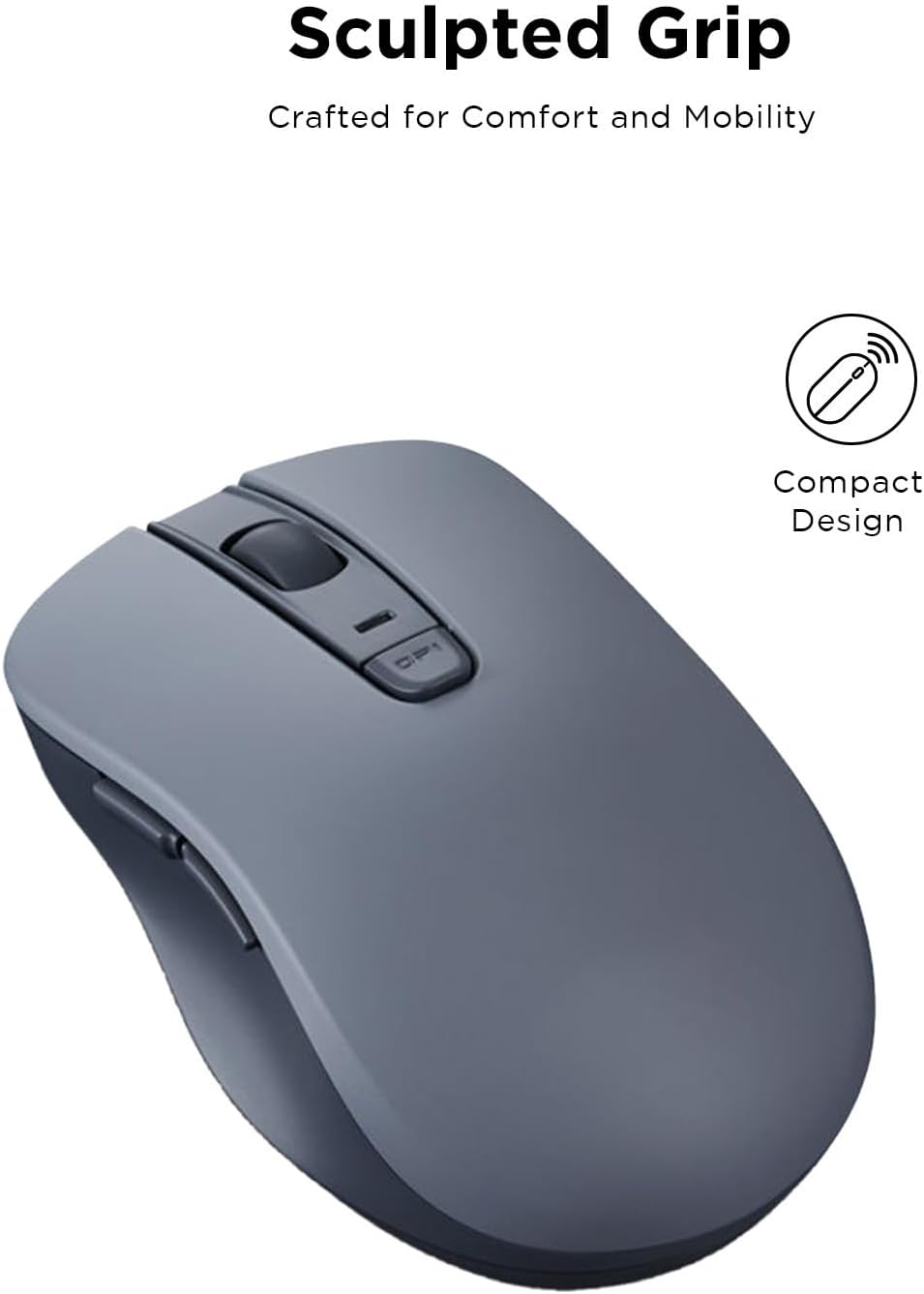
- Silent left, right, and scroll-wheel buttons can be more considerate in shared or quiet rooms.
- Five-button layout adds forward and back controls alongside standard clicking and scrolling.
- Bluetooth 5.0 and Microsoft Swift Pair provide a cable-free pairing approach.
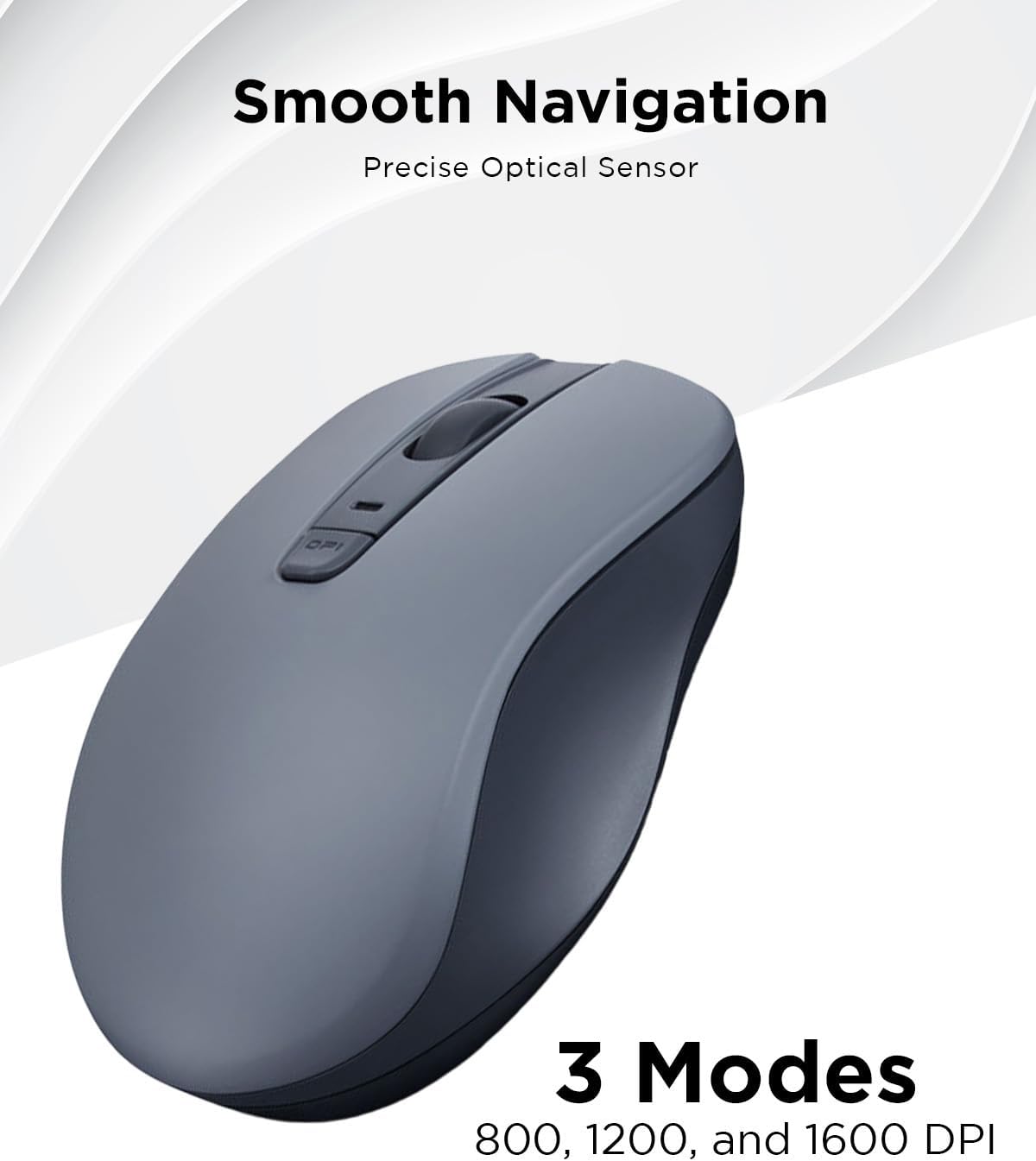
- Three DPI settings—800, 1200, and 1600—let you choose between slower and faster pointer movement for everyday tasks.
- Compact, lightweight construction is suited to carrying with a laptop.
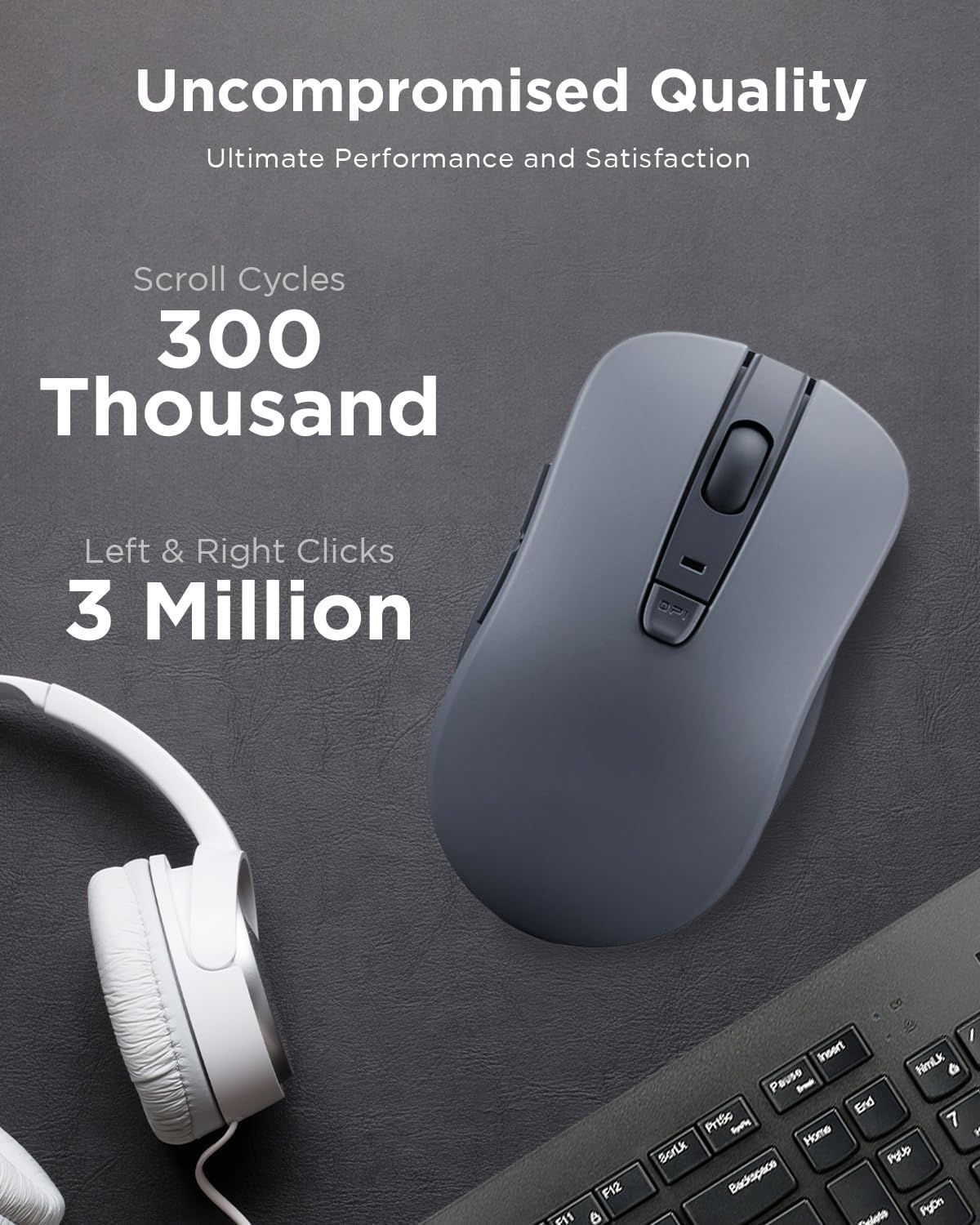
A useful distinction from a simpler travel mouse is the extra navigation control and sculpted grip, in return, the WL300 still keeps the setup wireless and portable. Its switches are rated for up to 3 million clicks on the left and right buttons, while the scroll wheel is rated for up to 300,000 cycles. Those figures offer a durability reference, not a guarantee of how long an individual mouse will last. It also runs on one AA battery, so you’ll need to account for battery replacement rather than charging it by cable.
Spec sheet
- Name: Lenovo Bluetooth Silent Mouse WL300
- Type: Bluetooth mouse
- Buttons: 5, including forward and backward
- Connectivity: Bluetooth 5.0, Microsoft Swift Pair
- DPI: 800, 1200, or 1600
- Power: One AA battery
- Color: Grey
On the spec sheet, the DPI range is capped at 1600, and there’s no listed size or weight measurement to help compare the fit or portability precisely. Those are the main details to weigh if you’re choosing between a straightforward office mouse and a more specialized option.
Final verdict
The WL300 makes sense for everyday laptop and desktop navigation when quiet clicks, wireless use, and dedicated forward/back buttons matter more than advanced sensitivity or detailed ergonomic sizing. It’s a more feature-rich approach than a basic two-button mouse, but the available information doesn’t establish operating-system compatibility or a precise hand fit. Choose it for its quiet, compact, five-button setup, look elsewhere if your work depends on a higher DPI ceiling or you need those compatibility and size details confirmed before buying.