


Yonktoo Mouse Jiggler – Ultra Slim Mouse Mover ⚙
Reviews
Price
Product description
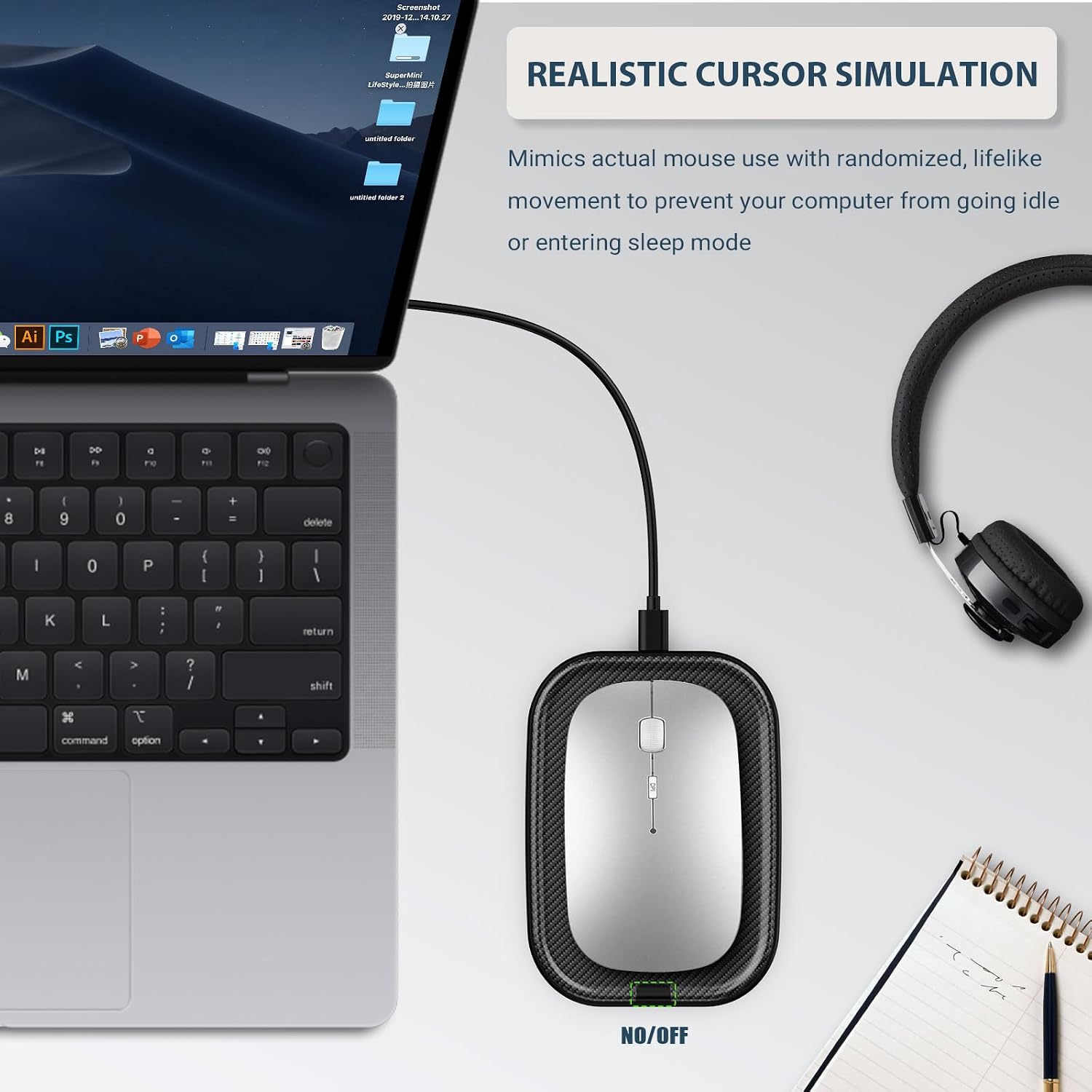
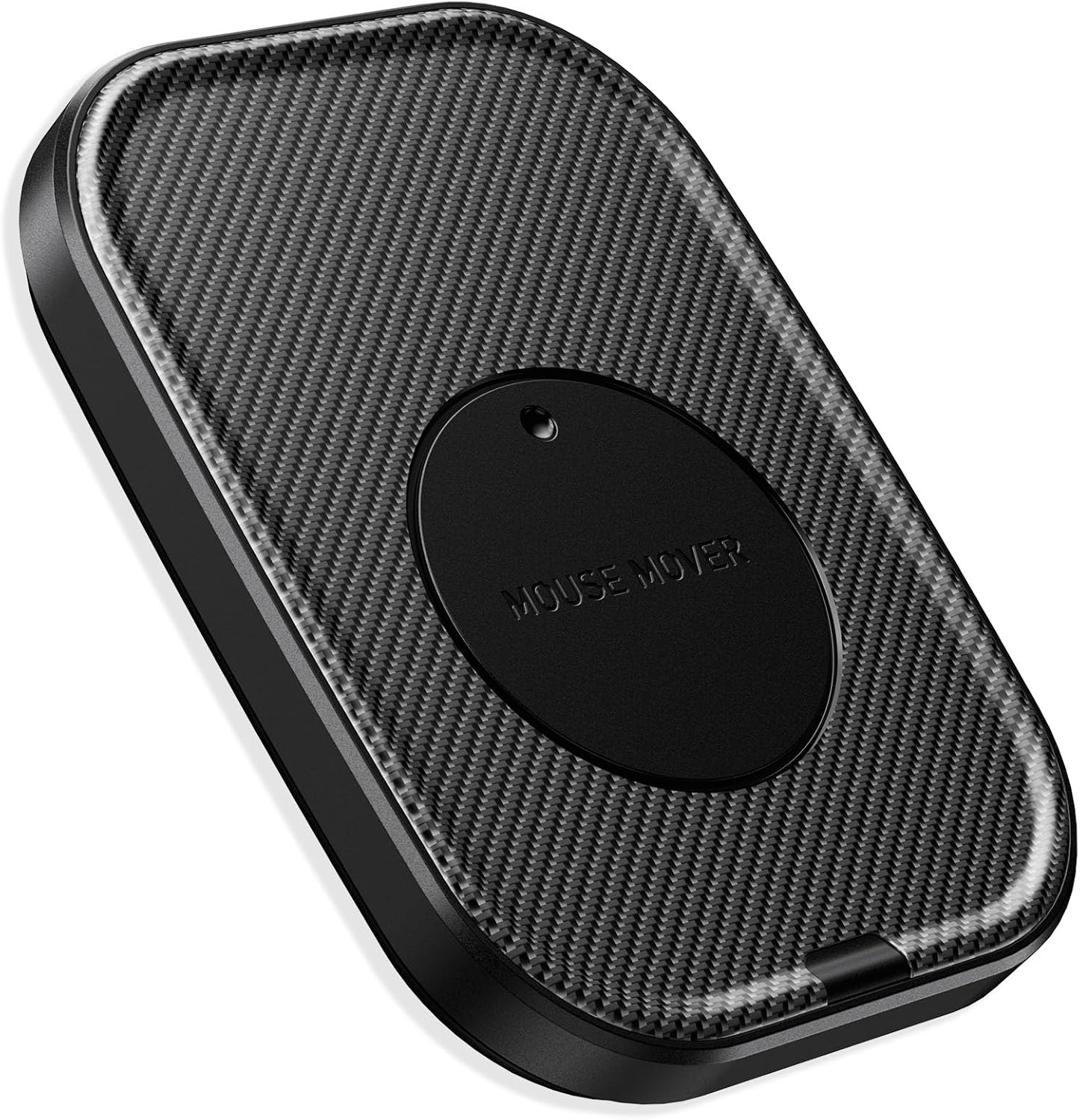
This Yonktoo Mouse Jiggler – Ultra Slim Mouse Mover is a discreet, plug-and-play device designed to keep your computer active without interrupting your workflow or drawing attention. It moves naturally and smoothly, simulating real mouse activity with no visible signs or alerts, making it ideal for users who need to stay connected without being on their desk.
Key Points
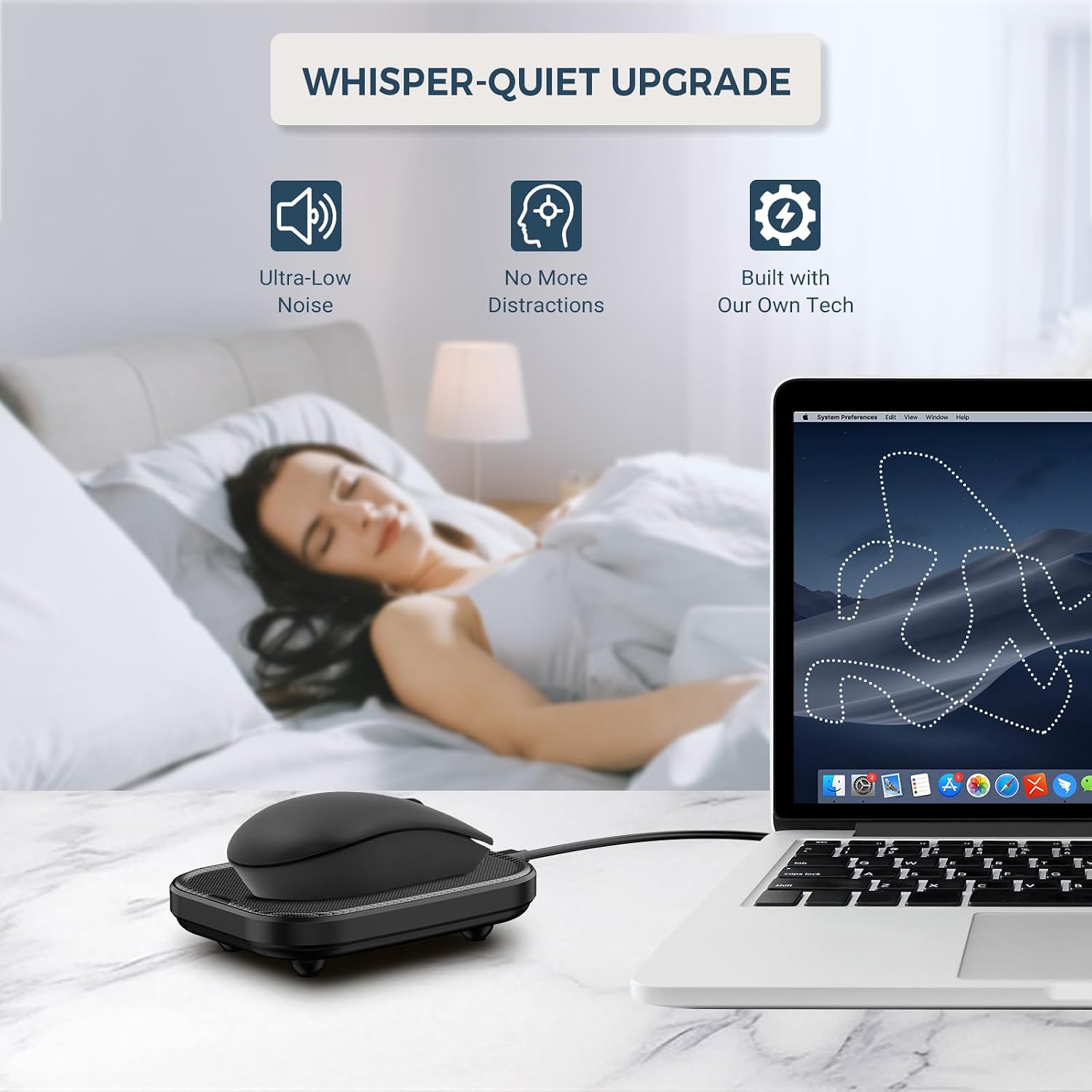
The Yonktoo Mouse Jiggler operates silently and seamlessly, delivering consistent movement without any blinking lights or system alerts. It connects instantly to your laptop or desktop, requiring no drivers or setup. The motion mimics real user behavior, helping maintain system responsiveness during short absences. Its ultra-silent motor ensures it won’t disturb quiet environments, such as a bedroom or office with a sleeping child.
Technical Specifications
- Brand + Model: Yonktoo Mouse Jiggler – Ultra Slim Mouse Mover
- Connection Type: USB-C (plug-and-play)
- Power Source: Built-in rechargeable battery
- Battery Life: Up to 14 days on a single charge
- Operating Mode: Continuous random movement simulation
- Silence Level: Under 25 dB during operation
Benefits
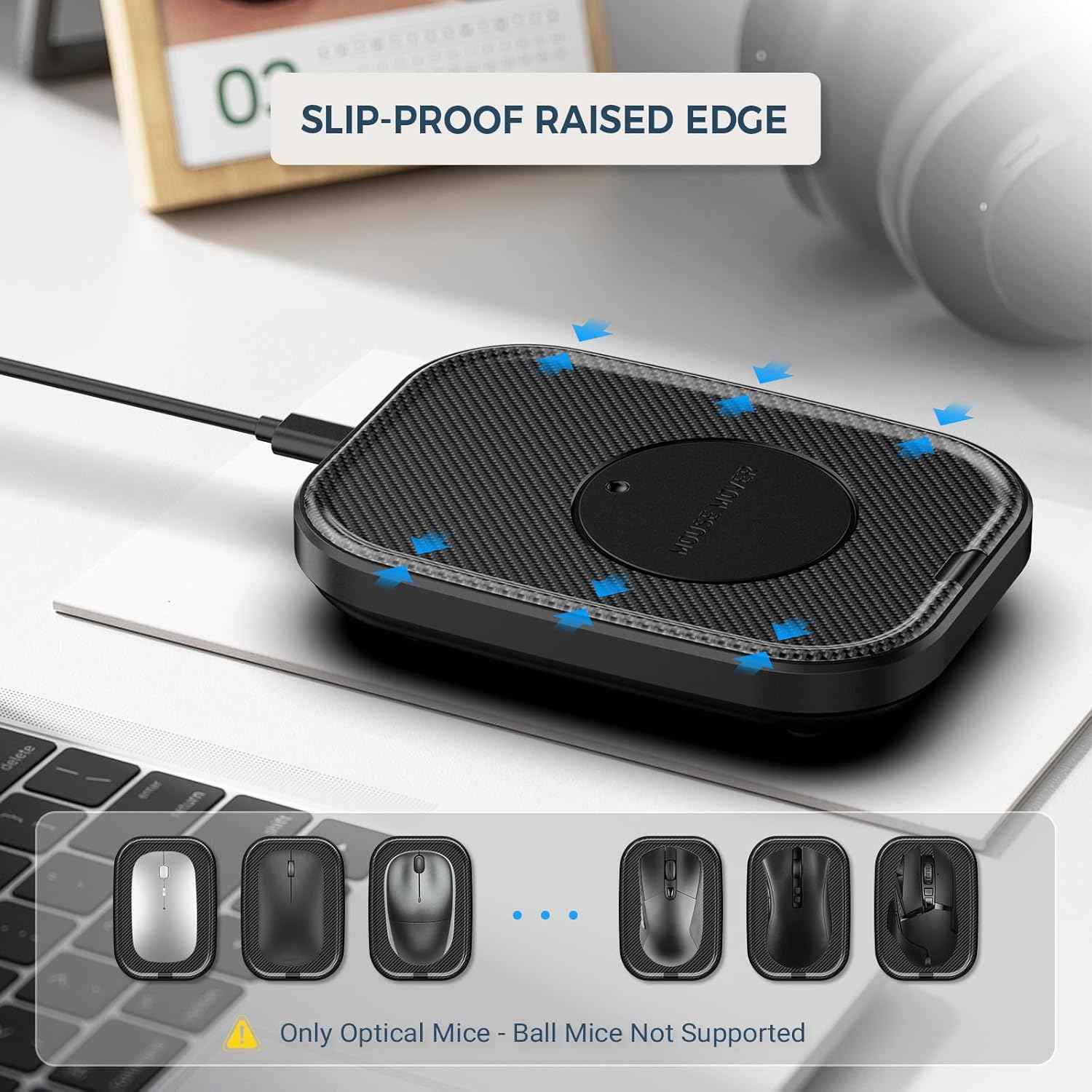
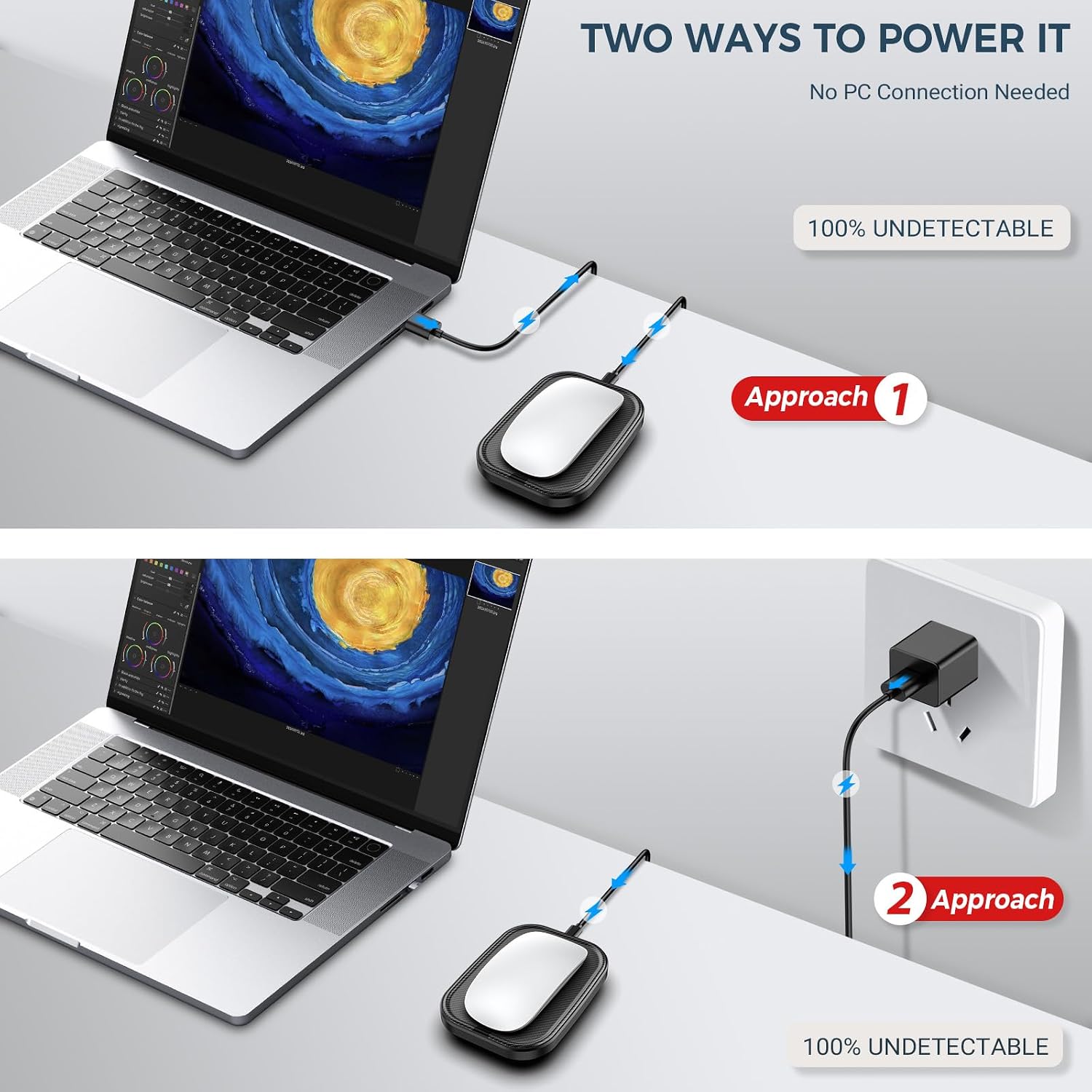
This device works quietly and efficiently, allowing users to stay logged in without needing to be physically present at their desk. It avoids the frustration of system inactivity or disconnection, which can happen when a computer is left idle. The random movement pattern helps prevent system errors or timeouts caused by inactivity. It’s especially useful for people who work remotely or manage multiple tasks across different locations.
Usage Recommendations
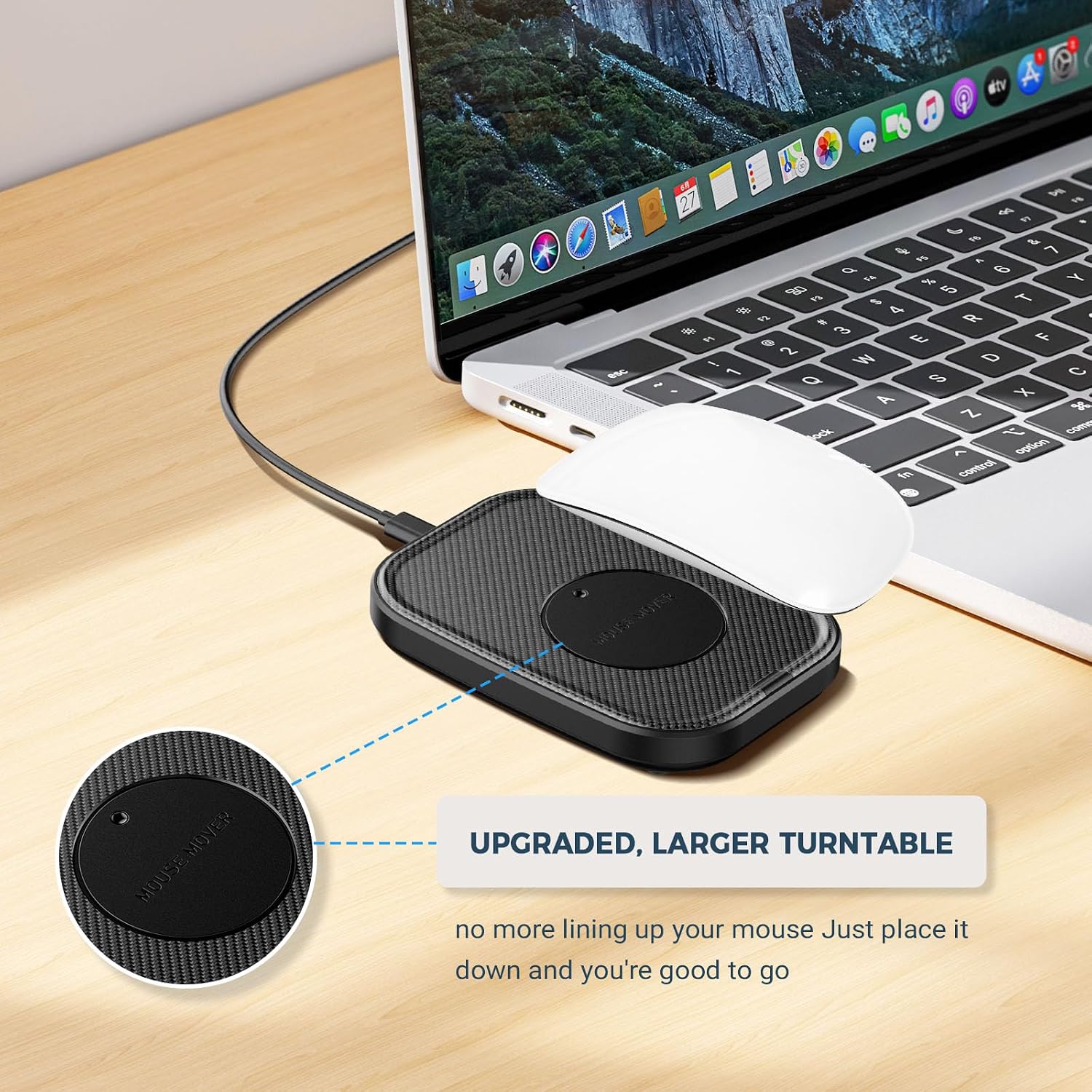
For best results, connect the device directly to your computer via USB-C after powering it on. Place it on a flat surface near your keyboard or desk where it can move freely. Avoid using it during high-performance tasks where precise cursor control is essential. If you’re working in a shared space, consider positioning it away from high-traffic areas to minimize distraction. The device is designed to function without being noticed, so it’s best used in settings where silent operation is valued.