


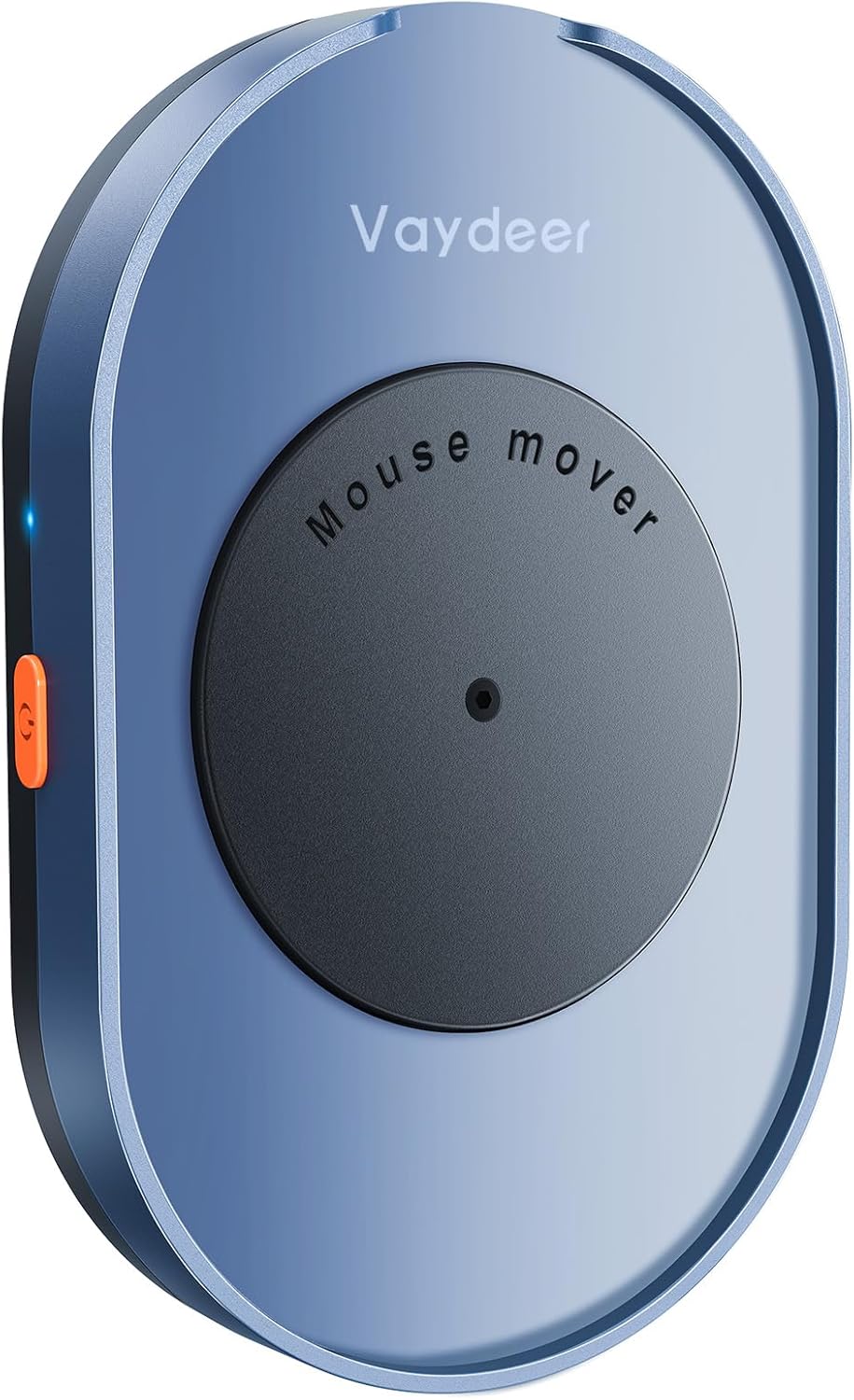
Vaydeer M4 Mouse Jiggler 2024
Product description
This compact mouse mover simulates subtle optical mouse motion to keep a computer awake during long meetings and presentations. Its ultra-silent motor and simple on/off switch make it a discreet helper for remote work and multitasking, reducing interruptions without installing drivers.
Quick overview
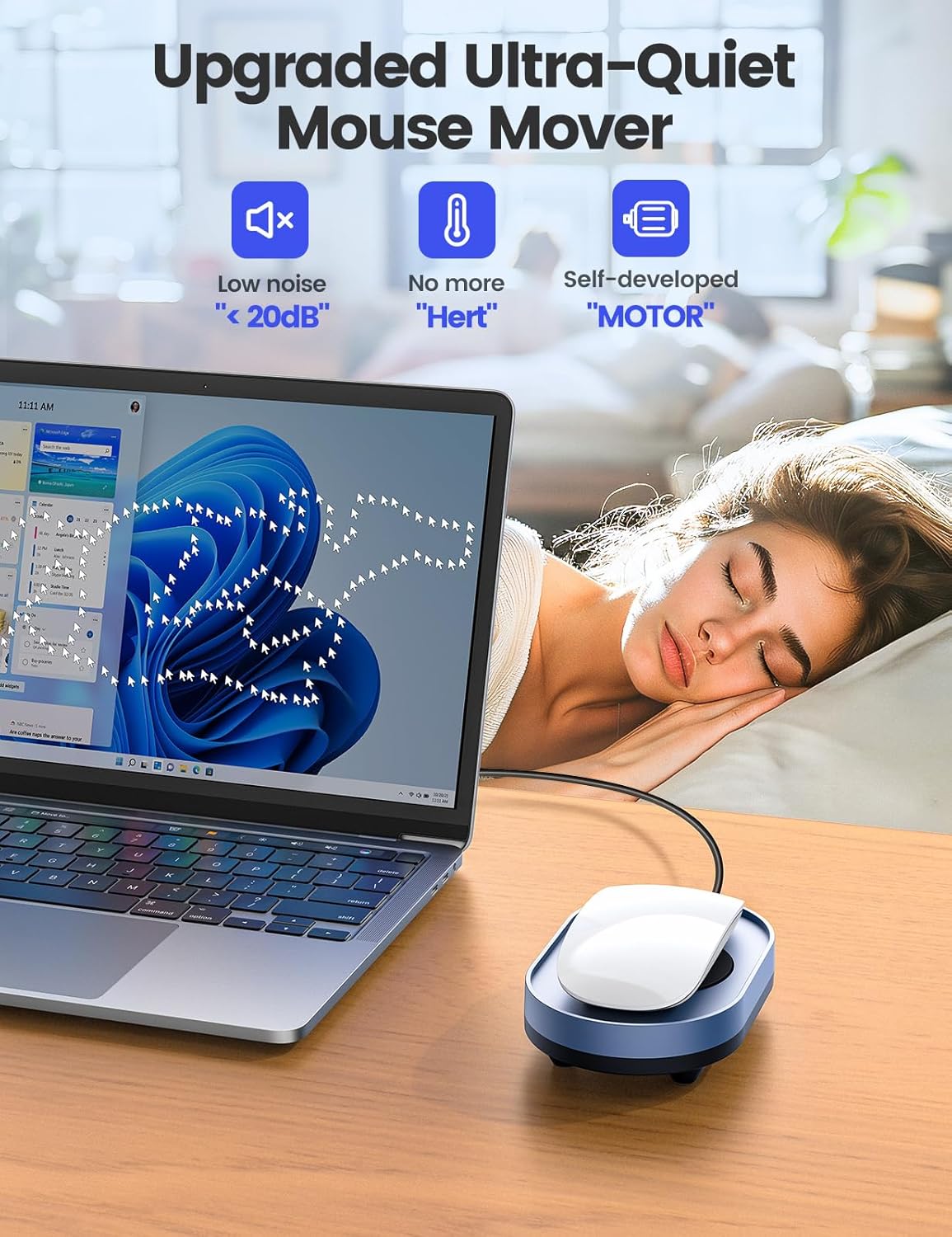
The Vaydeer M4 works as a driver-free mover that gently nudges an optical mouse so the system stays active, useful during video calls or when you step away briefly. It uses external 5V/2A power or a computer USB port, and the unit is described as undetectable by IT department scans according to the manufacturer. Expect low noise under 45 dB while running, a detail the brand highlights as part of the 2024 upgrade.

Product specs
- Name: Vaydeer M4 Mouse Jiggler
- Compatibility: Most optical mice and common OS like Windows 7/8/10, Linux, Mac
- Power: 5V/2A input
- Type: Driver-free mouse mover
- What’s included: Power cable and adapter according to manufacturer
What you’ll notice day to day
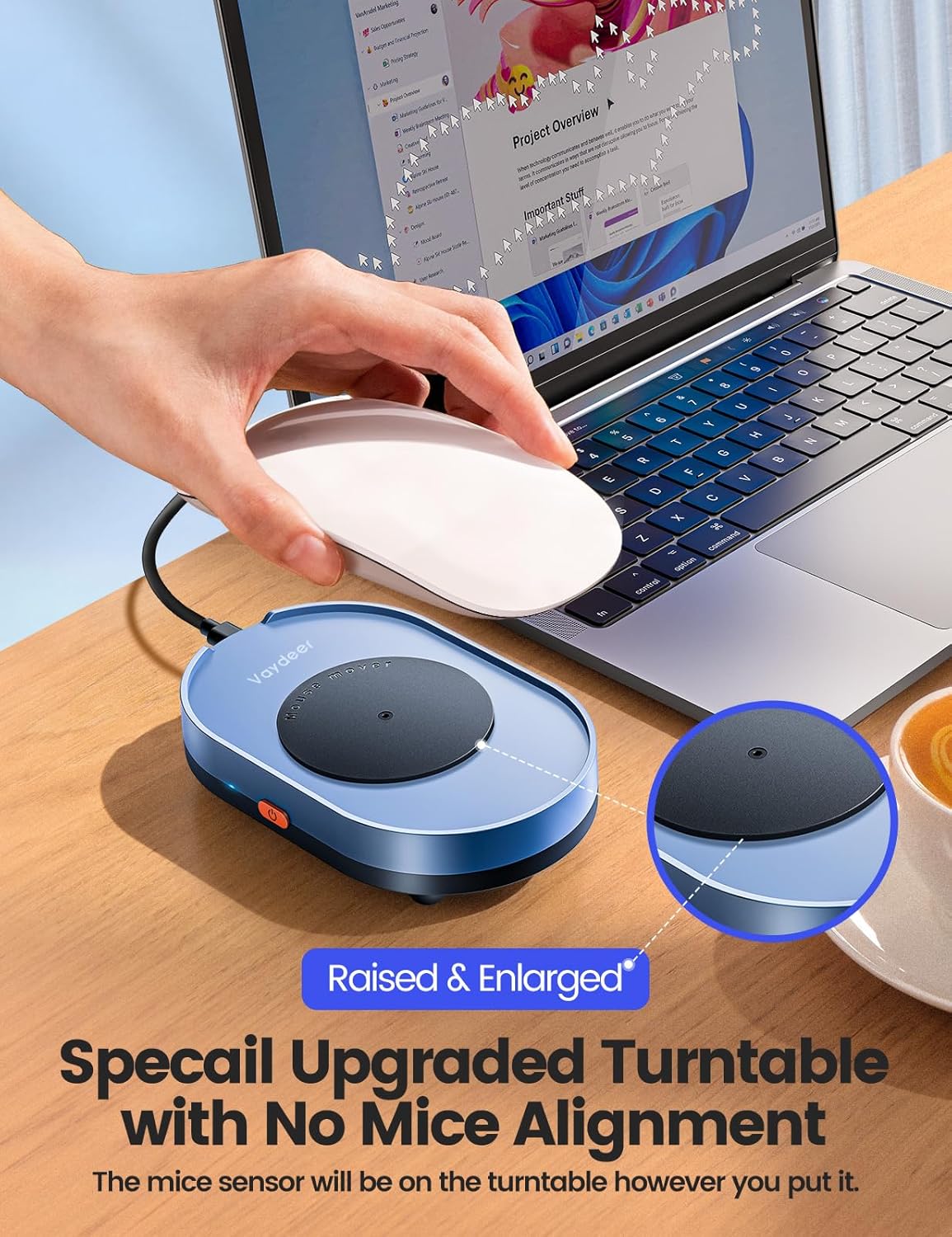
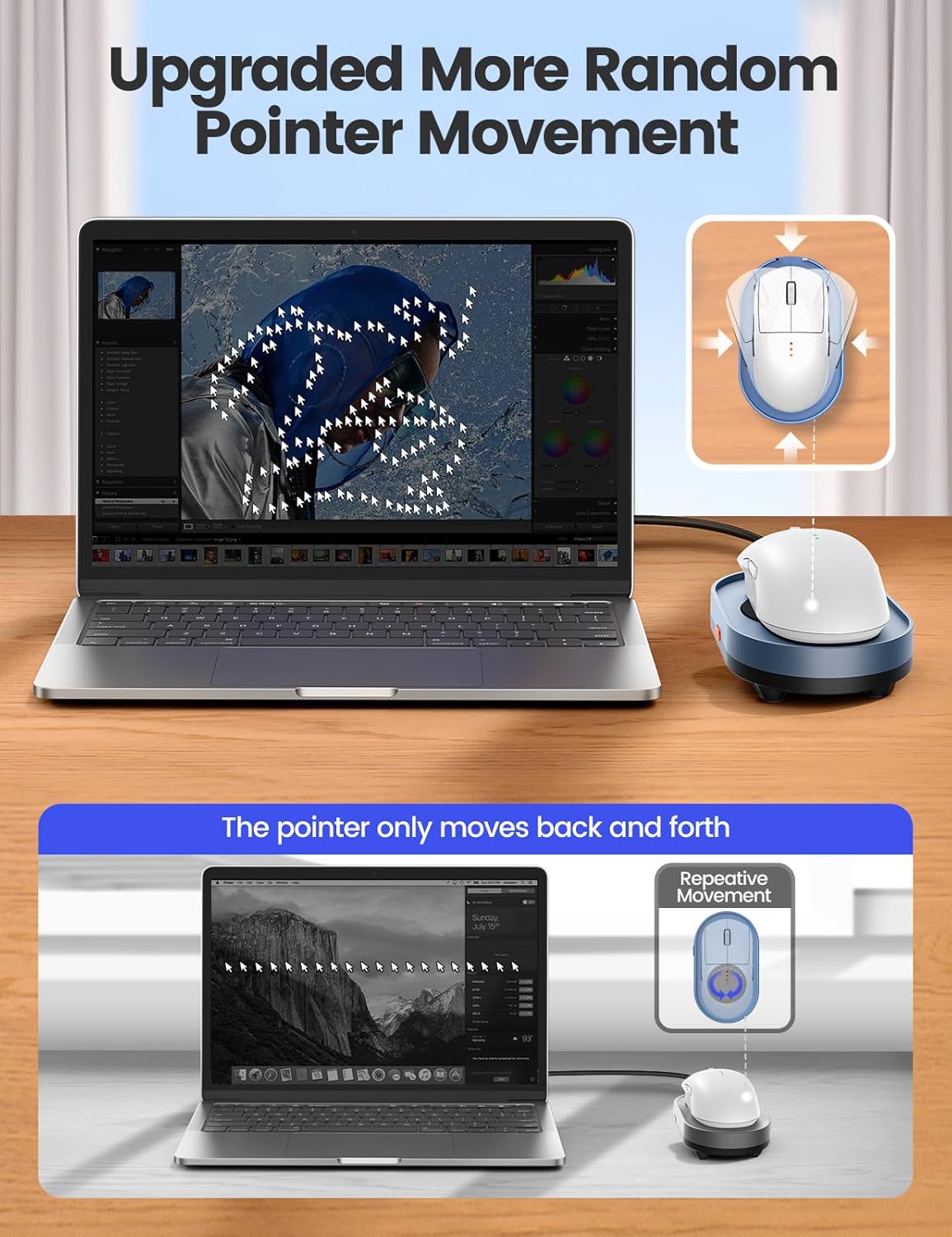
Operation is straightforward, press the physical switch to start or stop motion, no software or frequent plugging needed. The motion is described as subtle enough to avoid drawing attention while keeping apps like Microsoft Teams, Skype, and Outlook active. Noise is kept low to blend into an office or home setting.
Who it’s for
You’ll appreciate it if you attend long remote meetings, give presentations that require the screen to stay awake, or need a low-effort way to prevent sleep mode during AFK gaming sessions. You may want to skip it if your workplace strictly prohibits such devices or if you require a fully auditable IT-approved solution, as the product is positioned for discreet, personal use.
Maintenance
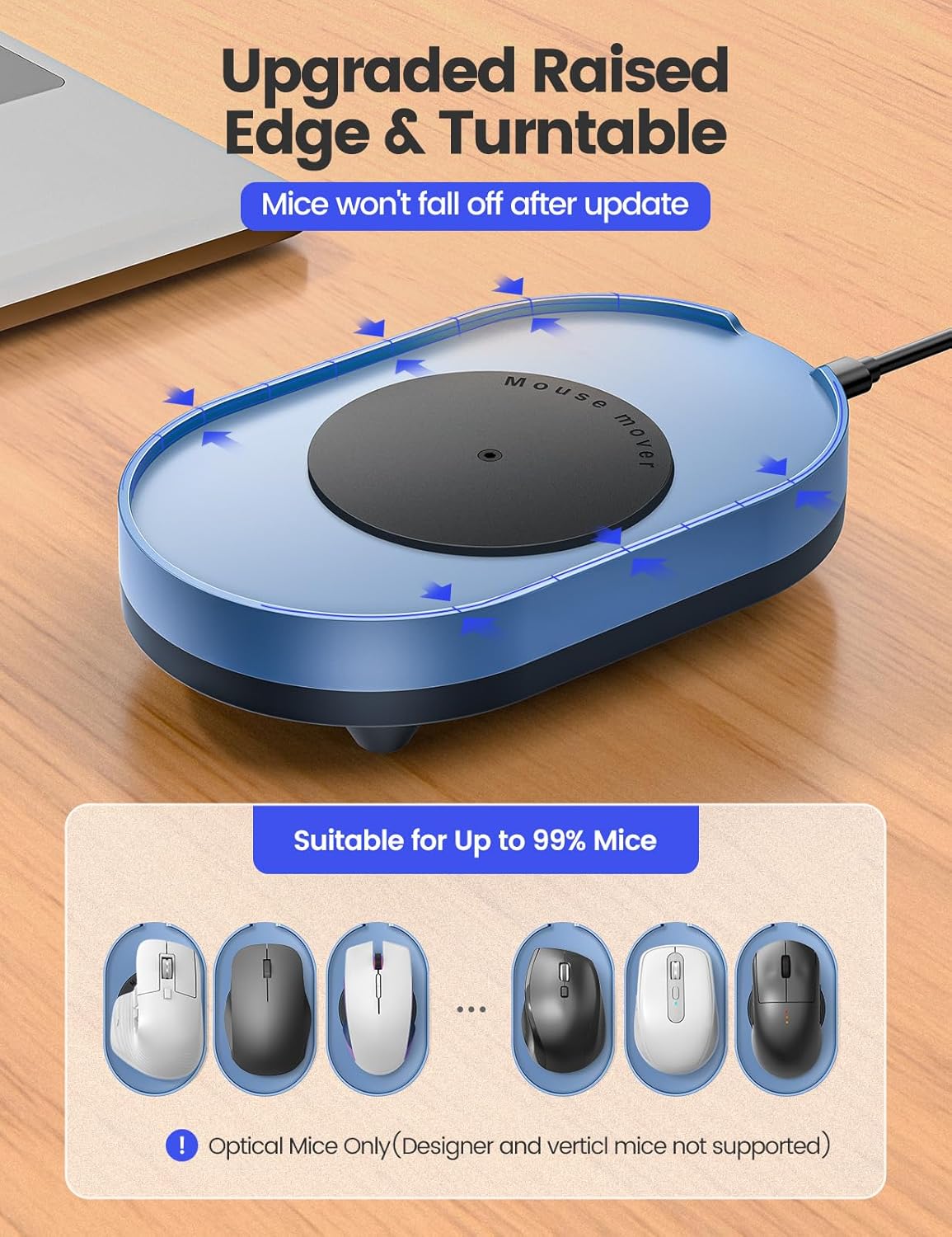
Keep the device free of dust and make sure the mouse sensor rests on the spinning area before turning it on. Follow basic cable care to avoid wear and unplug the adapter when not in prolonged use.