


wegear USB Wireless Mouse for Laptop PC Mac with 6 Buttons and 4000 DPI
Product description
What matters most
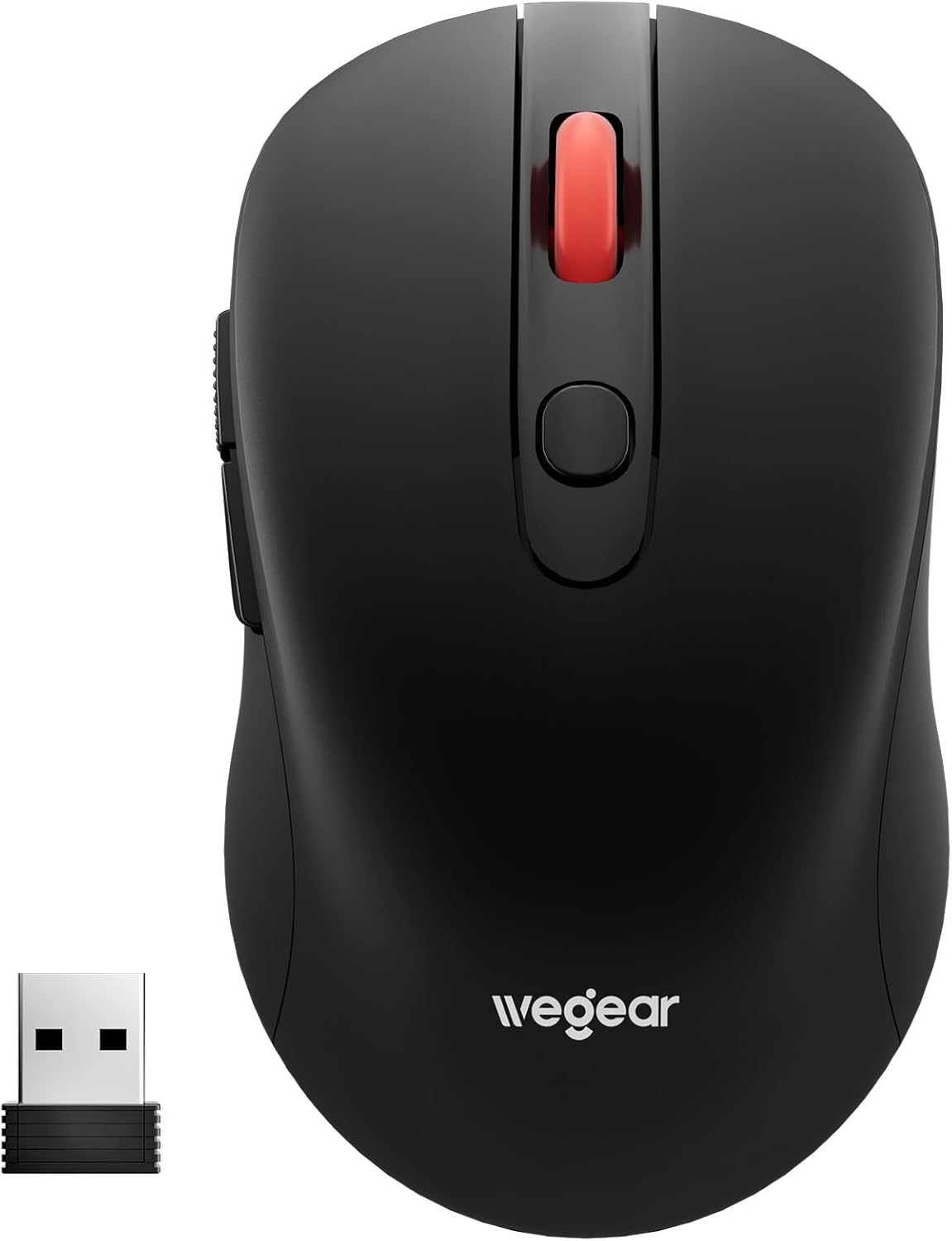
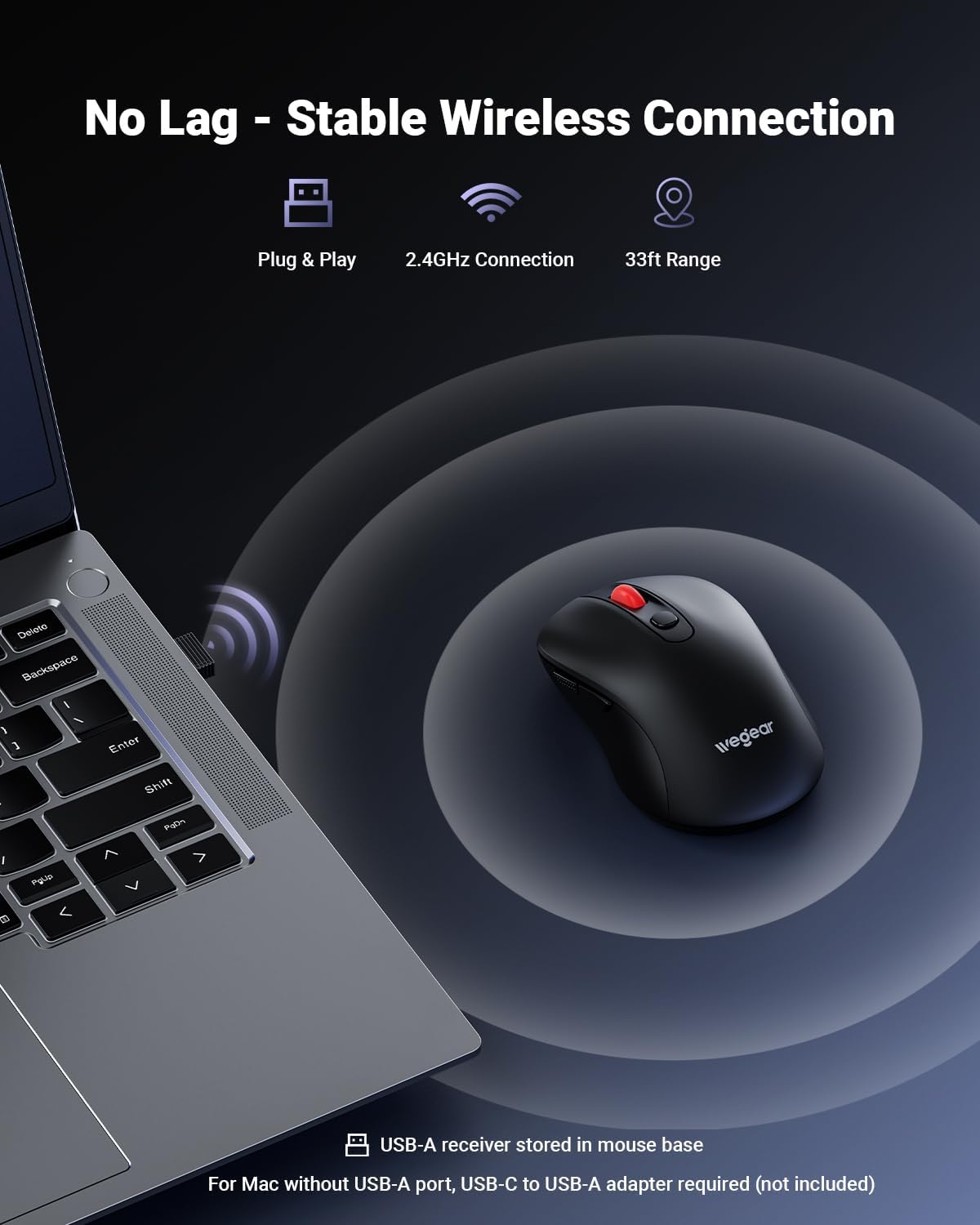
If you’re looking for a simple, plug-and-play wireless mouse that works across laptops, PCs, and Macs, this wegear model aims to deliver. The core appeal is straightforward: a 2.4GHz wireless connection with an impressive 33ft range, six buttons to speed navigation, and a 4000 DPI option for precise cursor control. On paper, it’s a clean package for everyday productivity and design tasks, without the need to install drivers. But to really decide if it fits your setup, you’ll want to weigh how it handles real-world use and where it might fall short.
How it feels in daily use
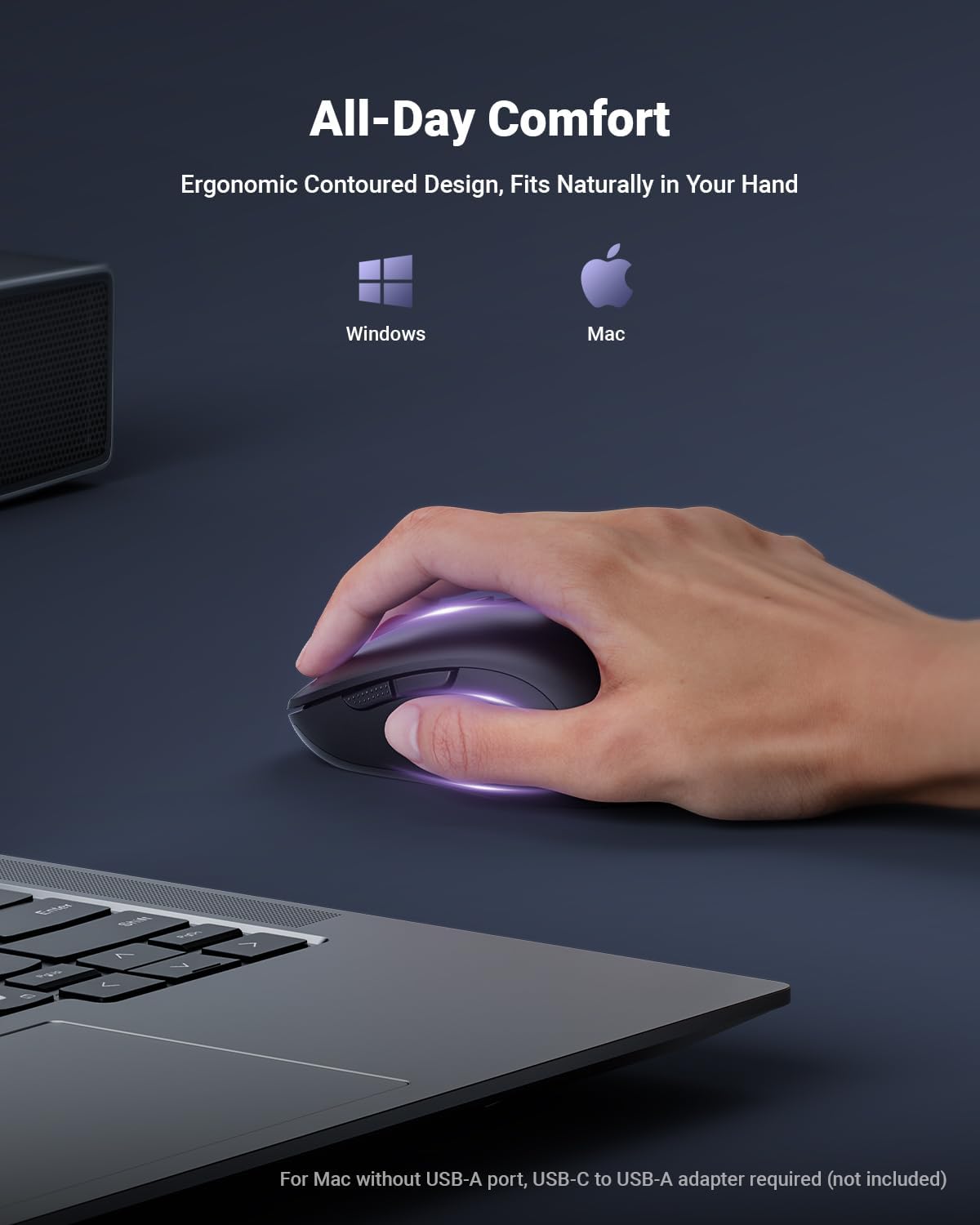
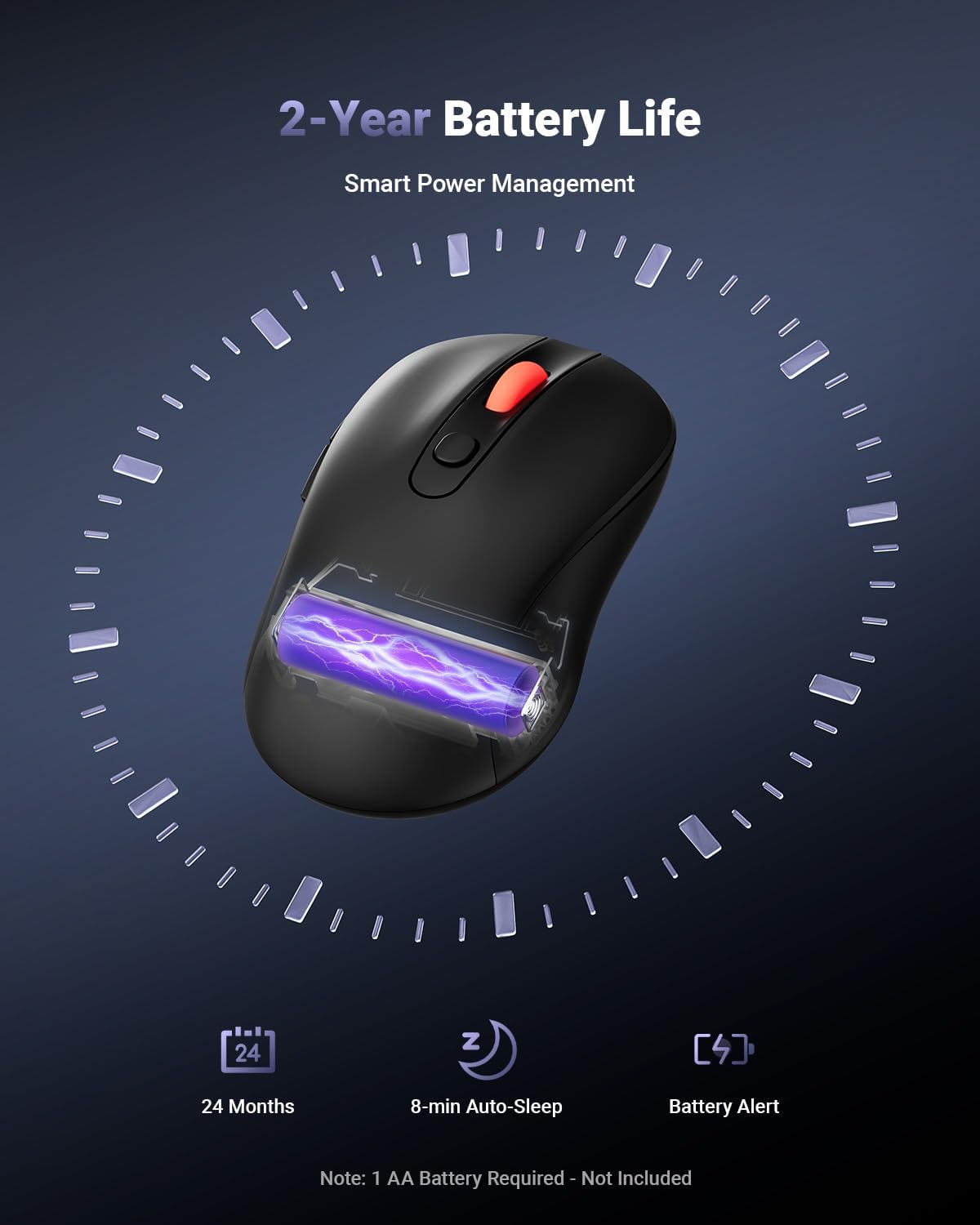
The mouse is designed for comfort with an ergonomic contour meant for longer sessions. It’s powered by a single AA battery and promises up to 24 months of life (battery not included). That said, a long battery life is great until you forget to swap it, so a quick reminder LED helps you avoid unexpected drops. The sleep mode after 8 minutes of inactivity is a practical touch for conserving energy in laptop sleeves or desks where power planning matters.
Precision and controls
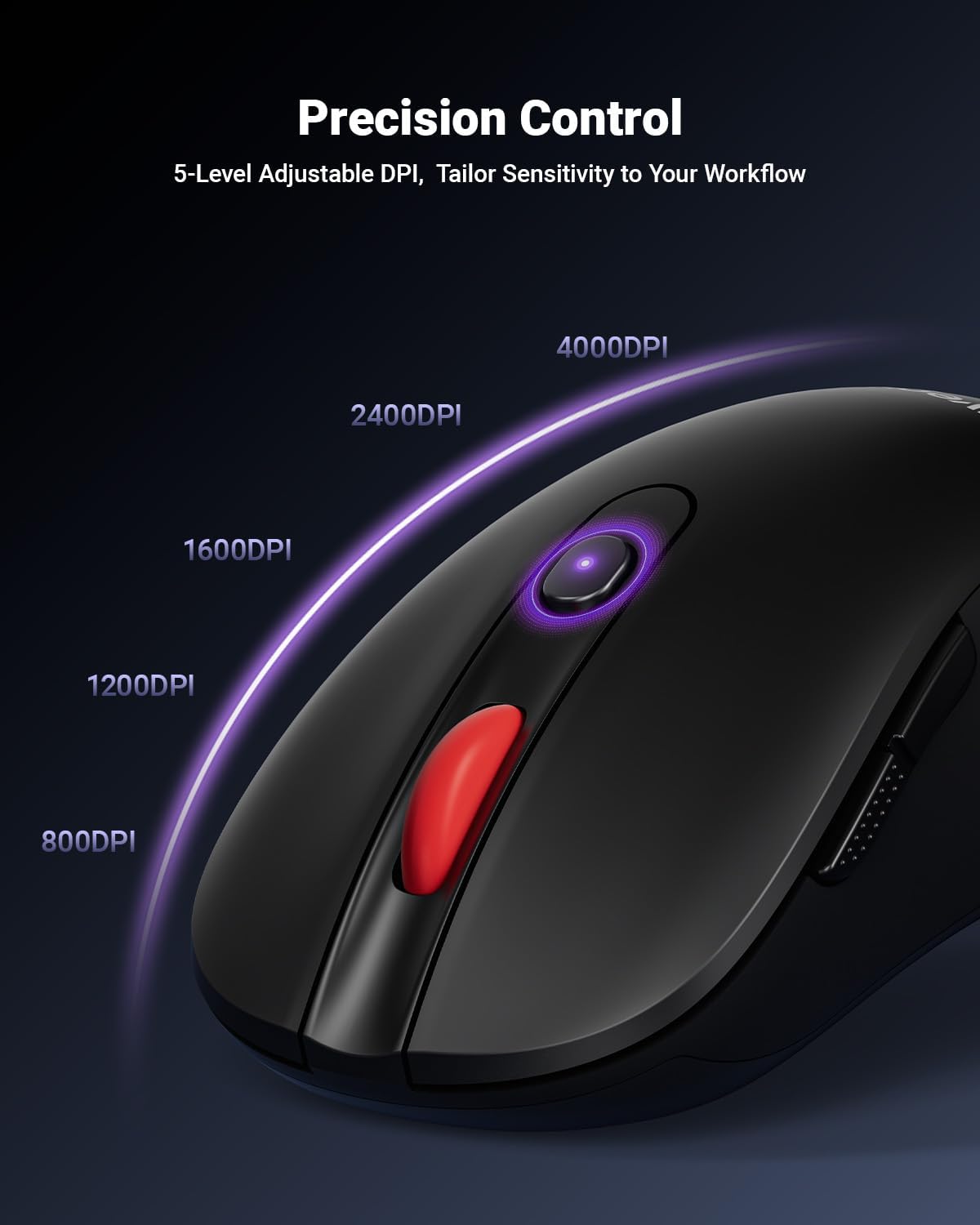
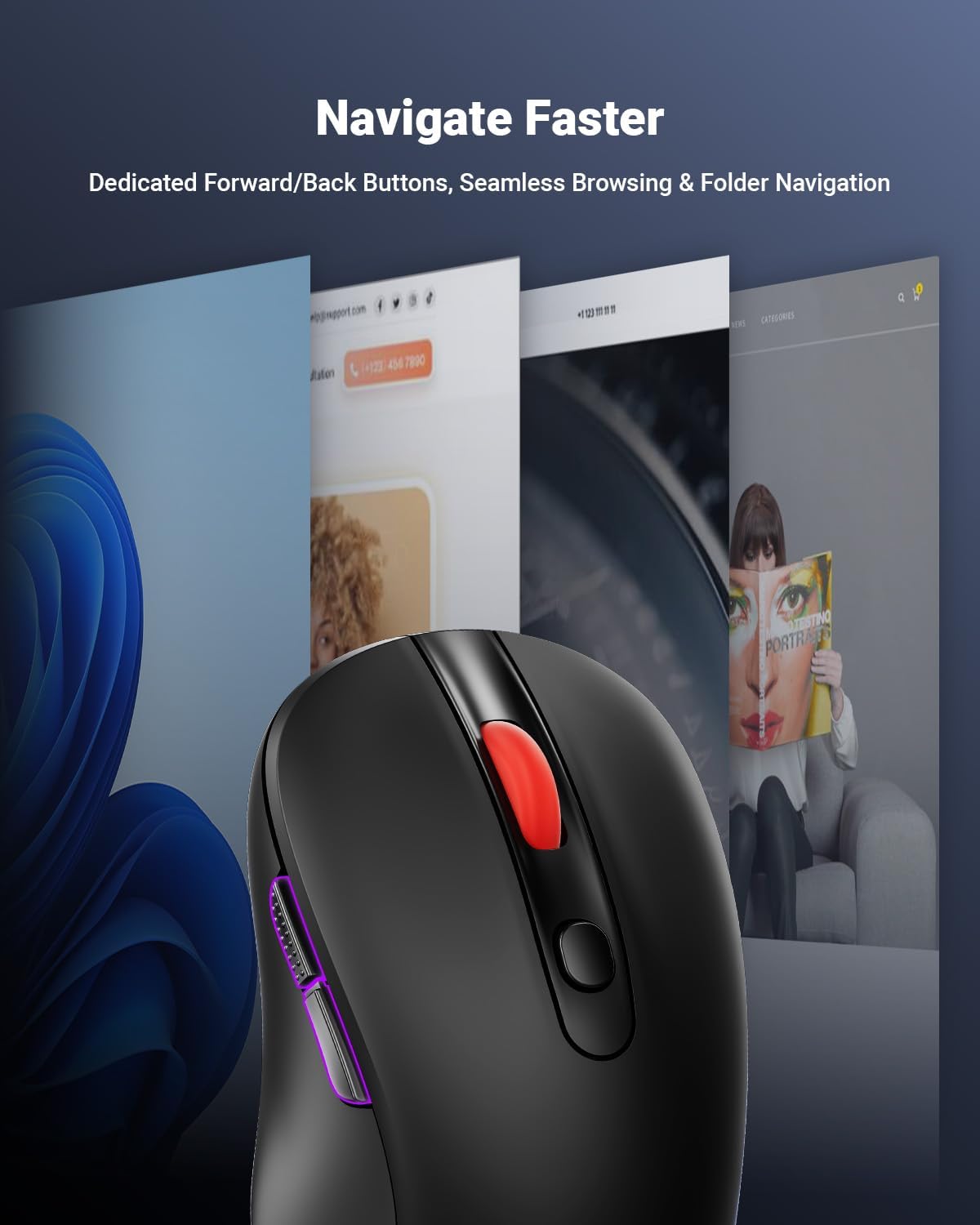
You can switch among five DPI levels—800, 1200, 1600, 2400, and 4000—allowing you to tailor cursor speed for everyday browsing, document work, or design tasks. The higher end (4000 DPI) is appealing if you need fine control on detailed design work, but keep in mind actual performance also depends on the surface and the mouse’s optical sensor. The six-button layout includes forward and back controls to streamline document and web navigation, which can noticeably boost day-to-day workflow.
Compatibility and limitations
The mouse lists broad compatibility across Windows and macOS, with a caveat: on Mac, forward/backward buttons aren’t recognized. It’s also noted that iPads may require a USB-C adapter, which is an important consideration if you’re hoping to use it with a tablet. The USB receiver is stored at the bottom of the mouse for portability, a neat space-saving detail but one you’ll want to keep track of when traveling.
Where it fits best
If your priority is a no-fuss, plug-and-play experience that works across most laptops and desktops, this model ticks a lot of boxes: simple setup, a respectable DPI range, and a left-right balance between comfort and control. It’s probably not the best choice if you rely heavily on Mac-specific shortcuts or if you need multi-device switching built-in. It also isn’t perfect if you expect features like mechanical switches or high-end gaming sensors at this price point.
What to check before buying
- Confirm your primary OS and whether you need Mac-specific button functionality. If you’re on a Mac and rely on the forward/back controls, there may be limitations.
- Consider your typical work surface. The manufacturer notes the DPI optimization works on most surfaces, but performance can vary with unusual textures or reflective surfaces.
- If you’re frequently on the move, note the USB receiver’s storage location at the bottom of the mouse so you don’t misplace it.
- Battery planning matters: even with a 24-month life claim, you’ll be dealing with a single AA battery and occasional LED reminders.
How it compares in context
In the spectrum of wireless mice, this model leans toward practicality and reliability for everyday use rather than high-end gaming or premium design. If you prioritize a simple setup, longer battery life (in theory), and a comfortable shape, it’s a sensible option. If you need Mac-native button behavior or top-tier sensors for precise gaming or specialized design tasks, you might explore options with broader compatibility and more advanced features.
What’s included
Included components aren’t itemized in detail here, but you should expect the USB receiver to be stored at the bottom of the mouse and the battery to be separate (not included). If you need USB-C adapters for tablets, plan accordingly.
FAQ
- Do forward/back buttons work on Windows and Mac? On Windows, yes, on Mac, they may not be recognized.
- What is the maximum DPI? 4000 DPI with multiple adjustable levels.
- How long does the battery last? Up to 24 months on a single AA battery, depending on usage and sleep mode.
Buying verdict
Is it worth it? It makes sense if you want a straightforward, plug-and-play wireless mouse that covers standard productivity tasks across Windows and Mac, with ample DPI options and a compact, ergonomic shape. It’s a solid pick if you value long battery life and simple setup but not if you need full Mac button compatibility or the most precise sensor for specialized design work.