

memzuoix 2.4G Wireless Mouse 1400 DPI 🖱
Reviews
Price
Product description
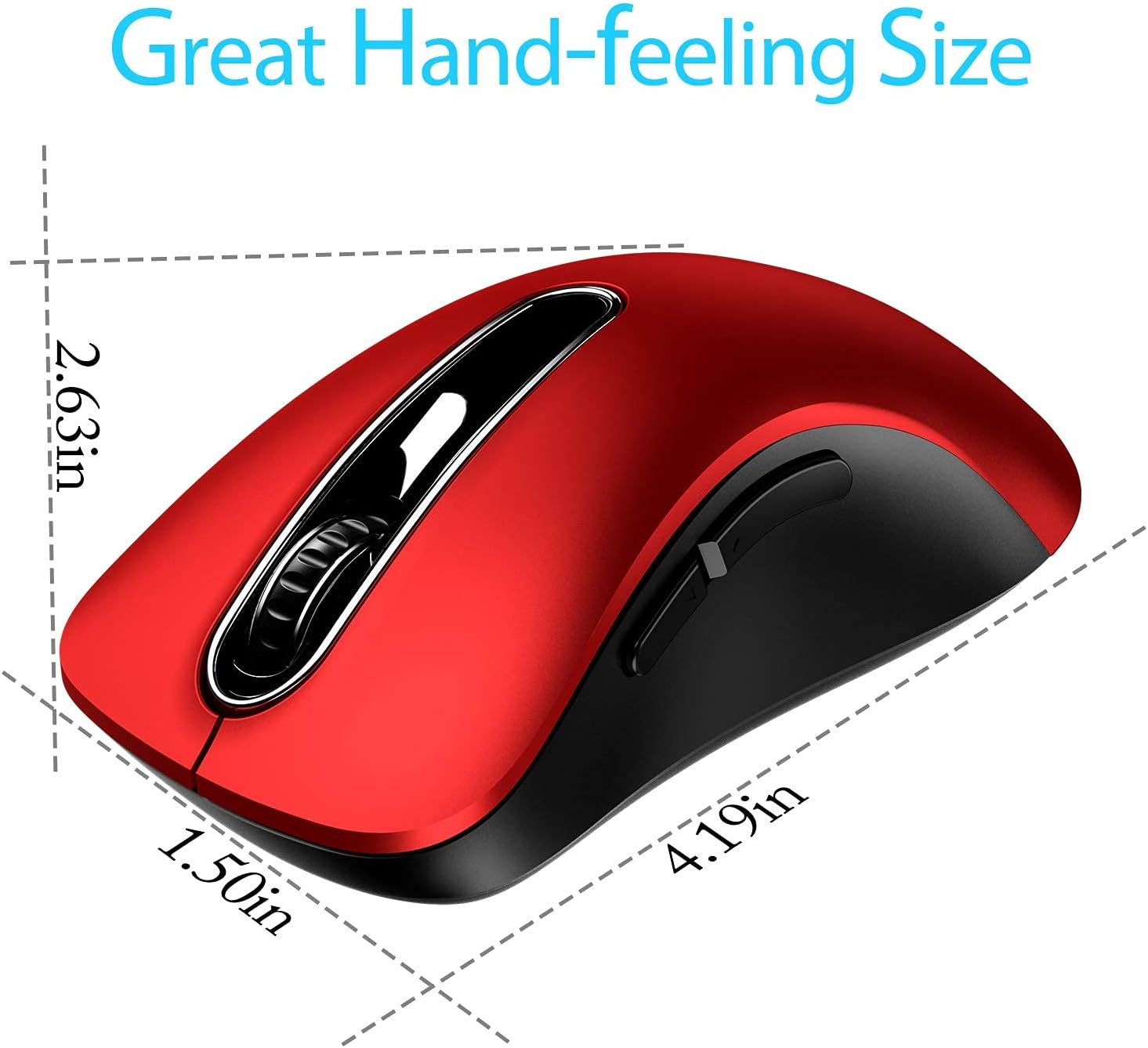
This compact red wireless mouse is built for everyday laptop and desktop use, offering a straightforward plug and play connection and tactile comfort for long sessions. If you need a reliable wireless mouse for laptop work or general browsing, this model includes a 1400 DPI sensor for smooth pointer control and a slim, portable shape that slips into a backpack easily.
Key Points
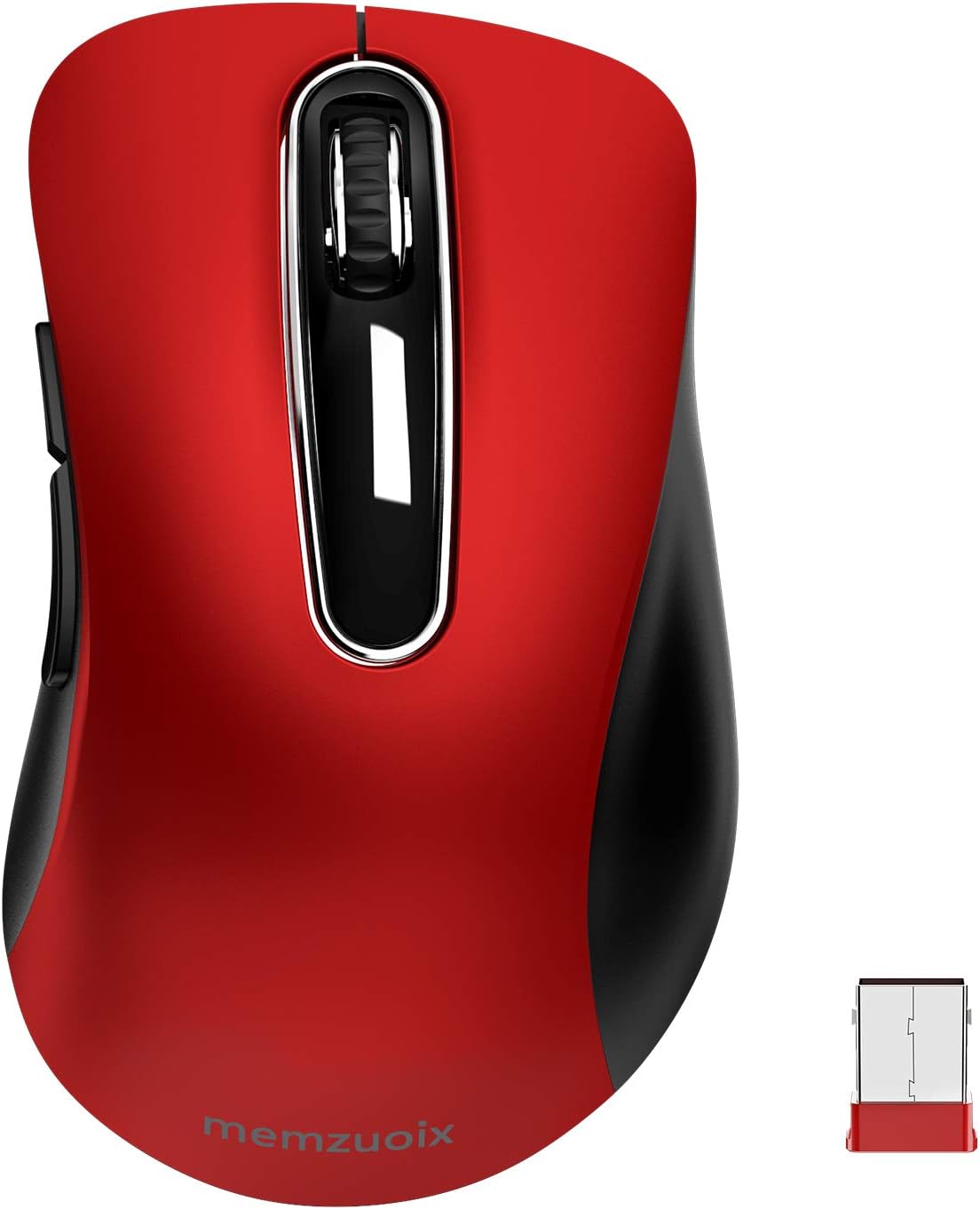
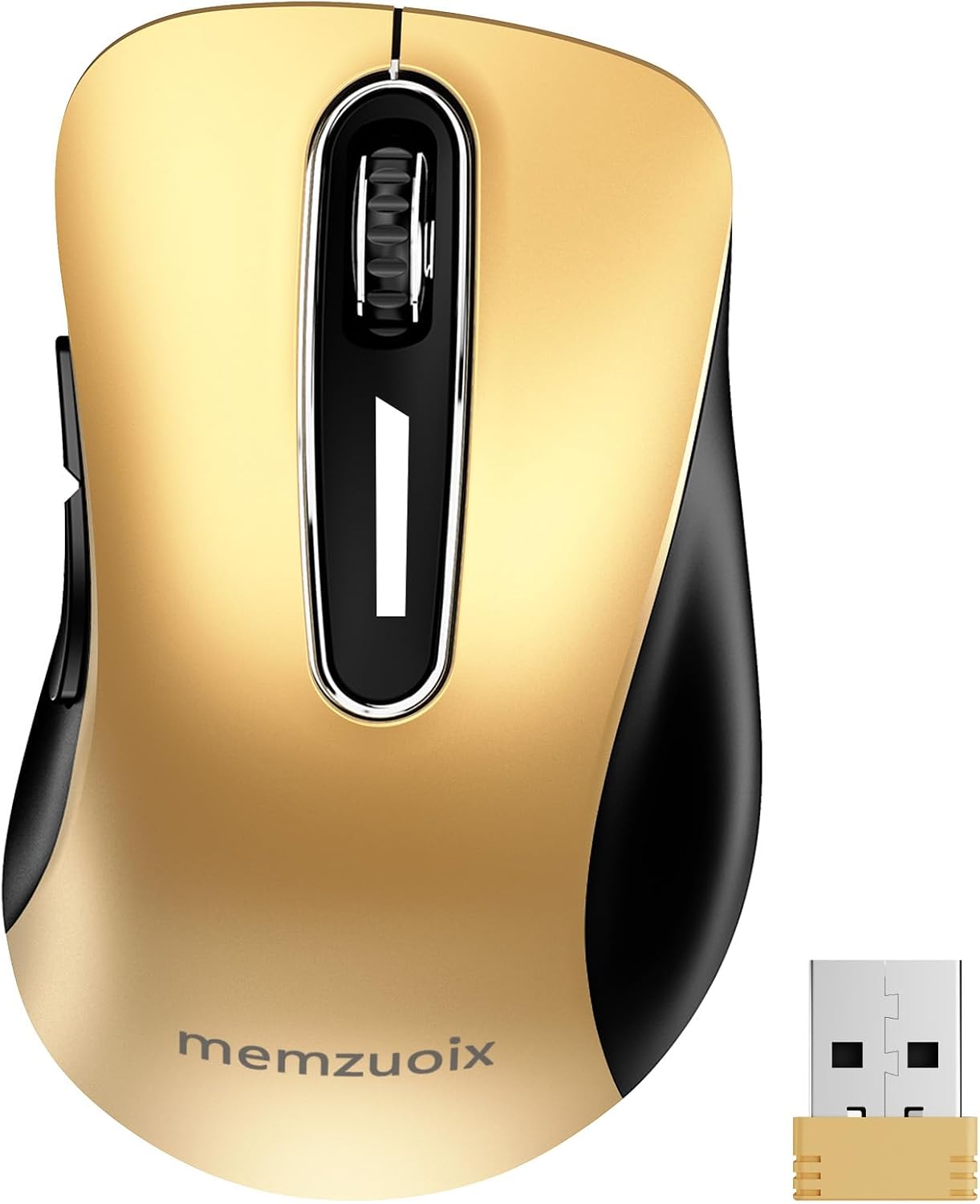
The memzuoix 2.4G Wireless Mouse delivers simple setup with its tiny USB receiver and 2.4 GHz wireless link that reaches over 10 meters according to the manufacturer. It has five buttons including left, right, a clickable scroll wheel and two side buttons, and the wheel features a rubber band for secure scrolling. The housing has a soft-touch finish that resists sweat and helps maintain grip during longer use. 🖱️
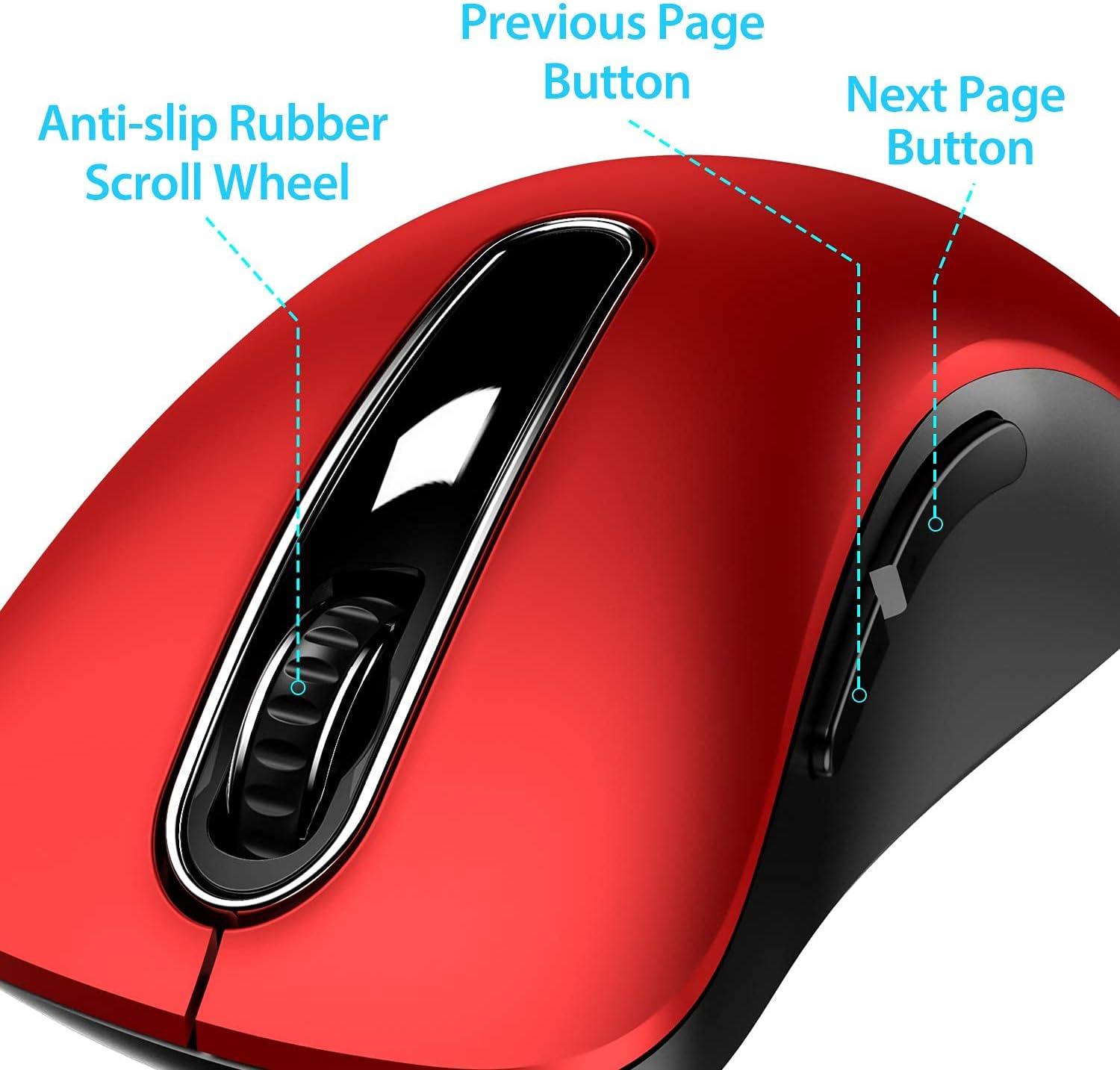
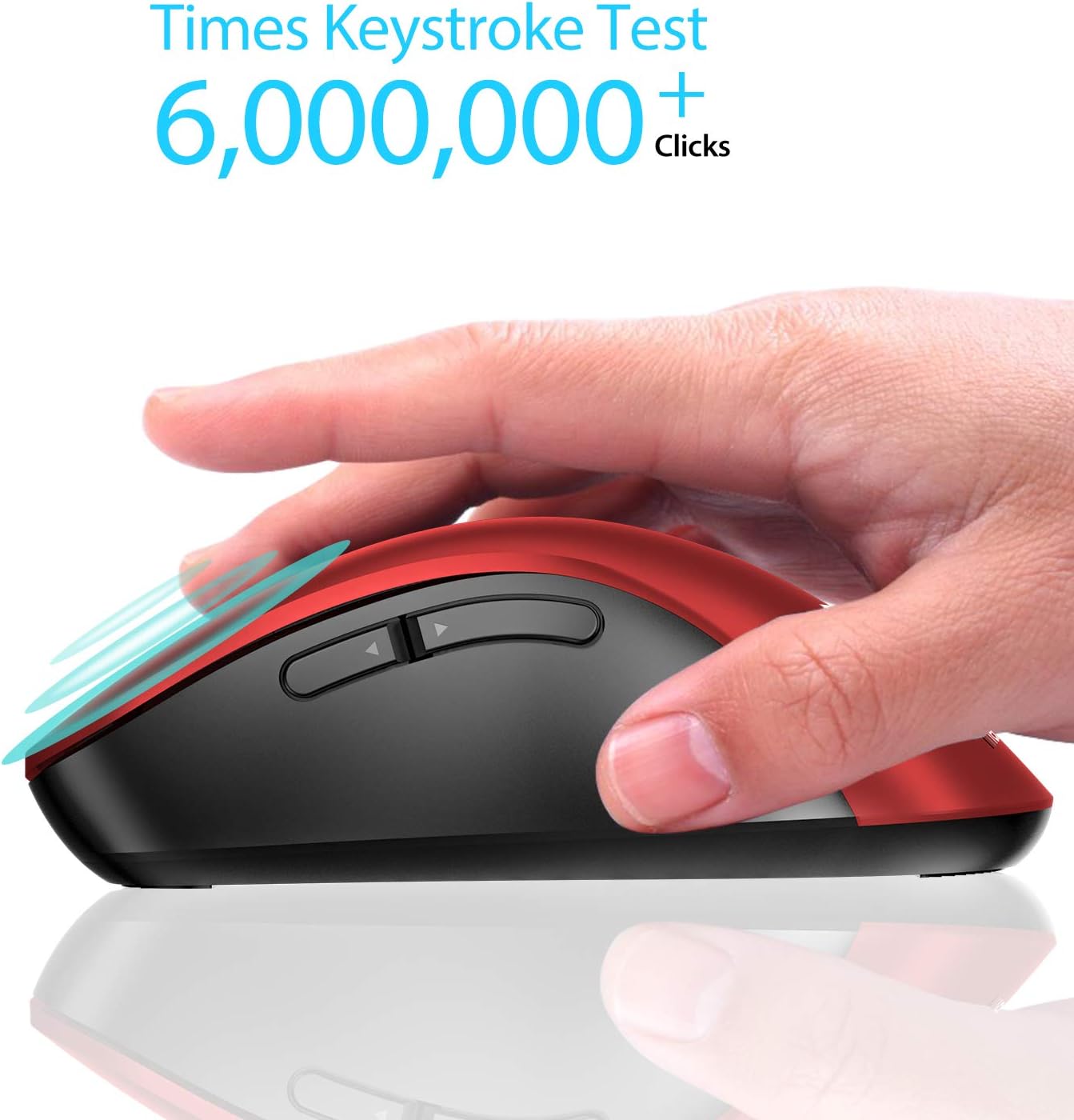
Battery life is managed with low power consumption. The mouse runs on two AAA batteries which are not included, and it automatically enters sleep mode after seven minutes of inactivity, waking instantly when a button is pressed. The buttons have passed a 6,000,000 click test for durability, which gives an idea of expected longevity under regular use. 🔋
Technical Specifications
- Name: memzuoix 2.4G Wireless Mouse
- Sensor DPI: 1400 DPI
- Buttons: 5 (left, right, scroll click, two side buttons)
- Wireless: 2.4 GHz USB receiver, range over 10 m
- Power: 2 x AAA batteries (not included)
Advantages
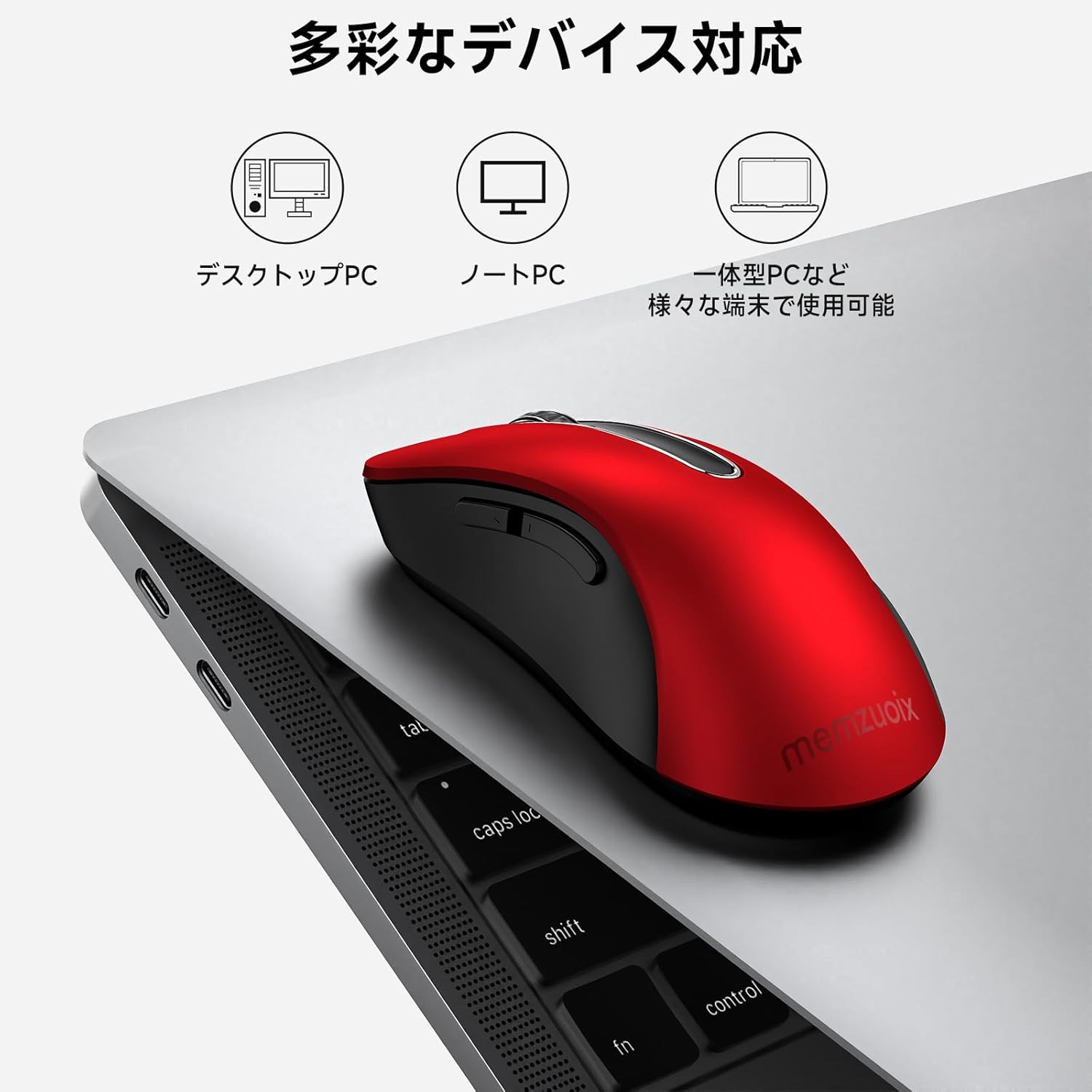
This mouse prioritizes portability and straightforward functionality. Its contoured modern shape and smooth finish are aimed at comfort rather than flashy features. The inclusion of side buttons adds extra navigation convenience for web browsing and switching applications on Windows and Linux environments. The product notes that side buttons are not available on Mac OS, but primary functions still operate normally, which is useful to consider when using a MacBook.
Usage Recommendations
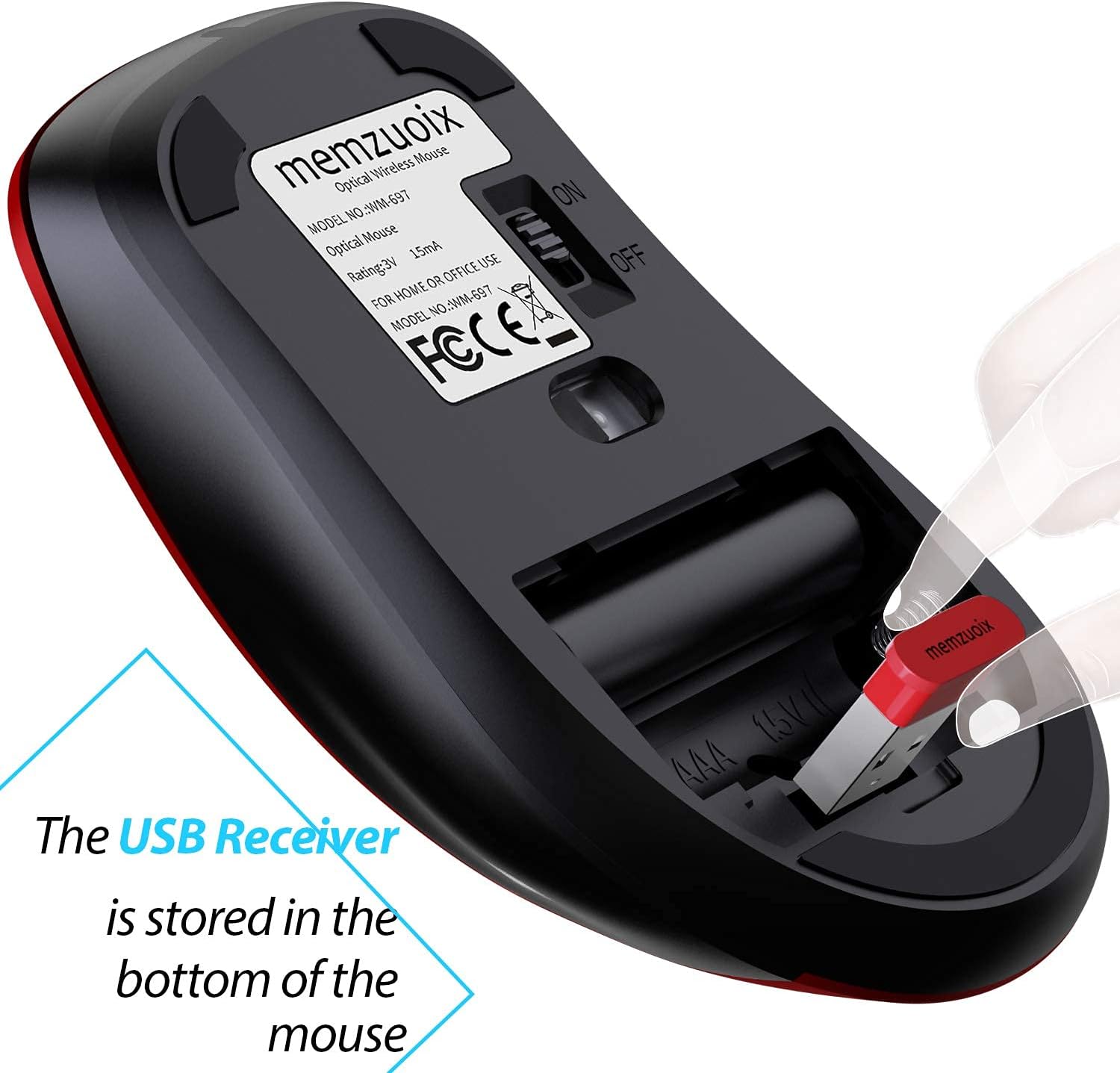
For the most stable connection, plug the USB receiver into an available port on your laptop or desktop and allow the device to auto-pair without installing drivers. Keep spare AAA batteries handy if you plan to use the mouse for extended periods of time, and store the receiver inside your bag with the mouse to avoid loss when commuting. The compact profile makes it suitable for mobile setups and tight desk spaces, while the rubberized scroll wheel helps maintain control during fast navigation.