

Redragon Wireless Gaming Mouse: Tri-Mode 2.4G/USB-C/Bluetooth with 12000 DPI
Product description
What it is and who it’s for
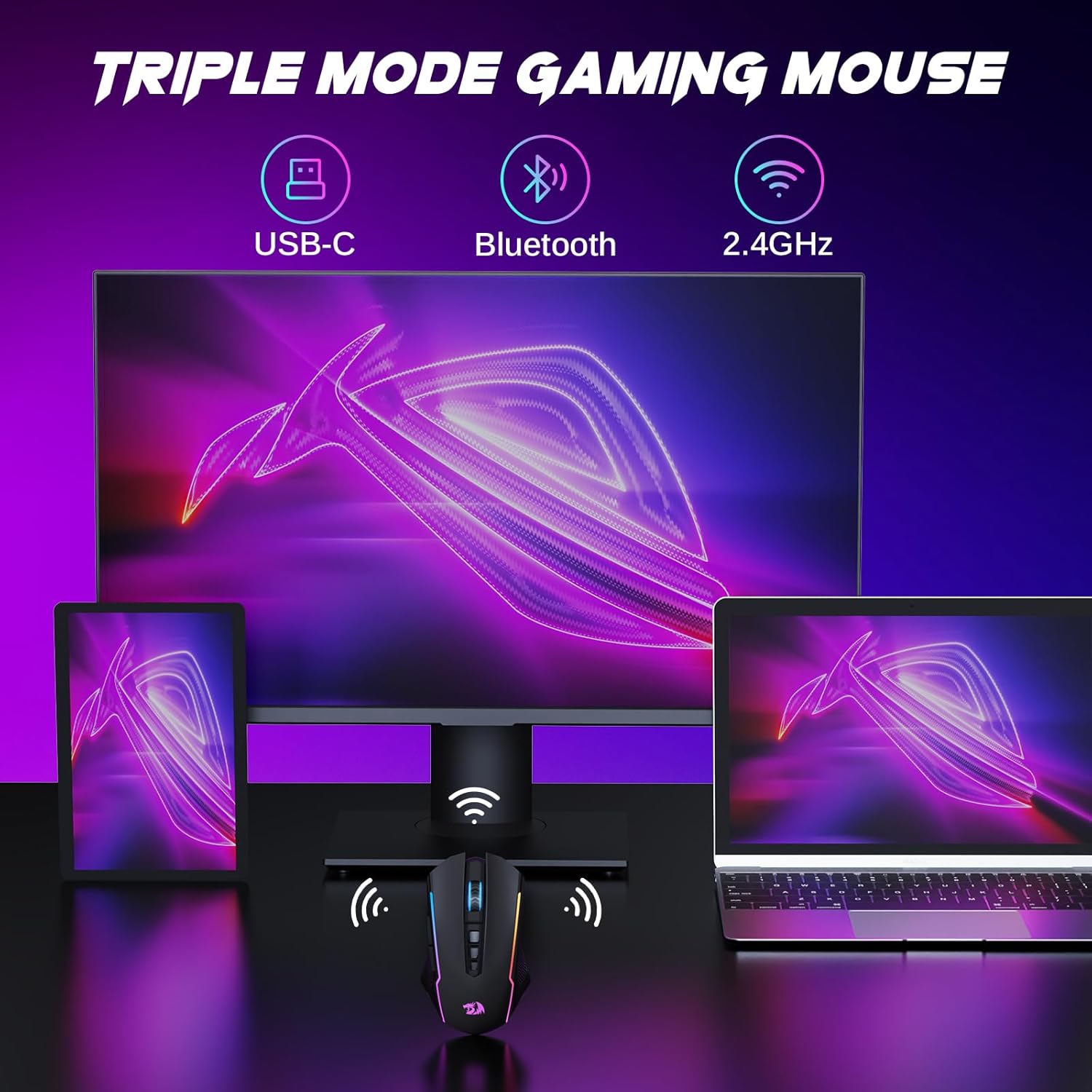
The Redragon Wireless Gaming Mouse is a tri‑mode peripheral designed for gamers and productivity users who value flexibility. It supports Bluetooth, 2.4G wireless, and wired USB-C connections, letting you switch between a laptop, PC, or tablet without swapping devices. If you juggle games and work across multiple platforms, this mouse promises seamless transitions and a single point of control across systems.
How it suits different setups
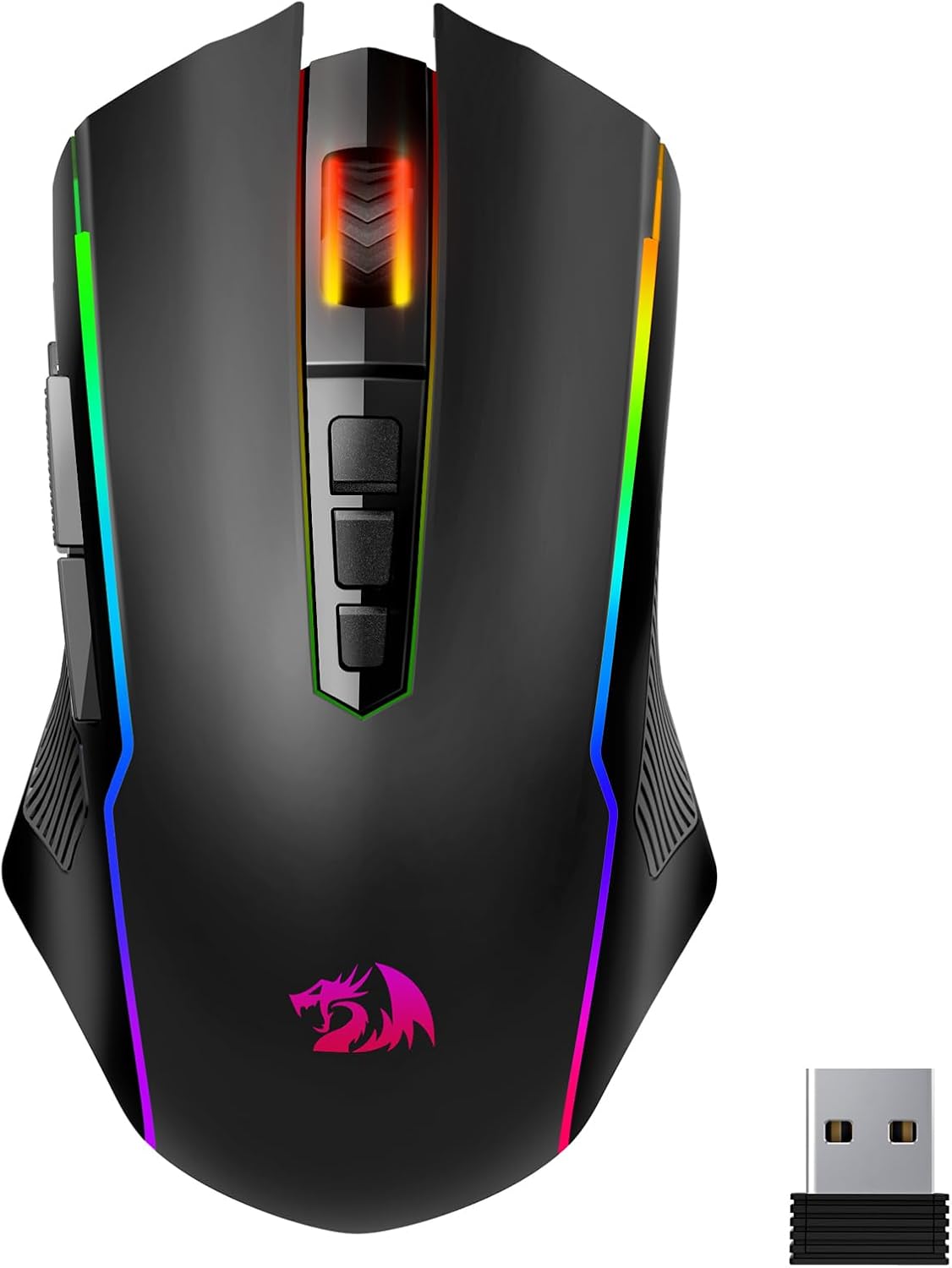
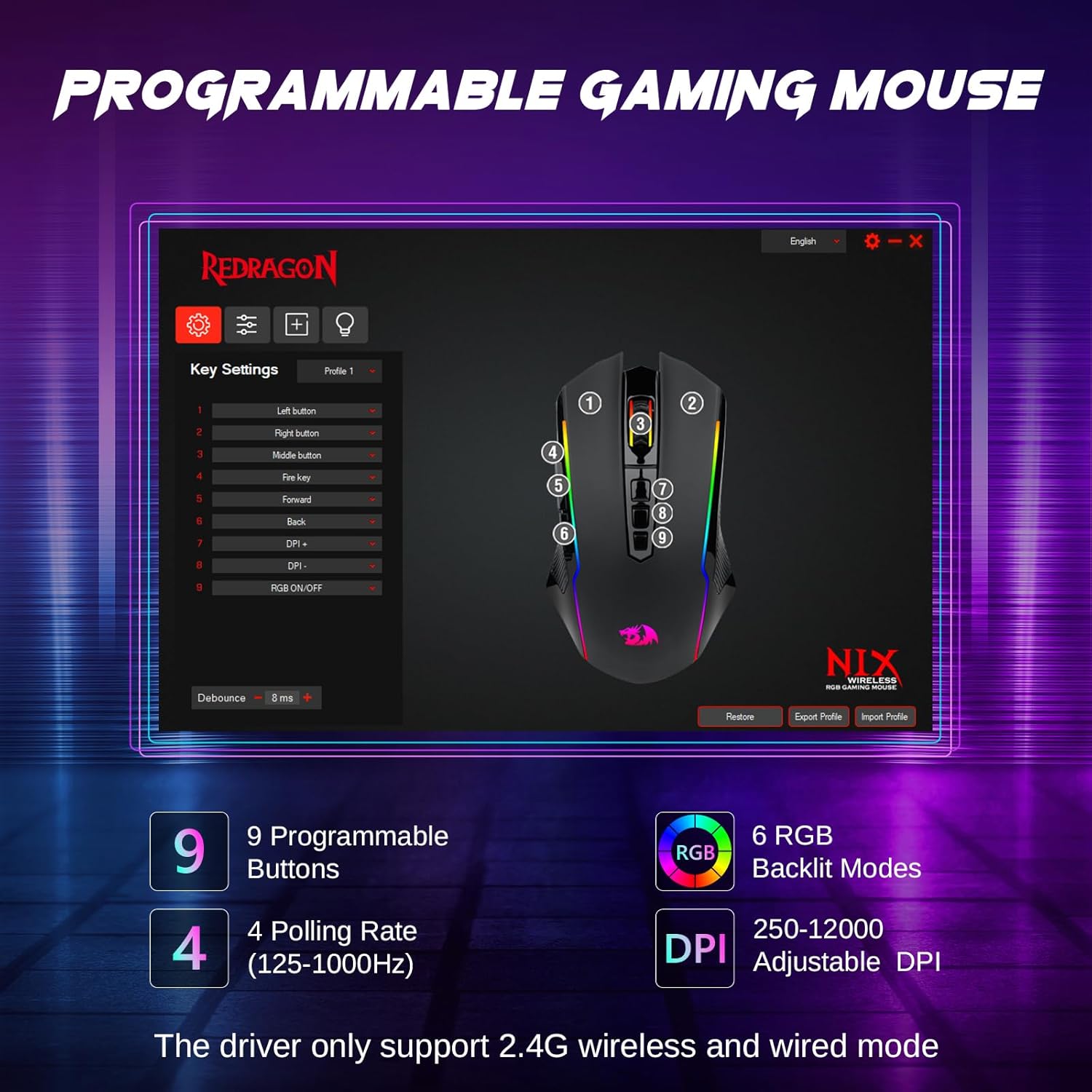
On paper, the M914 aims to cover a broad set of needs: wireless freedom for gaming, reliable wired use while charging, and convenient compatibility with laptops, desktops, and even some tablets. The optional driver enables button remapping and macro functions, provided you’re on Windows with 2.4G or wired mode. If you prioritize cross‑device use and customization, this model tries to strike a balance between convenience and personalization.
What stands out in use
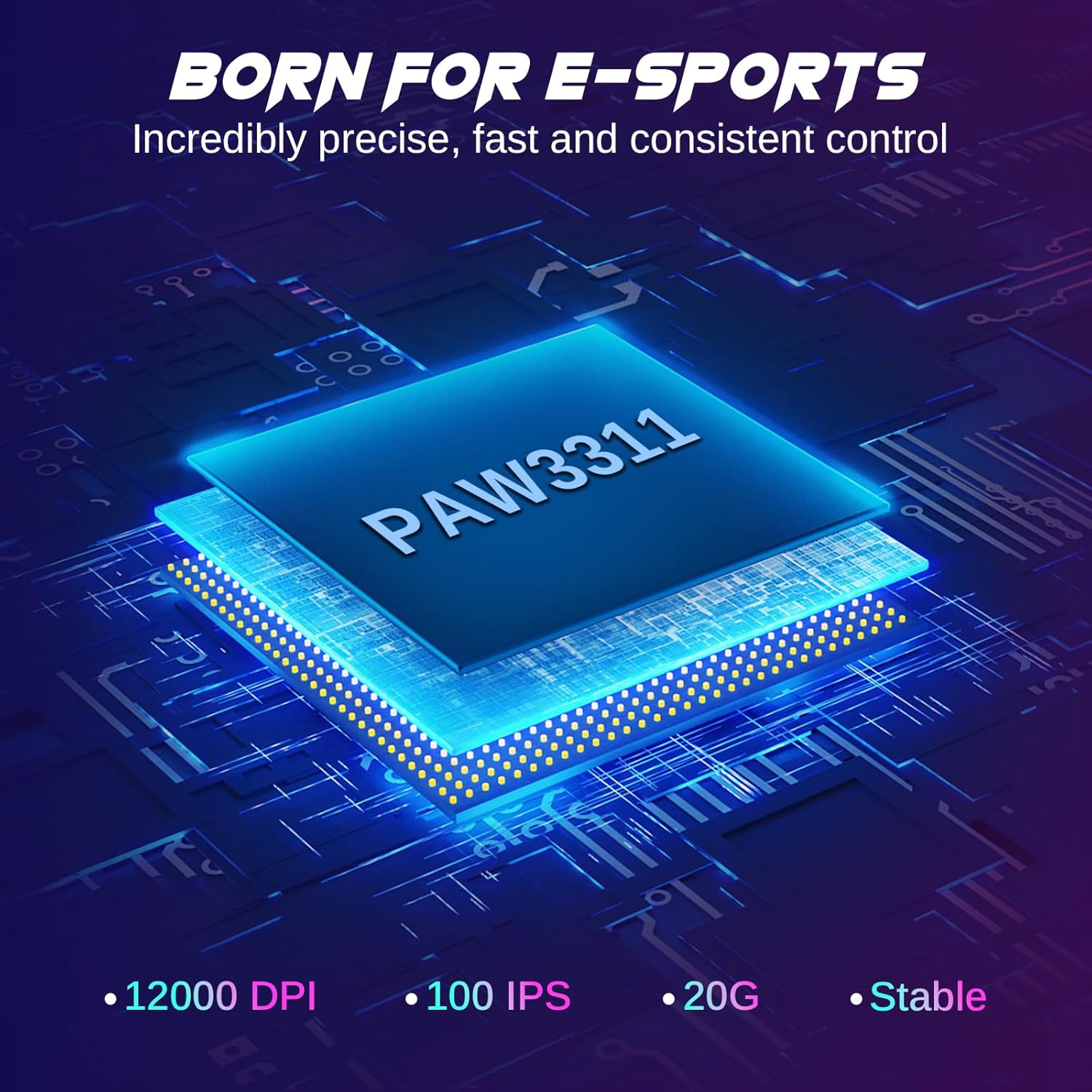
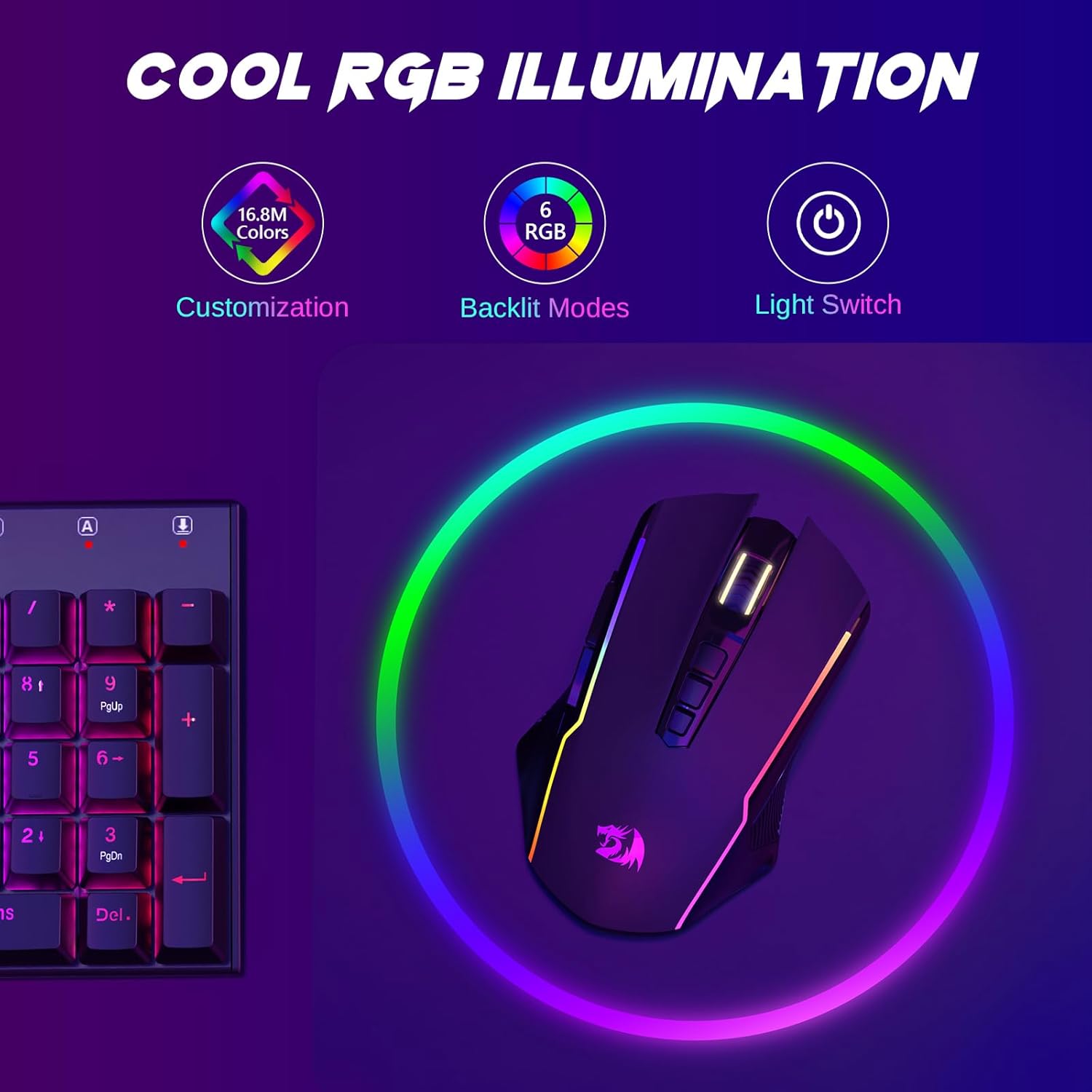
The PAW3311 sensor targets precise tracking with up to 12000 DPI for on‑the‑fly sensitivity adjustments, which can feel decisive in fast or precise tasks. RGB lighting offers visual customization from a palette of over 16.8 million colors and six preset effects, useful for matching your setup or mood. For long sessions, the battery claims up to about 70 hours in 2.4G mode with RGB off, which is helpful for wireless play or work. It auto‑sleeps after eight minutes of inactivity to save power, but you can still use it while charging via USB‑C.
What could be better or not perfect
It’s not a flawless option for everyone. The driver support is limited to Windows in wireless and wired modes, which may leave macOS or Linux users without the full customization suite. The on‑the‑fly DPI adjustment and programmable macros rely on the driver, so some advanced features could feel gated behind software. If you don’t plan to remap buttons or run macros, these strengths become less critical. Also, the “tri‑mode” flexibility can introduce a tiny complexity when you need to optimize for the best performance in each mode.
How it compares to alternatives (contextual, not brand mentions)
If you mainly game on one device or if you don’t need macros, a simpler 1‑device wireless mouse could be lighter and cheaper. On the other hand, for multi‑device workstations or gaming rigs where you switch between systems, a tri‑mode approach makes sense. The lure here is consolidation: one mouse to rule multiple machines, with programmable options that may help in workflows that mix gaming and design tasks.
Who it’s best for
This mouse fits users who value cross‑device connectivity, a high‑DPI sensor for precision, and a degree of customization through software. If you work across Windows and your other devices, and you want RGB aesthetics with decent battery endurance, this model offers a reasonable combination of features.
Who might skip it
If you don’t need multi‑device compatibility or if you rely heavily on macOS without Windows, the driver limitations could limit the full feature set. If you want a lighter, plug‑and‑play option with no software, or if you prefer a mouse with a broader, vendor‑level software suite across platforms, you may want to consider other options.
What to check before buying


- Confirm you’ll primarily use Windows for driver support if you expect full programmable features.
- Consider your typical desk setup: USB‑C availability for charging and wired use matters for some rigs.
- Think about how important DPI range and on‑the‑fly adjustments are to your gaming or creative tasks.
- If RGB customization is a priority, verify the driver’s color options and how they integrate with your setup.
Practical usage example
Imagine you’re moving from a desktop to a laptop during a gaming session. You can switch the device in seconds via the 2.4G receiver or Bluetooth, continue your macro‑heavy gaming profile, and still have the option to recharge without interrupting play. It’s a workflow that aims to reduce friction across devices rather than confine you to one system.
Quick FAQ
- Q: Does the driver work on macOS? A: The driver support is described for Windows with 2.4G and wired modes, macOS usage may be limited for advanced features.
- Q: Can I remap buttons for games? A: Yes, programmable buttons are supported via the driver, with macro capabilities.
- Q: How long does the battery last in gaming sessions? A: Up to roughly 70 hours in 2.4G mode with RGB off, though real life varies with RGB enabled.
Is it worth it?
- It makes sense if you value cross‑device connectivity and customizable controls for a mixed setup.
- It may not be the best fit if you need full software features across non‑Windows platforms or if you don’t need macro programming.
- A solid pick if you want a flexible, rechargeable wireless mouse that can adapt to several devices without sacrificing basic gaming performance.