

Lenovo all-in-one desktop 23.8-inch display
Product description
Fit and sizing
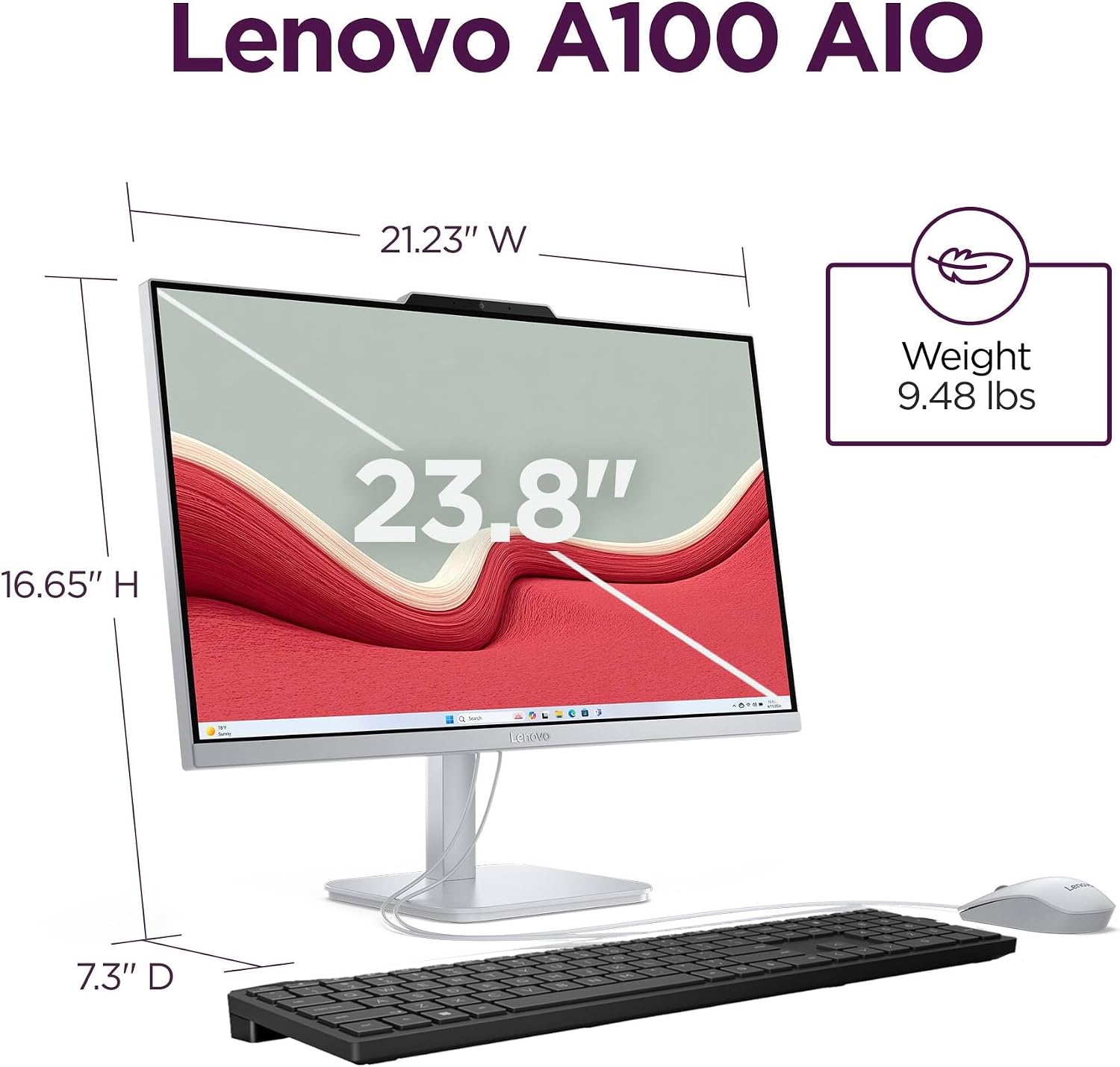
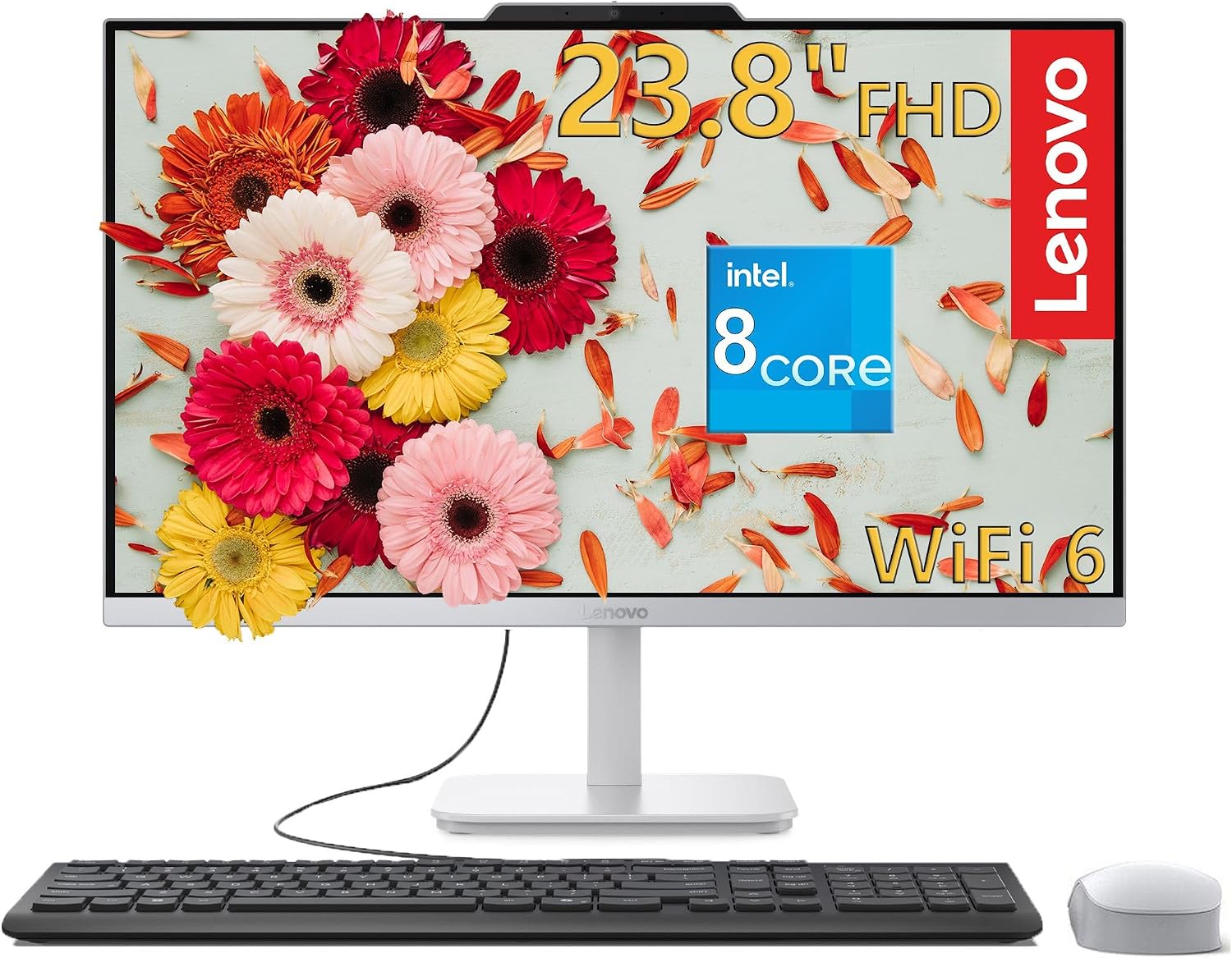
A crowded desk can make a separate computer tower and monitor feel like more setup than the work itself. This Lenovo all-in-one puts the computer and a 23.8-inch display in one unit, helping reduce desk clutter while keeping a Full HD screen available for documents, browsing, and video calls. Its tilt stand lets you adjust the viewing angle, and the anti-glare IPS panel is designed to limit reflections in brighter rooms.
The listed footprint is 21.23 x 7.3 x 16.65 inches, and the computer weighs 9.47 pounds. For a tight desk, compare those dimensions with your available space, without that measurement, it’s easy to underestimate how much room the screen and stand need.
Pros
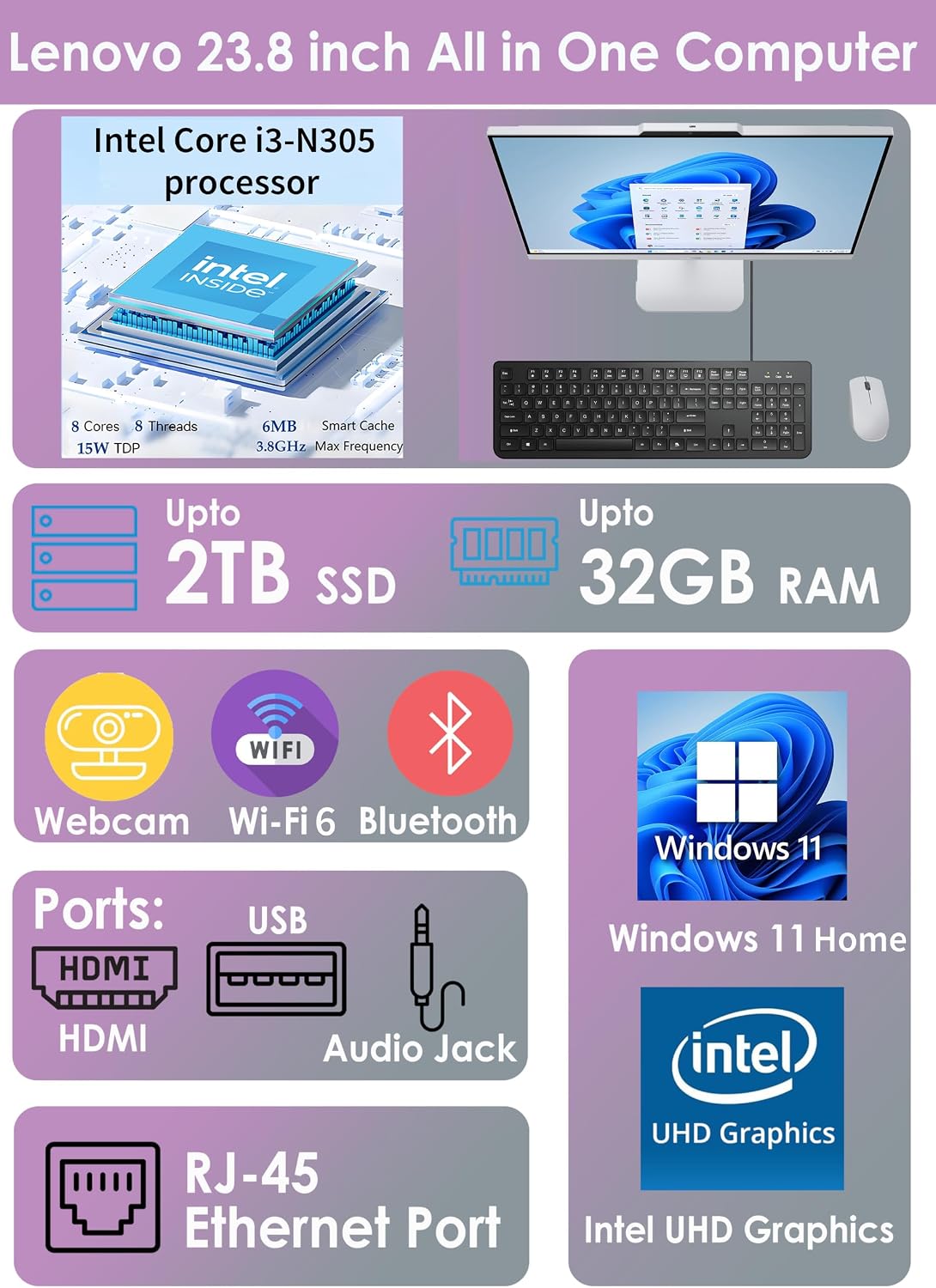
The 8-core Intel Core i3-N305 processor, 16GB of DDR4 memory, and 512GB PCIe NVMe SSD are a practical combination for everyday multitasking. That could mean keeping a video call open while working through browser tabs and documents, rather than choosing a system built around a separate tower and monitor. Windows 11 Home is included, as are a full-size wired keyboard and a wireless mouse, so the basic desk setup is covered.
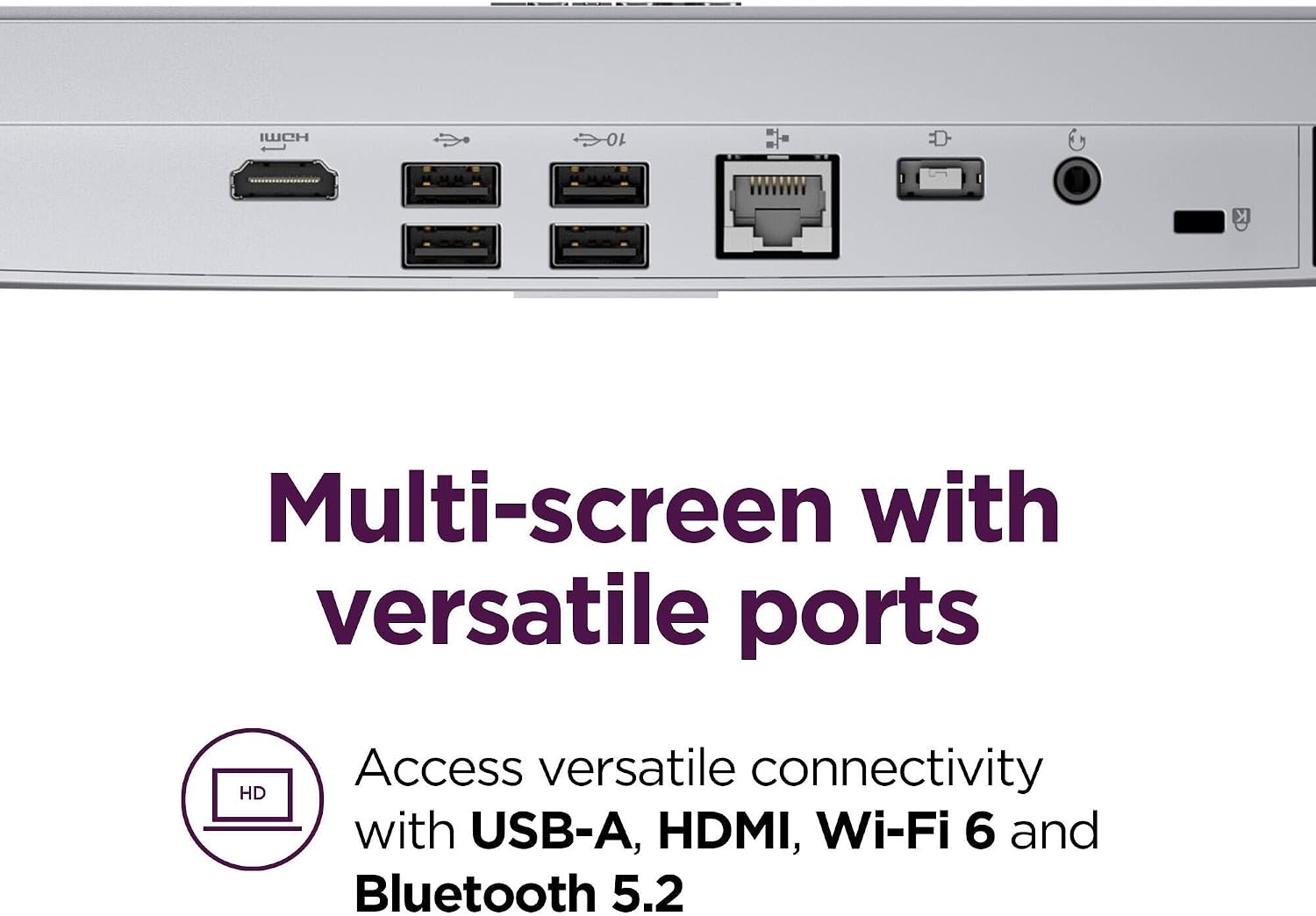
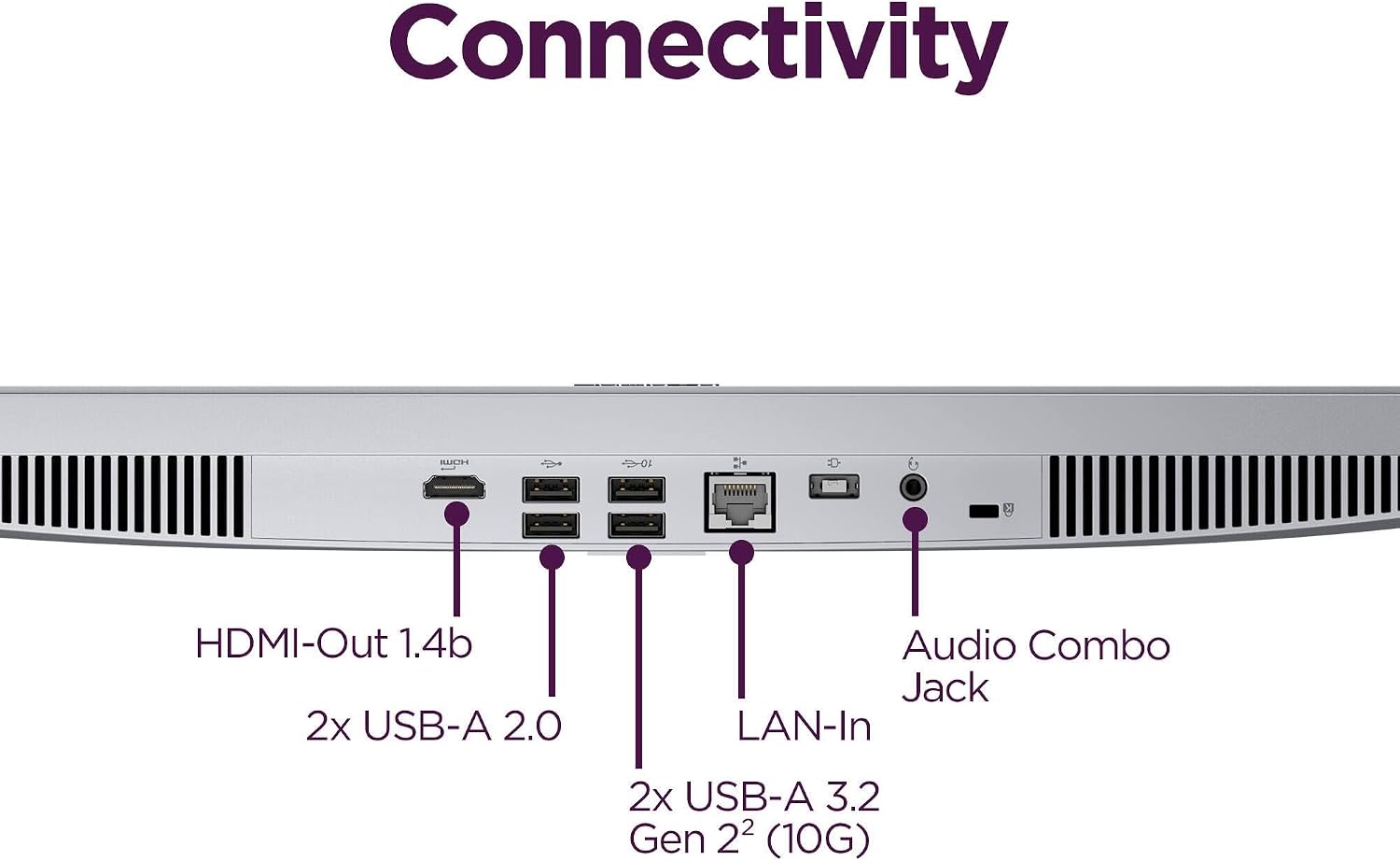
The 1920 x 1080 IPS display has 99% sRGB color coverage and a 250-nit brightness rating. Integrated HD camera, mono microphone, and stereo speakers support online meetings without requiring separate devices for those tasks. Wi-Fi 6, Bluetooth 5.2, Gigabit Ethernet, and a selection of USB ports add flexibility for connecting to a network and everyday peripherals. An HDMI 1.4b output is listed for a dual-display setup.


Spec sheet
- Processor: Intel Core i3-N305, 8 cores and 8 threads, up to 3.8 GHz
- Memory: 16GB DDR4 SO-DIMM
- Capacity: 512GB M.2 PCIe NVMe SSD
- Display: 23.8-inch Full HD (1920 x 1080) IPS, anti-glare, 250 nits, 99% sRGB
- Graphics: Integrated Intel UHD Graphics
- Connectivity: Wi-Fi 6, Bluetooth 5.2, Gigabit Ethernet
- Ports: 2 USB 3.2 Gen 2, 2 USB 2.0, HDMI 1.4b output, RJ-45, headphone/microphone combo jack
- Dimensions: 21.23 x 7.3 x 16.65 inches
- Weight: 9.47 pounds
When it makes sense
Worth considering if you want a tidier home-office or student setup for browsing, productivity, streaming, and video meetings, with fewer separate components to arrange. What matters more here: straightforward desk integration or graphics headroom for demanding creative work? The listed integrated Intel UHD Graphics are aimed at everyday graphics tasks and light photo editing, so this is not the same kind of purchase as a desktop chosen for intensive graphics workloads. The display’s color coverage is a useful specification, but it doesn’t by itself establish how the system performs in specialized editing workflows.
Better avoided if your main priority is demanding graphics performance or you specifically want a separate tower-and-monitor arrangement. For routine work, the all-in-one layout, included input devices, and built-in meeting hardware reduce setup friction, for more intensive visual workloads, the product details don’t show the kind of dedicated graphics hardware that would make that a confident fit.