

Dell desktop QBT1250
Product description
Key specifications
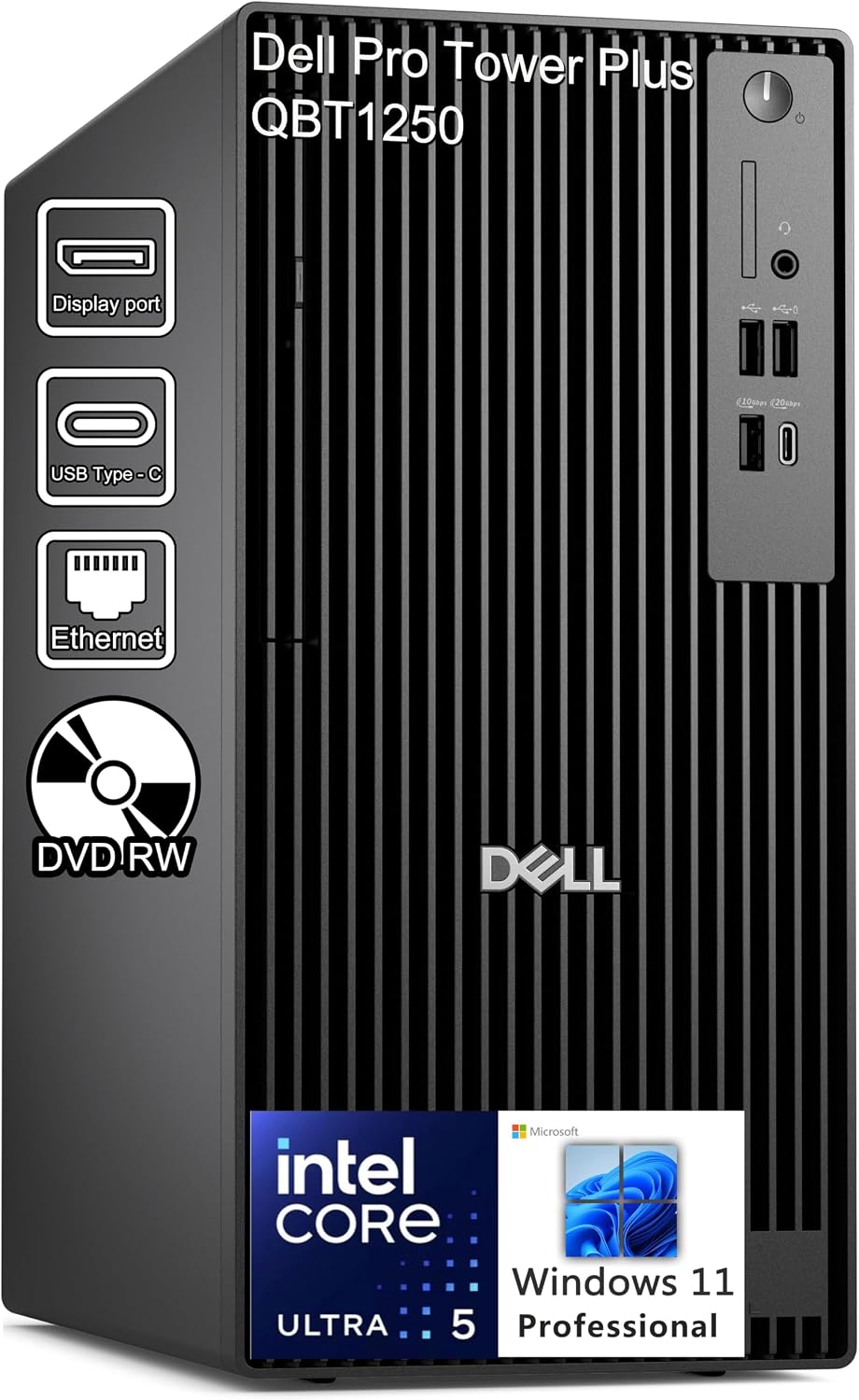
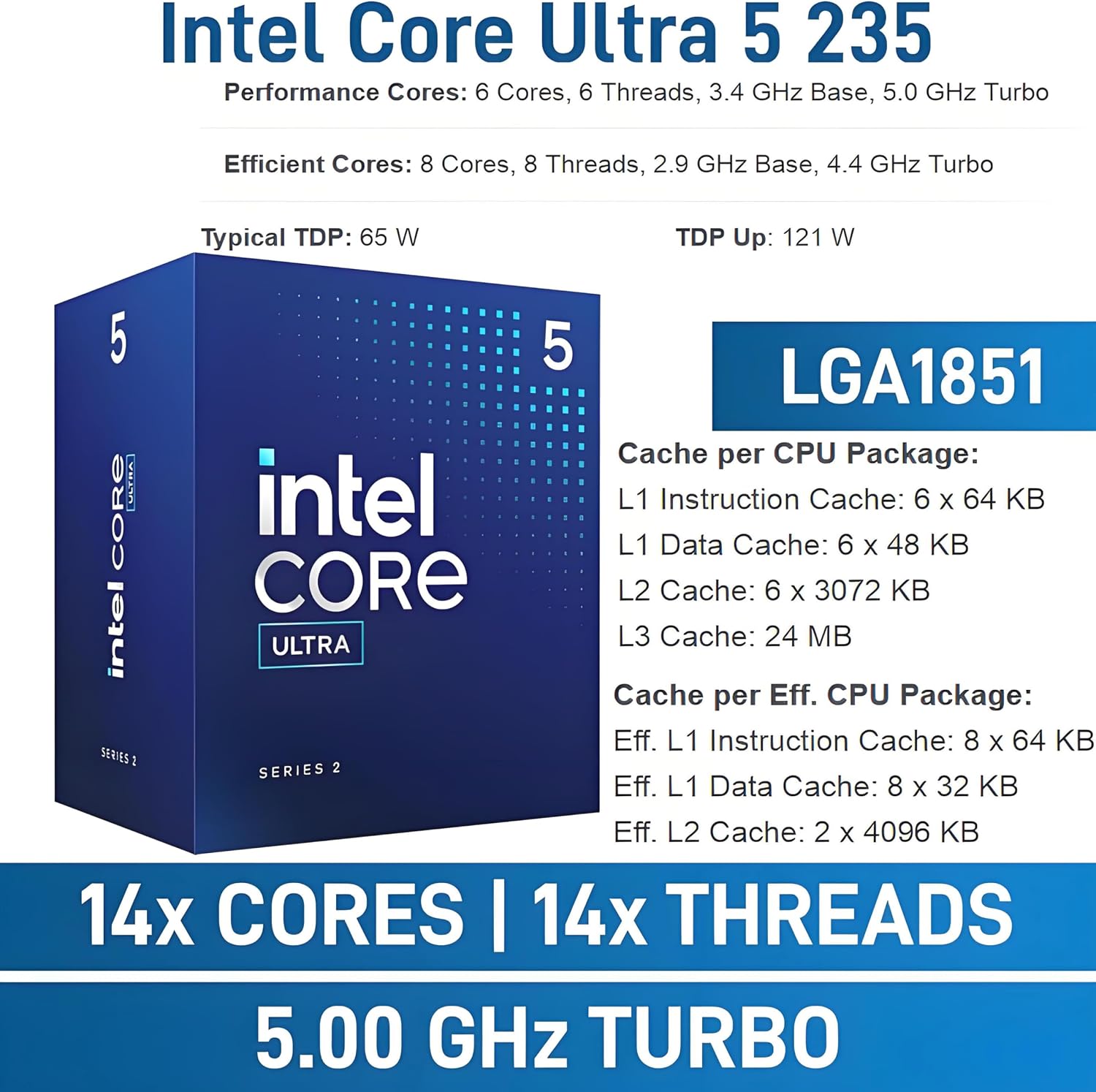
For office teams and professionals who need a Windows desktop for everyday business work, the Dell Pro Tower Plus QBT1250 combines an Intel Core Ultra 5 235 processor with 16GB of DDR5 memory and a 512GB PCIe SSD. Windows 11 Pro and Gigabit Ethernet make its business focus clear, while the slimline DVD+/-RW/RAM drive adds a way to use optical media without relying on an external drive.
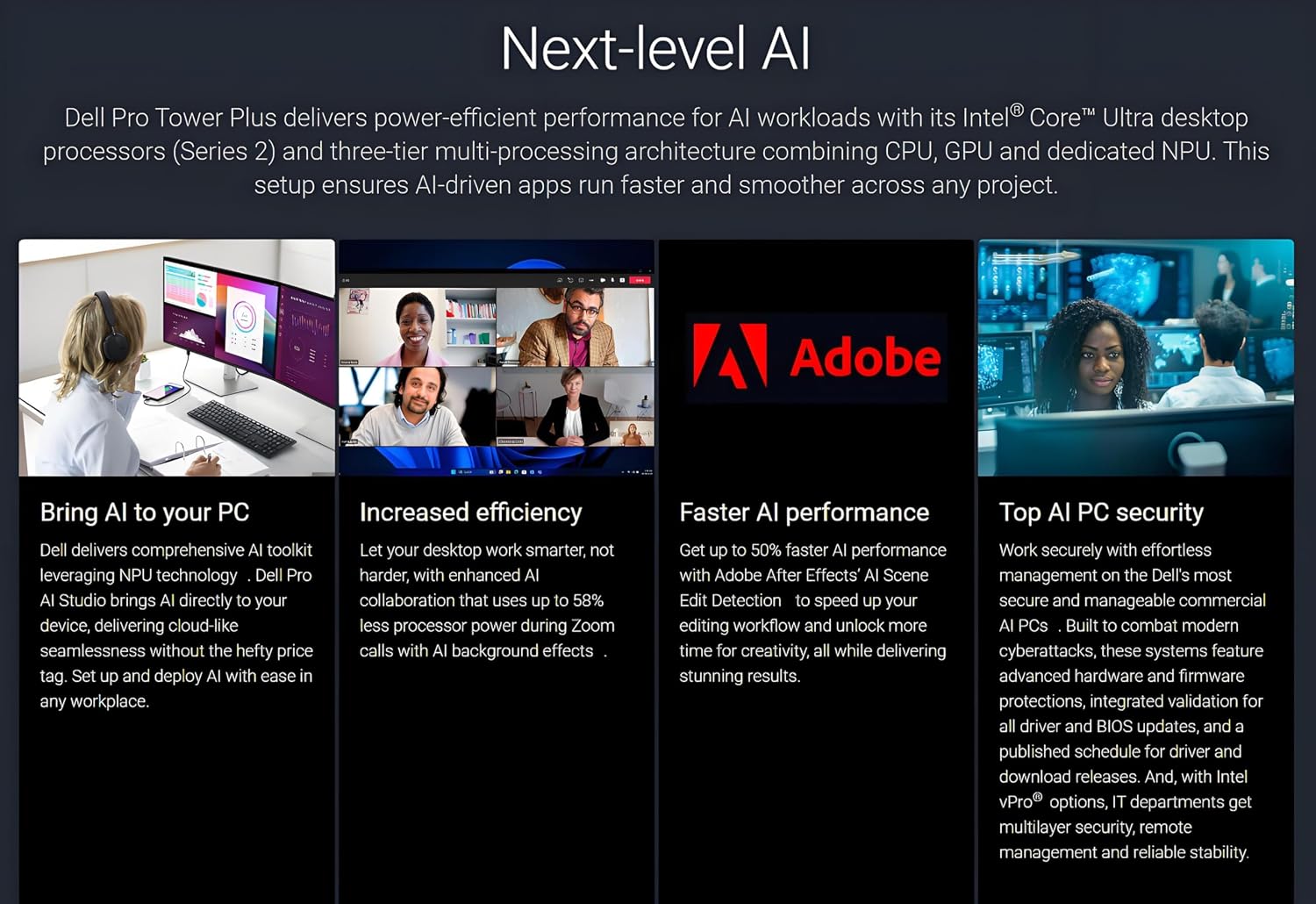
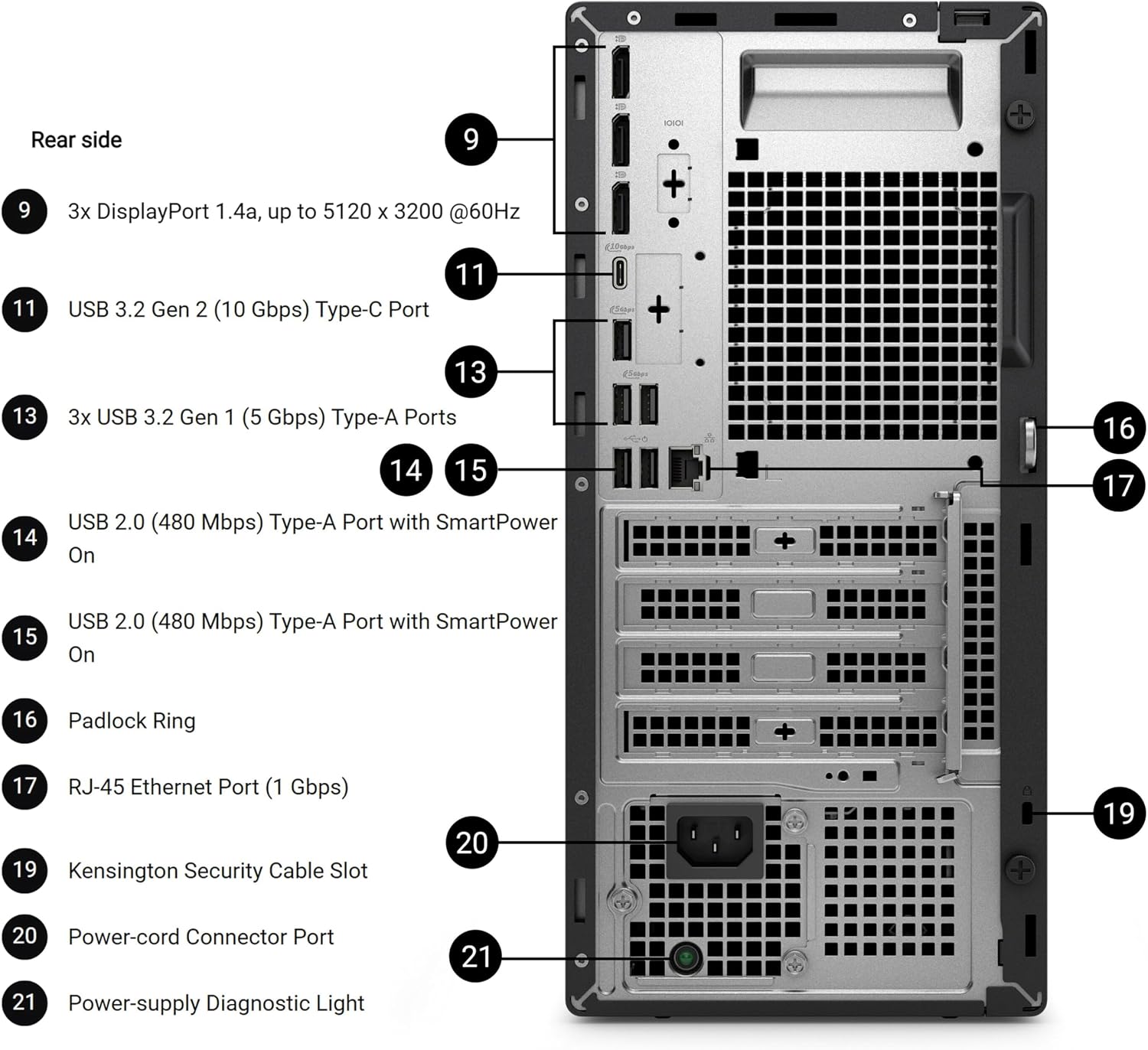
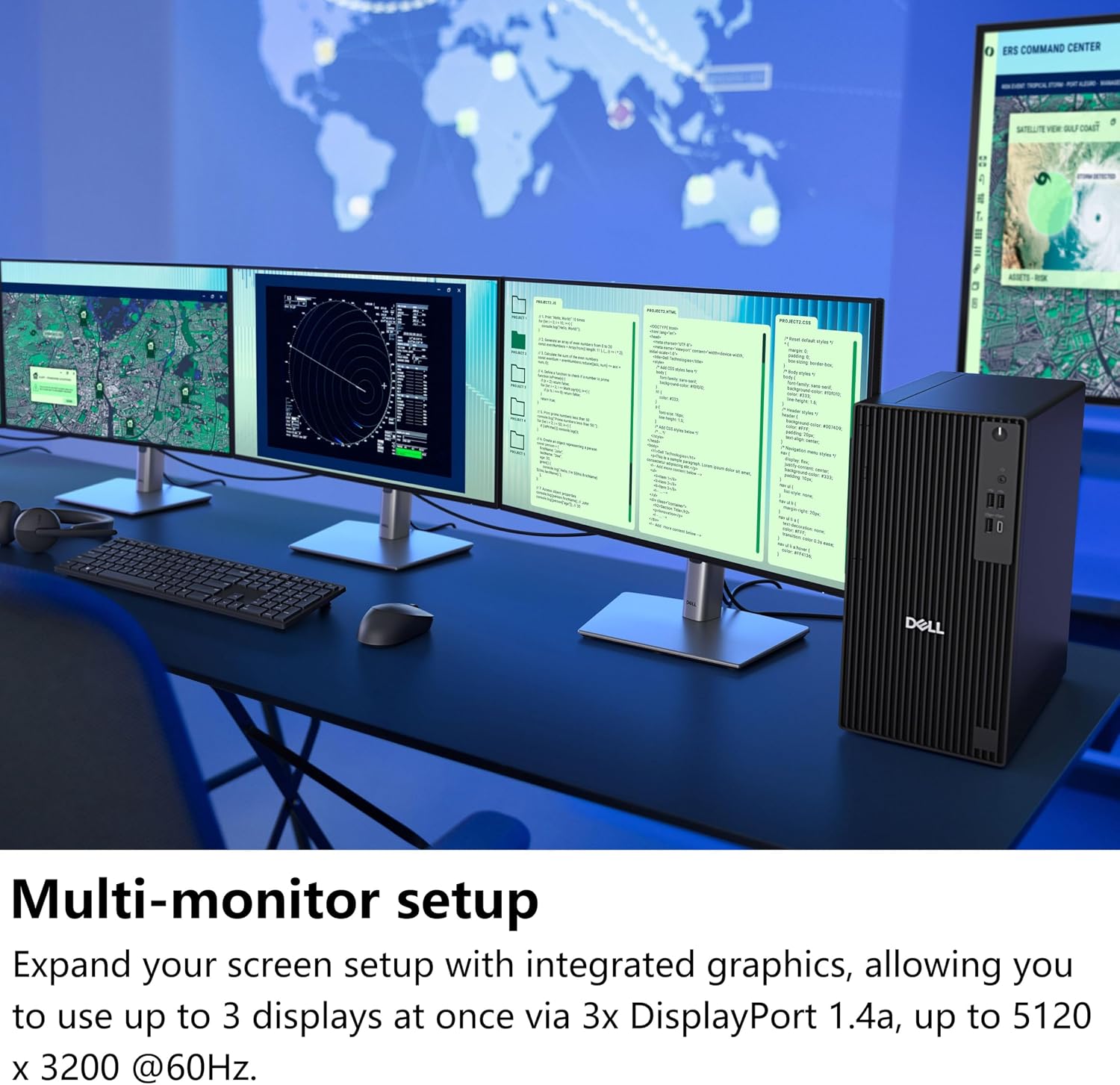
It also includes Intel AI Boost, an integrated NPU rated up to 13 TOPS, and integrated Intel Graphics. The rear panel has three DisplayPort 1.4a connections, and the product listing states support for four monitors. From the way it is set up, it’s geared toward office productivity and light creative work—not a desktop with a dedicated graphics card.
Who it’s for
This configuration makes sense for a desk used for documents, business software, video calls, and multitasking across several applications. For example, you could keep a spreadsheet and email open while using a separate screen for a video meeting. The four-monitor support may also appeal to users who prefer a spread-out workspace, though the listing doesn’t spell out the setup requirements for connecting all four displays.
A solid pick if you want a business-oriented tower with Windows 11 Pro, an optical drive, and modern DDR5 memory in one system. It might not be a great match if your work depends on demanding graphics performance: the listed graphics are integrated, and the description positions them for office visuals, video conferencing, and light creative tasks. Buyers who need a dedicated GPU or more memory should compare configurations built for those workloads instead.
Everyday use
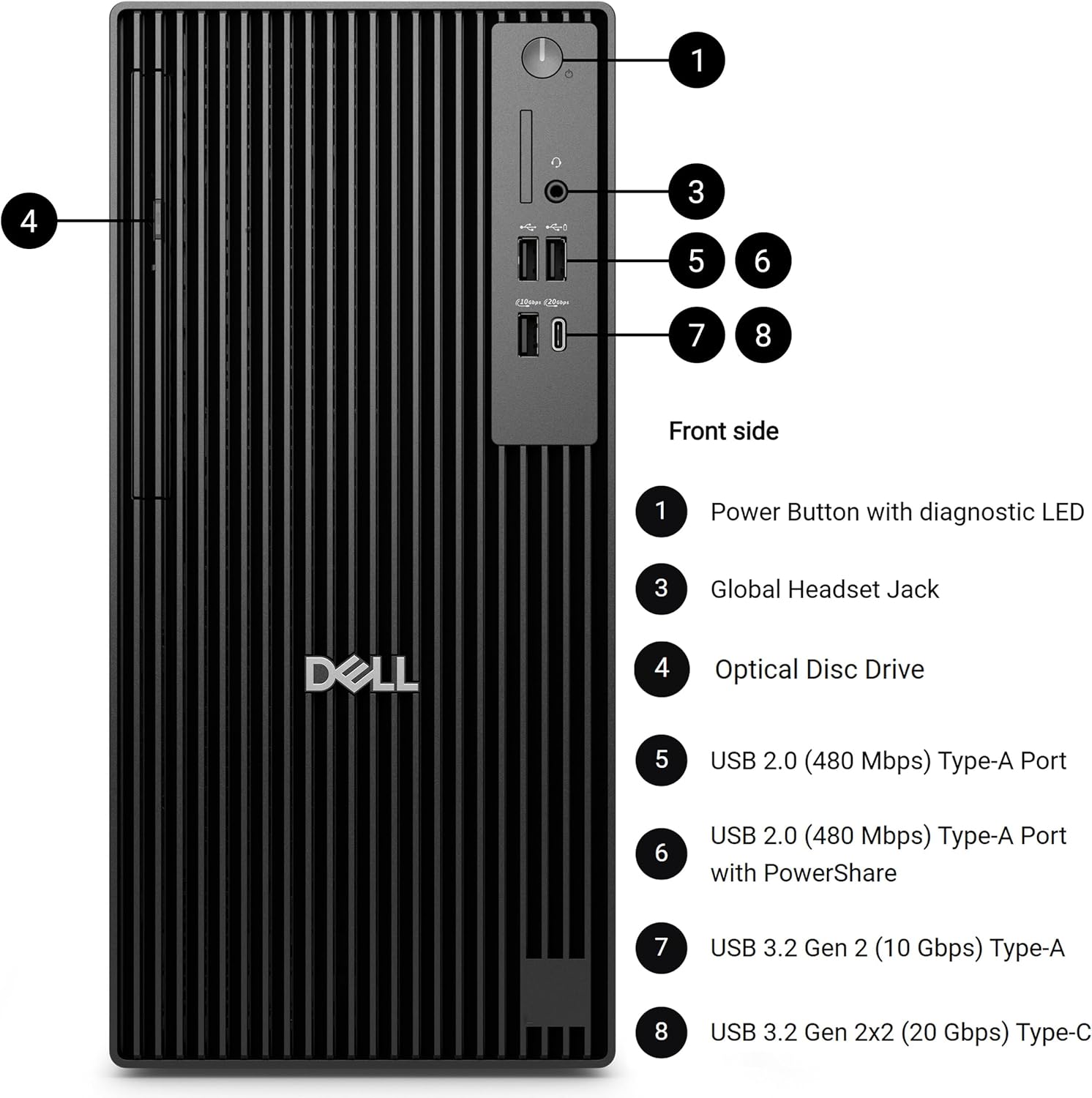
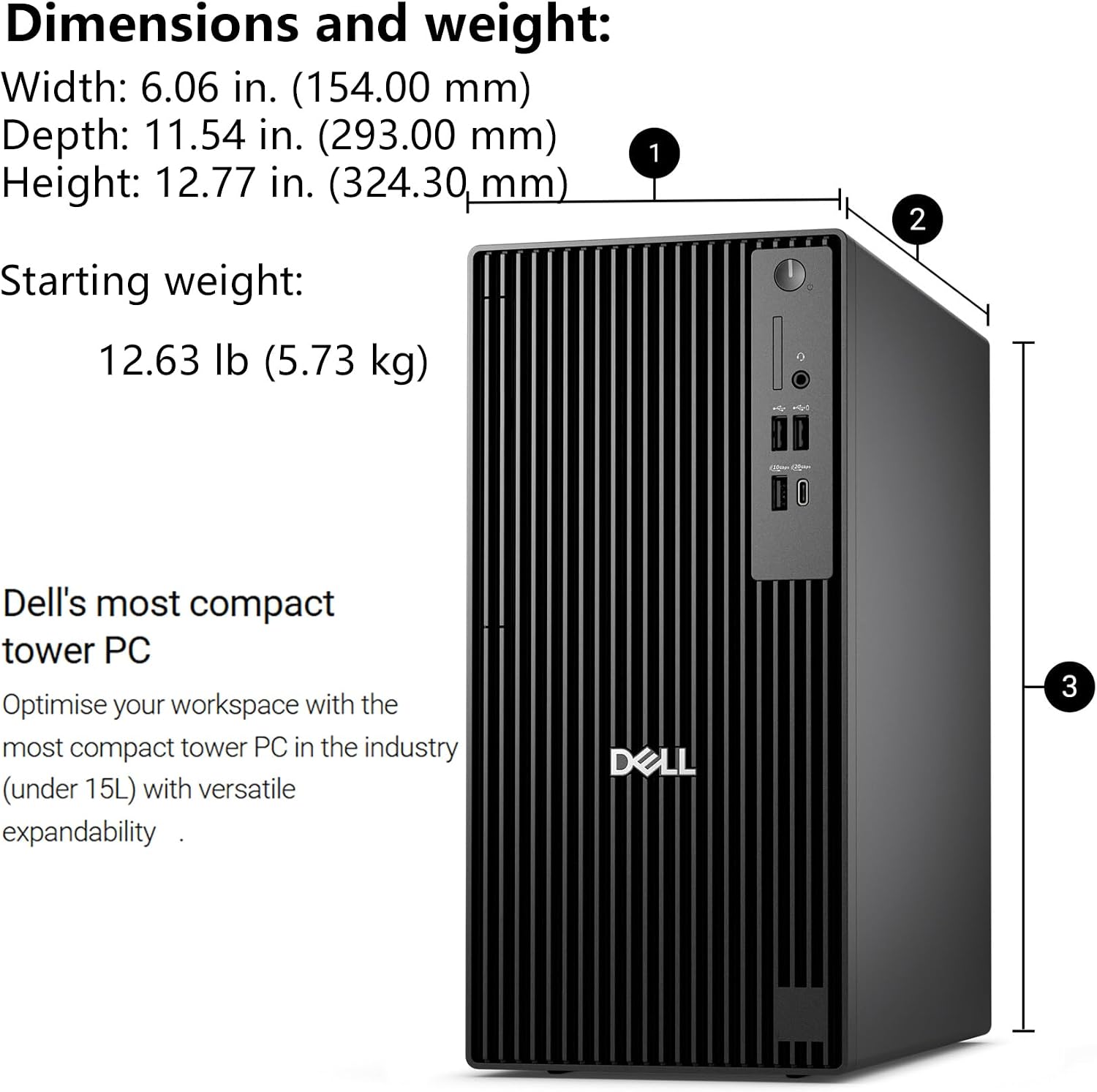
The mix of front and rear connections gives you options for devices you use regularly and equipment that can stay plugged in. Front connections include USB-A, USB-C, and a headset jack, the rear adds more USB ports, DisplayPort outputs, and an Ethernet port. That can suit a fixed workstation where wired networking and multiple displays matter more than portability. At 5.73 kg, this is a desktop tower to place at a workstation, not a system meant to move around like a laptop.
The 512GB SSD provides storage for everyday applications and business files, but the listing doesn’t give a specific estimate of usable space or describe upgrade options. If your work involves large media libraries or sizable project files, storage needs are worth factoring into your choice rather than assuming the included drive will cover every workflow.
Before you decide
Does it include a DVD drive? Yes. The listed configuration has a slimline DVD+/-RW/RAM optical drive, useful for reading or writing compatible discs.
Can it connect to multiple monitors? The product name states support for four monitors, and the specifications list three DisplayPort 1.4a ports. The listing doesn’t explain the exact connection setup for four displays.
Is it suited to graphics-heavy work? It has integrated Intel Graphics and is described for office use, video calls, and light creative work. There’s no dedicated GPU listed, so graphics-intensive workloads call for a different kind of configuration.
Buying verdict
Choose this Dell when your priority is a business desktop with Windows 11 Pro, a built-in optical drive, Ethernet, and stated four-monitor support. The processor, 16GB DDR5, and 512GB SSD form a practical starting point for typical office tasks. Look elsewhere if your main requirement is dedicated graphics performance, or if you need more storage or memory than this listed configuration provides.