

ORIGBELIE External CD/DVD Drive with USB 3.0 Type-C — Portable Slim ODD for Laptops, PCs, and Mac
Product description
What this is and who it helps
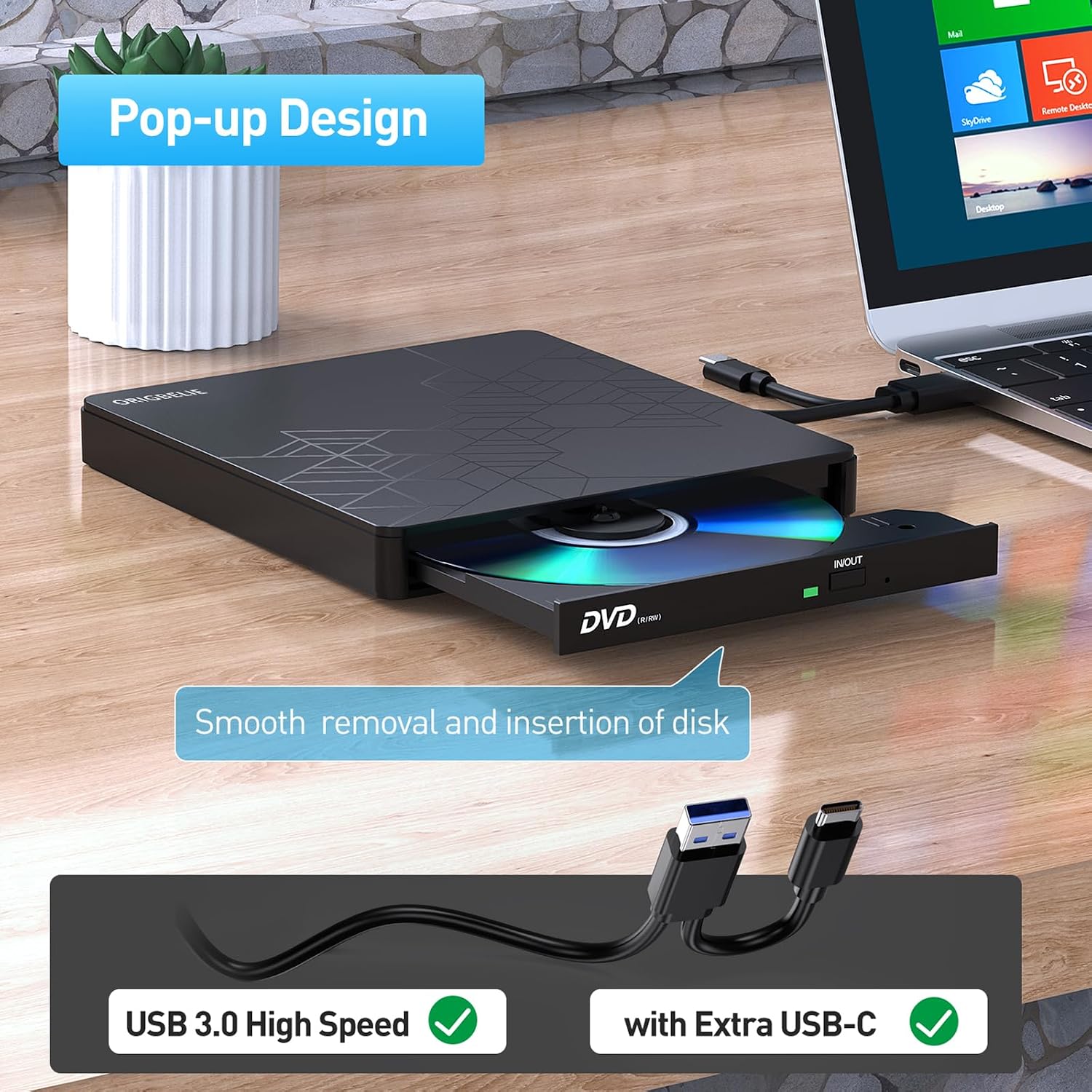
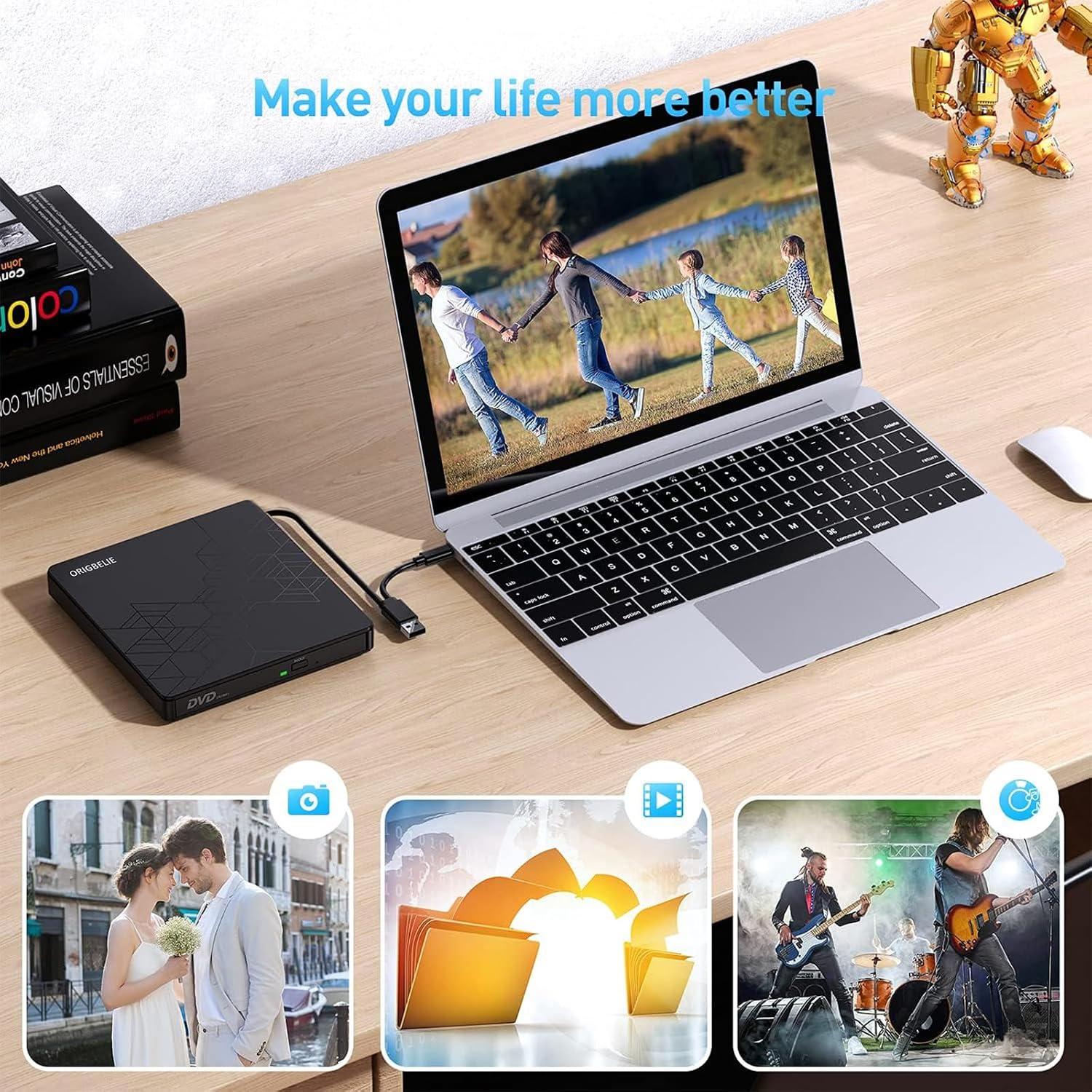
The ORIGBELIE External CD/DVD Drive is a portable optical drive that connects via USB 3.0 or USB-C, designed to read and write CD and DVD media. It aims to be a simple, plug-and-play solution for laptops, desktops, and some all-in-one setups where internal optical drives aren’t available or practical. If you frequently install software from discs, back up data, or want to watch DVD movies on a compact, bus-powered device, this drive positions itself as a straightforward option that just works when you need it.
How it behaves on paper
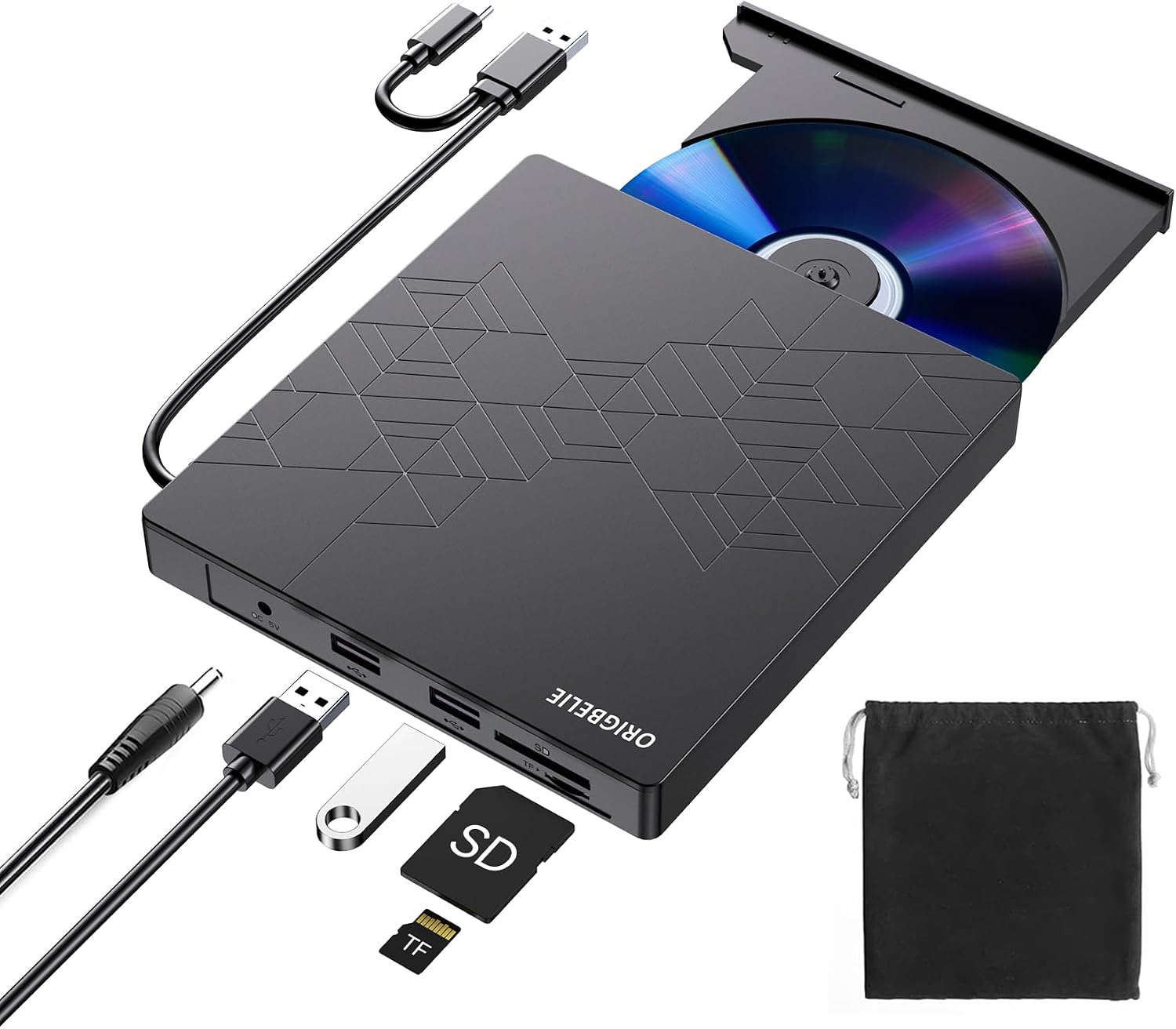
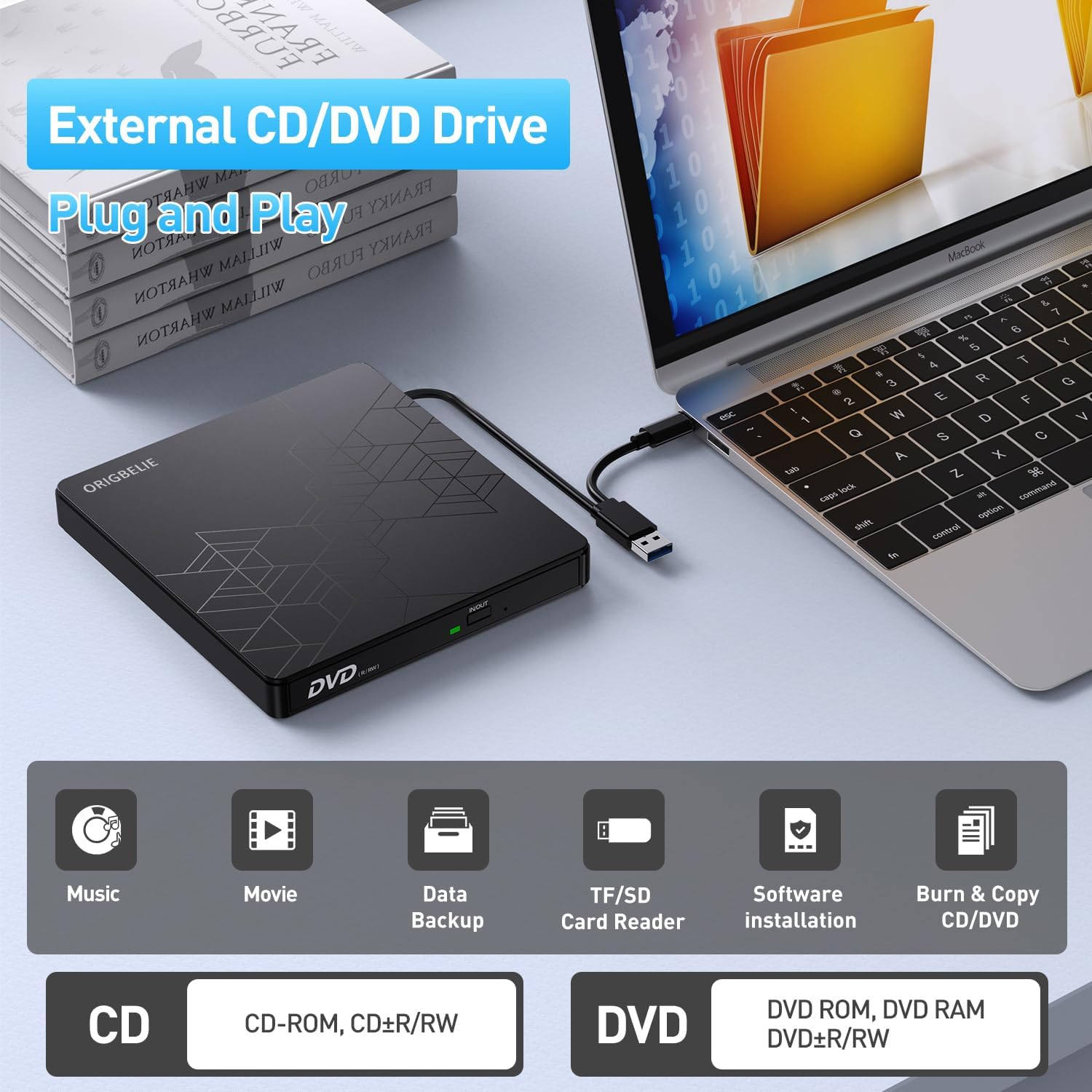
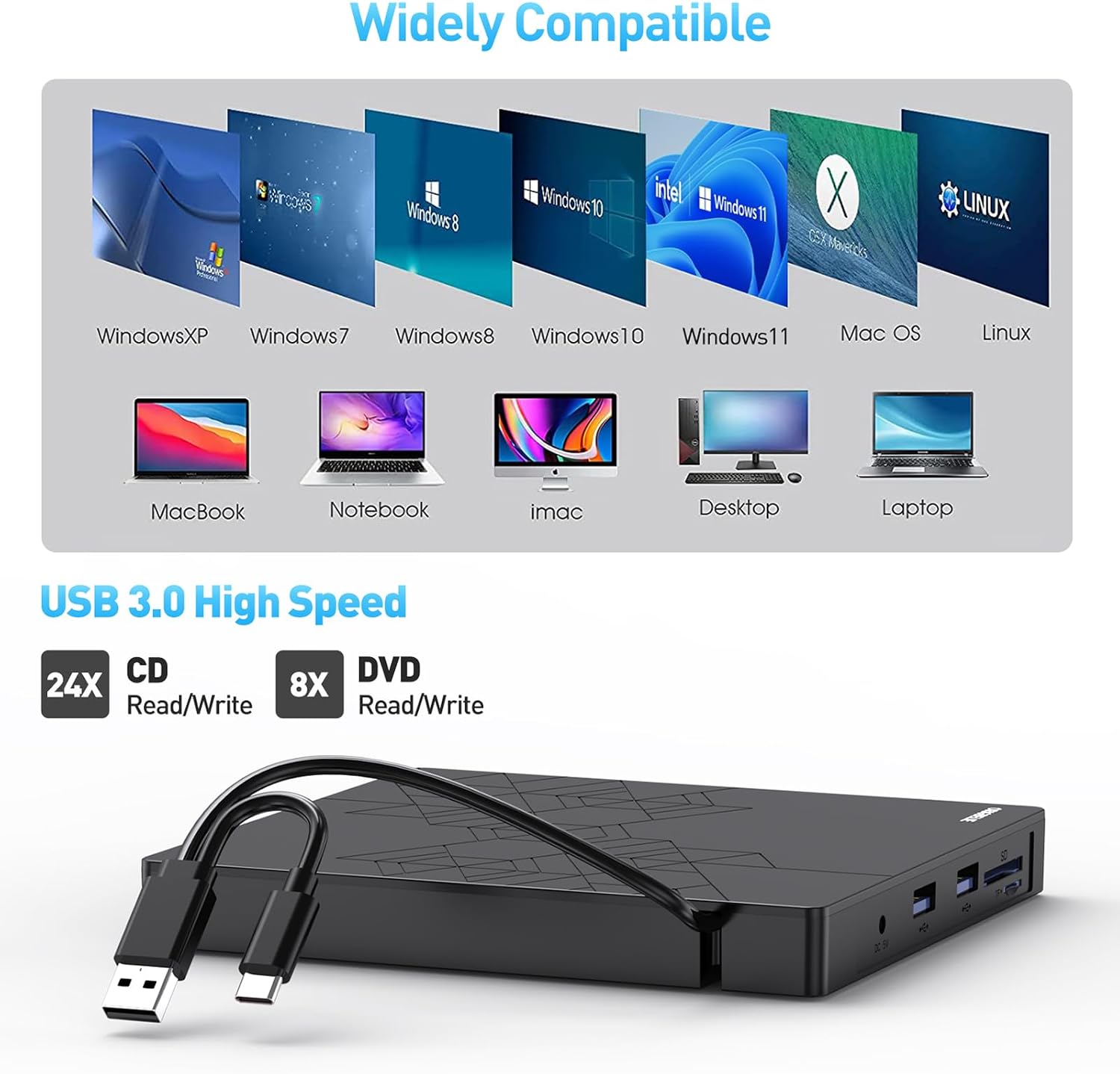
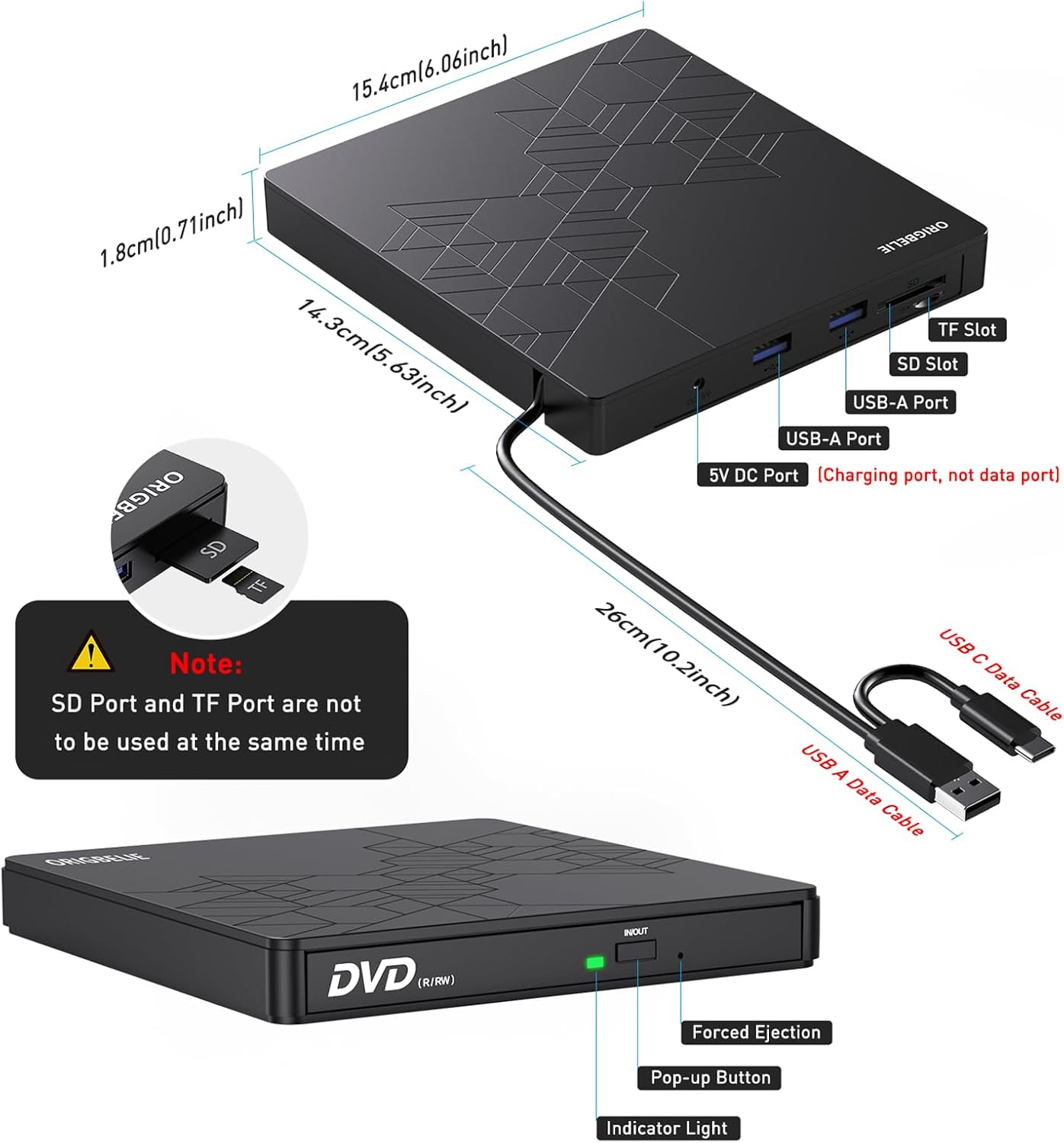
On paper, this drive touts high-speed USB 3.0 data transfer (up to 5 Gbps) and a stated read/write speed profile of up to 24x for CDs and 8x for DVDs. It’s described as plug-and-play, with power supplied by the USB connection and a built-in cable for easy transport. The device also highlights compatibility across Windows, macOS, and Linux, with support for a broad range of disc formats including CD-R/W, DVD-R/RW, DVD-RAM, VCD, and SVCD. An extra USB port breaks the typical single-USB bottleneck, which can help when the computer is low on power, and there’s optional external power for steadier operation.
What stands out in day-to-day use
In everyday scenarios, you’ll notice quick recognition by the host computer without chasing drivers, which can be a real time-saver. The drive’s built-in cable reduces the risk of lost connections and keeps a tidy travel setup. The inclusion of a Type-C connection broadens compatibility with newer laptops and some desktops, while USB 3.0 ensures reasonable transfer speeds for typical data transfers, media playback, or disk cloning tasks. The omission of Blu-ray support is explicit, so this is clearly pitched at CD/DVD workflows rather than high-end HD optical needs.
Pros and what may give you pause
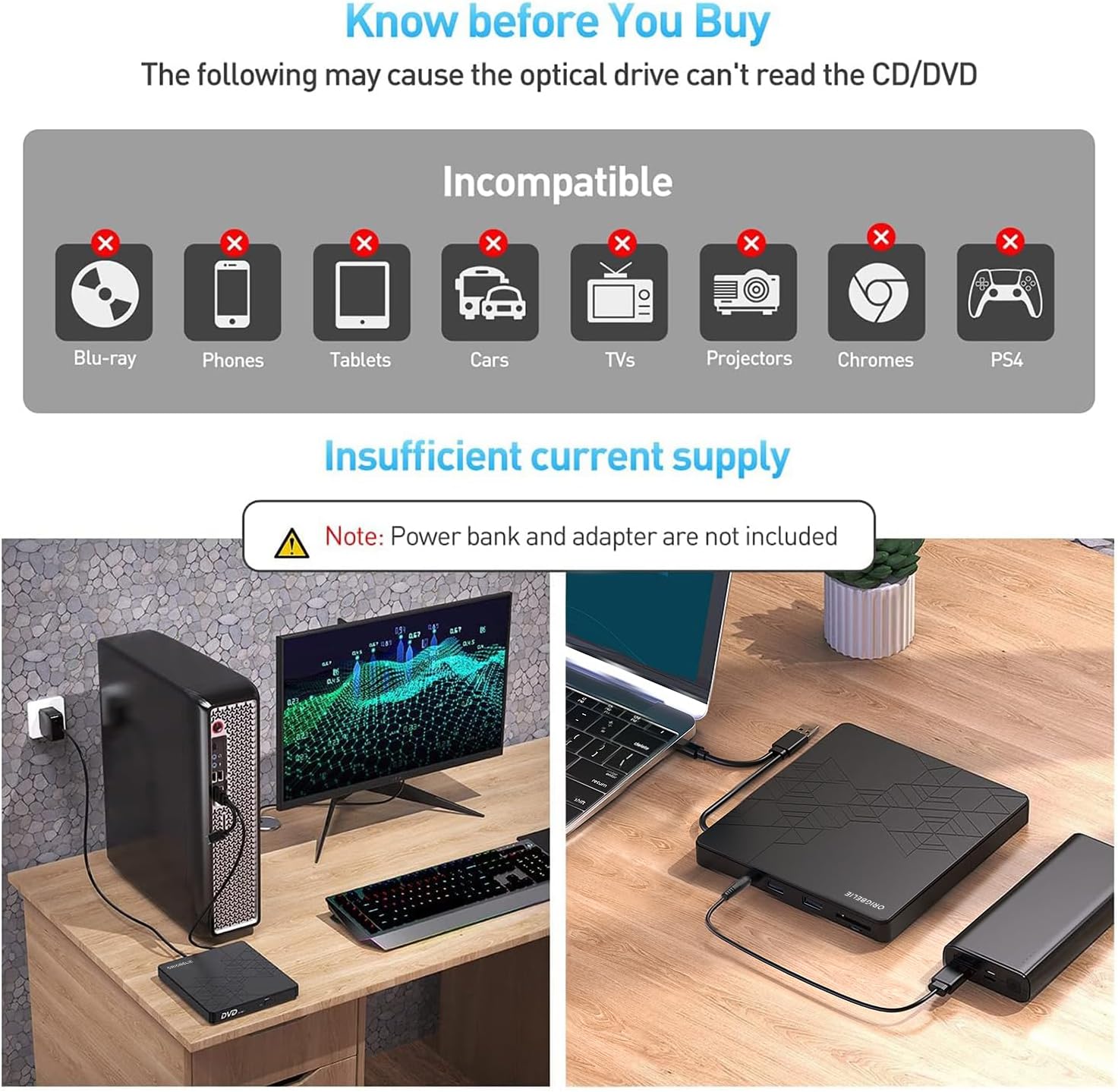
Pros: straightforward setup, broad OS compatibility, extra USB port for power or peripheral use, slim and portable design, solid read/write specs for its category, and a two-year after-sales promise. Cons: Blu-ray is not supported, and real-world speeds can vary depending on media and host hardware, some users may find the max speeds optimistic for older discs. It’s also worth noting that it’s not compatible with cars, tablets, or Chromebooks, which limits on-the-go use in those contexts.
Who it’s best for
This drive makes sense if you need occasional or semi-regular access to optical media on a modern laptop or desktop that lacks an internal drive. It’s suitable for software installation from discs, data backups, media playback from DVD videos, and archiving your memories onto CD/DVD media. If your workflow involves Blu-ray, nonstop high-speed file transfers, or you rely on USB-C-only devices with limited USB-A compatibility, you’ll want to weigh the practical fit carefully.
Who might want to skip it
If your needs are centered on Blu-ray discs, ultra-fast large-file transfers, or you primarily work with digital downloads and cloud storage, this device may feel like overkill or underpowered. For Chromebooks or devices that require signed drivers or specific media players, you should verify compatibility beforehand since the notes call out that Windows 11 may require media player and network components.
When it makes sense to buy
Buying makes sense if you value a portable, driverless, plug-and-play optical drive that covers the basics of CD/DVD reading and writing without a heavy setup. It’s particularly appealing when you anticipate occasional needs for disc access while traveling or working on a machine without an internal optical drive, and you want a device that can run off USB power or with a supplemental power source for steadier performance.
When it might not be the best option
If your discs include Blu-ray, or if you require the fastest possible read/write performance for large backups, consider alternatives that explicitly support Blu-ray or offer higher sustained transfer rates. Also, if you plan to use this with a Chromebook or tablet-only setup, double-check OS and player compatibility before purchase.
What to check before buying
- Confirm your computer has a compatible USB port if you intend to use USB-C, if not, ensure you can use USB-A with an adapter without power constraints.
- Consider whether you’ll need external power for stable operation, especially when writing to media.
- Verify disc format needs (CD/DVD ±R/RW, DVD-RAM, VCD/SVCD) align with your typical media.
- Understand that Blu-ray is not supported, so this won’t cover high-definition optical media.
Practical usage snapshot
Imagine you’re at a laptop with no optical drive, needing to install an older software package from a CD. You plug in the ORIGBELIE drive, the OS recognizes it instantly, and you’re up and running within moments. You copy a few large data DVDs for a project, and the drive maintains a stable pace for standard media. It’s not a speed demon, but it gets the job done without fiddling with drivers or extra software in most common setups.
FAQ (practical answers based on available info)
- Q: Does it work with Windows 11 without extra software? A: It’s listed as compatible with Windows 11, with a caveat that media player and network may be required.
- Q: Can I use this to watch Blu-ray movies? A: No, Blu-ray is not supported.
- Q: Do I need an external power supply? A: It can run via USB power, but external power is offered for steadier operation.
- Q: Is Blu-ray or high-definition playback supported? A: No, only CD/DVD formats listed are supported.
Is it worth it?
Final verdict: Worth considering if you need a compact, driver-free option for CD/DVD reading and writing on mixed devices, and you don’t require Blu-ray support or blazing-fast speeds. It suits users who value portability, simple setup, and broad OS compatibility, but not those chasing top-tier performance or disc formats beyond CD/DVD.