

Metapen iPad stylus Air8 Pro
Product description
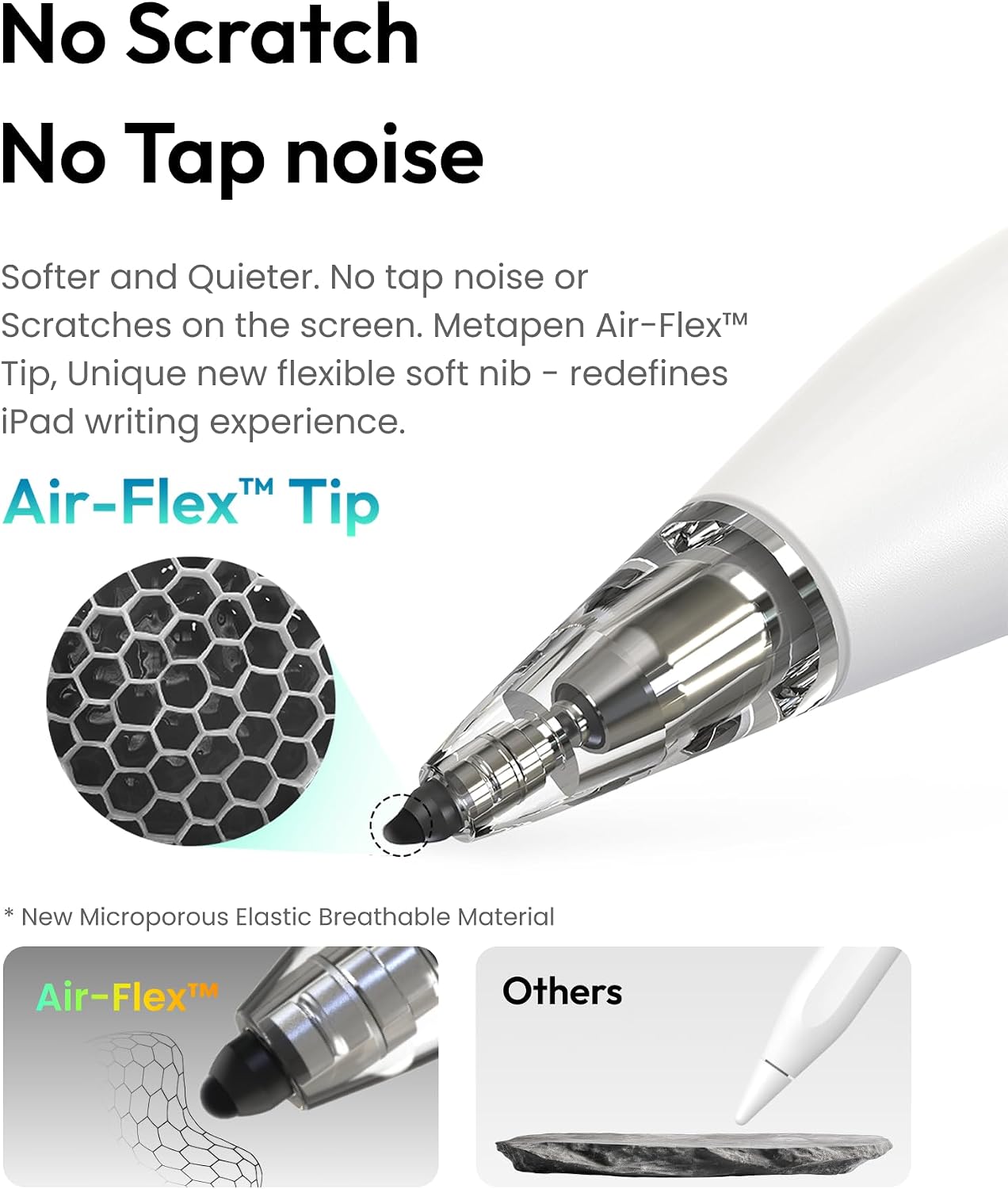
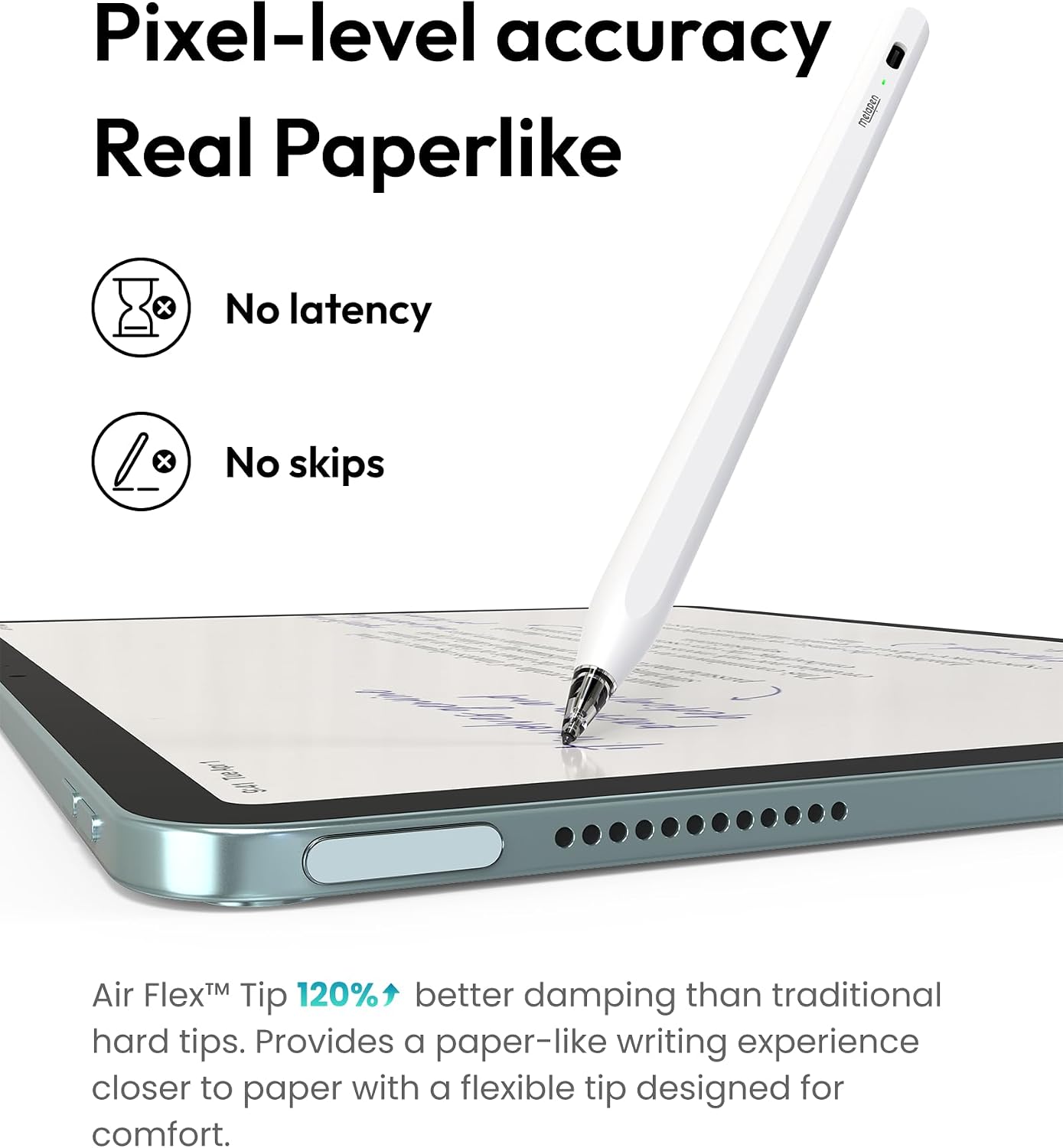
The Air-Flex soft tip is designed to add gentle resistance as you write, making the Air8 Pro quieter and more paper-like in feel than a hard-tip stylus. That may matter during note-taking in a shared room or while working through a long document on your iPad.
It also has palm rejection, so you can rest your hand on the screen while writing. The key trade-off: it does not support tilt or pressure sensitivity.
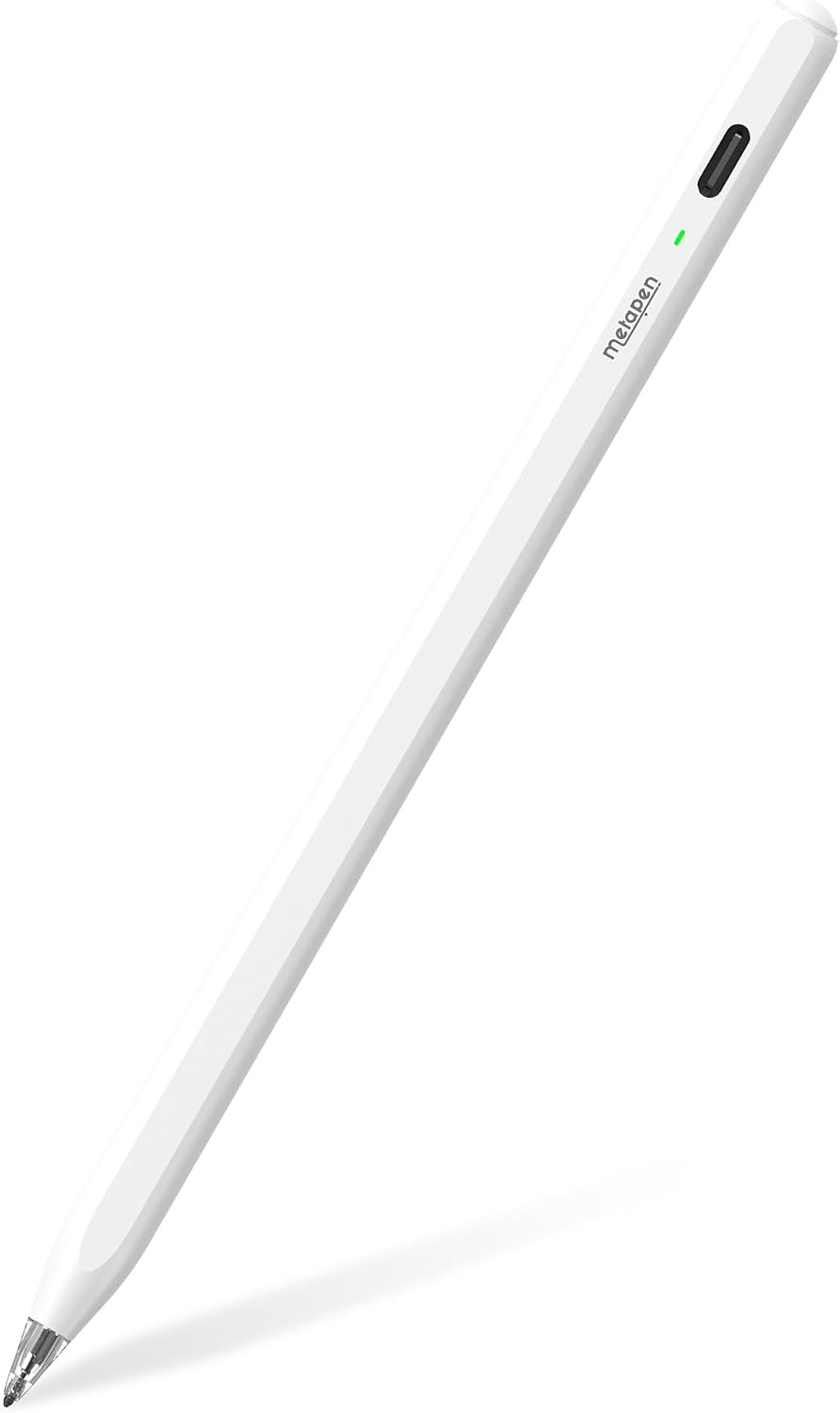
Getting the most from it
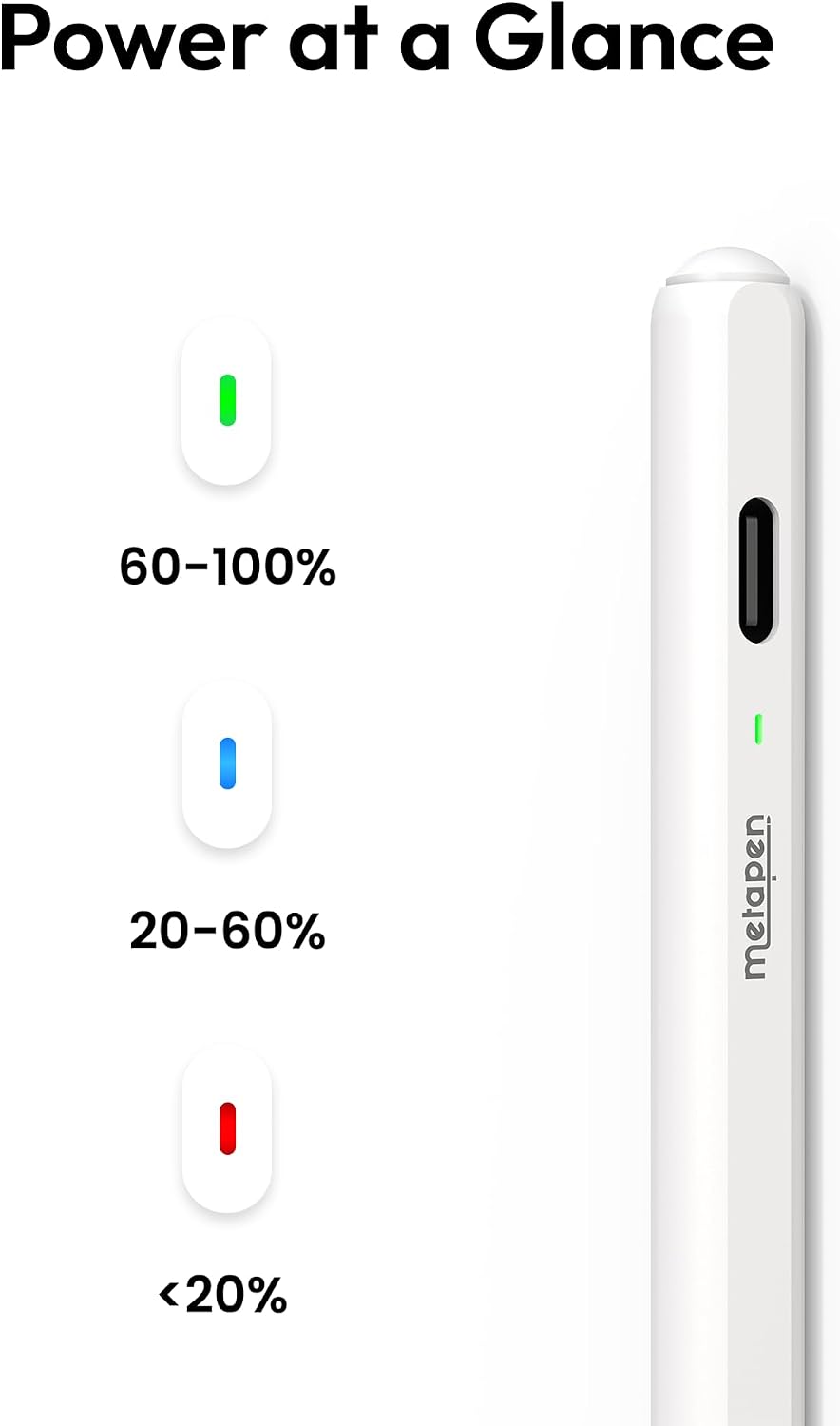
Turn it on with a click of the top button, then write without setting up a Bluetooth connection. A three-color LED indicates power status, and the stylus shuts off automatically after five minutes of inactivity. For a quick note during class or a meeting, that simple start-up may be more convenient than pairing a pen first.
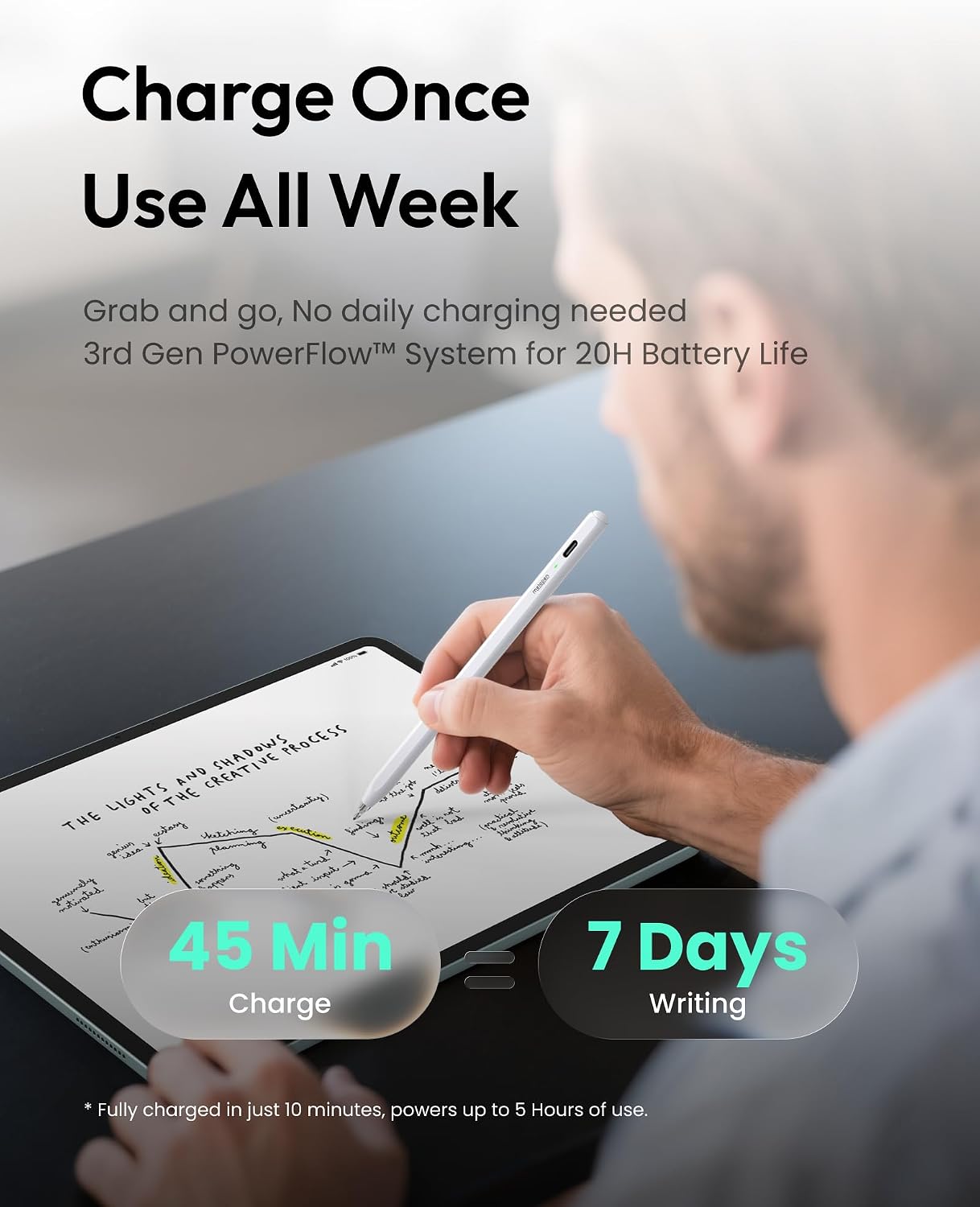
The listed battery life is up to 20 hours, with a full charge taking 45 minutes. The maker also says a two-minute charge provides two hours of use. Charging is through a USB-C to USB-C cable, the pen does not attach magnetically for charging. If your usual routine depends on keeping a stylus snapped to the side of an iPad, that difference is worth factoring in.
Why it’s worth it
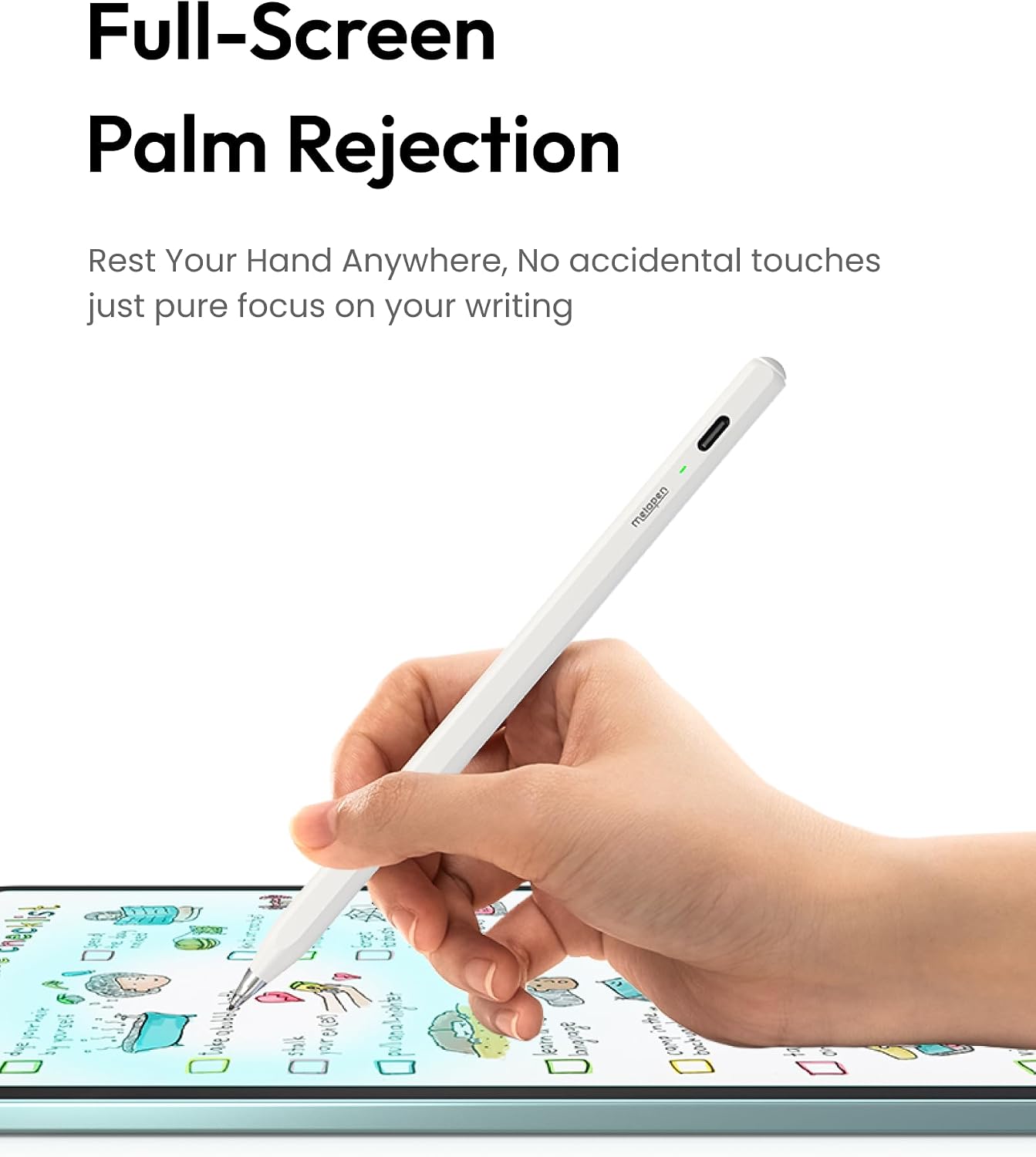
At 10 g, the Air8 Pro is built to feel light during longer writing sessions. Its soft tip and palm rejection are aimed at handwritten notes, annotations, and everyday screen work rather than drawing that depends on nuanced pen control. Without having tried it, those are the most useful distinctions to weigh: a quiet tip and straightforward controls are appealing, while the lack of pressure and tilt support sets a clear ceiling for creative work.
It’s a great fit if you want a simple stylus for notes and prefer a soft, quieter writing feel. If you prioritize those basics over magnetic charging or advanced drawing input, this approach may make more sense than choosing a pen for its extra art-focused controls.
Worth noting
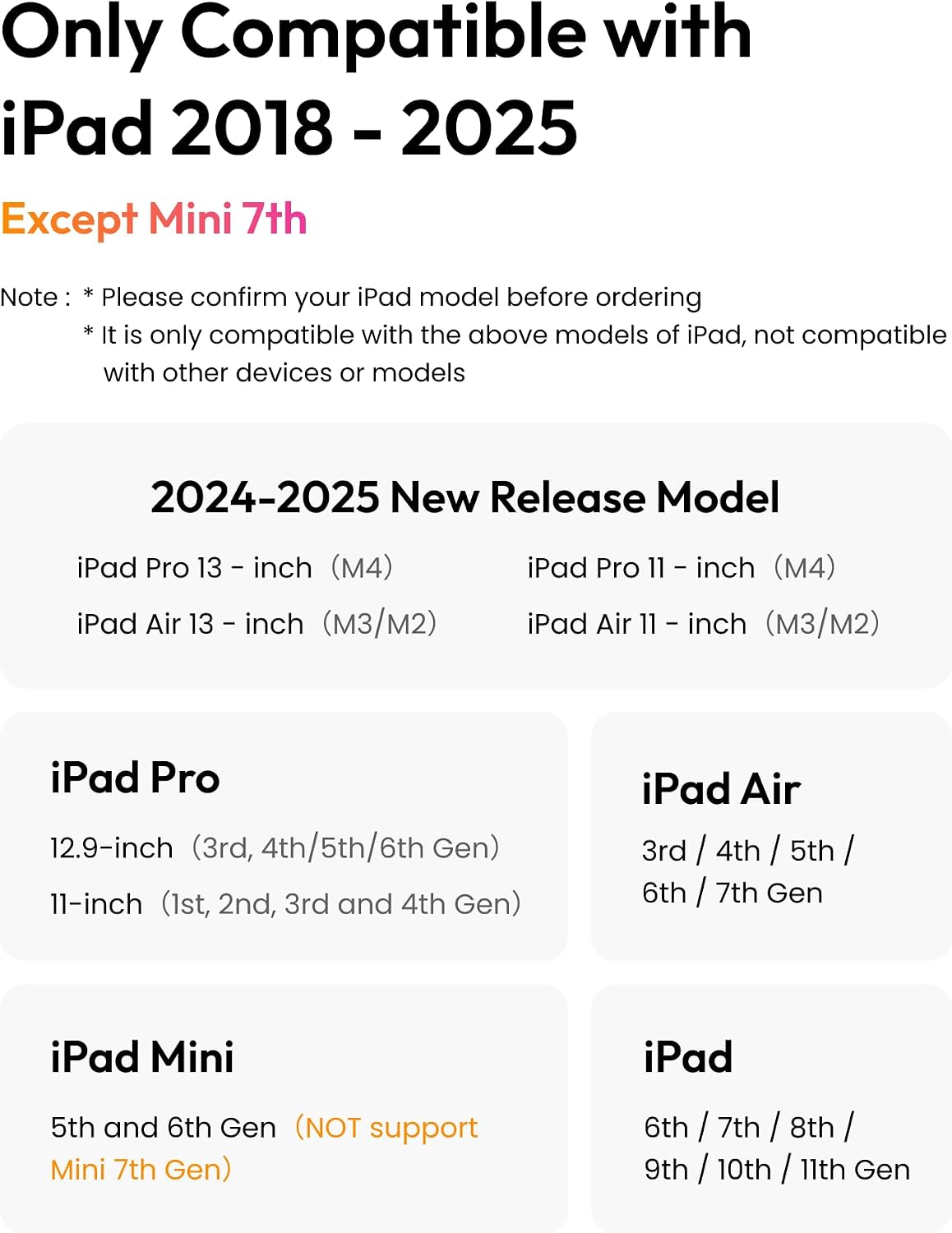
Compatibility is specific to the iPad models listed: iPad generations 6 through 11, certain iPad Pro 11-inch and 12.9-inch models, the 13-inch iPad Pro M4, iPad Air 3 through 5 and listed M-series models, and iPad mini 5 and 6. It is not for iPads released before 2018, iPad mini 7, iPhone, Android, or Microsoft devices. Because the product name and compatibility list use several model and chip labels, identify your exact iPad model before choosing it rather than relying on screen size alone.
A more demanding drawing workflow may call for a stylus with pressure and tilt sensitivity. Better avoided if those controls are essential to the way you sketch, or if you need magnetic charging.
Should you buy it?
The Air8 Pro makes the most sense as a lightweight note-taking pen for a compatible iPad, especially if quiet writing, palm rejection, and quick operation are priorities. Its stated battery and fast-charge figures also suit someone who may need to top it up between uses. Choose a different approach if your work depends on pressure-sensitive strokes, tilt, or a magnetic charging setup, those are not features this stylus offers.