

DRYMOKINI Rechargeable Universal Stylus Pen for Touch Screens (USB-C) — Blue
Product description
If you want a stylus that feels responsive for everyday writing, sketching, or note-taking, DRYMOKINI’s rechargeable universal stylus pencil is built around a smooth, lag-free touch experience on capacitive screens. It’s also designed to be plug-and-play: charge it, start using it, and you’re done.
That said, it’s not perfect for every workflow. There’s no palm rejection or pressure sensitivity, and it’s also not meant for Windows setups. So if you’re expecting an experience closer to a pro drawing tablet stylus, you may feel limited.
The essentials
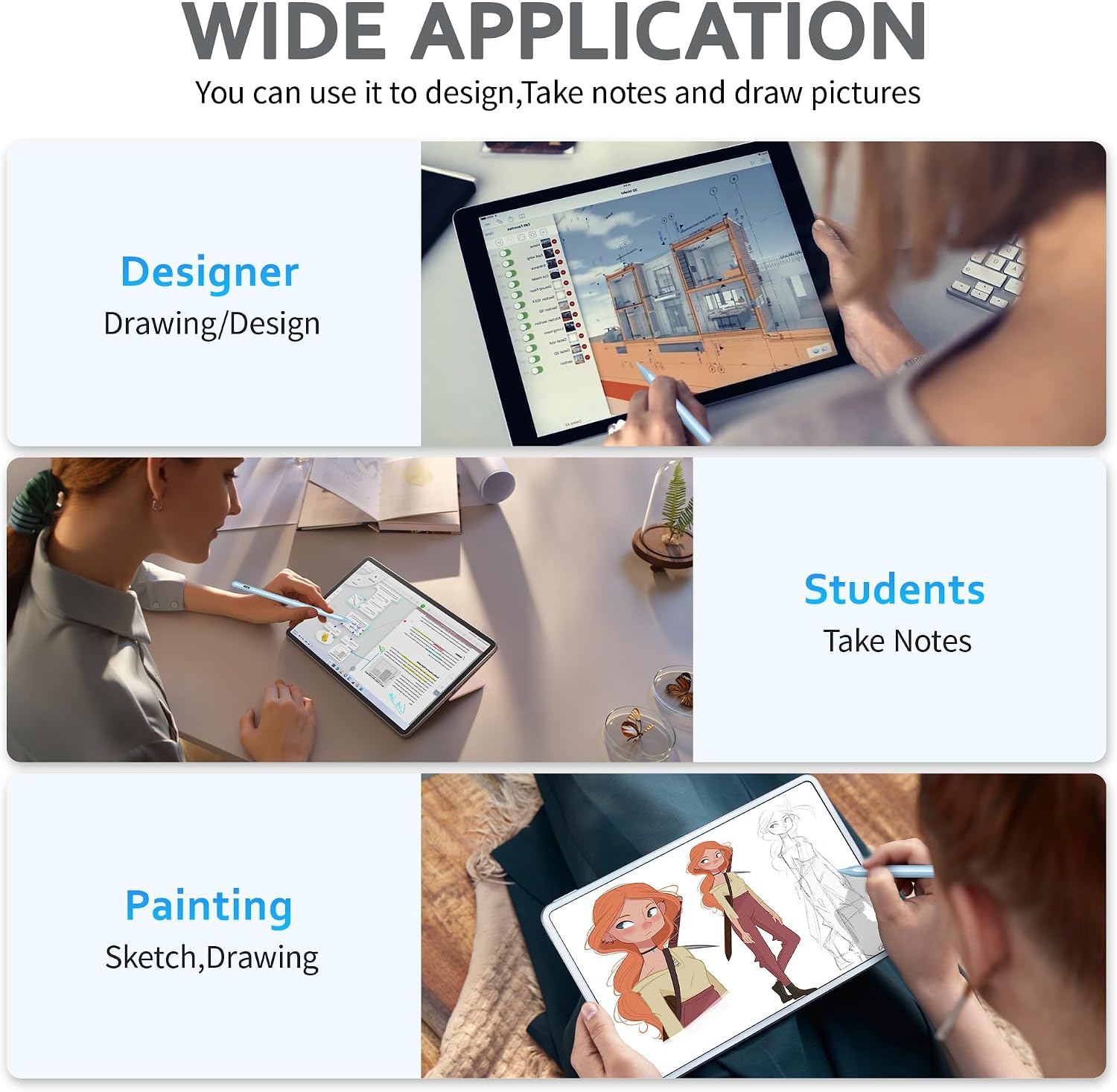
This DRYMOKINI stylus pen is a universal option for capacitive touch screens across many Android and iOS devices. The package is aimed at practical use: drawing, writing, and note-taking (including classroom and meeting notes), plus it can help reduce fingerprints on your screen while you work.
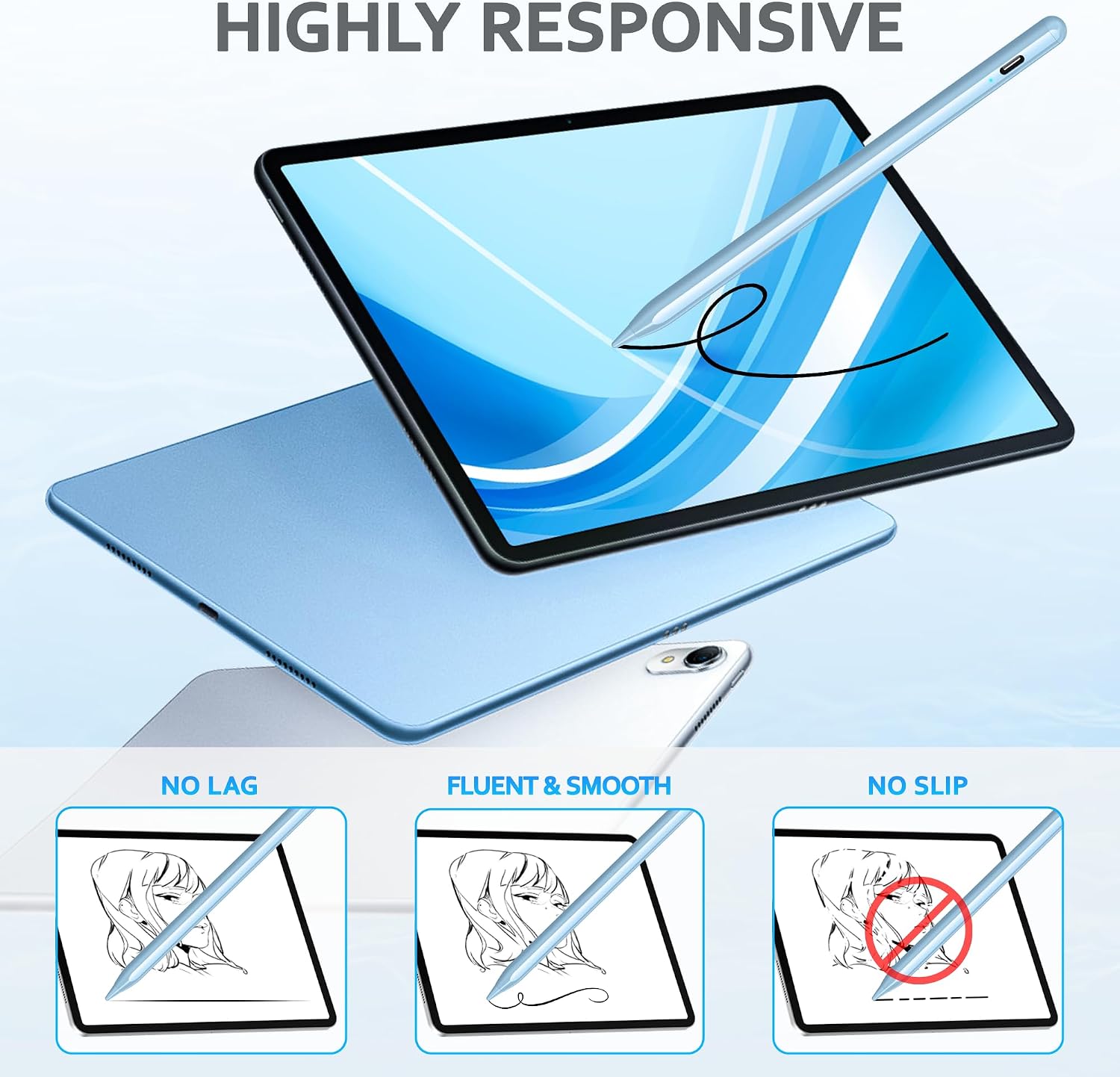
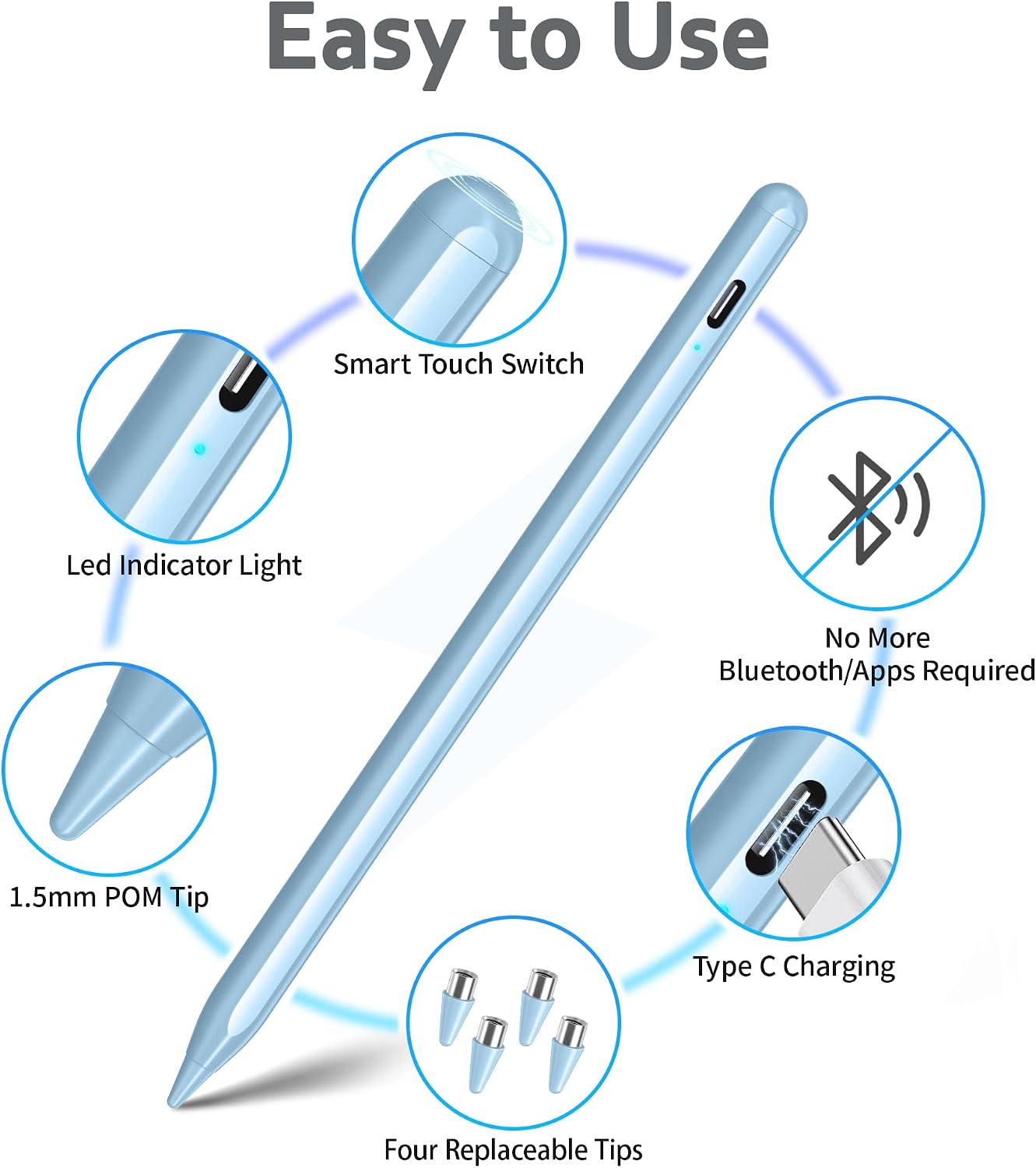
The standout premise here is “highly precise & no lag,” supported by a 1.5mm tip designed for smooth, accurate input. On paper, that’s the kind of tip size that can work well for controlled handwriting and everyday sketching—especially when you want the stylus to glide without obvious skipping.
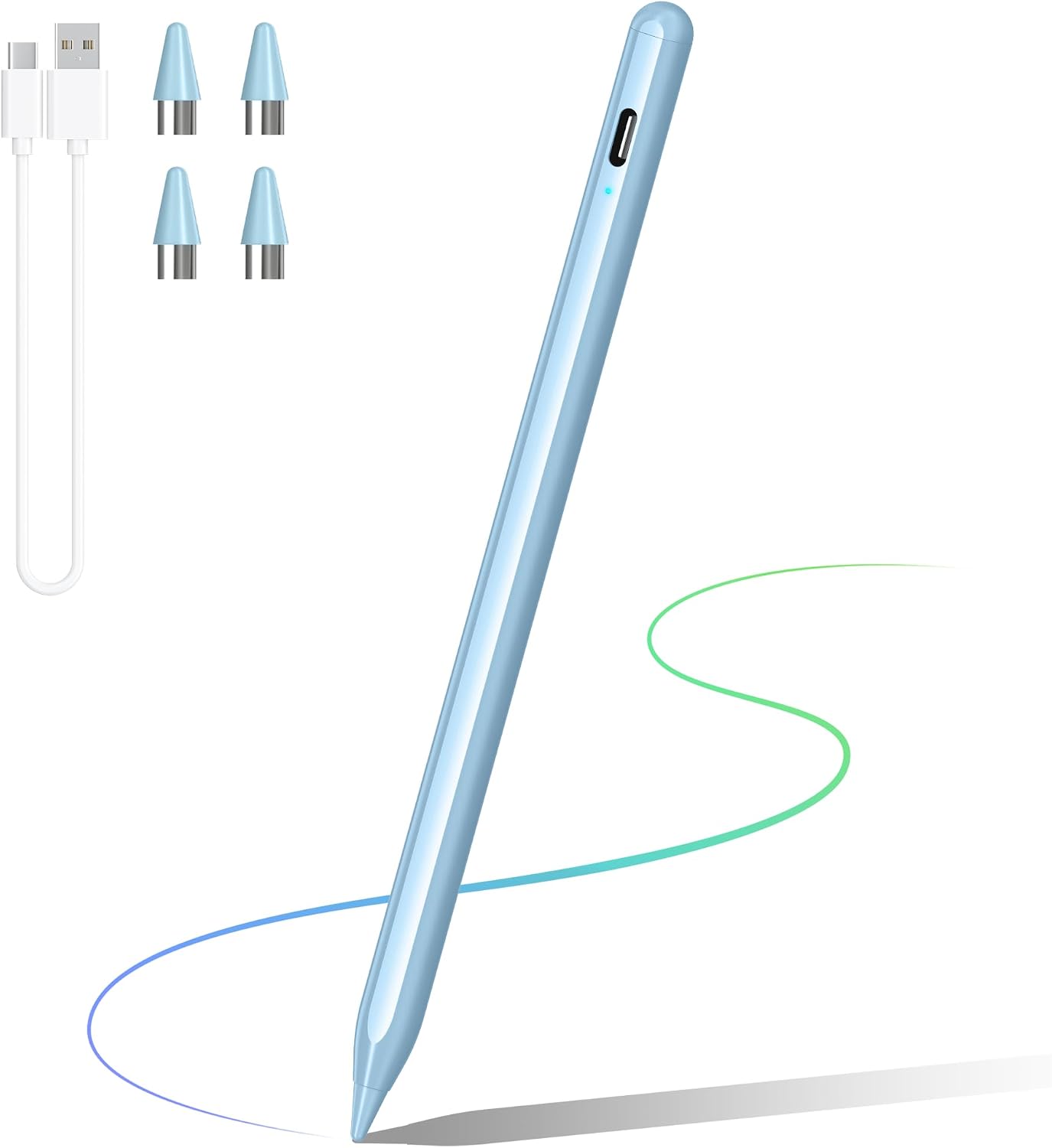
One more useful detail: it’s rechargeable with an internal battery and an advanced USB-C charging port. No batteries to hunt down, and you can recharge when you’re running low.
Key features for real-world use
The core experience is about responsiveness and consistency. The brand claims exceptional accuracy and smoothness, and specifically says you shouldn’t experience lag, skipping, or disconnections while using it.
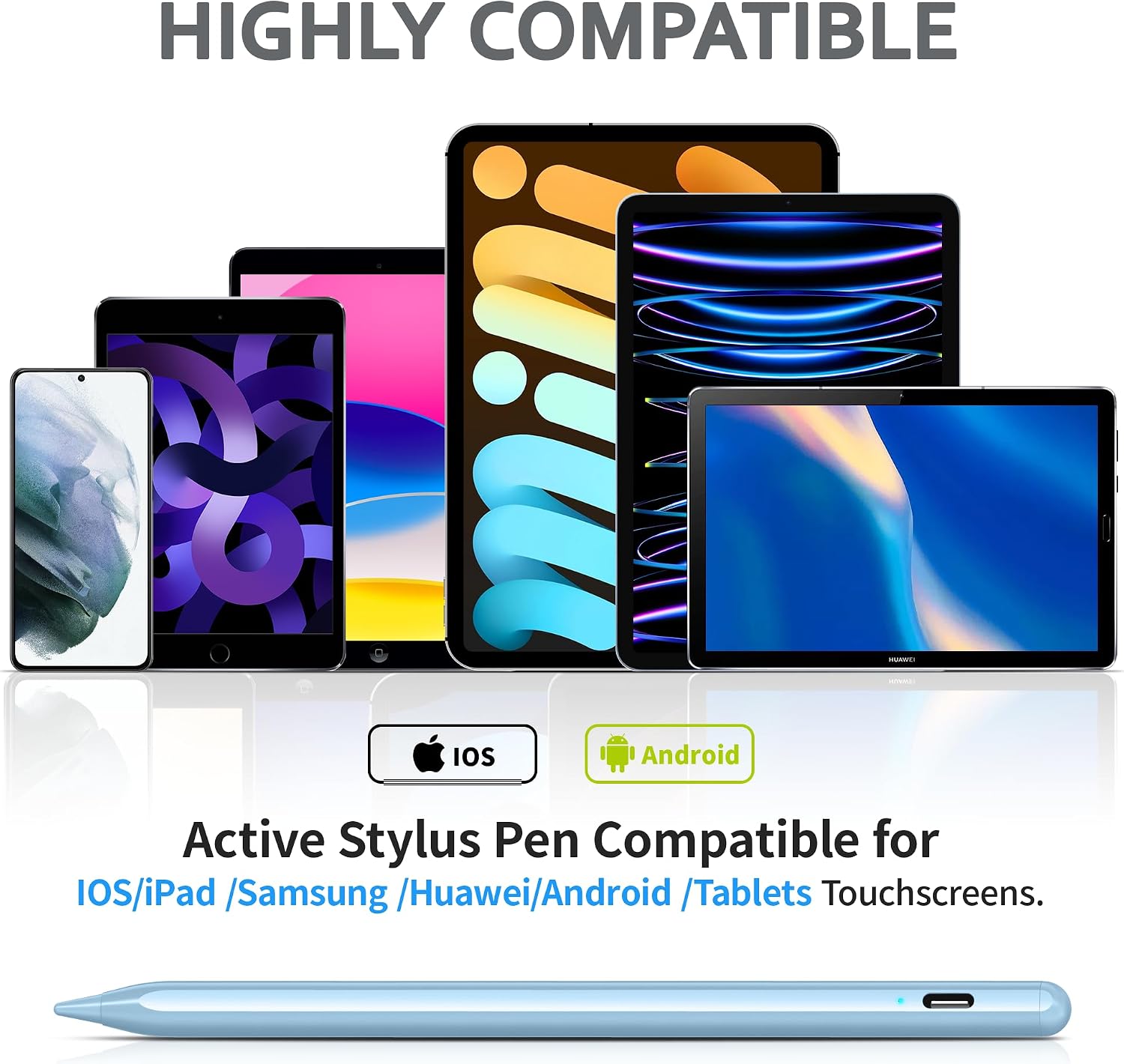
Compatibility is broad for a stylus in this category. It’s designed for capacitive touch screens and is described as working with a range of Android phones/tablets and iPad/iPhone models, including iPad Pro (13"/11"), iPad Air (13"/11"), iPad mini (7/6), and certain iPhone generations listed in the description.
In daily use, that matters. For example, if you’re jotting notes in a meeting, the “no lag” goal translates into fewer interruptions: you write, pause, and continue without the frustrating feeling that the line is chasing your hand.
Where this model can feel more basic is in advanced stylus features. It does not support palm rejection or pressure sensitivity, so it’s more about clean, stable touch input than expressive brush/line control.
Compatibility & what to double-check before buying
This stylus is positioned as universal for Android and iOS touch devices, but there are a couple of important limitations to keep in mind.
The description notes: - It does not support palm rejection or pressure sensitivity. - It’s not compatible with Windows systems or apps requiring proprietary protocols.
There’s also practical app guidance that you should take seriously if you use note-taking apps. The listing mentions that for iPad Pencil use, you may need to disconnect any existing Apple Pencil connection first. It also mentions Notability may require a setting change (disconnecting the App|e Pencil option in the app) before the stylus works properly.
So, if you already use a different stylus ecosystem, plan to spend a minute managing connections/settings. It’s not always a “works with everything instantly” situation.
Tech specs
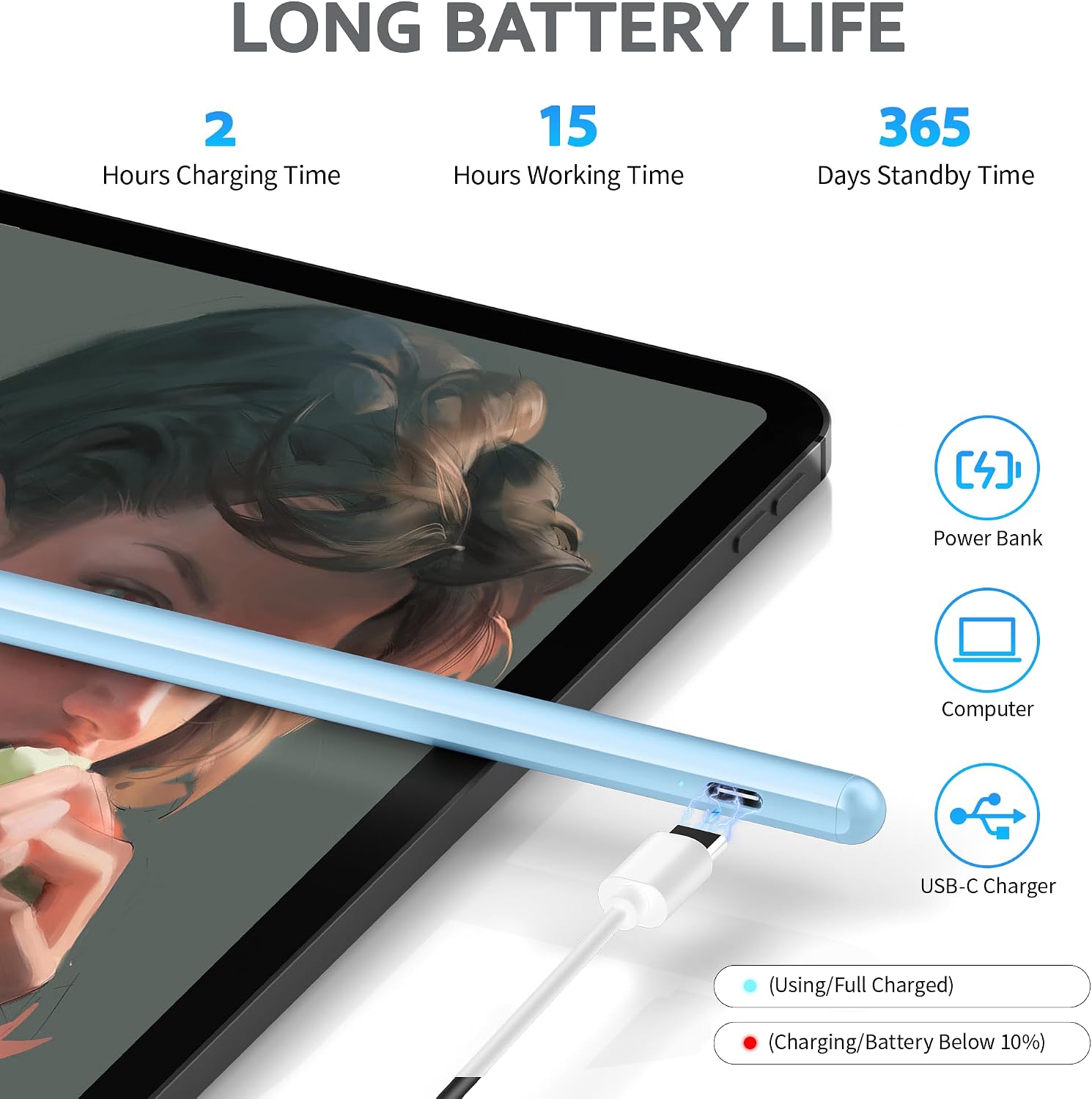
- Name: DRYMOKINI Rechargeable Universal Stylus Pen
- Type: Universal stylus for capacitive touch screens
- Tip size: 1.5mm
- Charging port: USB-C
- Charge time: 1 hour
- Continuous use: up to 20 hours
- Standby time: up to 30 days
- Included items: 1 universal stylus pen, 4 replacement tips, 1 USB-C charging cable, user manual, packaging box
- Warranty/service: 12-month warranty and lifetime professional technical support (as stated)
Who it’s for, and who should skip it
This DRYMOKINI stylus makes the most sense if you want a straightforward, rechargeable stylus that’s designed for smooth touch input across many Android and iOS devices. It’s a practical pick for handwriting, quick sketches, and everyday note-taking—especially if you don’t require pressure sensitivity.
It may not suit you if: - You rely on palm rejection to keep your hand comfortable while drawing. - You want pressure-based effects (lighter/heavier strokes based on how hard you press). - You need it for Windows or for apps that require proprietary protocols. - You’re using an app where stylus pairing/settings aren’t straightforward and you’d rather avoid fiddling (the listing suggests some apps may need adjustment).
Final verdict
Worth buying if your goal is simple: responsive writing and drawing on capacitive Android/iOS screens, with a rechargeable stylus and a tip designed for accuracy. It’s not trying to be a pressure-sensitive, palm-rejection creative tool—so if that’s what you expect, you might feel it’s more middle-of-the-road than high-end.
Should you buy it? If you’re shopping for a universal stylus for everyday notes and casual sketching, it can be a sensible match. If you want advanced digital-art features or plug-and-play behavior across every app and device setup, you may want to look elsewhere first.
Quick FAQs
Does it work with Apple iPad and iPhone?
The listing says it’s compatible with many iPhone and iPad models on capacitive touch screens, but it also includes guidance about disconnecting App|e Pencil in certain iPad/app situations.
Will it support palm rejection or pressure sensitivity?
No. The listing specifically says it does not support palm rejection or pressure sensitivity.
Do I need to install drivers or apps?
According to the description, there’s no need for drivers or apps—open the box and start using it.
How do I charge it?
It uses a built-in battery and charges via a USB-C charging port. The listing states 1 hour to charge.
What’s in the box?
The package includes the stylus, four replacement tips, a USB-C charging cable, a user manual, and packaging.