

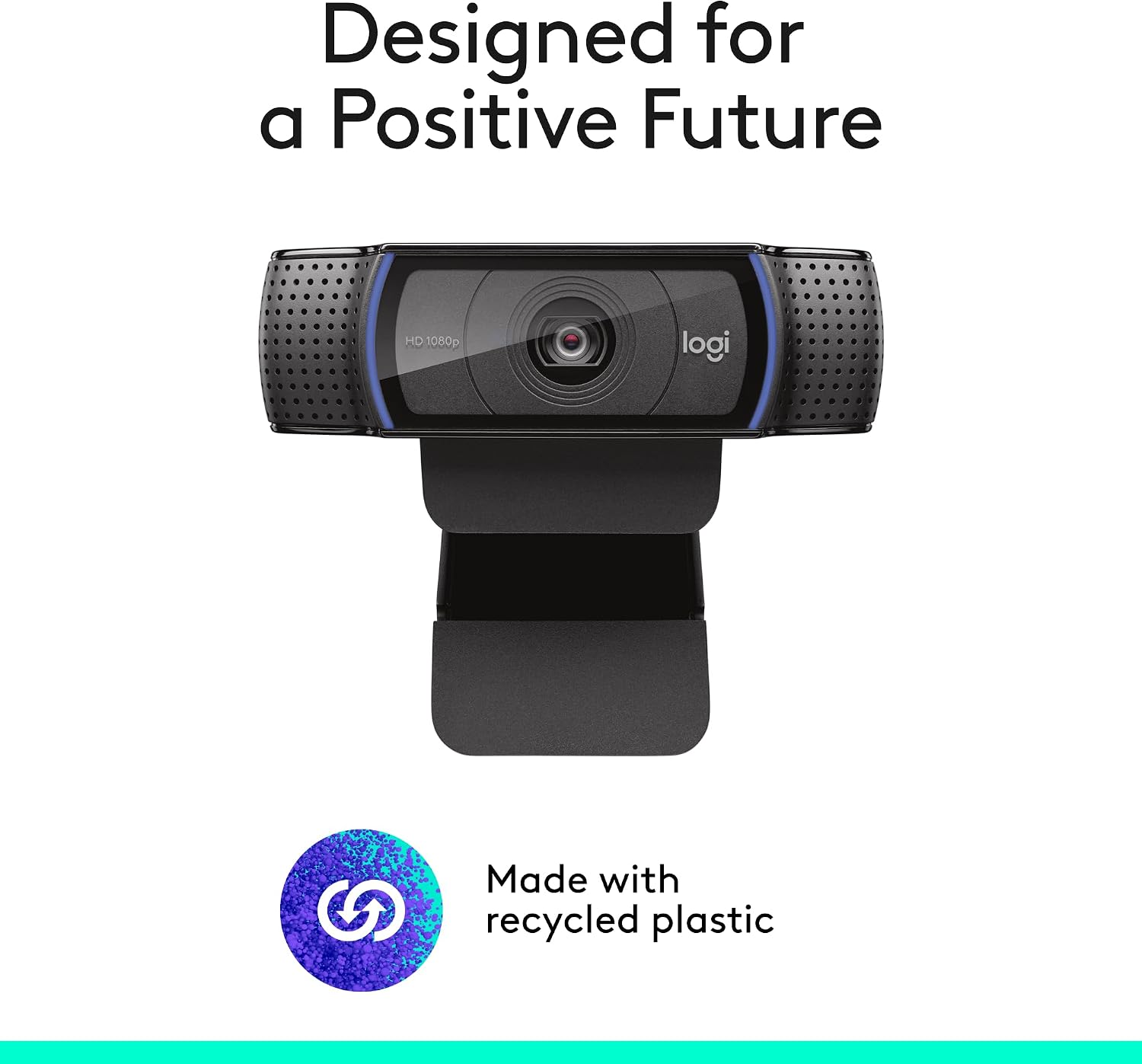
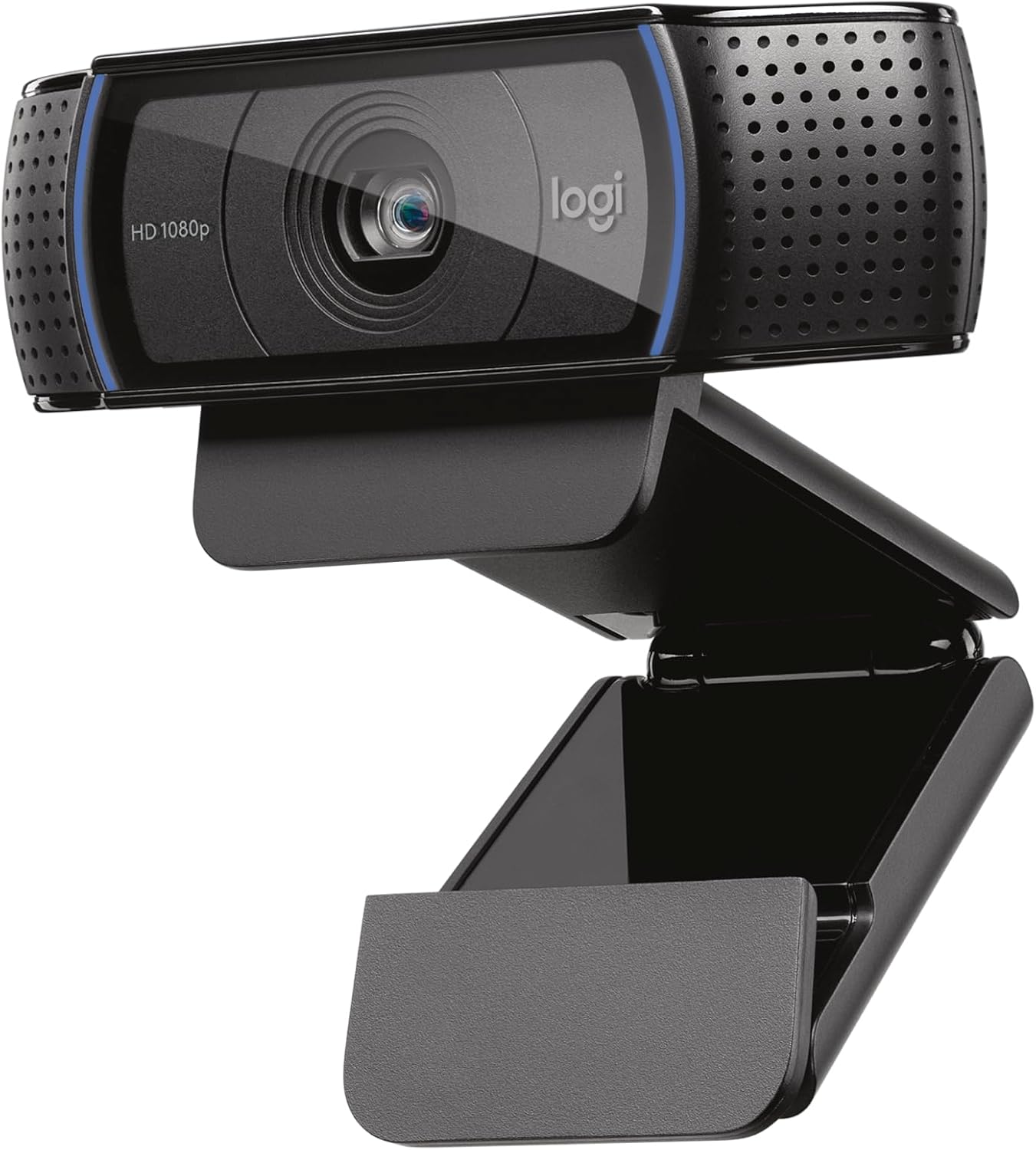
Logitech C920x HD Pro PC Webcam – Full 1080p/30fps, Dual Mics, Black
Reviews
Price
Product description
What it is and what it solves
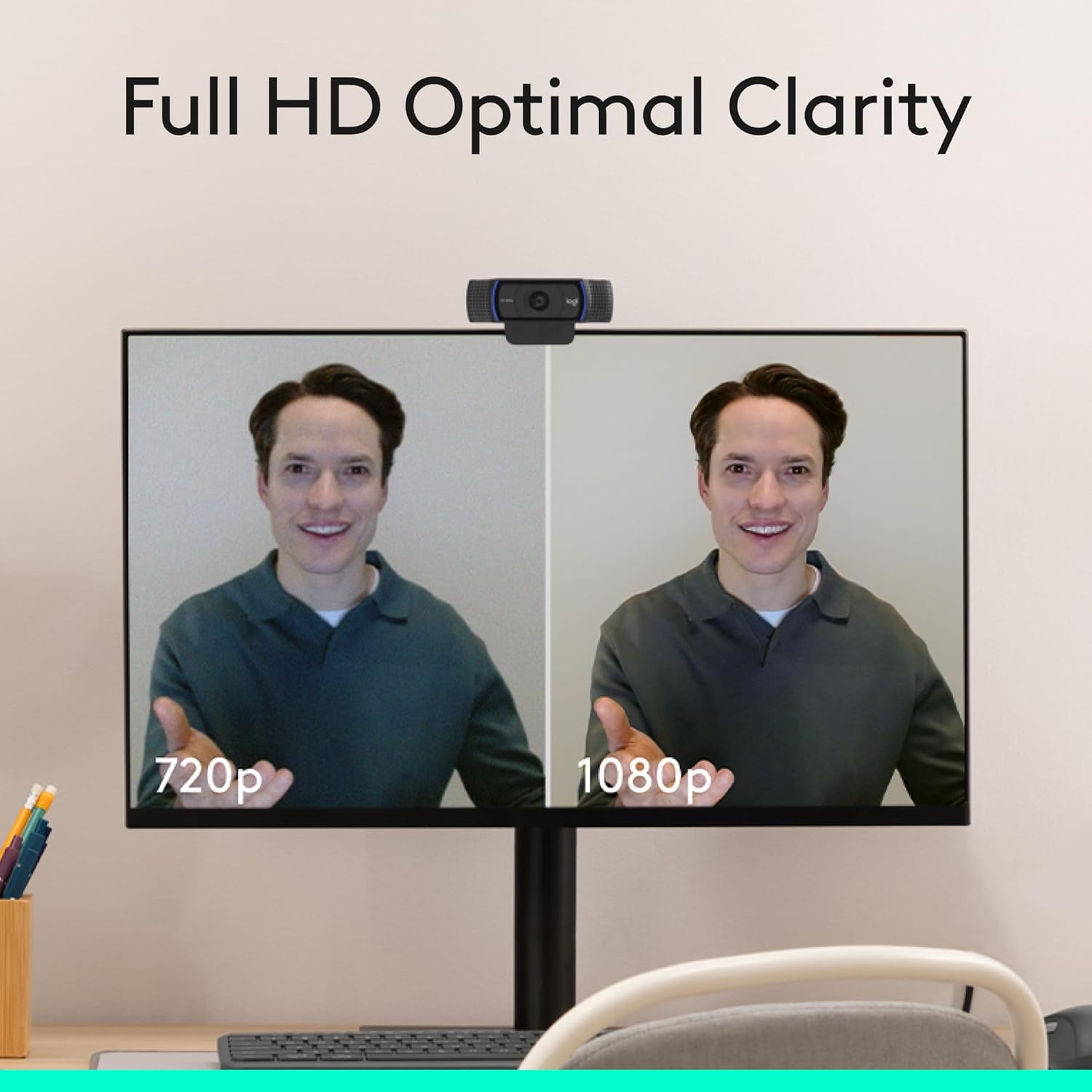
The Logitech C920x HD Pro is a full HD webcam designed to elevate video calls, livestreams, and desktop recording. It aims to deliver sharp, color-rich 1080p video at 30fps with built-in stereo microphones for natural sound. If you’re looking for a plug-and-play camera that can function as a desktop webcam or monitor camera, this model presents a straightforward option.
How it performs on lighting and focus
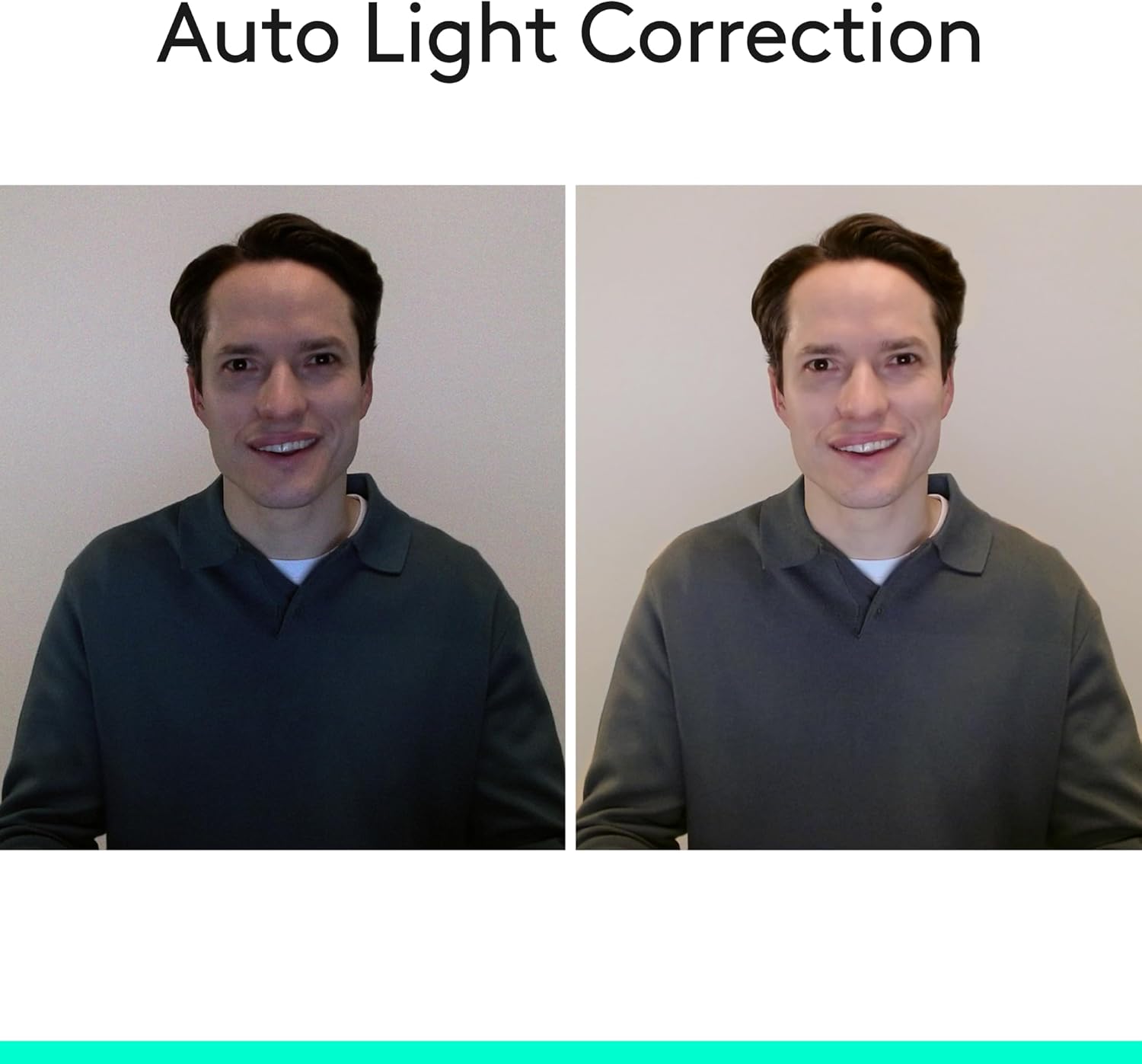
On paper, it includes automatic lighting correction and autofocus, which helps keep you visible and clear in less-than-ideal light. That means you can rely less on external lighting gear in informal setups and still come through with a reasonably bright, detailed image. The focus and exposure adjustments occur automatically, which is convenient for quick starts or fluctuating environments.
Audio quality and background considerations
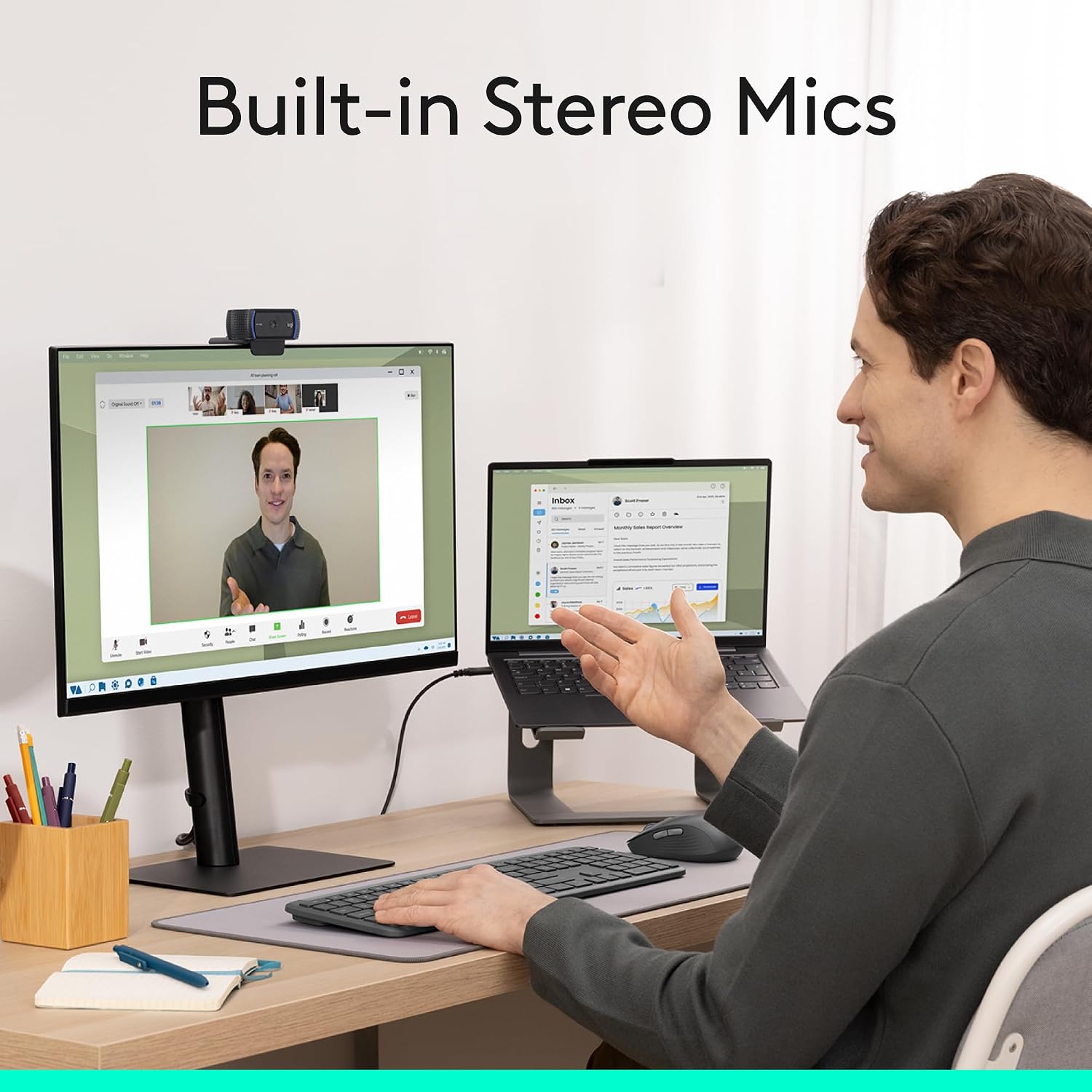
Dual integrated mics offer stereo capture, which can improve perceived clarity during calls and recordings. If you’re streaming or conferencing, the built-in mics can save you from chasing a separate microphone setup. One limitation to note is that, with built-in mics, you might still want an external mic for critical audio work or noisy rooms.
What stands out and where it could fall short
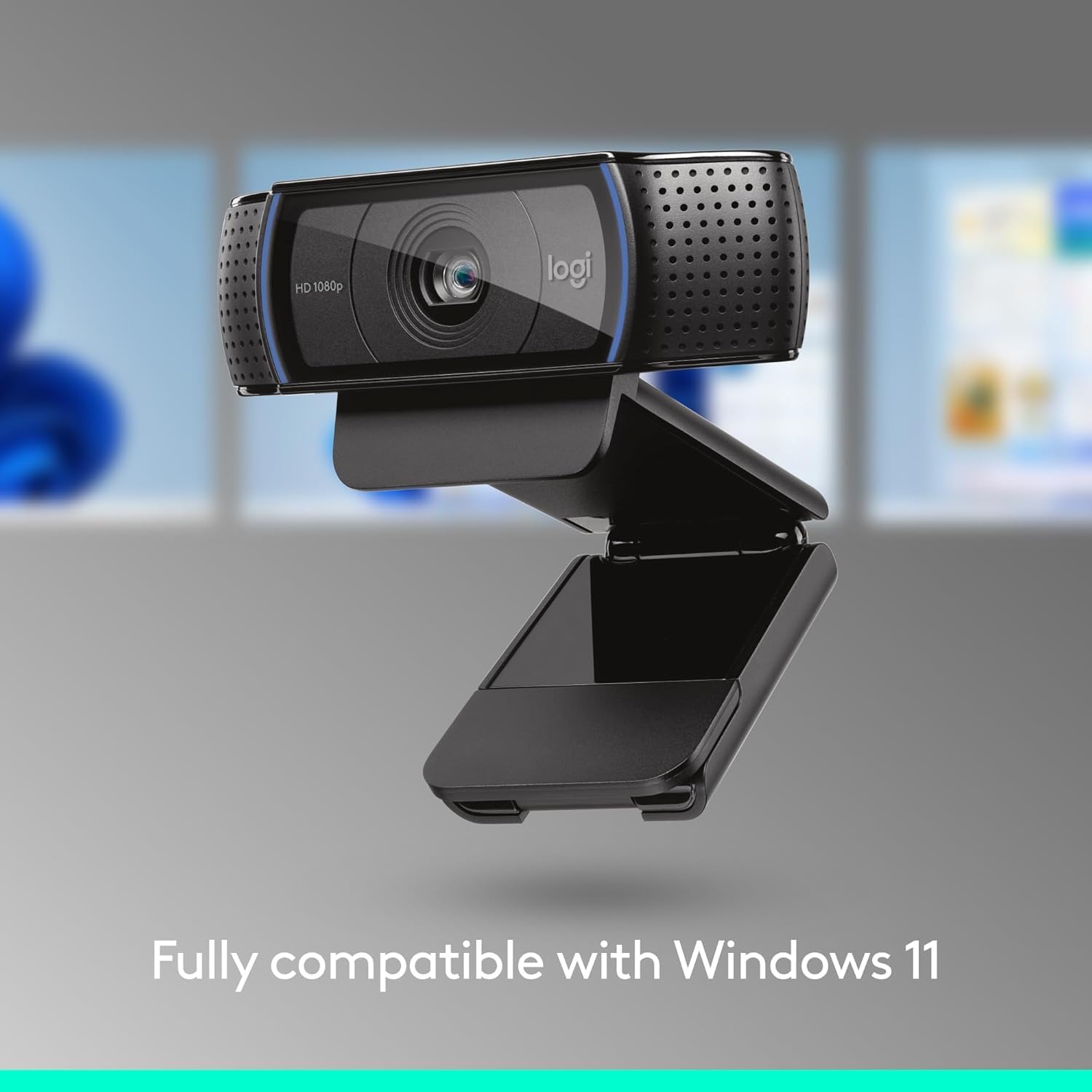
From a practical standpoint, the lack of a privacy shutter may be a concern for privacy-conscious users. It also includes a 3-month XSplit VCam license, which is a nice bonus for background effects and composition, but you’ll want to verify if that aligns with your current software preferences. The camera is described as fully compatible with Windows 11, which helps if you’re in a Windows ecosystem, but always check your system’s compatibility before purchase.
Who it’s for
This webcam tends to fit users who want reliable, straightforward 1080p video for video calls, light streaming, or occasional desktop recording without diving into high-end gear. It can work well for students, remote workers, and hobbyists who value a simple setup and clear video in a variety of lighting conditions.
Who it isn’t the best option for
If you prioritize top-tier audio with professional mics or require privacy shutters for on-the-go use, this model may not be the best fit. Also, if you expect ultra-low-light performance or advanced capture features beyond standard 1080p, you might look for models with broader feature sets or external mics.
When it makes sense to buy
Choose this webcam if you want a reliable 1080p camera that’s easy to install, pairs well with a Windows 11 workflow, and benefits from automatic lighting and autofocus. The included XSplit VCam license adds value if you plan to experiment with background effects. It’s a practical pick for everyday video tasks rather than a specialized studio setup.
What to review before buying
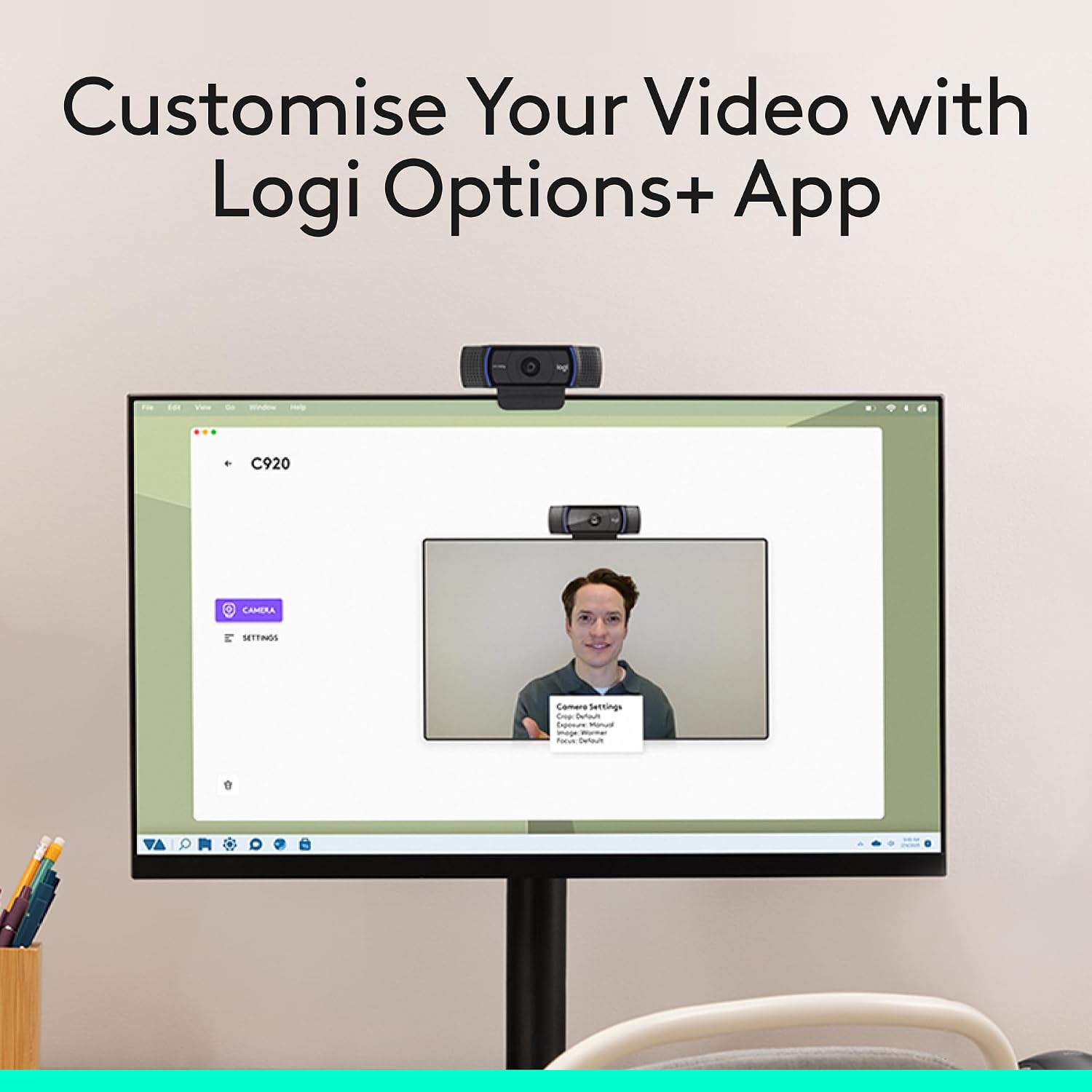
Confirm that your computer supports 1080p video at 30fps smoothly and that your preferred video conferencing or streaming software is compatible. Consider whether you’ll benefit from an external microphone for improved audio and whether you’ll use the XSplit license or prefer an alternative background tool. Think about your lighting setup—if you routinely shoot in very dark rooms, you may still want supplemental lighting.
Practical usage example
Imagine joining a weekly remote team meeting from a dimly lit home office. With auto lighting correction, your face remains visible and natural without bright lights overhead. You can also spin off a quick product demo stream by snapping a quick desktop capture and letting the camera handle the focus as you move closer to and away from the screen.
FAQ
- How does the autofocus help in daily use? It helps keep you sharp as you move slightly within the frame, reducing the need to manually adjust the camera.
- Is the privacy shutter included? No, a privacy shutter is not mentioned in the available details.
- What’s included with the package? The provided data notes a 3-month XSplit VCam license, but otherwise, check the retailer listing for exact contents.
Final verdict
Final verdict: It’s a solid pick if you want dependable 1080p video with automatic lighting and convenient software options, especially for Windows 11 users who value ease of setup and background tools. If your priority is pro-grade audio or a privacy shutter, this may feel secondary and you might explore other options. It suits everyday use and entry-to-midlevel streaming needs more than high-end studio setups.