


EMEET 4K Webcam
Product description
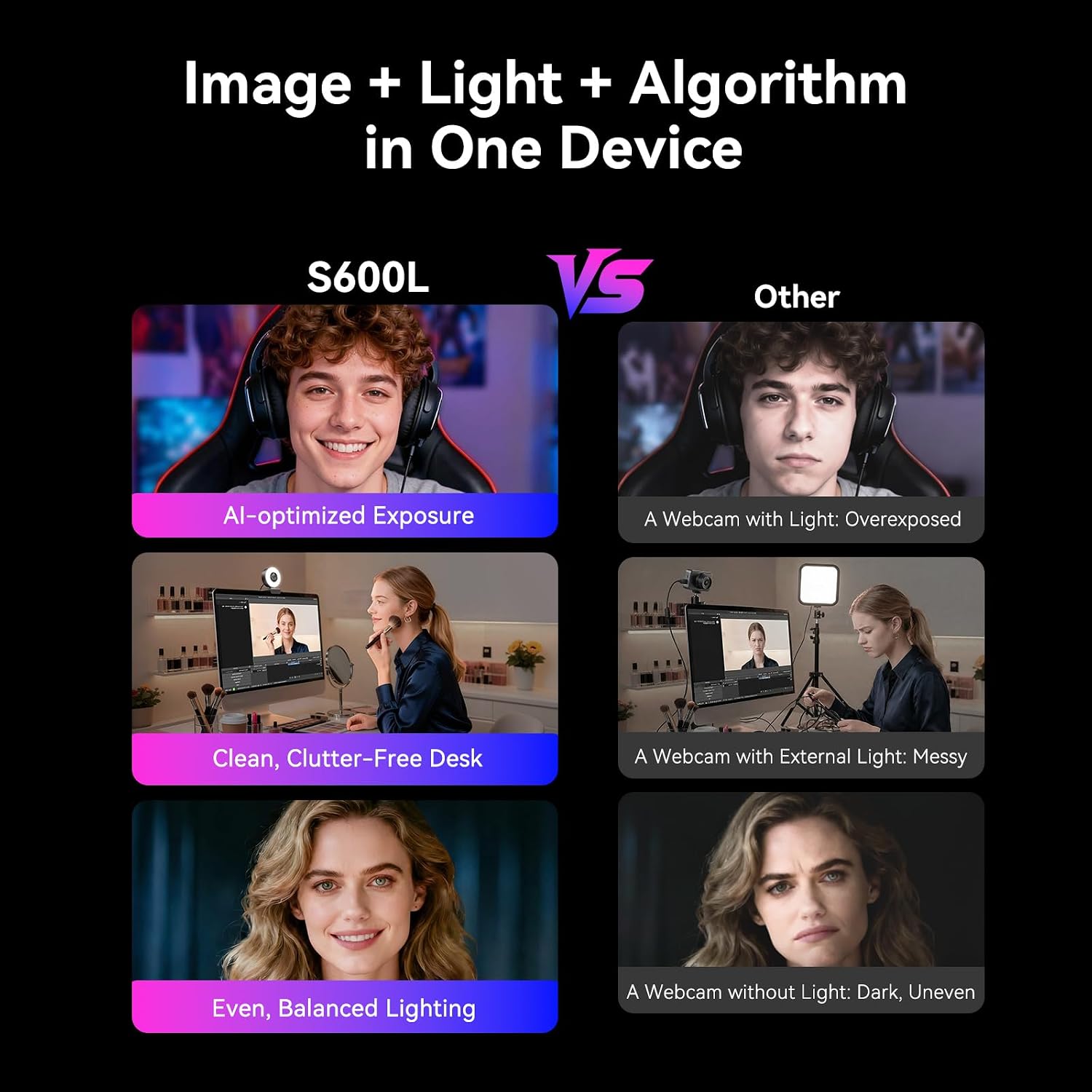
For a streaming desk or a video call in a room with uneven light, the EMEET S600L combines a webcam with an integrated ring light. Its lighting and camera controls are designed to work together, so switching on the light also triggers automatic exposure balancing, according to the maker. That setup may save you from adding a separate desk light, while still giving you hands-on adjustments when the room or framing changes.
Key specifications
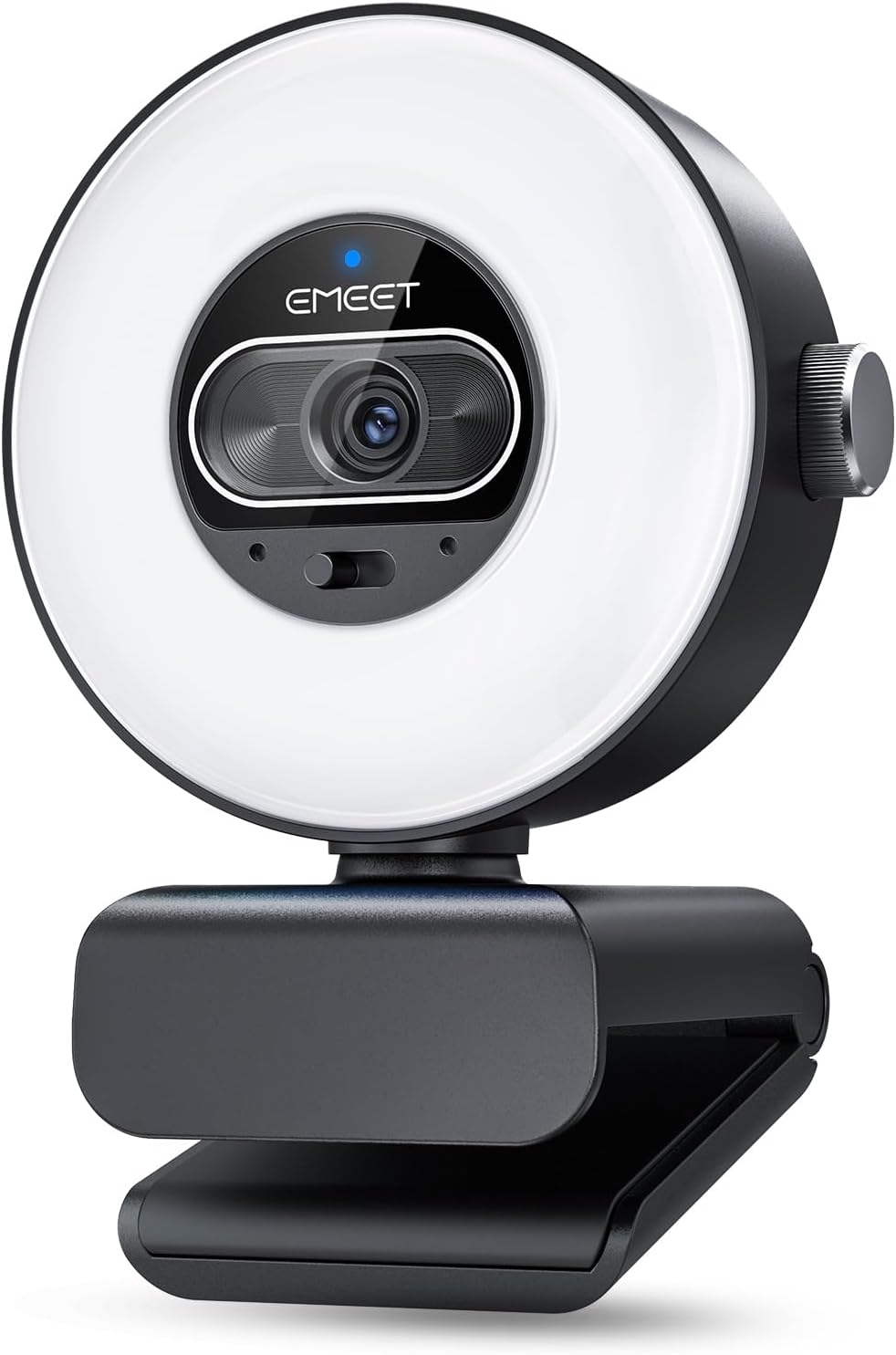
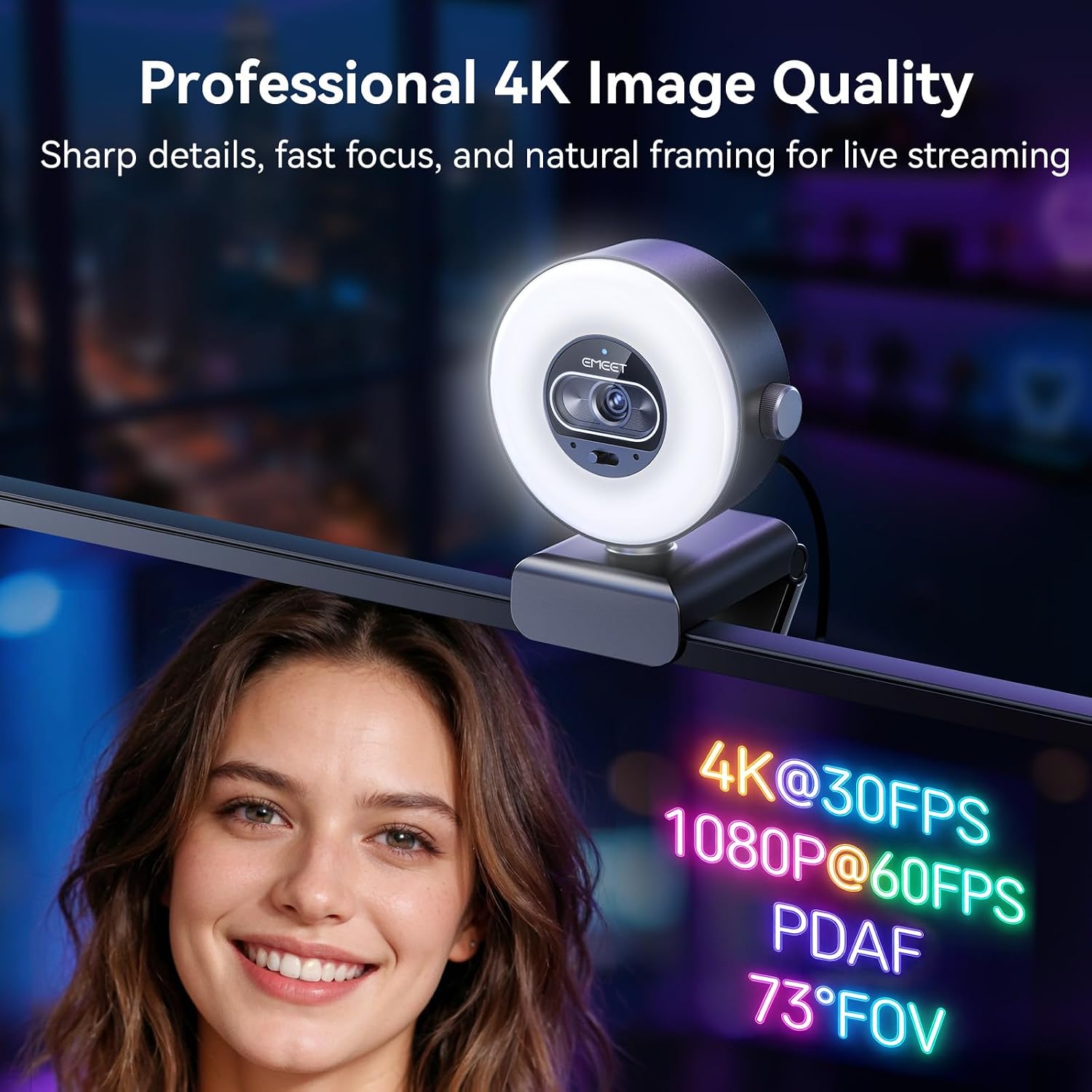
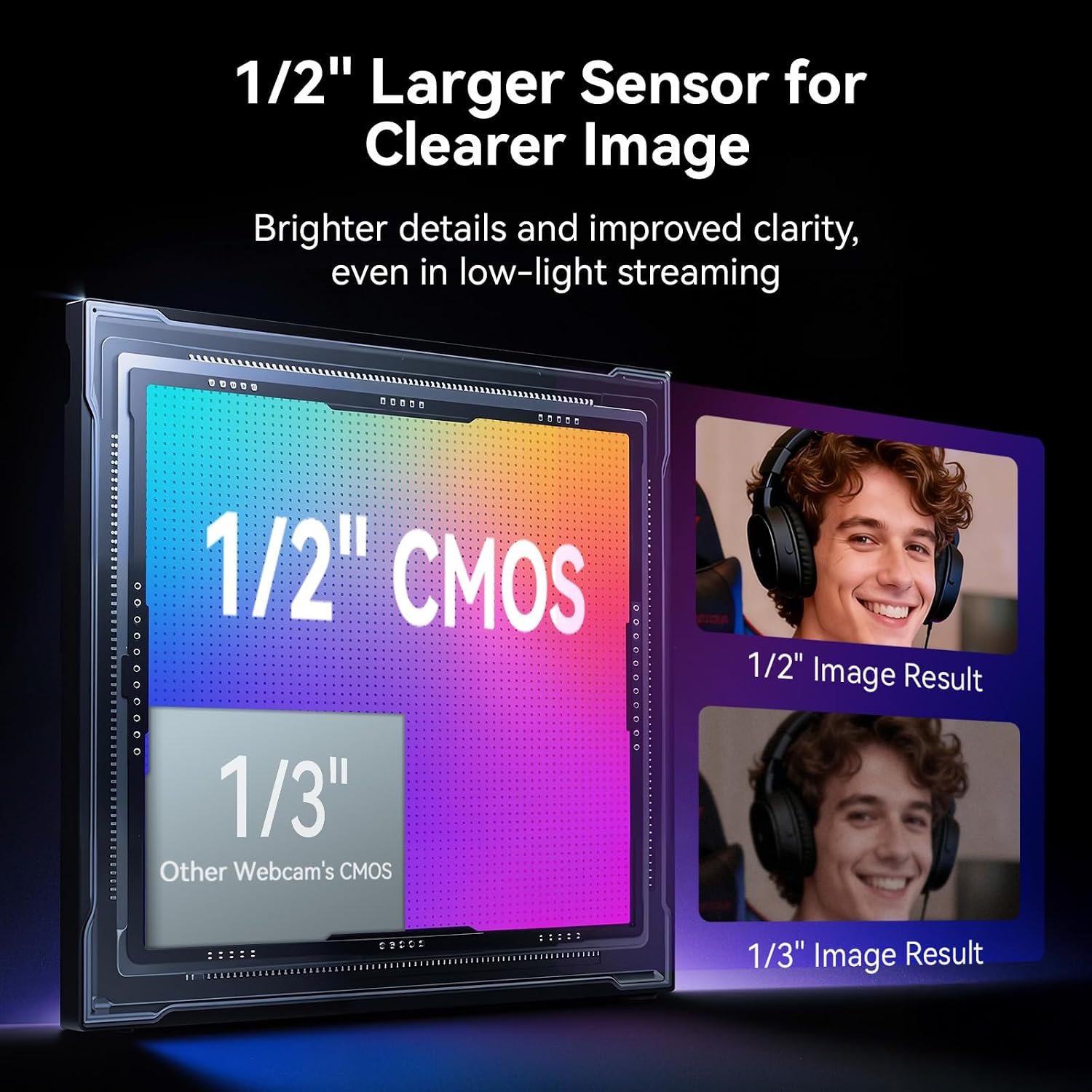
The S600L uses a 1/2.0-inch Samsung sensor and supports 4K at 30 fps or 1080p at 60 fps. PDAF autofocus is specified to lock in 0.2 seconds, with a 73° field of view. These options suit a creator who wants detailed video for a stream or recording, but the frame-rate tradeoff matters: choose 1080p if smoother 60 fps capture is the priority.
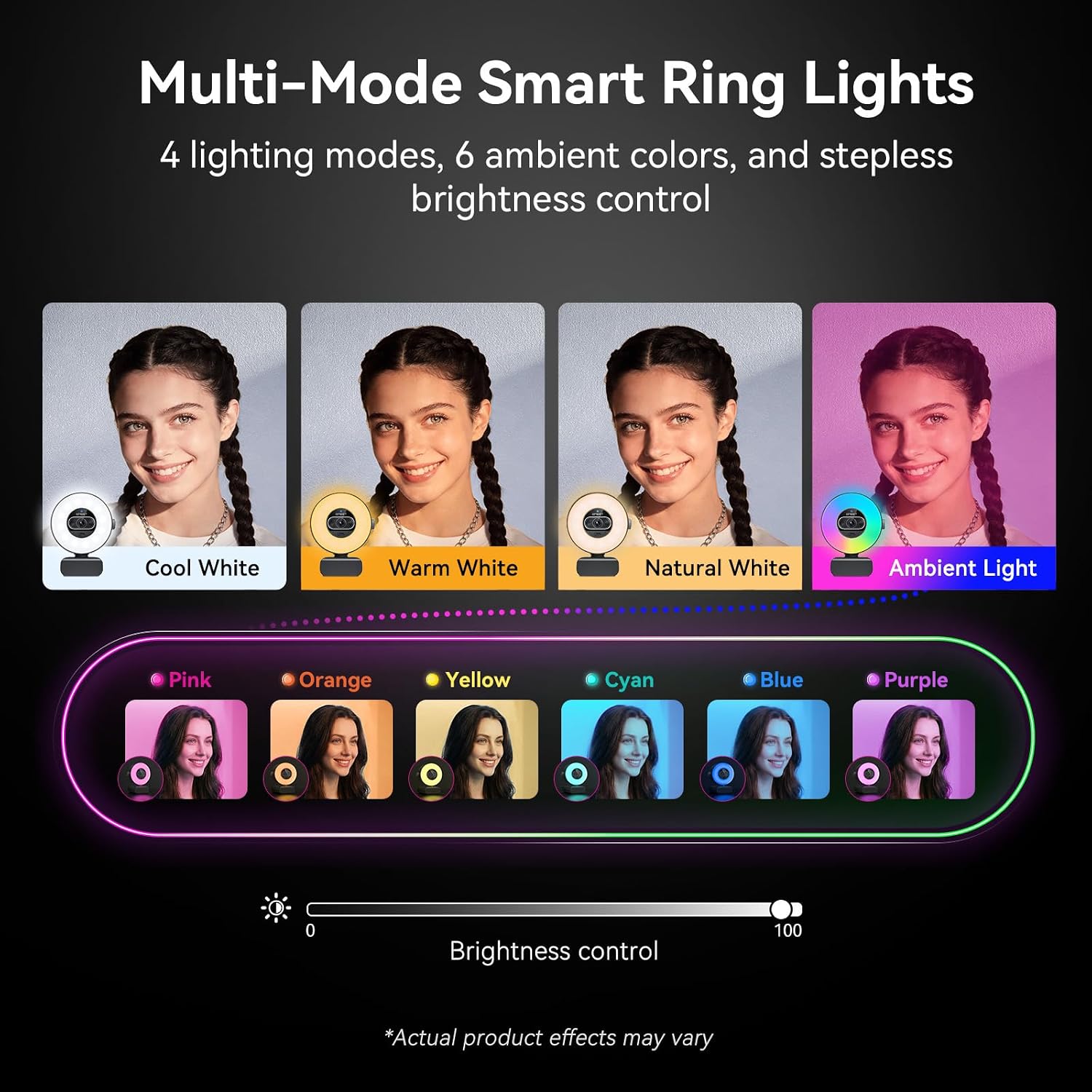
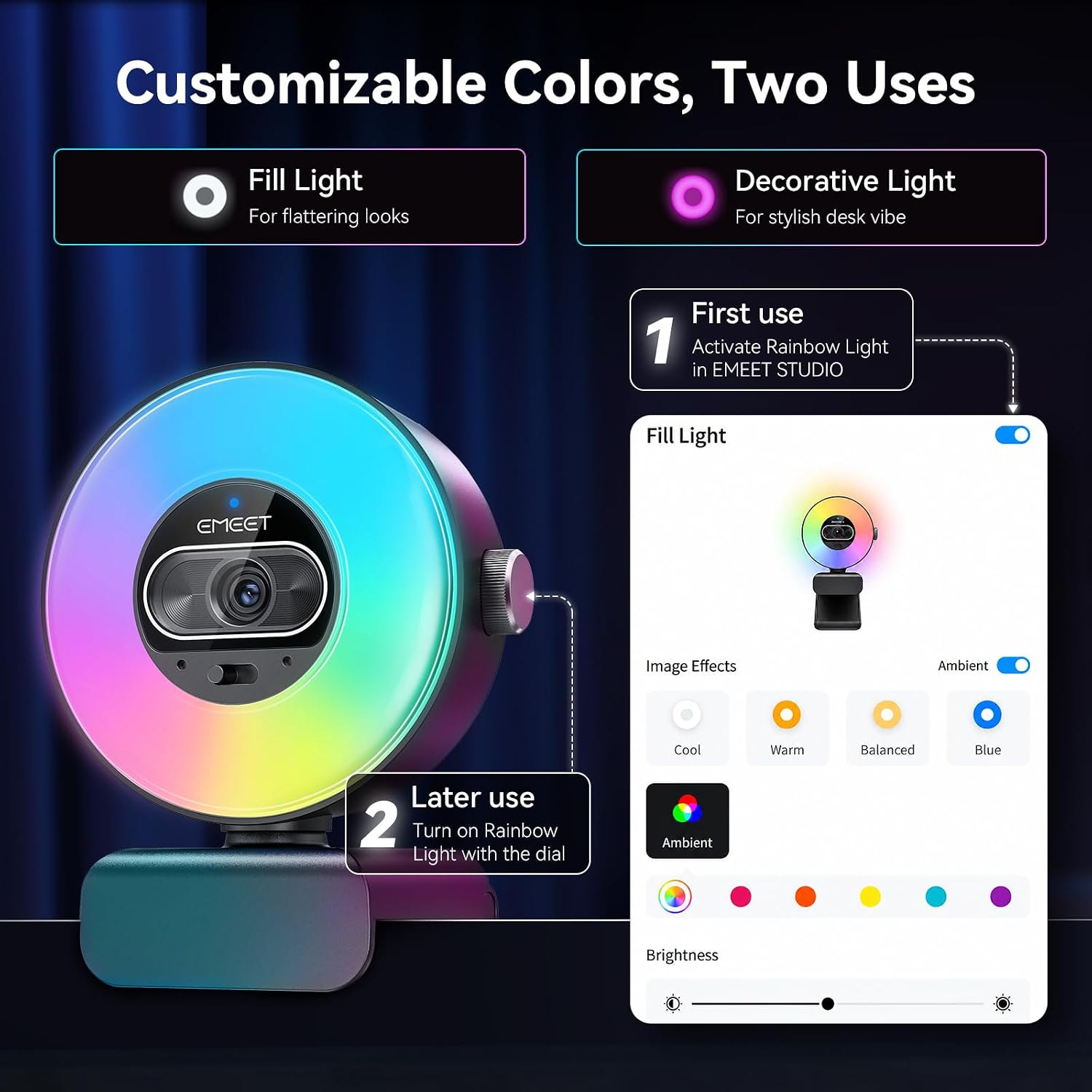
The integrated light offers Cool White, Warm White, Natural White, and Ambient Light modes. A physical dial changes brightness and cycles through lighting modes, EMEET STUDIO adds image and appearance adjustments. Dual microphones are listed with voice pickup within 10 ft. A sliding privacy cover, 360° horizontal rotation, ±15° tilt, and landscape or portrait capture round out the practical controls.
Who it’s for
It makes sense if you want one device for a streaming setup, creator videos, or regular calls on a Windows or macOS computer, rather than a webcam plus a separate fill light. For example, when a window leaves one side of your face in shadow during a call, the built-in light gives you several color options to adjust the scene without moving a lamp. The dial is useful for quick changes, while the software is there for people who want to fine-tune the image.
The listed compatibility includes OBS, YouTube, and Twitch, and the camera can mount on a monitor or a tripod using its standard 1/4-inch mount. Not the best choice if your main requirement is 4K at 60 fps: the listed 4K mode is 30 fps. Its USB connection is USB 2.0, so buyers comparing it with more demanding capture setups should account for that specification rather than assuming a higher-bandwidth connection.
In the box
The product details list a USB 2.0 Type-C cable, a C-A adapter, and a 6.6 ft cable length. They do not specify additional accessories. The webcam can clip to a monitor, or use a compatible desktop or floor tripod, the tripod itself is not listed among the included items.
Before you decide
Can you adjust the light without opening the software? Yes. Use the built-in dial to switch lighting modes and adjust brightness, EMEET STUDIO provides further image controls.
Can you change the framing for vertical video? The description says landscape and portrait modes are available. The mount also allows horizontal rotation and tilt for positioning.
Is there a way to cover the camera when it’s not in use? Yes. It has a built-in sliding privacy cover.
Final verdict
The S600L is most compelling when you want lighting, framing controls, and a camera in one compact desk setup, and when 4K at 30 fps is enough for your workflow. Its adjustable light and physical dial offer more direct control than a basic webcam with no built-in illumination. Skip it if 4K at a higher frame rate is essential, or if you already have a lighting setup and would rather prioritize other camera specifications.