


Acer A640 4K Webcam with PDAF Autofocus, AI Noise-Canceling Mic and Privacy Shutter
Product description
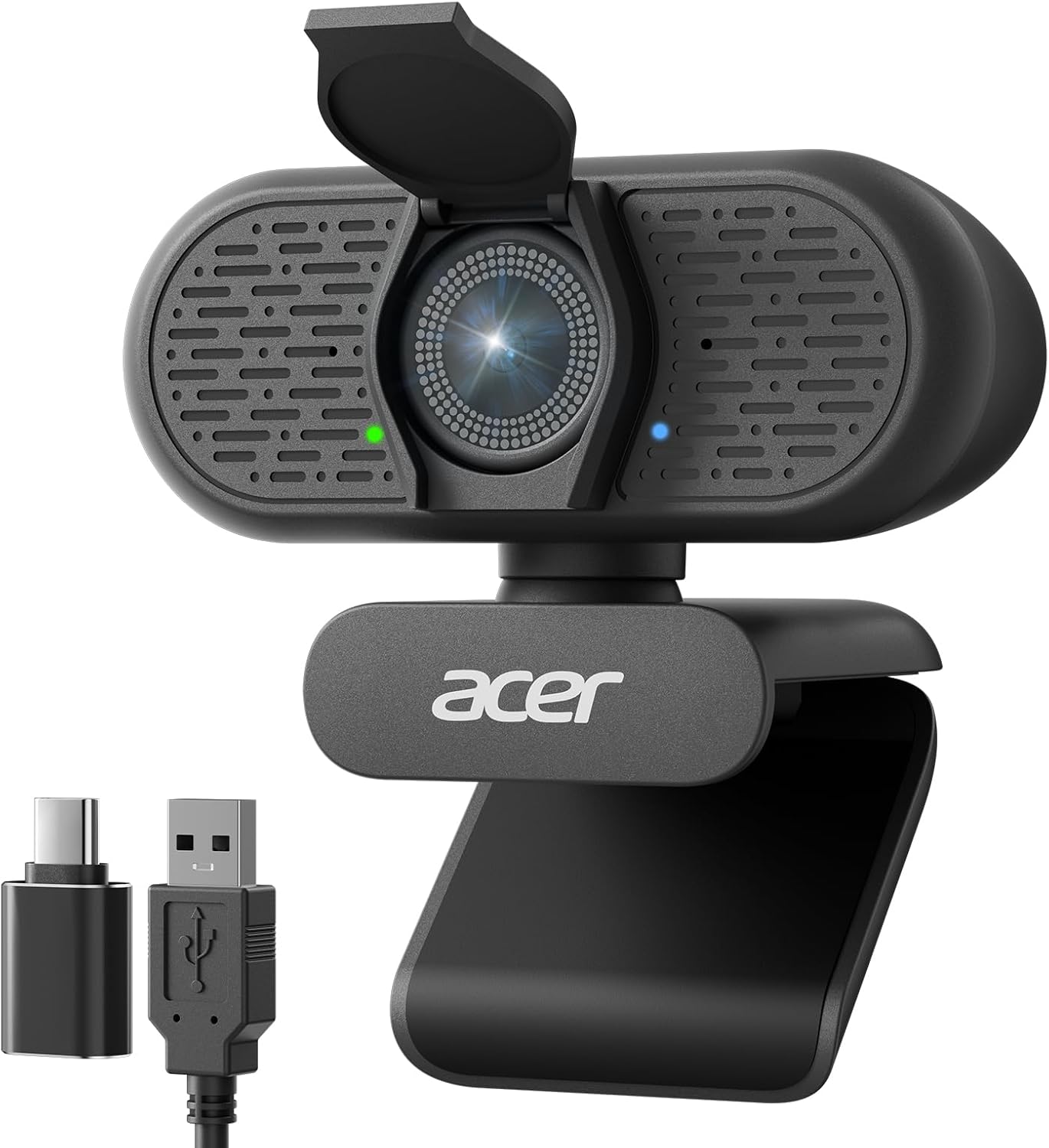
For a remote meeting, livestream, or family video call, the Acer A640 puts a webcam, autofocus, and a noise-canceling microphone in one USB-connected setup. It captures 4K video at 30 fps and supports 2K or 1080p at 60 fps, giving you a choice between higher resolution and smoother motion.
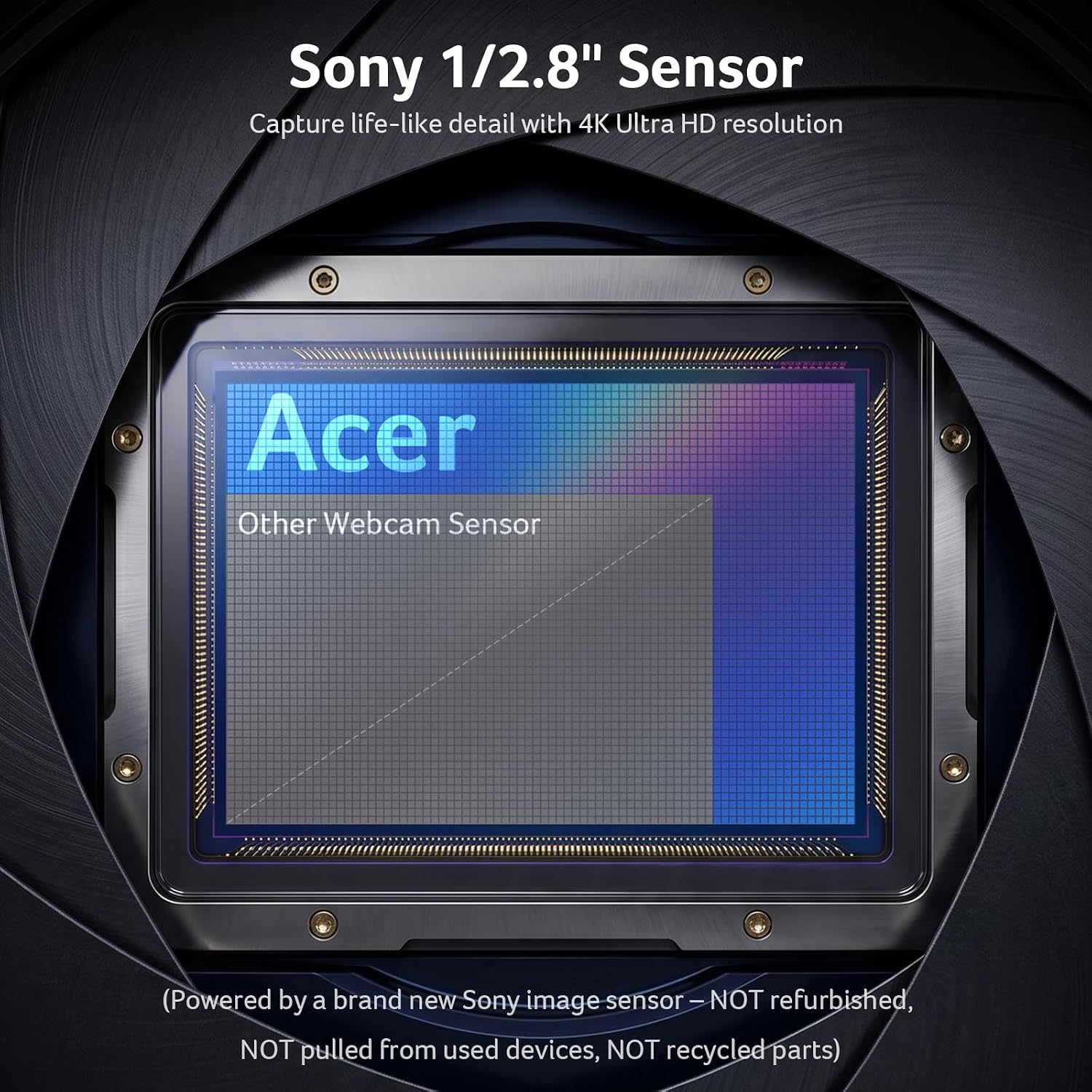
The Sony 1/2.8-inch CMOS sensor, PDAF autofocus, and automatic exposure and low-light correction are designed to keep the image focused and adjusted as lighting changes. A physical shutter closes over the lens when the camera is not in use. The included USB-A-to-C adapter supports connection to either USB port type, and the camera is described as plug and play without extra drivers or software.
Highlights

The A640’s key distinction is its combination of 4K capture and phase-detection autofocus. That can suit a desk setup where you move in and out of frame, while the 2K and 1080p modes offer 60 fps for calls or streams where motion matters more than maximum resolution. The 77.4-degree viewing angle is suited to framing one person or a modest desk area rather than an especially wide room view.
Its built-in microphone uses AI noise cancellation to reduce distracting background sound. For that feature to work as intended, select A640 as the microphone input in both your computer’s settings and the calling or streaming app, and allow microphone access. The camera has no built-in speakers, so audio playback comes from your computer or another audio device. Buyers also describe setup as straightforward and mention the included USB adapter as useful, some appreciate the camera’s adjustability and sturdy feel.
Usage tips

Place the webcam where it frames your face comfortably, then choose a capture mode that fits the job: 4K at 30 fps for higher-resolution video, or 2K or 1080p at 60 fps for a faster frame rate. Automatic exposure and low-light correction can help adapt to uneven conditions, but the product information recommends a well-lit environment for the clearest image. That is worth considering if your desk is in a dim room or has strong light behind you.
After connecting by USB, set the A640 as the input device in the video app as well as the computer’s audio settings if you want to use its microphone. The physical shutter provides a simple way to cover the lens between calls. There is no need to plan for a separate camera driver according to the product details, though the listed compatibility names include Teams, Zoom, Twitch, FaceTime, and Switch 2 rather than a full device-by-device compatibility list.
Best use cases

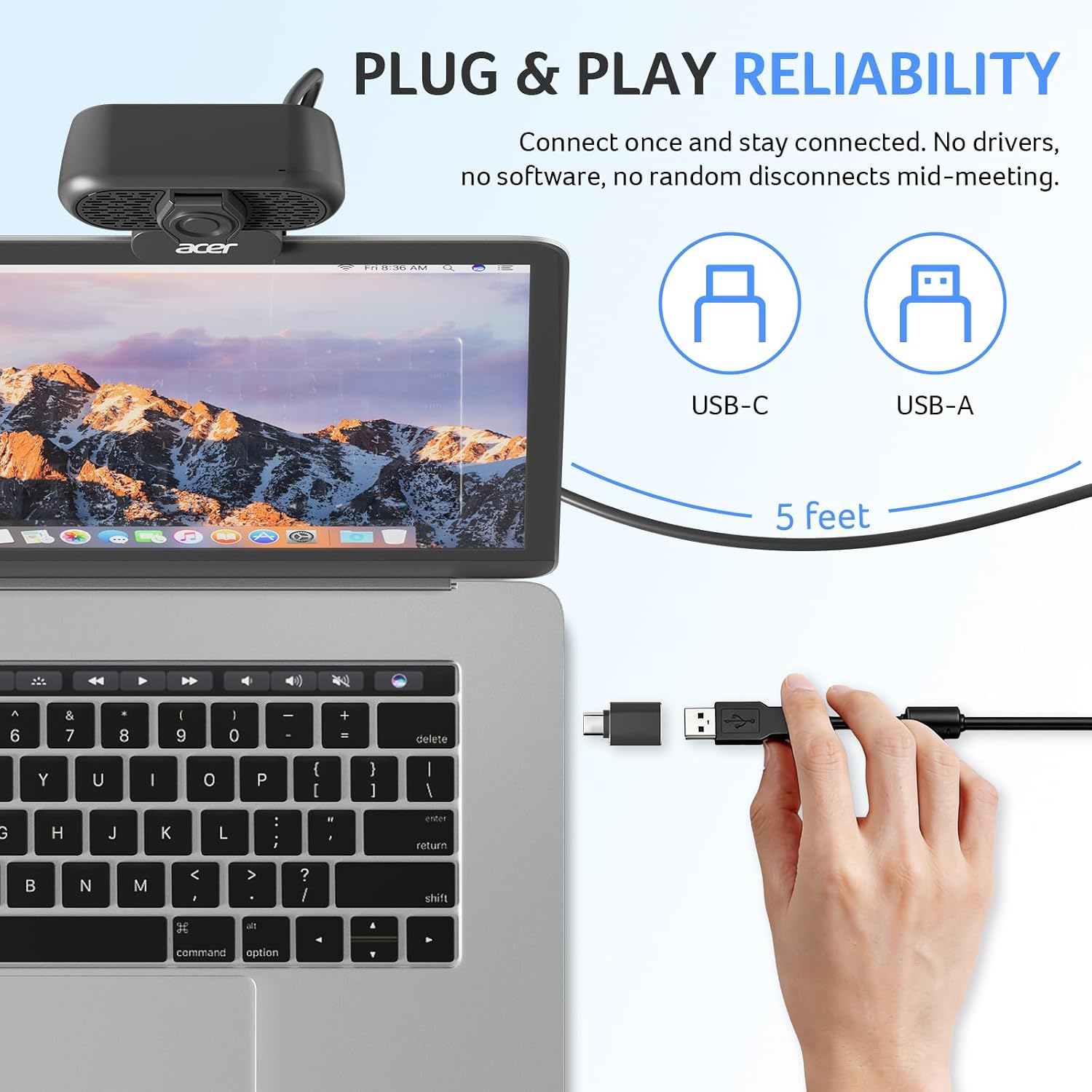
The A640 is aimed at video calls, remote work, and streaming from a computer. Its autofocus and resolution options give it more flexibility than a basic fixed-focus webcam, while its USB connection and included adapter keep setup straightforward across USB-A and USB-C ports. It suits you if you want a single camera with a built-in mic and a visible privacy shutter for regular calls or streaming.
The buyer feedback is generally positive about image clarity, ease of setup, and use across work and family settings. Those comments are useful as indications of what owners value, not a substitute for choosing the right lighting, framing, or video settings for your own setup. If you need sound playback from the camera itself, it might not be a great match: the A640 has a microphone but no speakers.
Final verdict
The Acer A640 makes sense for someone looking beyond a basic webcam and wanting 4K capture, PDAF autofocus, a noise-canceling mic, and a physical lens cover in one device. Its multiple frame-rate options help tailor video to calls or streaming, and the adapter supports both common USB connector types. For a simple call setup, the extra capture modes may be more than you need, for a more demanding production setup, the listed details do not establish advanced controls beyond autofocus, automatic exposure, and low-light correction. Choose it based on those documented features and your need for a separate playback device.