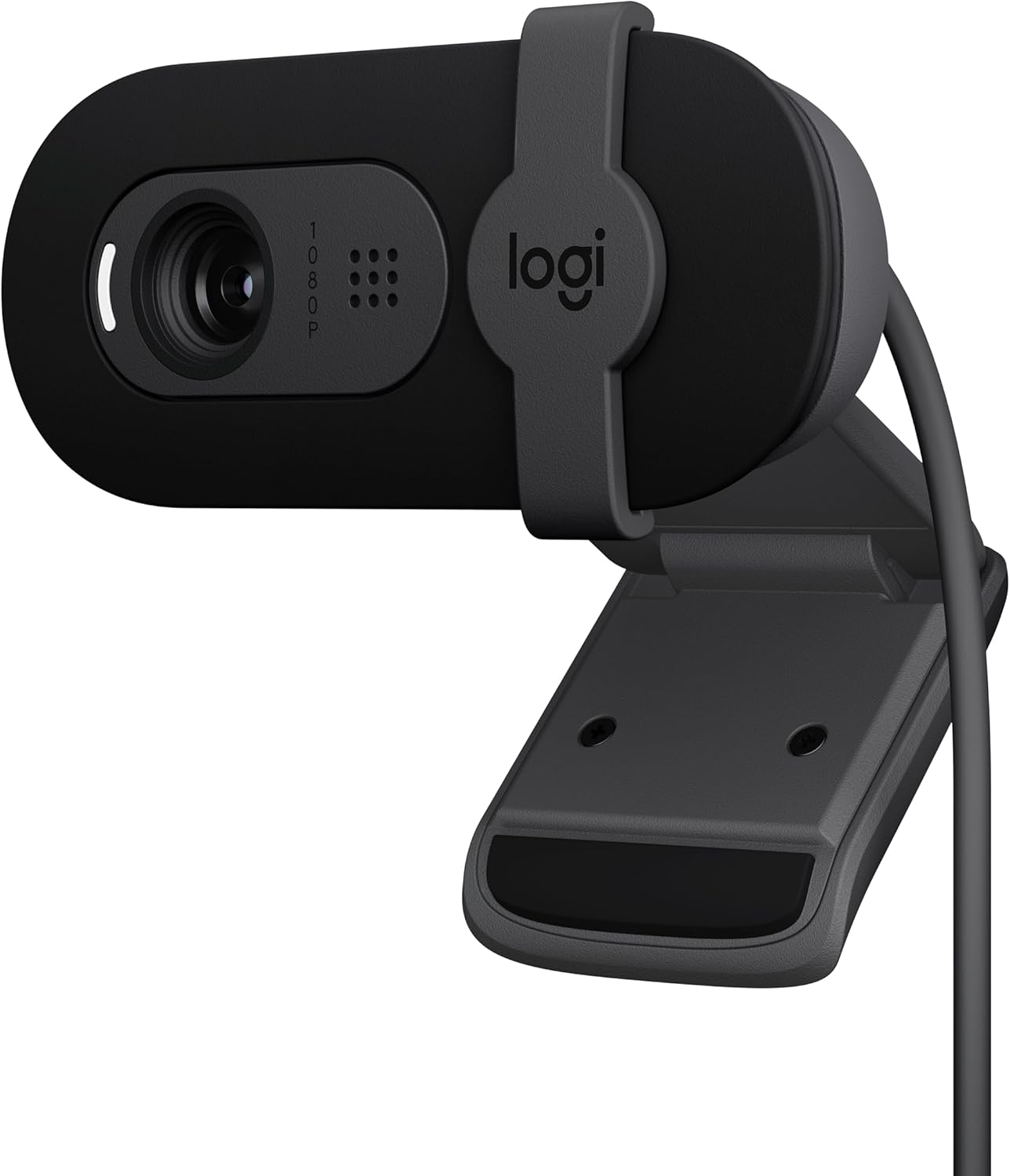
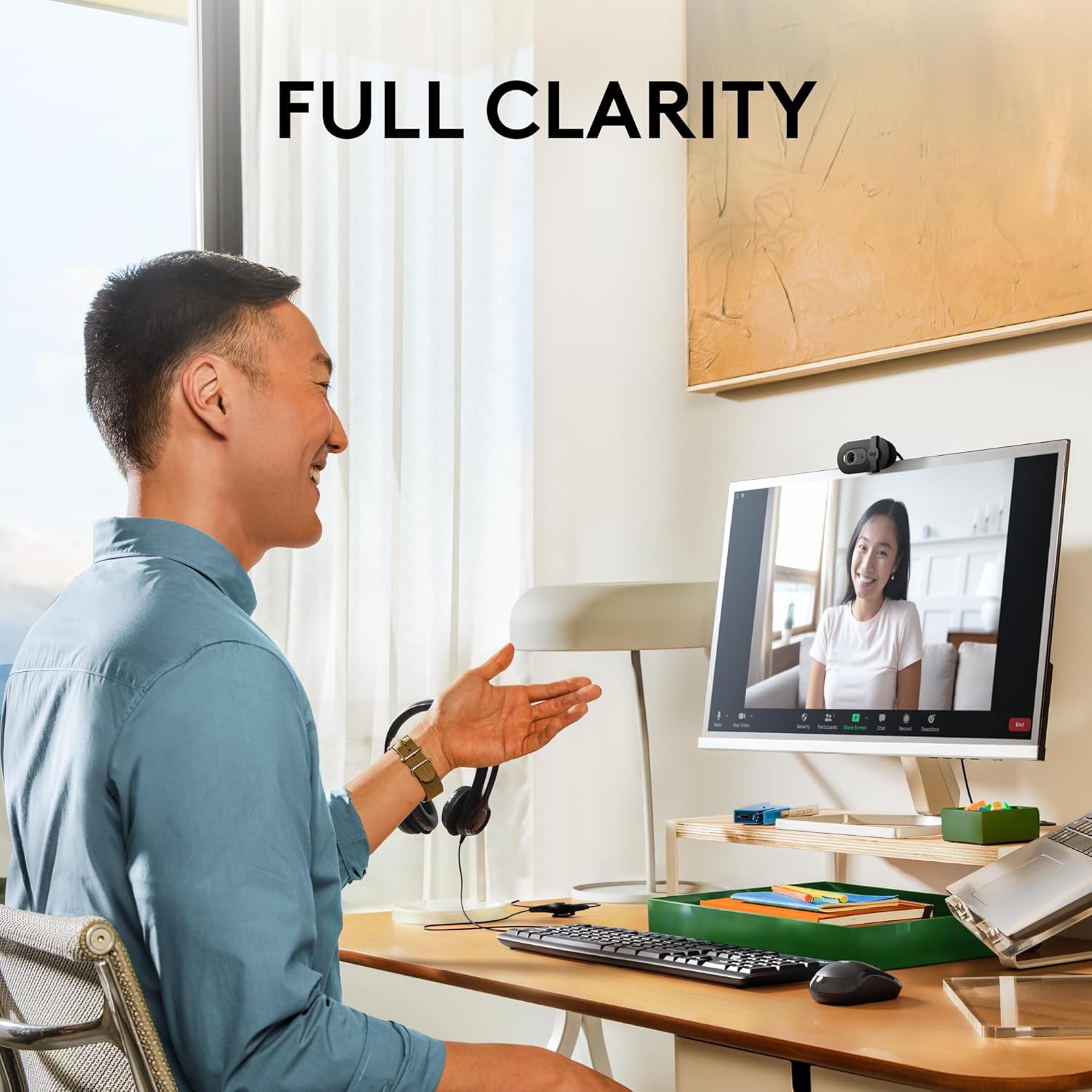
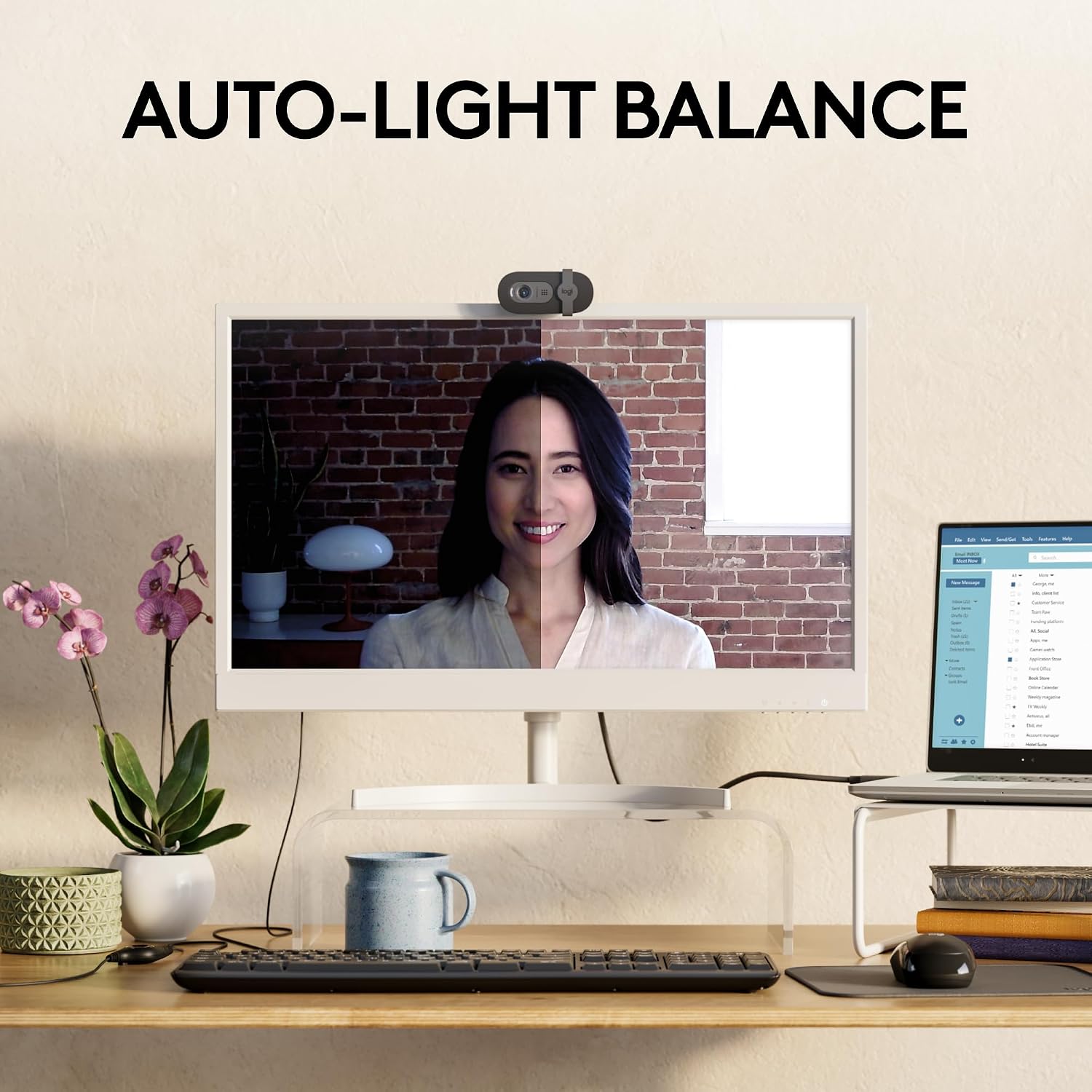
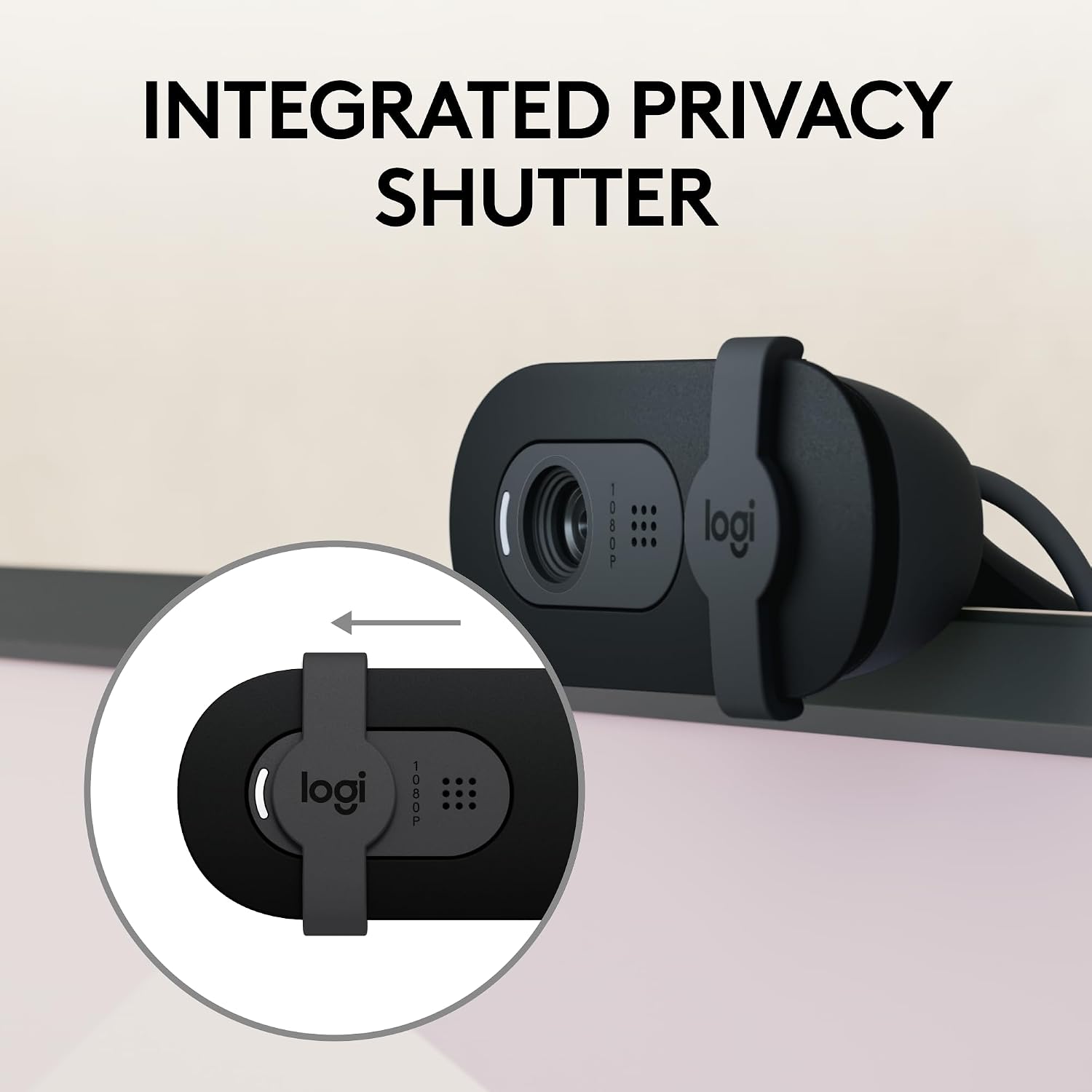
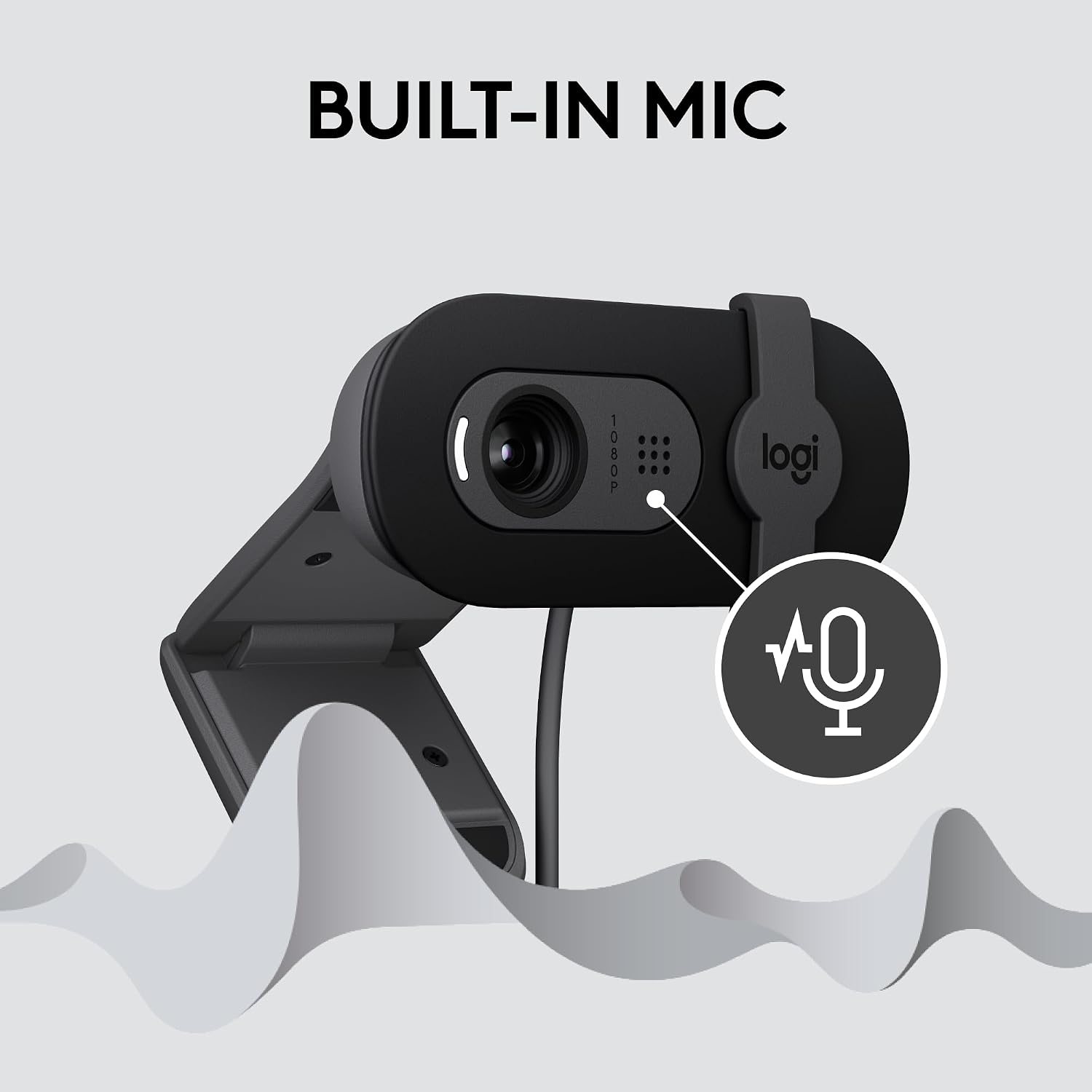
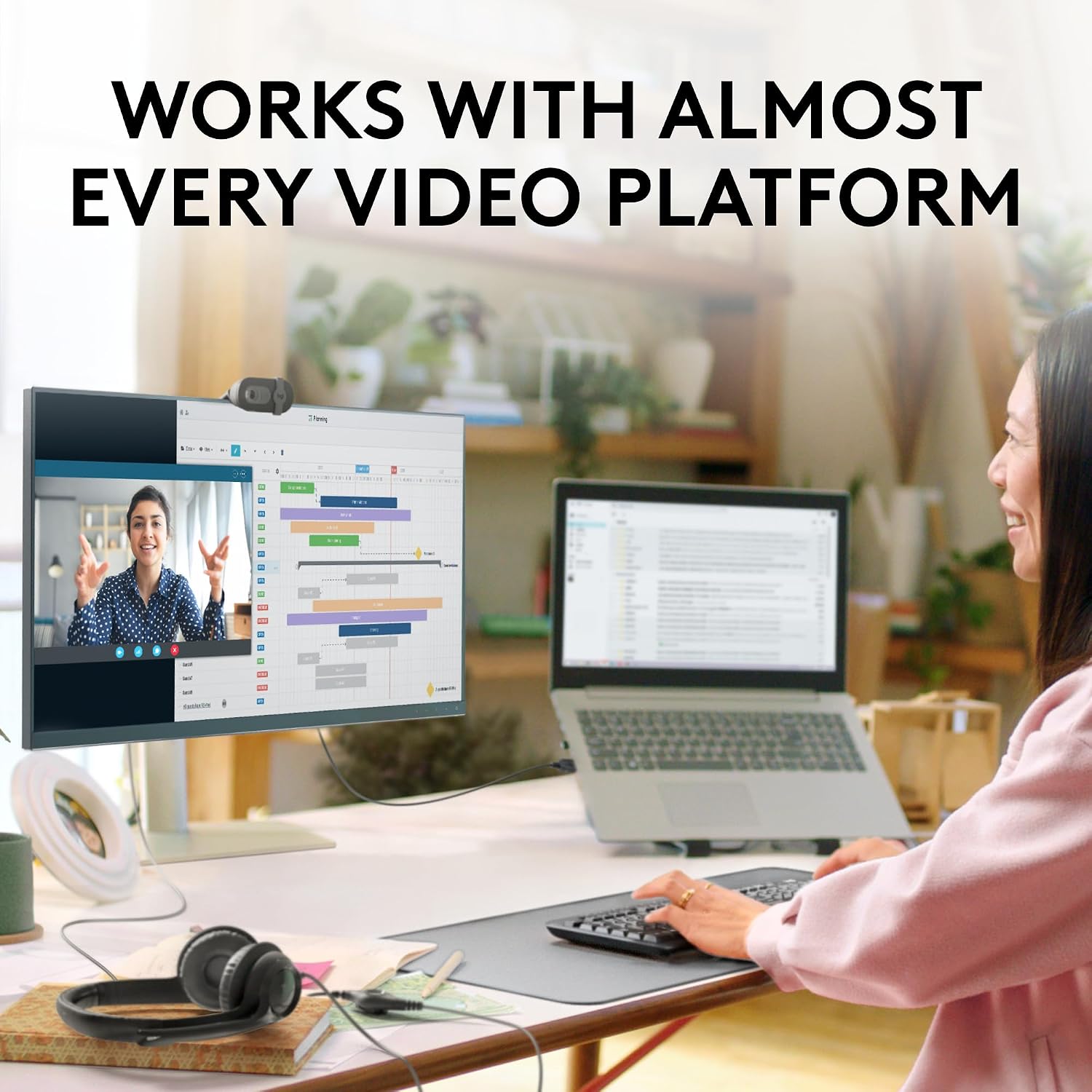
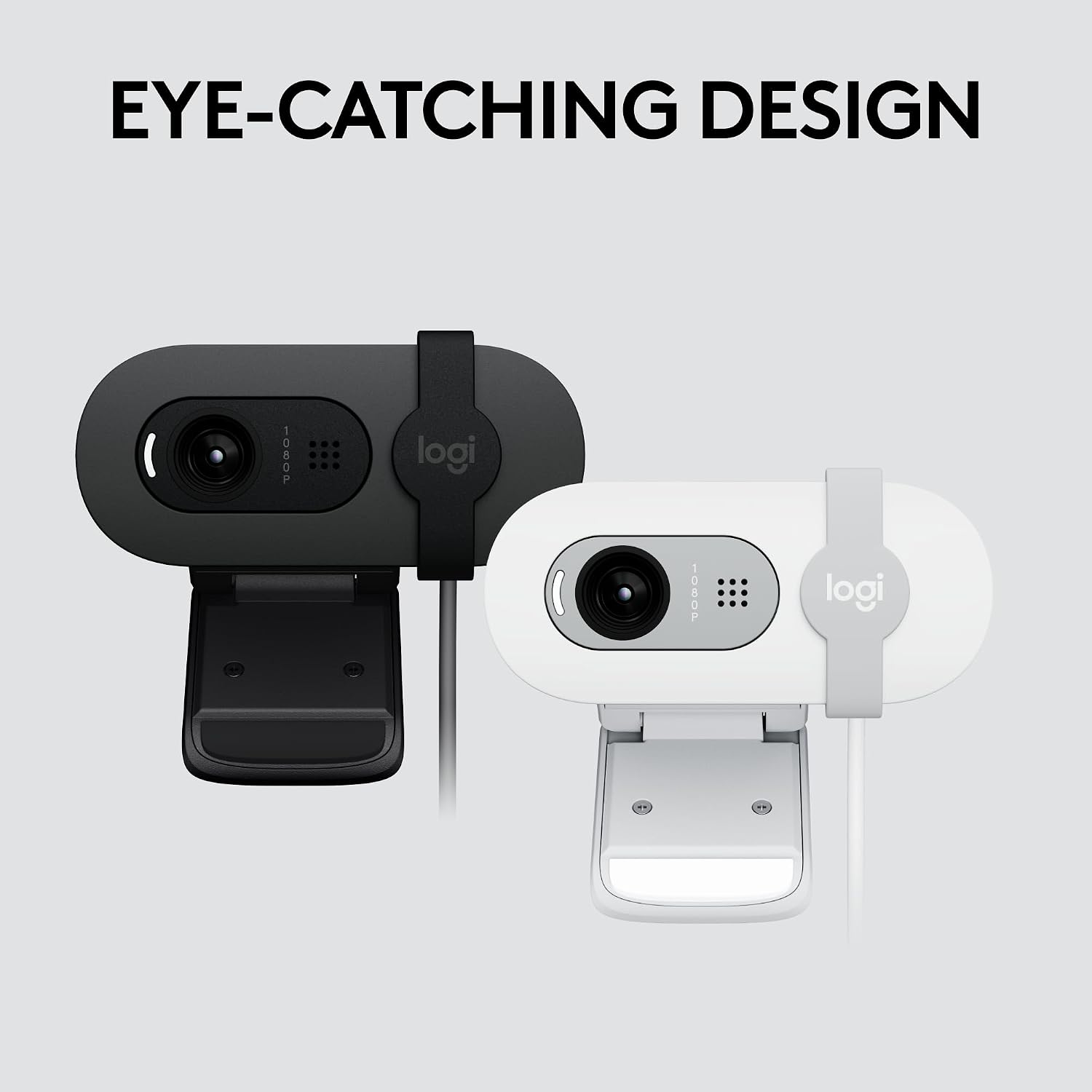
What this webcam is and what it solves\nThe Logitech Brio 101 is a compact Full HD 1080p webcam designed for everyday streaming and meetings. It aims to simplify video calls with plug-and-play setup, a built-in microphone, and features that help you look more presentable on camera. If you’re setting up a home office or a quick streaming setup, this model focuses on reliability and ease of use rather than high-end, studio-grade specs.\n\n## How it handles lighting and image quality\nOn paper, RightLight technology boosts brightness and reduces shadows to help you appear clearer in varying lighting. That can make a noticeable difference when you’re in rooms with mixed lighting or when facing windows. If your environment consistently looks dark or uneven, this feature is the practical fallback. It’s not a cinematic upgrade, but it’s a sensible improvement for everyday video calls.\n\n## Privacy and security in daily use\nA discreet privacy slide covers the lens, offering quick physical assurance when you’re not on a call. For many users, this simple mechanism is a meaningful peace of mind, especially for families or shared workspaces where camera exposure is a concern.\n\n## Sound and collaboration features\nThe built-in microphone is designed for clear voice transmission during video calls on common platforms like Microsoft Teams, Zoom, and Google Meet. You won’t need separate USB mics for standard meetings, though the mic quality may not rival dedicated USB solutions in noisier environments. If you prioritize a clean, one-device setup for occasional calls, this can be a reasonable balance.\n\n## Setup, compatibility, and software adjustments\nSetup is described as easy plug-and-play with USB A, and it works across major video calling platforms. You can also customize framing and view settings via the Logi Options+ app, which adds flexibility without complicating the initial setup. This is useful if you want to tweak zoom or framing to better fit your desk space.\n\n## Materials and sustainability\nLogitech notes that Brio 101 uses a minimum of 77% post-consumer plastic, aligning with sustainability considerations some buyers weigh when choosing electronics. The model is presented in a color-friendly option that can blend with various setups.\n\n## Who it’s for and who it isn’t perfect for\nThis webcam is well-suited for casual streamers, remote workers, and students who want a straightforward camera with reliable software and a privacy toggle. It’s less compelling if you’re chasing high-end autofocus, ultra-low-light performance, or premium audio from a dedicated microphone. Also, if your environment has very complex lighting or you require broadcasts with cinematic quality, you may outgrow this model.\n\n## Practical usage example\nImagine a daily remote job where you join back-to-back meetings and occasionally stream a quick tutorial. You’d plug in Brio 101, enable RightLight for daytime windows, slide the privacy cover when you step away, and use the Logi Options+ app to ensure your framing stays right as your desk setup evolves.\n\n## What to review before buying\n- Confirm your computer has USB A ports and is compatible with common platforms you use.\n- Consider your typical lighting: RightLight helps, but it isn’t a substitute for dedicated lighting if you often record in dark rooms.\n- Think about whether you’ll benefit from the ability to adjust framing and zoom via the Logi Options+ app.\n\n## Practical comparison and alternatives (contextual)\nIf you’re weighing how to upgrade a basic webcam for everyday communications, Brio 101 sits between entry-level devices and higher-end setups that emphasize advanced autofocus, higher frame rates, or richer audio rigs. It can be a sensible middle-ground for those who value simplicity and seamless compatibility with existing video calls without investing in more complex gear.\n\n## Decision: Is it worth it?\nThis is a reasonable pick if you want a simple, plug-and-play camera with a few thoughtful extras (privacy slide, built-in mic, and basic framing tweaks) and you value sustainability. It may not be the best choice if your priority is studio-grade image quality, superior low-light performance, or top-tier audio from an external mic.\n\n## Quick FAQ\nCan I use this webcam with Nintendo Switch 2 GameChat mode? Yes, the product notes mention compatibility in that context.\nIs it good enough for professional meetings? It covers typical calls on Teams, Zoom, and Meet, but you might prefer higher-end models if you need advanced features or broadcast-level quality.\nDoes it require software to function? It is described as plug-and-play, with optional adjustments available via the Logi Options+ app.