


EMEET C950 4K Webcam with PDAF Autofocus
Product description
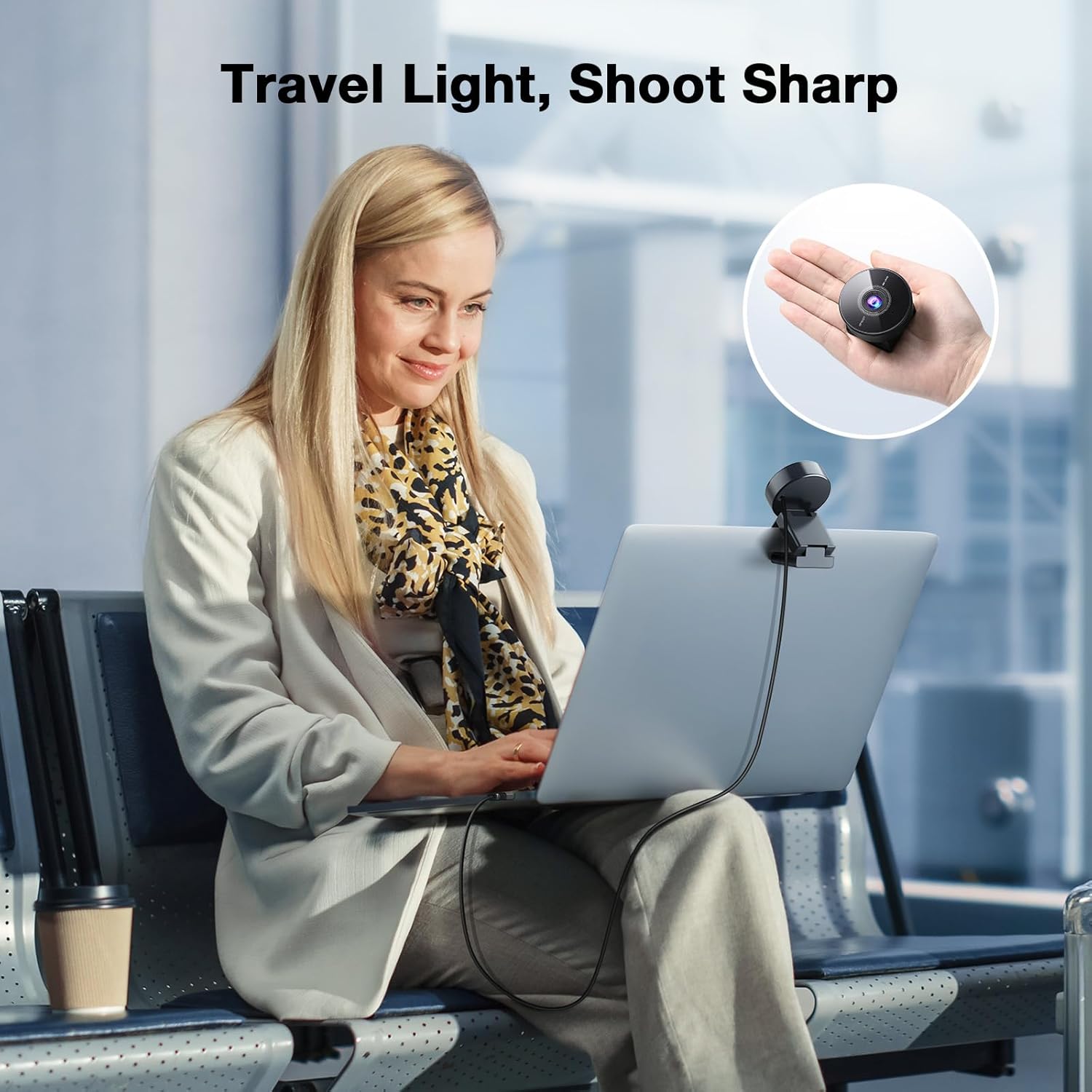
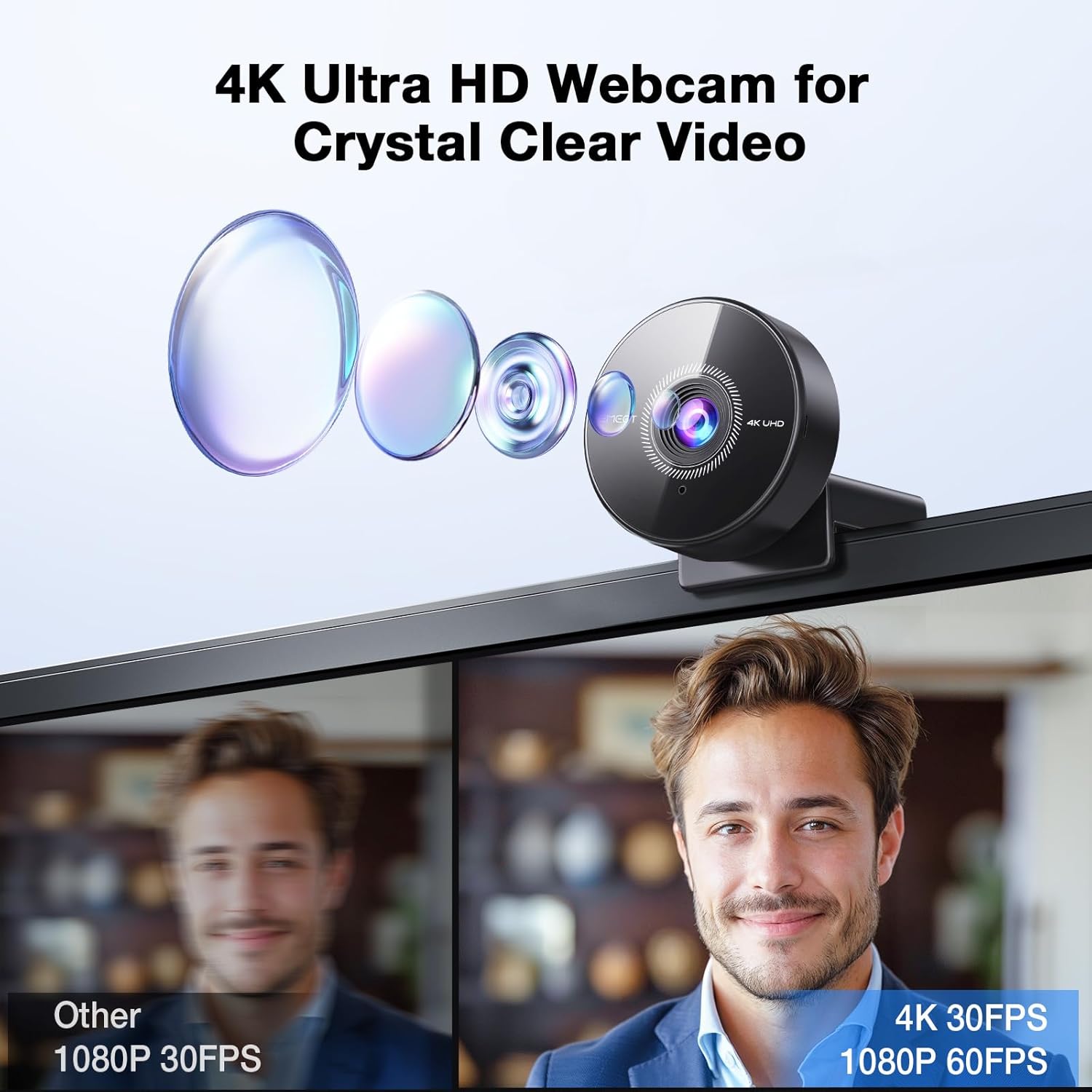
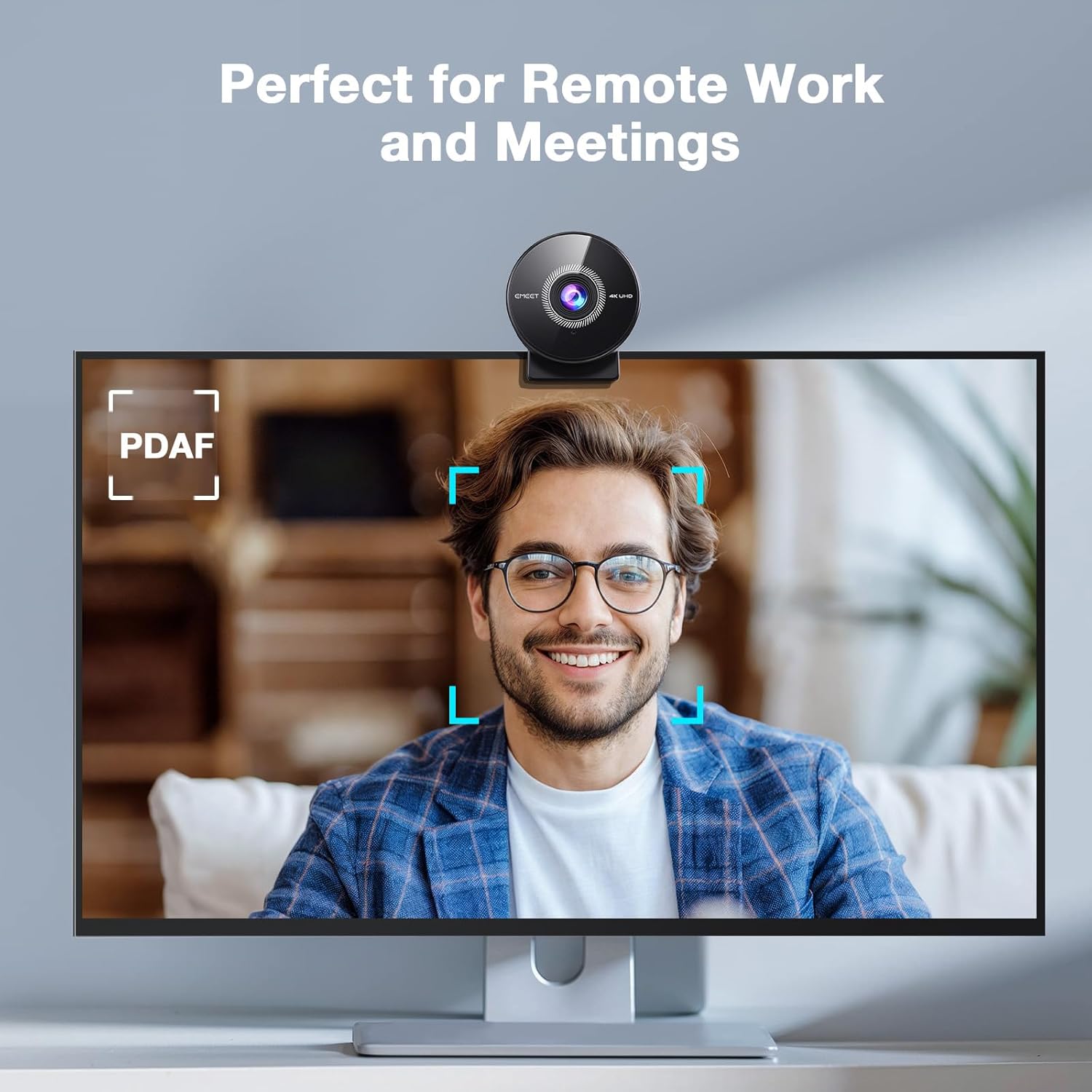
This USB webcam delivers high-resolution video and fast autofocus for clearer calls and classes, offering a practical 4K webcam for PC option when you need sharper detail and reliable autofocus. It suits remote meetings, online teaching, and streaming where clear image and clean audio improve communication.
Key Points
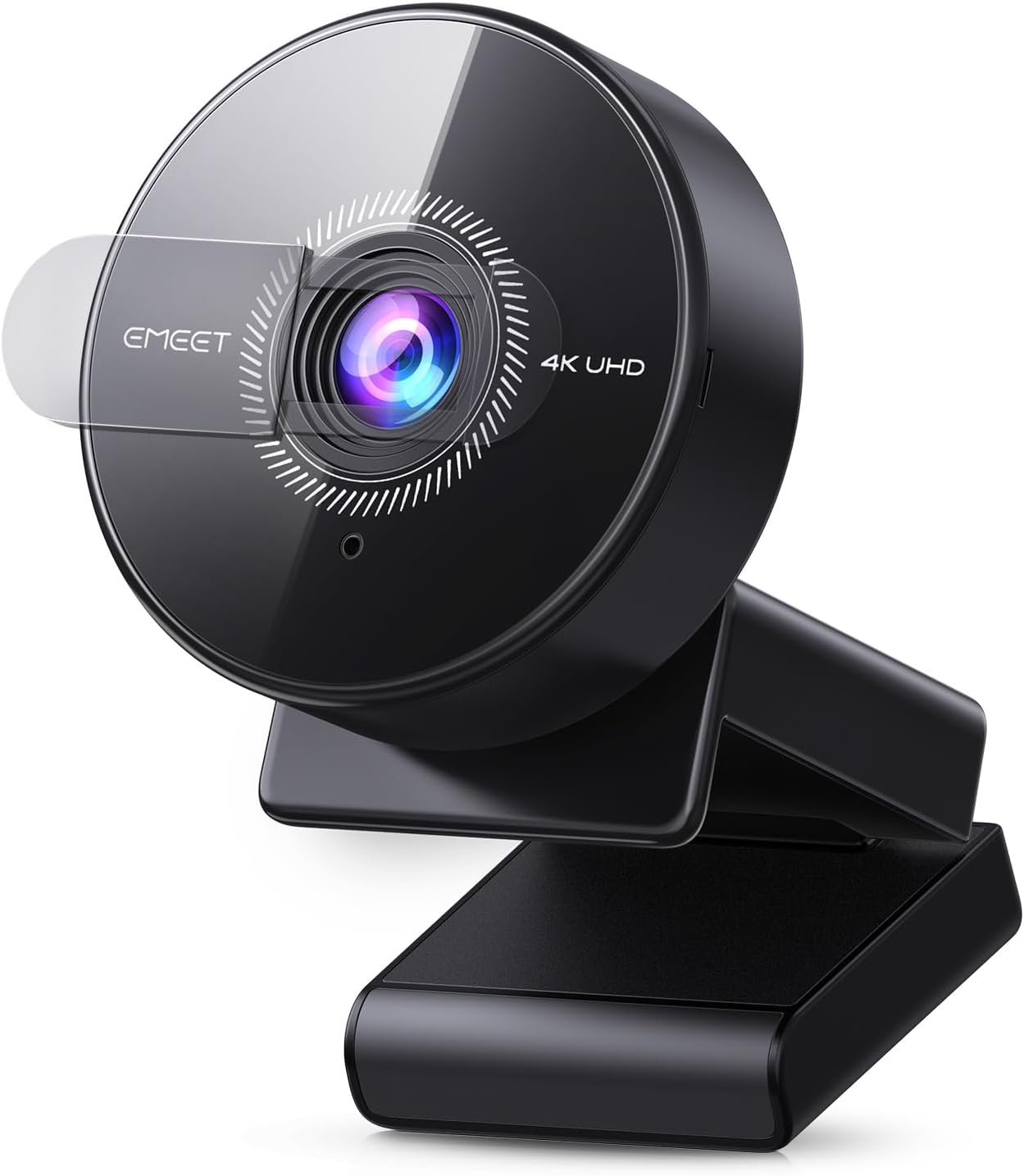
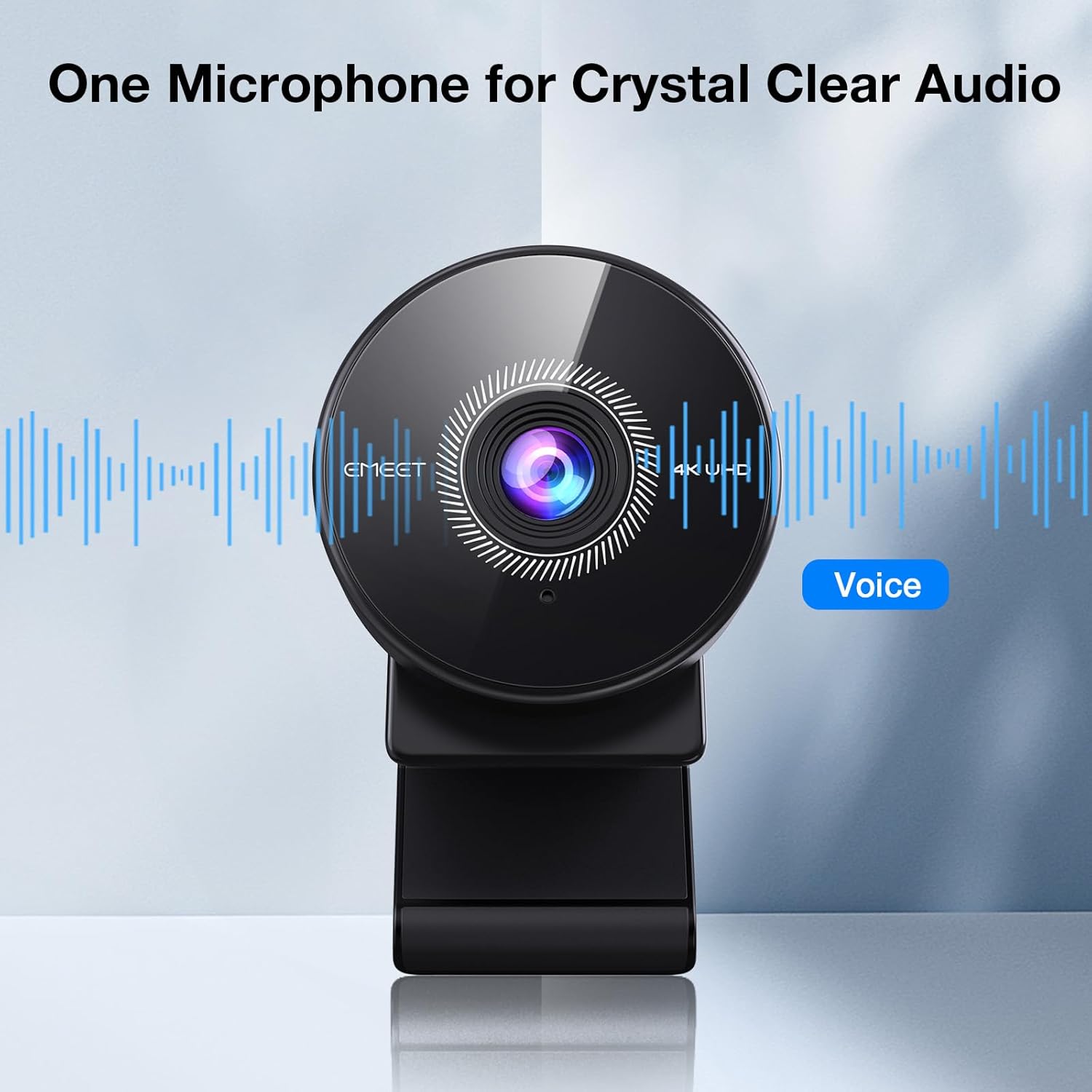
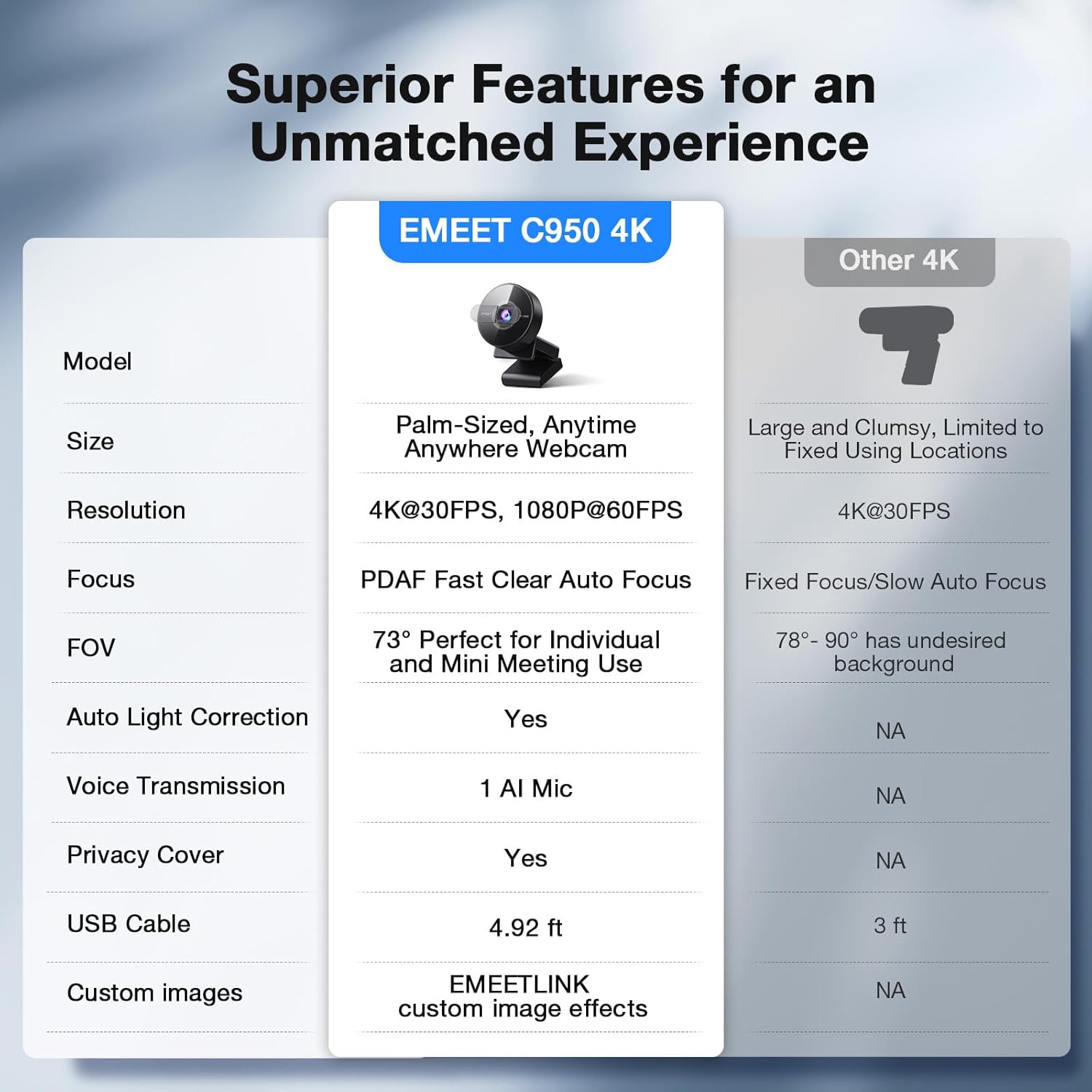
The camera centers on subject framing with a 70° field of view that keeps attention on the speaker rather than the background. It uses a PDAF system for quicker, more stable focusing, which helps when you move or shift positions during a call. A physical privacy cover closes over the lens for simple, hardware-level privacy when the camera is not in use. The integrated microphone includes noise reduction to capture voice clearly up to about 6 feet, according to the manufacturer. USB 2.0 plug-and-play connectivity removes the need for extra drivers on many systems and supports common meeting apps such as Zoom and Microsoft Teams. 🎥
Benefits
With EMEET C950 highlighted imaging and audio, meetings feel more professional and classes are easier to follow. The sensor is tuned to perform better in low light compared with typical webcams, although final image quality depends on room lighting and the software used. The lack of WiFi and Bluetooth minimizes wireless attack vectors, and there is no cloud storage built into the device, which may appeal to privacy-conscious users. Note that the camera does not support tripod mounting, so desk or monitor clip placement is required. 🔒
Technical Specifications
- Name: EMEET C950 4K Webcam
- Resolution options: 4K @ 30 FPS, 1080P @ 60 FPS
- Autofocus: PDAF autofocus
- Field of view: 70°
- Connectivity: USB 2.0 Plug and Play
Usage Recommendations
Position the camera at or slightly above eye level for the most natural angle and adjust the clip to secure it on thin and thick monitor bezels. For improved low-light performance, add a soft front light rather than relying on strong overhead lighting. Use the included EMEETLINK software if you need to tweak image settings or update firmware, keeping in mind that some third-party capture applications may alter available resolutions. For best microphone pickup, remain within approximately 6 feet of the device during calls. 🎧.