

Shcngqio 1080p webcam
Product description
Technical details
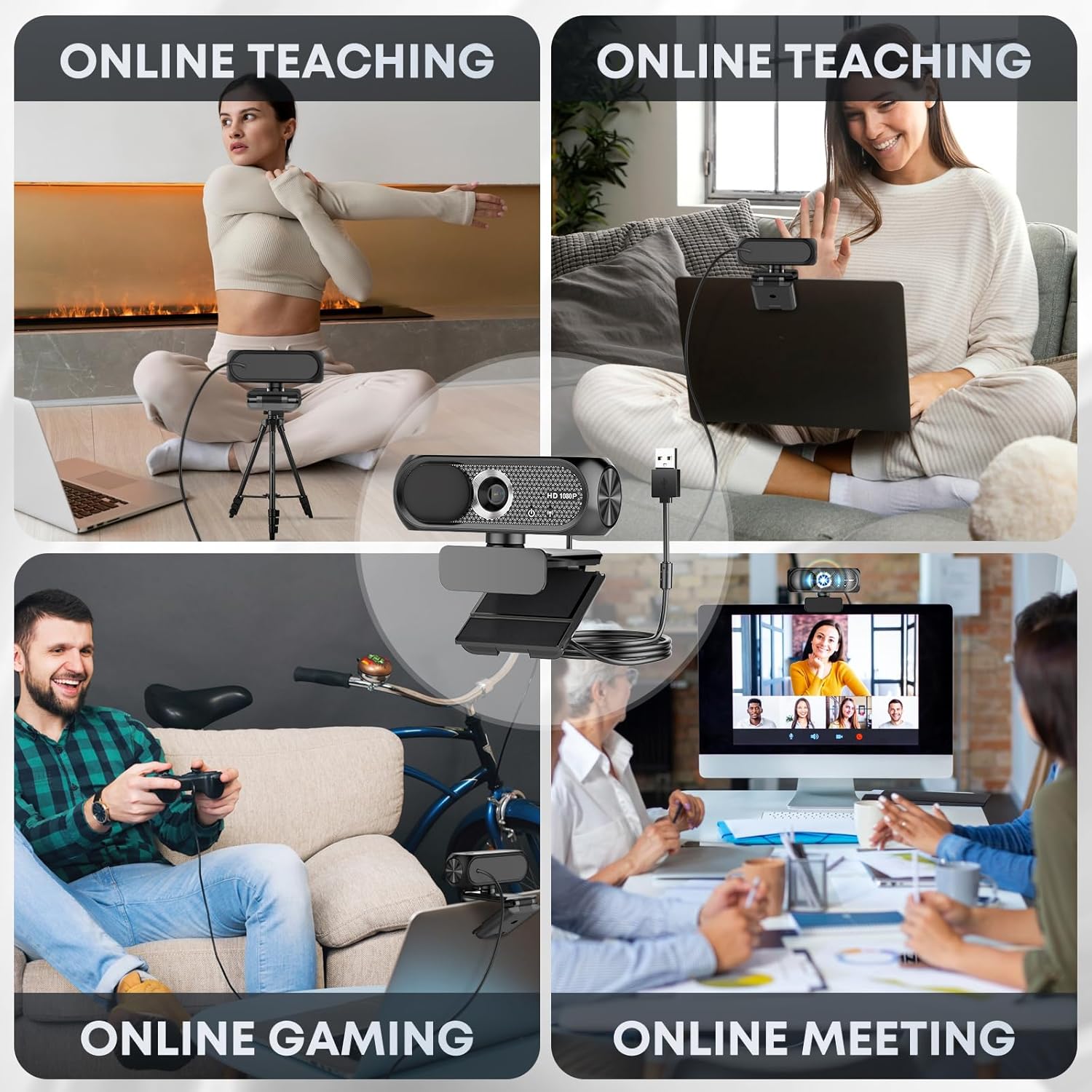
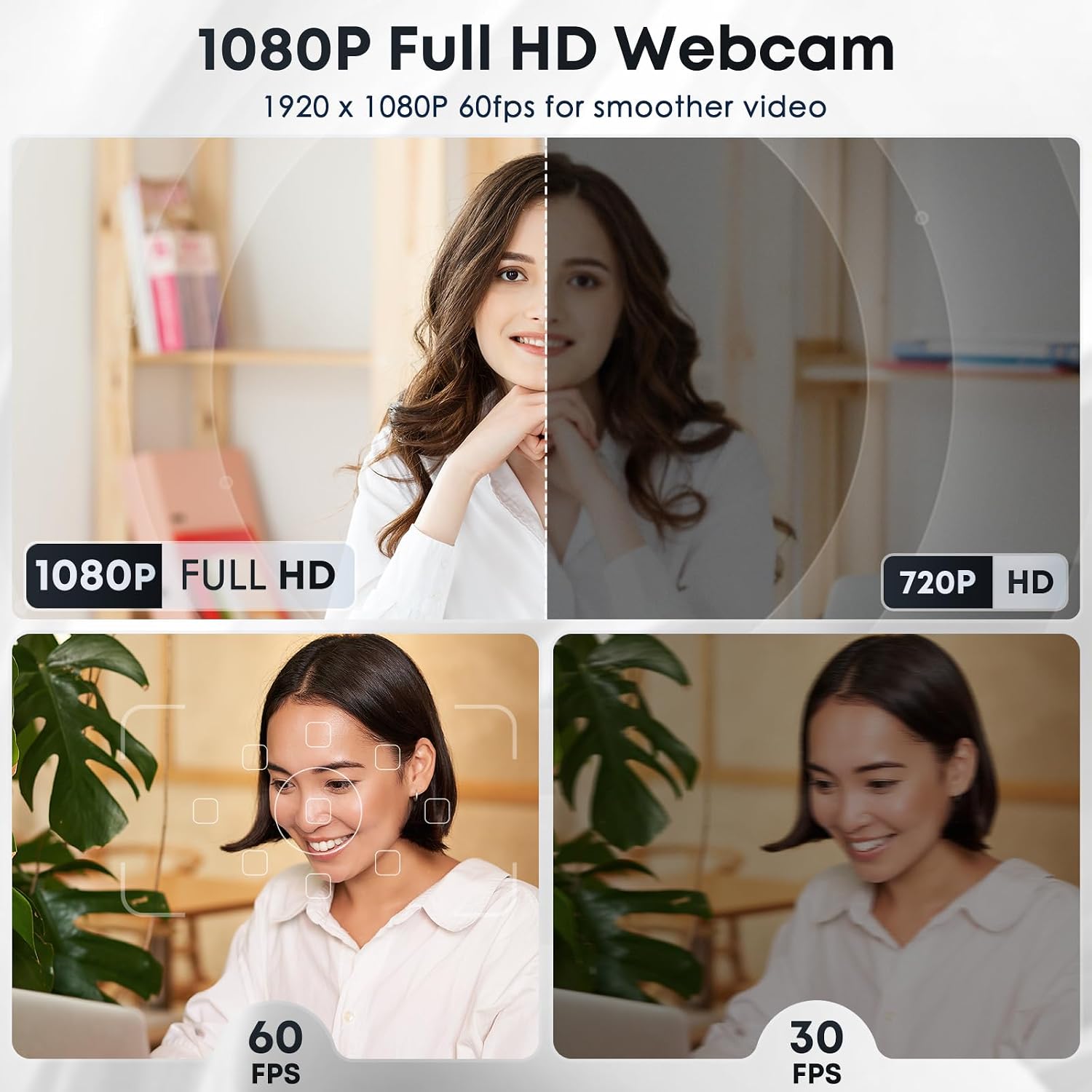
For calls, online lessons, or a stream from a desk, the Shcngqio TWC29 combines 1080p video at 30 frames per second with a wide-angle lens. Automatic light correction is intended to adjust brightness and color as room lighting changes, while the built-in microphone uses noise reduction to help keep your voice clear. These features make it a straightforward camera-and-mic setup when your laptop’s built-in video is not doing the job.
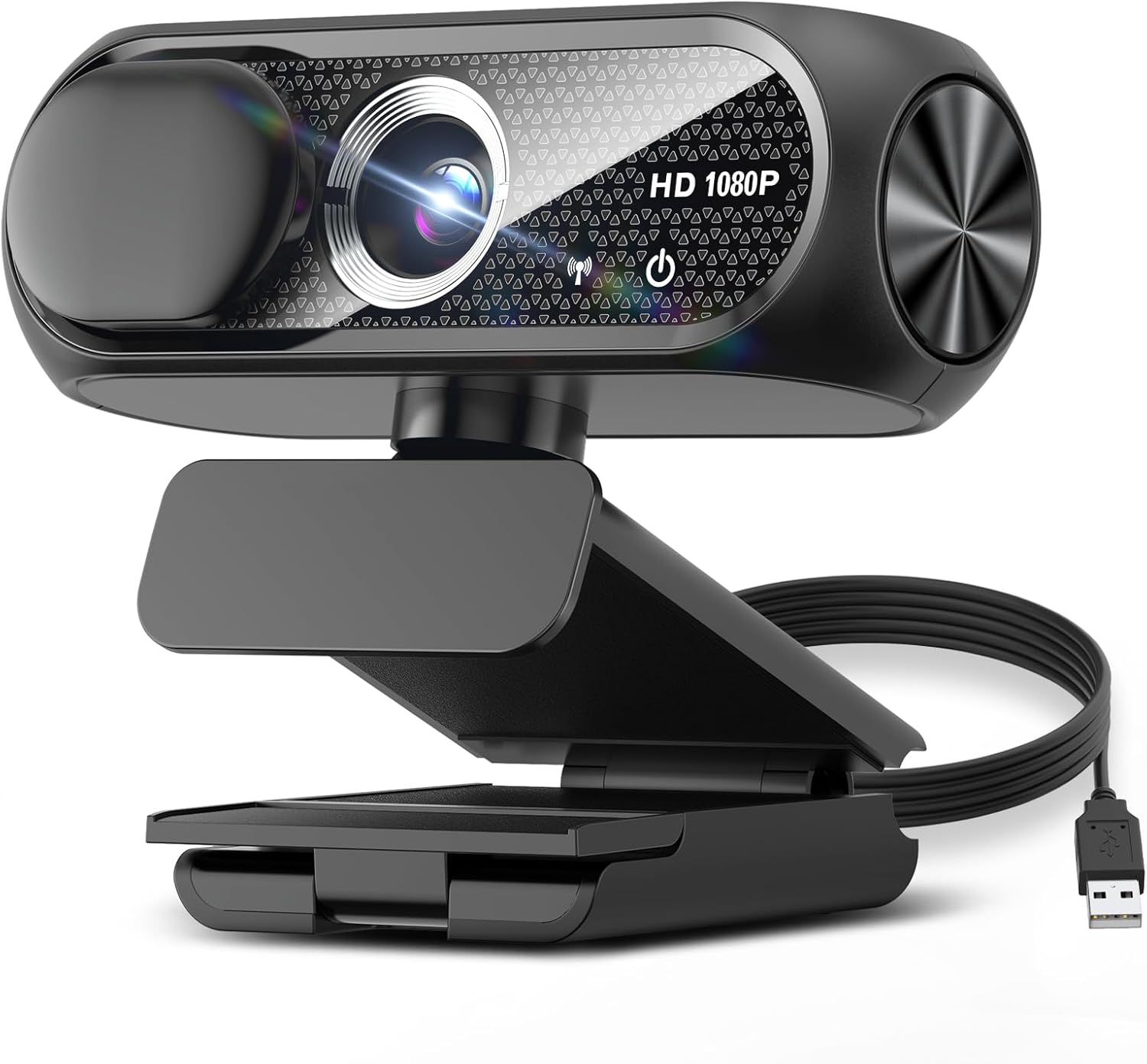
A sliding privacy cover gives you a physical way to block the lens between sessions. The listing also describes an eco-conscious design, but it does not identify the materials or provide details for assessing that claim.
Compatibility & requirements
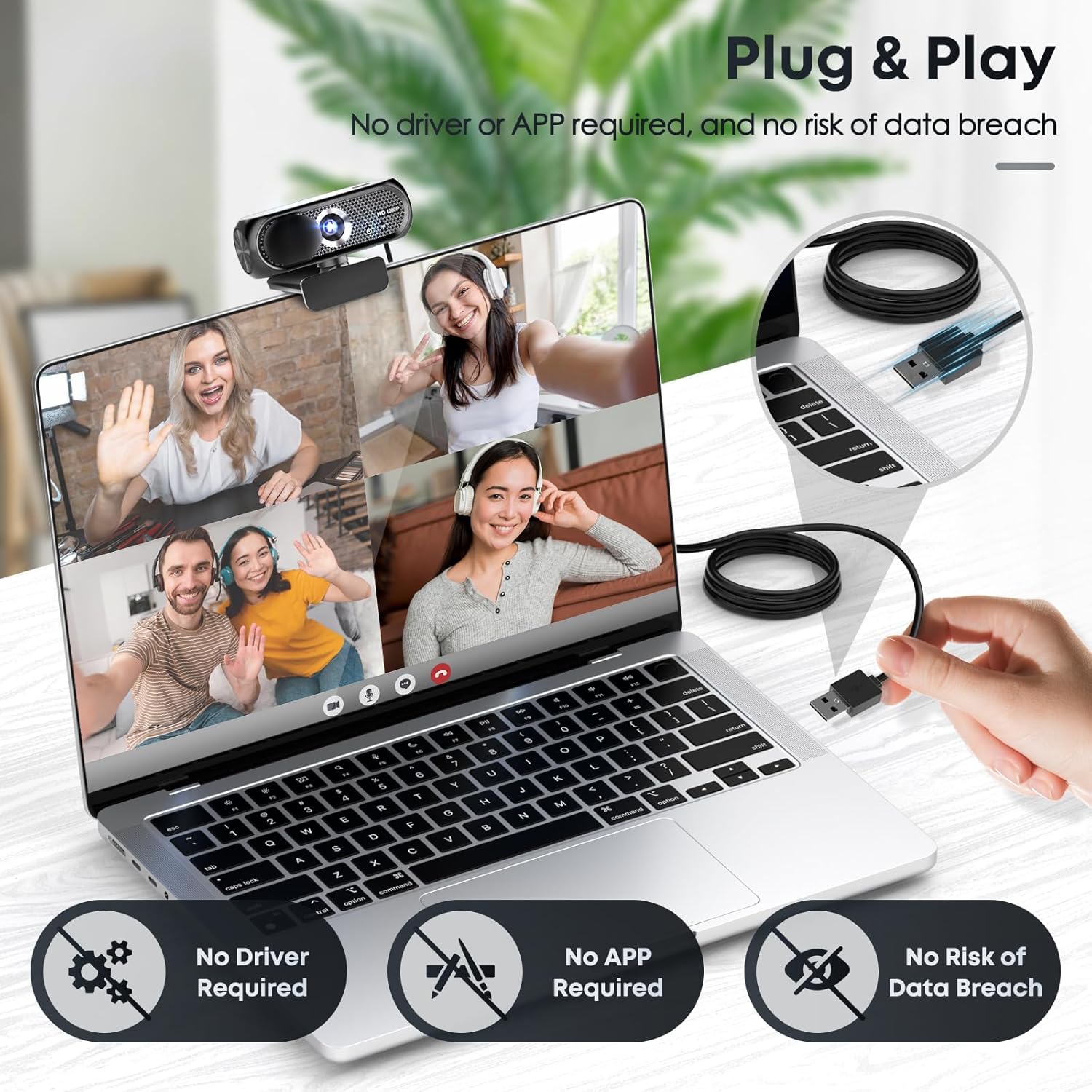
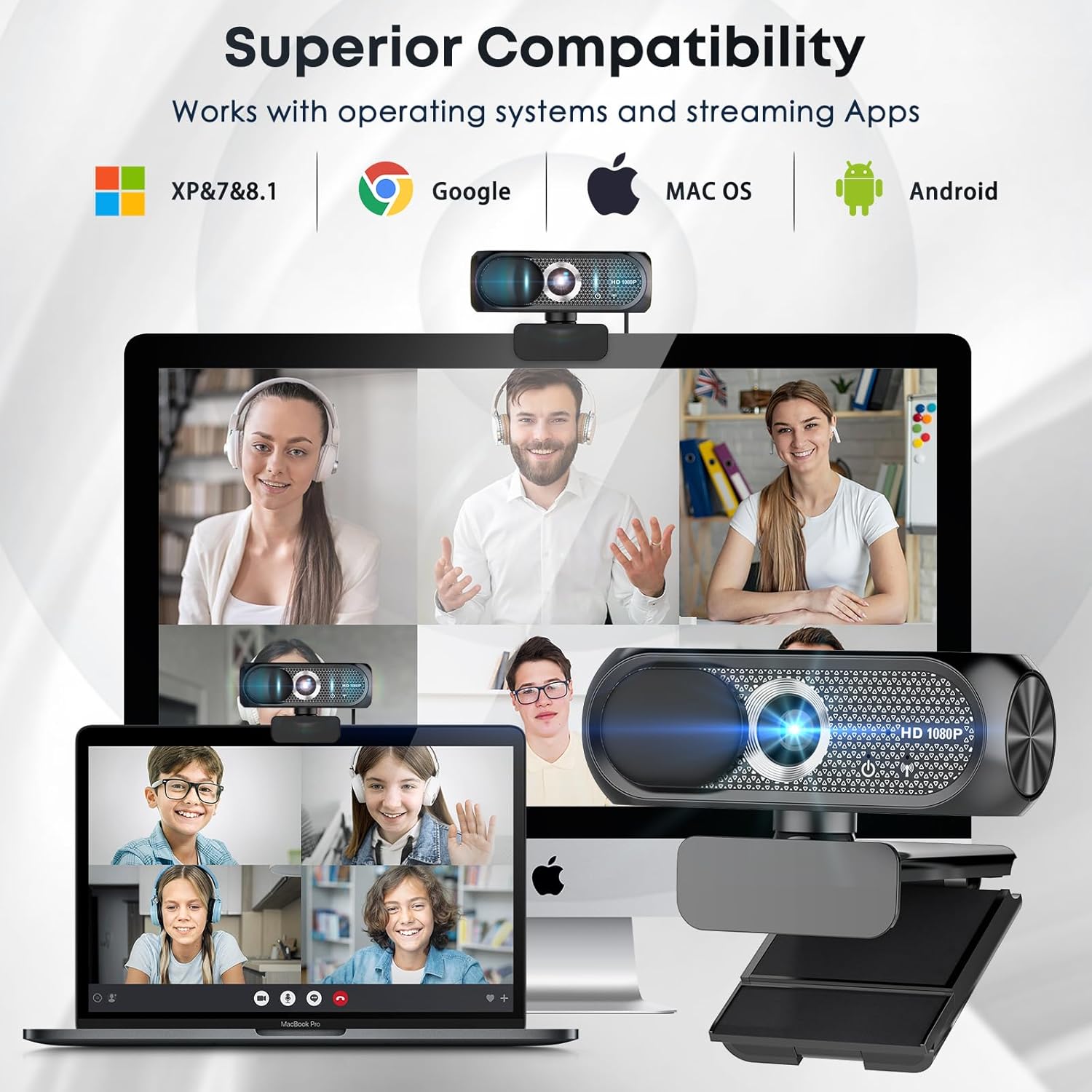
The webcam connects over USB and is listed as compatible with USB 2.0, 3.0, and 3.1, as well as OTG. It is intended for laptops, desktops, PCs, and Macs, and the listing names Zoom and Skype. The advertised setup is plug and play, with no additional drivers required, and the included USB cable is 5 feet long. Check that your setup has an accessible compatible port and enough cable reach for where you plan to place the camera.
Usage tips

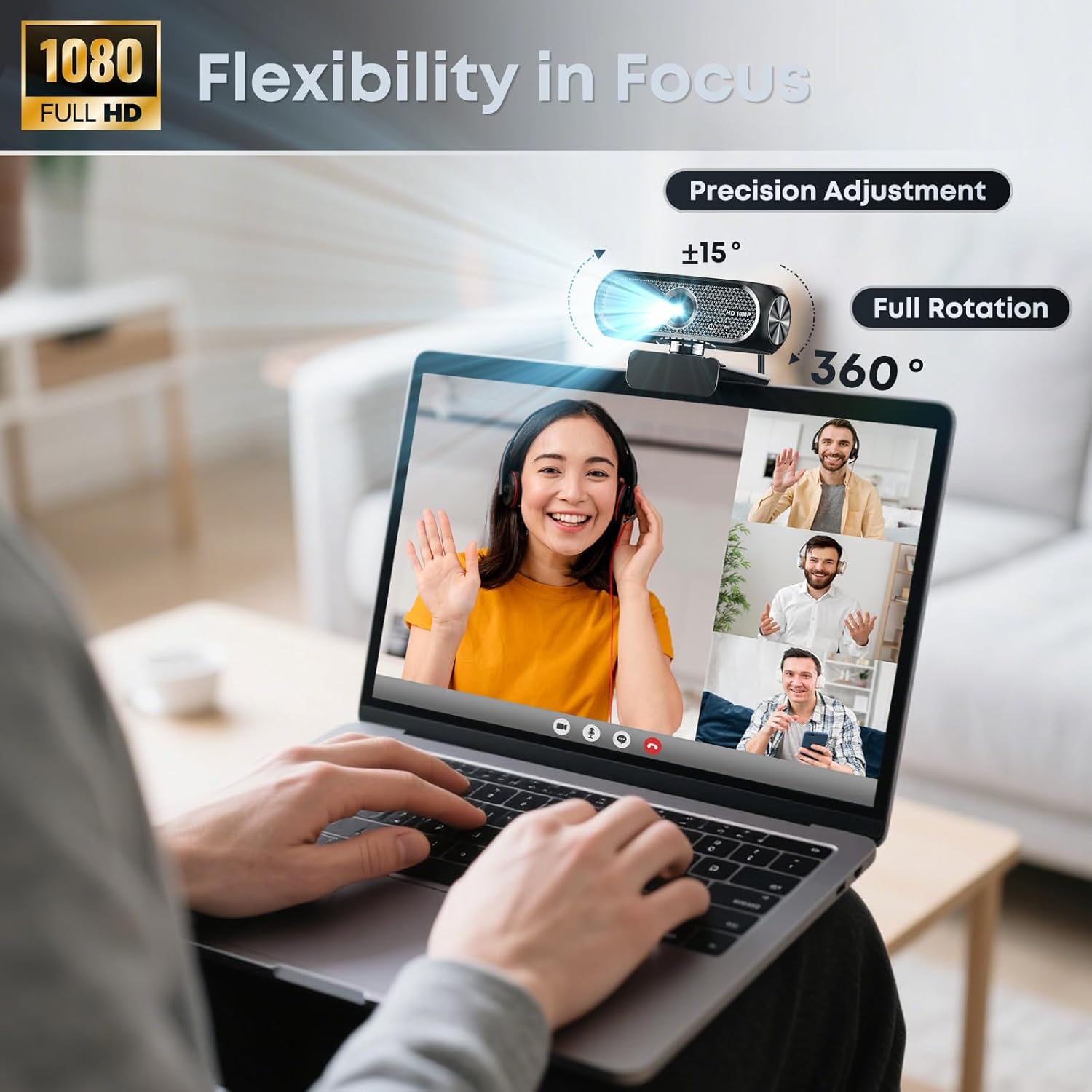
For a video call, position the webcam near eye level and check the image before joining. A wide-angle lens can include more of the room than a narrower view, so move it or adjust your seating if the background is distracting. In a dim room, automatic light correction may help adapt the image, but it is not a substitute for lighting you control, a nearby lamp can give you a more predictable look.
The built-in microphone keeps the setup simple for a webinar or class, where you may not want a separate mic on the desk. Noise reduction is a useful feature, not a guarantee that every background sound will disappear. Slide the cover over the lens when the camera is idle. It blocks the image, but the listing does not say that it mutes the microphone.
Before you decide
Does it record in 1080p? The listing specifies 1080p Full HD video at 30 frames per second.
Do you need to install a driver? It is advertised as plug and play and says no additional drivers are required, connection is through a compatible USB port.
Can you cover the lens when it is not in use? Yes. The webcam includes a sliding privacy cover that goes over the lens.
When it makes sense
A solid pick if you want a single USB webcam for everyday calls, online teaching, or streaming, with a built-in microphone and a physical lens cover. It is a simpler approach than assembling a separate camera and microphone, especially for a desk where fewer accessories matter. You may want to skip it if you need a precisely specified viewing angle, detailed microphone performance figures, or more control over lighting than automatic correction provides. Those details are not included, so buyers with demanding production needs may prefer a webcam listing that spells them out.