

Acer 1080p USB Plug-and-Play Webcam with Noise-Canceling Mics and Privacy Cover
Product description
What it is
This Acer webcam is a 1080p full HD camera designed for PC use. It aims to simplify video calls, online teaching, and streaming with a plug-and-play setup and a CMOS sensor for clearer color and detail.
How it helps you
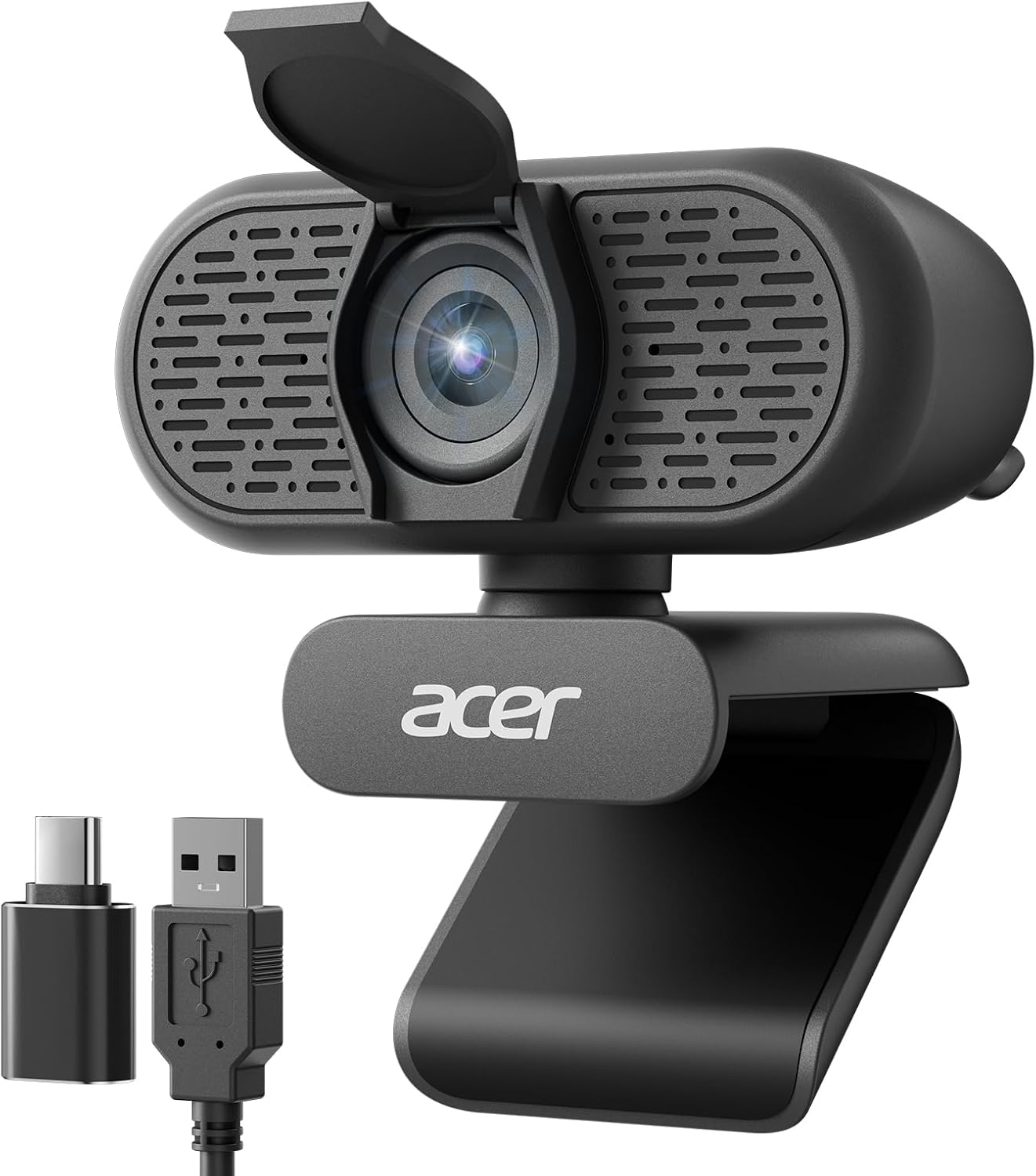
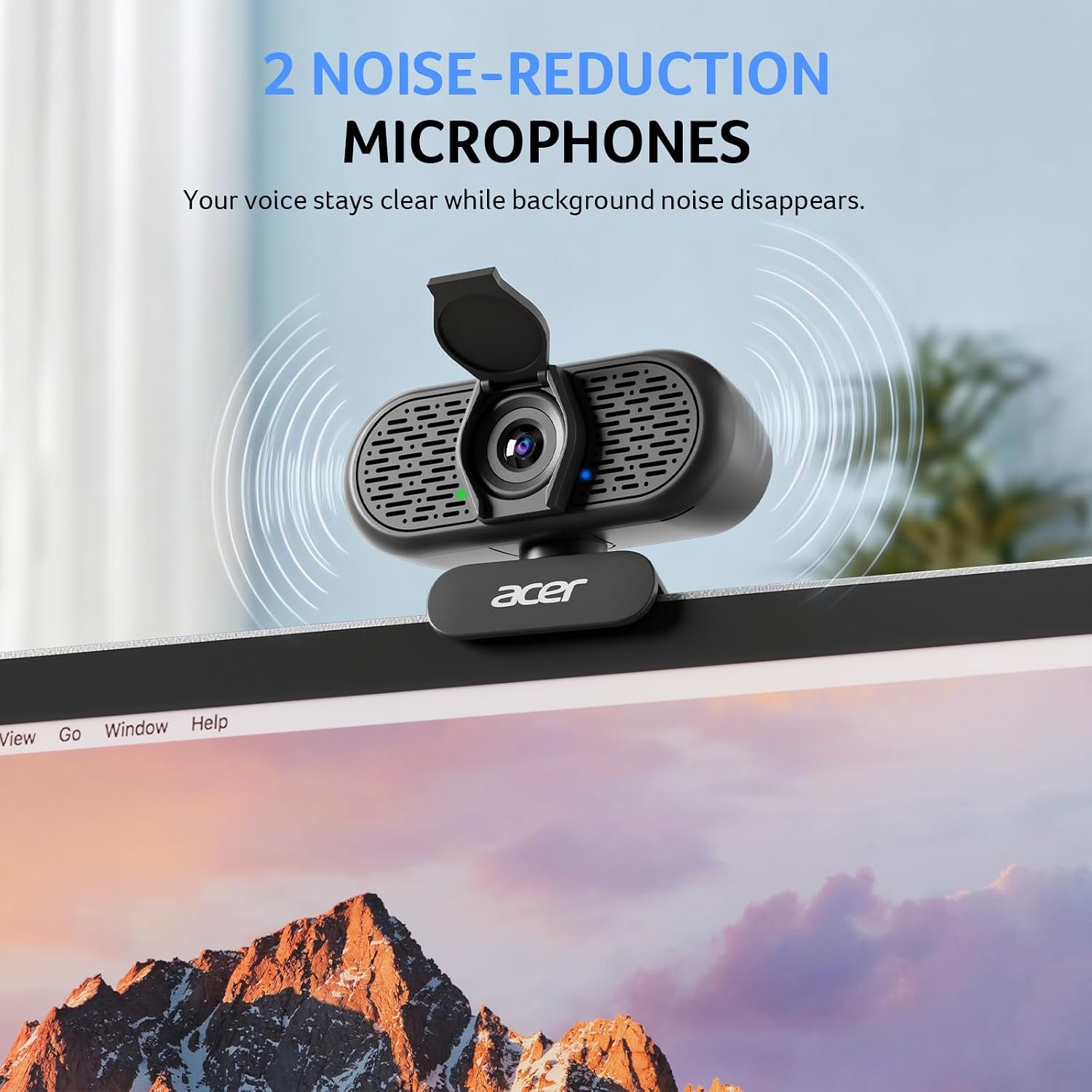
If you value quick setup and reliable video for remote work or classrooms, this camera focuses on ease of use and practical features. The dual noise-reduction microphones help your voice come through cleaner during video calls or live streams, while a built-in privacy cover adds a simple layer of security when you’re not on camera.
What stands out in use
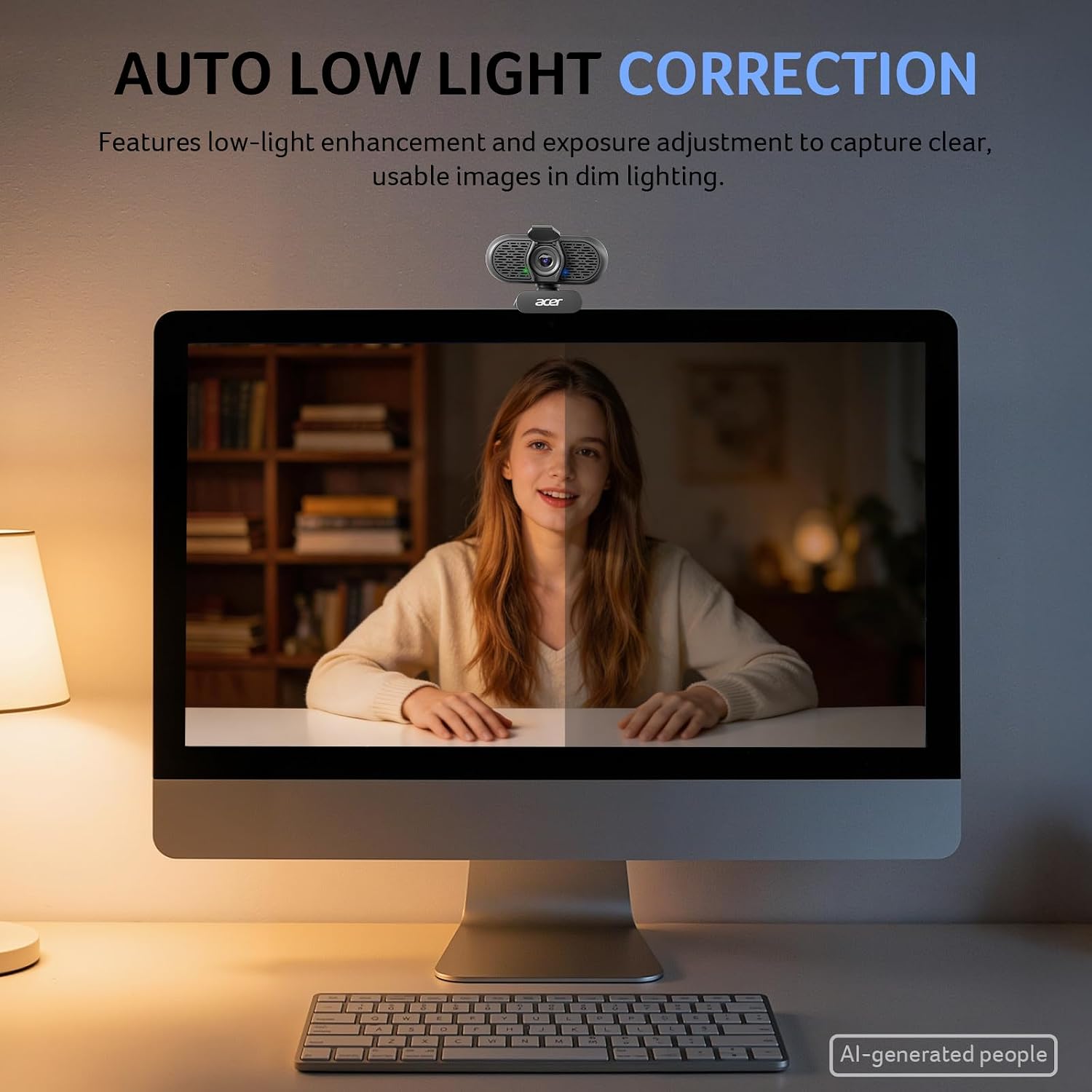
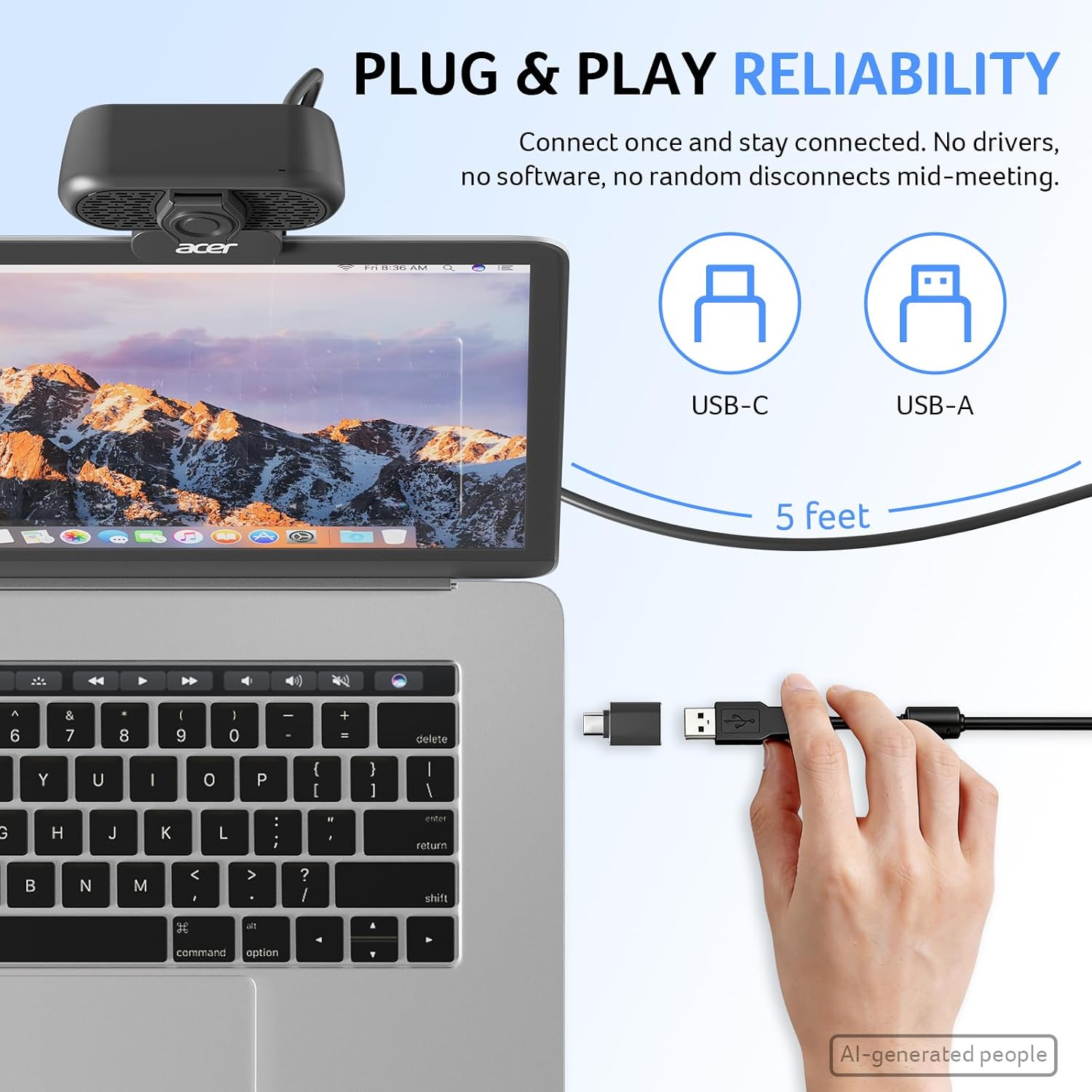
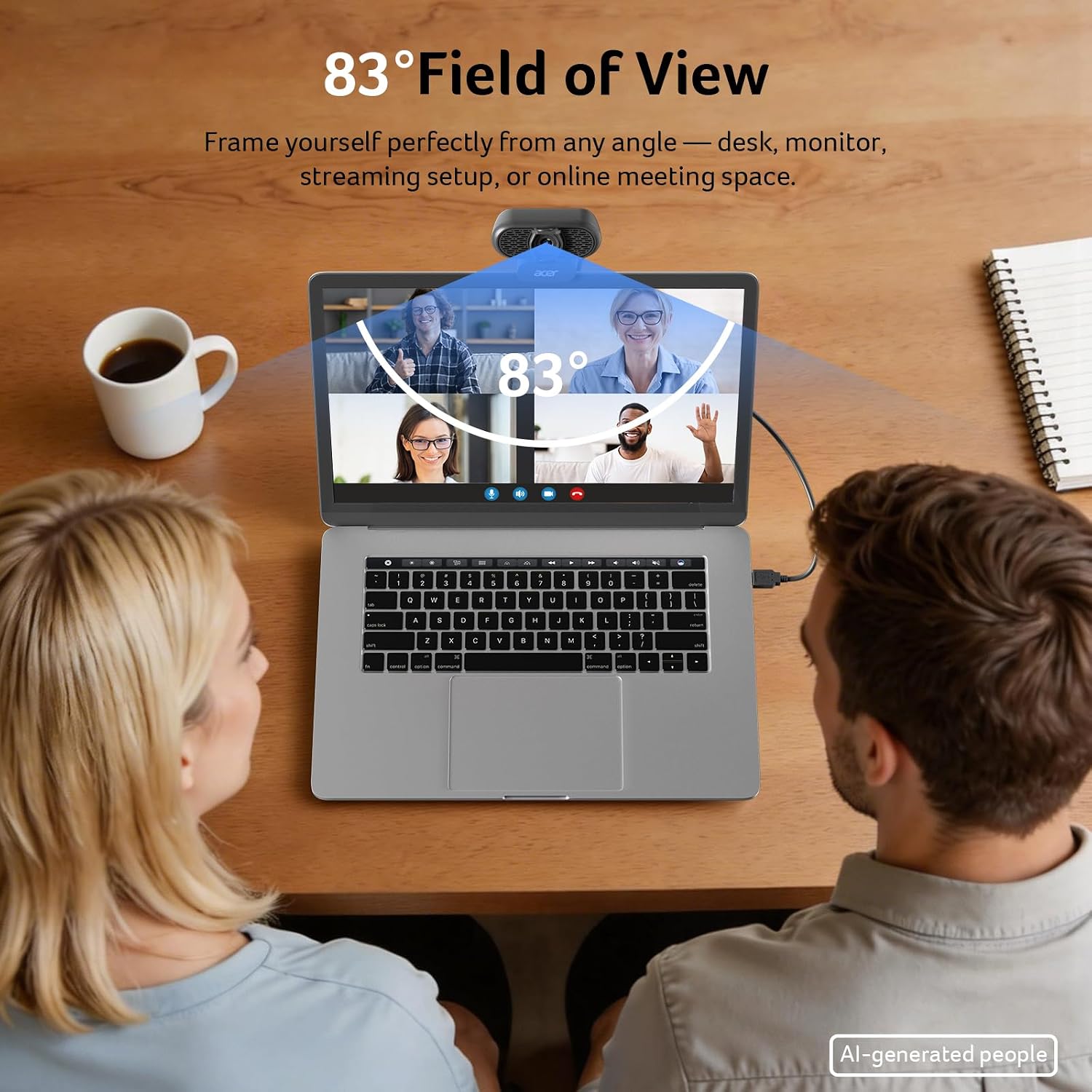
Key strengths include a wide 100° field of view that keeps you in frame, 360° rotation for flexible angles, and automatic low-light correction to improve your image even in dim environments. The microphone array is designed to reduce ambient noise, which matters in busy home setups or shared spaces. The camera supports a straightforward, driver-free installation and includes a Type-A to Type-C adapter to broaden compatibility with newer devices.
What you’ll notice day to day
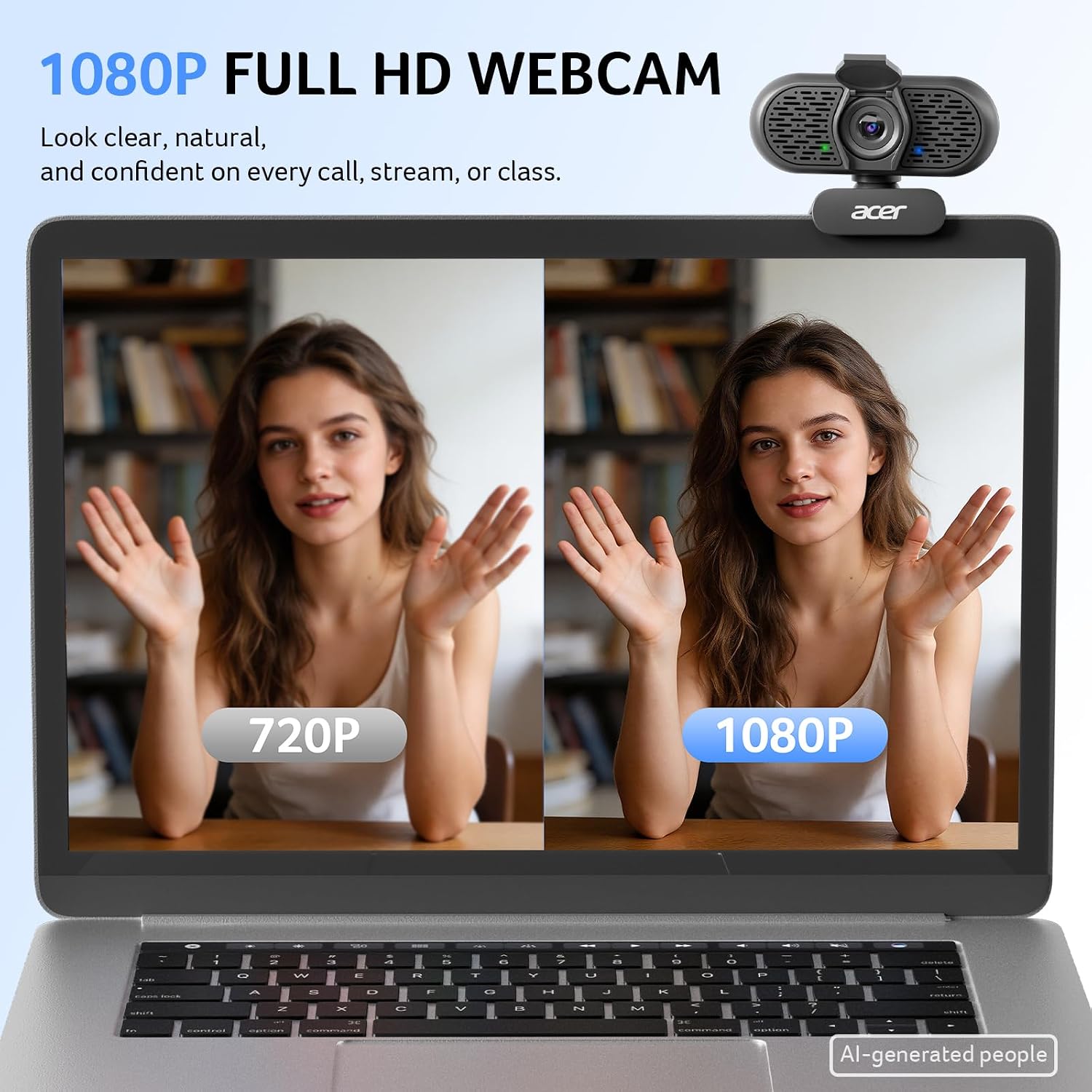
On a practical level, setup is typically quick, with no software installation required. The angle and positioning can be fine-tuned thanks to the 360° rotation. In real-world use, you’ll likely appreciate the privacy cover and the camera’s consistent 1080p output for meetings, lectures, or casual streaming. It may not feel premium to power users who demand ultra-smooth autofocus or advanced color profiling, but for everyday video calls it delivers a dependable baseline.
Who it’s for
This webcam is a sensible pick for remote workers, teachers, students, and casual streamers who want a simple upgrade over integrated laptop cameras without fuss. It’s especially fitting if you need a compact, USB-connected option with plug-and-play setup and a privacy toggle.
Who it’s not the best fit for
If you’re chasing top-tier low-light performance, high-end autofocus, or specialized streaming features, this model may fall short of higher-end options. It’s more of a solid mid-range choice than a flagship upgrade.
When it makes sense to buy
Consider this camera when you want a straightforward, nothing-fancy setup that still covers essential video quality and clear audio. It’s a practical accessory for daily meetings, online classes, or light streaming where reliability and ease trump flashy specs.
What to check before buying
Ensure your device provides USB compatibility and that you have adequate lighting to maximize the 1080p image. If you rely heavily on a camera for critical broadcasts, compare this unit’s audio and image quality to higher-tier options. Also, confirm that you’re comfortable with a fixed 100° field of view and the need to adjust framing manually.
How it compares to other approaches
If you’re weighing a dedicated mic setup or a camera with professional streaming features, this Acer model prioritizes ease of use and integrated noise reduction over advanced customization. For those who value plug-and-play, it’s a sensible middle-ground between built-in laptop cams and more feature-rich streaming rigs.
What to expect in daily use (example)
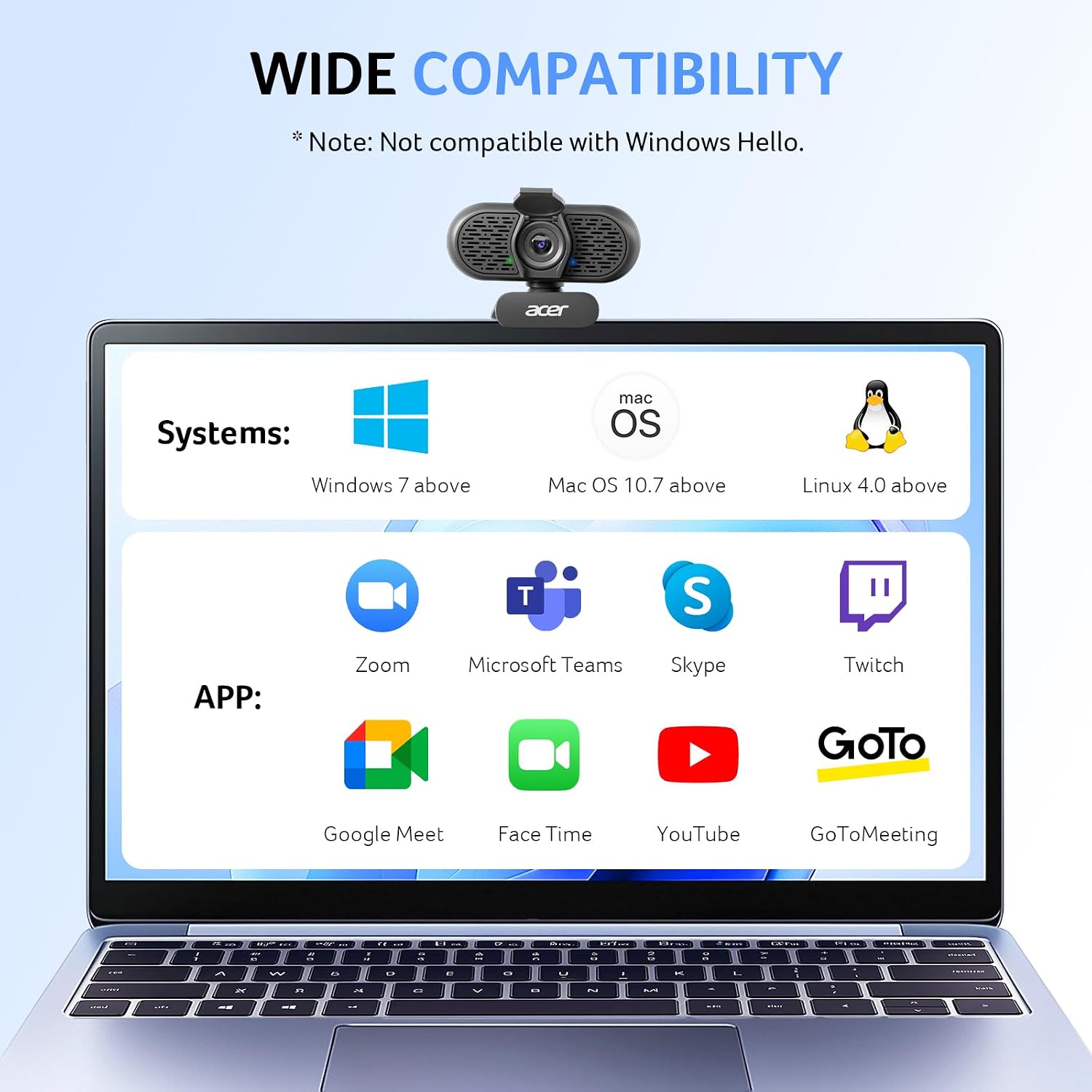
You sit at your desk, plug the webcam into your PC, and the camera is ready for Zoom or Teams without any driver install. You rotate the camera to frame yourself for a morning meeting, switch on the privacy cover when you step away, and your colleague comments that your voice sounds clear thanks to the dual mics during the call.
Decision: Is it worth it?
Is it worth it? If you prioritize quick setup, dependable 1080p video, and practical audio features in a compact package, this Acer webcam offers a straightforward solution that fits many home offices and classrooms. It’s a reasonable choice for users who don’t need bespoke color controls or high-end streaming features but want a trustworthy webcam that Just Works.
Frequently asked questions
- Does it require drivers? No, it’s plug-and-play.
- Is it compatible with Mac and Windows? It’s stated to work with Windows and Mac OS, with broad platform compatibility for common video apps.
- Can I use it for streaming? Yes, its 1080p output and dual mics suit casual streaming and online meetings.
- How effective is the low-light correction? It offers automatic low-light correction, which helps in dim rooms, but performance will still depend on ambient lighting.
Tech specs
- Resolution: 1080p Full HD
- Sensor: CMOS
- Field of view: 100°
- Orientation: 360° rotation
- Microphones: Dual noise-reduction microphones
- Privacy: Built-in privacy cover
- Connectivity: USB with Type-A to Type-C adapter included
- Compatibility: Windows 7/8/10/11 and Mac OS
- Plug-and-play: Yes
- Includes: Type-A to Type-C adapter
What’s included
USB webcam with built-in privacy cover and dual microphones, plus a Type-A to Type-C adapter for broader device compatibility.