

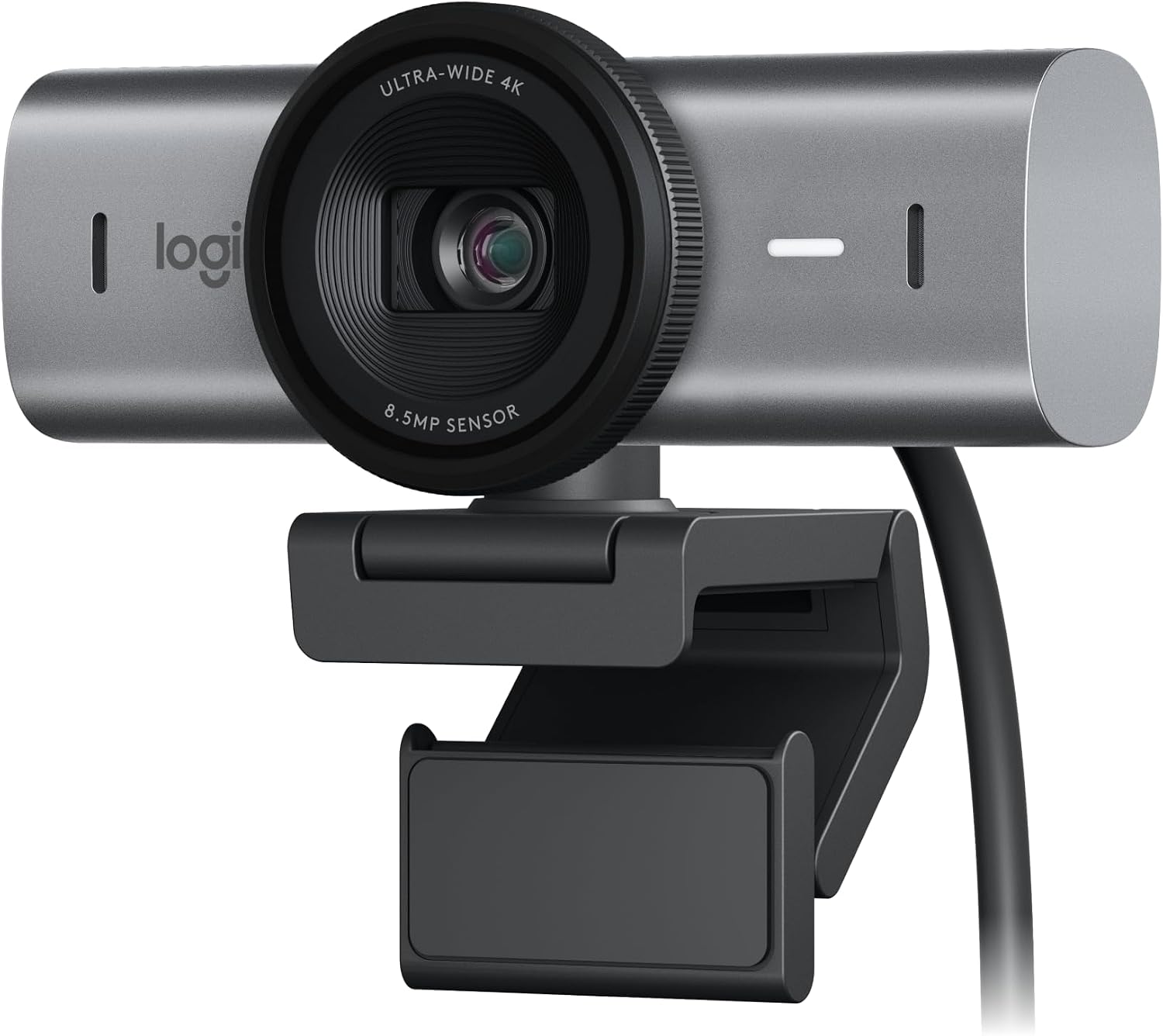
Logitech MX Brio Ultra HD 4K Webcam (Graphite)
Reviews
Price
Product description
What it is and what it solves
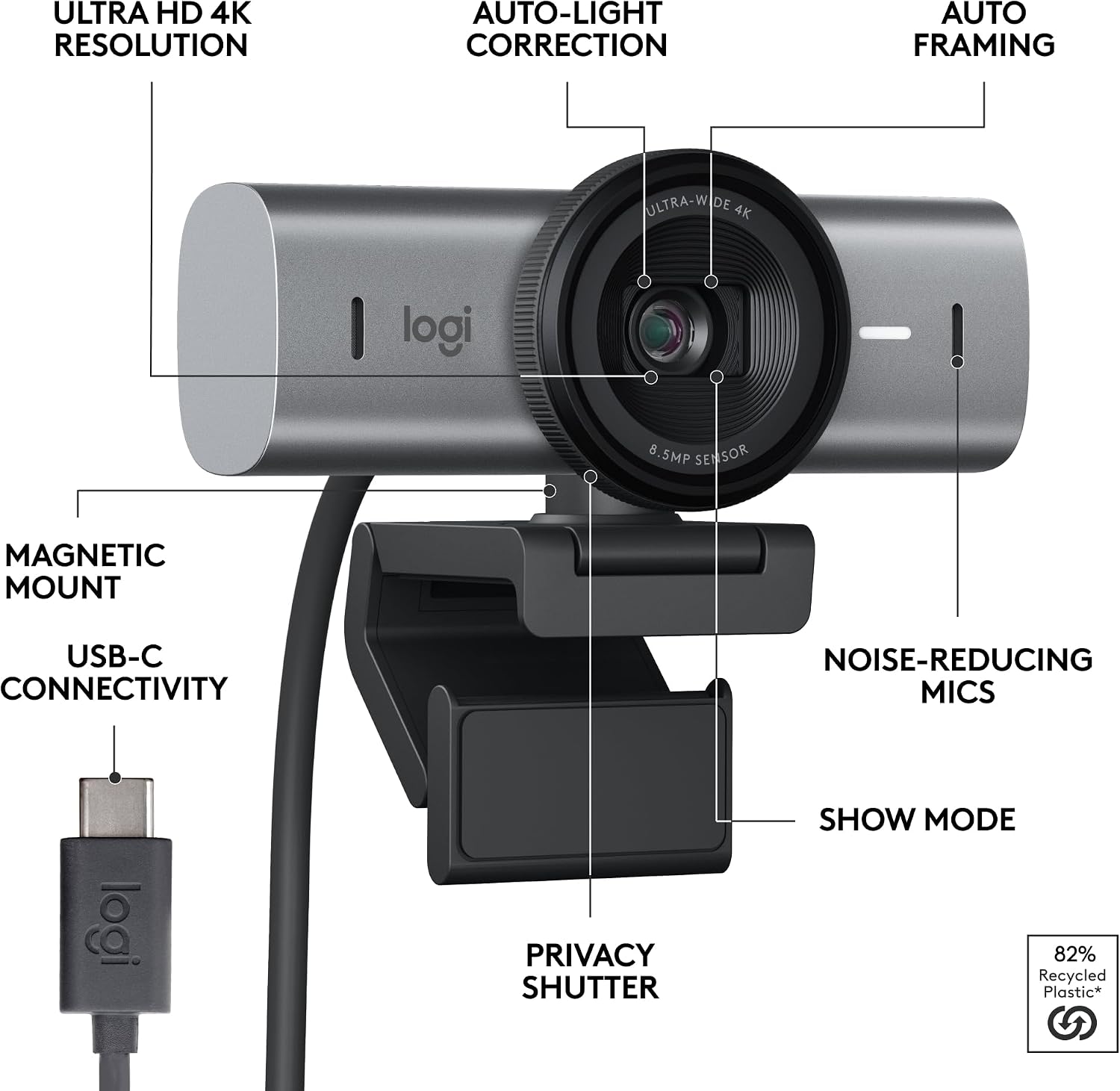
The Logitech MX Brio Ultra HD 4K webcam is a high-end option built to upgrade how you meet, stream, and collaborate online. It combines a 4K/30fps or 1080p/60fps capture mode with a larger-pixel sensor, AI-enhanced image processing, and advanced lighting controls. If you work from home, create content, or run live sessions, this camera is positioned to deliver crisper video and clearer voice in less-than-ideal lighting.
Core features in plain language
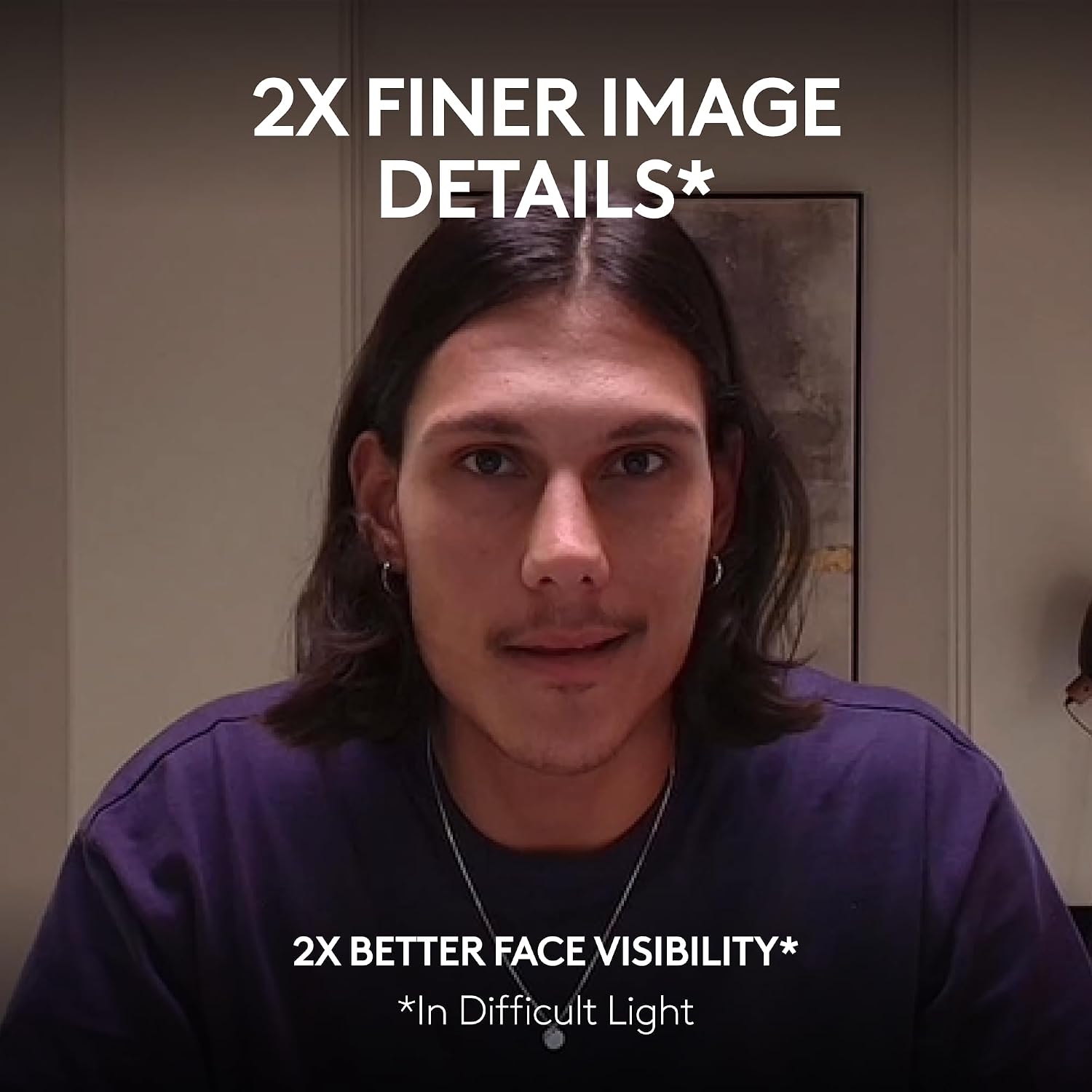
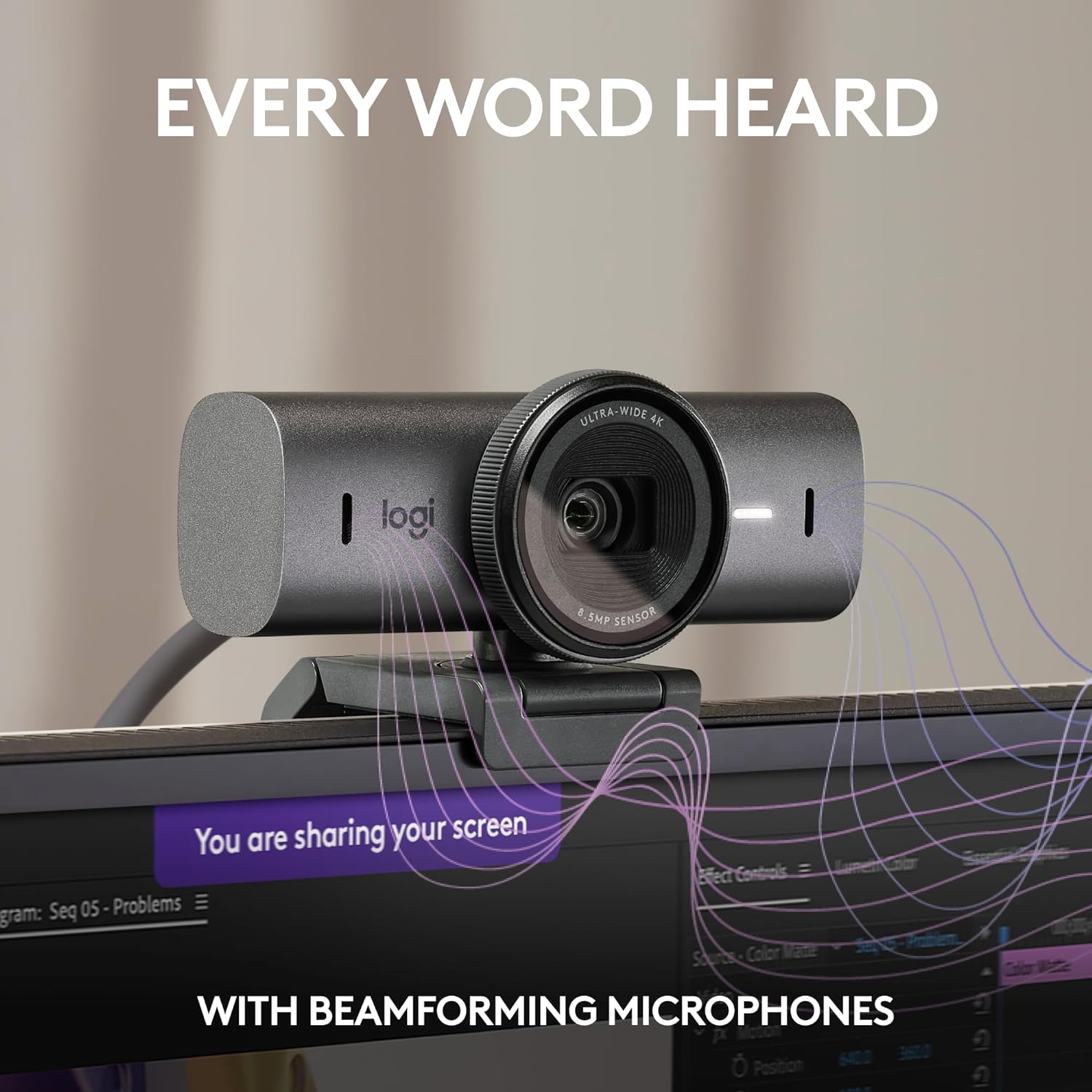
On paper, this webcam promises sharper detail thanks to 70% larger pixels and a sensor designed for clean performance in tricky lighting. You can fine-tune exposure, white balance, ISO, shutter speed, and vibrance, or rely on Auto mode for a simpler setup. Dual beamforming microphones are designed to reduce background noise so your voice comes through more clearly, which matters in meetings, streaming, and collaborative calls.
What stands out in day-to-day use
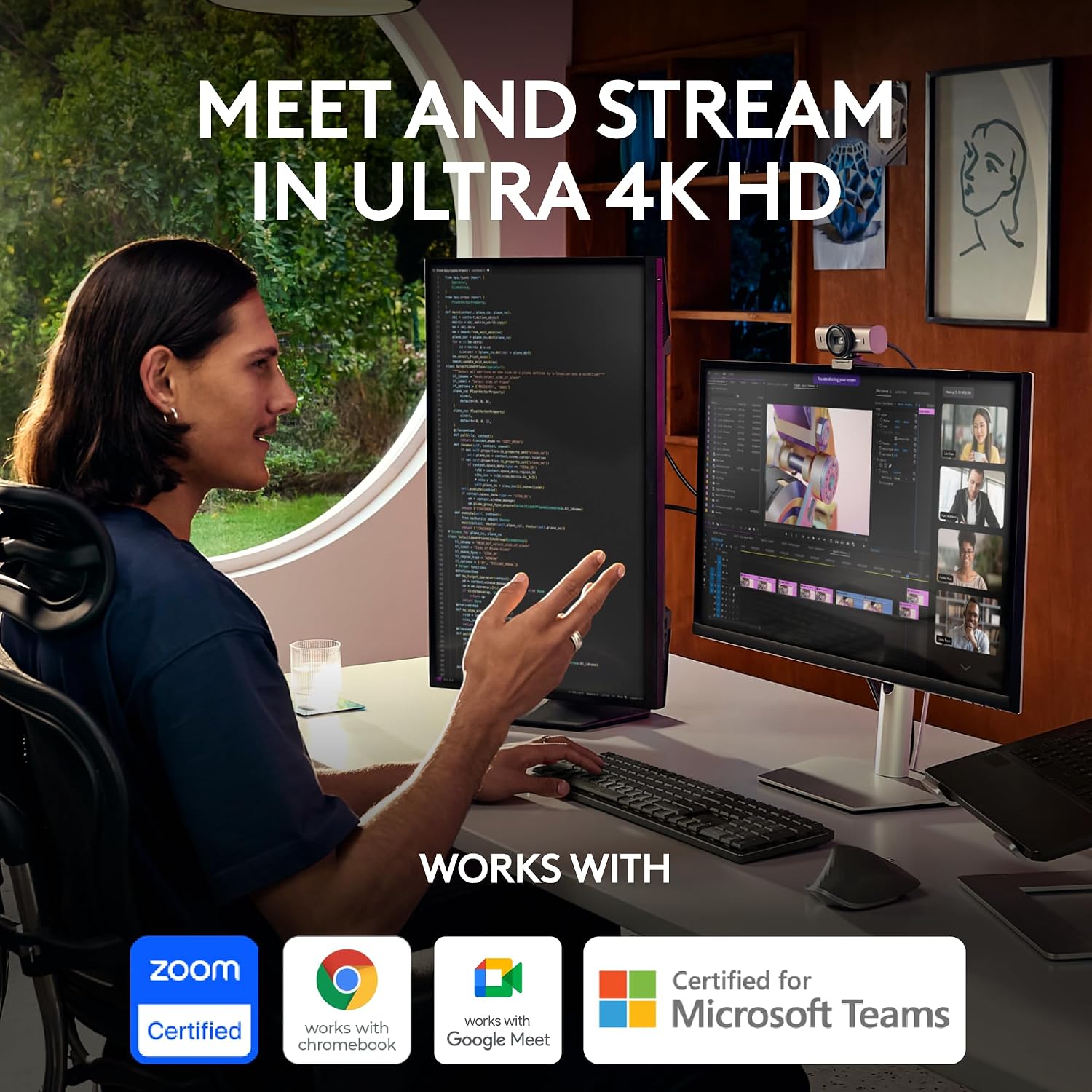
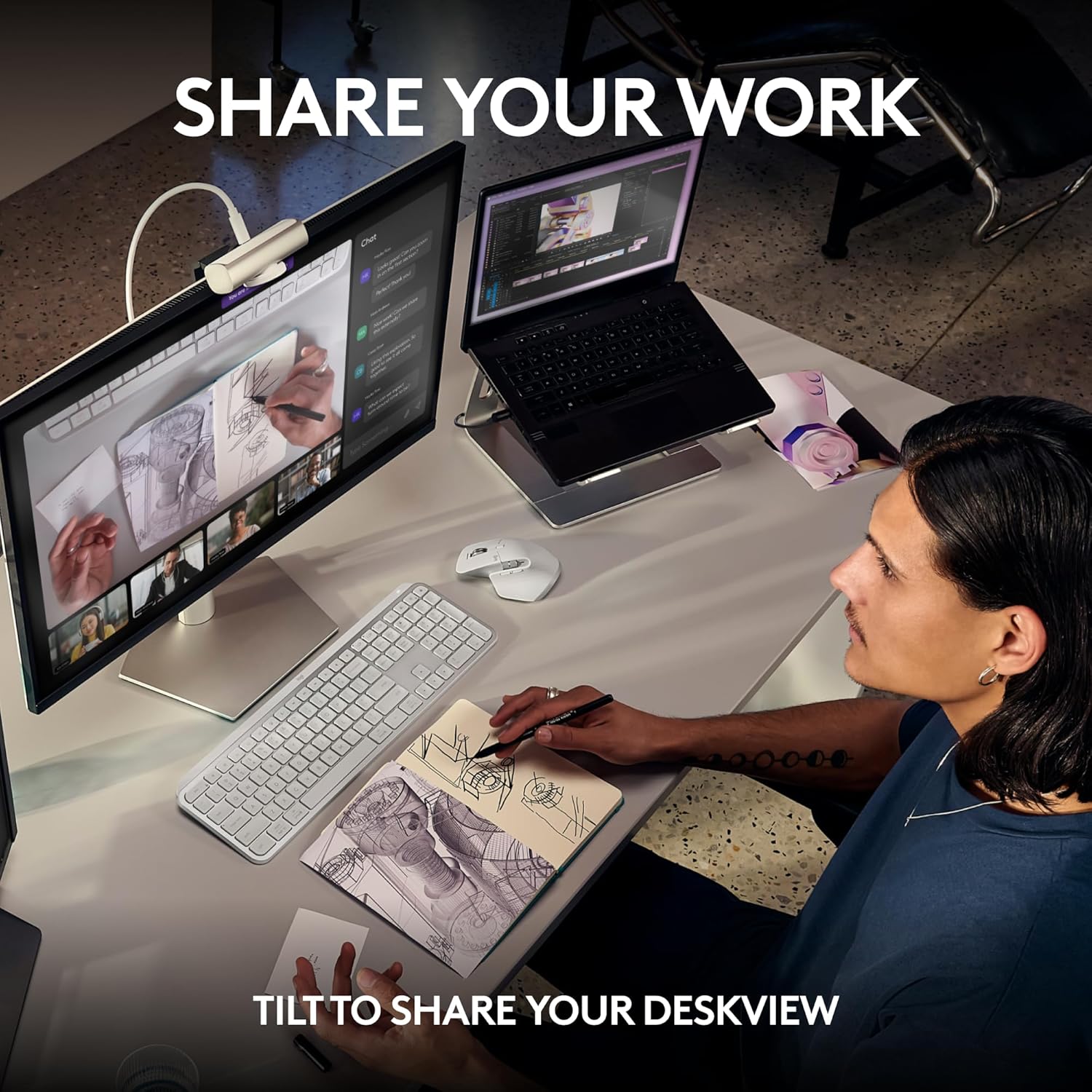
A notable ability is Show Mode, which lets you tilt the camera downward to share notes or sketches right on your desk during calls. There’s also a built-in privacy cover to block the lens between sessions—practical for focus and privacy. The camera supports multiple platforms (Windows, macOS, Chrome OS, Linux) and is certified for popular apps like Zoom, Microsoft Teams, Google Meet, and Streamlabs. If you pair it with Logitech software, you can tailor your streaming workflow to work with other Logitech devices in your setup.
Who this fits best
This camera is well-suited for professionals who need reliable high-quality video for meetings and streaming, especially if you work in environments with variable lighting. It’s also a reasonable pick for creators who want flexibility between 4K capture and smoother 1080p streams, plus improved audio capture without additional mics.
Where it may fall short
If you’re new to high-end webcams, the feature set might feel feature-rich rather than essential, and some users may not notice a dramatic difference in everyday calls versus mid-range models. It’s not the cheapest option, and if your use case doesn’t require 4K or AI-driven improvements, you might be happier with a more basic webcam.
Practical considerations before buying
- Check your computer’s USB-C connectivity and whether you’ll be using 4K capture or 1080p with higher frame rates, not all setups will maximize 4K benefits.
- Consider whether you’ll rely on Show Mode for presenting on-screen notes and if your desk space supports tilting the camera for collaboration.
- If privacy is a priority, confirm you’re comfortable with the physical cover and understand how to manage camera access across apps.
How it compares in approach to other options
For buyers weighing “more pixels vs. simpler webcams,” this model leans toward users who want higher image fidelity and more control. If your needs are primarily basic video calls or you’re content with 1080p at 60fps, a less feature-heavy camera could be a more cost-effective choice.
FAQ (quick answers)
- Does it work with Nintendo Switch GameChat mode? The base notes compatibility with various systems and apps, but it doesn’t specify Switch GameChat compatibility, if that feature is important, verify updated support details.
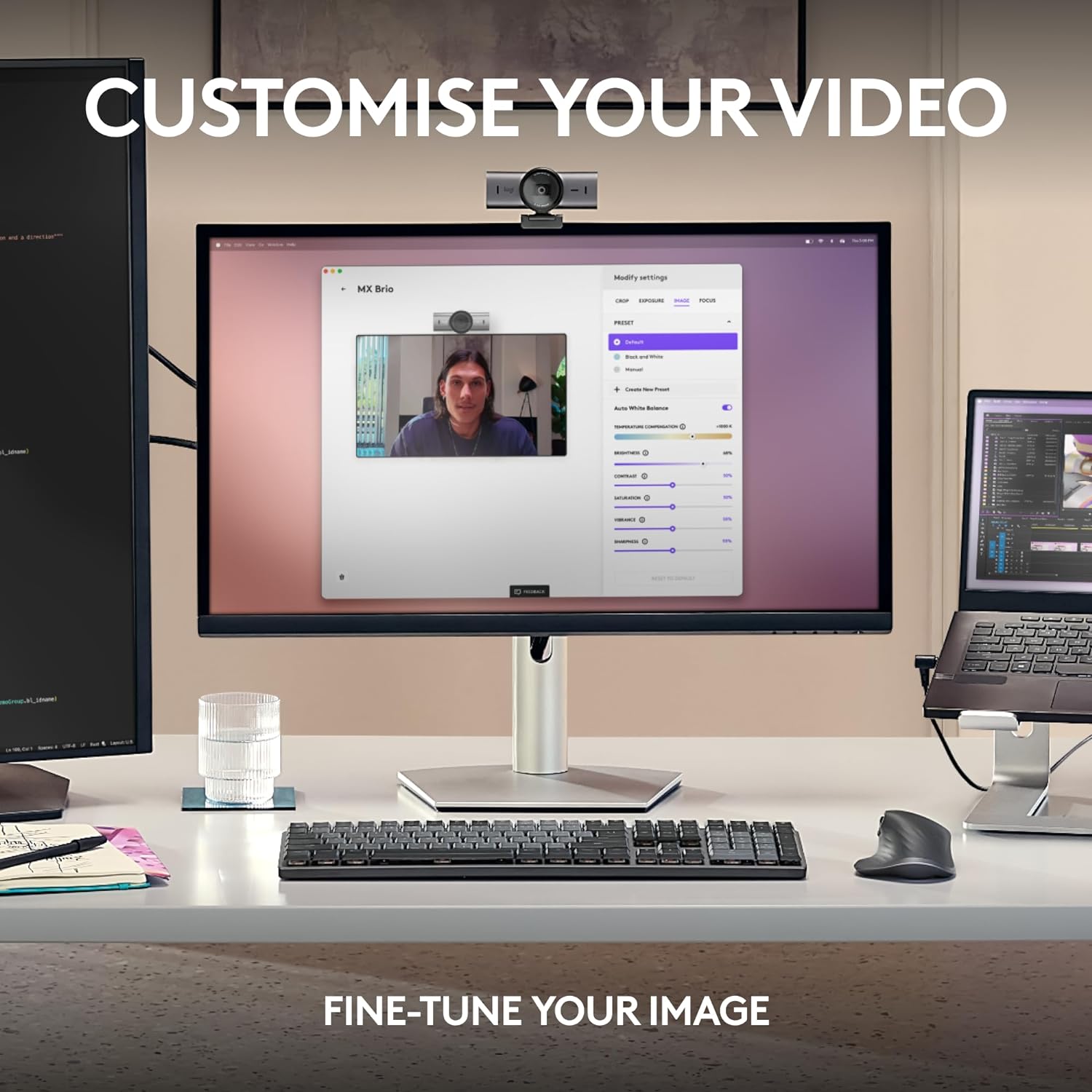
- Can I customize color and lighting settings easily? Yes, through the on-device controls for ISO, shutter speed, tint, and vibrance, or via compatible Logitech software.
- Is it plug-and-play on Windows and macOS? It’s listed as compatible with Windows and macOS, along with Chrome OS and Linux, with certification for common collaboration tools.
Buying decision: Is it worth it?
Is it worth it? If you prioritize higher resolution options, better face visibility in challenging lighting, and built-in tools to fine-tune image and audio for professional calls or streams, this webcam makes sense. You’ll appreciate the privacy cover and Show Mode for on-desk sharing, plus the ecosystem compatibility that lets you integrate with other Logitech devices. Not a perfect fit if your use case is strictly casual video calls or you’re budget-constrained, or if you don’t need 4K or AI-assisted adjustments. For power users who want a confident, all-in-one webcam with room to grow, this is a solid candidate.
Mini-use example
Imagine streaming a live tutorial: you can tilt the camera to frame your notes as you speak, rely on the AI image enhancements to keep your face visible in a mixed-light room, and switch between 4K capture for highlights and 1080p for steady, smooth gameplay commentary. The dual mics help keep your voice distinct even with a fan running nearby.
Final quick take
If your setup benefits from crisper video, adjustable lighting, and reliable collaboration app support, the MX Brio is a logical upgrade. It may not be the cheapest webcam, but it’s designed to deliver flexibility and quality for serious work or streaming tasks.