

Elgato Facecam 4K (4K60) Studio Webcam with DSLR-Like Control & USB‑C for PC and Mac
Product description
The essentials
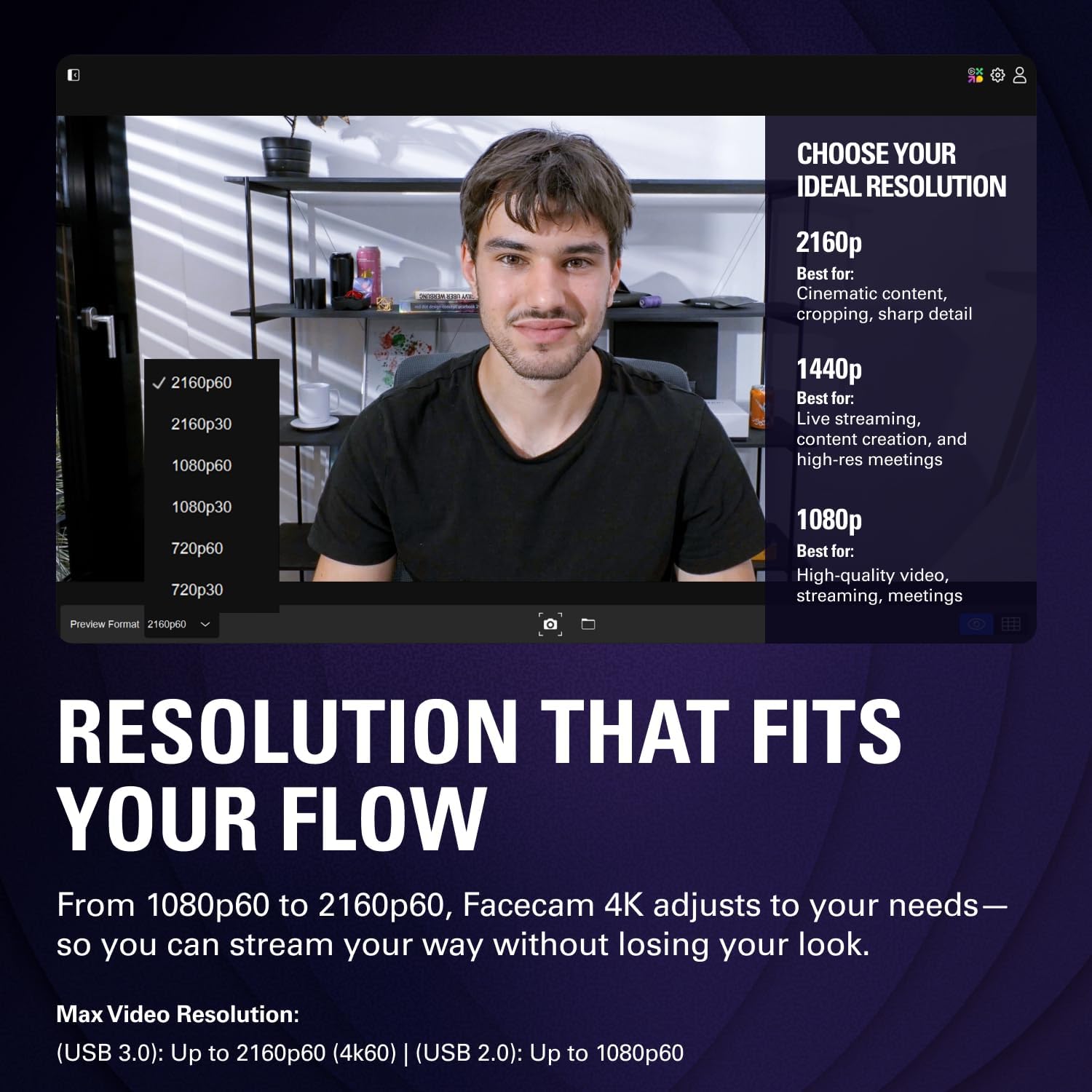
If you care about how you look on camera, the Elgato Facecam 4K60 is built around one idea: cleaner, more cinematic-looking video without turning your setup into a science project. On paper, it targets streamers and content creators who want sharper detail and smoother motion—up to 4K at 60 FPS—plus a control experience that feels closer to a DSLR workflow than a basic webcam.
It also leans into modern “creator expectations”: HDR support, uncompressed video, and a dedicated approach to tuning your shot. That combination can matter when you’re doing live streaming, recording talking-head videos, or running video calls where the camera is doing most of the heavy lifting.
Key takeaways
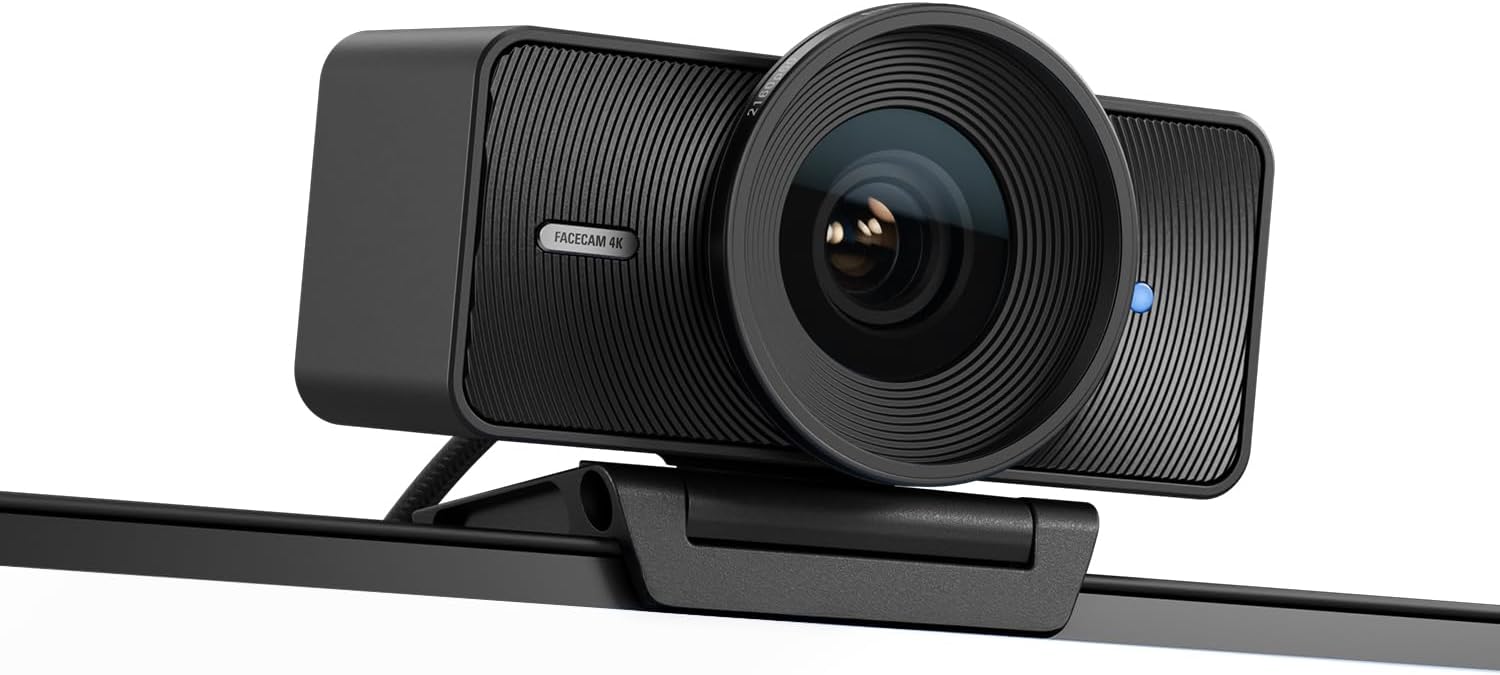
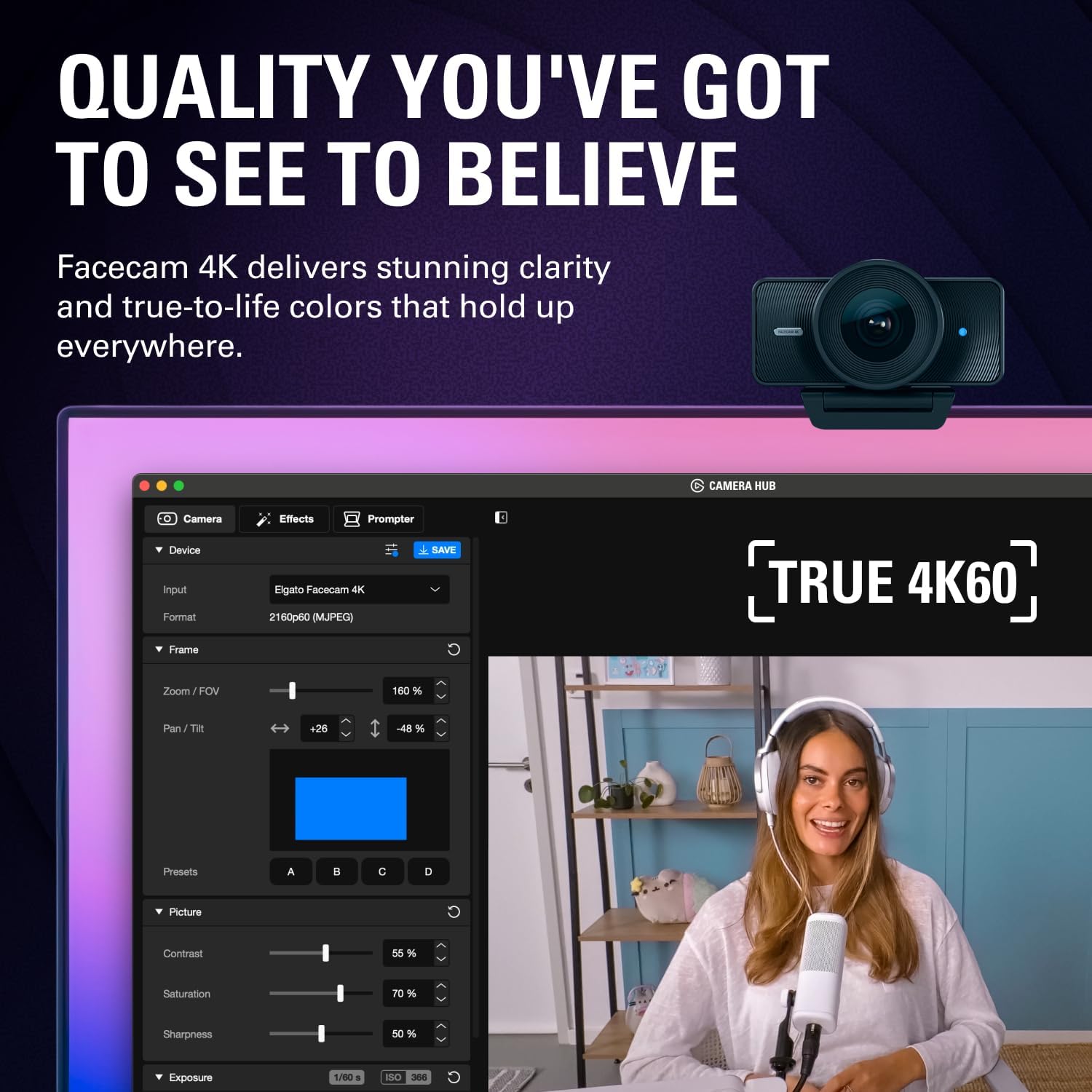
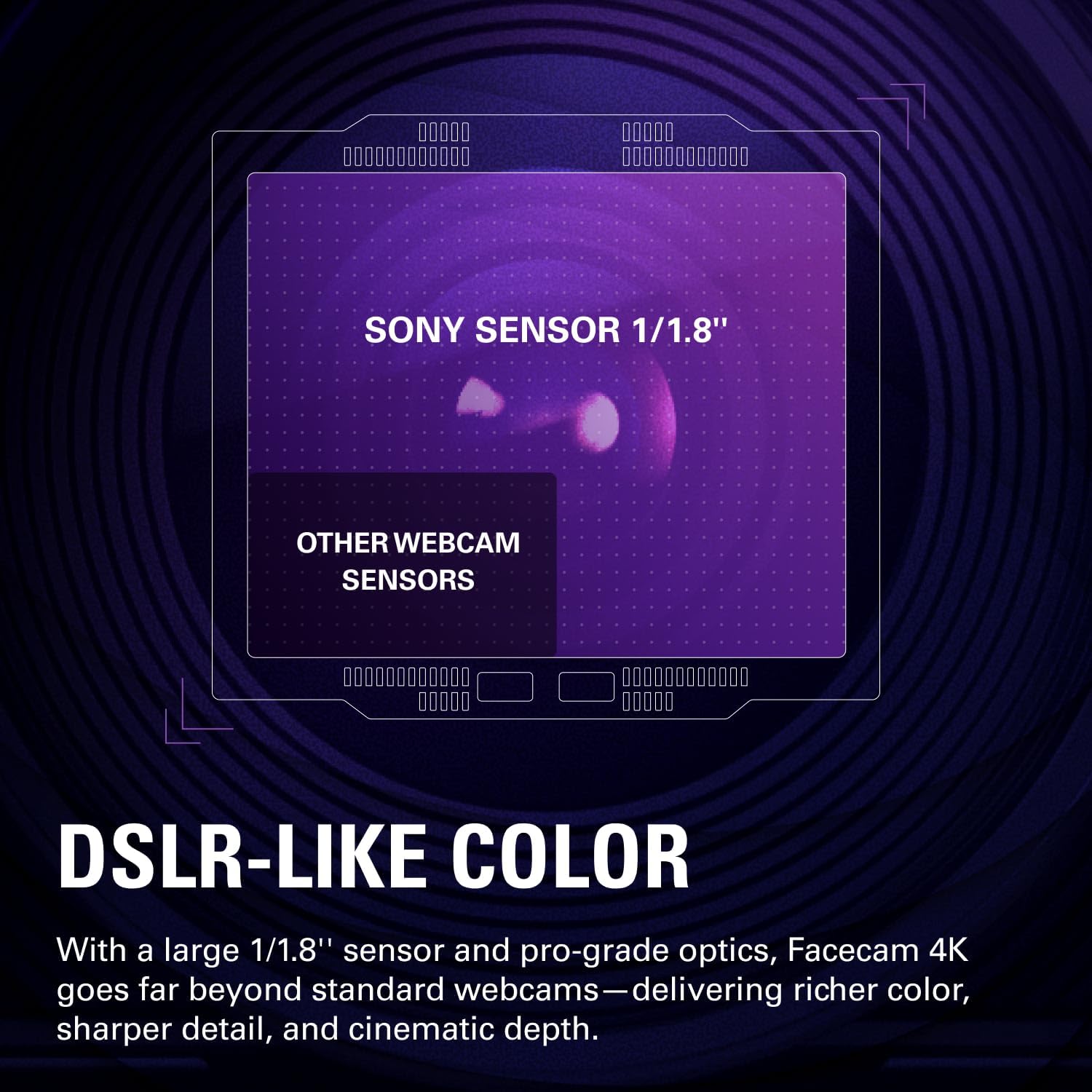
Where this webcam stands out is the mix of capture quality and creative control. The listing emphasizes Ultra HD clarity at 60 FPS, DSLR-like image quality using a Sony STARVIS 2 CMOS sensor and Elgato Prime Lens technology, and a customizable setup via Elgato’s free Camera Hub software.
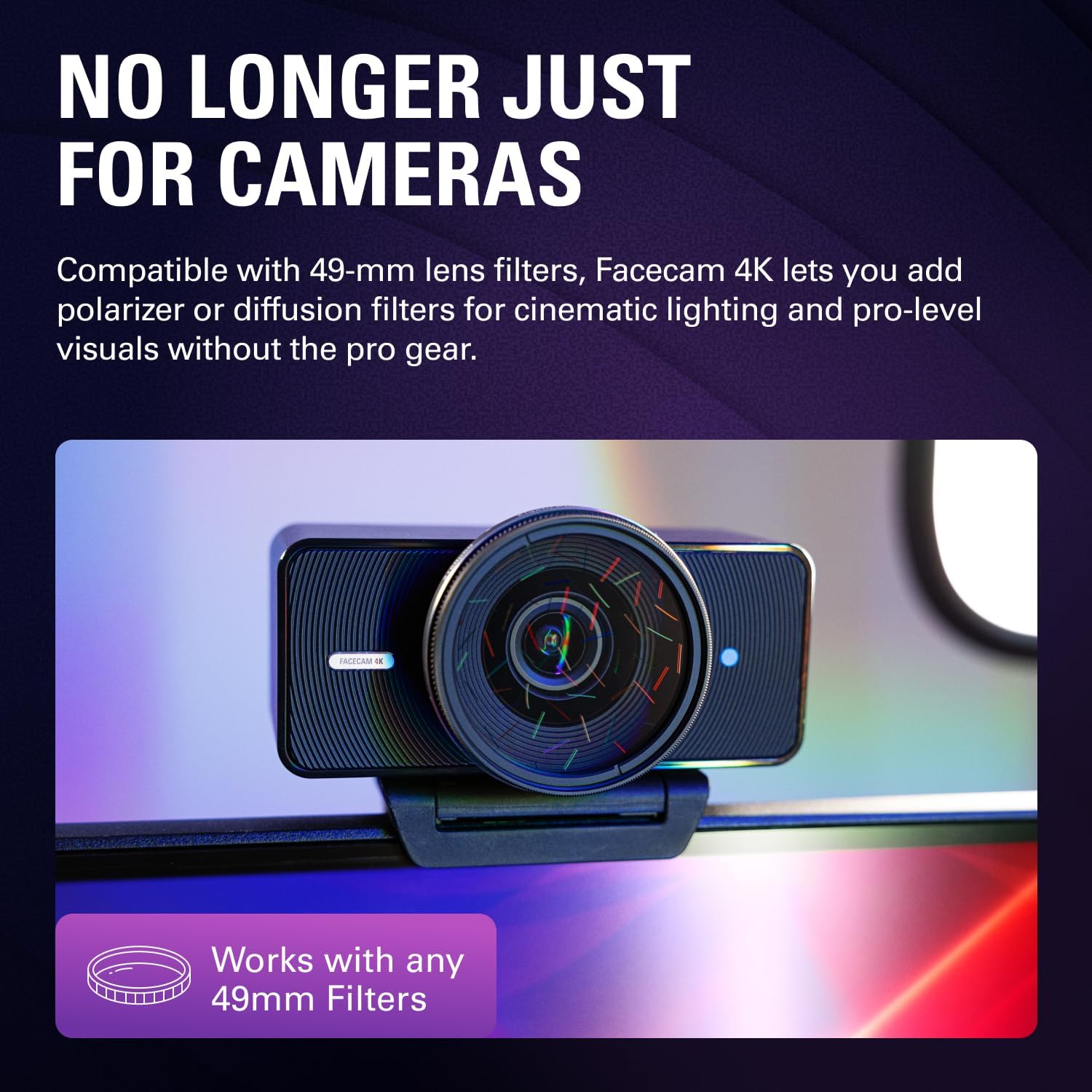
You also get something that’s surprisingly practical for aesthetics: lens filter support. The Facecam is designed to take standard 49mm lens filters, which means you can “style your shot” more like you would with a camera lens rather than being stuck with a fixed look.
One more detail worth noting: it’s designed for reliable setup changes. It includes built-in flash memory to save settings, so you’re not always starting from scratch if you switch scenes or computers.
Limitations to keep in mind: this kind of creator-focused webcam often shines most when paired with good lighting and a consistent setup. If your room is dim, the benefits may not feel as dramatic. And if you only need occasional video calls, you might find yourself paying more for features you won’t fully use.
The essentials in use (what you’ll notice day to day)
Imagine you’re setting up for a live stream. Instead of settling for “whatever the default webcam does,” you can use Camera Hub to dial in the look and apply cinematic effects. When you switch between, say, a bright desk setup and a calmer evening scene, saving those preferences to the built-in flash memory helps you keep your framing and feel consistent.
Another practical moment: you want a more polished, filtered look—maybe a warmer tone or a specific visual character. The 49mm lens filter support gives you room to experiment using standard filters rather than relying only on software adjustments.
What stands out

Tech specs
- Name: Elgato Facecam 4K (4K60) Studio Webcam
- Type: USB-C webcam for PC & Mac
- Resolution / Frame rate: 4K at 60 FPS
- Video: uncompressed video
- Imaging sensor: Sony STARVIS 2 CMOS sensor
- Lens approach: Elgato Prime Lens technology
- HDR: HDR support
- Control software: Camera Hub (free software)
- Setup retention: built-in flash memory to save settings
- Lens filter support: standard 49mm lens filters
Who it’s for
It makes sense if you’re the kind of user who cares about the visual output—streaming, creating content, or doing frequent video conferencing where you want sharp detail and more control over the final image. If you already think in terms of “lighting + camera look,” the DSLR-like control approach and filter support are the reasons to pay attention.

It may not suit you if your use is mostly casual and you don’t want to spend time dialing settings. Also, if you expect a webcam experience that’s purely plug-and-play with zero setup thought, this may feel like overkill.
Care & maintenance
Because this model is designed for lens filter support and a “camera-like” visual workflow, it’s smart to treat it like part of your gear. Keep the filter area clean and handle filters carefully so you don’t introduce smudges that show up on high-resolution video. Also, make sure Camera Hub settings are saved the way you want before you move between machines.
Is it worth it?
Worth considering if you want 4K60 performance, HDR, uncompressed video, and a more adjustable, DSLR-like approach to your camera look—plus the ability to use standard 49mm lens filters. It’s the type of webcam that fits creators who want stronger image quality and more control than a typical built-in or entry-level USB camera.
Better avoided if you only need basic video calls or you’re not interested in tuning your scene with software effects, HDR, and saved settings. In that case, it may stay more feature-heavy than useful, and good lighting will still be the real deciding factor for how good it looks.
Mini FAQ
When should I choose the Elgato Facecam 4K60?
If your workflow involves streaming, content creation, or frequent conferencing and you want more control over image quality than a standard webcam offers, it’s a strong match.
Does it support HDR and uncompressed video?
The listing says it does, which is part of how it’s positioned for higher visual fidelity.
Can I use my own lens filters?
Yes—it's designed to support standard 49mm lens filters, so you can adjust the “style” of your shot.
Does it save my settings?
It includes built-in flash memory to save settings, which helps when you change computers or switch setups.
Does it work with both PC and Mac?
The product is listed as USB-C for PC & Mac.