

EMEET NOVA 4K Webcam 30FPS
Product description
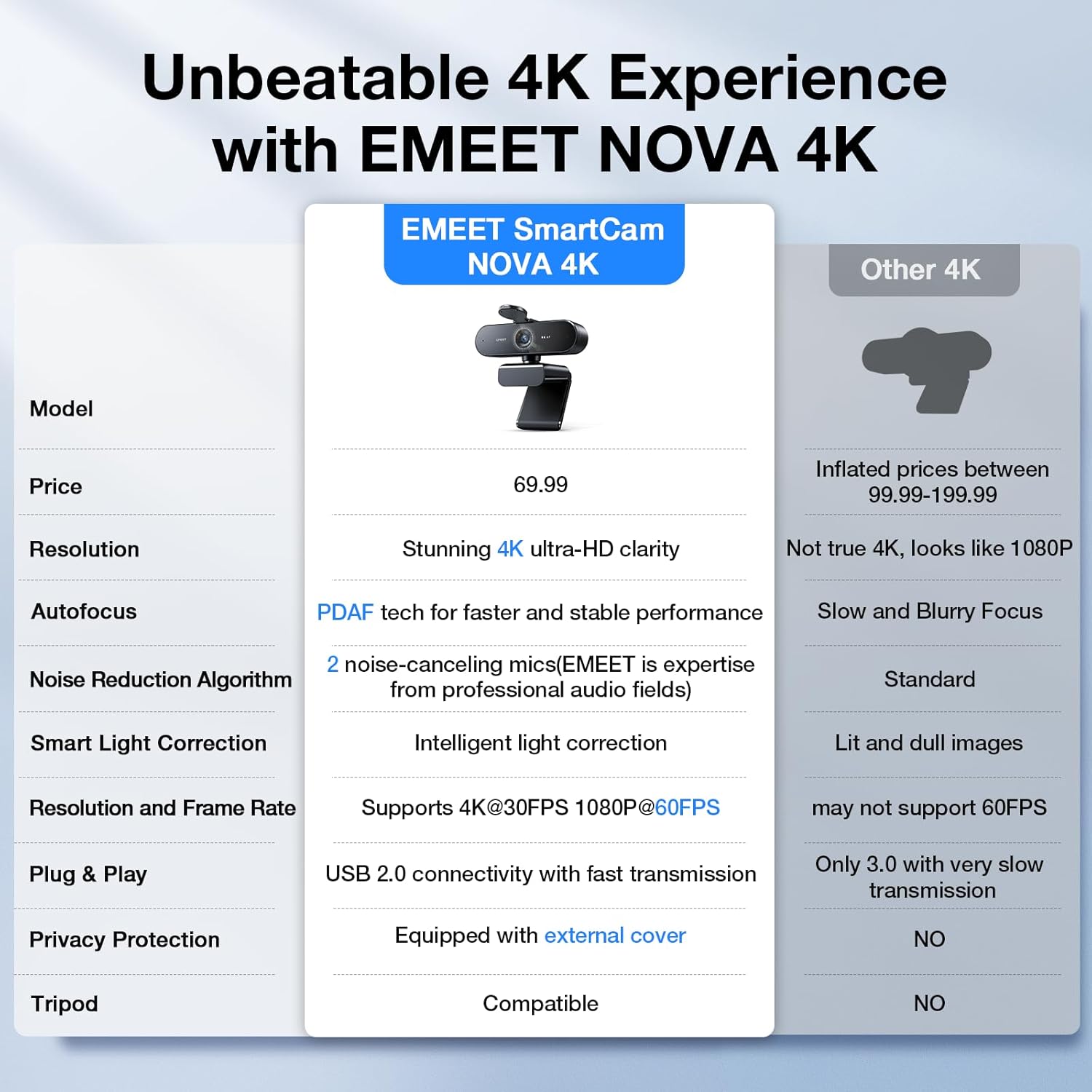
This 4K webcam for PC aims to lift the quality of business calls and live streams with clear visuals and reliable audio. It records at up to 30FPS and uses a CMOS sensor to render high definition detail, while auto light correction helps keep faces visible in varied lighting. If you need a camera for board meetings, remote classes, or streaming, this model supports sharp video and simplified setup for quick use.
Key features
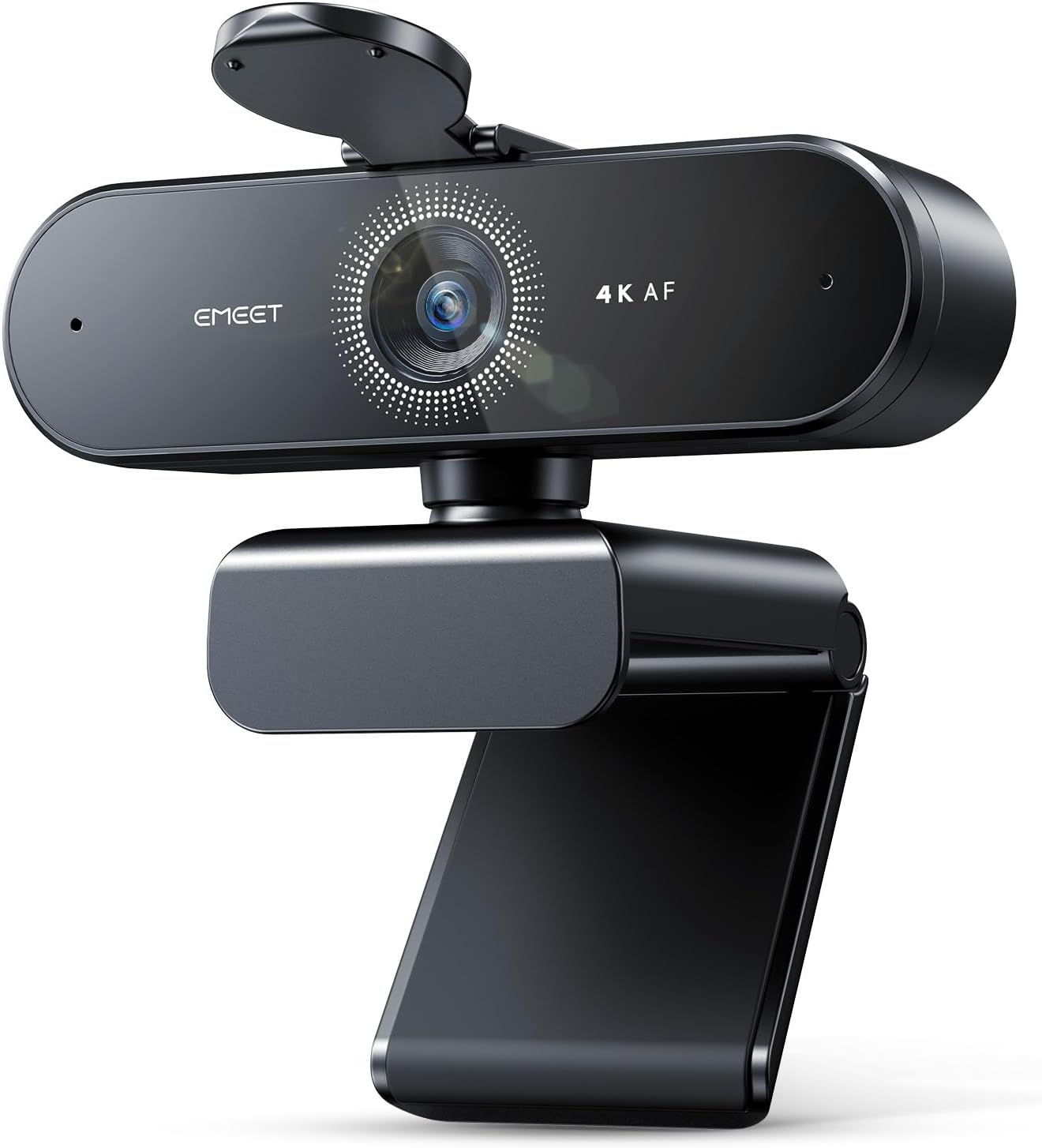
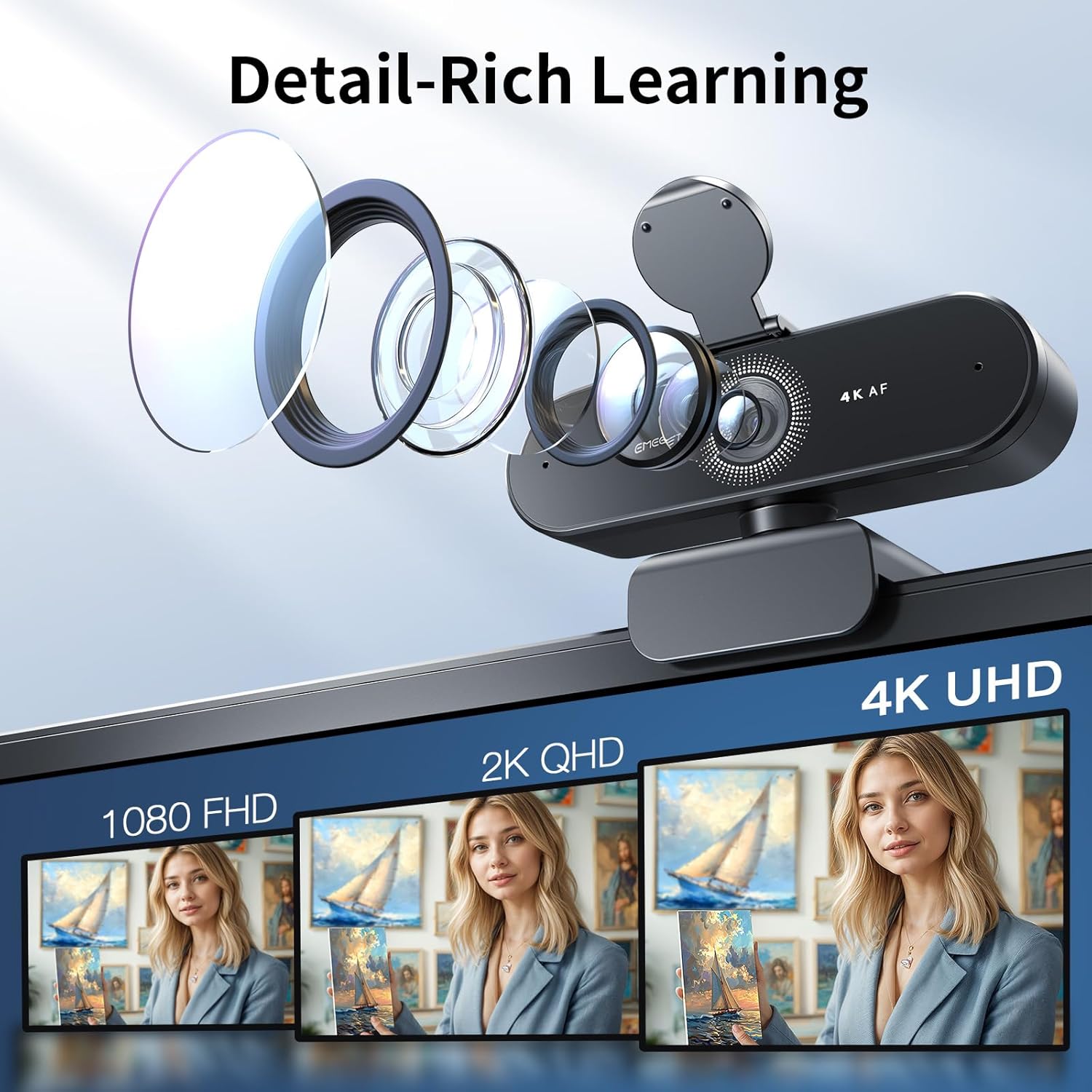
The EMEET NOVA blends a fixed 73° field of view with fast PDAF autofocus, so subjects stay sharp inside the supported range. It defaults to 1080P for broad compatibility, and you can switch to 4K through the camera software or apps like OBS and PotPlayer, which gives flexibility depending on bandwidth and recording needs. Two built in microphones use noise cancelling to pick up voices up to eight feet away, improving meeting clarity in noisy environments. 🎙️
Tech specs
- Name: EMEET NOVA 4K Webcam
- Resolution: 4K UHD available, defaults to 1080P
- Frame rate: 30FPS
- Field of view: 73°
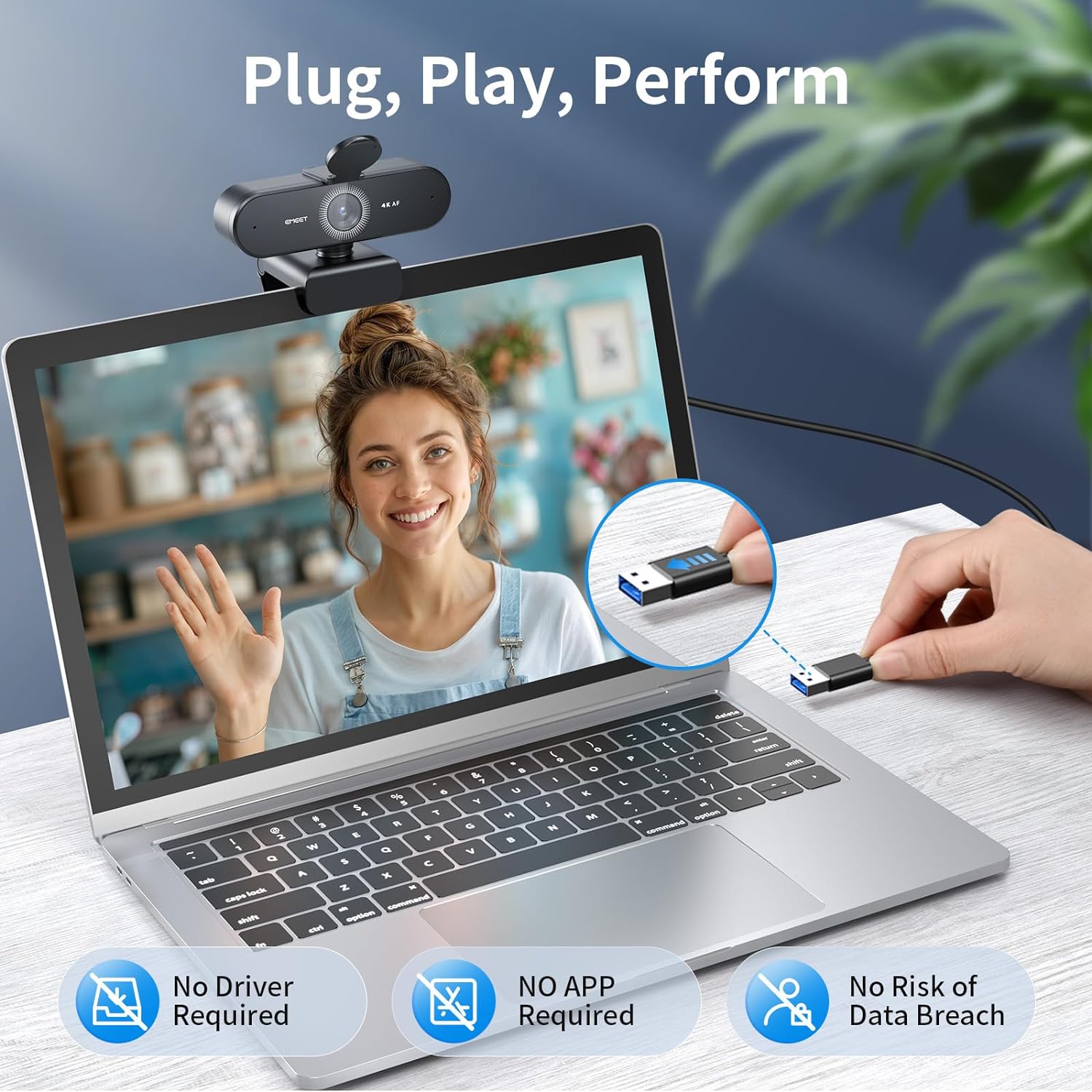
- Connectivity: USB-A plug and play
Why it’s worth it
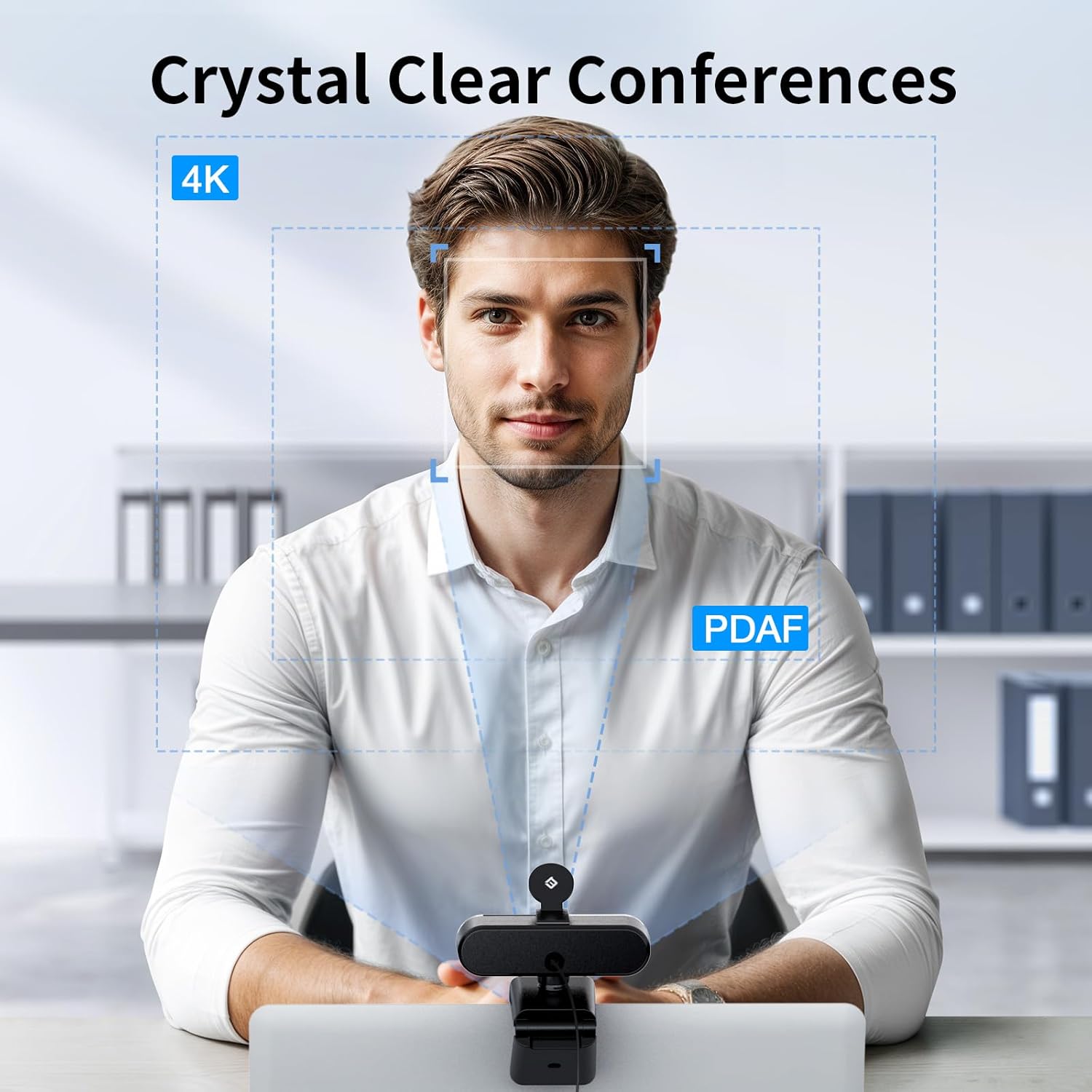

The NOVA stands out for its privacy minded design and simple physical controls. A supplied privacy cover blocks the lens when not in use, and the camera connects by USB only so there is no WiFi or Bluetooth to manage or secure. Dual noise cancelling mics reduce background distractions and help participants be heard clearly, while auto light correction adapts exposure so faces remain readable under backlight or mixed lighting. Note that facial tracking and manual focus adjustments are not supported, according to the manufacturer.
How to use it
Attach the camera to your monitor with the rubber gripped mount or fix it to a tripod with the standard 1/4 inch screw. Position the mic unobstructed and keep it within eight feet of the main speaker for best results. Use EMEETLINK to tweak brightness contrast and saturation, or switch to 4K in compatible streaming apps when higher resolution is needed. 🔧
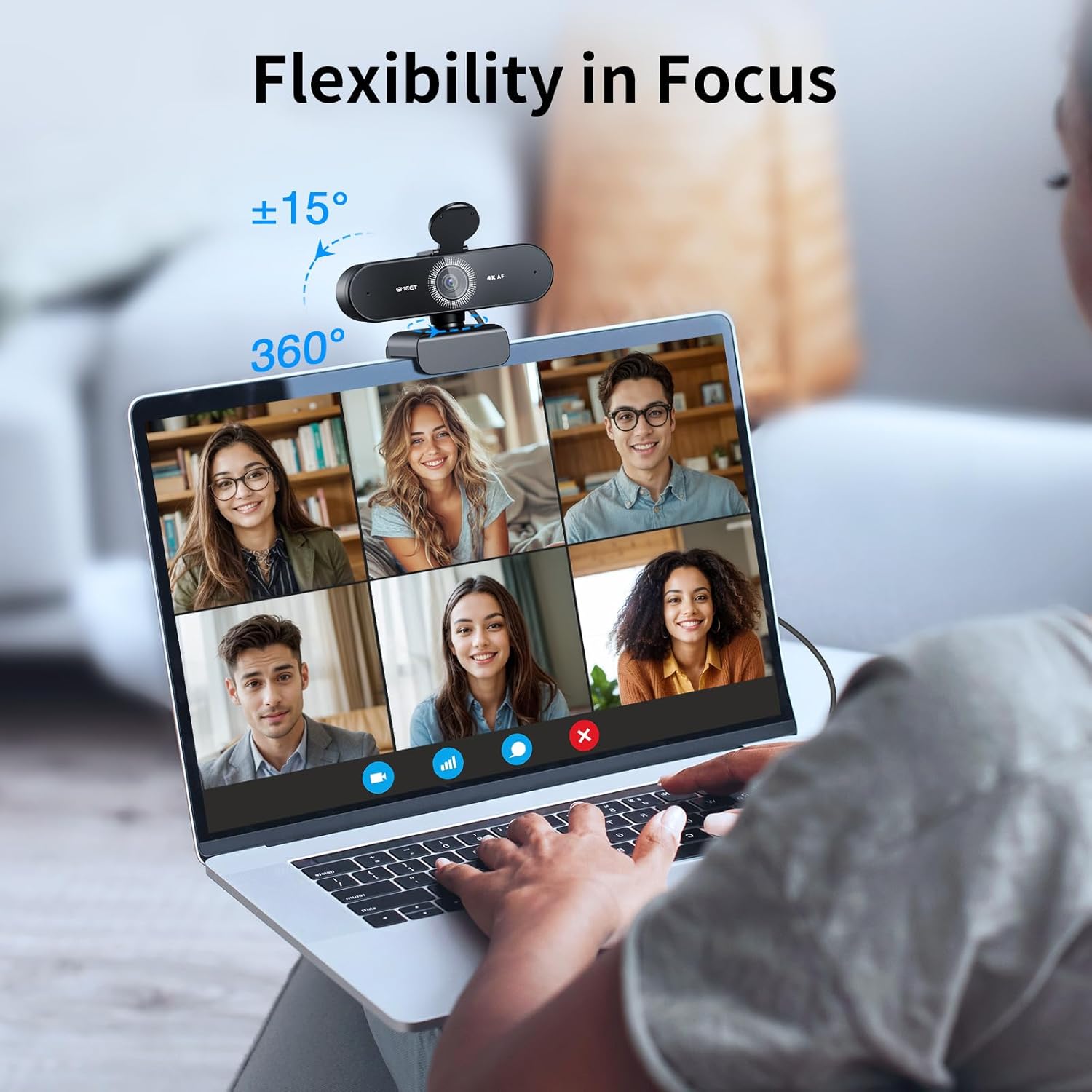
The unit includes a 1.5 meter fixed cable and a swivel joint with 360 degree horizontal rotation plus 15 degree vertical tilt for flexible framing. Keep the software updated and use a quiet environment for optimal audio capture. 🎯