

LENTION USB-C Hub with 100W Charging, 4K HDMI, Dual Card Reader (CB-CE18) — Space Gray
Reviews
Price
Product description
What this LENTION hub is for
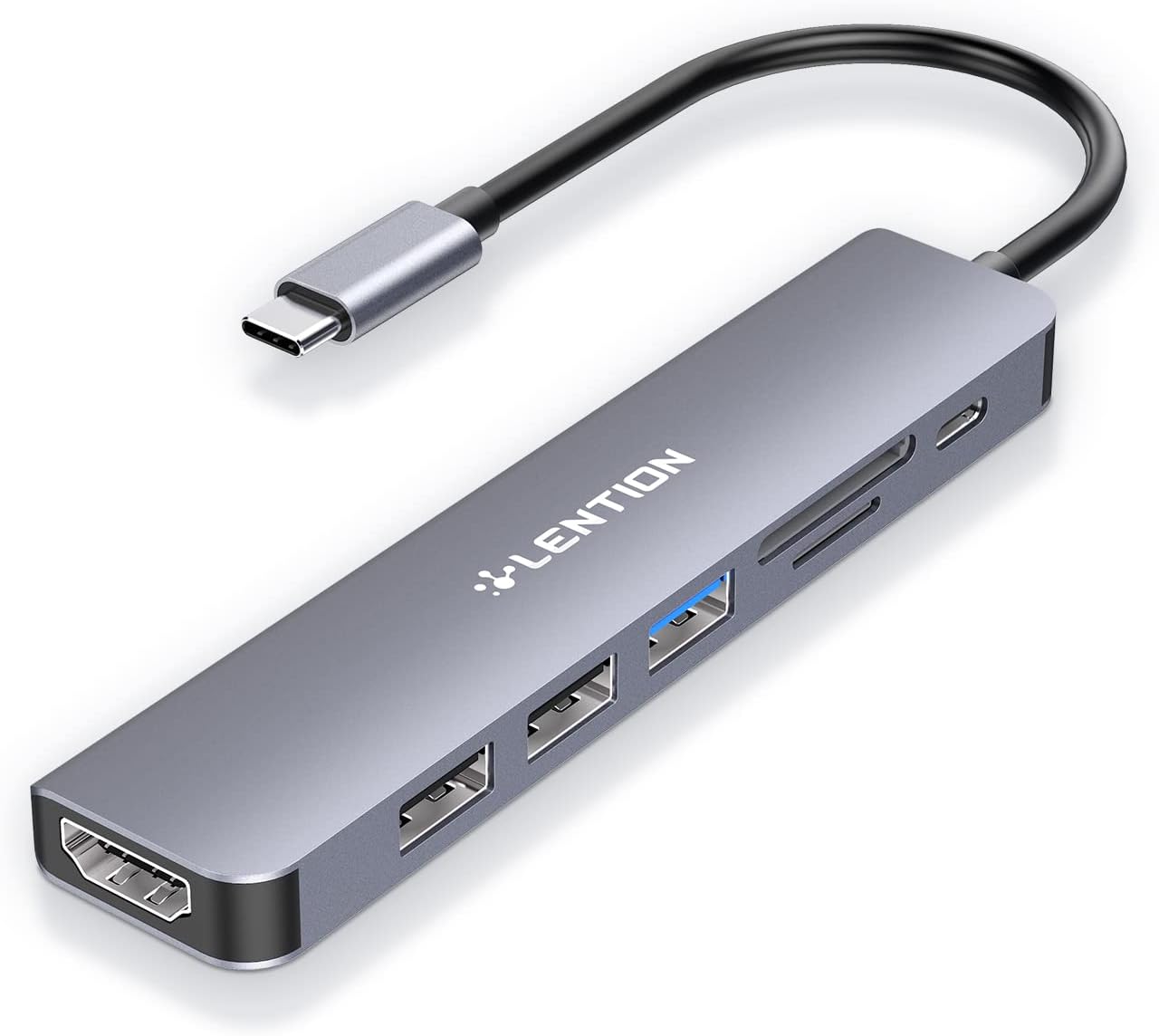
The LENTION CB-CE18 is a USB-C hub designed to turn one port into a practical setup for everyday work and travel. On paper, it’s a 7-in-1 expansion hub that keeps your laptop simpler while still giving you the connections you actually reach for: charging, an HDMI display output, two types of USB ports, and dual memory card reading.
If you routinely run a laptop + external monitor, plug in a mouse/keyboard, and move files from SD or microSD, this hub targets that exact “bring one accessory, get everything back” routine. And because it’s a hub with power delivery, you also don’t have to juggle multiple chargers as often.
That said, it’s not a magic fix for every external device situation. There’s one clear compatibility note: it is not compatible with Superdrive. Also, HDMI is listed up to 4K at 30 Hz, so if you’re expecting high-refresh gaming-class output, you may find that it falls short.
Key takeaways (the things you’ll notice)
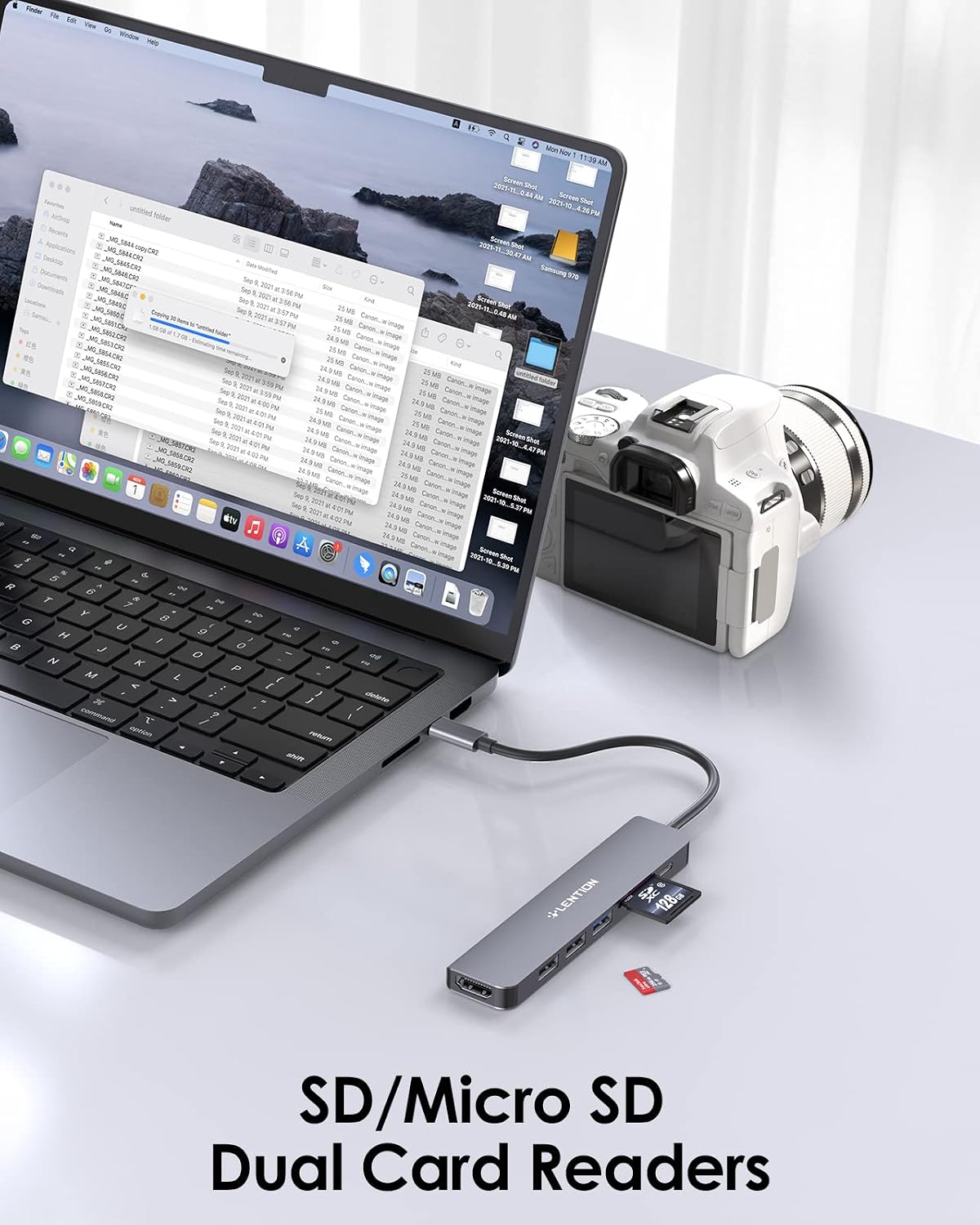
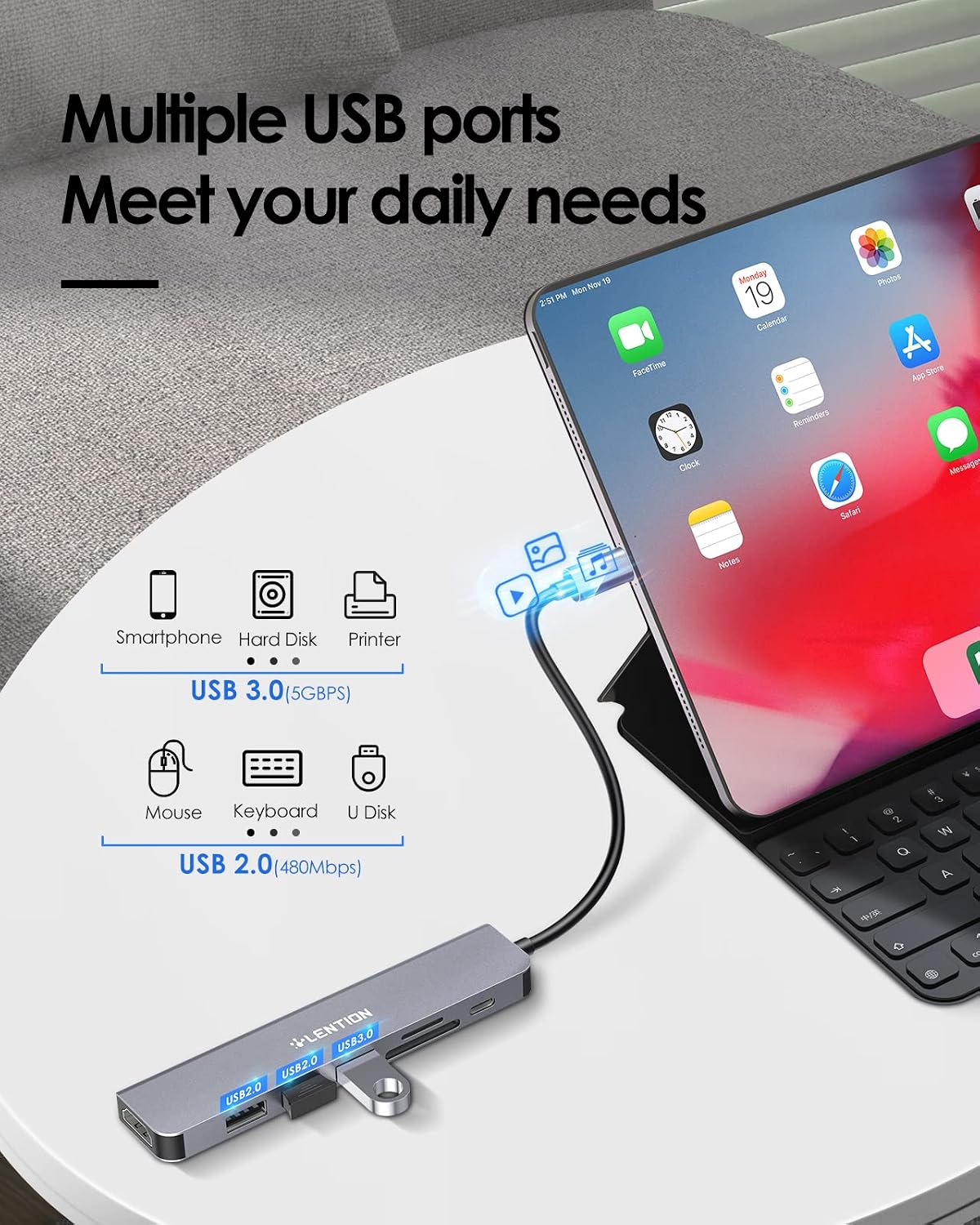
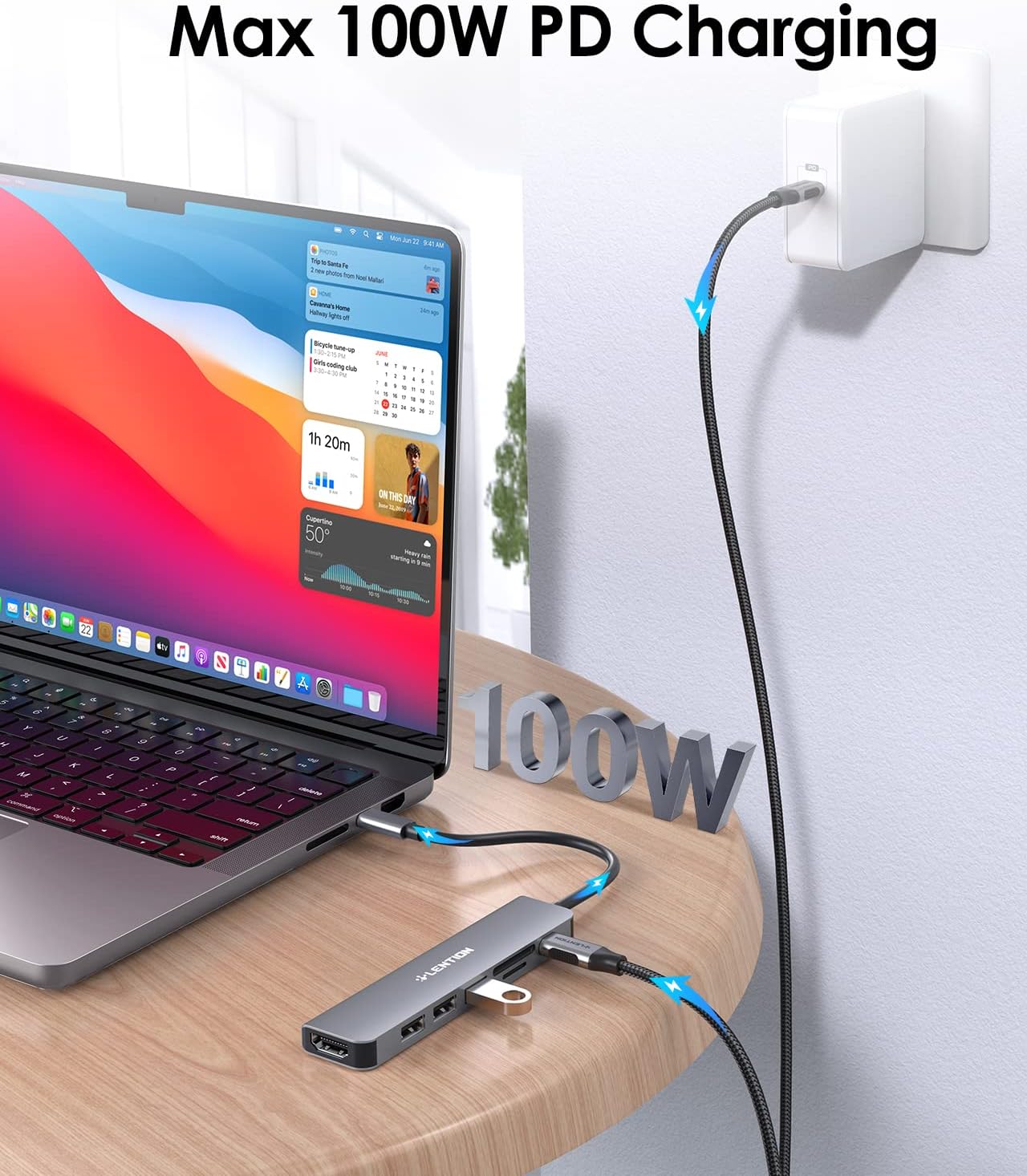
The CB-CE18’s value comes from stacking several everyday ports in one small adapter: - 100W USB-C charging pass-through for powering the host and supplying additional power to connected USB peripherals at the same time. - HDMI output for up to 4K (3840 x 2160) at 30 Hz, useful for UHD viewing on a TV, monitor, or projector. - USB connectivity that covers basics and faster peripherals: one USB 3.0 port plus two USB 2.0 ports. - Dual card reader (SD + microSD 2.0) that supports memory cards up to 2 TB.
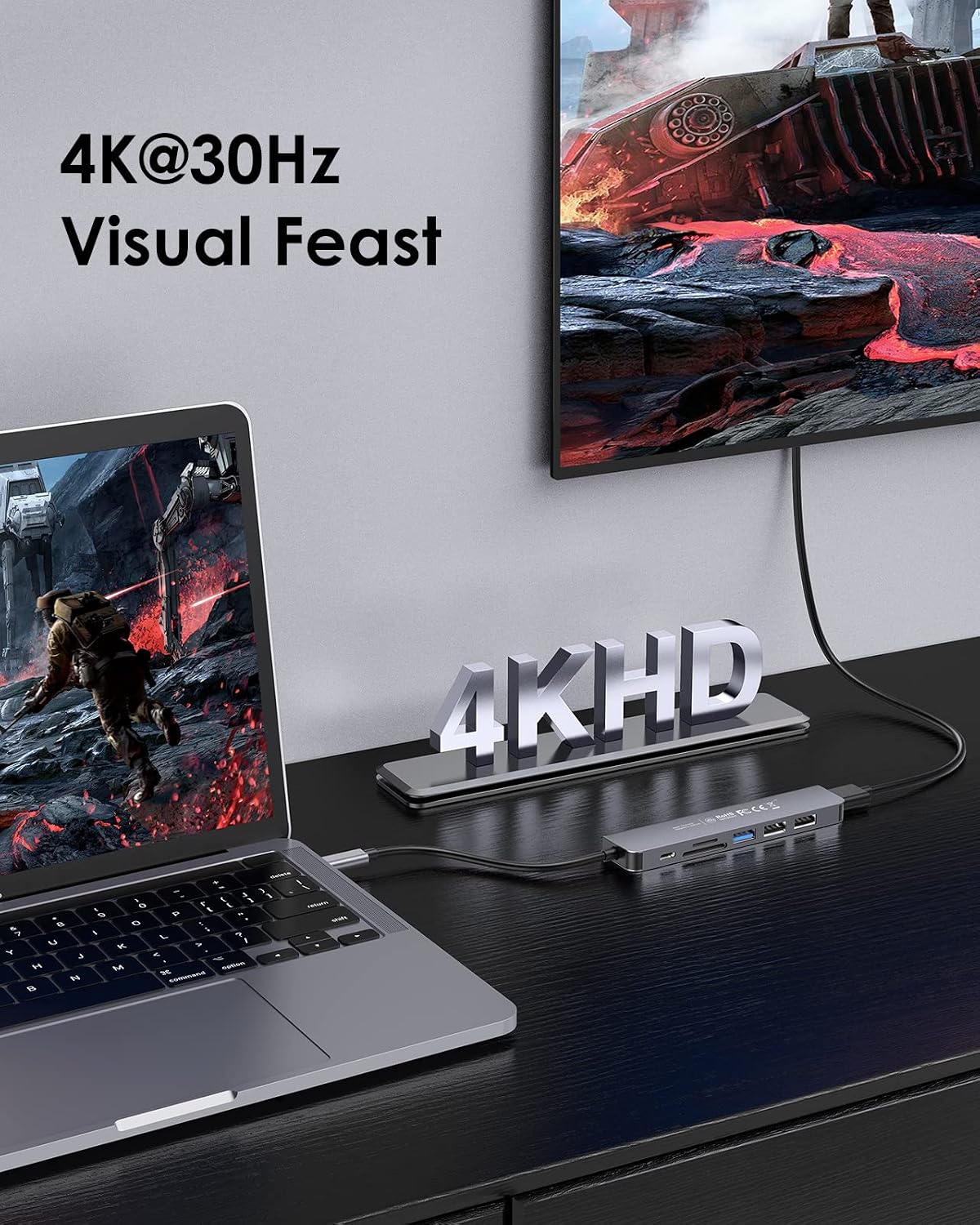
In actual use, this can look like: plug the hub into your laptop, connect HDMI to a home office monitor for a bigger workspace, plug in a USB keyboard/mouse, and then pop in an SD card to move photos or documents without hunting for a separate reader.
Ports and performance overview
For display output, the HDMI supports 4K at 30 Hz, plus 2560 x 1600 and lower resolutions (listed as under 60 Hz). In plain terms: it’s aimed at clear, functional external display use for work, media, and presentations—not maximum smoothness for very fast motion.
On the USB side, the mix of USB 3.0 and USB 2.0 gives you flexibility. You can dedicate the USB 3.0 port to a flash drive or a faster device, while using the USB 2.0 ports for lower-bandwidth accessories like a mouse, keyboard, or some peripherals that don’t need peak transfer speed.
For storage workflow, the dual card reader supports both SD and microSD (2.0) and is rated for cards up to 2 TB. That’s helpful if you work with larger photo or media libraries and want the hub to handle importing directly.
Compatibility and the Stable Driver 3.0 note
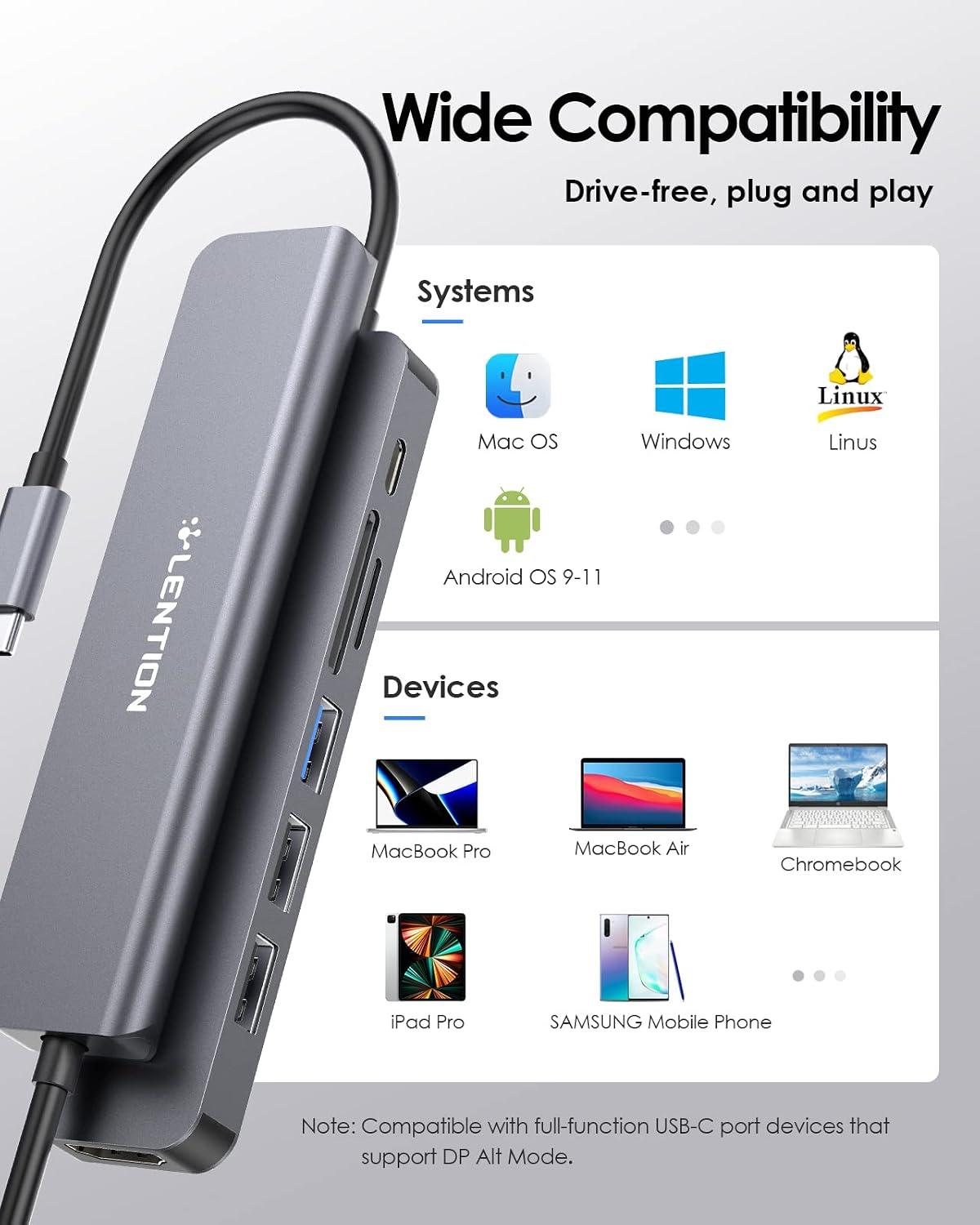
This hub is described as universally compatible with many USB-C laptops and devices, including MacBook Pro (2016–2023 including M1/M2), MacBook Air (2018–2023), new iMac/Pro, MacBook 12, Surface Pro/Book/Go, Chromebook, and “more” USB-C devices.
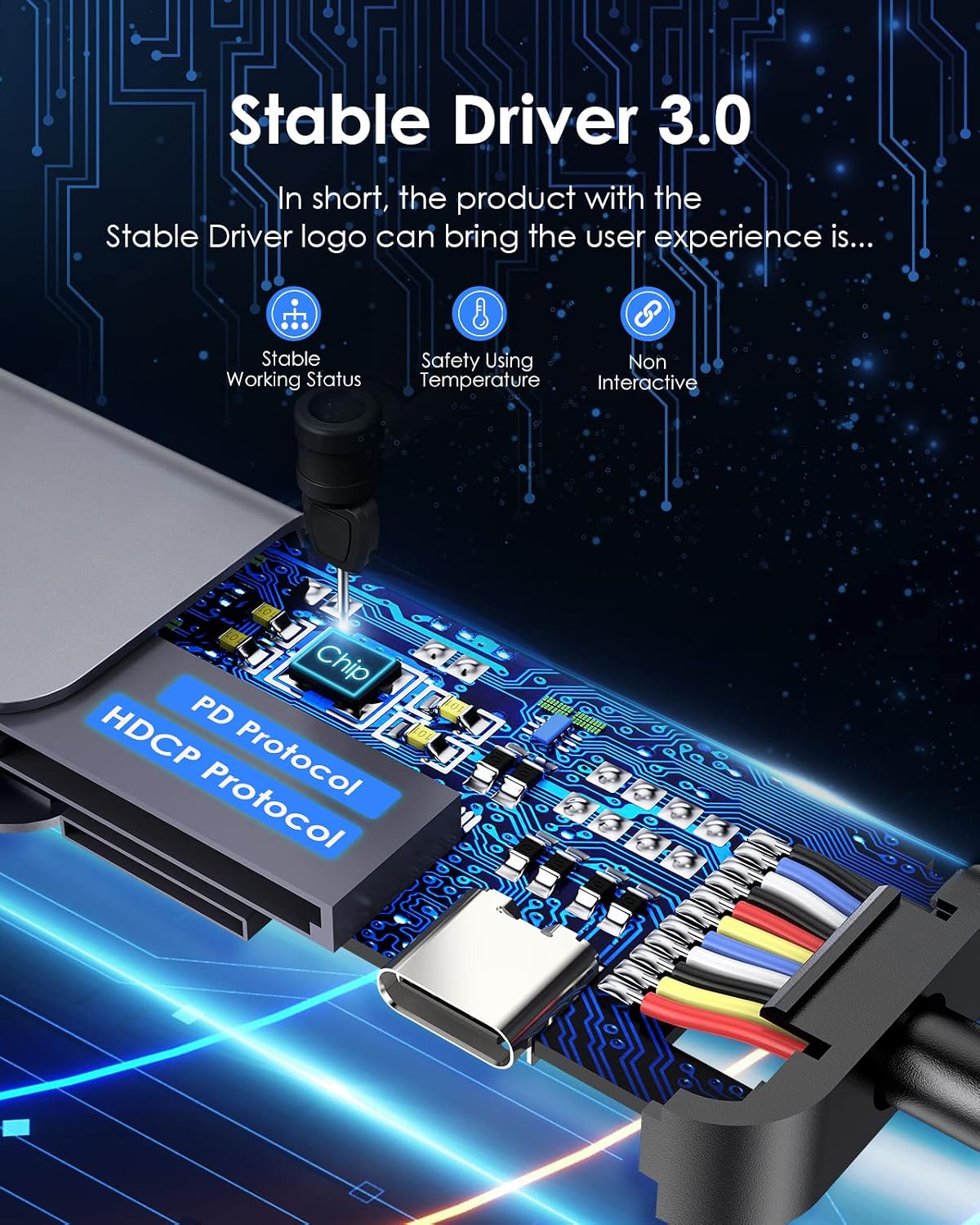
One detail worth paying attention to is the Stable Driver 3.0 certification described by LENTION. It focuses on three practical goals: avoiding interference between connected peripherals, providing sufficient power so devices can run without issues, and supporting normal operating temperatures without overheating under typical use.
Still, real-world compatibility can depend on your specific host and peripherals. If you’re connecting something finicky, it’s smart to double-check your laptop’s USB-C behavior and device requirements before relying on a hub as your only connection.
The “should I buy it?” decision
This is a solid buy if you want a single USB-C accessory that covers charging + HDMI display + everyday USB peripherals + dual SD/microSD reading. It makes sense for remote work setups, home offices, and frequent travelers who want one hub to simplify cables.
It may not be your best choice if you: - need Superdrive compatibility (it’s not supported here) - expect HDMI output to behave like a high-refresh display adapter for fast gaming or motion-heavy workflows - plan to use the hub for specialized setups where you need very specific hardware behavior (hubs can be great, but they aren’t always ideal for every edge case)
If you prioritize a streamlined desk and a straightforward file-import routine, the CB-CE18 fits that purpose well. If you’re mainly trying to add one extra port, a simpler adapter could be enough—and less to manage.
Mini FAQ
Frequently asked questions
Does this hub charge the laptop? Yes. It’s rated for up to 100W power transfer for the host device.
What display quality can I expect over HDMI? The listed output is up to 4K (3840 x 2160) at 30 Hz, with support for 2560 x 1600 and lower resolutions.
What cards does the reader support? It supports SD and microSD (2.0) and is rated up to 2 TB.
Will it work with every MacBook or Surface model? The hub is specifically described as compatible with several MacBook Pro/Air models (including M1/M2) and Surface Pro/Book/Go, plus Chromebooks and other USB-C devices. If your exact model isn’t listed, it may still work, but you should verify compatibility for peace of mind.
Is it worth it?
Worth buying if you want one USB-C hub that covers charging, HDMI up to 4K at 30 Hz, multiple USB ports, and dual card reading without turning your desk into a cable museum. Skip it if you need Superdrive compatibility or you expect HDMI performance beyond what’s listed. For most everyday productivity and media use cases, this is the kind of “plug in and go” hub that tends to earn its place quickly—just be realistic about the HDMI refresh ceiling and the specific device compatibility limits.