



TP-Link TL-SG105S-M2 2.5G 5-Port Ethernet Switch
Reviews
Price
Product description
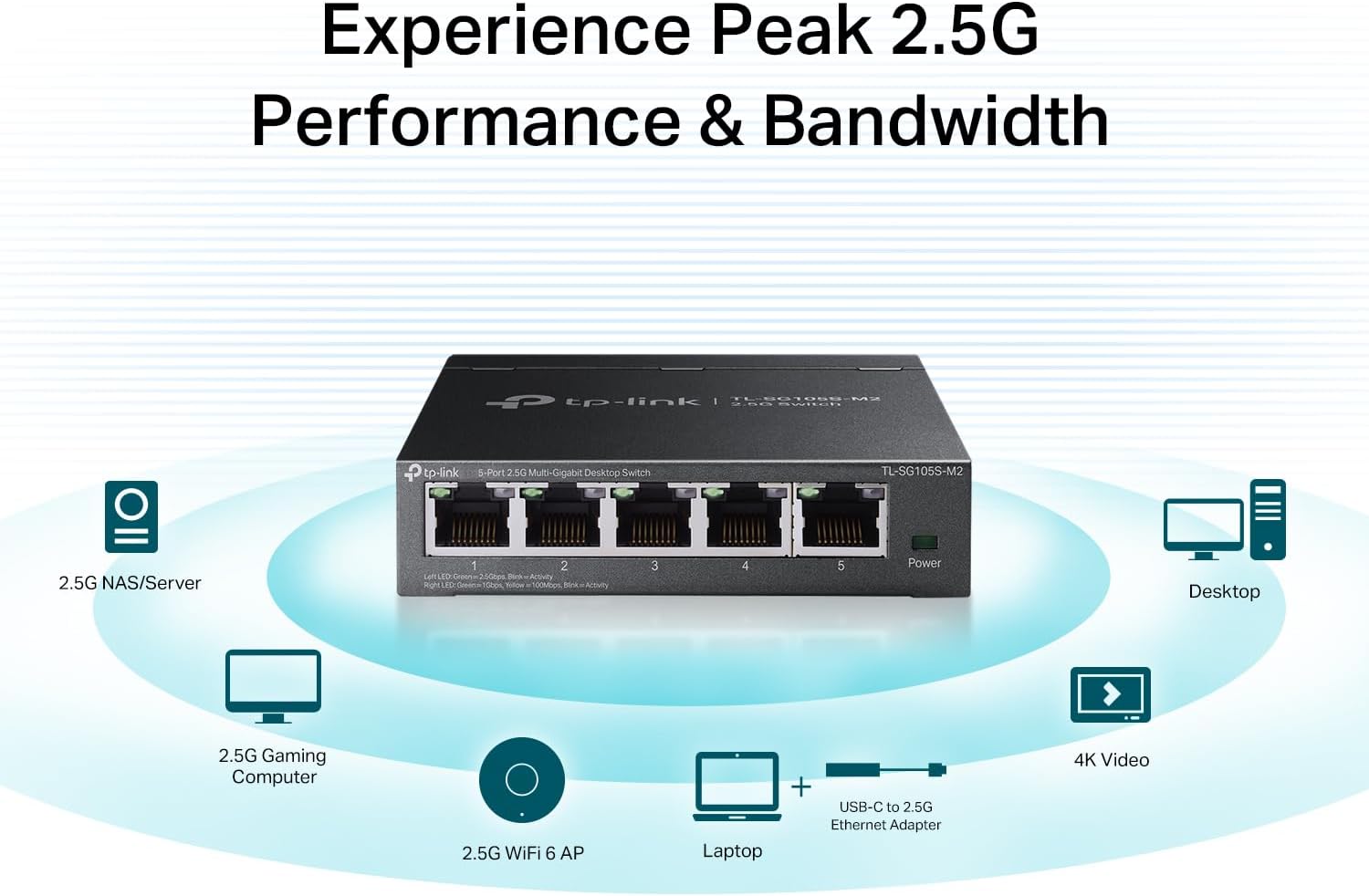
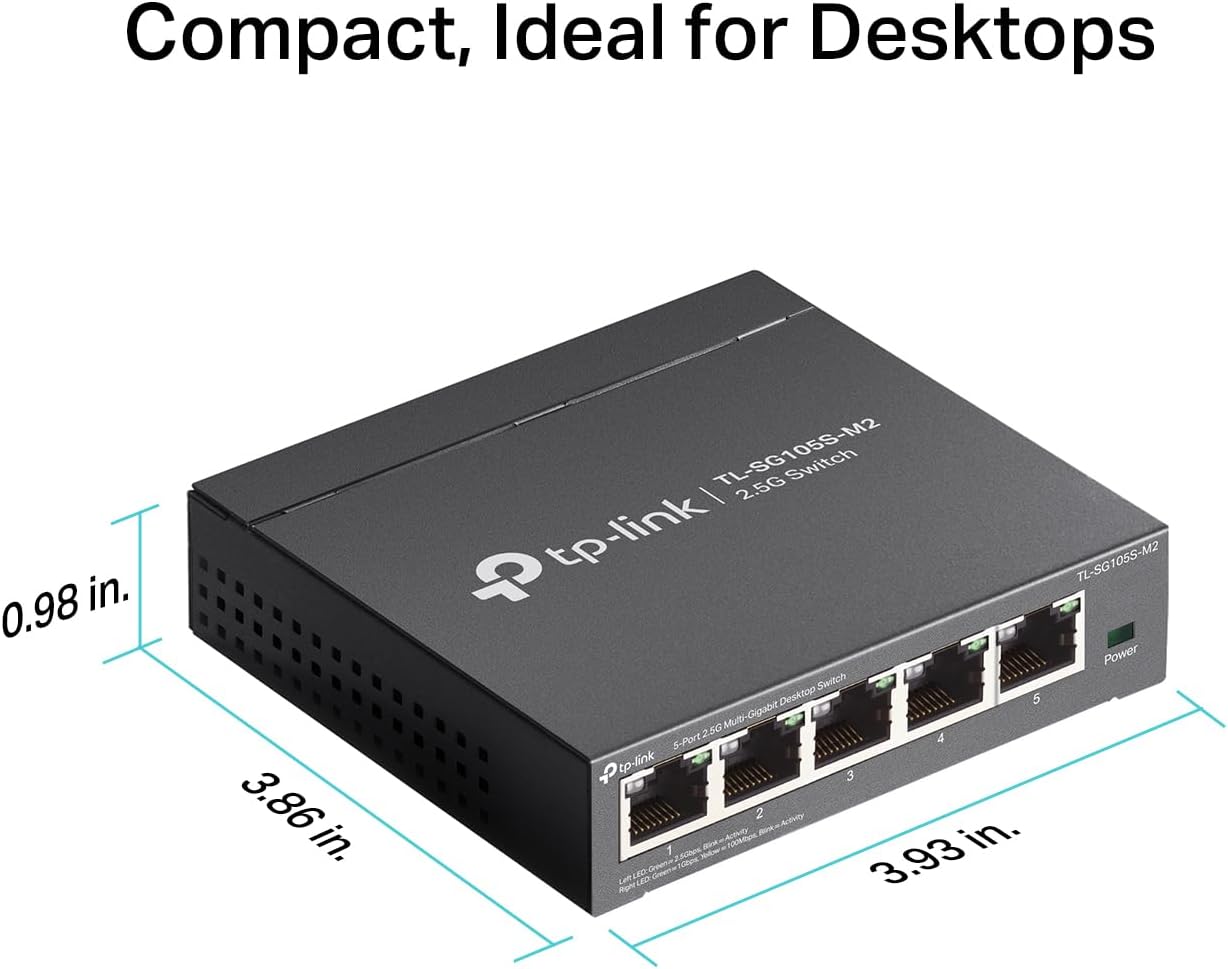
This compact unmanaged switch from TP-Link brings multi-gig connectivity to small networks, delivering higher throughput for NAS, gaming PCs, WiFi 6 access points and 4K video sources while remaining easy to install and quiet in daily use. It lets multiple devices access 2.5 Gbps links at once, improving local transfers and reducing bottlenecks for home offices and small LAN parties.
Key Points
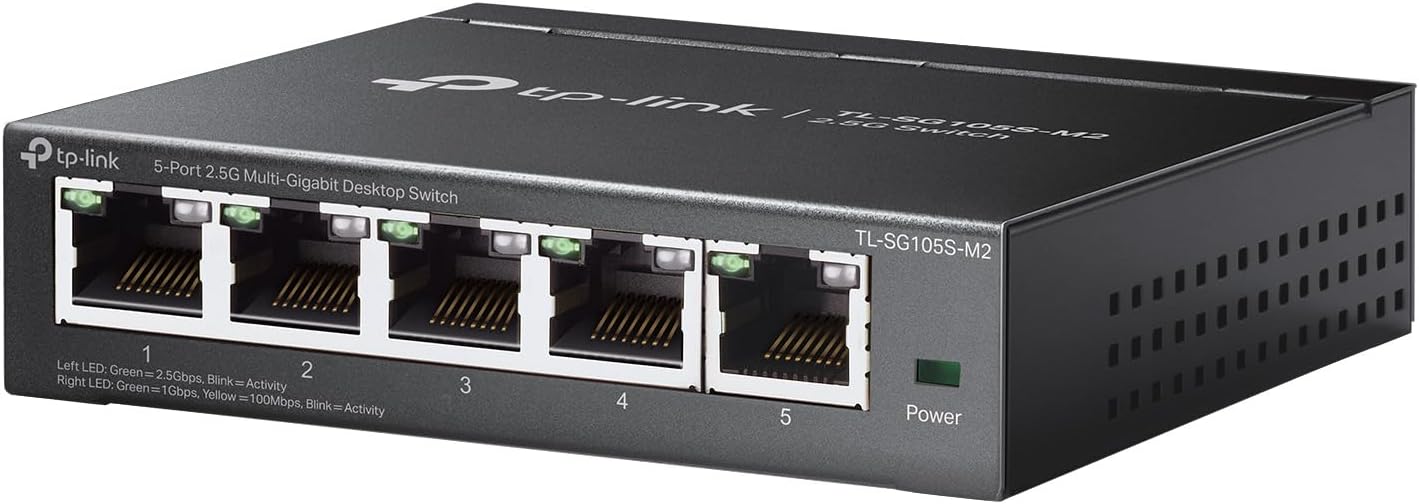
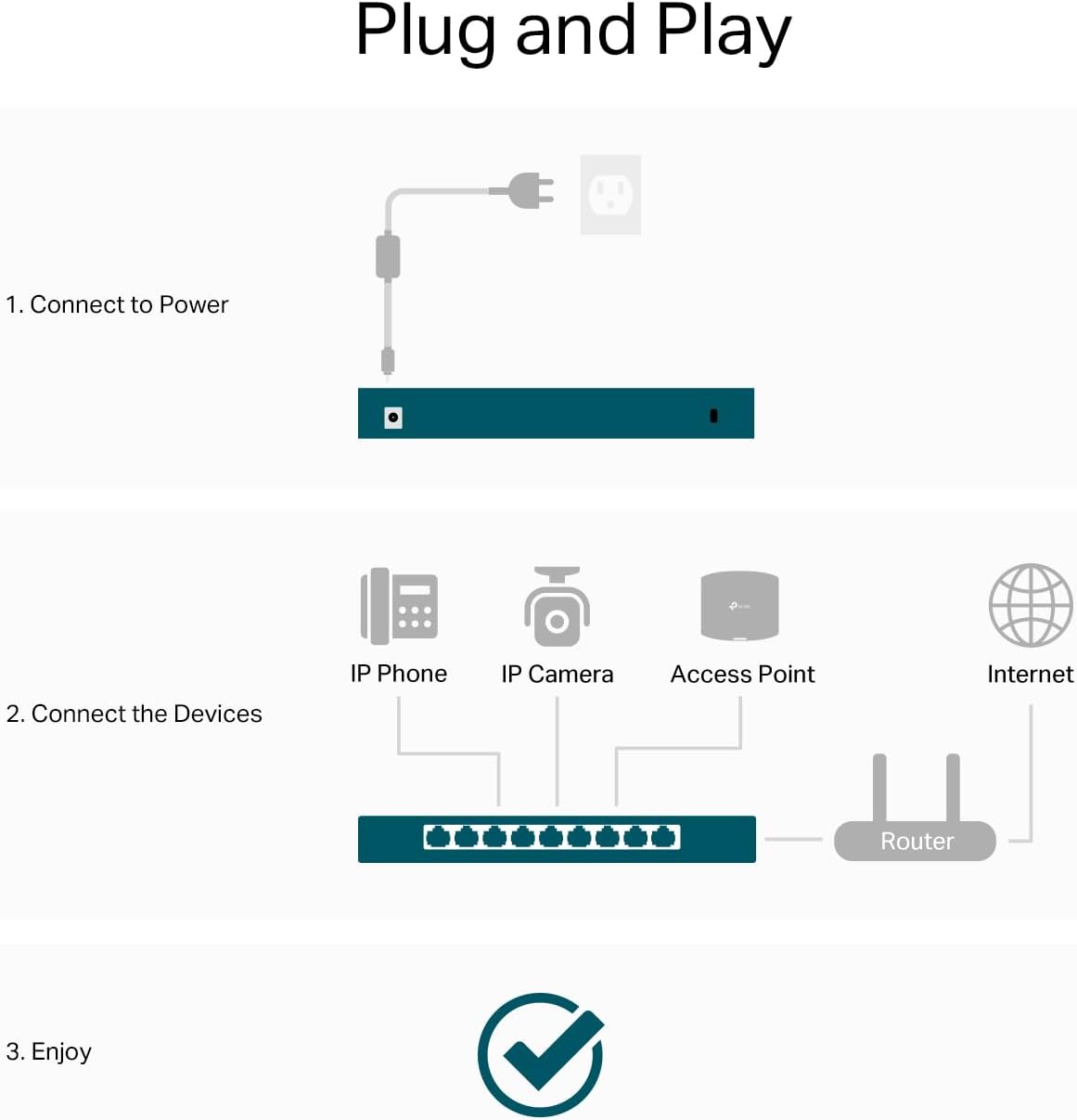
The switch provides five 2.5 Gigabit Ethernet ports that unlock greater bandwidth for compatible devices and offer up to 25 Gbps of total switching capacity. Setup is plug and play with no configuration required, which means you can add faster links without involving an IT specialist. The metal enclosure supports desktop placement or wall mounting and the fanless design enables silent operation in living rooms and workspaces. Consider that this is an unmanaged switch, so advanced features like VLANs or QoS configuration are not available according to the manufacturer.
Technical Specifications
- Name: TP-Link TL-SG105S-M2
- Ports: 5 x 2.5 Gbps RJ45
- Switching capacity: 25 Gbps
- Mounting: Desktop or wall mount
- Design: Metal housing, fanless silent operation
Benefits
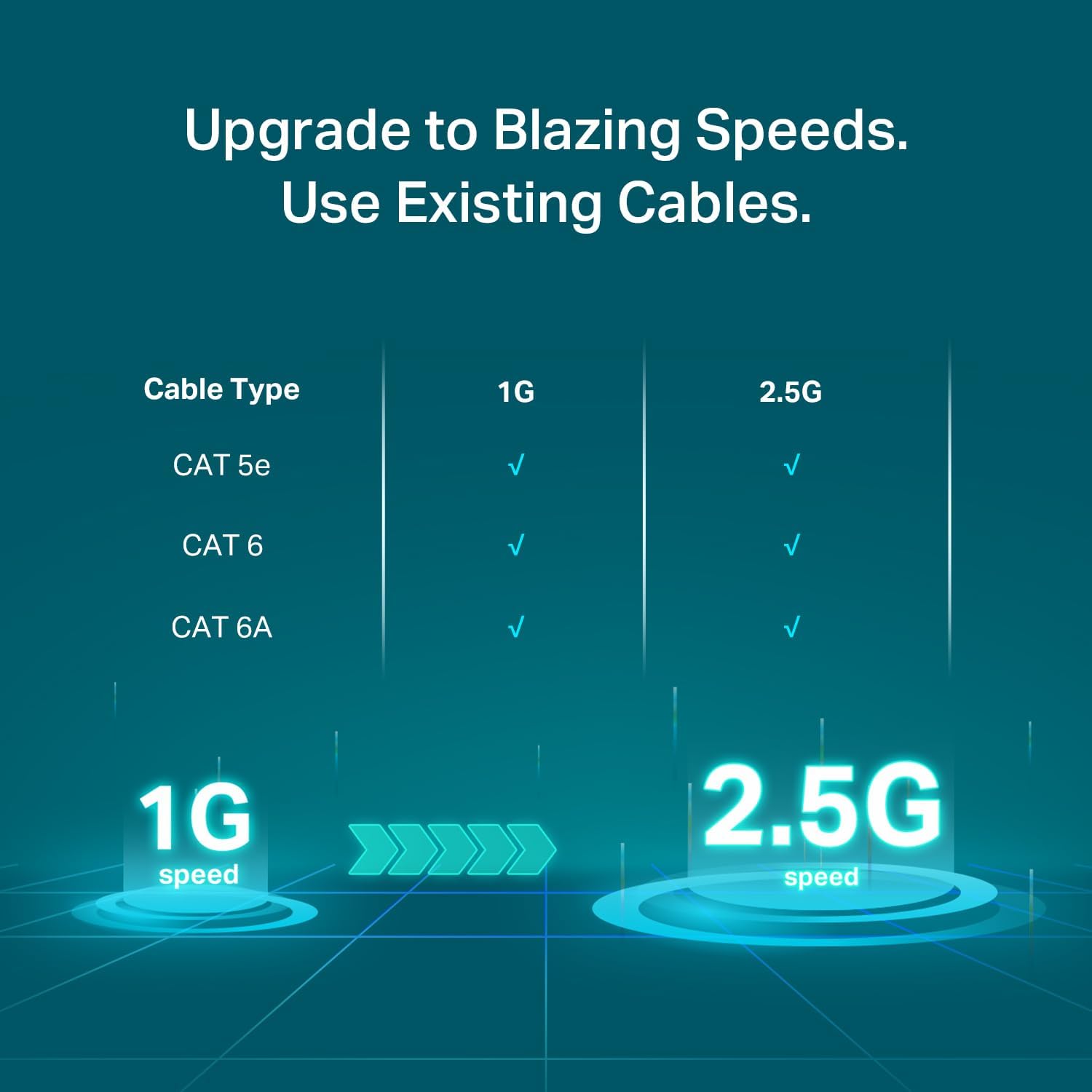
By upgrading a few endpoints to multi-gig without re-cabling to Cat6 you can increase effective throughput while keeping existing Cat5e or Cat6 installations. This helps when moving large files to a 2.5G NAS or reducing latency for competitive gaming when multiple devices share the same local network. The straightforward operation removes complexity for home users who want faster local networking without additional management overhead.
Usage Recommendations
Place the switch near your router or central patch point to shorten cable runs between multi-gig devices and your core network. For mixed environments where some devices remain at 1 Gbps, the ports will auto-negotiate speeds so connected equipment runs at its maximum supported rate. If you require traffic segmentation, remote management, or advanced monitoring, evaluate a managed alternative since this model is intended for plug-and-play scenarios.