

SABRENT HB-UM43 4-Port USB 3.0 Hub with Switches
Reviews
Price
Product description
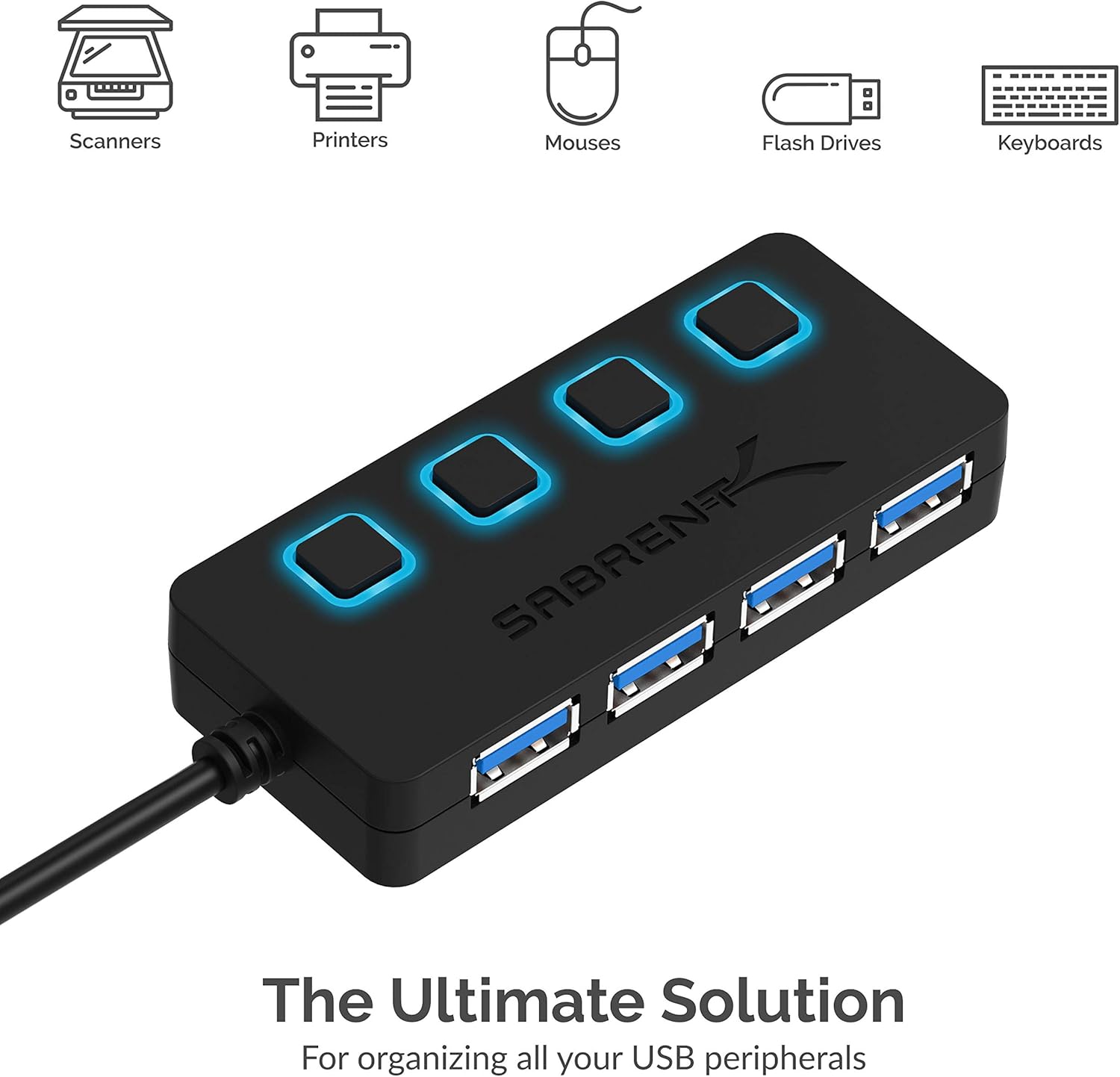
This compact USB hub expands a laptop or desktop with four USB 3.0 ports while letting you control power to each device independently, making it practical for managing external drives, mice, keyboards and peripherals at a single workstation. It is slim and portable, and according to the manufacturer it supports SuperSpeed transfers for faster file movement during everyday tasks.
Key Points
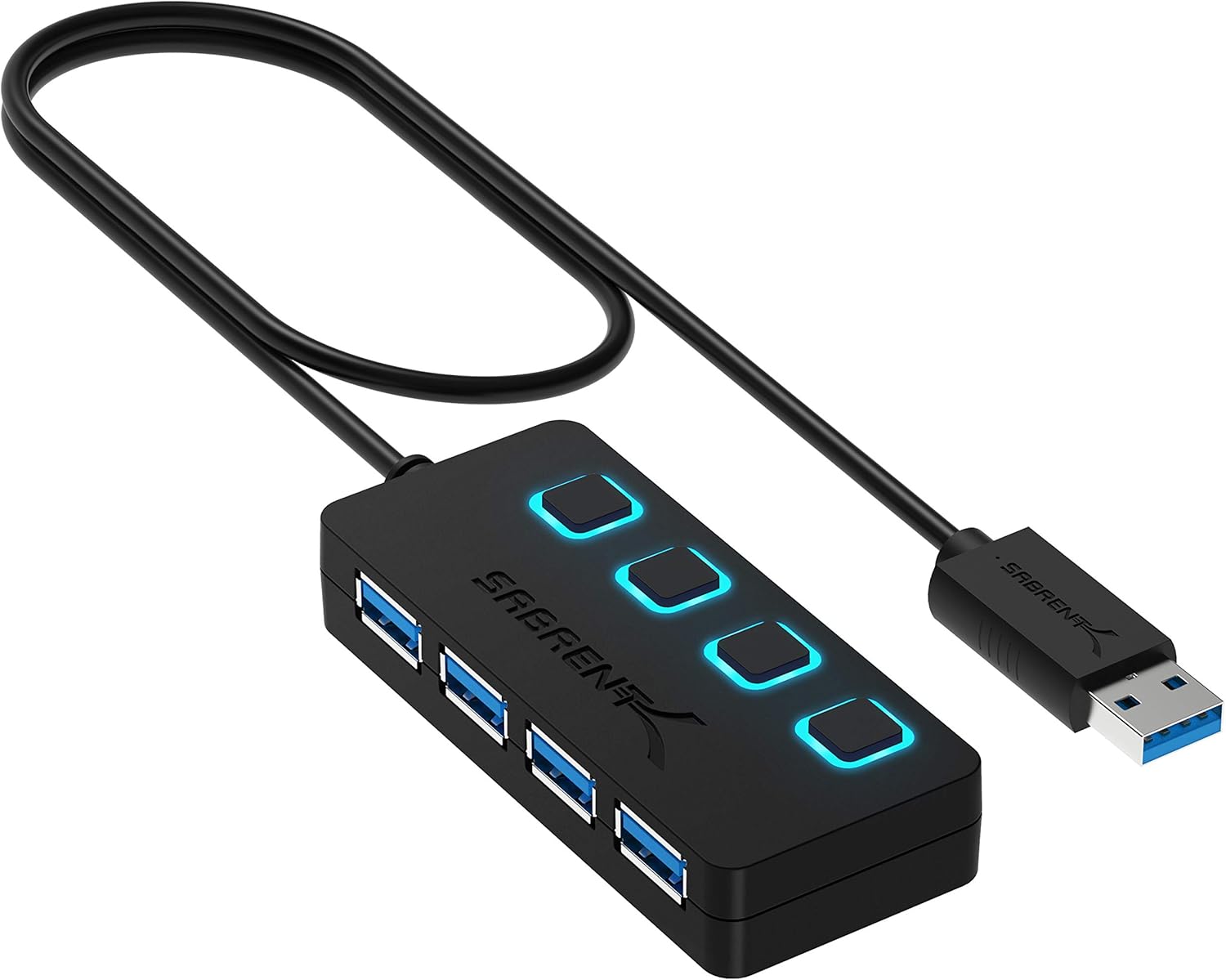
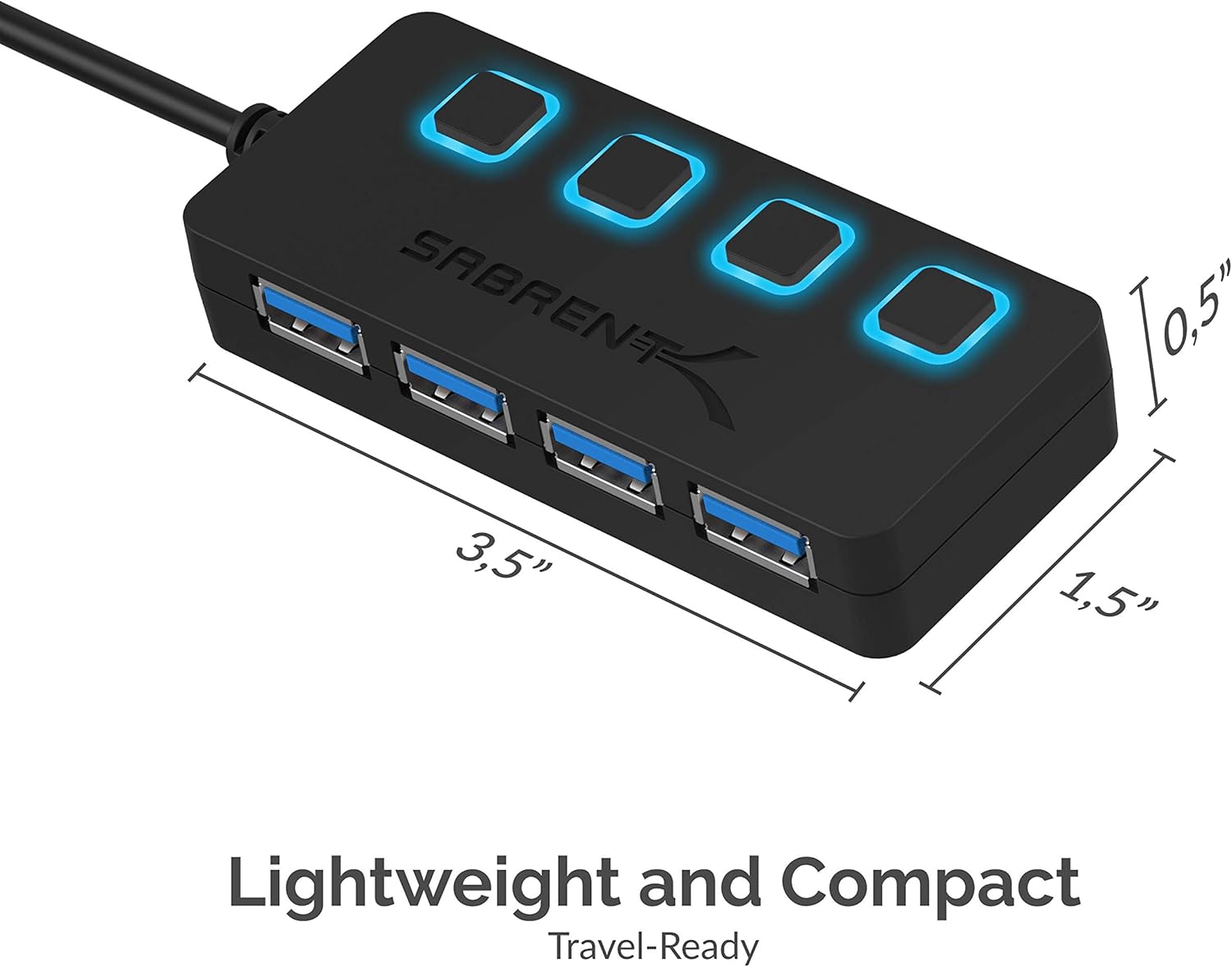
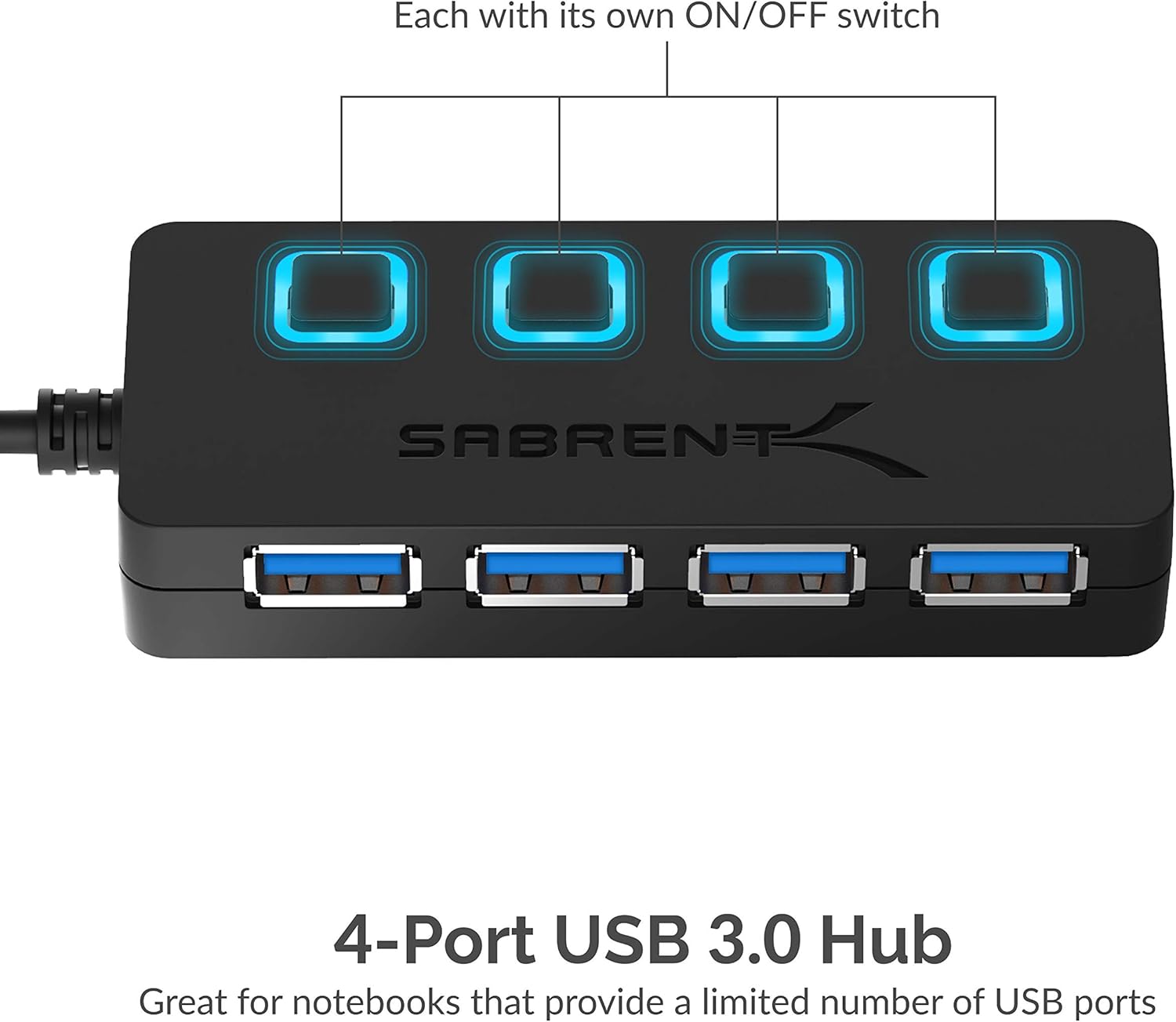
The hub provides four USB 3.0 ports with individual LED power switches so each connected device can be turned on or off without unplugging. The slim ABS enclosure and 2 ft cable make it easy to carry between home and office, and the unit supports hot-plugging and plug-and-play operation for quick setup. Consider that transfer speeds depend on the connected device and host port, and older USB 2.0 devices will operate at their native speeds.
Technical Specifications
- Name: SABRENT HB-UM43
- Ports: - 4 x USB 3.0 downstream ports
- Cable length: - 2 ft
- Data transfer rate: - Up to 5 Gbps (SuperSpeed USB 3.0, compatible with USB 2.0 and 1.1)
- Material: - ABS plastic enclosure
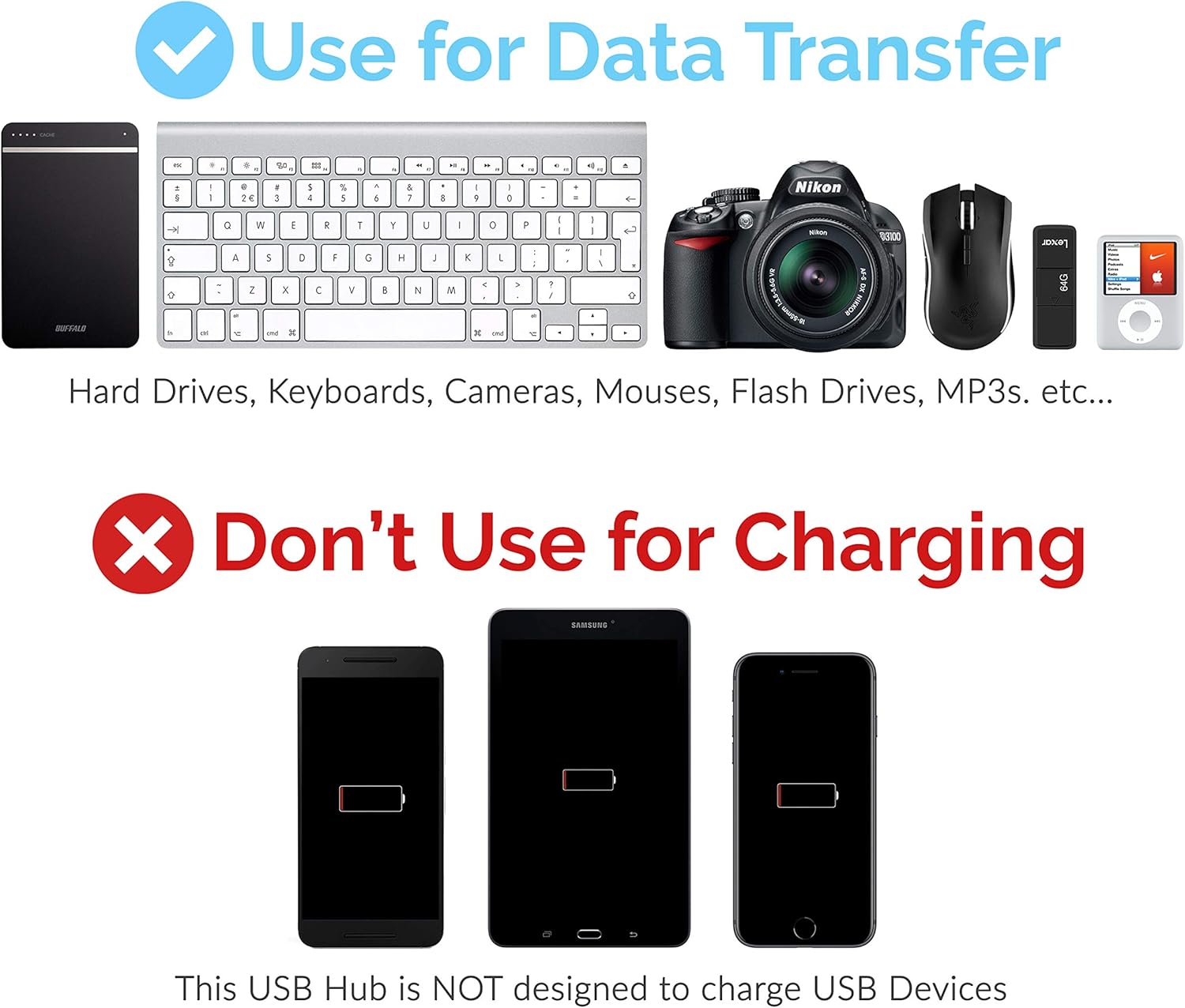
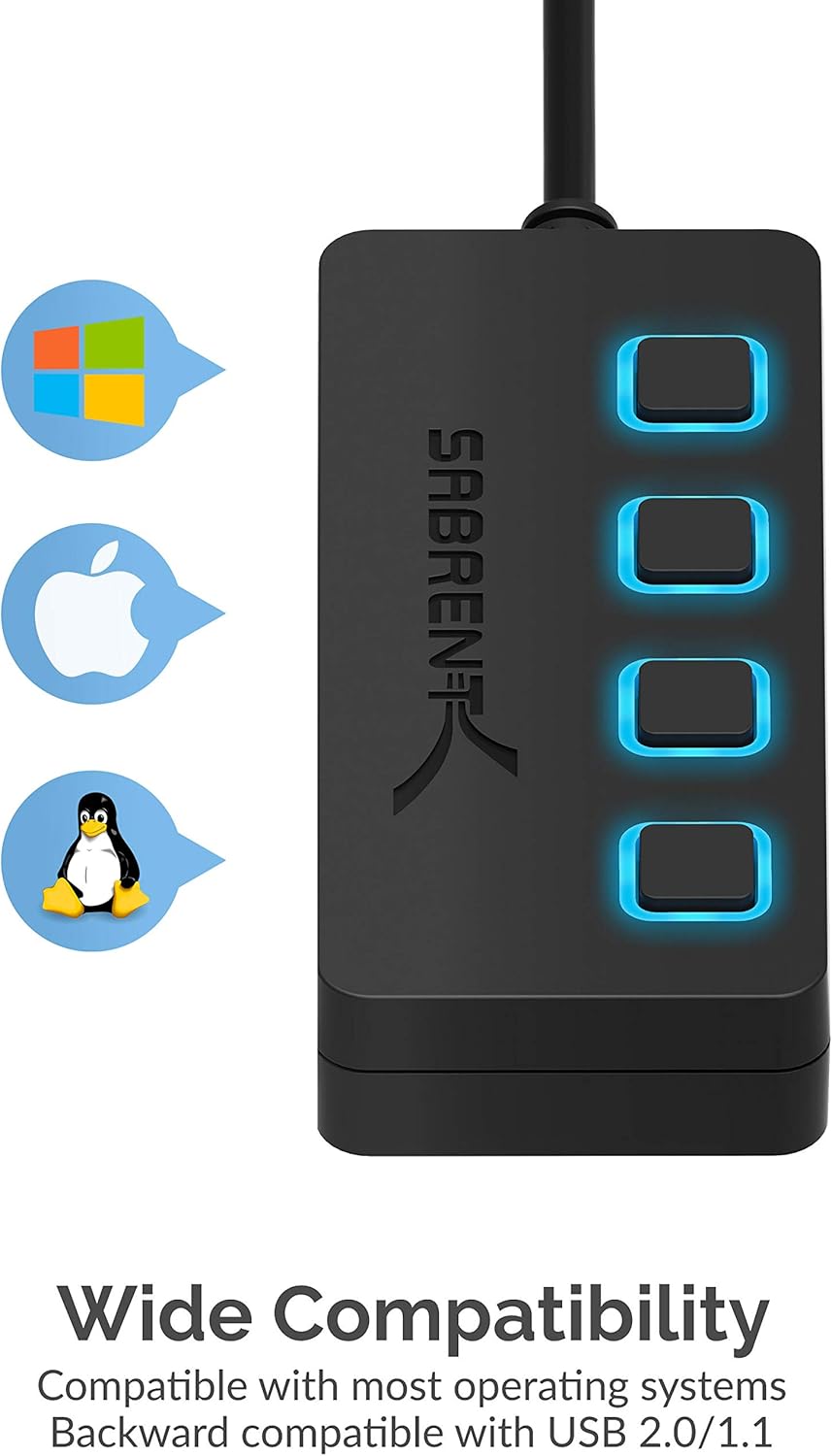
- Compatibility: - Mac and PC, laptops, external HDDs, keyboards, mice, game consoles and other USB peripherals
Benefits
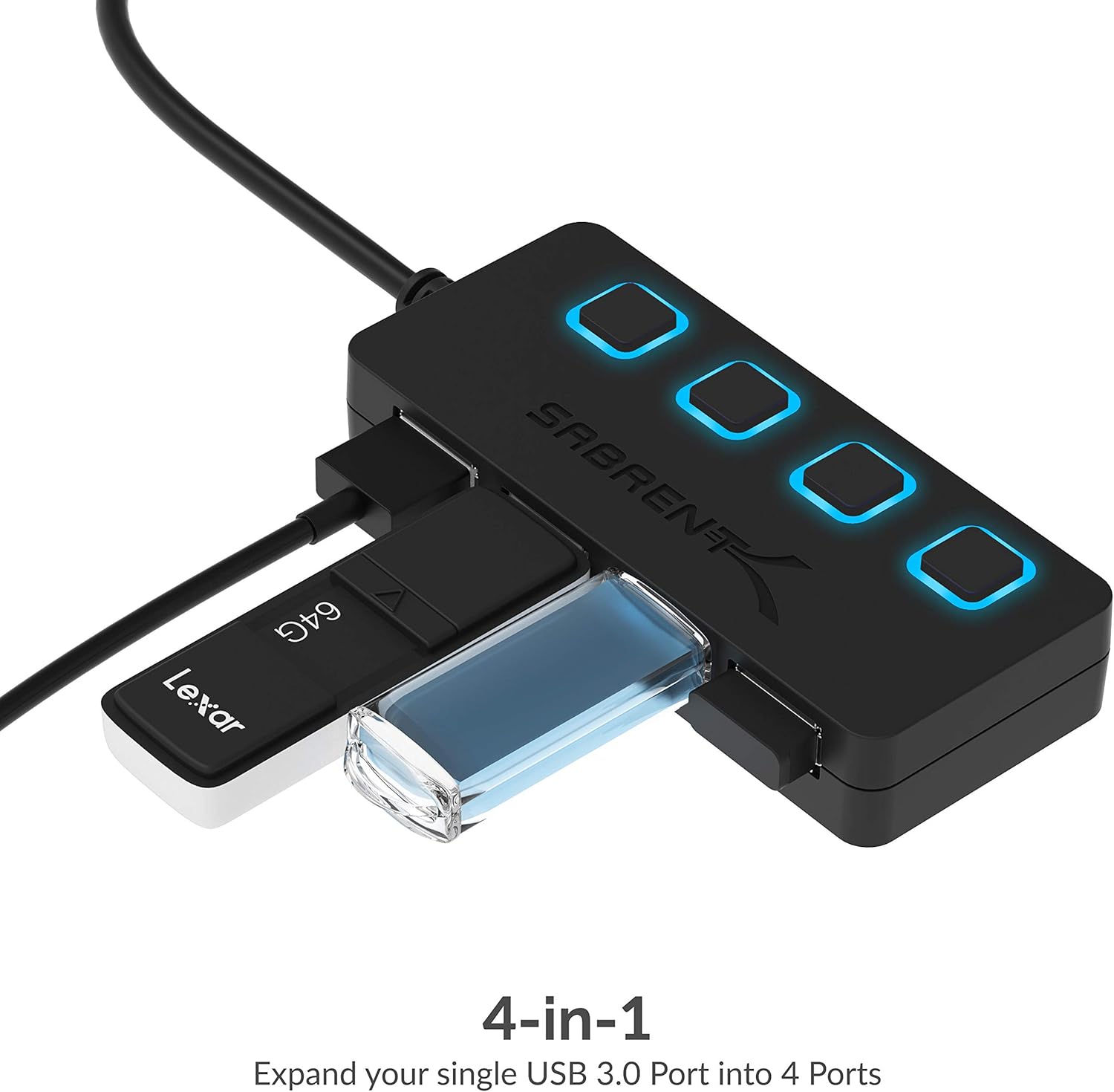
Having independent power switches makes it simple to preserve battery life on a laptop by disconnecting power-hungry accessories when not needed. The LED indicators provide a quick visual of which ports are active, which helps when multiple devices are attached. Because the hub is bus-powered and plug-and-play, there is no driver installation required in most modern systems, saving configuration time and reducing clutter.
Usage Recommendations
Plug the hub into a USB 3.0 port on your computer to take advantage of SuperSpeed transfers when copying large files or streaming from an external drive. For devices that require more sustained power, such as some high-capacity external hard drives, consider connecting through a powered USB port or using a dedicated powered hub to ensure stable operation. Use the individual switches to disconnect peripherals that you rarely use, and keep the short 2 ft cable tidy on a desk to minimize cable management issues.