

KTC H27F7 27-Inch FHD Gaming Monitor (240Hz) with Adaptive Sync, HDR10, and Ergonomic Stand
Reviews
Price
Product description
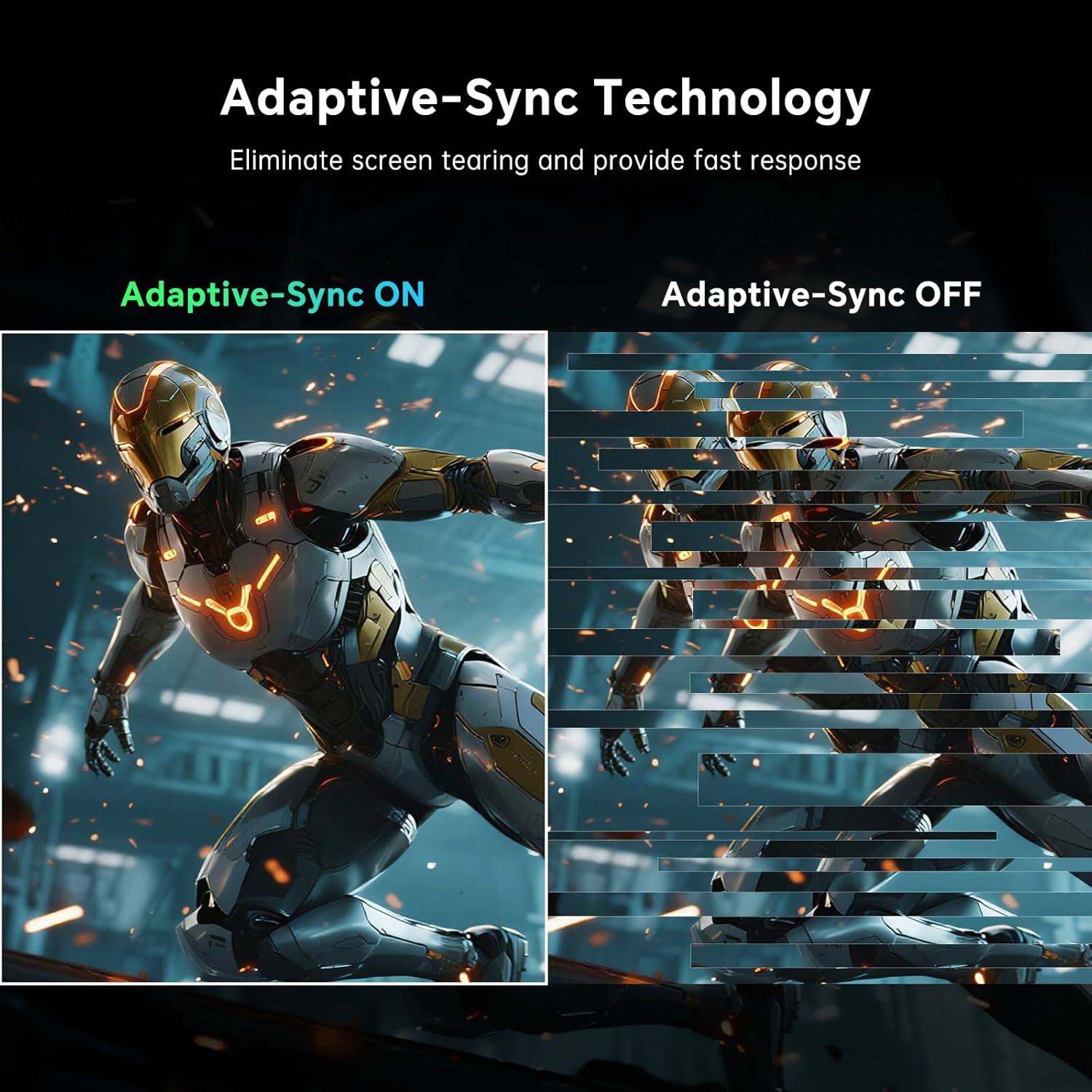
If you’re shopping for a 27-inch gaming monitor that aims to feel fast, the KTC H27F7 is built around a high refresh rate and a gaming-friendly feature set. On paper, it checks a lot of boxes: 240Hz, Adaptive-Sync to help smooth out frame pacing, and a Fast IPS panel meant to keep colors looking consistent from different viewing angles.
That said, no monitor is perfect for every setup. Some people will care most about eye comfort, others about color accuracy, and others about how flexible the stand is. This model is clearly tuned for gamers, but it’s still worth looking at how it fits your desk and what you’re connecting it to.
Key takeaways
The headline here is responsiveness: 240Hz refresh rate and a stated 1ms (MPRT) response time, plus Adaptive Sync support to reduce ghosting and improve control. If you play fast titles, the goal is to make motion feel smoother and more controlled.
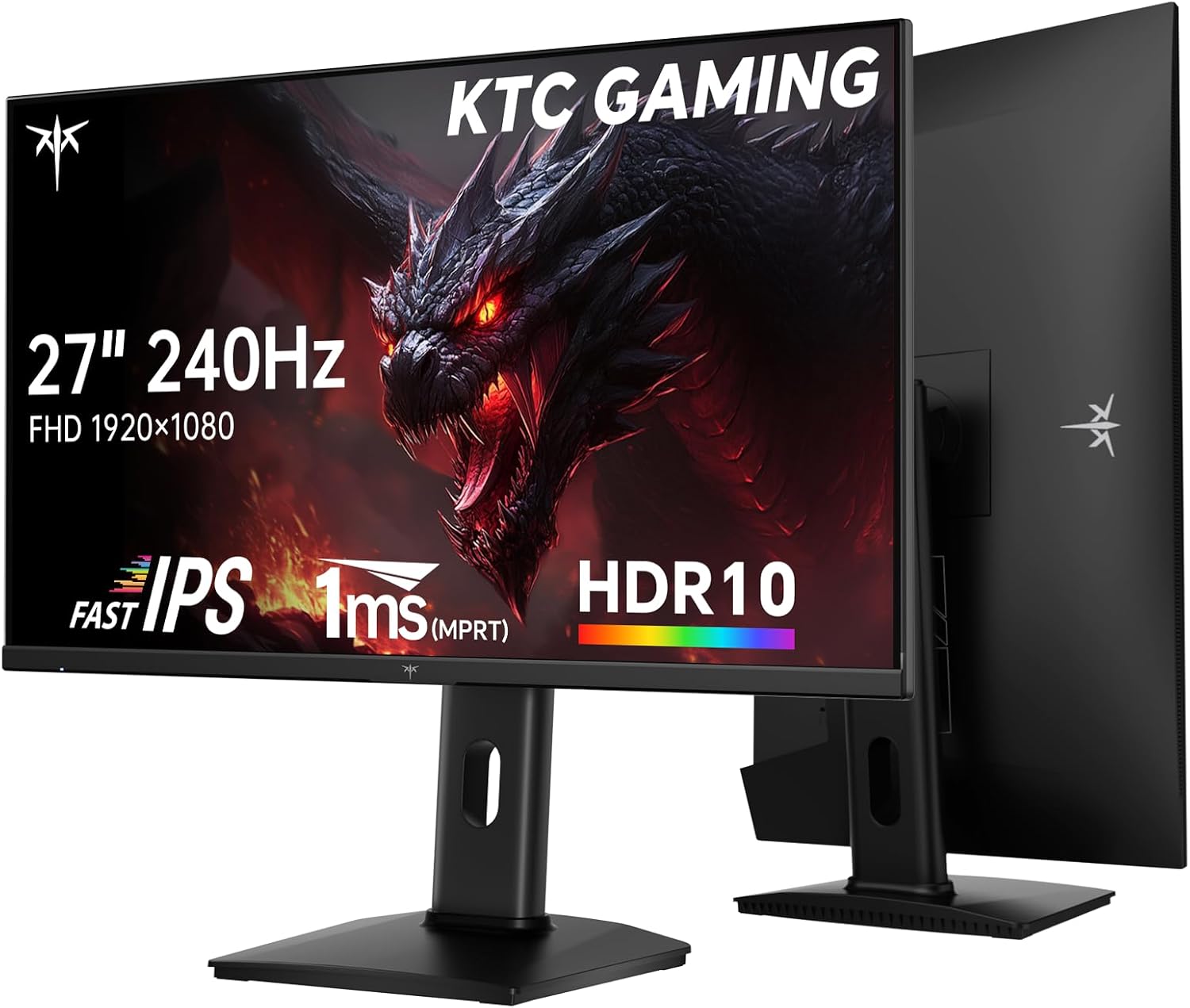
For picture quality, HDR10 support and a brightness/color spec set (including 131% sRGB area and DCI-P3 97% coverage) suggest it’s aiming to look more lively than basic FHD screens. The provided color accuracy claim (ΔE < 2) is another detail that matters if you notice color banding or “off” hues.
And because gaming sessions can run long, the anti-flicker and low blue light features are there for comfort. The stand also isn’t fixed—height, pivot, and tilt adjustments plus VESA mounting mean you can shape the setup to your space.
What it’s for (and what it feels like in use)
This monitor is best understood as a fast, FHD 27-inch gaming display with comfort-oriented tweaks. In day-to-day use, that translates to a “cleaner motion” expectation when you’re playing at higher frame rates, especially where you want the screen to keep up with quick camera turns.
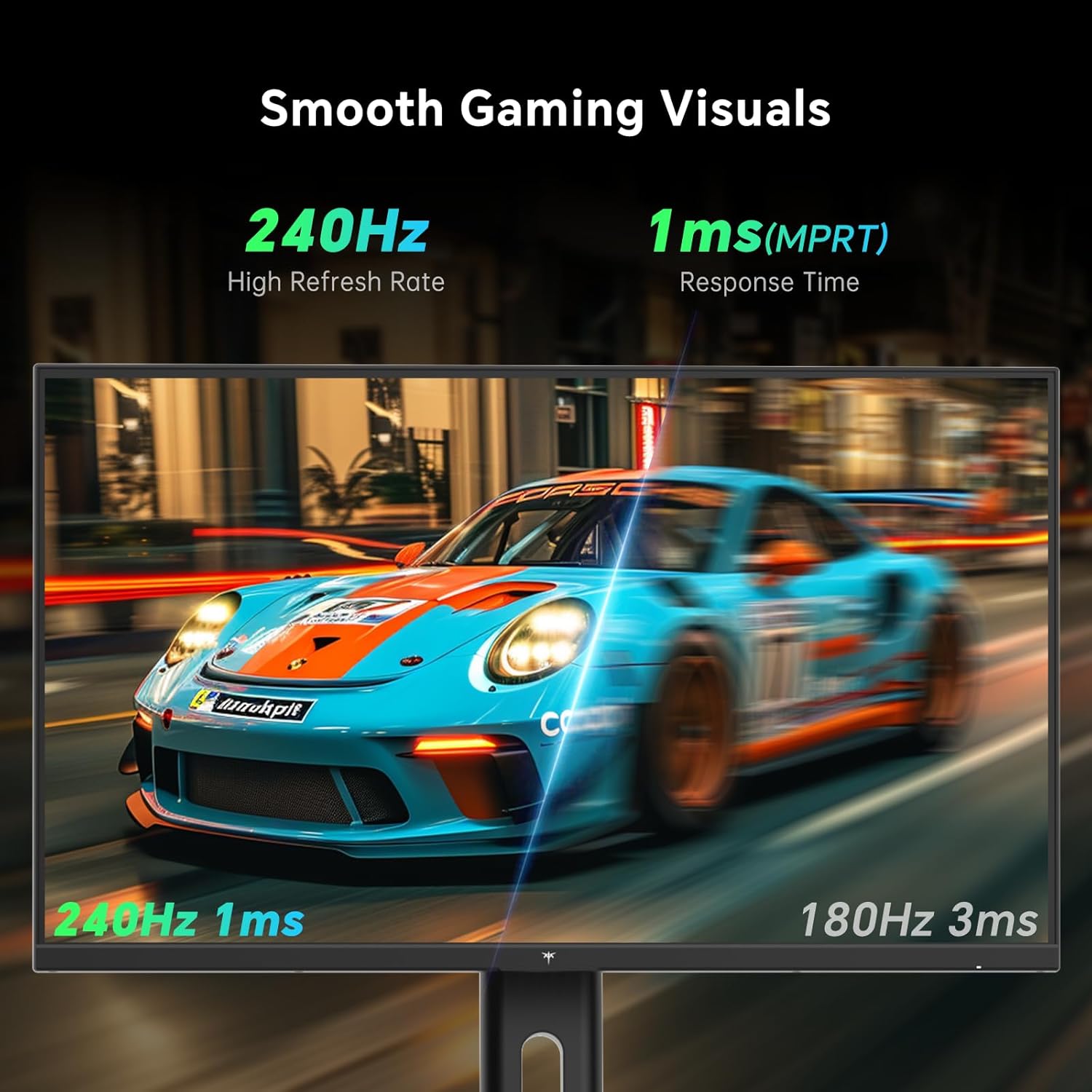
A practical example: when you’re in a fast-paced shooter and you’re tracking targets with quick flicks, the combination of a 240Hz refresh rate and Adaptive-Sync support is meant to keep transitions steadier and reduce that smeary/ghosting feel you sometimes get when frames don’t perfectly match the refresh.
If your main goal is movies, spreadsheets, or general web browsing, the fast gaming focus may be more than you need. Still, the IPS panel’s wide 178° viewing angle and HDR10 support can make everyday content look more consistent and immersive than a more basic office-oriented panel.
Where it shines
The strongest arguments for the KTC H27F7 are the pairing of speed with mainstream gaming comfort.
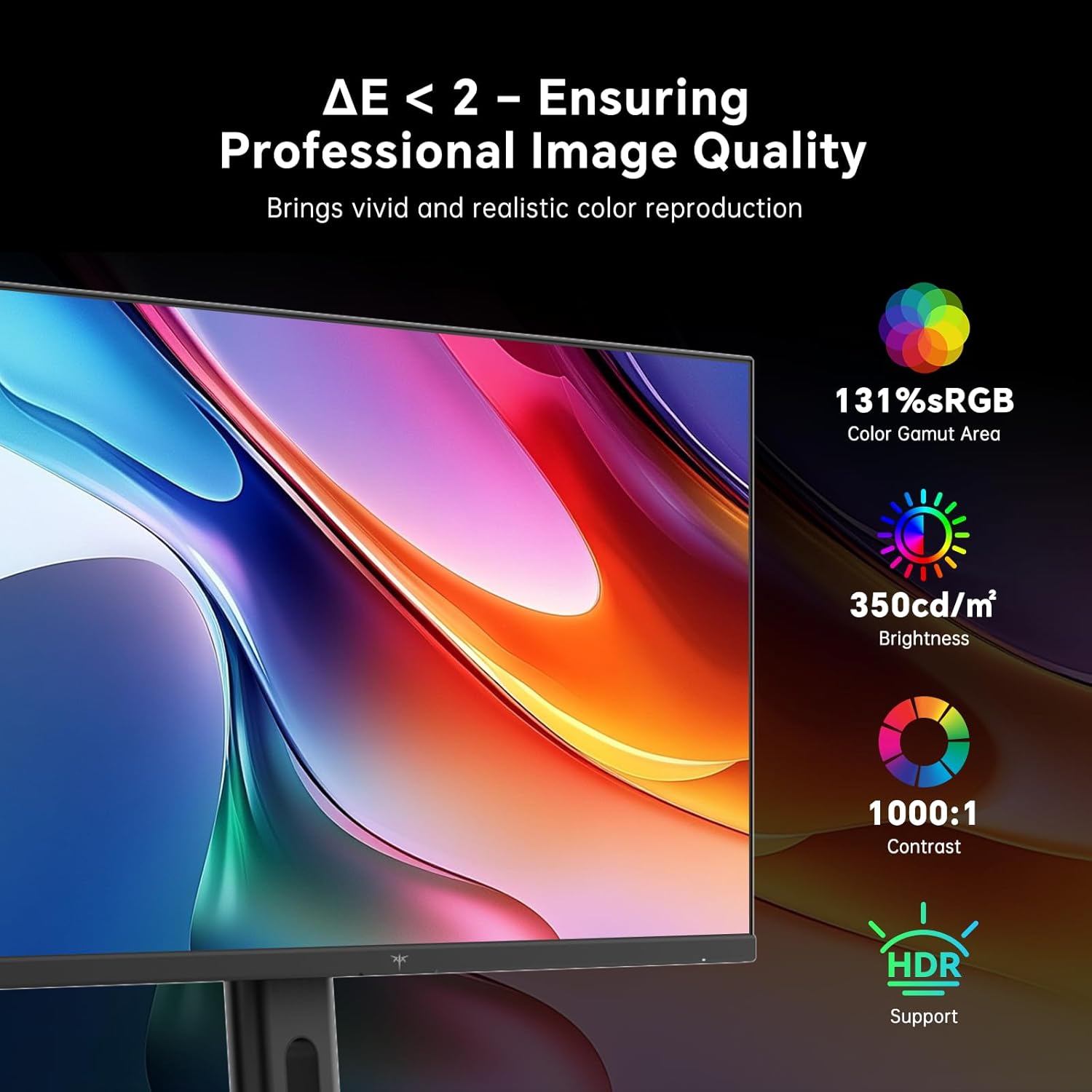
- High refresh gaming focus: 240Hz refresh rate plus Adaptive-Sync compatibility is a clear attempt to reduce ghosting and help you maintain precise on-screen control.
- Fast IPS and viewing angle: the 178° viewing angle is helpful if you share your screen or if your seating position varies.
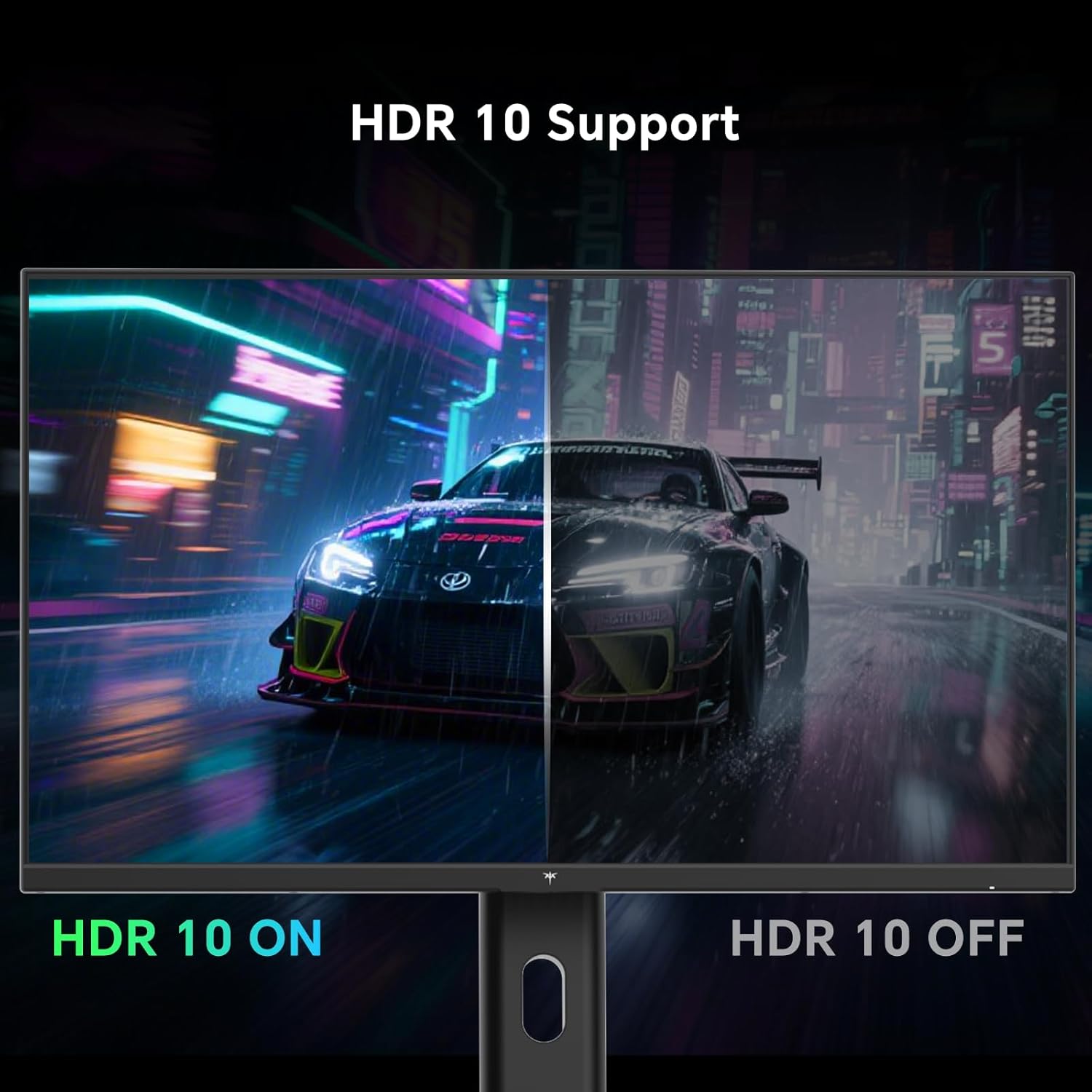
- HDR10 + color targets: HDR10 support and wide color gamut coverage (including DCI-P3 coverage as stated) suggest richer color range and less “washed” looking images.
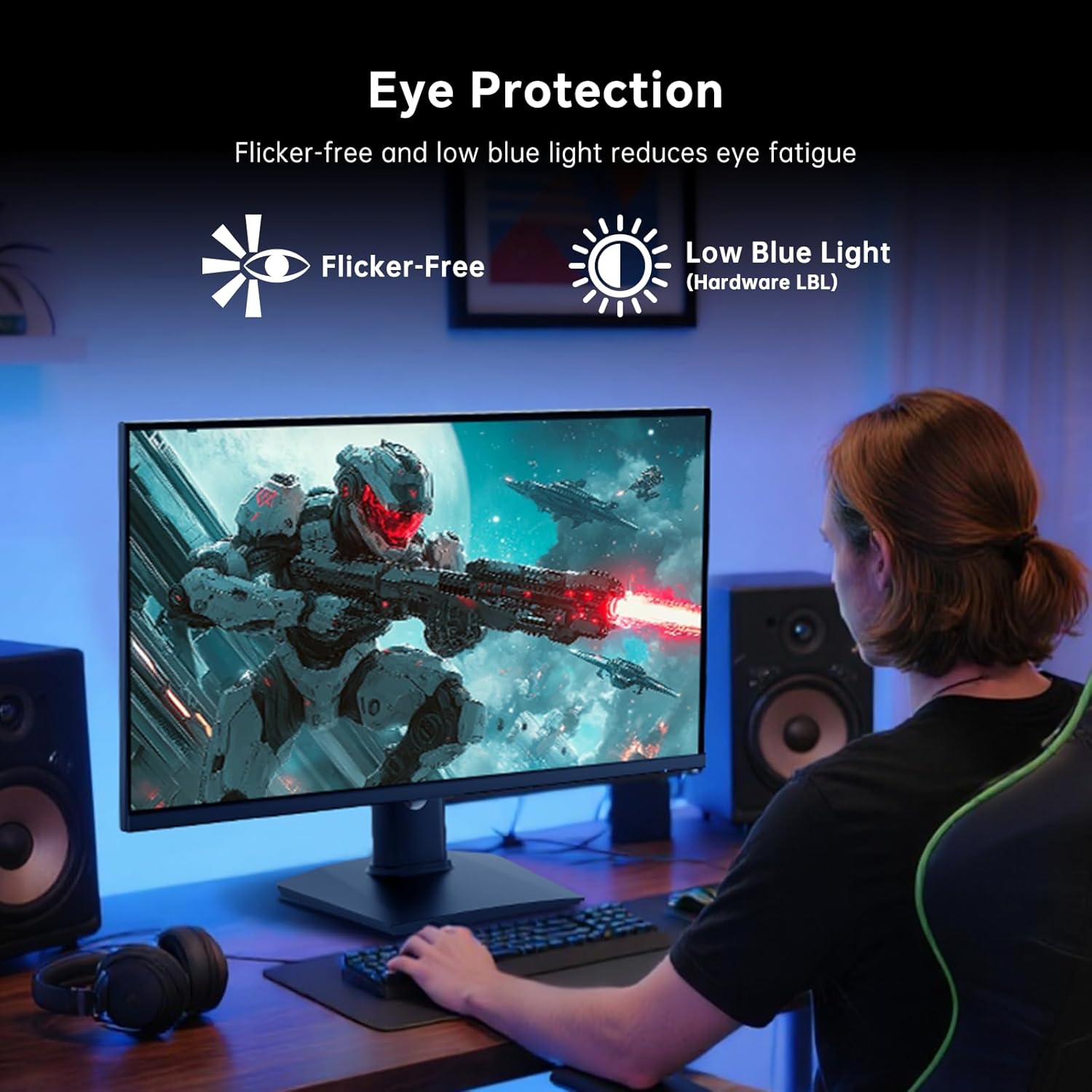
- Eye-care additions: flicker-free and low blue light features are a real consideration for long sessions.
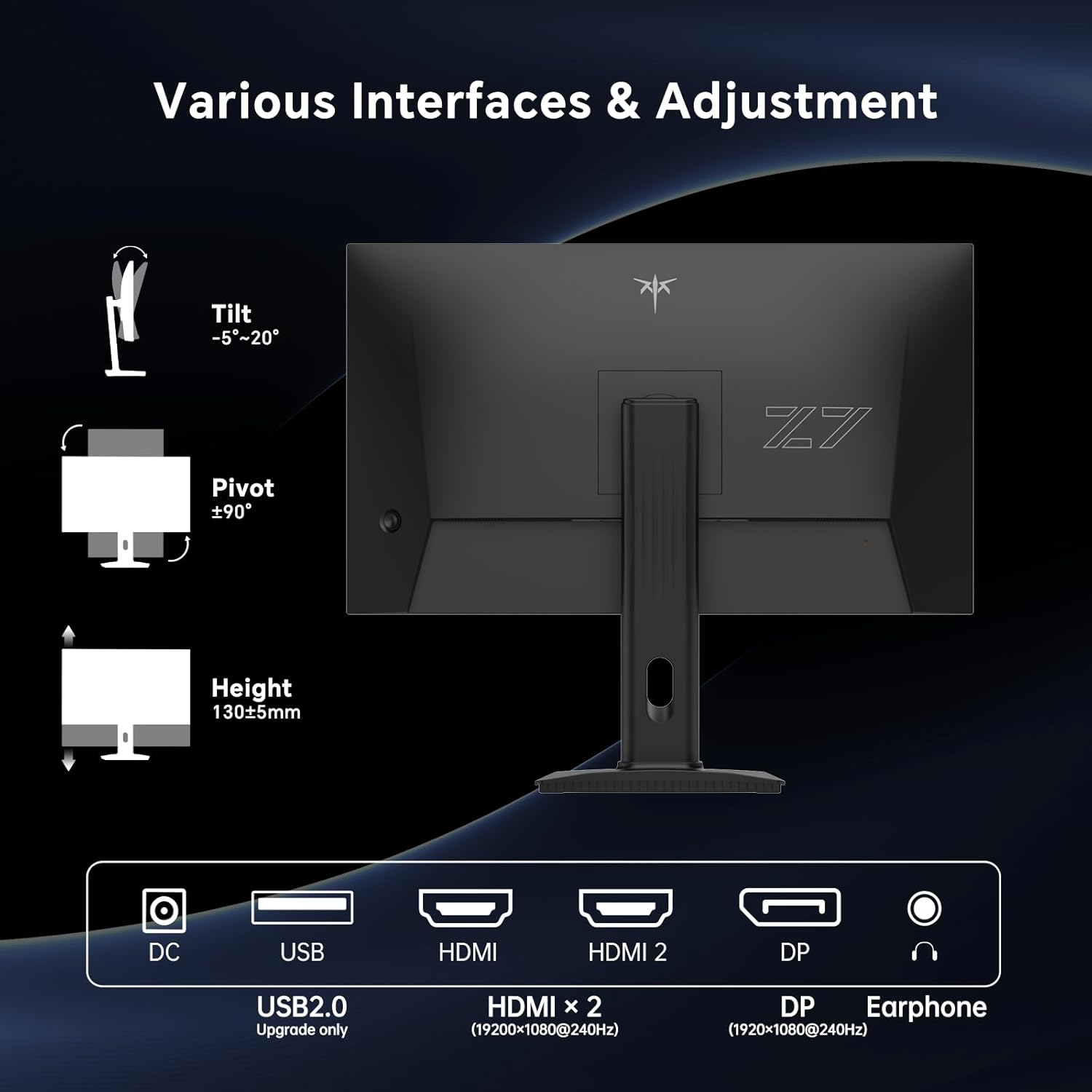
- Desk-friendly setup options: height, pivot, and tilt adjustments plus VESA mounting give you flexibility beyond a rigid base.
What to watch out for
This model is positioned as a gaming monitor in the FHD category, so you may want to sanity-check whether that matches your expectations.
First, it’s centered on 1080p performance with a fast refresh rate. If your priority is maximum detail for productivity or you’re expecting premium “4K-level” clarity, it may feel limiting compared to higher-resolution options.
Second, the stand and mounting options are great on paper, but the actual comfort will depend on your desk height and how far back your seating is. Height/pivot/tilt help, yet if you need a very specific ergonomic placement, you’ll still want to confirm it can reach the angle and height you prefer.
Finally, HDR10 support is mentioned, but HDR results can vary a lot with brightness and content. If you’re someone who is picky about HDR punch, consider whether your room lighting and viewing distance will support the effect you want.
Key specifications (quick reality check)
- Refresh rate: 240Hz
- Resolution / type: 27-inch Full HD (1080p) Fast IPS
- Adaptive Sync: compatible to help reduce ghosting
- HDR: HDR10
- Brightness: 350cd/㎡
- Response time: 1ms (MPRT) (as stated)
- Color performance (stated): 131% sRGB gamut area, DCI-P3 97% coverage, ΔE < 2
- Viewing angle: 178°
- Ports: two HDMI 2.0, one DisplayPort 1.4, one USB 2.0
- Stand: height, pivot, and tilt adjustable, VESA mount supported
Is it worth it?
You should buy the KTC H27F7 if you want a 27-inch FHD gaming monitor that leans hard into smooth gameplay—especially if Adaptive-Sync and a high refresh rate are part of your buying checklist. It also makes sense if eye comfort matters to you (flicker-free and low blue light) and you care about getting the screen positioned comfortably thanks to height/pivot/tilt plus VESA support.
It might not be the best choice if you’re primarily buying for ultra-crisp detail for productivity, since it’s built around 1080p. You may also want to skip it if you expect HDR to look dramatically transformative in a dark-room “TV-like” way, because HDR performance depends on more than just HDR10 support.
FAQ
Does this KTC monitor support multiple devices?
Yes. It includes two HDMI 2.0 ports, one DisplayPort 1.4, and one USB 2.0 port, and it’s described as connectable to devices like Xbox, PC, and laptops.
Is Adaptive-Sync actually useful for gaming?
On paper, it’s there to help reduce ghosting and provide more precise control when frames don’t perfectly match the refresh rate—exactly the kind of situation where Adaptive-Sync tends to help.
Will the panel work from the side?
It’s a Fast IPS panel with a stated 178° viewing angle, which should help keep the image consistent from a wider range of positions.
What helps with eye comfort?
The monitor includes flicker-free and low blue light features, aimed at reducing eye strain during extended use.
Can it be mounted on a wall?
Yes, it supports VESA mounting, and the description also mentions wall or stand mounting options for desk organization.