

Gawfolk 32-inch 4K Curved Monitor 160Hz
Reviews
Price
Product description
This 32-inch curved 1500R monitor brings a 4K Ultra HD panel to desktop gaming and content creation, balancing wide color coverage with a fast refresh rate for smoother gameplay and sharper visuals. It is suitable for users who want immersive screens for competitive gaming and media editing, offering high contrast and a native 160Hz refresh option when paired with HDMI 2.1 or DisplayPort.
Key Points
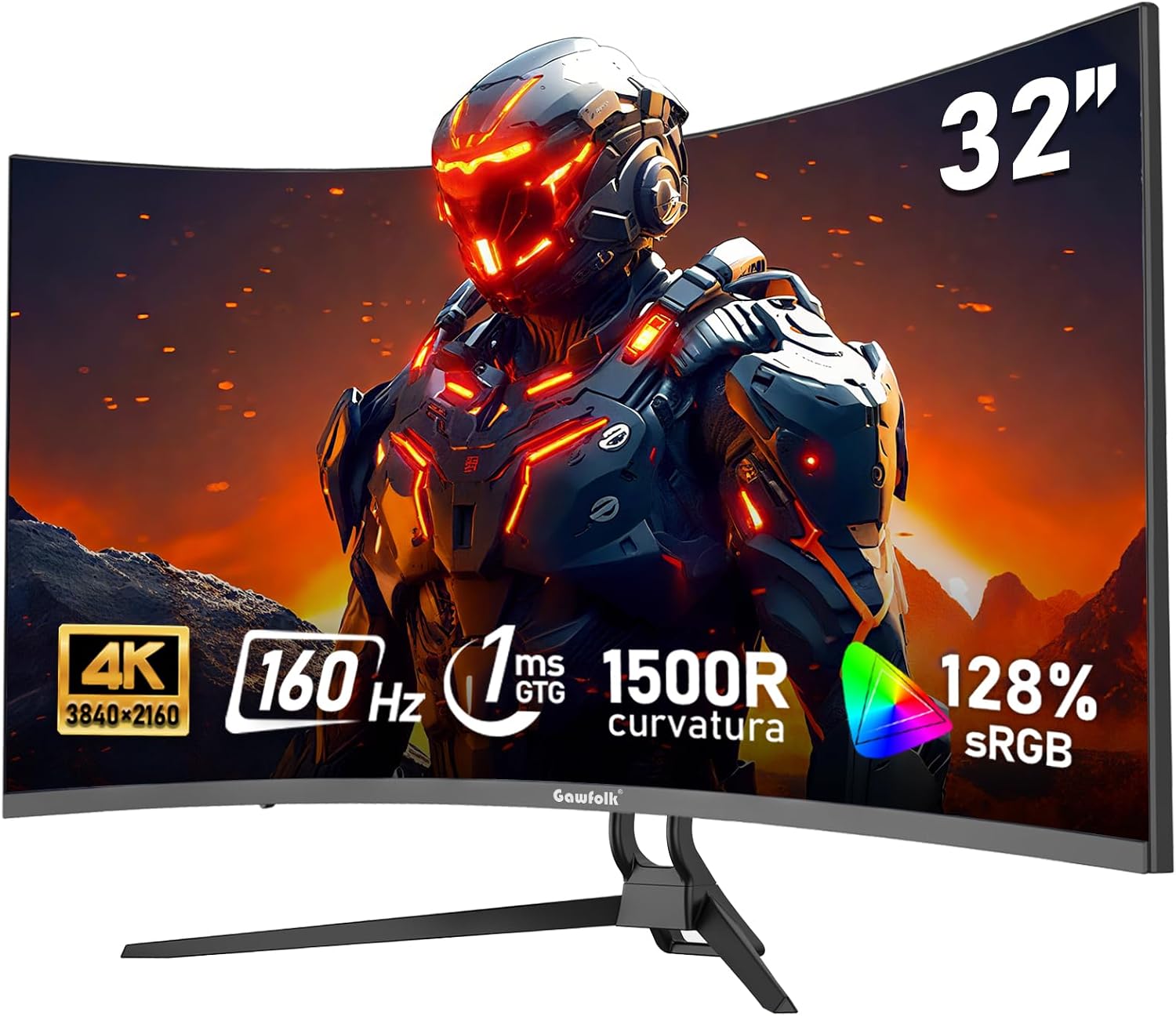
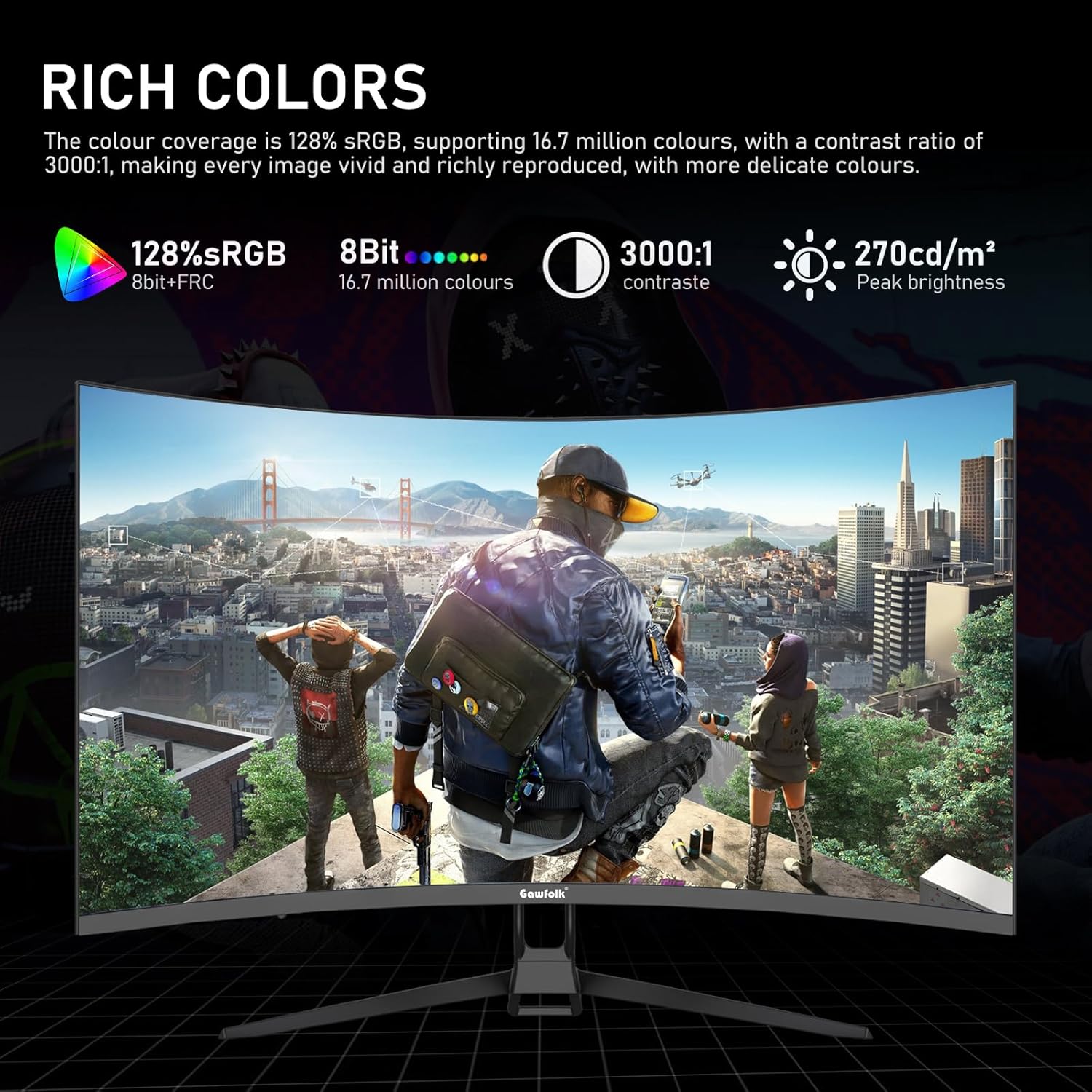
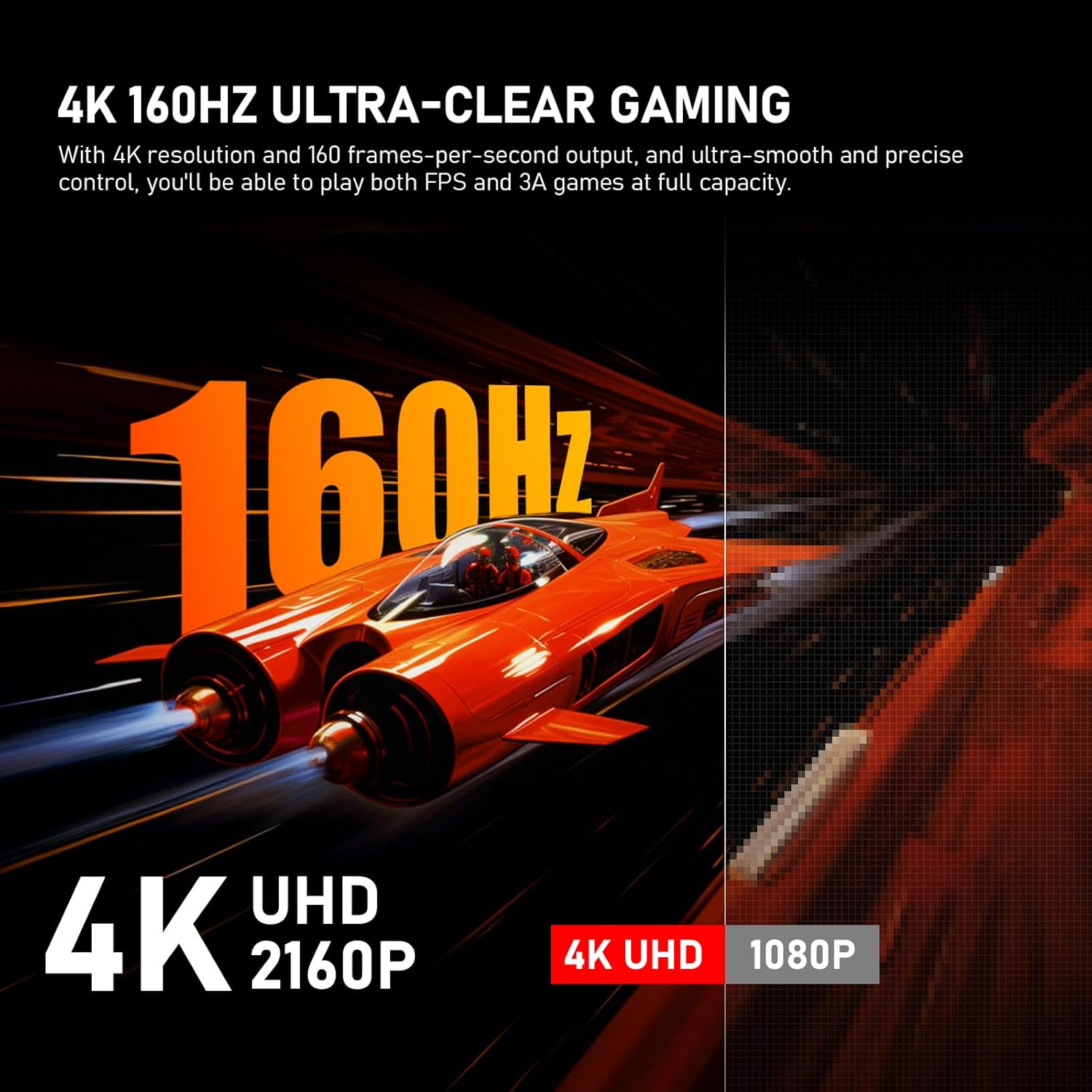
The curved 1500R design enhances peripheral immersion while keeping viewing angles comfortable across the desk. With 3840×2160 resolution and native 8-bit color, this monitor displays up to 16.7 million colors and covers a wide gamut at about 128% sRGB, according to the manufacturer. The panel offers 270 cd/m² brightness and a 3000:1 contrast ratio for clearer differentiation between dark and bright scenes. Adaptive Sync support reduces tearing and stuttering for more consistent frame pacing during fast action. Note that the default refresh setting is 60Hz, so enabling 160Hz requires using an HDMI 2.1 cable or DisplayPort and adjusting the output settings on the connected PC.
Technical Specifications
- Name: Gawfolk 32-inch 4K Ultra HD Curved 1500R
- Resolution: 3840 x 2160 (4K)
- Refresh rate: 160Hz (native), 1ms GTG response time
- Color and contrast: 128% sRGB, 8-bit panel, 3000:1 contrast
- Brightness: 270 cd/m²
The Best of This Model
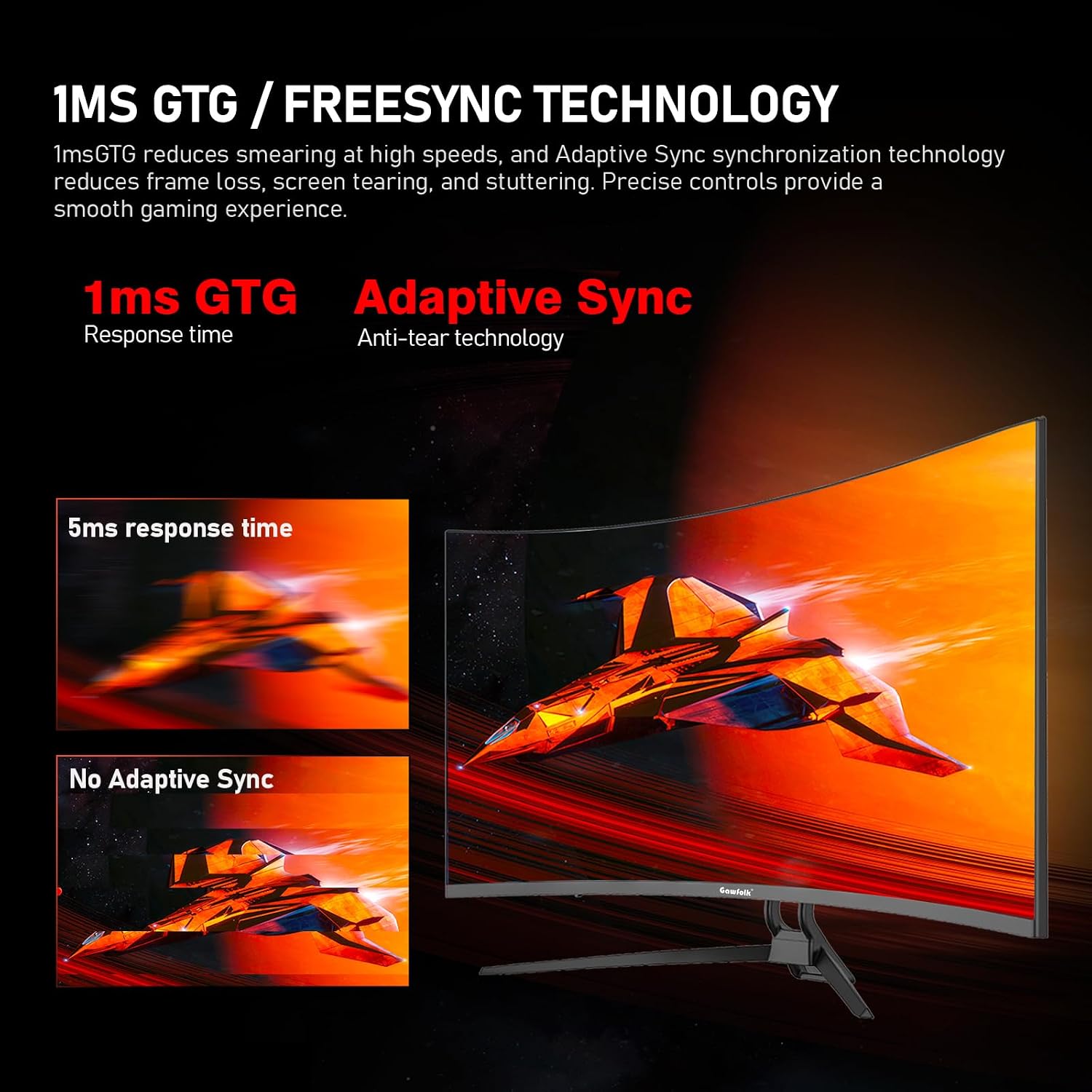
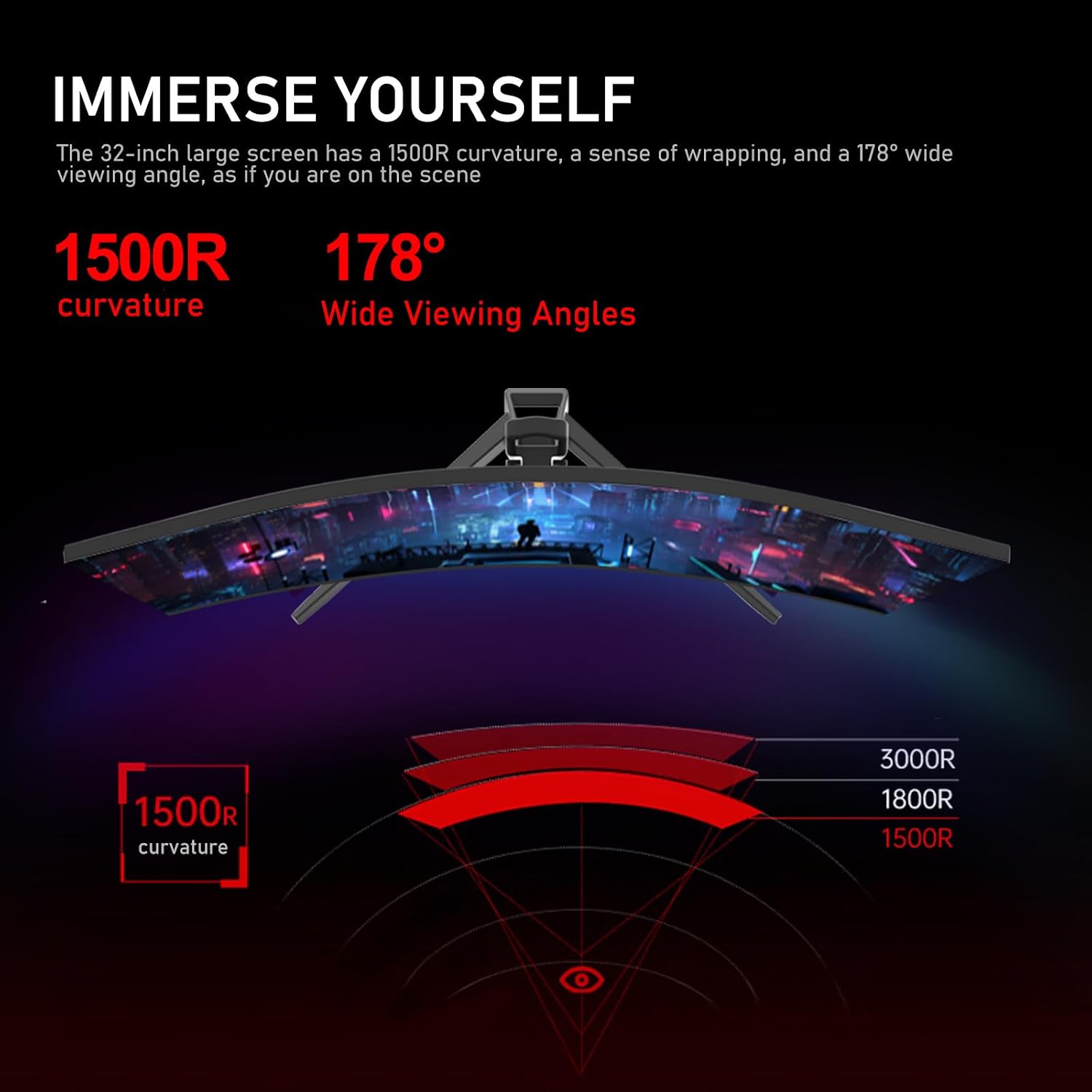
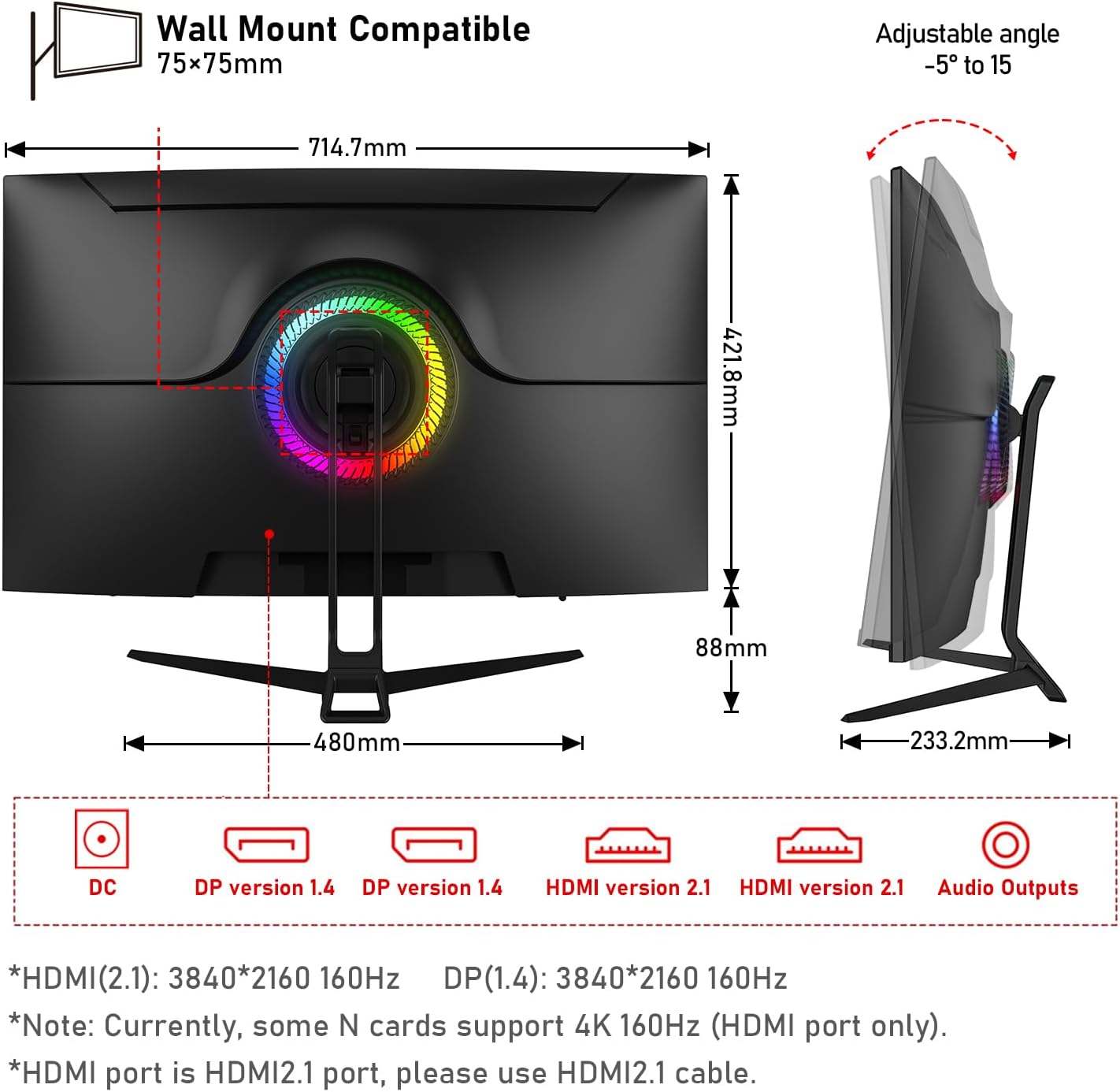
The combination of 4K definition and a high refresh rate is a standout feature for gamers who also value pixel density for strategy titles and simulation work. Color reproduction near 128% sRGB makes the screen useful for hobbyist photo and video editors who need more saturated tones than typical office displays. Low blue light and flicker-free modes help reduce eye strain during extended use, and the monitor includes both HDMI 2.1 and DisplayPort inputs for modern consoles and high-frame PCs.
Usage Recommendations
For achieving the full 160Hz experience, connect with an HDMI 2.1 cable or a DisplayPort cable and change the refresh rate in your operating system display settings. Position the curved monitor so that your eyes sit near the center radius to take advantage of the immersive curve and wide 178° viewing angle. Consider enabling Low Blue Light or DC dimming when working long hours to minimize fatigue. Keep in mind that very bright ambient light may reduce perceived contrast, and some color-critical workflows may still prefer calibration hardware for absolute accuracy.