

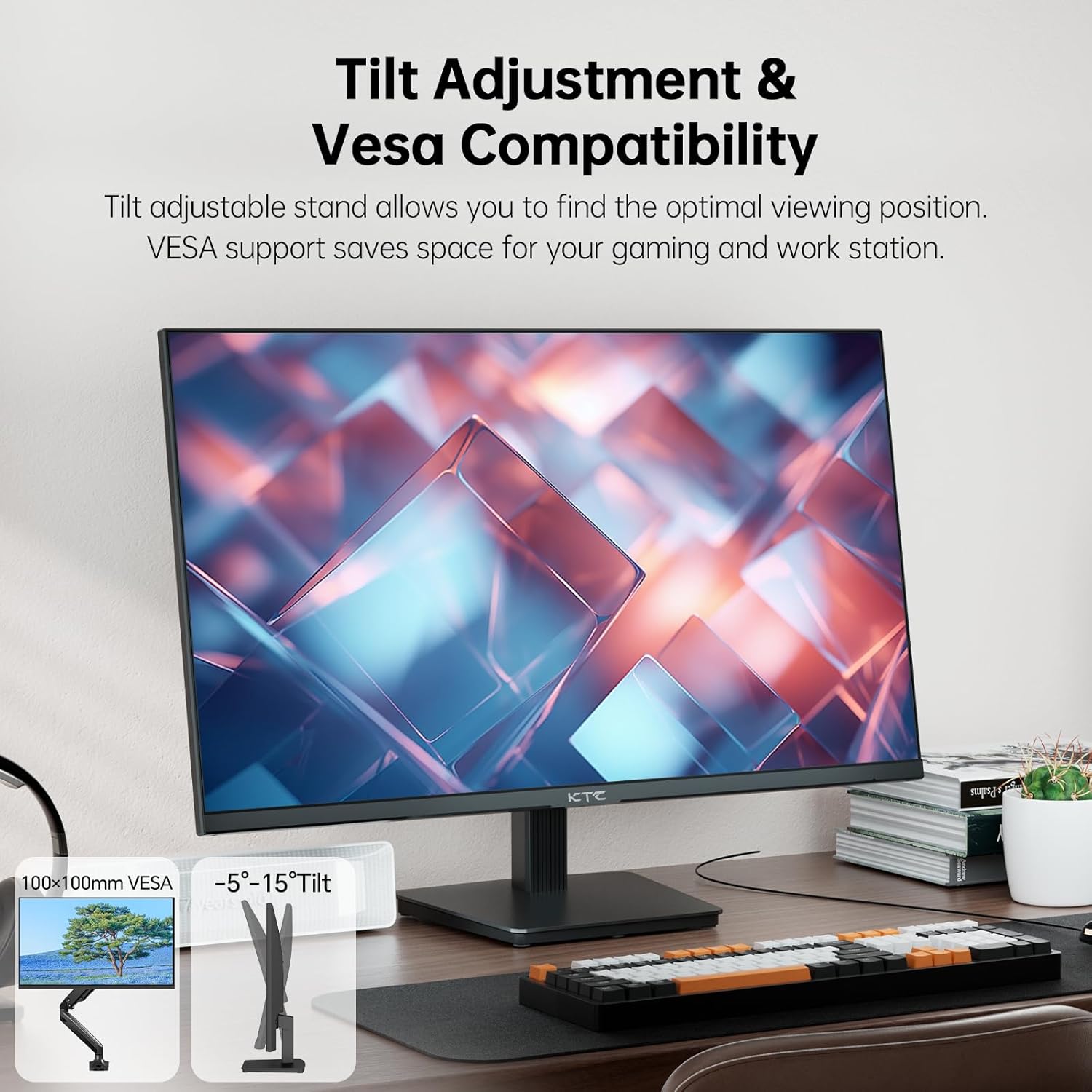
KTC 27 Inch 4K UHD IPS Monitor (H27P27) with HDR400, DCI-P3 95% and 1.07B Colors
Product description
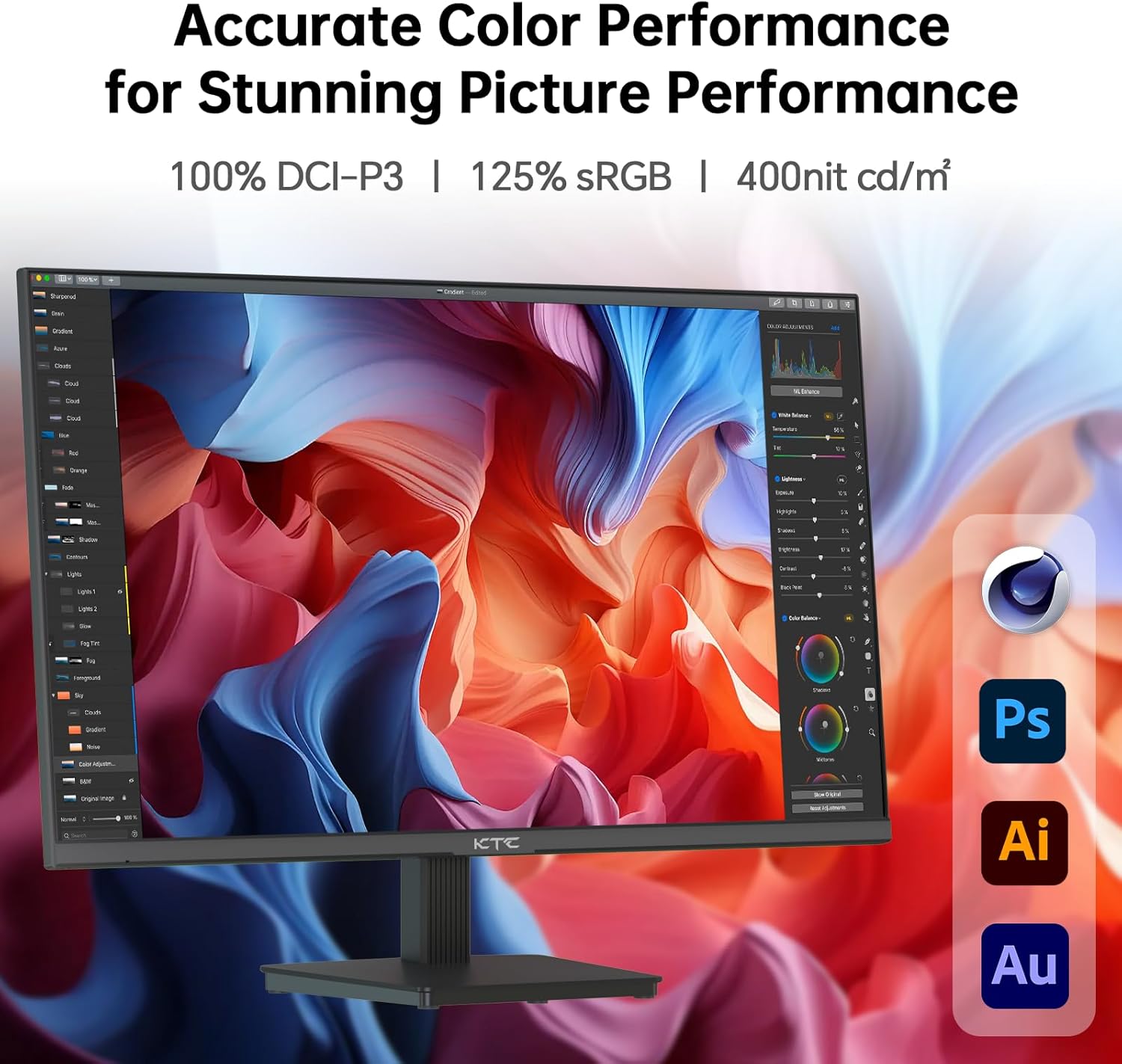
If you want a 27-inch 4K monitor that leans into color rather than just chasing resolution, this KTC H27P27 is the kind of pick worth putting on your shortlist. On paper it offers an IPS panel, UHD 3840×2160 clarity, and a color-focused spec set (DCI-P3 95% and 1.07 billion colors) paired with HDR400.
That said, “4K + HDR” doesn’t automatically mean it will satisfy everyone—especially if you’re expecting high-end gaming performance or top-tier HDR brightness. Still, for creators who care about color consistency and office-to-entertainment use, it has a lot of practical appeal.
The essentials (what it is and why you’d buy it)
This is a 27-inch 4K UHD computer monitor built around an IPS display. The pitch is straightforward: you get crisp detail from 3840×2160, plus color depth that’s meant to look smoother and more nuanced than basic panels. The “HDR400” label also suggests improved contrast and a more engaging look for compatible content, which can matter if you watch videos and do creative work where color is part of the workflow.
If you’ve ever felt that a standard 27-inch 4K monitor looks a bit flat for design tasks, this is aimed at addressing that with a wider color gamut claim (DCI-P3 95%) and a color depth spec (1.07 billion colors). It’s not perfect—no one spec set can guarantee how every image will look—but the direction is clear.
Key features that translate into day-to-day use
What stands out here is the combination of resolution, color coverage, and practical connectivity.
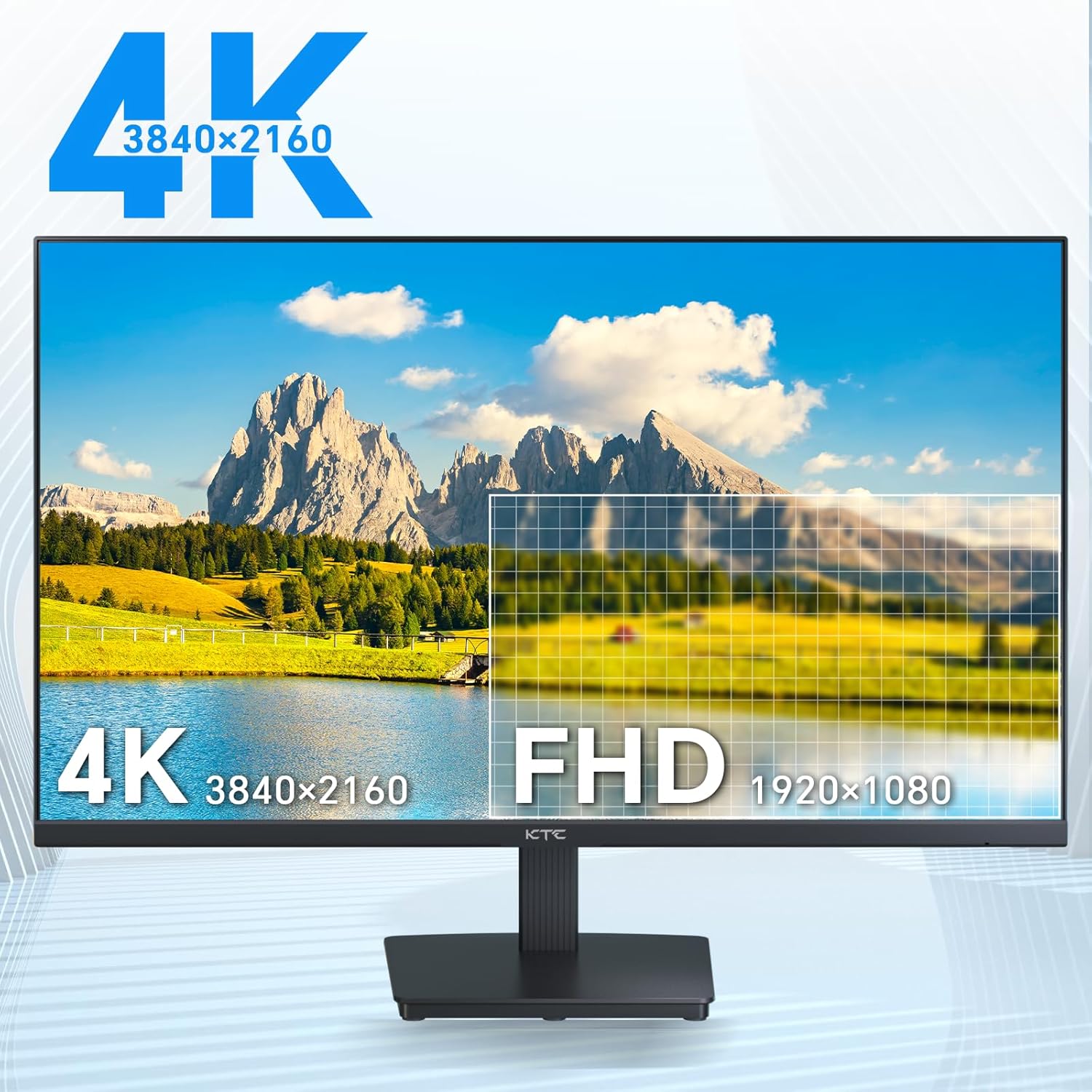
First, the UHD 3840×2160 resolution on a 27-inch panel is great for people who want more workspace without jumping to a larger screen. Text looks sharper, windows fit more naturally, and you can keep multiple panels open at once for editing, spreadsheets, or document-heavy work.
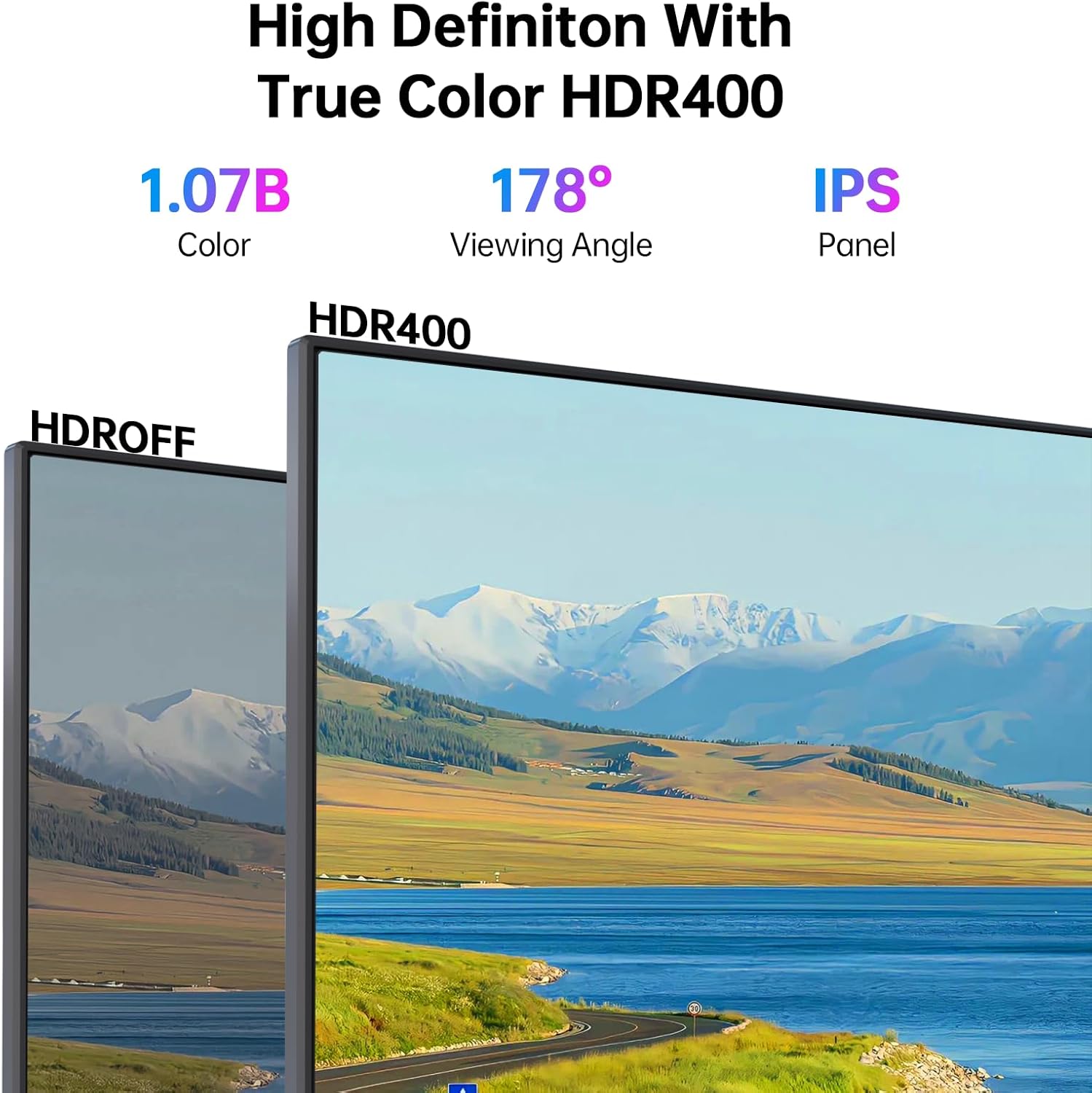
Second, the color specs are the heart of the value: DCI-P3 95% and 1.07 billion colors are designed to show more vivid, varied tones—useful for creative tasks where you’re more sensitive to banding and color shifts.
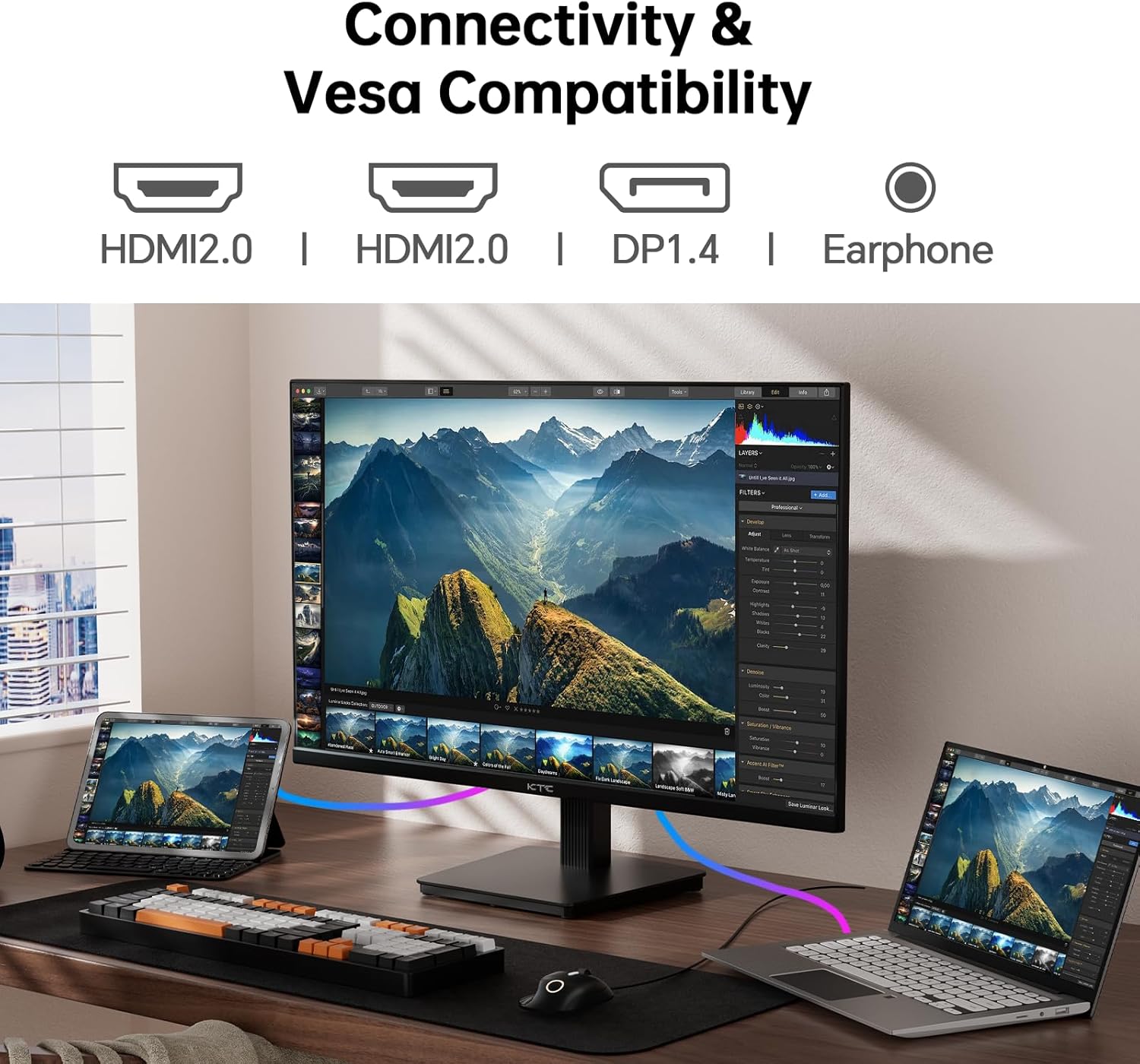
Third, it includes connectivity for a typical desk setup: HDMI 2.0 ports (two of them) and DisplayPort 1.4. That matters if you’re switching between a computer and other peripherals or need flexibility for how your workstation is wired.
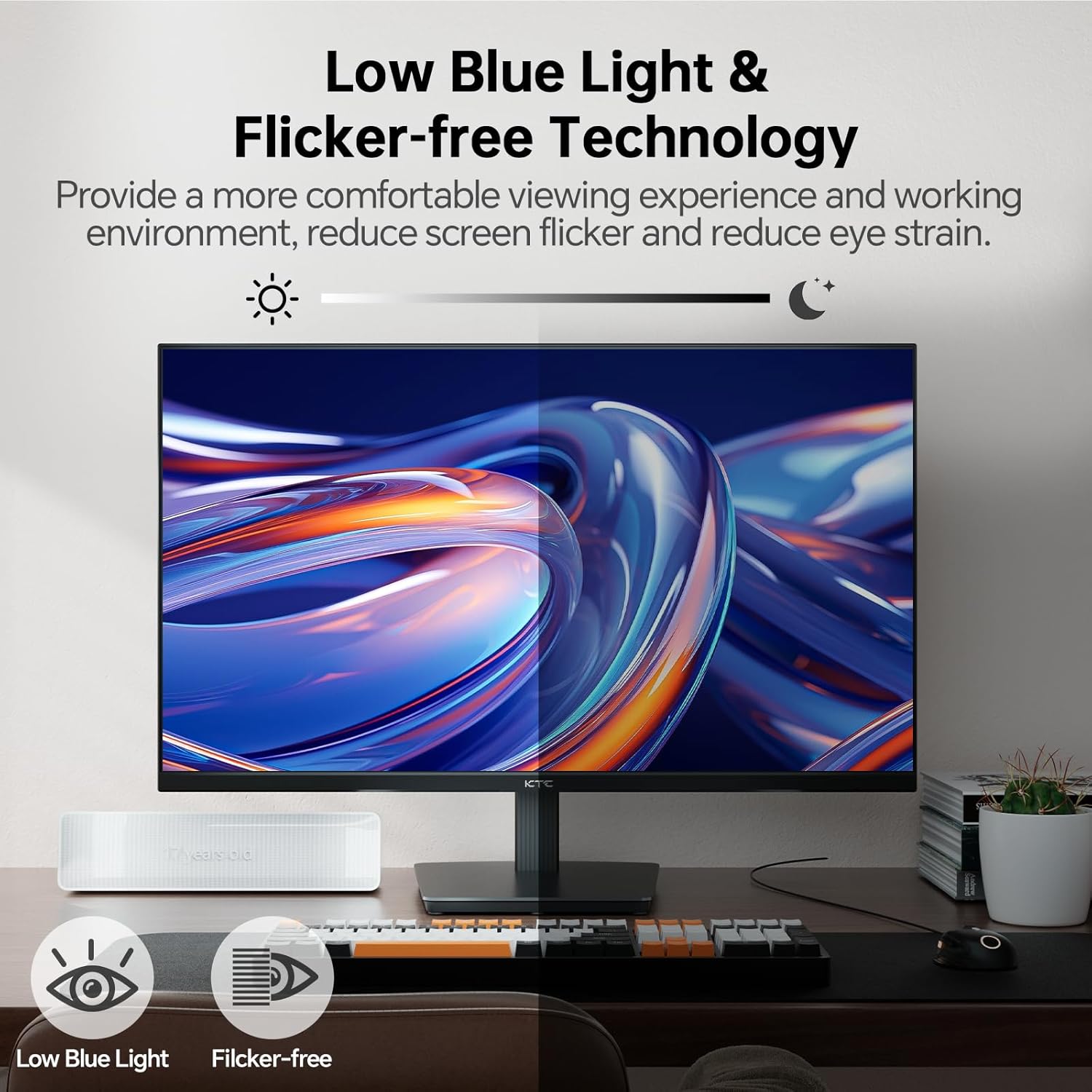
And if you’re sensitive to eye comfort during long sessions, it includes flicker-free technology and a blue filter—small things, but the kind you’ll notice on longer days.
Where it shines vs. where it might fall short
The core strengths are clarity and color intent. This is positioned more as a color-capable productivity and creative monitor than a “pure gaming speed demon,” especially since the refresh rate listed is 60Hz. 60Hz can still feel smooth for general use—web, office work, content viewing—but if your main goal is fast, competitive gaming, you may find other monitors fit that need better.
Also keep expectations realistic with HDR. HDR400 is included, but the spec you’re given doesn’t tell the full story of HDR performance. It may improve perceived contrast and color variation for supported content, yet it can still come across as more “nice upgrade” than a dramatic transformation depending on the content and lighting in your room.
Specs that help you decide quickly
Here are the practical specs you should anchor on:
Tech specs
- Screen size: 27 inch
- Resolution: 3840×2160 (4K UHD)
- Panel type: IPS
- HDR: HDR400
- Color gamut: DCI-P3 95%
- Color depth: 1.07 Billion Colors
- Refresh rate: 60Hz
- Ports: HDMI 2.0×2, DisplayPort 1.4×1
Setup and adjustability (small details that matter)
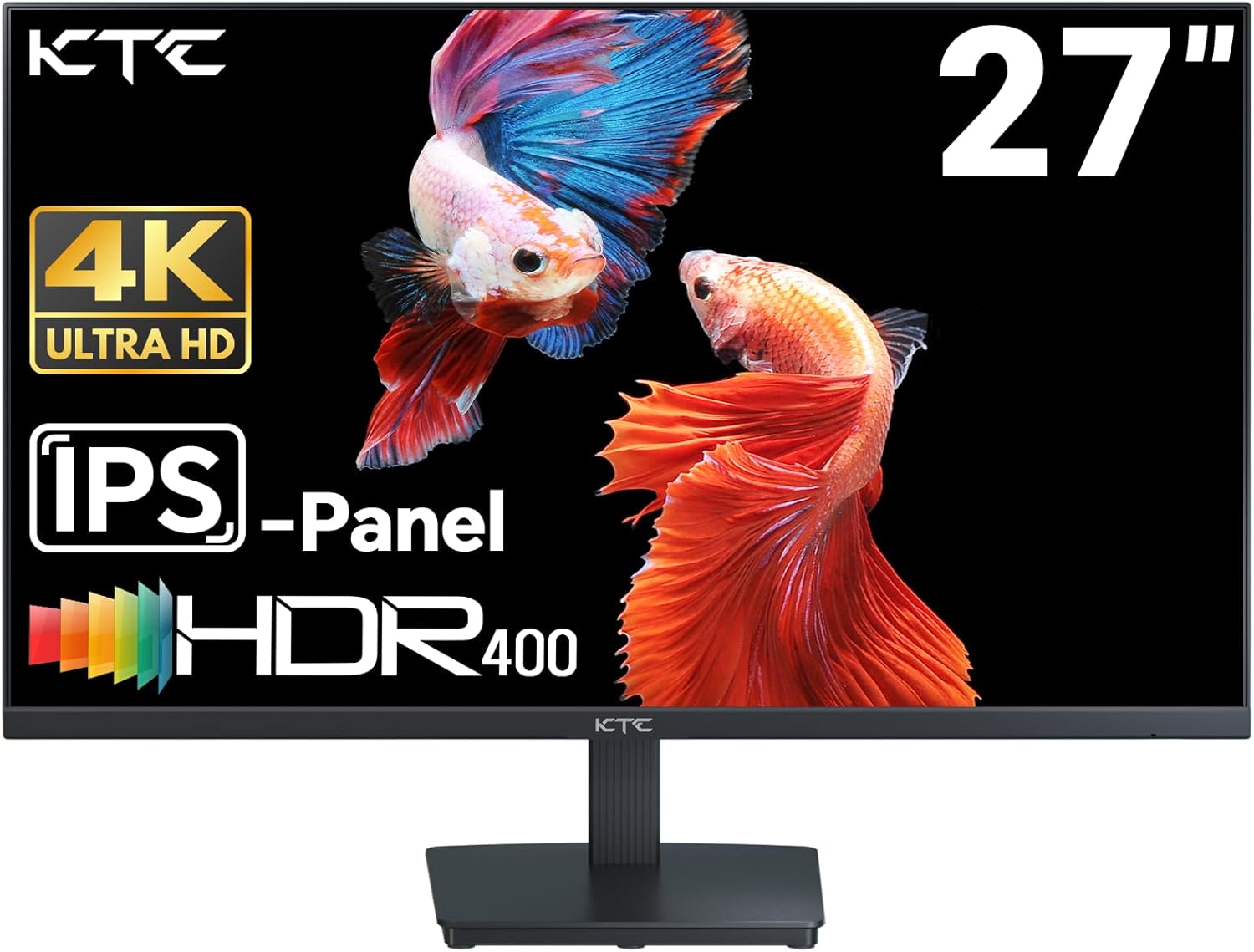
This monitor supports a VESA wall mount with 100mm×100mm and an adjustable tilt range of -5° to 15°. That’s helpful if your desk setup runs into glare or if your seated posture needs a bit more tuning. With a 27-inch screen, being able to dial in the viewing angle can make the difference between “fine” and “comfortable for hours.”
One micro-scenario: imagine you’re editing photos or grading color in a bright office. Being able to tilt the panel slightly can reduce unwanted reflections while you work, and the flicker-free + blue filter combo is aimed at keeping your eyes less strained during long sessions.
Who it’s for (and who should look elsewhere)
It makes sense if you care about sharper 4K detail and you want a monitor that’s oriented toward vivid, professional-leaning color. The DCI-P3 95% claim and the 1.07 billion colors spec suggest it’s built for tasks where color matters—think design review, photo work, and creative workflows.
It might not be the best match if you’re primarily shopping for ultra-responsive gaming at higher refresh rates, since the refresh rate listed is 60Hz. It may also feel like overkill if all you need is basic display quality for casual browsing and you don’t care about color coverage or depth.
Quick FAQ
Is this monitor good for creative work?
It’s designed with color-focused specs (DCI-P3 95% and 1.07 billion colors) and HDR400 support, so on paper it’s aimed at creative tasks that benefit from more vivid, varied tones.
Does it support connecting multiple devices?
Yes. It includes HDMI 2.0×2 and DisplayPort 1.4×1, which gives you flexibility for common desktop setups.
Will HDR400 make a big difference?
HDR400 is included, but the impact depends on content and your environment. Expect improvement in contrast/color variation where supported, not necessarily a dramatic HDR overhaul.
Can I adjust the viewing angle?
Yes. It has a tilt adjustment of -5° to 15° and supports a 100mm×100mm VESA wall mount.
Is it comfortable for long hours?
It includes flicker-free technology and a blue filter to help reduce eye fatigue, which can be a practical plus for extended use.
Should you buy it?
Buy it if you want a 27-inch 4K IPS monitor that’s clearly oriented toward color performance—especially with DCI-P3 95% and 1.07 billion colors—while still covering everyday productivity and entertainment with HDR400 support. It also fits well if you need straightforward connectivity (two HDMI 2.0 ports plus DisplayPort 1.4) and want adjustable viewing angles for desk comfort.
Skip it if your top priority is high-refresh, competitive gaming, since 60Hz is listed. And if your expectations are centered on “premium HDR” without compromises, it’s wise to temper that—HDR400 can help, but the details provided don’t guarantee a flagship-level HDR experience.