


KOORUI G2511E 24.5" Gaming Monitor (320Hz, 1ms Fast IPS, HDR 400, HDMI 2.0 & DP 1.4) — Ergonomic Stand
Product description
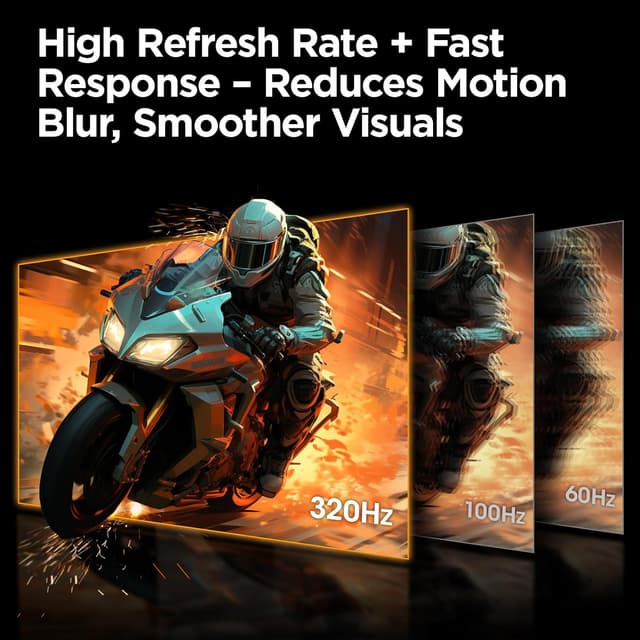
If you’re chasing smoother competitive gameplay, the KOORUI G2511E is built around speed: a 24.5-inch Fast IPS panel with a 320Hz refresh rate and a 1ms GTG response target. It’s the kind of spec stack that makes sense when you want motion to feel less “draggy,” especially in fast shooters or esports where input-to-screen responsiveness matters.
That said, it’s not a do-everything display for every scenario. On paper it leans heavily toward high-refresh gaming, and features like HDR 400 are there for extra punch in the right content—not for turning your desk into a cinema.
Key takeaways
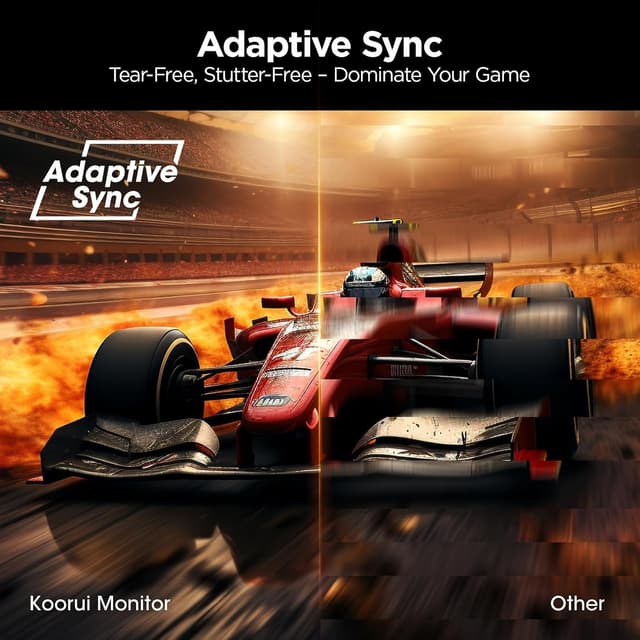
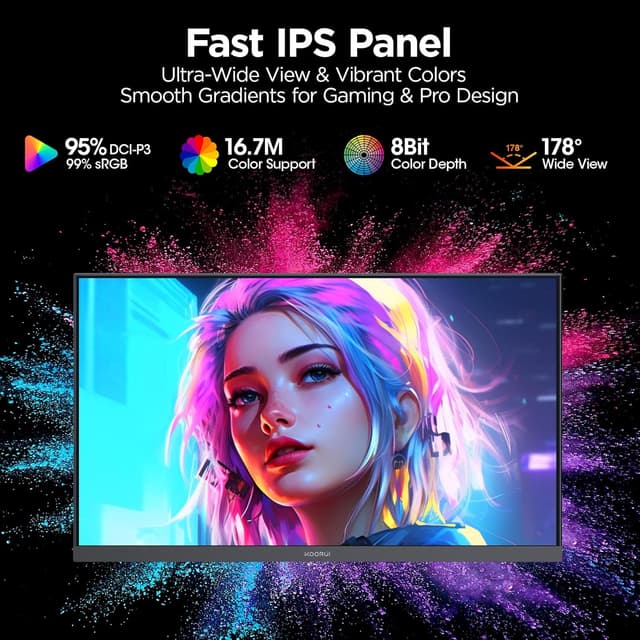
The KOORUI G2511E stands out for three reasons: high refresh rate for ultra-smooth motion, Fast IPS for wide viewing comfort, and a color-focused IPS setup with 95% DCI-P3 coverage plus HDR400 support. It also comes with an ergonomic stand (tilt, height, and vertical adjustments) and a practical connectivity mix—HDMI 2.0 (2 ports) and DisplayPort 1.4.

The main trade-off to keep in mind is that “HDR 400” support, by its nature, is usually about noticeable improvements rather than true flagship-level HDR impact. If your priority is deep HDR performance above all else, you may want to calibrate expectations.
What to expect in real gaming use
On a high-level, this is a monitor aimed at competitive play. With a 320Hz refresh rate and a listed 1ms GTG response, you’re looking at the kind of setup that can help make fast movement feel cleaner and reduce perceived delay.
Imagine you’re running a fast match: strafe movement, quick target swaps, and flick shots. On a 24.5-inch panel, the screen is compact enough that many players find it easier to track targets without moving their whole head as much. Pair that with an IPS panel meant for consistent viewing angles, and it tends to stay comfortable even if your posture shifts during long sessions.
Color and HDR: where it helps (and where it may not)
The KOORUI G2511E uses an IPS panel and claims 95% DCI-P3 color gamut coverage. If you care about vivid colors—game menus, bright character highlights, and well-lit scenes—this is the type of specification that usually shows up as richer color depth compared to more basic panels.
HDR support is listed as HDR 400. For everyday gaming and mixed content, HDR can add a bit more contrast and “pop” in supported titles. Still, HDR performance is limited by how “400” is typically implemented—so it may not deliver the same dramatic range you’d expect from higher-end HDR implementations. If HDR is your top reason for buying, this is worth considering, but don’t assume it’s the last word.
Ergonomics and setup: the part people forget
This monitor includes an ergonomic stand with tilt, height, and vertical adjustments. That’s a big deal for day-to-day comfort because it lets you align the screen to your eyes rather than forcing your body to adapt.
It also supports VESA mounting (75 x 75 mm), which is useful if you prefer a monitor arm or a more permanent desk layout.
Connectivity is another practical win: it includes 2× HDMI 2.0 ports and 1× DisplayPort 1.4. There’s also an audio output connector, which can help if your setup includes external speakers or a soundbar. If your current desk setup uses both PC and console, having multiple HDMI options helps reduce cable juggling.
Specs that matter most before you buy

Here’s what you should weigh before committing: the refresh rate target (320Hz) and response time (1ms GTG) are the headline for competitive smoothness. The IPS panel and 95% DCI-P3 coverage support stronger color performance, and HDR 400 adds extra contrast where supported.
Also, consider whether your device setup can take full advantage of the connectivity you plan to use (HDMI 2.0 vs DisplayPort 1.4). If you’re mainly connecting one device and don’t care about switching, either option could be fine—but if you run both PC and console, those 2× HDMI ports may save you some hassle.
Is it worth it?
Worth considering if you want a compact 24.5-inch gaming monitor with a competitive-first focus: high refresh rate, fast response (as listed), and an IPS panel that supports wide viewing comfort. It also makes sense if you value richer color (95% DCI-P3) and want at least some HDR punch for supported games.
It may not be the best choice if you’re primarily buying for serious HDR performance or if you want a monitor that feels more “content creation-first” than “esports-first.” In that case, you might find your money going farther elsewhere depending on your exact priorities.
A solid pick if you’re building a high-refresh setup and you care about comfort thanks to the ergonomic stand. But if you’re shopping casually and don’t plan to leverage high frame rates, the ultra-high refresh spec may feel less meaningful.
Mini FAQ
Does the KOORUI G2511E support VESA mounting?
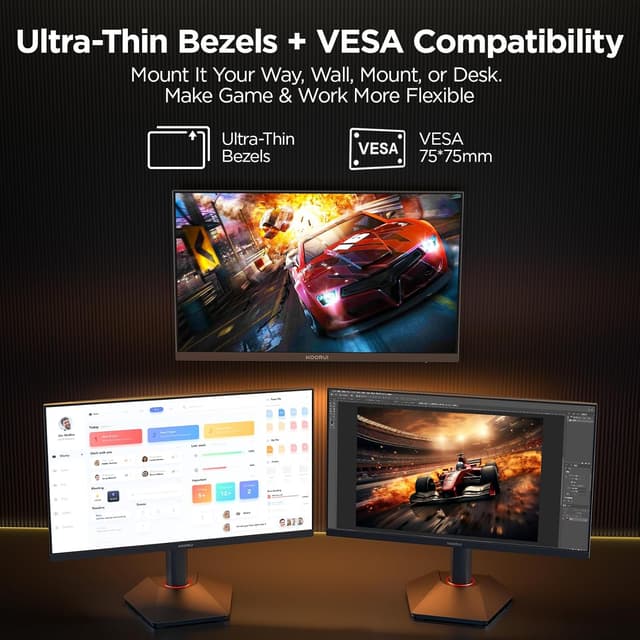
Yes. It supports VESA mounting at 75 x 75 mm, which can work with monitor arms or wall mounting setups.
What ports does it include?
It includes 2× HDMI 2.0 ports and DisplayPort 1.4, plus an audio output connector.
Is HDR 400 a big upgrade?
It should provide improved contrast and color impact in supported content, but it’s not positioned here as top-tier HDR. If you’re chasing extreme HDR performance, you may want to compare expectations.
Who is this monitor best suited for?
It’s most aligned with competitive gaming needs—high refresh rate and fast response—while still offering solid color coverage through its IPS panel.
What’s the main limitation to watch?
If HDR performance is your #1 goal, HDR 400 can be more “nice extra” than a dramatic transformation. Also, make sure your setup uses the connections you plan to rely on (HDMI 2.0 vs DisplayPort 1.4).