

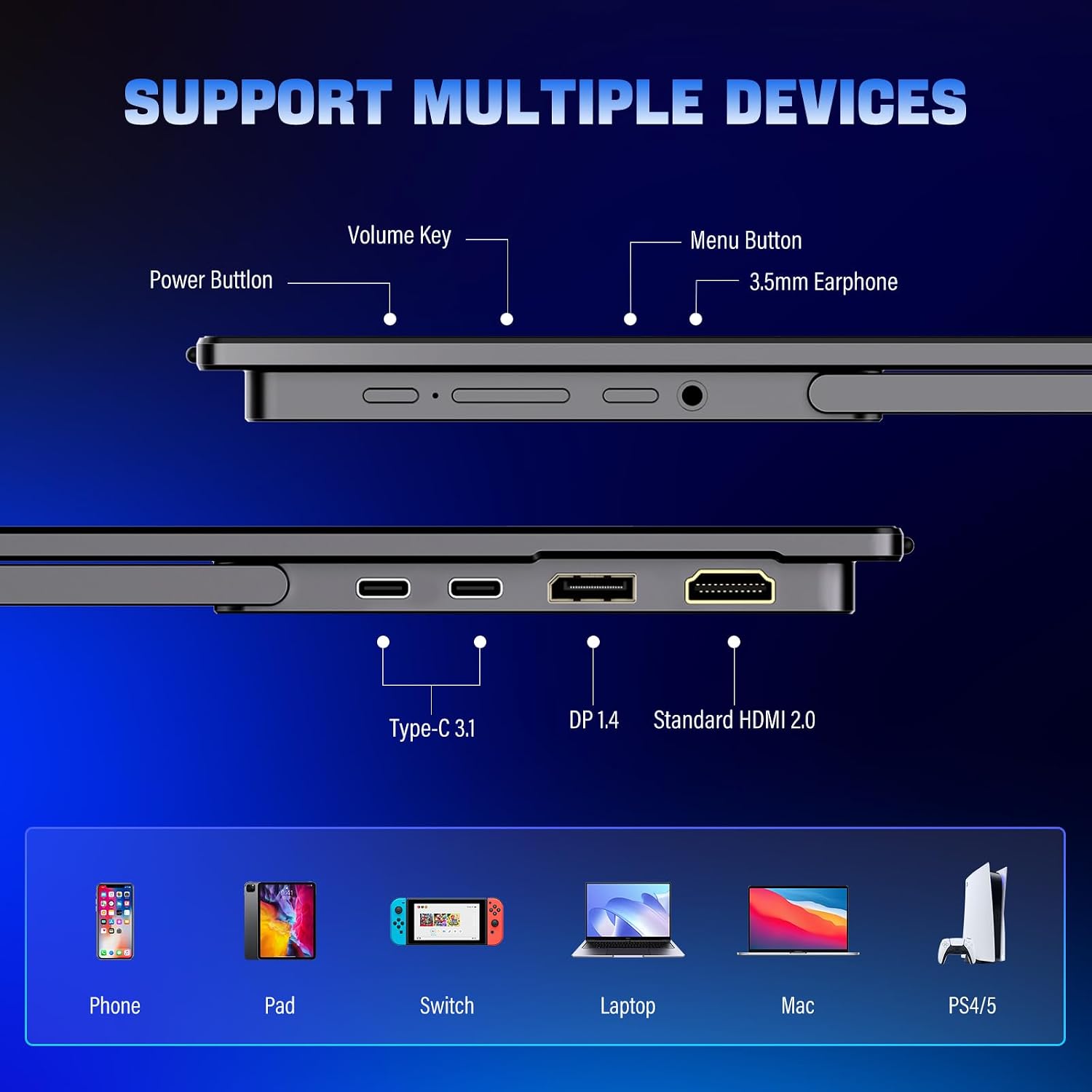
InnoView 2K Portable Monitor 18.5" (2560x1440 QHD) 120Hz USB-C & HDMI
Reviews
Price
Product description
If you’re trying to set up a second screen without hauling a full-size monitor, the InnoView 2K Portable Monitor is built for that exact kind of life—laptop work, dorm setups, or traveling with a bit more screen real estate. On paper, it targets a sweet spot: 18.5 inches with 2560x1440 (QHD), plus a 120Hz refresh rate for smoother visuals than many “travel monitors” manage.
That said, portable monitors always come with tradeoffs. The biggest one here is compatibility: the listing specifically notes that only HDMI is supported and that Type-C is not supported (so you’ll want to verify what your device can output before you buy). If you’re okay double-checking that part, the rest of the experience looks fairly straightforward.
The essentials
This is an 18.5-inch QHD portable display designed to act as an external second screen for a laptop, PC, or certain game consoles. It supports a 120Hz refresh rate and includes FREESYNC support (per the description), aiming to reduce lag and make motion look smoother—useful for gaming sessions and for desktop work where fast scrolling matters.
The panel is described as IPS with 100% sRGB coverage, which generally points to colors that look more accurate and consistent for the kinds of tasks most people do on a second screen (emails, spreadsheets, browsing, and casual creative work). HDR is also mentioned, leaning the monitor toward “more vivid” viewing for movies, games, and everyday media.
If you want a travel-friendly screen that still offers real resolution (not just a low-res companion display), this one is trying to deliver that.
What you’ll notice day to day
The day-to-day value is mostly about usability and smoothness.
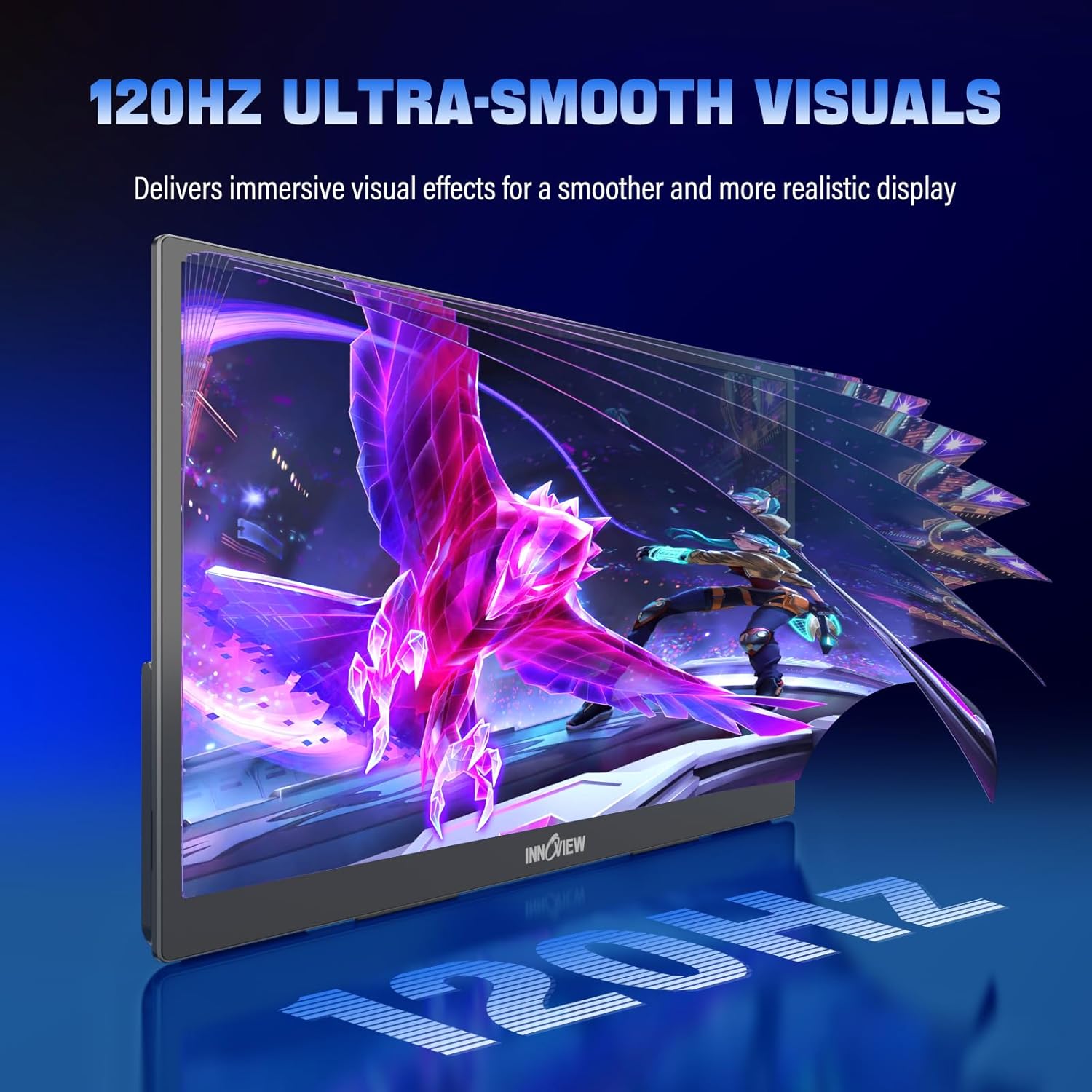
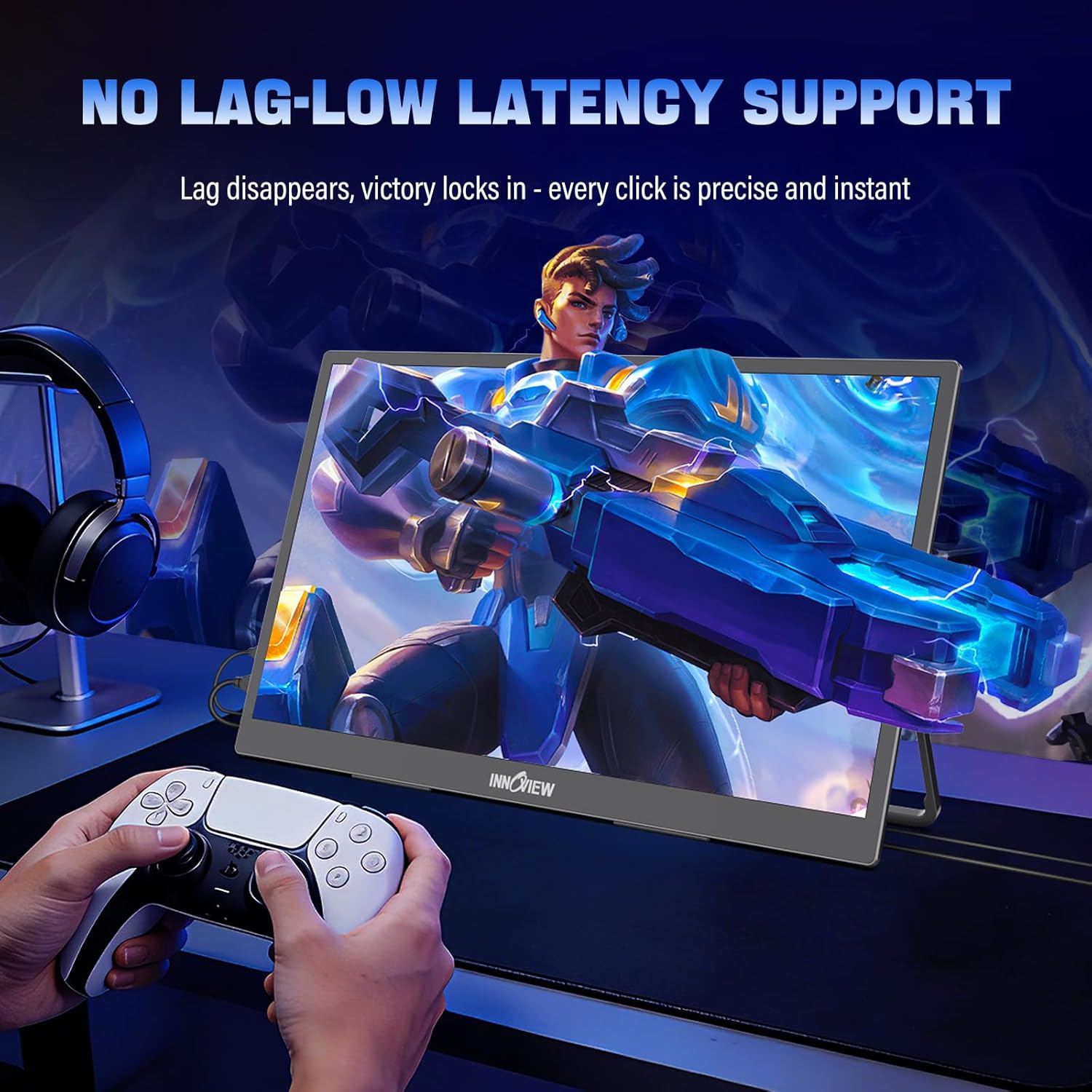
With 120Hz refresh rate and FREESYNC (as stated), the monitor is intended to feel responsive—good for gaming where reaction time and visual smoothness matter, and also for normal use like moving windows around without the “choppy” feel you get from lower refresh panels.
The IPS angle stability is a plus if you’re not always sitting perfectly centered—think couch work, a shared table at home, or using it outdoors where viewing angles can be a little messy.
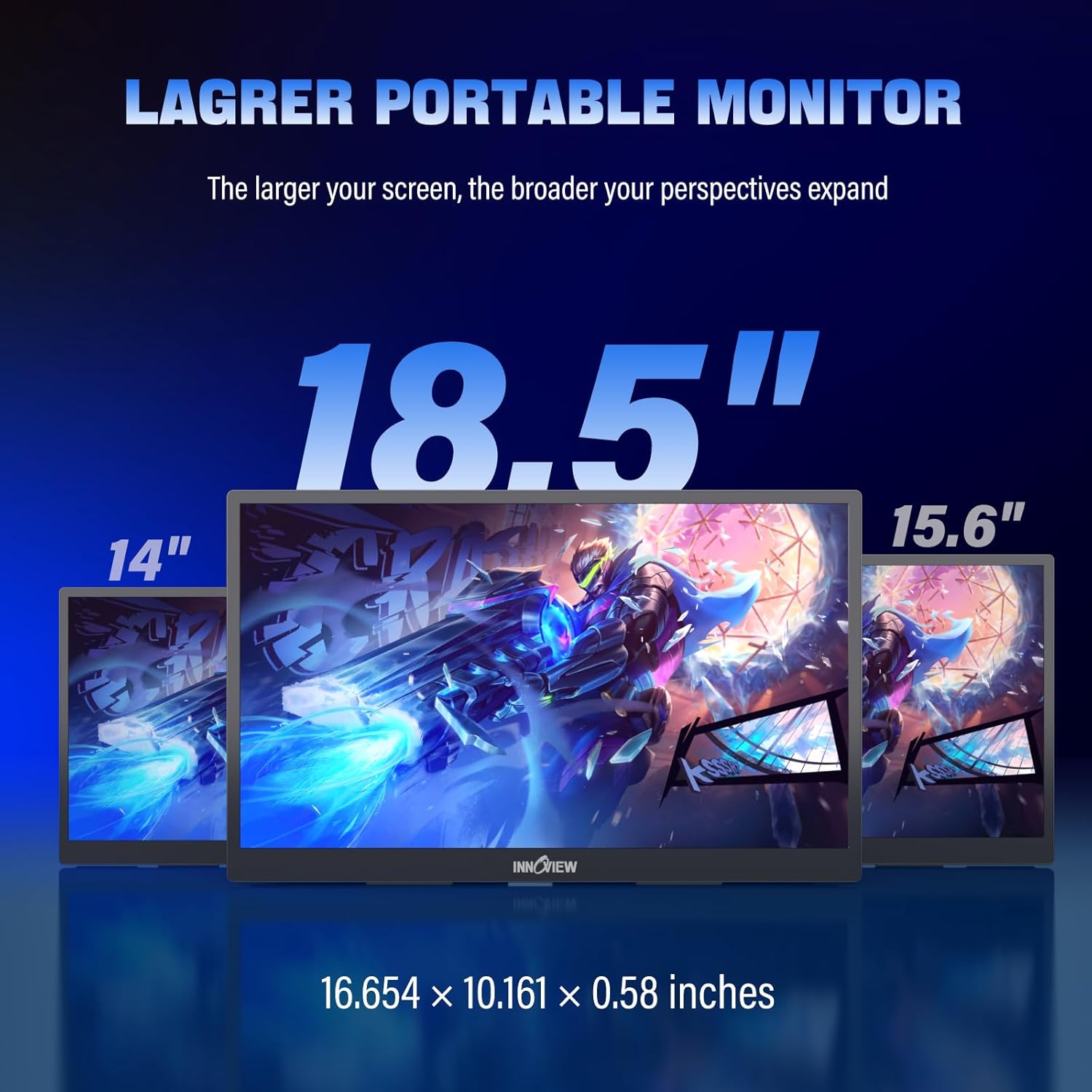
Also, there’s a practical multi-tasking angle: the description positions the larger portable format as helpful for multitasking and detailed work. You can imagine setting up a simple workflow on the go: laptop on a desk, this portable display beside it for documents or a spreadsheet, and your main apps on the laptop.
Key specs (quick but meaningful)
- Size: 18.5 inch portable display
- Resolution: 2560x1440 QHD
- Refresh rate: 120Hz
- Color: 100% sRGB (per description)
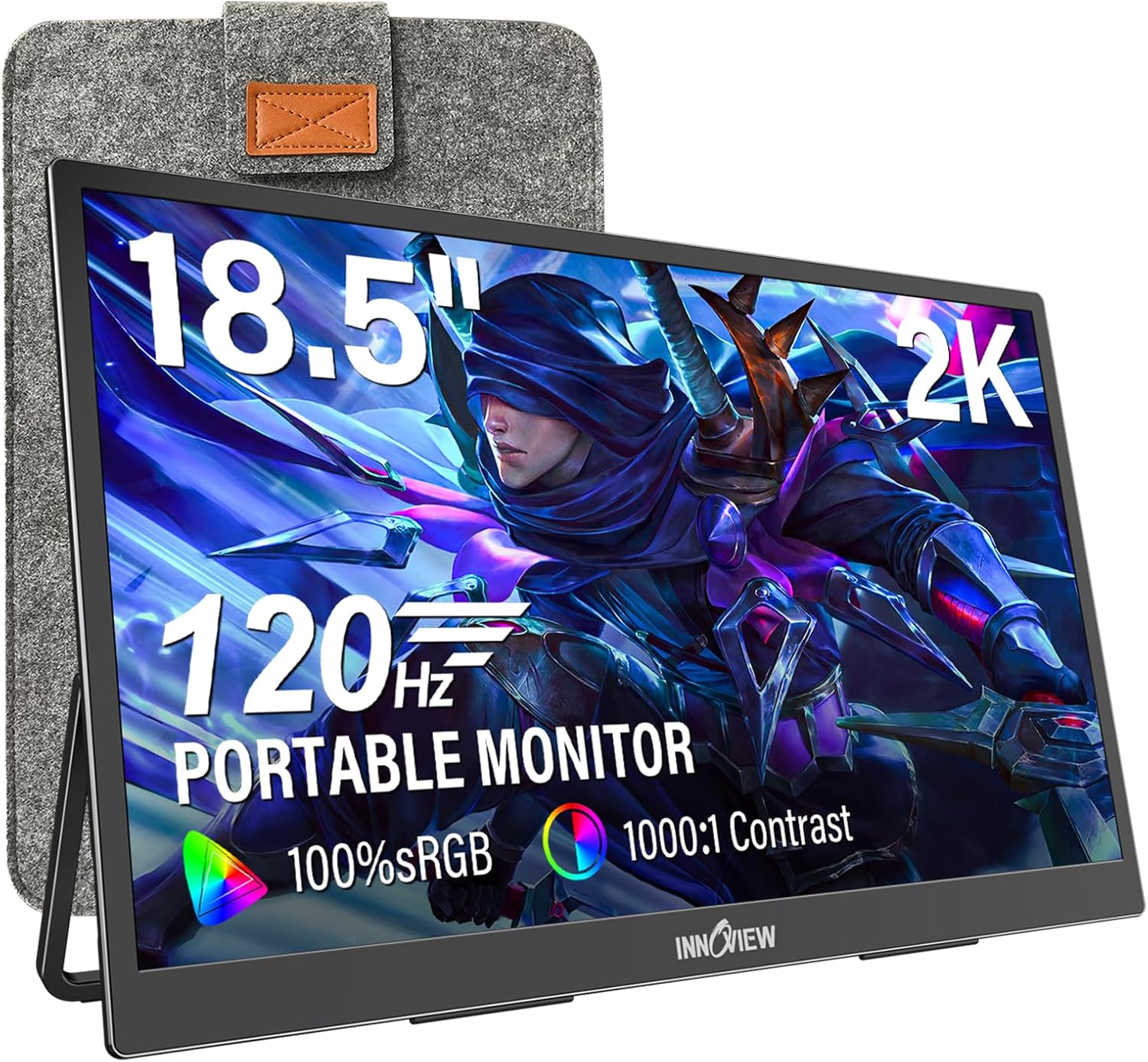
- Ports mentioned: 2 USB-C ports and 1 standard HDMI port
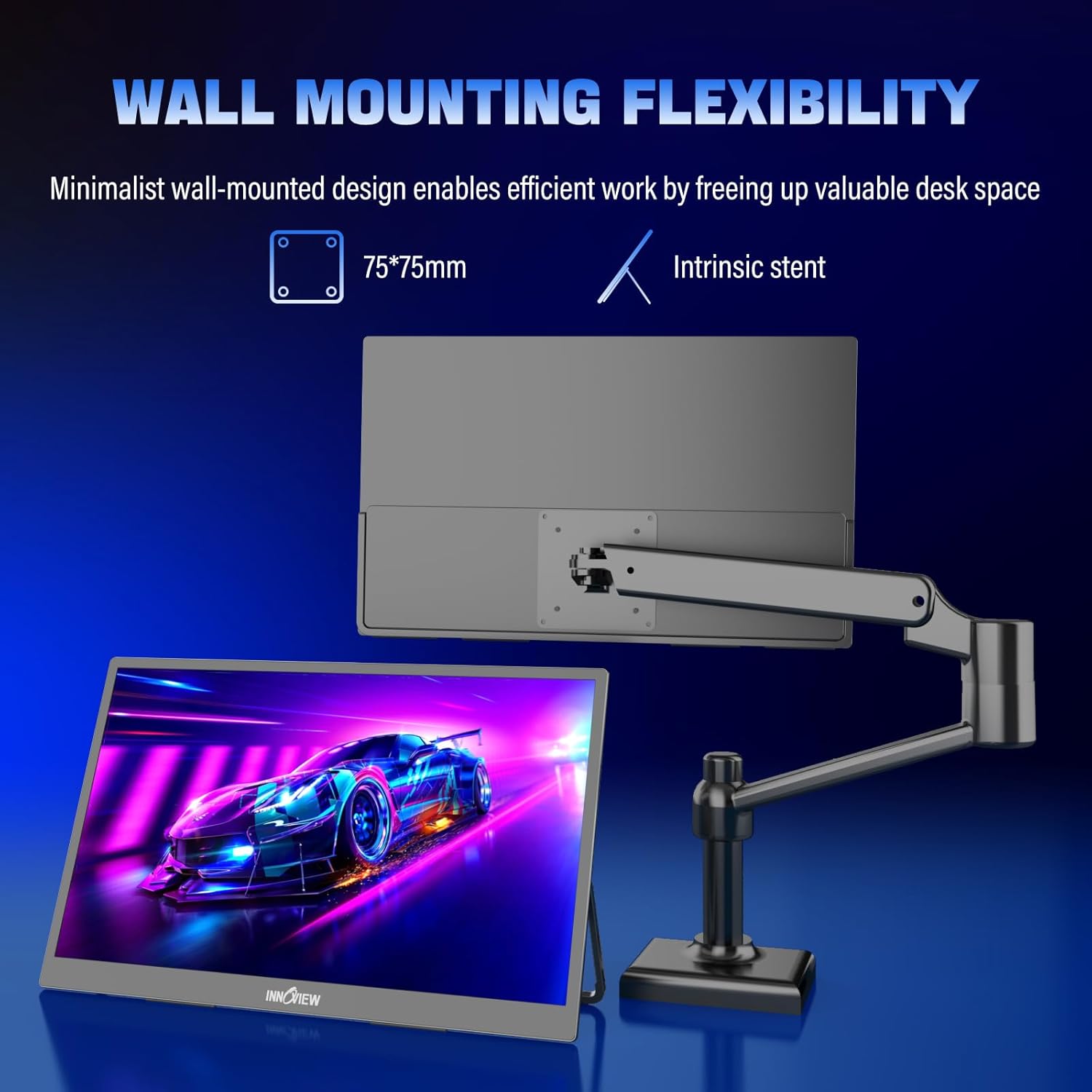
- Mounting options: included stand, plus wall-mount option (75*75mm)
Note: the listing includes a compatibility warning that only HDMI is supported and that Type-C is not supported. That’s the part most likely to affect whether this monitor actually works with your setup.
Where it shines—and where it can fall short
Where it shines is fairly clear:
- If you want a QHD portable second screen that can also handle smoother motion thanks to 120Hz and FREESYNC.
- If you care about color coverage (100% sRGB) for typical media and everyday work.
- If you need flexibility with placement, since it includes a stand and supports wall mounting.
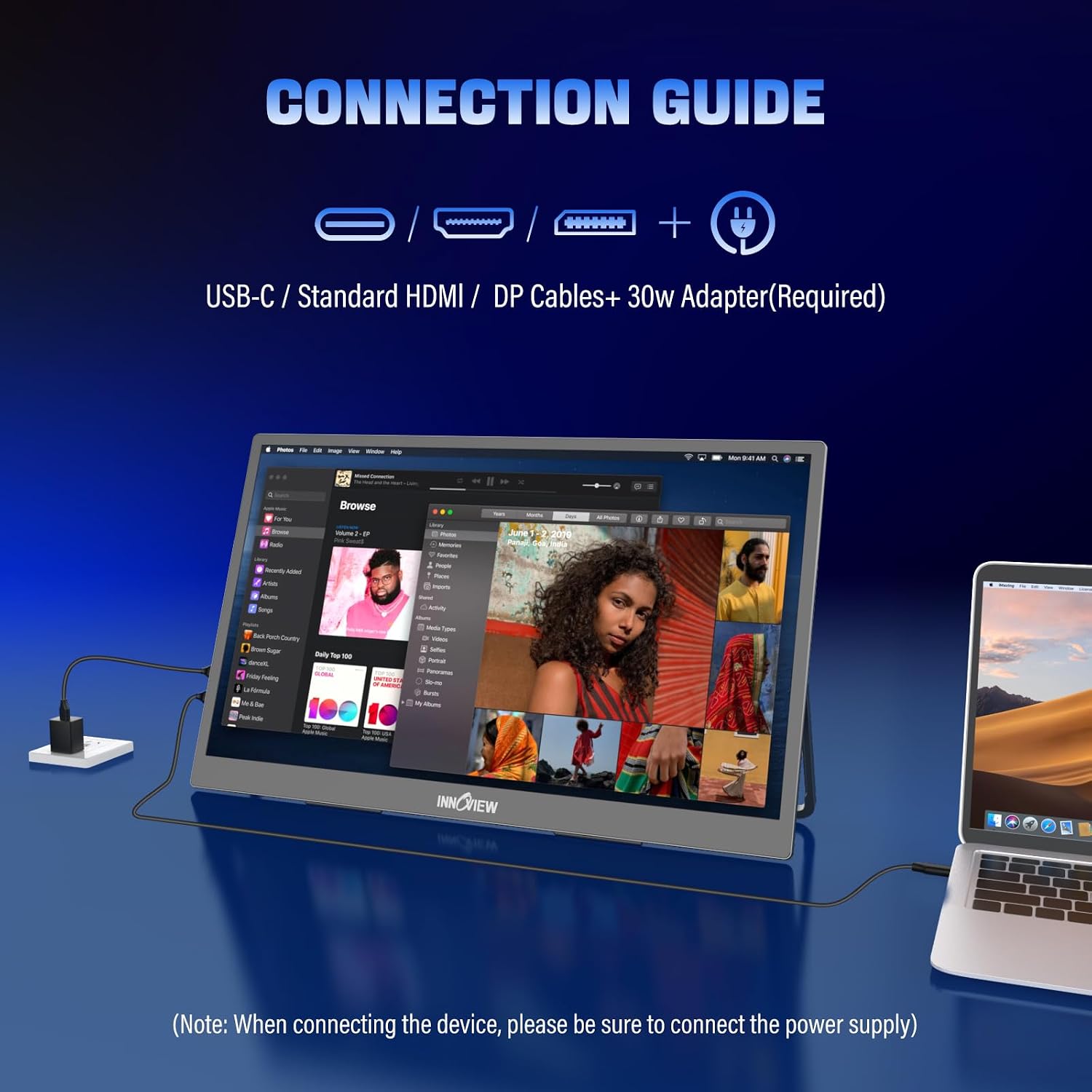
Where you may want to be cautious: if you were hoping for Type-C video output, the note about Type-C not being supported could be a dealbreaker. The description also adds a power-related limitation: if your device doesn’t output enough power, the screen may flicker and you may need to connect a power cord (it mentions 30W or more in the buyer’s note).
So it’s not perfect for every laptop/USB-C scenario. It’s more “worth checking” than “automatically plug-and-play for everyone.”
Compatibility & setup things to check
Before you commit, check these points because they can make or break the experience:
- Your device output method: the listing says only HDMI is supported and Type-C is not supported, even though multiple USB-C ports are listed. Confirm what your laptop/PC can output over its available ports.
- Power requirements: if the device output power is insufficient, the monitor may flicker. The buyer’s note suggests powering the monitor separately (30W or more) in those cases.
- Cable expectations: the description mentions using a USB-C to USB-C cable if your device has a Thunderbolt 3/4 or full-function USB-C port, but the separate warning about Type-C not being supported means you should not assume this will work without verification.
If you’re the type of buyer who hates compatibility puzzles, this monitor may test your patience a bit. If you’re willing to double-check your device ports and power behavior, it should be a more predictable buy.
Pros and cons (the honest version)
Pros - QHD 2560x1440 resolution in a portable 18.5-inch format - 120Hz refresh rate with FREESYNC support (smoothness focus) - IPS panel and 100% sRGB coverage for more consistent visuals - Includes stand and supports wall mounting (75*75mm)
Cons / limitations to keep in mind - Compatibility note says Type-C is not supported (HDMI support only) - May flicker if your device doesn’t provide enough output power, separate power may be needed - HDR is mentioned, but the listing doesn’t provide brightness or HDR performance details—so expectations should stay grounded
Is it worth it?
A solid pick if you’re shopping for a travel-friendly second screen that still gives you QHD sharpness and smoother motion through 120Hz and FREESYNC. It makes more sense if you plan to use it as a supplemental display for work, media, or gaming while traveling or switching locations.
You may want to skip it if your laptop relies on Type-C video output for external displays, because the listing includes an HDMI-only support note. Also, if you don’t want to deal with separate powering and you expect everything to run purely from your device’s output, this one can fall short.
When you buy, keep your expectations aligned: this is a practical portable monitor aimed at mobility and everyday usefulness, not something that eliminates the need to manage connections and power.
Mini FAQ
Does it work with USB-C for video?
The listing includes a specific note that only HDMI is supported and Type-C is not supported. If your device depends on Type-C for display output, verify compatibility before buying.
Will it flicker?
The buyer’s note says flickering can happen if your device does not output enough power. In that situation, it suggests powering the monitor separately (30W or more).
Is it good for gaming?
It’s designed with 120Hz refresh rate and FREESYNC support (per the description), so it’s aimed at smoother, lower-lag visuals for gaming. Just remember it’s still a portable external screen, and practical setup matters.
Is the stand included?
Yes, the description says the included stand is ready to use and can also be used for angle adjustment or wall mounting.
What devices does it support?
The listing claims huge compatibility for laptops/PCs and consoles (such as Macbook, Surface, Laptop, PC, Xbox, Switch, PS5), but the Type-C support note means the exact method (HDMI vs Type-C) will still be the deciding factor.