

VPFET 8K HDMI 2.1 Audio Extractor, 4K120Hz, Optical and Stereo Outputs
Reviews
Price
Product description
Need to send HDMI audio to a soundbar, receiver, or headphones with a different audio input? The VPFET HDMI audio extractor separates sound from the HDMI signal and offers optical, coaxial, 3.5mm AUX, and L/R stereo outputs.
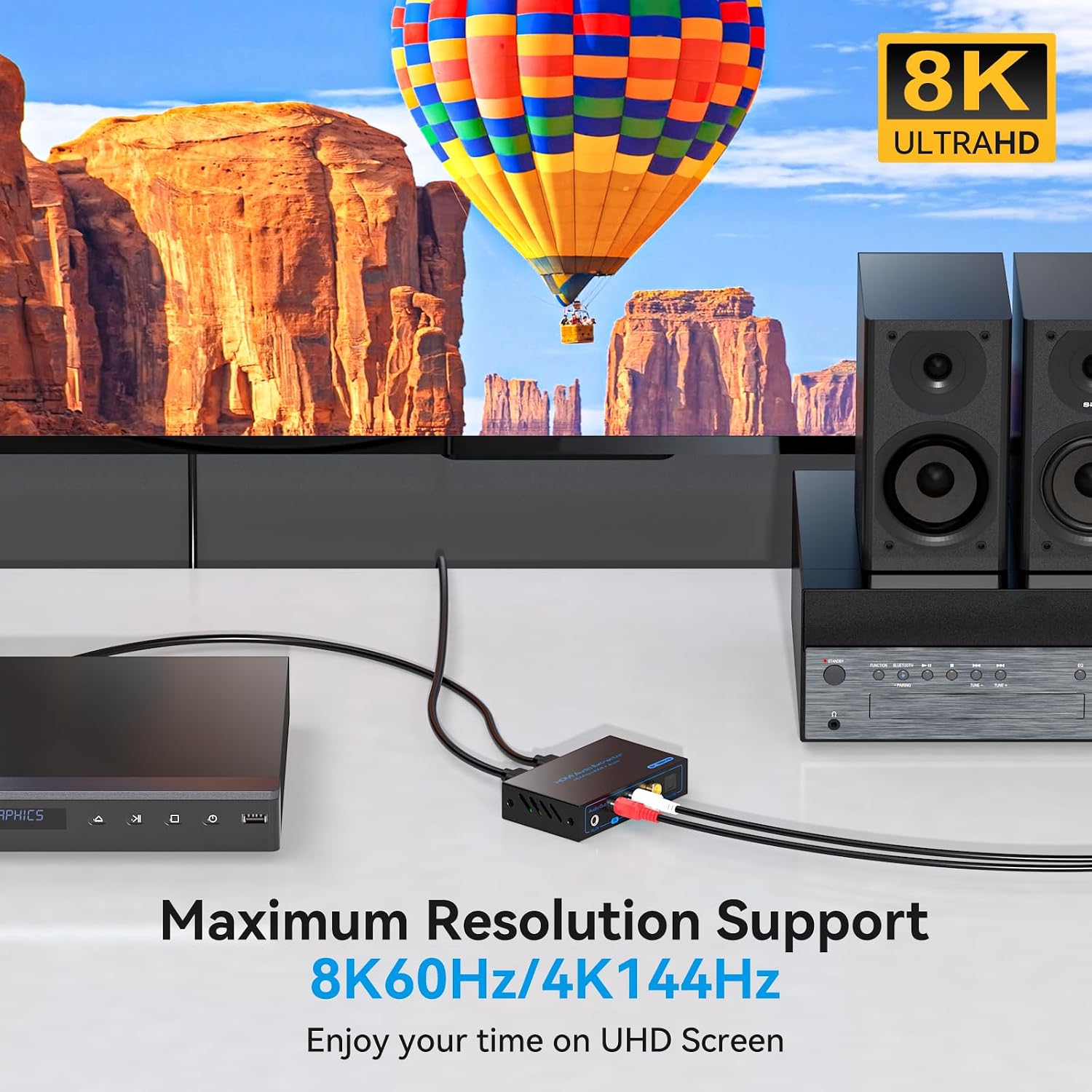
It supports HDMI 2.1 video transmission up to 8K60Hz and 4K120Hz, so audio can be routed separately while video continues to a TV or monitor. That makes it useful for console, PC, Blu-ray, and media-player setups.
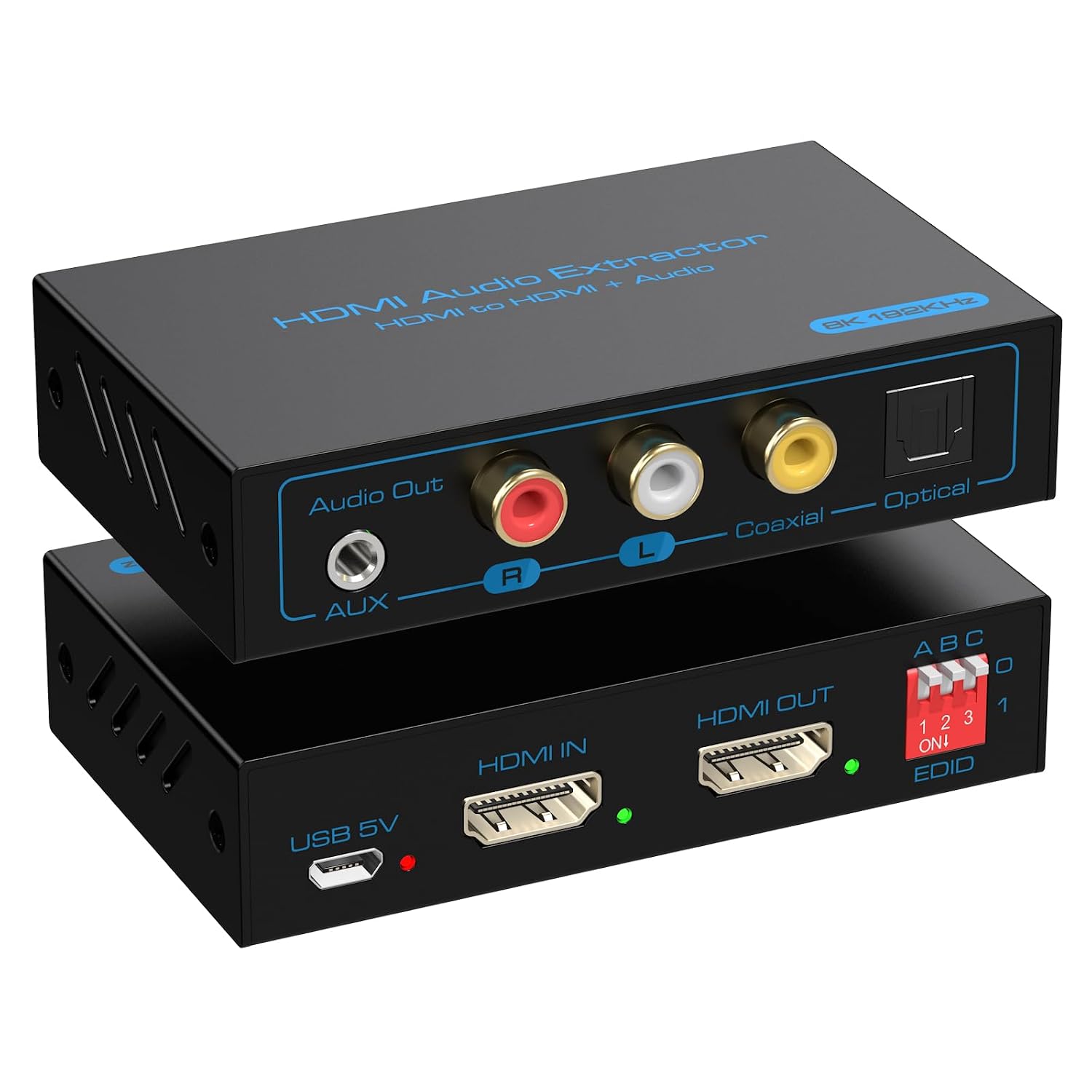
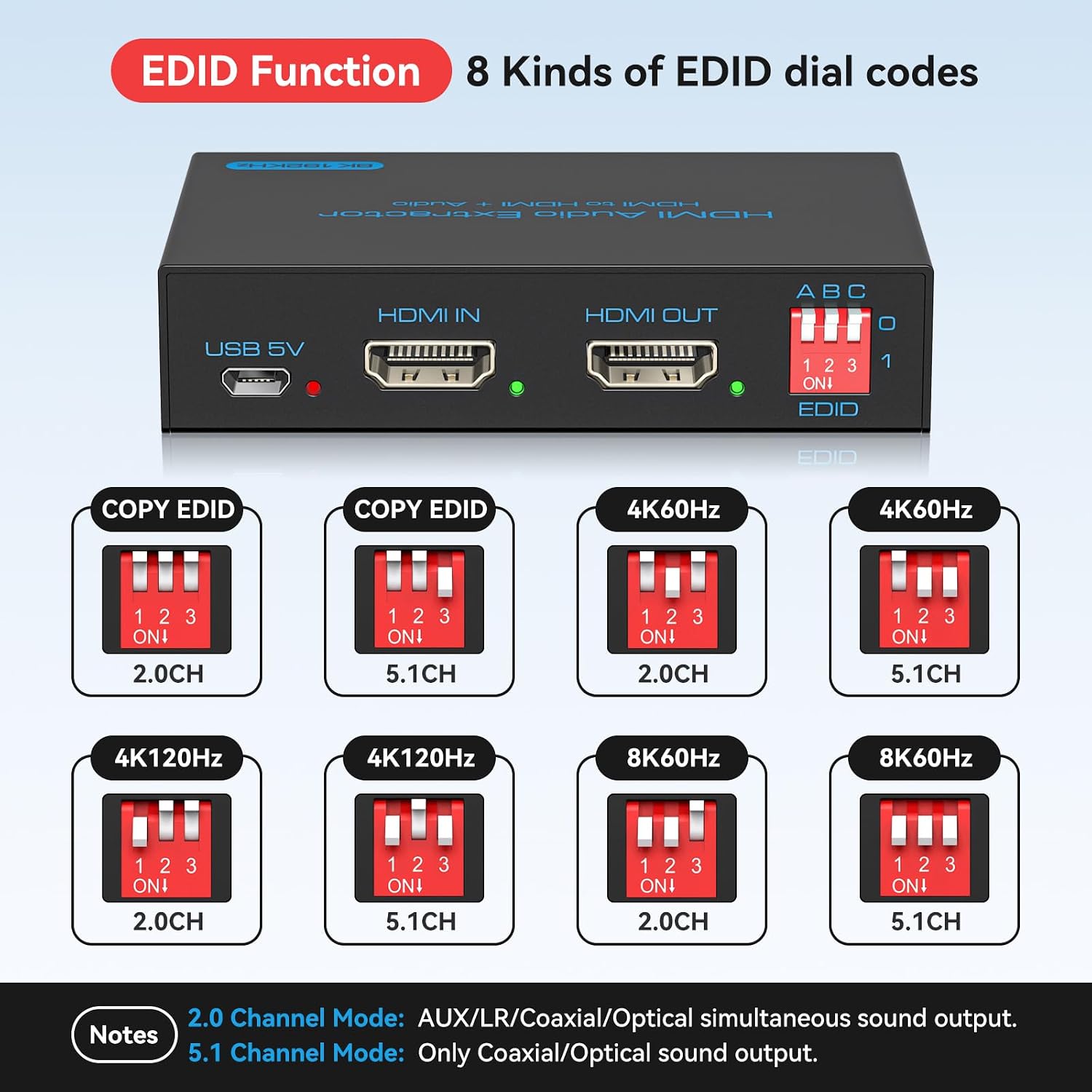
Eight EDID modes provide options for matching the source and display, including 4K60Hz, 4K120Hz, and 8K60Hz with 2-channel or 5.1-channel audio. The mode choices help tailor the signal to the connected equipment.
Pros
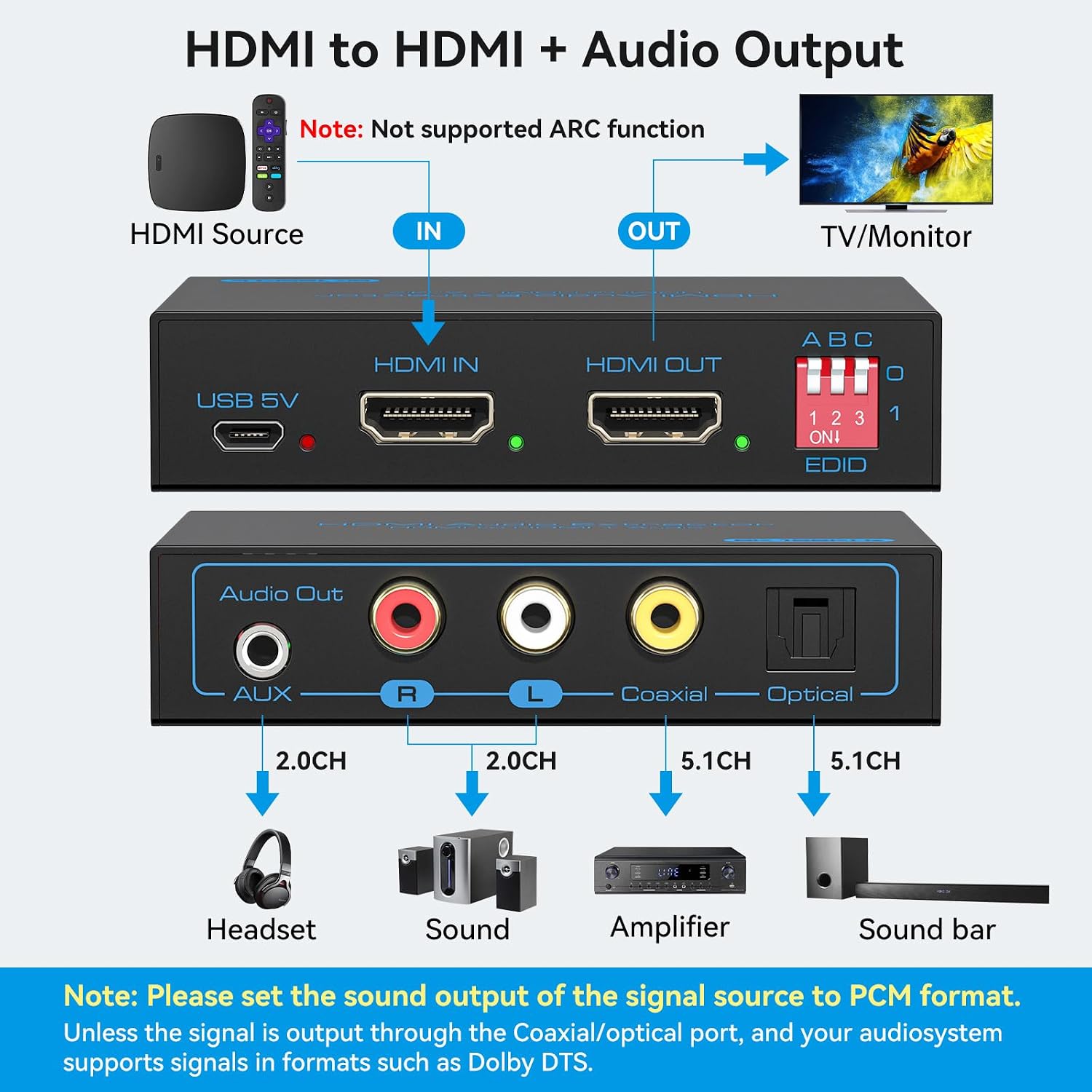
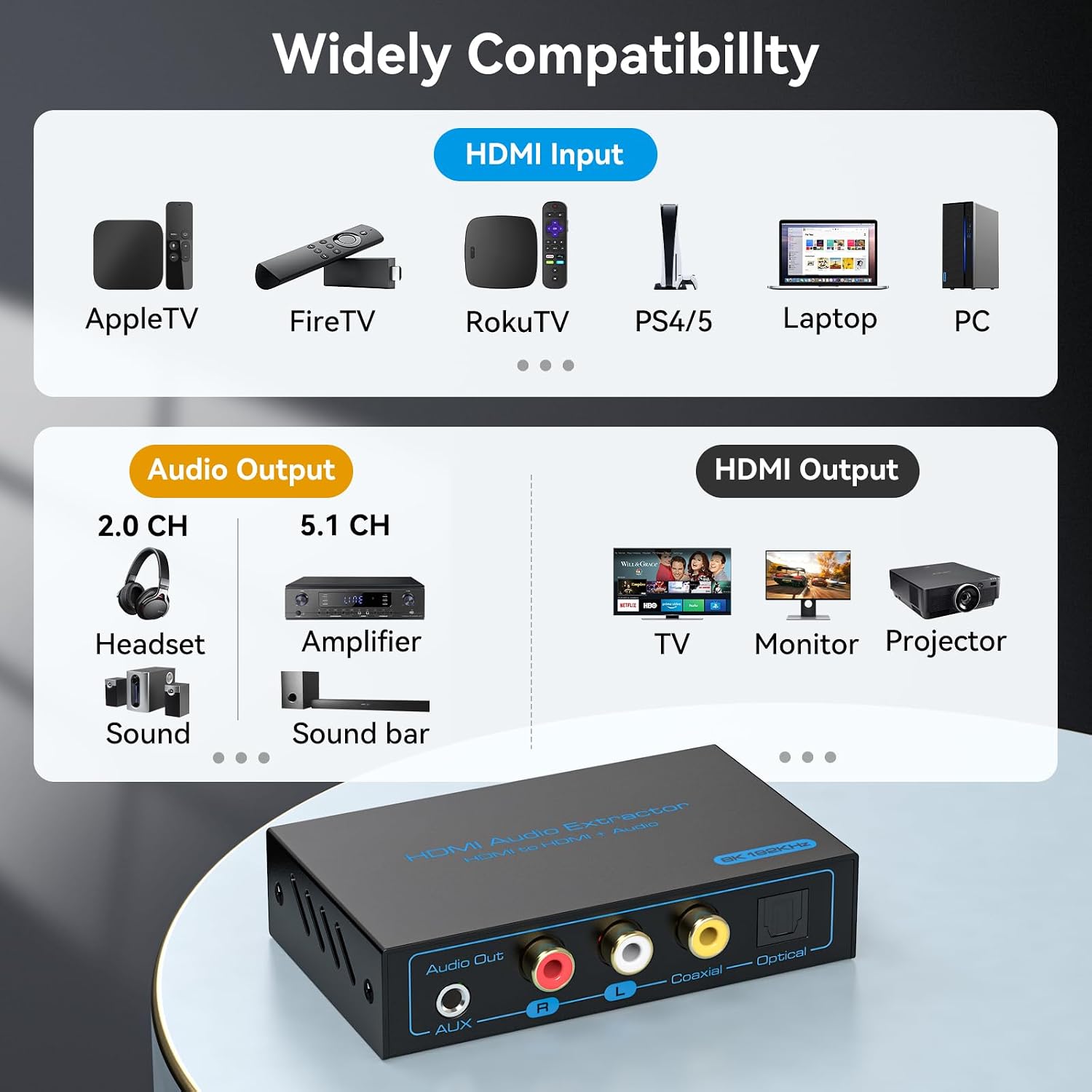
Multiple audio output types make it easier to connect HDMI sources to different audio systems. Use Optical SPDIF or coaxial output for digital audio, or choose 3.5mm AUX and L/R stereo for PCM stereo devices. The extractor supports LPCM 2CH, DTS 5.1, and Dolby Digital 5.1, with optical and coaxial outputs supporting digital surround sound.
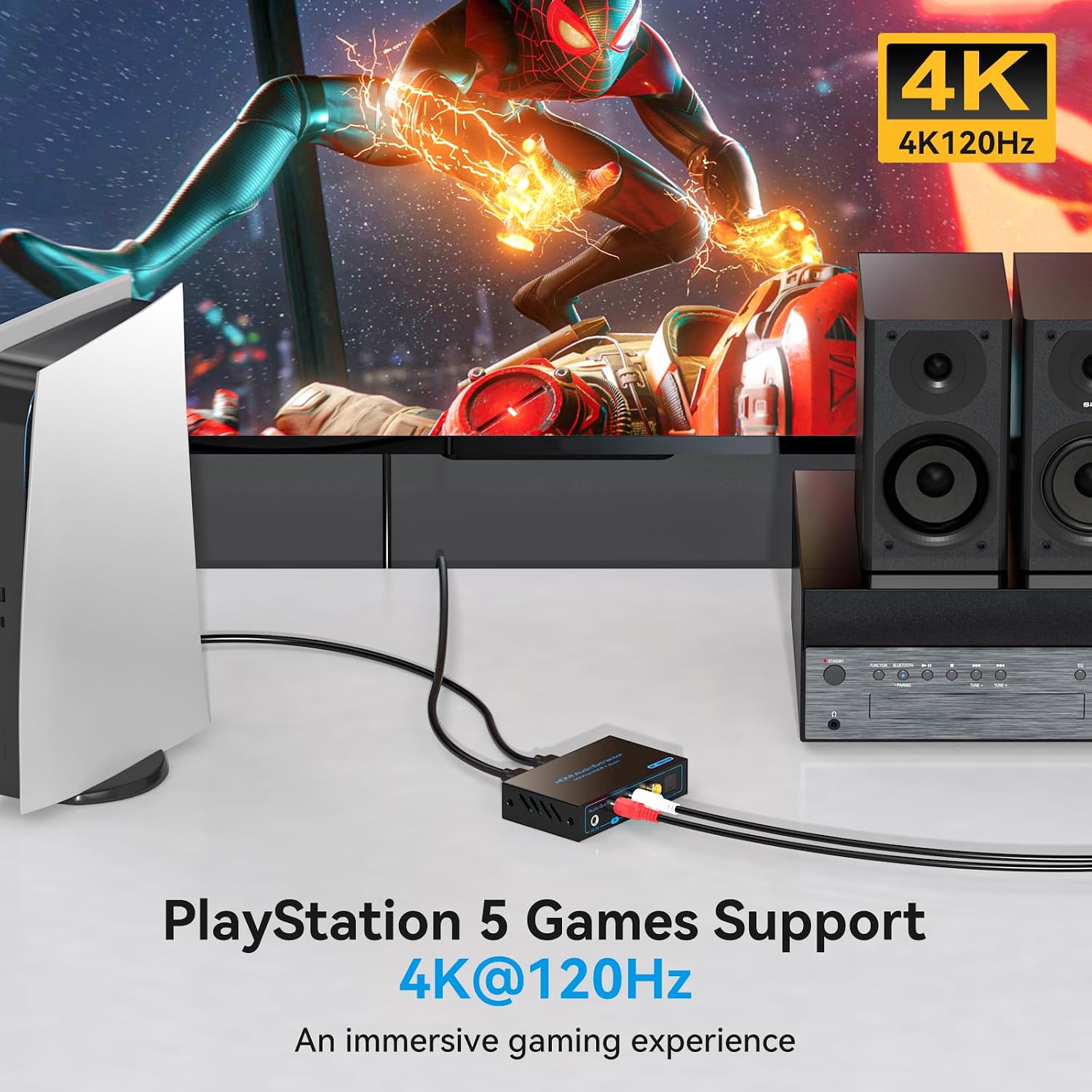
For example, connect a PS5 or Xbox to the extractor, send HDMI video to a display, and route audio to a compatible speaker system through its available audio output. It also supports PS4, Blu-ray players, streaming devices, PCs, and laptops. Compared with replacing audio equipment just to add an HDMI connection, this provides a way to keep the existing audio connection type in the setup.
What to know
The extractor sits between an HDMI source and a display: connect the source and display over HDMI, then connect the desired audio output to speakers, a soundbar, or headphones. Select an EDID mode suited to the connected audio and video equipment. Supported choices include 4K60Hz, 4K120Hz, and 8K60Hz with 2CH or 5.1CH audio options.
Buyer feedback is mixed. Some customers describe setup as straightforward and report successful use with consoles or surround systems, while others report compatibility problems, audio dropouts or no output, reduced video resolution, and reliability concerns. These reports reflect varied experiences with connected setups, so matching the output and EDID mode to the equipment is a practical part of installation.
Tips for day-to-day use
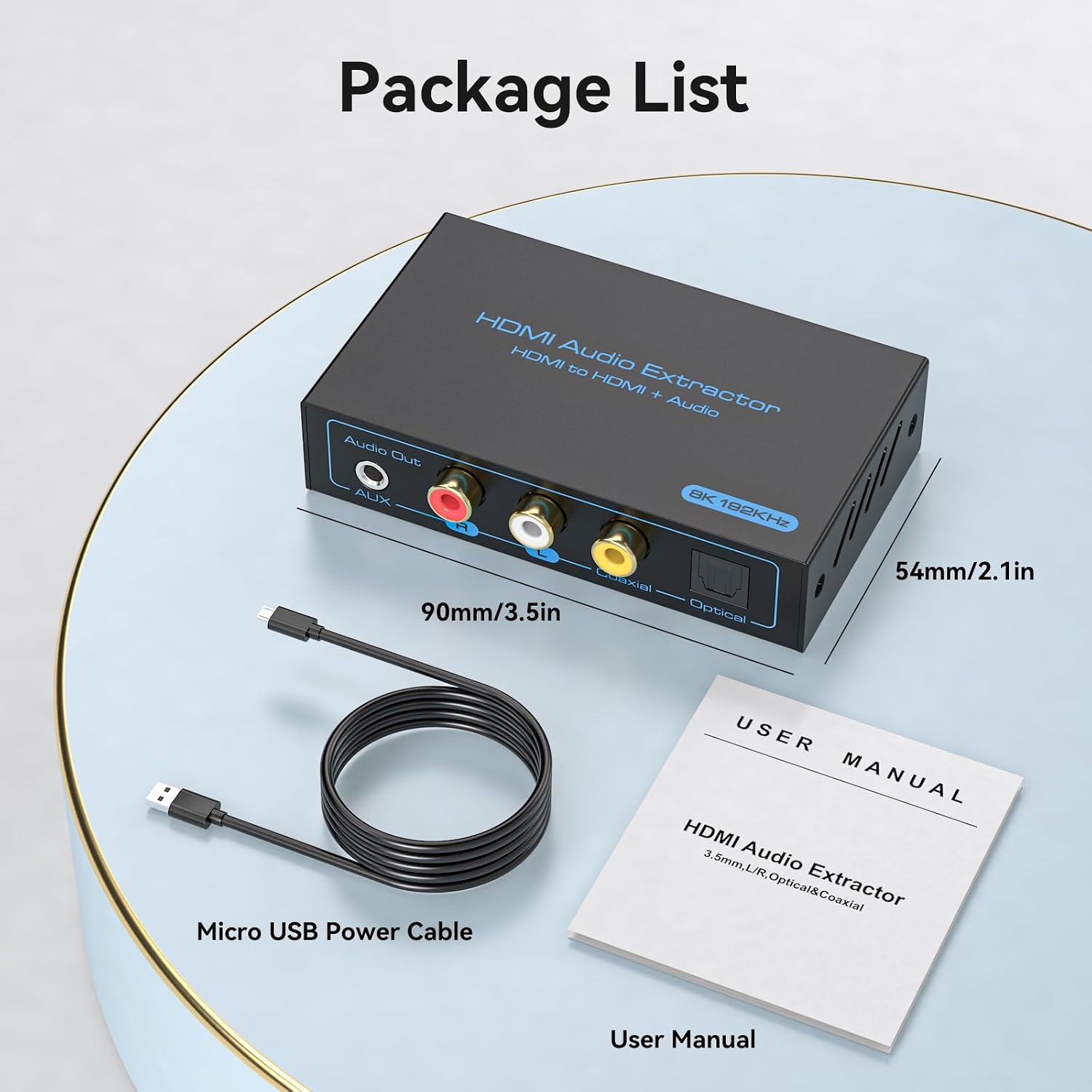
Start by connecting the HDMI source, display, and audio device, then choose the EDID setting that matches the intended audio format and video mode. This helps align the source and display while sending sound to the selected output. If the extractor needs additional power, its Micro USB connection can be used with a 5V supply, a Micro USB power cable is included.
Choose the output based on the audio input available on your equipment: optical or coaxial for supported digital audio, and AUX or L/R for PCM stereo. Keeping the connection path straightforward makes it easier to identify which output is being used when changing audio equipment or adjusting the setup.
Is it worth it?
For a setup that needs HDMI video and a separate audio connection, this extractor brings several useful output types together in one device. Its combination of HDMI 2.1 support, video modes up to 8K60Hz and 4K120Hz, and audio options ranging from stereo to supported 5.1 formats makes it a practical match for a console or media-player system with compatible display and audio gear. It’s a great fit if you want to route HDMI-source audio to optical, coaxial, AUX, or stereo equipment without changing the basic video connection.