

Monoprice USB 3.1 Type-C to DisplayPort Cable (Active) — 10 ft, Black
Product description
The essentials
If you have a laptop with a USB-C video output and you want to hook up a DisplayPort monitor or dock without extra hassle, this Monoprice USB 3.1 Type-C to DisplayPort cable is built for that exact job. It’s an active cable, so it’s meant to help you get a stable connection when you’re running video over USB-C.
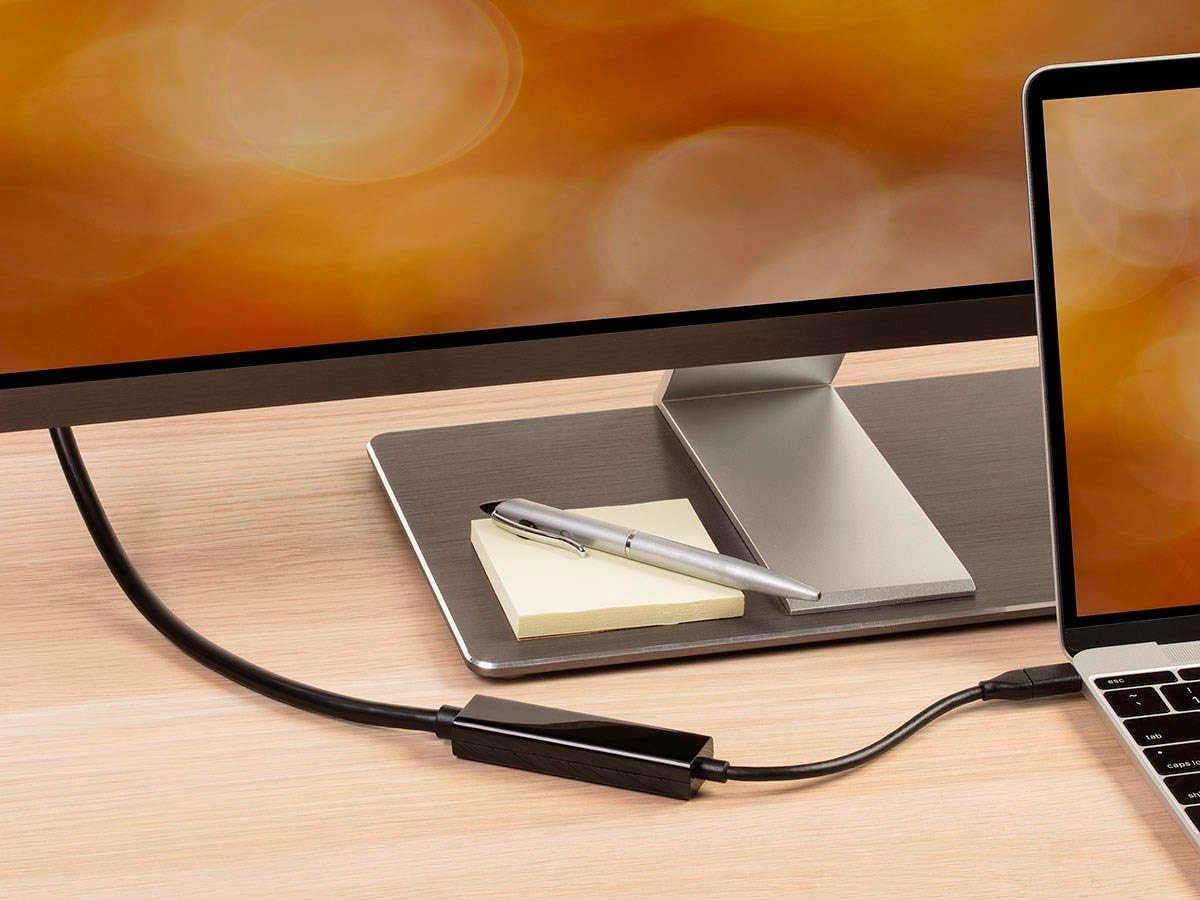
On paper, it targets a pretty common setup: mirror your laptop display or extend your desktop across a second screen. The pitch is simple—plug in the reversible USB-C end, then connect the DisplayPort side to your display, and you’re ready to go.
Key takeaways before you buy
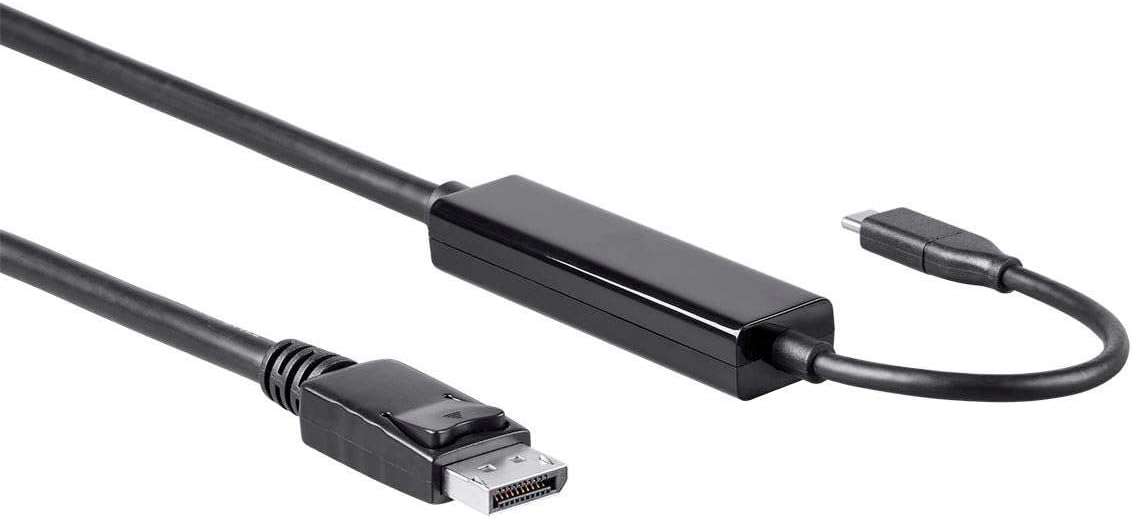
The strongest reason to consider this cable is its stated video support: up to 4K (3840×2160) at 60Hz. If your goal is a smoother, more modern-looking desktop on a DisplayPort monitor, that spec matters. It’s also positioned as genuinely plug-and-play, with no drivers or software installs required.
That said, there’s one practical limitation worth keeping in mind: this cable can only work as well as your laptop’s USB-C port supports video output. If your USB-C port is data-only (some are), you may end up with a cable that physically connects but doesn’t provide video.
What it’s for (and what it feels like in use)
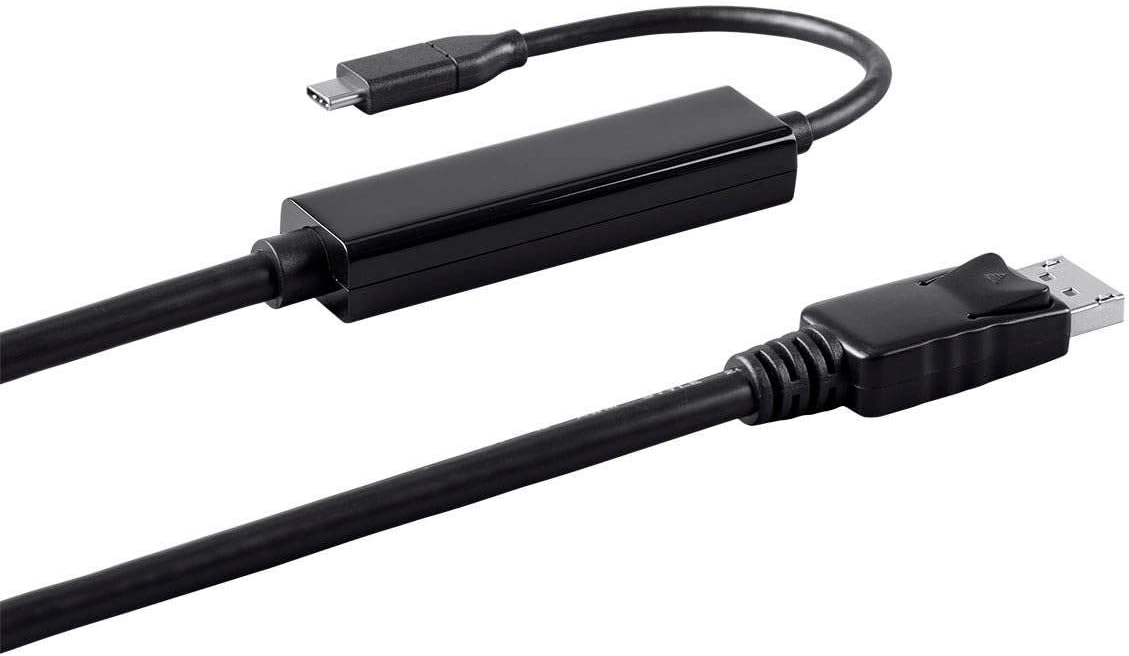
In a typical daily workflow, this cable makes the move from “one screen life” to “real multitasking” much easier. Imagine you’re at your desk, open your laptop, and want a second display for spreadsheets or a browser while you keep a document on the main screen. You connect USB-C to the laptop, DisplayPort to your monitor, and then switch your display mode to extend.
Where it shines is the convenience: you’re not juggling adapters every time or hunting for software. It’s also a clean way to keep your setup consistent, especially if you swap between mirroring for presentations and extending for work.
What stands out vs simpler cables
This is labeled as an active cable. That matters because passive USB-C to DisplayPort solutions can be more finicky depending on the device and the signal path. Active designs are generally intended to help with maintaining the video signal across the connection.
If you’re deciding between “a basic adapter/cable approach” and something designed specifically to carry a DisplayPort signal cleanly, this one leans toward the latter—particularly for higher-resolution needs.
Tech specs
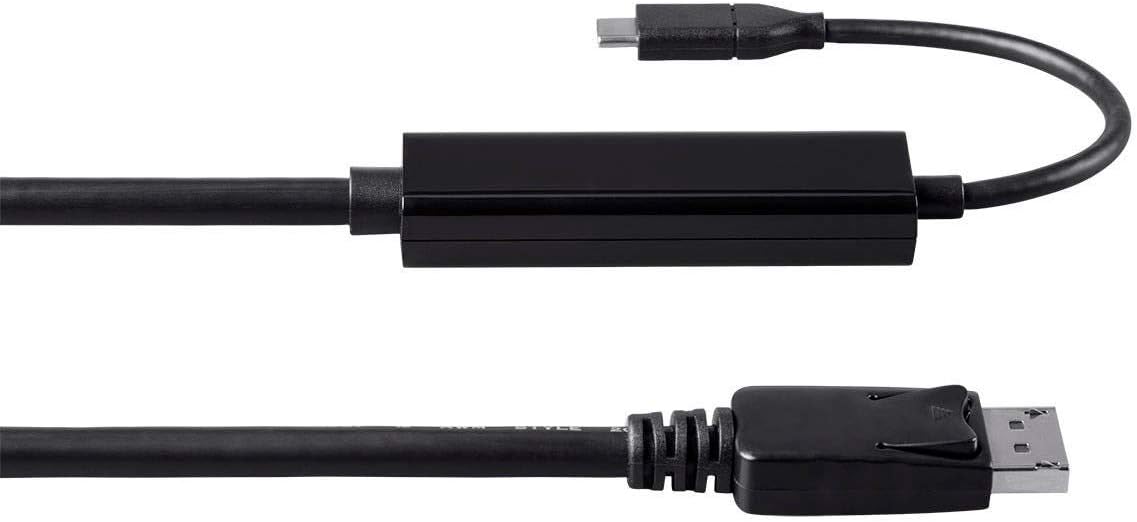
- Name: Monoprice USB 3.1 Type-C to DisplayPort Cable (Active)
- Type: USB 3.1 Type-C to DisplayPort
- Cable length: 10 ft
- Color: Black
- Supported resolution: up to 3840×2160p at 60Hz
- Data/transfer rating: 5Gbps
Is it worth it?
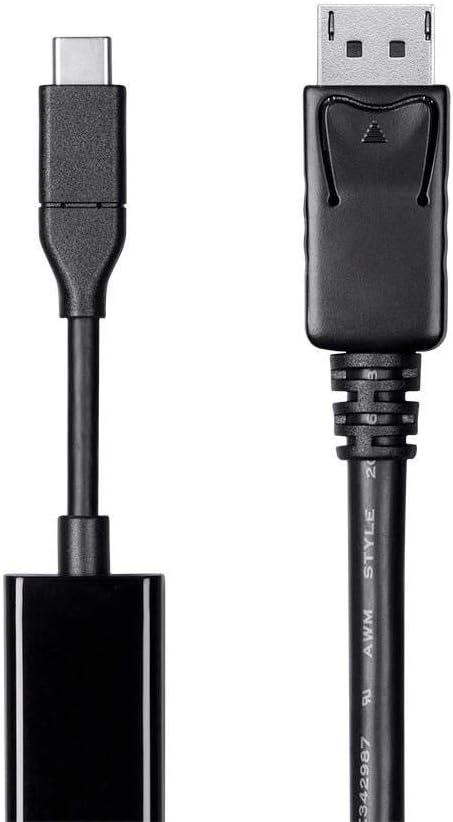
Buy it if you want a straightforward USB-C-to-DisplayPort cable for extending or mirroring your laptop display, and you specifically care about up to 4K@60Hz support. It suits home office setups, dual-monitor work, and anyone who prefers a plug-and-play experience over fiddling with drivers.
You may want to skip it if you’re not sure your laptop’s USB-C port actually outputs video. It might look correct when plugged in, but compatibility with your device’s video capabilities is the real make-or-break.
Finally, if your current setup uses a different connection type (like HDMI-only displays) or you’re looking for a different form factor, you may be better off sticking to the exact ports your monitor and laptop support natively—this cable is for USB-C video to DisplayPort displays.
Quick questions (to reduce purchase guesswork)
1) Do I need software or drivers?
The listing states it’s plug-and-play with no need for drivers or software installation.
2) Will it mirror and/or extend my desktop?
Yes—it's intended to mirror your laptop’s display or expand your desktop area on a DisplayPort display.
3) What resolution and refresh rate can it handle?
It’s rated for up to 3840×2160p at 60Hz.
4) How long is the cable?
It’s 10 feet long, which is convenient for most desk and monitor arrangements.
5) What’s the main compatibility thing to check?
Confirm that your laptop’s USB-C port supports video output (not just data).