

Seulliya USB Type-C to 3.5mm Aux Cable: Easy Plug-and-Play Audio for iPhone 17 and More
Product description
What it is
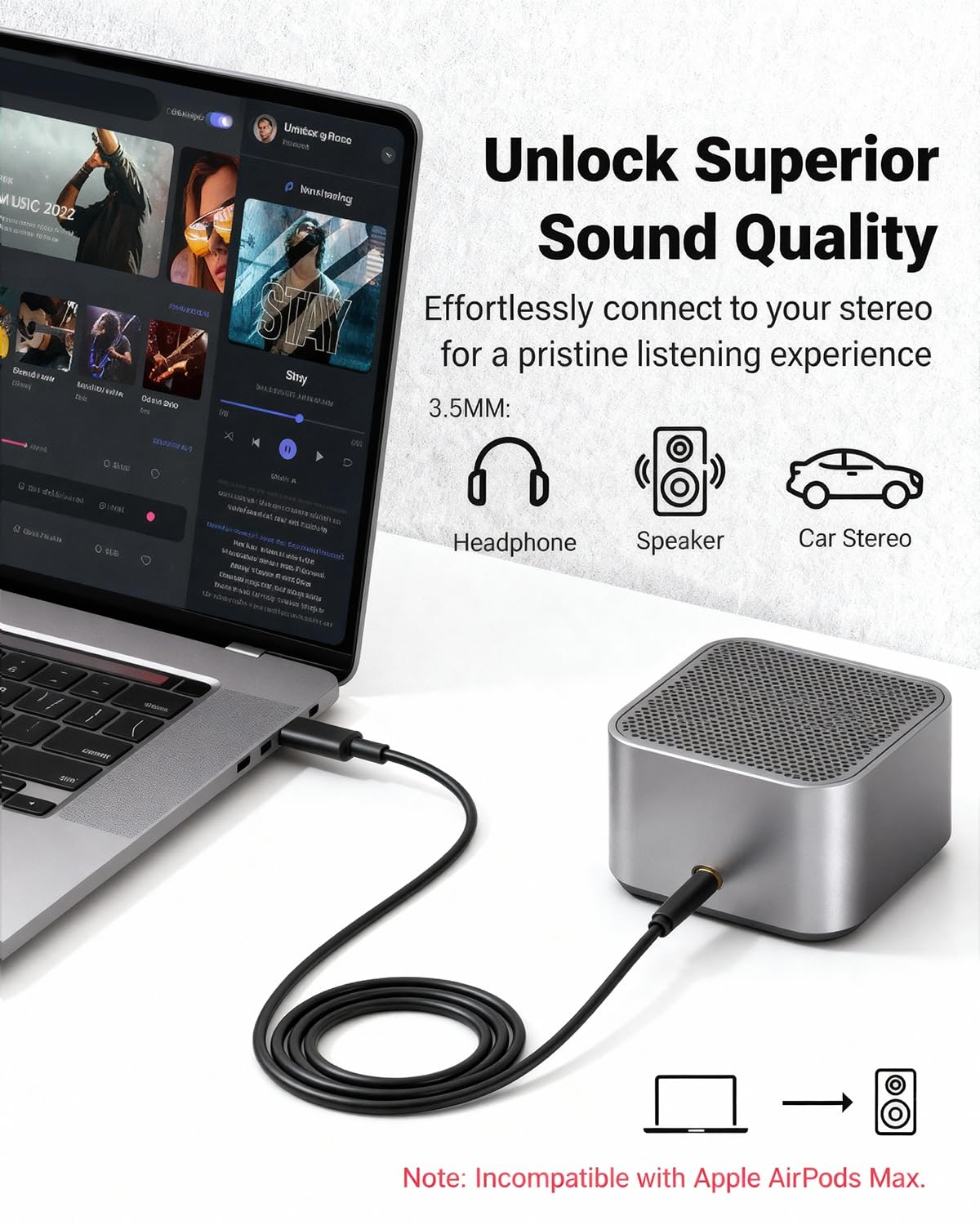
The Seulliya USB C to 3.5mm Aux Cable is a wired audio dongle that lets you connect devices with a USB-C port to any standard 3.5mm audio jack. It’s designed to work with a range of USB-C phones and tablets, plus car stereos, home speakers, and headphones that use a 3.5mm input. On paper, it aims to deliver a straightforward, plug-and-play listening experience without needing extra software.
How it helps you
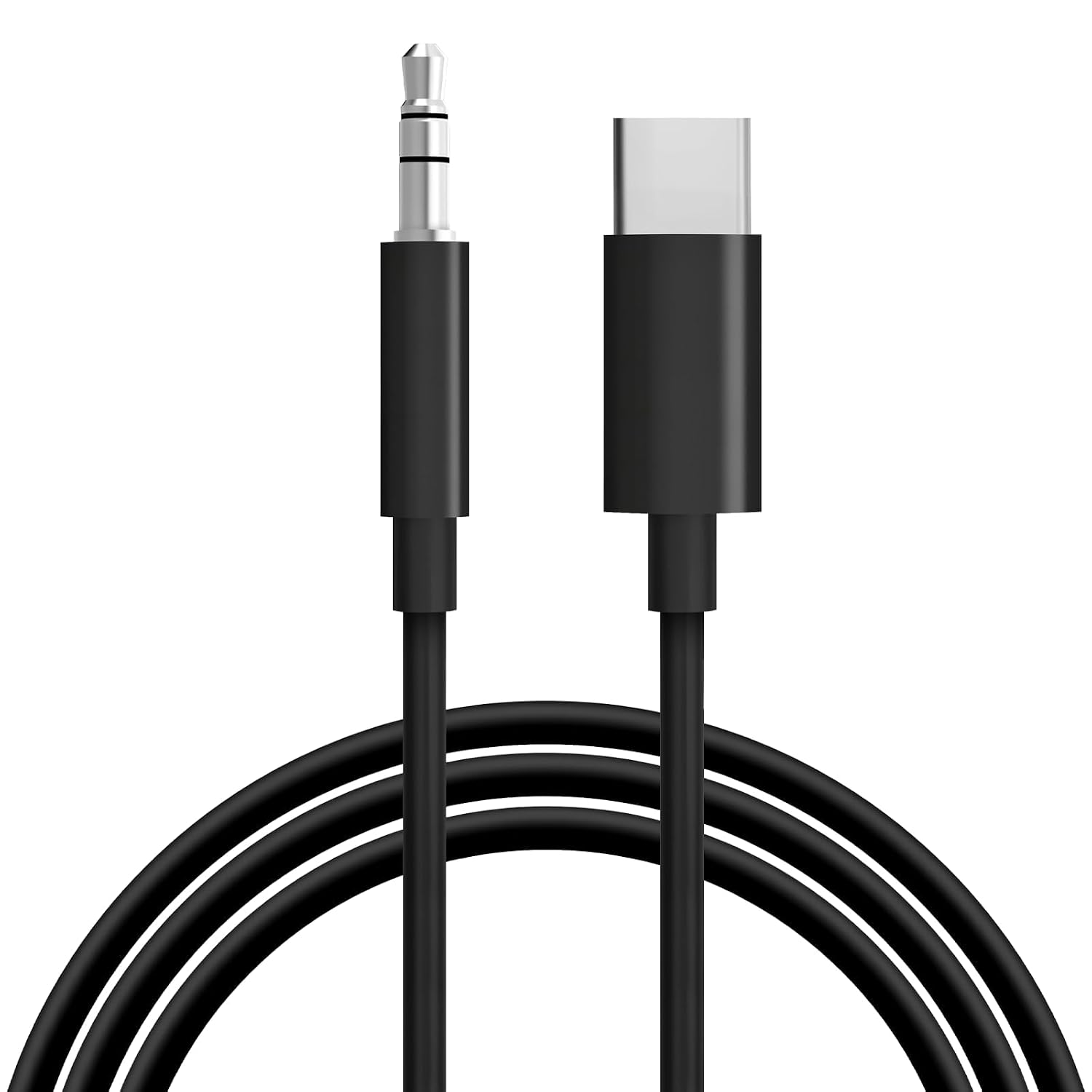
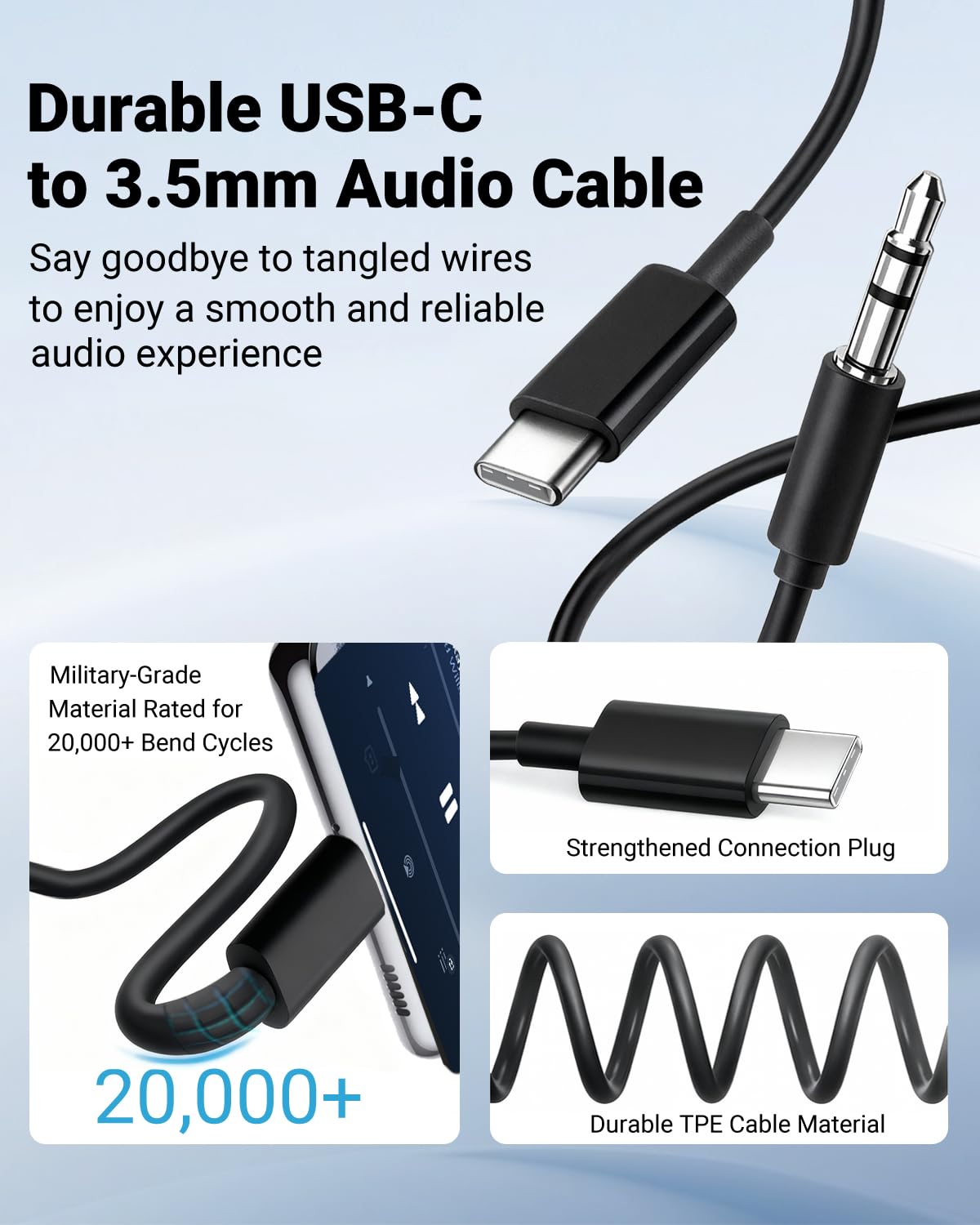
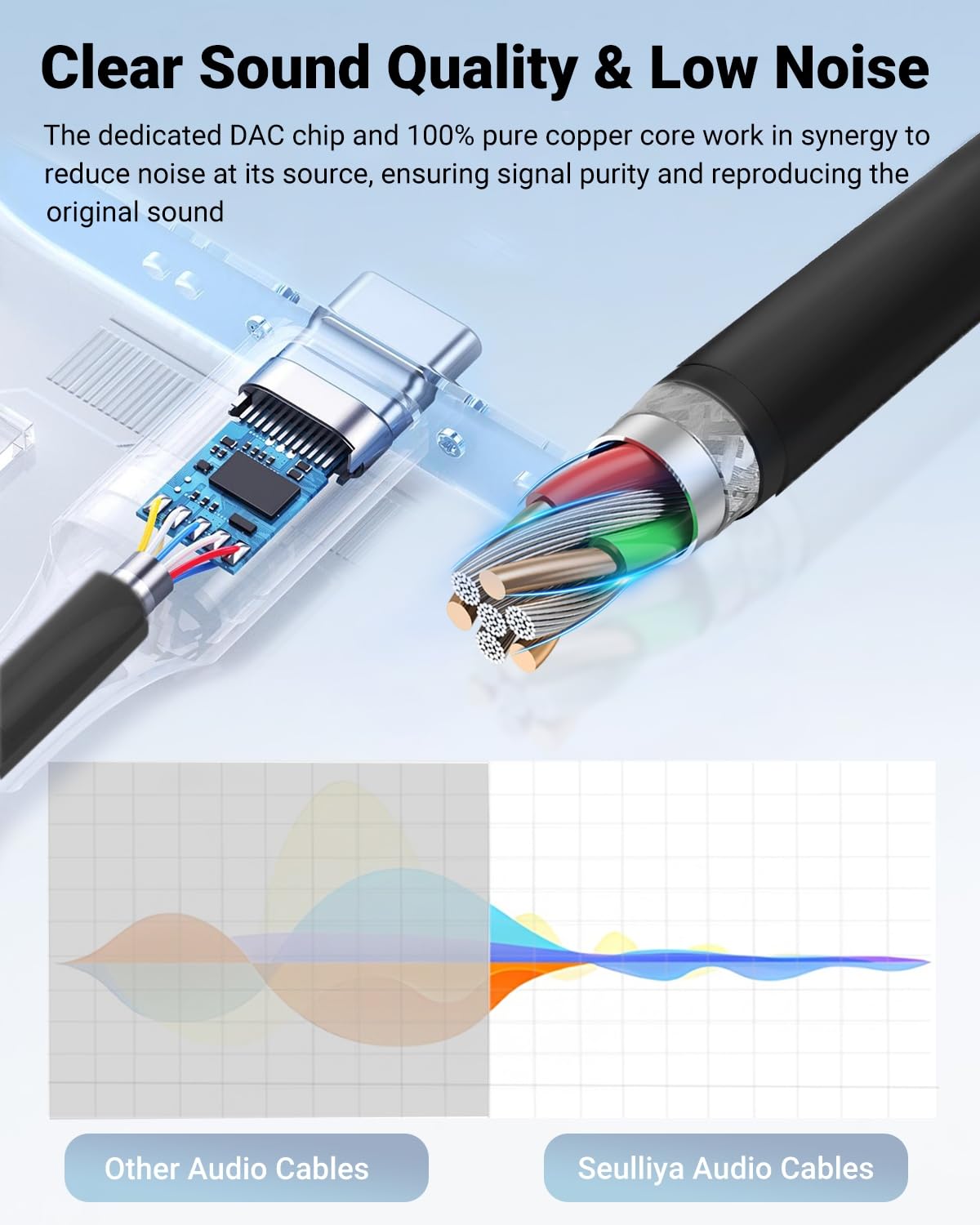
If your device lacks a traditional 3.5mm output but still needs wired audio, this cable offers a direct solution. The built-in DAC chip supports up to 24bit/96kHz, which suggests you can get higher-fidelity stereo sound compared to some basic adapters. The claim of MFi certification and a smart chip implies fewer compatibility warnings on compatible devices, which can translate to a smoother setup when you’re in a hurry or on the road.
What stands out
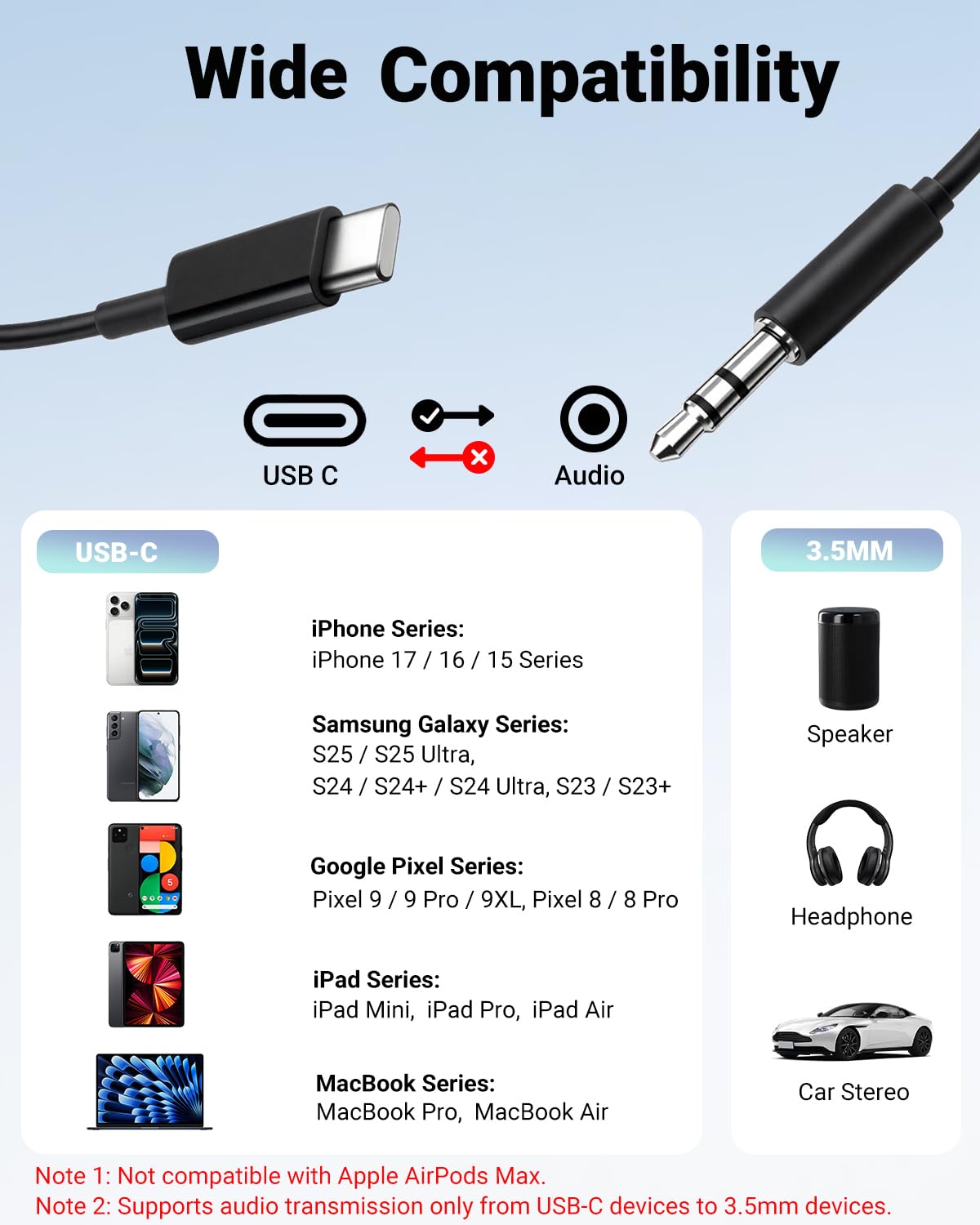
One notable point is the claim of plug-and-play operation with no software or drivers required. That simplicity can be a real plus if you frequently switch between devices or cars. The DAC capability and high-resolution spec indicate attention to audio quality, not just convenience. The wide compatibility list covers a broad mix of USB-C phones and tablets, plus common ecosystems like iPads and some Pixel models, which broadens your potential use cases.
Where it may fall short
The product notes that actual maximum audio output depends on the headset you pair with it. In practice, that means you might not see the full 24bit/96kHz performance with every headset, especially budget or lower-impedance options. It’s also worth noting that, while the claim is broad, real-world performance can vary by device and Android/iOS updates. If you’re aiming for lossless audio with high-end headphones, you may want to test with your specific gear before committing.
Who it’s for
This cable seems best for users who: need to add a wired 3.5mm connection to a USB-C device, want a simple, driver-free setup, and value DAC-supported audio without extra software. It could fit people who drive with wired car stereos, or who carry a USB-C phone that still benefits from a dedicated analog output for headphones or speakers.

Who should consider alternatives
If your priority is the absolute highest fidelity or if you rely on multi-device ecosystems with various dongles, you may want to compare different DAC implementations or cable configurations. Also, if your headset already includes its own digital-to-analog processing, the incremental gain from this specific DAC may be modest.
What to check before buying
- Confirm your specific headset or car stereo supports 3.5mm input and that the cable is compatible with your device family.
- Consider whether you will use it in a car, at home, or with a portable speaker, and test perceived audio quality with your usual listening content.
- Note that the actual output will depend on your headset, some setups may not reveal the full potential of the DAC.
Practical use example
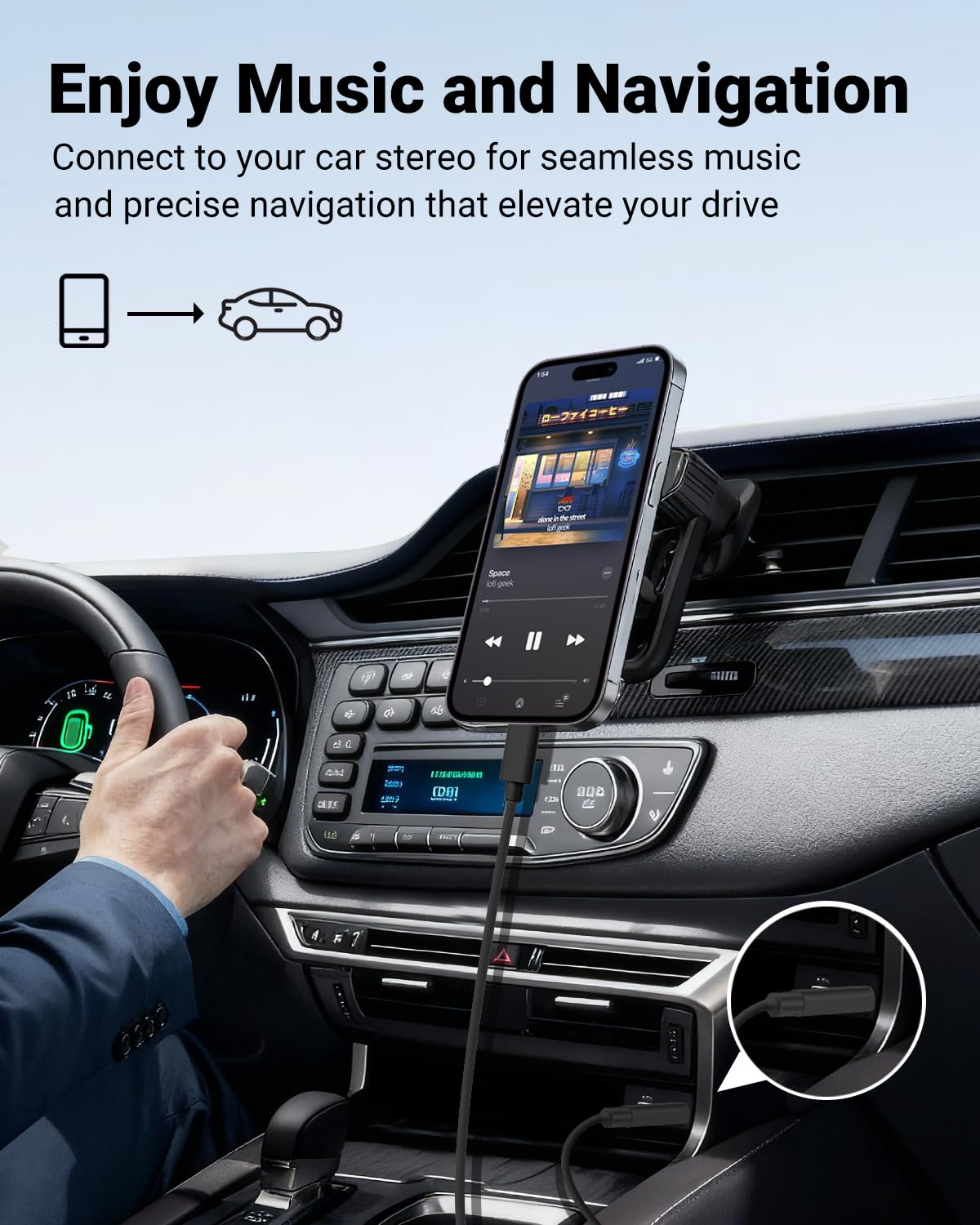
Imagine you’re commuting and want to listen to lossless tracks from a USB-C phone through your car’s AUX input. You plug in this cable, select the AUX source, and you’re off—no extra apps or setup, just clean stereo sound on the go.
Decision section
Is it worth it?
Worth considering if you prioritize a straightforward, driver-free way to add a 3.5mm output to a USB-C device and you’re okay with testing real-world performance with your own headset. If you prioritize peak, studio-grade fidelity or have very specific compatibility needs, you may want to look for a model with clearer performance specs for your exact headset. It’s a practical option for everyday listening and travel use, but the actual audio experience hinges on the headset and the device you pair with it.
Quick FAQ
- Do I need software to use this cable? No, it’s described as plug-and-play.
- What devices is it compatible with? A wide range of USB-C devices and many models listed in the notes. Check your specific model for confirmation.
- Will I hear higher-quality audio with this DAC? The cable supports 24bit/96kHz, but actual results depend on your headset.