

UGREEN USB C to HDMI Cable (4K@60Hz) 6.6FT — Type C to HDMI Adapter for Thunderbolt 4/3 and DP Alt Mode
Product description
What it is
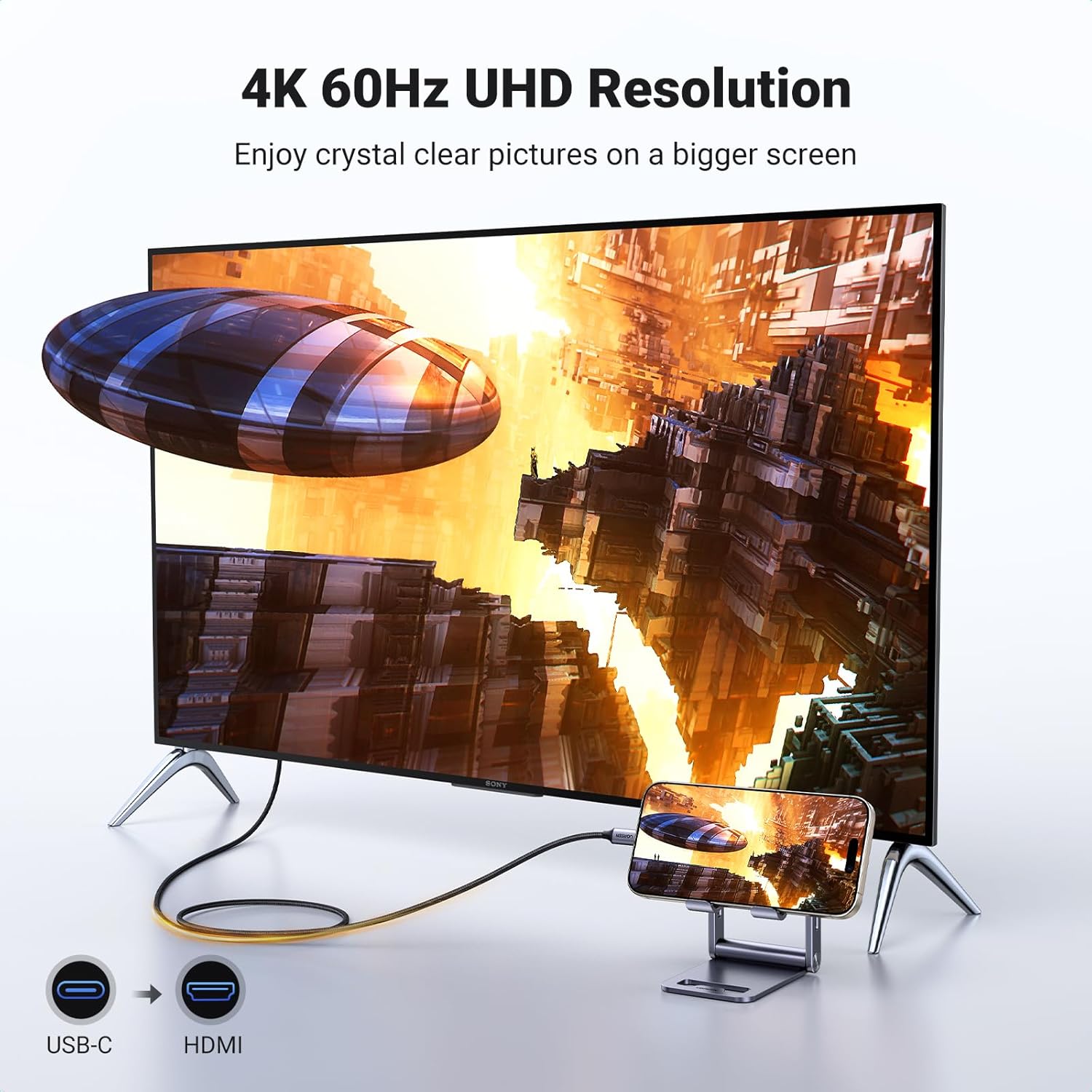
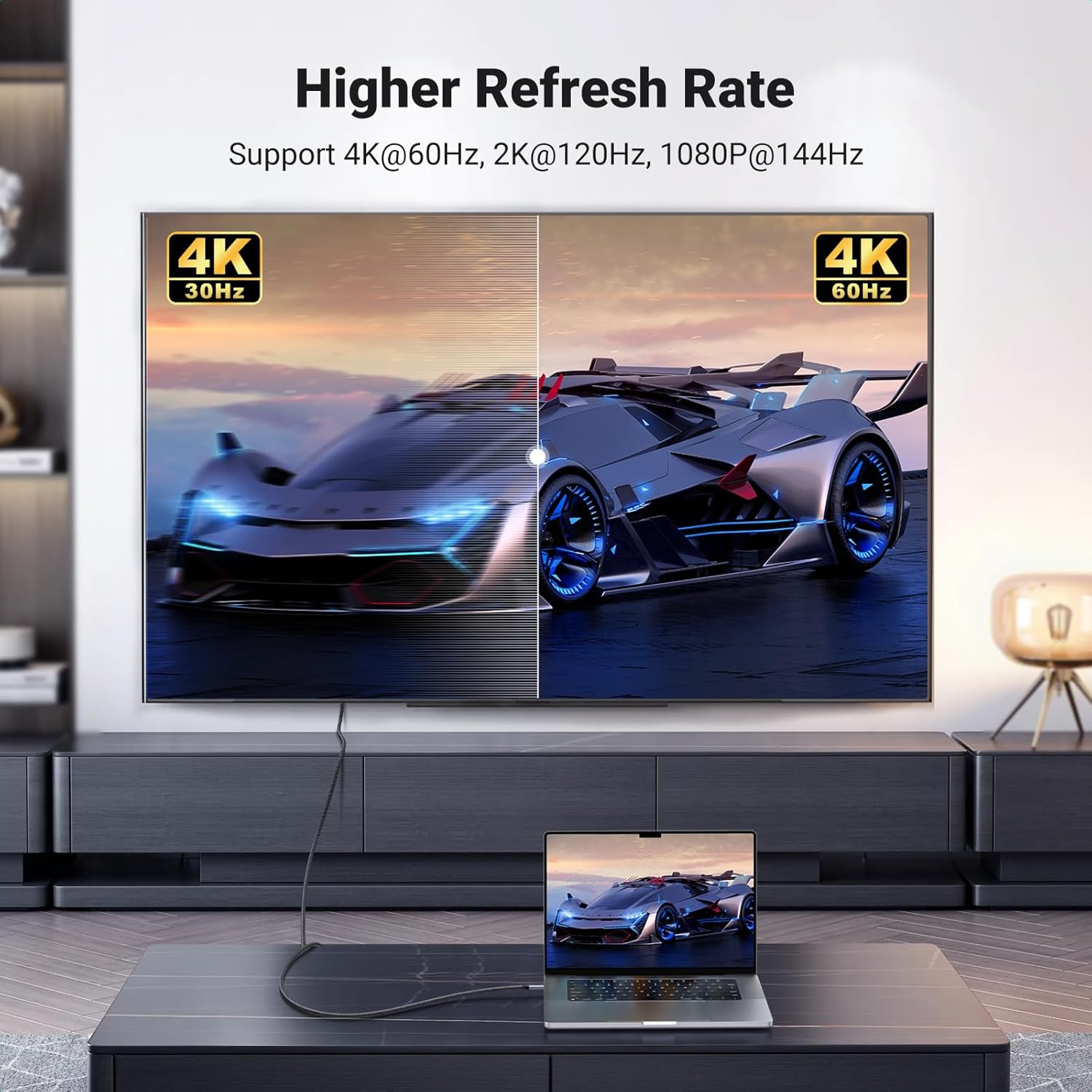
The UGREEN USB C to HDMI Cable is a direct USB-C to HDMI solution designed to mirror or extend your display onto a monitor, TV, or projector with HDMI input. It supports 4K at 60Hz and delivers synchronized audio and video, making it a practical option for presentations, streaming, gaming, or photo viewing from a USB-C device. On paper, it emphasizes stability and ease of use in place of wireless connections, aiming to reduce dropouts or signal interference.
How it works
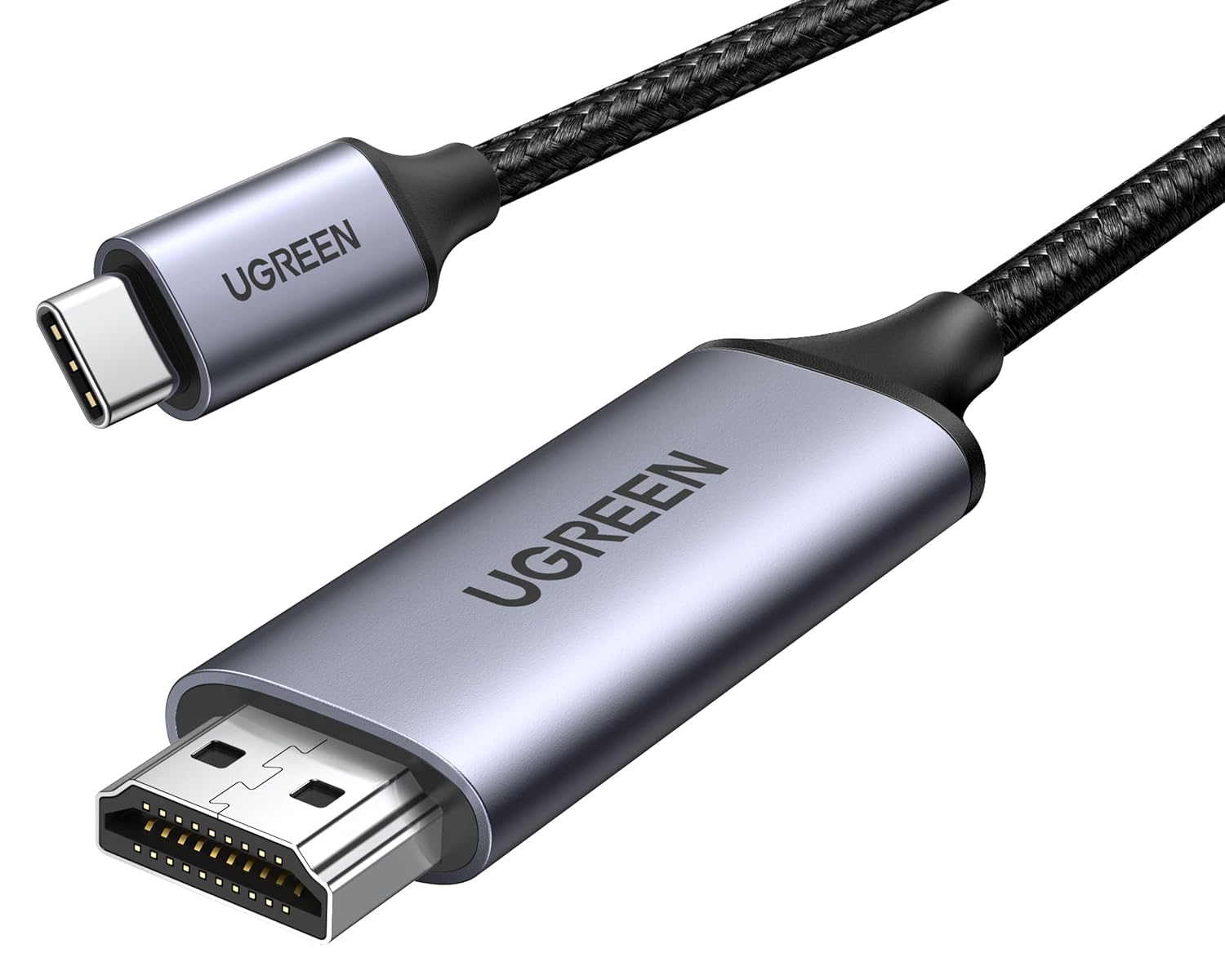
Inside the cable is a built-in IC that converts USB-C signals to HDMI signals. The design highlights durability (braided nylon sheath and aluminum alloy casing) and a snug USB-C connector to help maintain a stable signal transfer. Note that both input and output devices need to support DisplayPort Alternate Mode to achieve 4K@60Hz.
What stands out
For users who prioritize a stable wired connection over Wi‑Fi casting, this cable offers a straightforward setup with a single cable for both power and display in many scenarios. The 6.6ft length provides some flexibility in arranging a desk setup or living room media station. The materials—braided exterior and metal housing—suggest durability and heat dissipation, which can be helpful for longer sessions.
Who it’s for
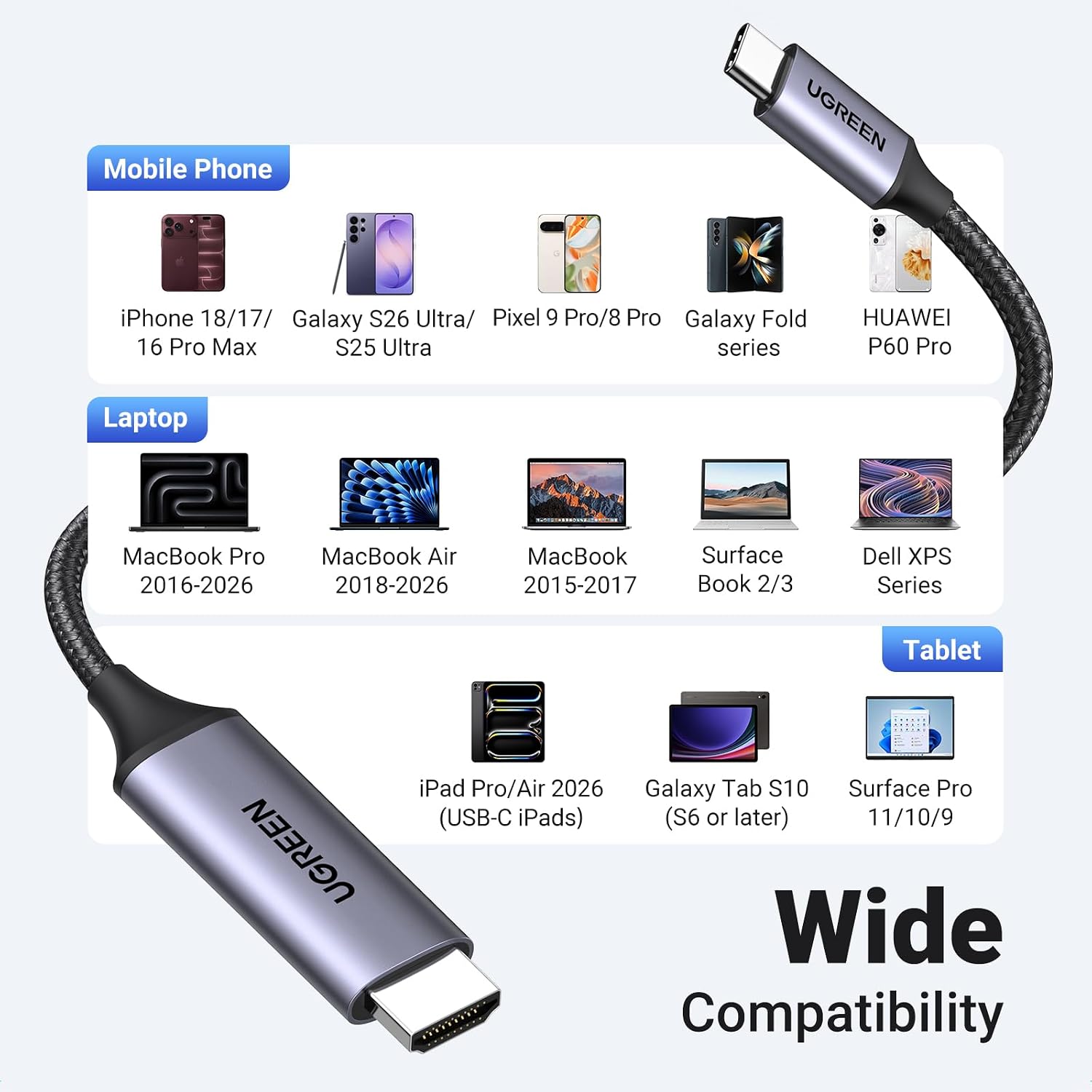
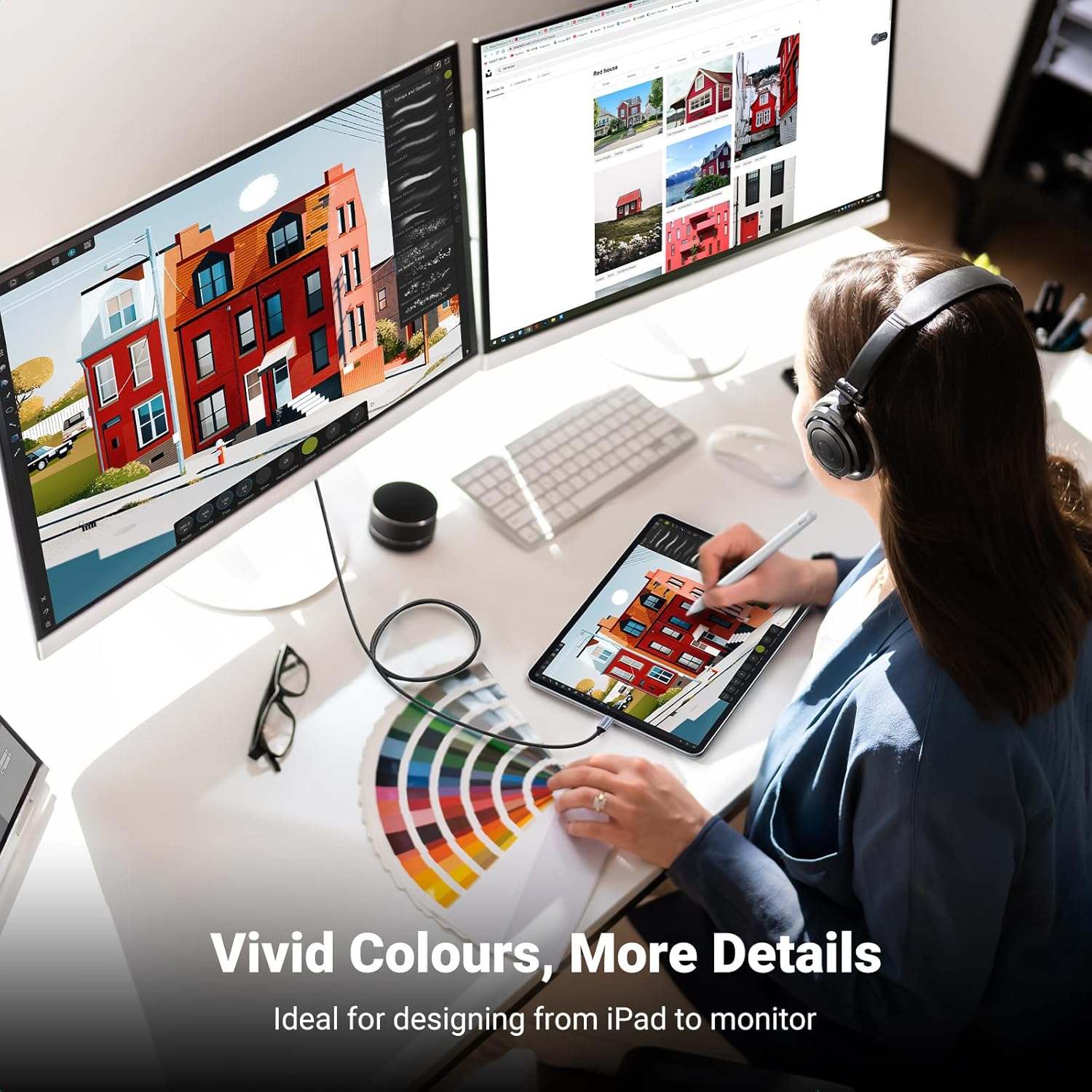
This cable fits laptops and Android devices with USB-C ports that support DP Alt Mode, as well as newer Apple devices like iPhone models that can leverage USB-C to display output via compatible adapters. It’s also compatible with popular work devices like MacBook Pro/Air, iPads, and some Dell XPS systems, plus gaming devices such as Steam Deck, assuming the device supports the necessary video output standard.
When it makes sense to buy
If you need a reliable, wired alternative to wireless display casting and your devices support DP Alt Mode, this cable can simplify connections to 4K displays. It’s useful for home offices, media centers, and classrooms where stable signal transmission is valued over flexible wireless setups.
When it may not be the best choice
If your devices don’t support DisplayPort Alternate Mode or you regularly need higher refresh rates beyond 4K@60Hz, you may want to evaluate other options or adapters. Likewise, if you require a longer cable or a setup that doesn’t rely on a single-cable solution, there could be more suitable configurations.
What to check before buying
- Confirm your USB-C source supports DisplayPort Alternate Mode for 4K@60Hz.
- Ensure the HDMI display or TV supports 4K@60Hz, HDR, and HDCP 2.2 compatibility as appropriate for your content.
- Consider your space and cable routing, 6.6ft is helpful for desktops and some living room layouts but may be short for distant setups.
- If you plan to use this in a power-constrained scenario, verify whether your devices rely on bus-powered display output or require additional power.
Practical usage example
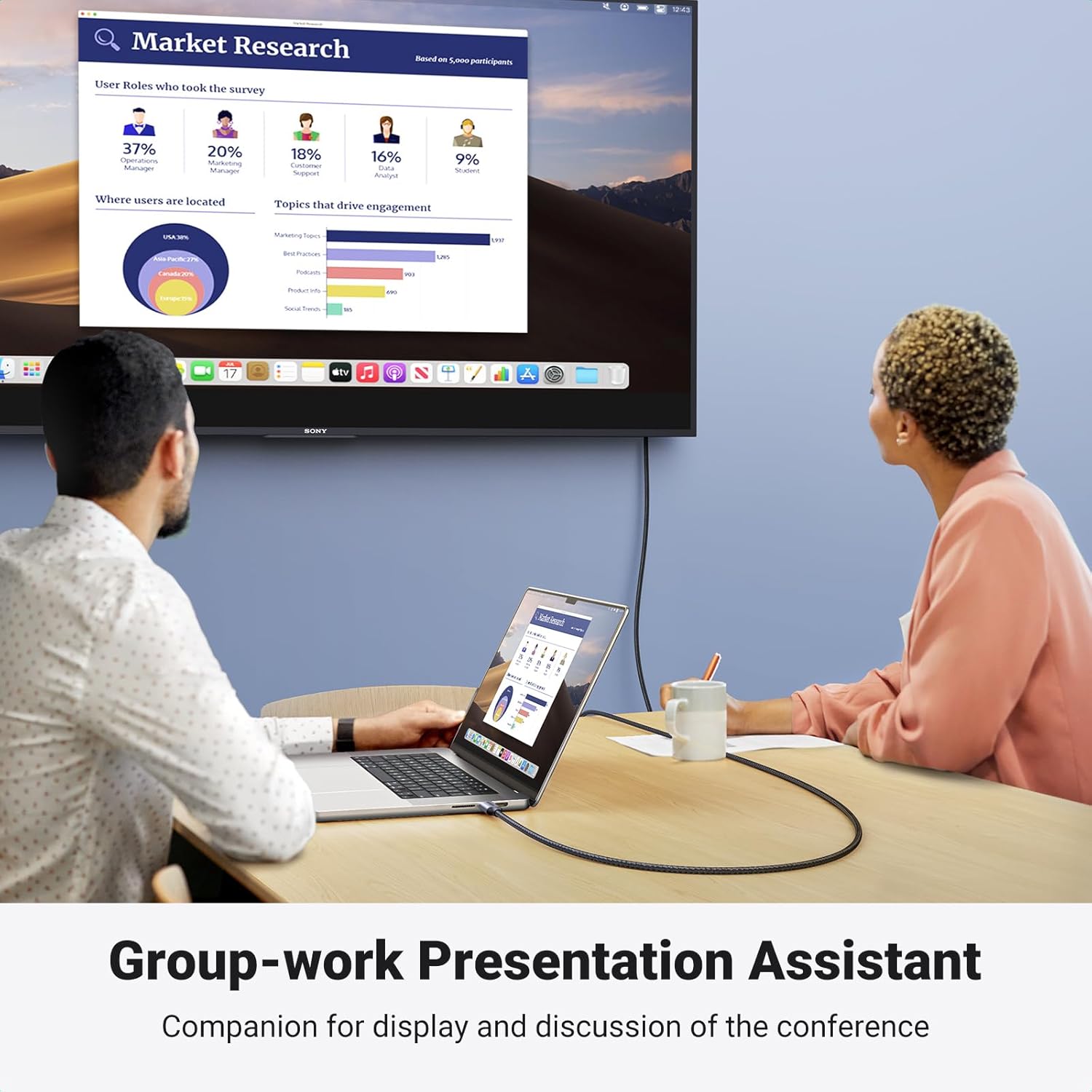
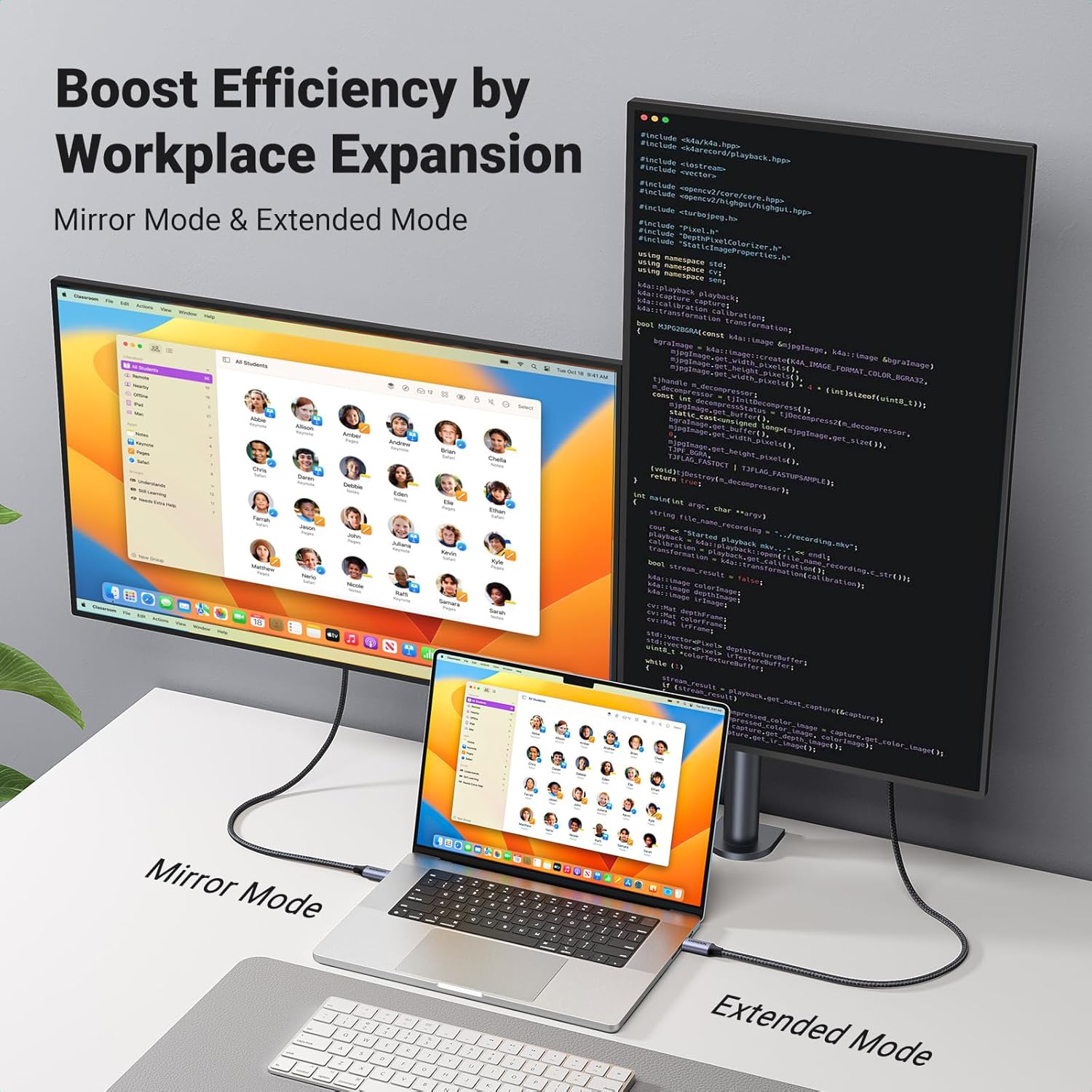
Imagine you’re working from a MacBook Pro at a desk and want to present slides on a larger monitor. You simply connect the USB-C port to the laptop and the HDMI end to the display. With the cable’s solid build, you don’t worry about wobbly connectors or accidental unplugging during a live presentation. The result is a clean, mirrored or extended display with audio flowing through the same path.
What it’s compatible with (implicit comparison)
This solution sits between a generic USB-C to HDMI dongle and a dedicated dock. If you don’t need extra USB ports or Ethernet, a simple USB-C to HDMI cable like this can be more compact and cost-effective. If you require multiple USB-A/C ports or power delivery in tandem with video, a dock may be a better fit.
Final decision
Is it worth it?
Worth considering if you prioritize a straightforward, wired 4K@60Hz connection from USB-C devices that support DP Alt Mode, and you want a durable, single-cable setup for home office or media use.
Quick FAQ
- Do both devices need 4K support to achieve 4K@60Hz? Yes—both input and output must support DP Alt Mode and 4K capable HDMI standards for maximum resolution.
- Can I use this with a non-USB-C laptop? It’s designed for USB-C with DisplayPort Alt Mode, so a traditional HDMI-to-USB-C adapter won’t apply here.
- Will it work with Thunderbolt 3/4 devices? It should, as Thunderbolt 4/3 includes DP Alt Mode support, enabling HDMI output through the USB-C port.