

Dell Business Desktop with Core i5-14500
Product description
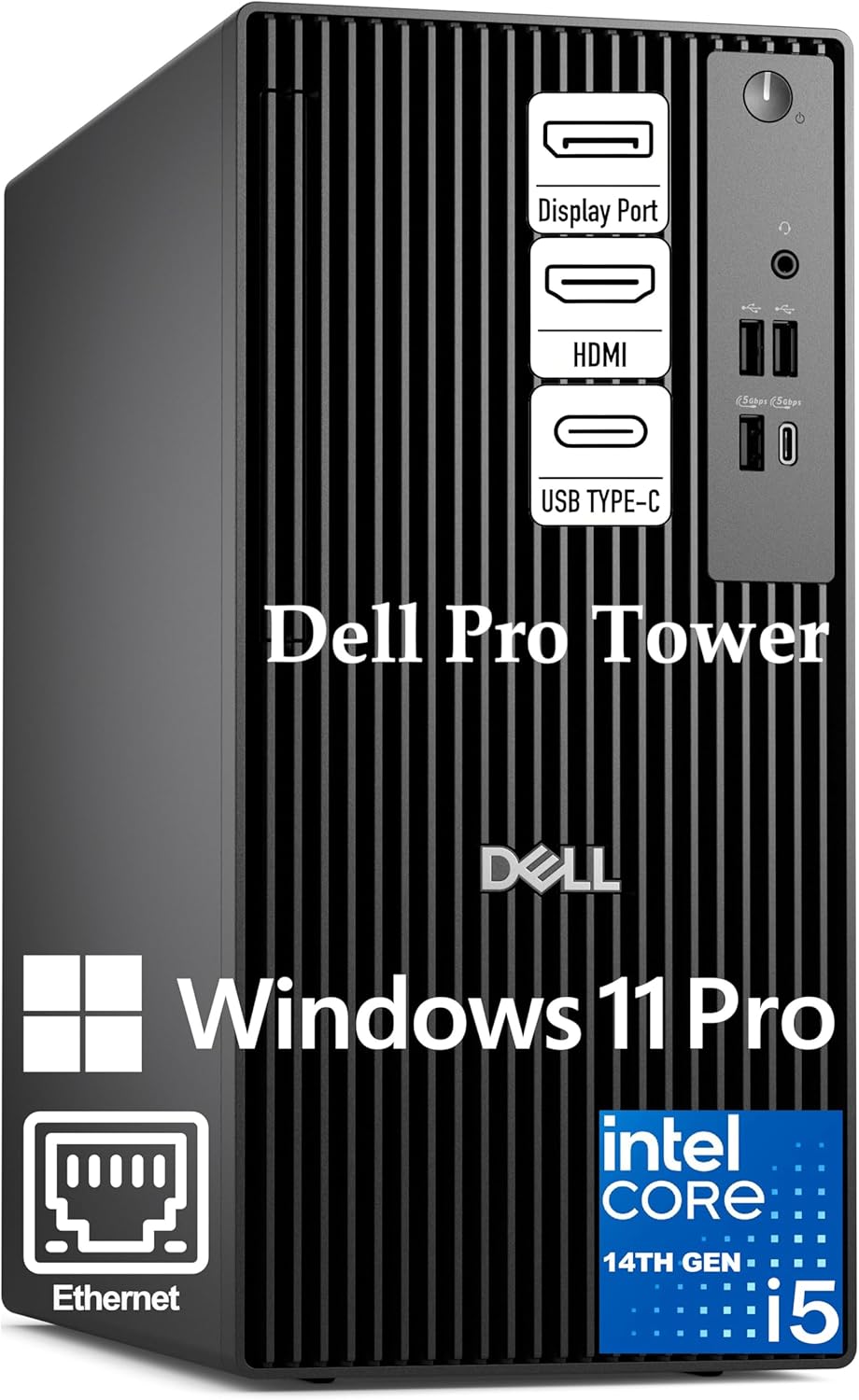
A crowded workday can mean spreadsheets, video calls, and shared files all competing for your attention. The Dell Pro Tower pairs an Intel Core i5-14500 vPro processor with 16GB of DDR5 memory and a 512GB SSD, giving a business-focused setup for switching between common office tasks without relying on a basic, low-spec desktop. Windows 11 Pro and vPro features also make it relevant to workplaces that need business security and remote management options.
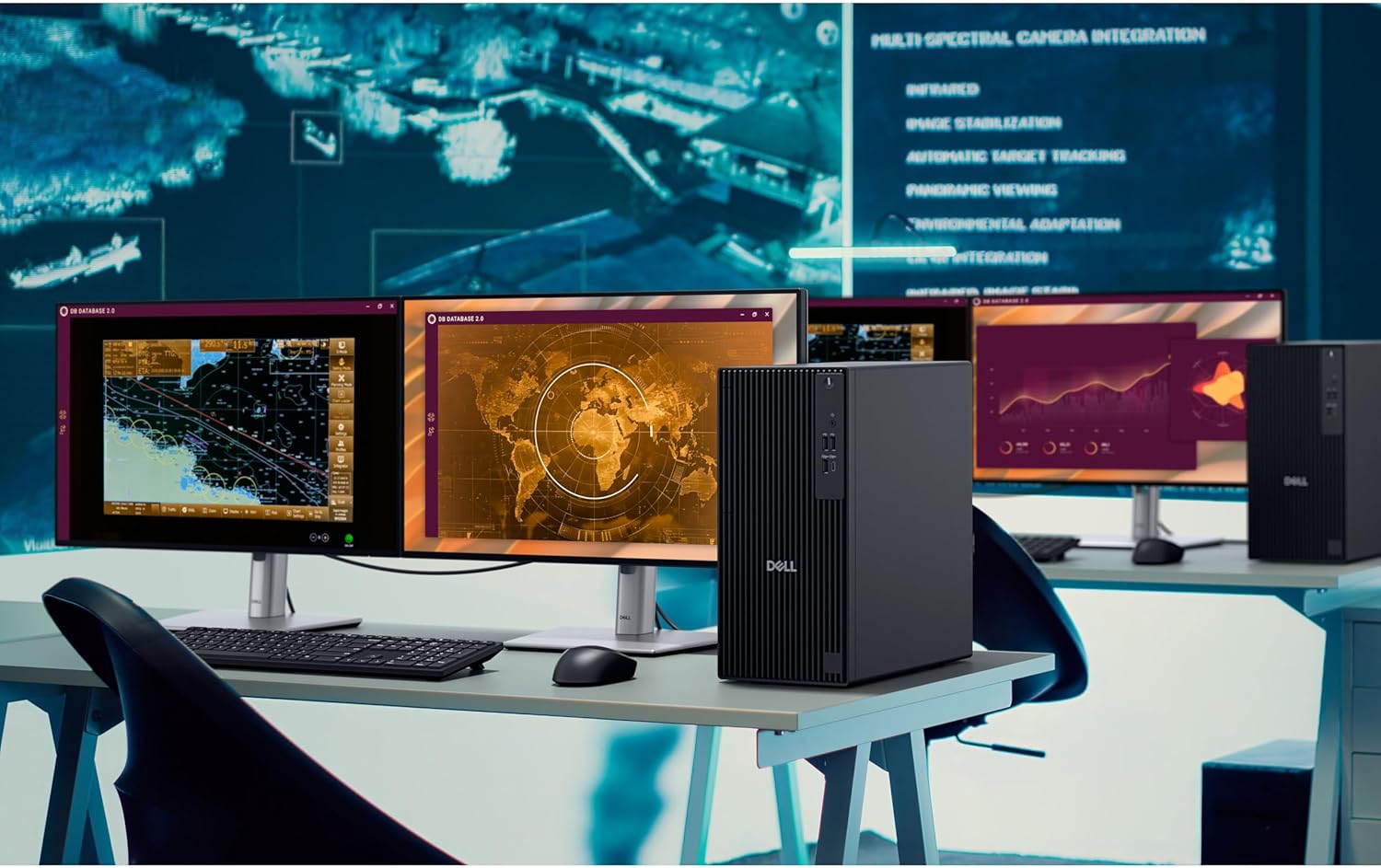
For example, you could keep a spreadsheet open beside a video call and reference documents on a second display. The integrated Intel UHD 770 graphics support two displays through HDMI 2.1 and DisplayPort 1.4a, with resolutions up to 4096×2160 at 60Hz.
Highlights
The Core i5-14500 has 14 cores and 20 threads, while 16GB DDR5 and a 512GB PCIe SSD provide the listed memory and storage configuration. That combination is aimed at everyday business productivity, data work, and multitasking—not a promise that every demanding application will run without limits. The SSD gives you local space for work files and applications, though the listing does not describe upgrade options or additional storage.
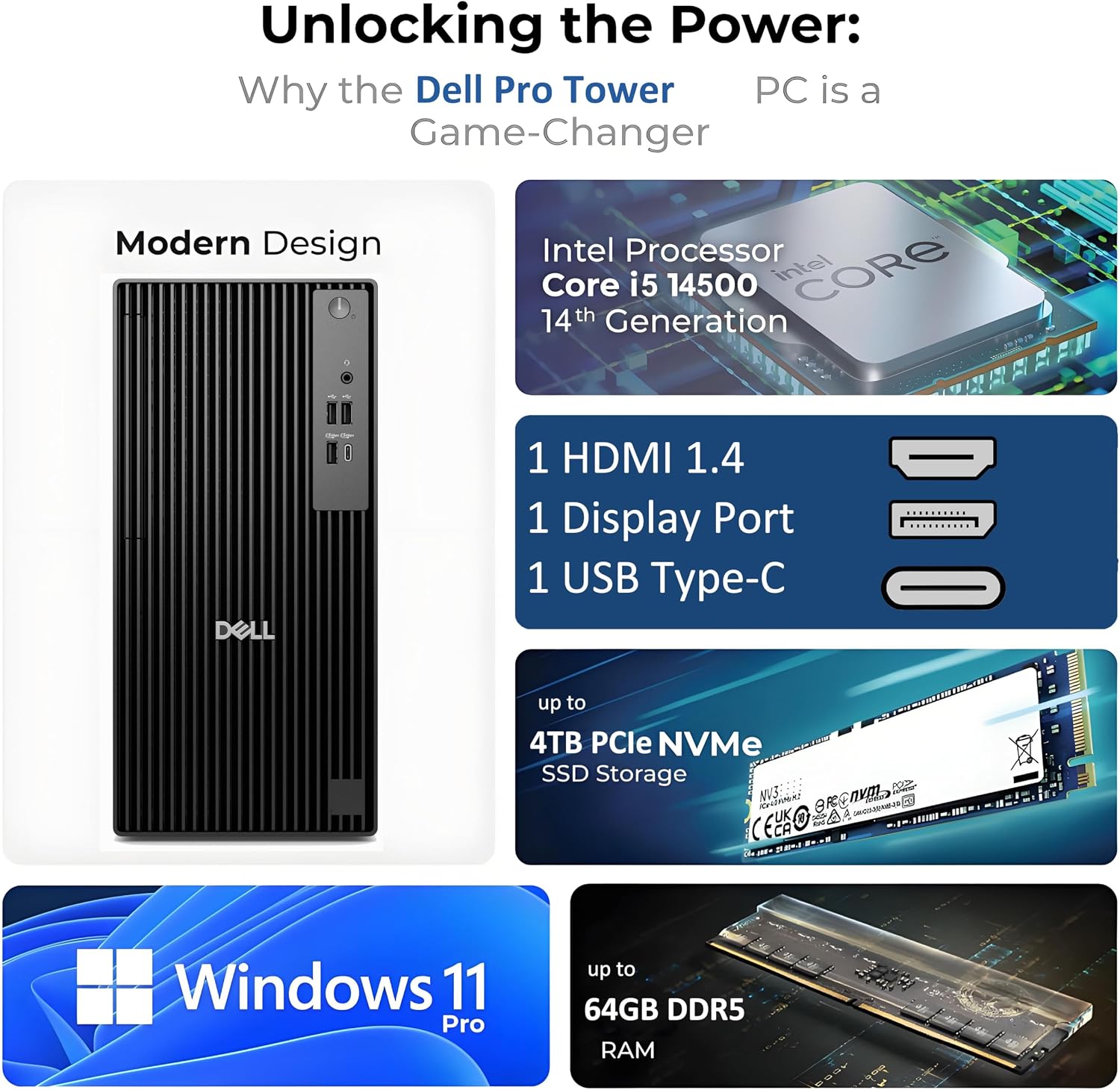
Windows 11 Pro includes features such as BitLocker, and the processor’s vPro platform is positioned for hardware-based security and remote manageability. Those capabilities may matter more in an IT-managed office than in a home setup with no need for centralized administration. It suits you if you want a tower for professional work with business-oriented software and management features.
Keep in mind that the graphics listed are integrated Intel UHD 770, not a dedicated graphics card. That makes this configuration less clearly suited to graphics-heavy workloads than a desktop selected specifically for discrete graphics performance.
How to use it
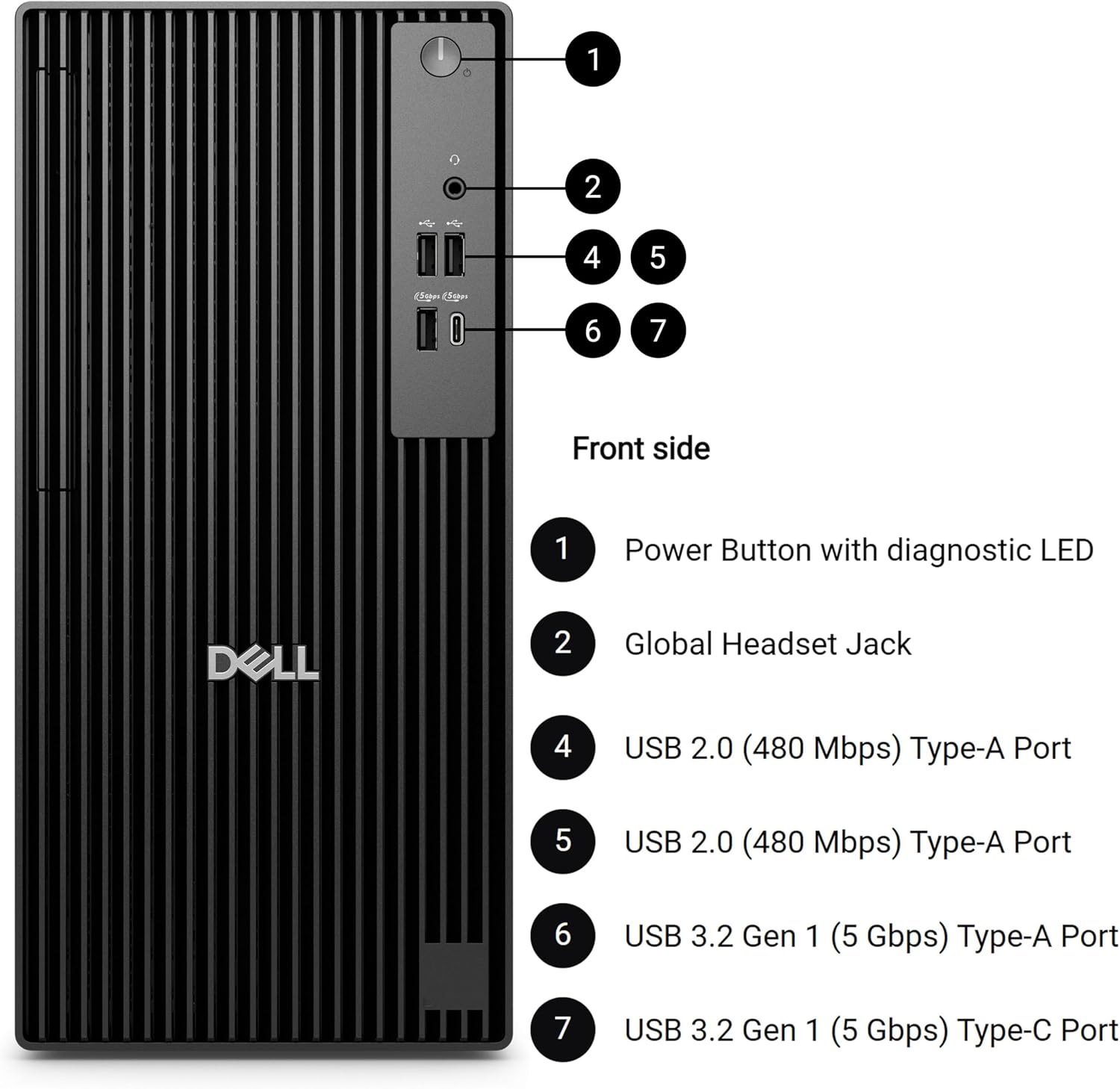
Set it up as a work computer for office applications, analysis, video conferencing, and document-heavy routines. Connect a wired network through Gigabit Ethernet when that fits your office setup, then use the USB-A and USB-C ports for compatible peripherals and external storage. HDMI 2.1 and DisplayPort 1.4a provide the stated routes for a two-screen workspace.
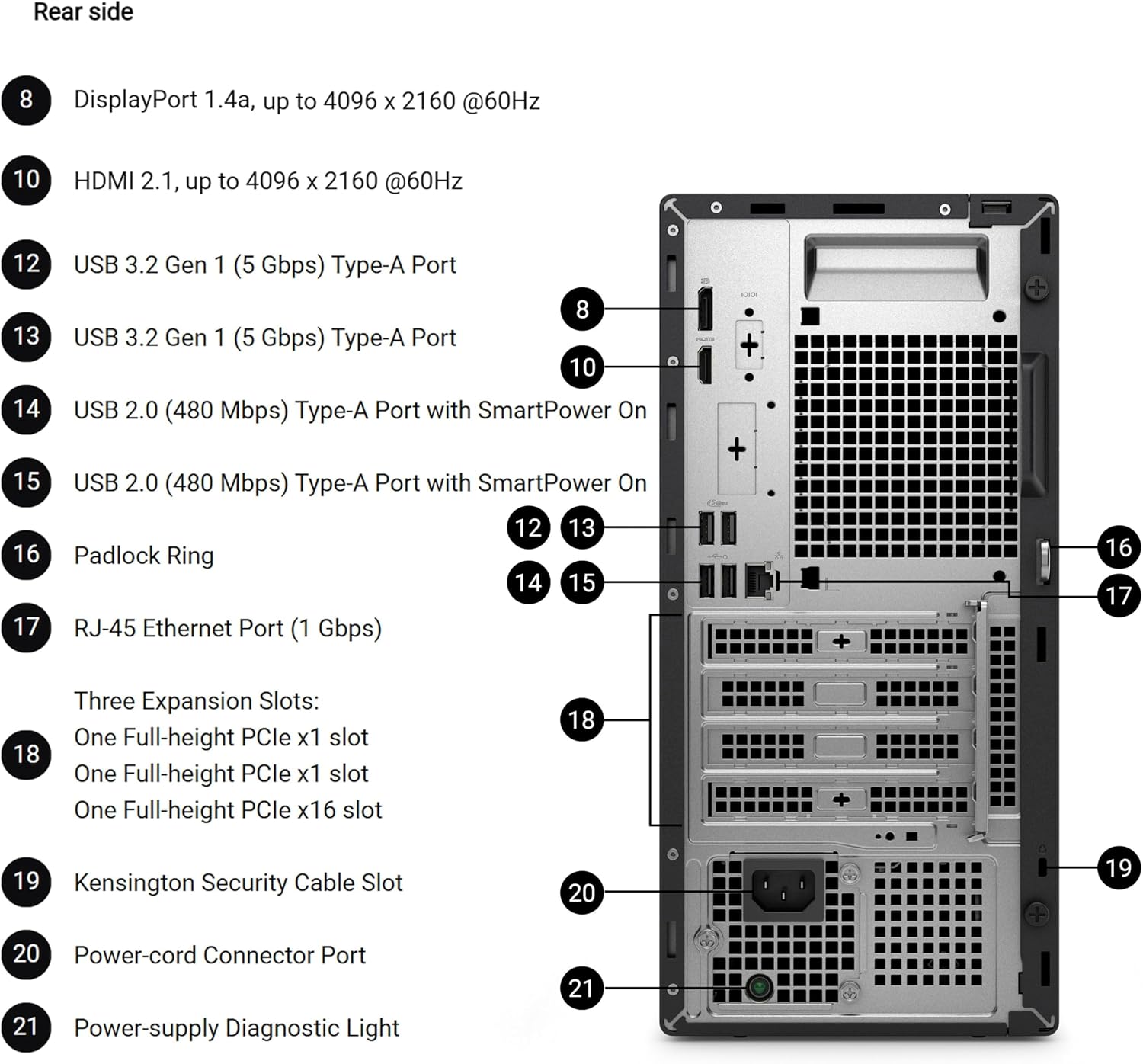
The tower approach makes more sense than choosing a minimal computer when you want a conventional desktop with multiple ports and a business-oriented platform. The listing describes a compact 11.5-inch chassis, but does not specify its full dimensions, so check the available desk or under-desk space before buying.
Practical tips
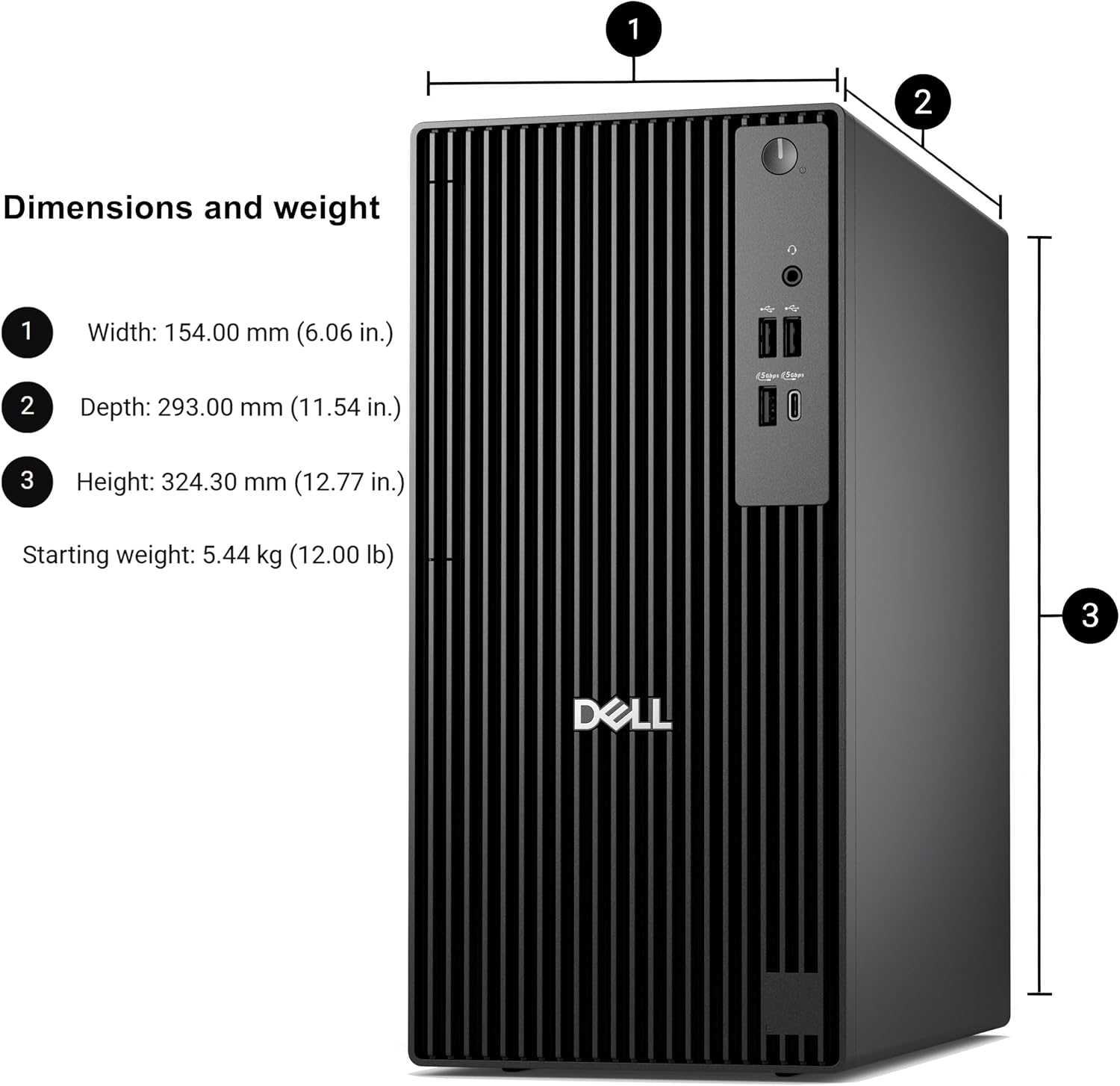
Think about the software and files you use every day. For email, documents, spreadsheets, and calls, the listed 16GB of memory and 512GB SSD give you a useful starting point. If your routine involves unusually large datasets, specialized creative software, or substantial local archives, those figures alone do not confirm that the system will meet every workload or storage need.
If you plan to use two monitors, account for the HDMI and DisplayPort connections when choosing displays and cables. The listing states support for two 4K displays at up to 60Hz, it does not specify other display configurations. It might not be a great match if dedicated graphics are central to your work or if you need confirmed expansion details before choosing a desktop.
Before you decide
Is this desktop intended for business use? Yes. It comes with Windows 11 Pro, and the listing highlights vPro security and remote-management capabilities for professional environments.
Can it connect to two displays? The listing says Intel UHD 770 supports two displays through HDMI 2.1 and DisplayPort 1.4a, up to 4096×2160 at 60Hz.
Is 512GB enough storage? It provides 512GB of SSD storage. Whether that is enough depends on how many applications and files you keep locally, the listing does not give further storage or expansion details.
Final verdict
Choose this Dell if your priority is a business desktop for office productivity, with Windows 11 Pro, vPro features, and a stated two-display setup. A simpler office PC may suit lighter needs, while graphics-focused work calls for a configuration with more clearly specified graphics hardware. The main decision is whether the included 16GB memory, 512GB SSD, and integrated graphics fit your actual workload.