

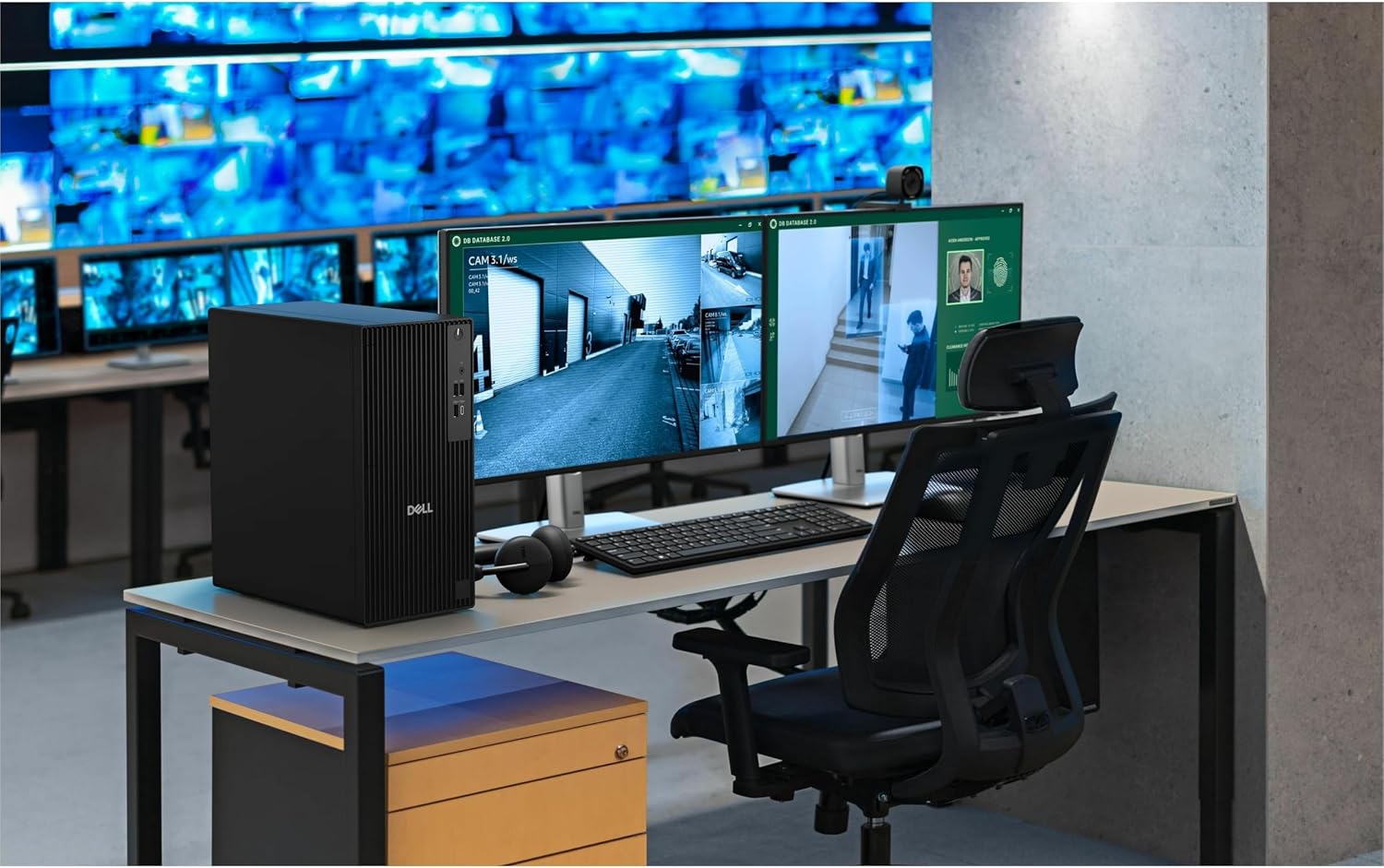
Dell Tower Desktop Computer, Core i3-14100
Product description
A slow startup or a crowded single-screen setup can make routine office work feel harder than it needs to. This Dell tower pairs a 14th Gen Intel Core i3-14100 processor with 16GB of DDR5 memory and a 512GB PCIe SSD, aiming to keep everyday tasks responsive while giving you room to spread work across two displays. Windows 11 Pro and built-in Wi-Fi 6 also suit a home office or business desk where wired connections are not always practical. Its focus is general productivity, not demanding graphics work.
Key points
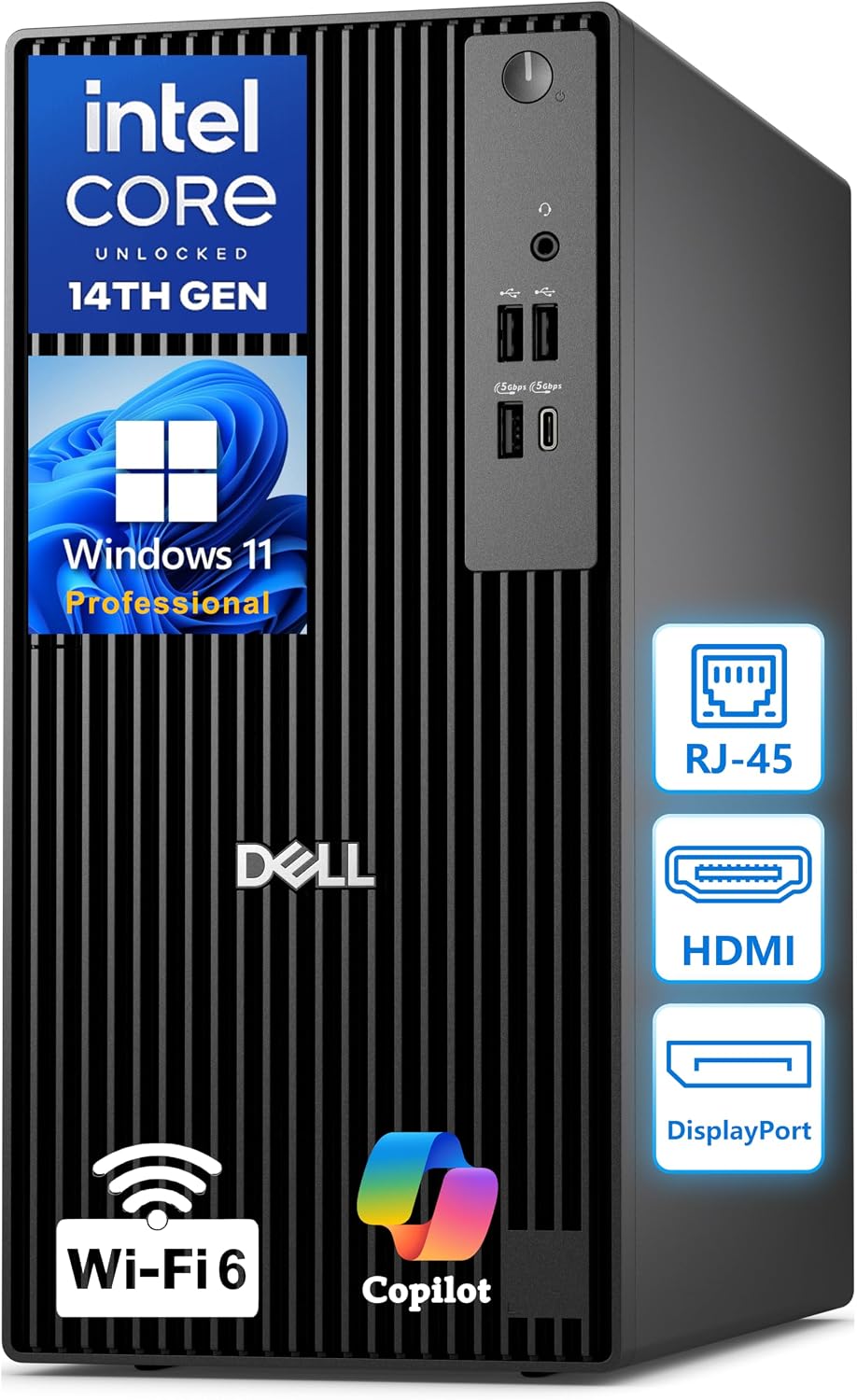
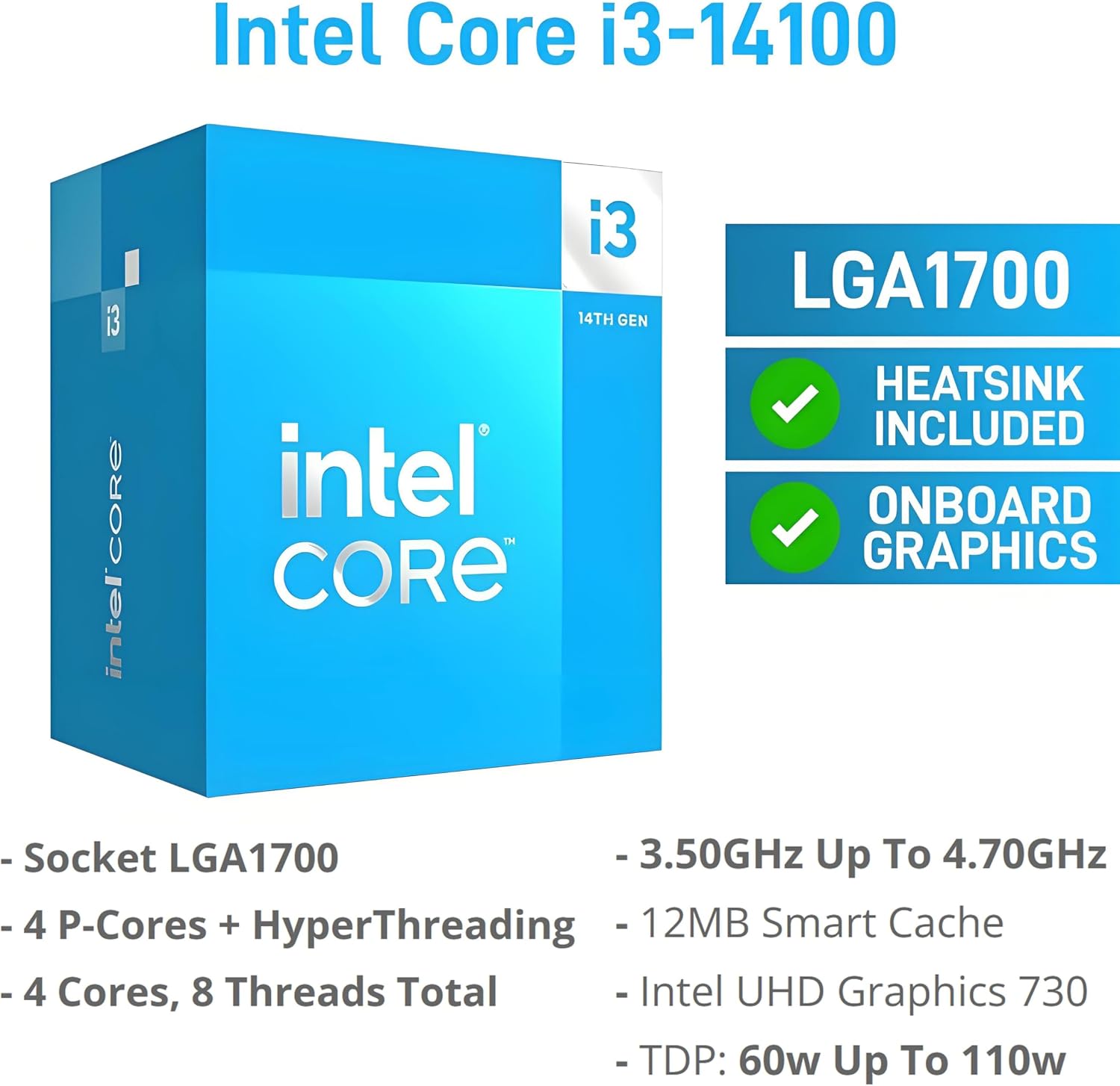
The Core i3-14100 has 4 cores and 8 threads, with a boost clock up to 4.7GHz. Alongside 16GB DDR5 RAM and a 512GB PCIe SSD, that makes this configuration a practical fit for office documents, browser tabs, and common business software. The SSD should also make startup and file access feel more immediate than a setup based on a traditional hard drive, though actual performance depends on the work and software involved.
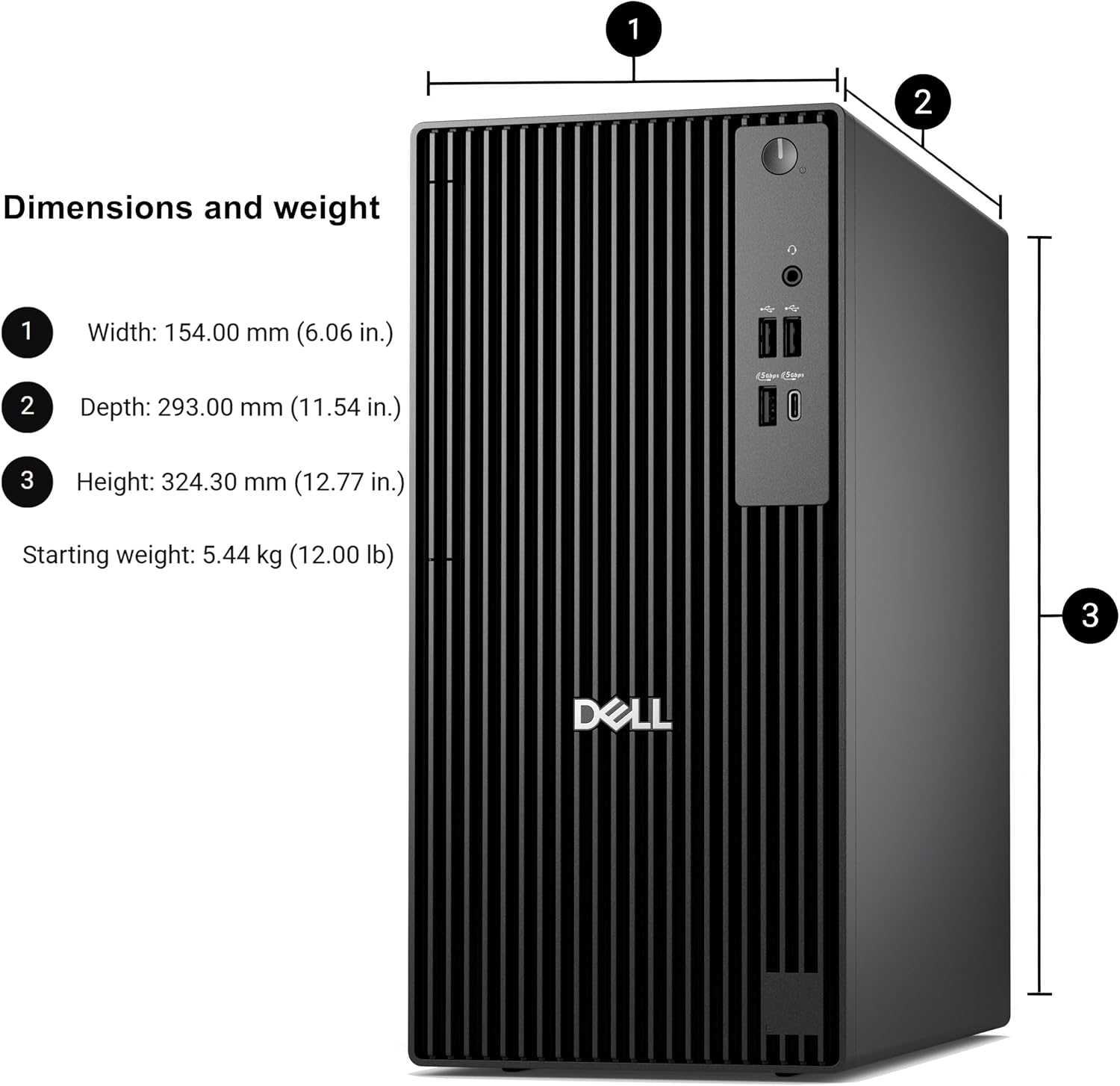
Integrated Intel UHD Graphics 730 supports two 4K displays at 60Hz through HDMI 2.1 and DisplayPort 1.4a. That gives you a useful way to keep a spreadsheet open on one screen while working in email or a browser on the other. Wi-Fi 6, Bluetooth, Gigabit Ethernet, USB ports, and Type-C cover a mix of wireless and wired peripherals. The tower measures 12.77 inches tall, a detail worth considering if desk or shelf space is limited.
How to use it
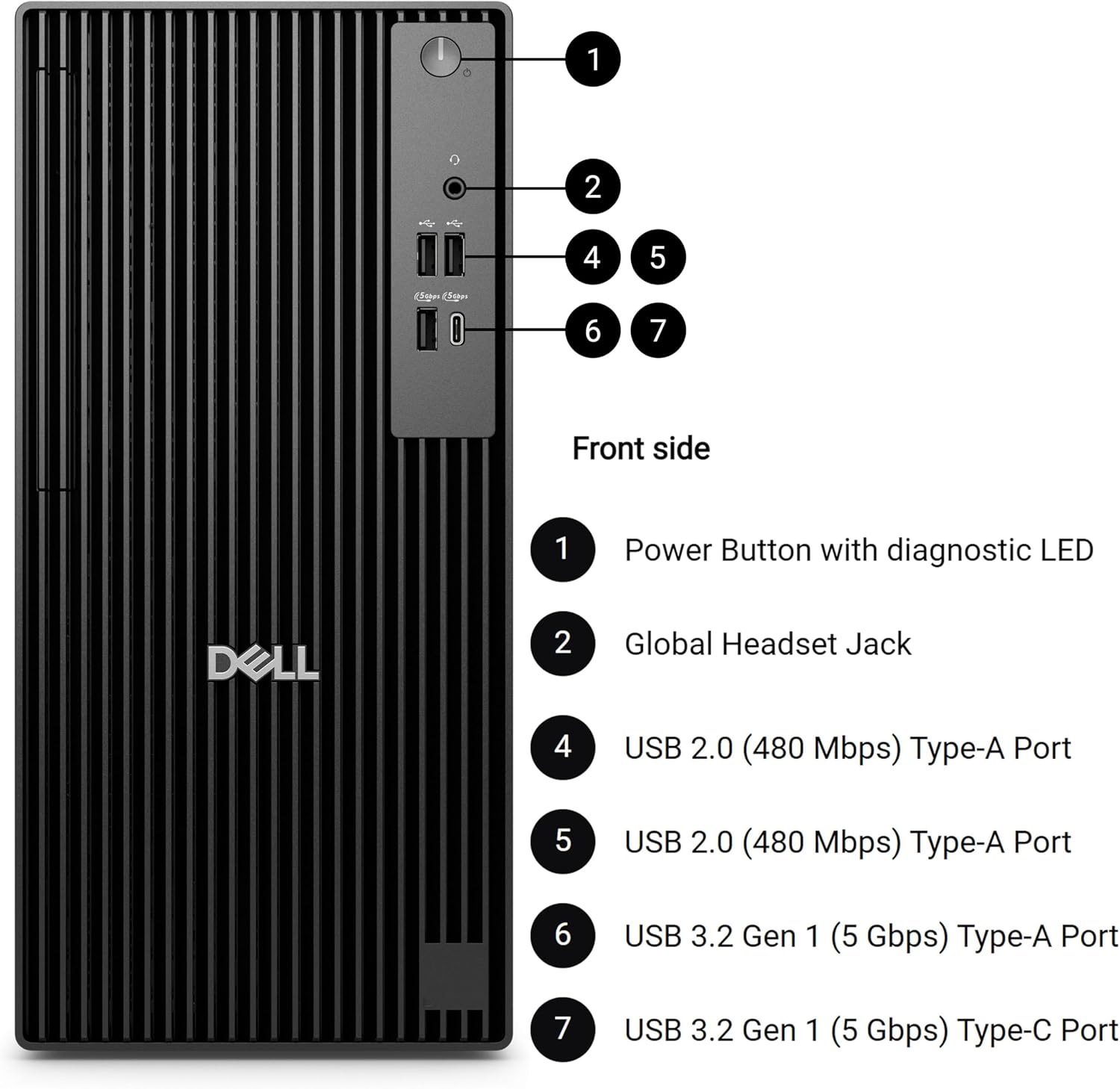
For a straightforward work setup, connect a monitor through HDMI or DisplayPort, then add a keyboard, mouse, and other peripherals through the available USB connections. You can use Wi-Fi 6 or Gigabit Ethernet for network access, depending on how your desk is arranged. Windows 11 Pro includes BitLocker encryption, Remote Desktop, and Copilot tools, which may be useful for work routines that call for device security or remote access.
From the way it is set up, this is a ready-to-use productivity desktop rather than a machine centered on graphics-heavy workloads. Keep in mind that the integrated graphics and Core i3 configuration are aimed at common office tasks, the listing does not establish performance for demanding creative software or games.
Practical tips
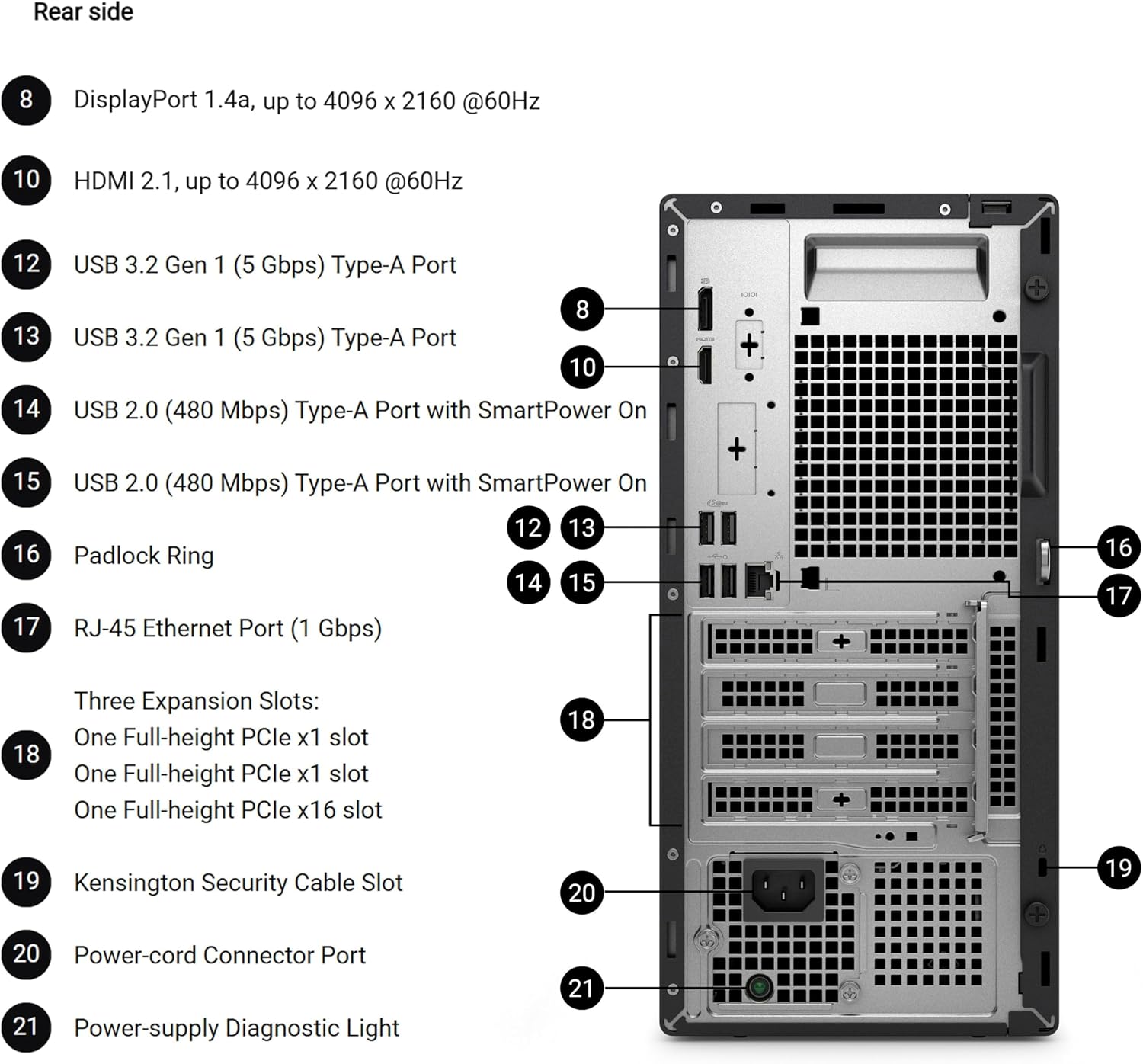
Before choosing it, map your desk connections: the listing names HDMI, DisplayPort, Type-C, USB, Wi-Fi 6, Bluetooth, and Gigabit Ethernet, but does not specify the number of USB ports. If you plan to use two 4K screens, confirm that their inputs match the computer’s HDMI and DisplayPort outputs.
A solid pick if you want a tower for everyday business or home-office work, with dual-display support and the option to expand memory or add storage later. Not the best choice if your main priority is intensive graphics performance, or if you need confirmed details about the exact port count before buying.
Questions before you buy
Can it run two monitors? The listed Intel UHD Graphics 730 supports two 4K displays at 60Hz using HDMI 2.1 and DisplayPort 1.4a.
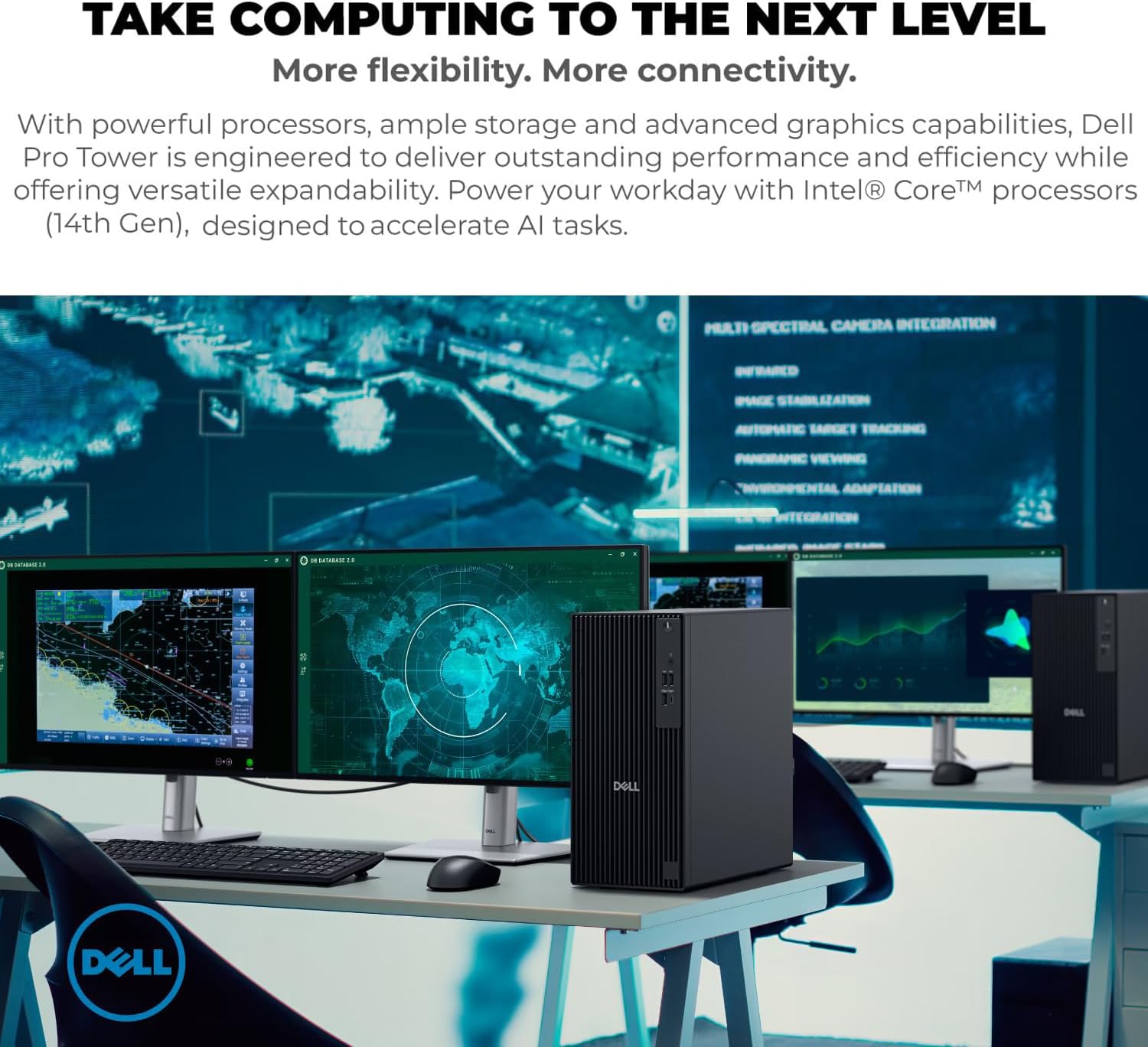
Can you expand it later? The product description says memory capacity can be upgraded and additional storage drives can be installed. It does not give specific upgrade limits.
Does it include wireless connectivity? Yes. Wi-Fi 6 and Bluetooth are listed, alongside Gigabit Ethernet for a wired network connection.
Final verdict
This Dell makes most sense when the goal is a conventional Windows 11 Pro desktop for documents, web-based work, and a two-monitor desk—not a system chosen for demanding graphics tasks. Its 16GB DDR5 memory, PCIe SSD, and listed expansion options give you a clear productivity-focused starting point. If your workload is mostly office software and you can use the stated display connections, the configuration is easy to understand, if graphics capability or exact port counts are central to your decision, this listing leaves details to verify before committing.